What Is Motion?
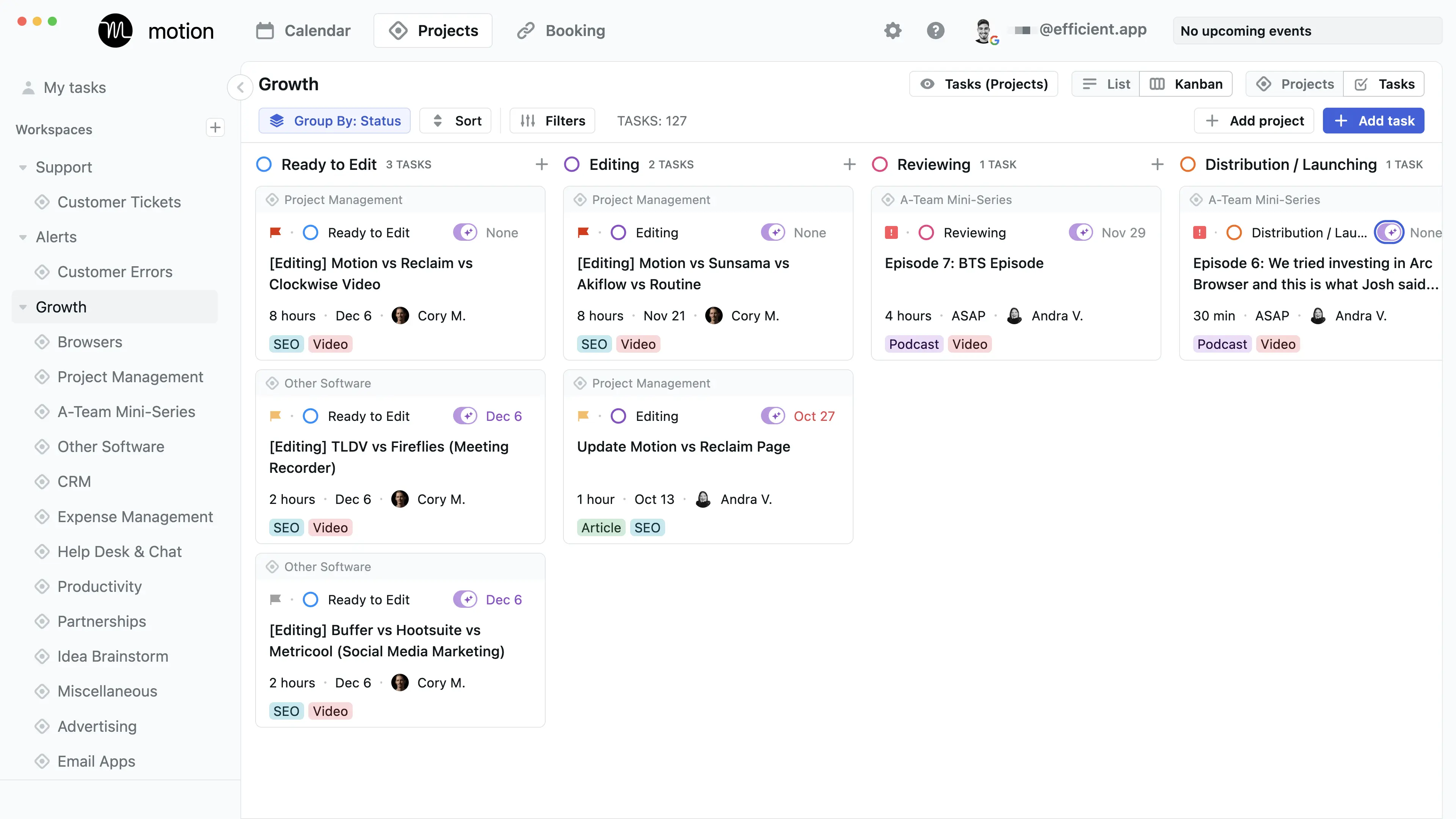
Firstly, it’s important to understand that Motion's AI Notetaker is a feature WITHIN Motion. Motion is a full-blown project and task management tool, so to use this feature you'd need to commit to using their full tool.
So if you have Motion and haven’t tried the AI Notetaker, you’re not getting the most out of your purchase! Motion’s AI notetaker is great, but if you’re looking for more of a standalone option, we would suggest a tool like Granola.
Okay, now to why Motion's AI Notetaker is worth considering:
The biggest problem isn’t remembering what was said during a meeting; just about every AI Notetaker can record and transcribe, but does that even matter if nothing actually gets done? If you’re having tons of calls but no follow-through, then Motion is worth considering.
Motion AI Notetaker is similar to other meeting bots that join your Zoom, Google Meet, or Microsoft Teams calls. It records video, audio, and transcribe conversations. Then at the end of your call, it generates structured summaries with key points, decisions, and action items.
But it doesn’t just stop at just notes, it takes action for you.
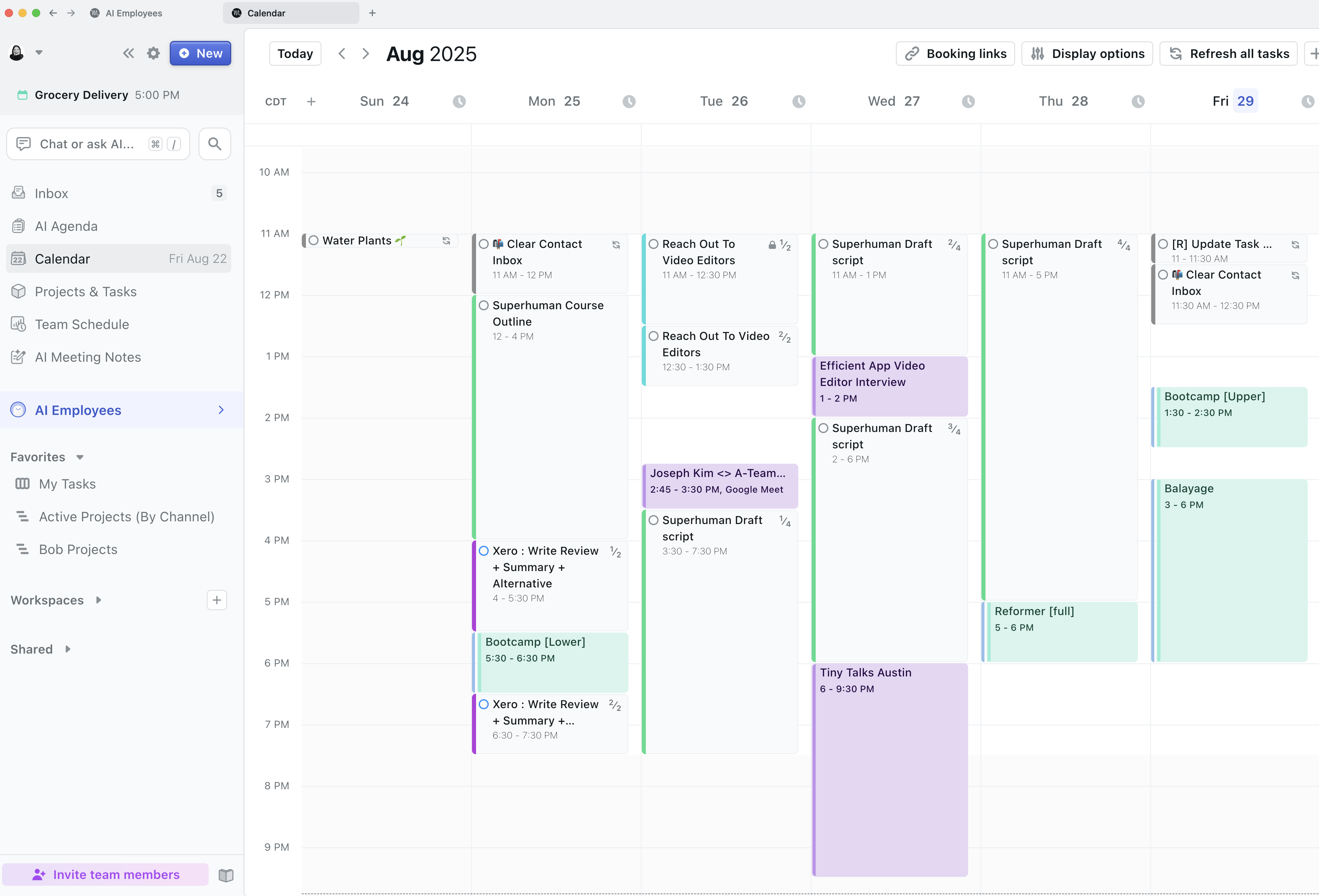
Motion’s AI notetaker extracts action items and turns them into prioritized tasks. Then it goes even a step further and schedules those tasks directly onto our team’s calendar using their AI auto-scheduling.
Before using Motion our client meetings would end, then we’d play the waiting game, hoping the transcription notates our follow-up plan because who remembers every detail? But now, all we need to do is approve/reject tasks and the work is already planning on our entire teams schedules.
When we first started using Motion, our entire team was blown away by the accuracy of the notes. One of our engineers even said, "At my old job, we had two employees on every call just to take notes. Motion did a better job than I ever could."
So while it does mean adopting a new project management tool, it did take our meeting-to-execution system to a new level. If you're not opposed to that fact, then it’s worth learning more through our full Motion Review.
Pros and Cons
You should consider Motion AI Notetaker if:
- You already use Motion for calendar/task management (otherwise you're paying for features you won't fully use)
- Your team constantly forgets small commitments made in meetings
- You're tired of manually creating tasks from meeting notes
- You want accountability built in, everyone sees what they're assigned and when
Skip Motion AI Notetaker if:
- You want a standalone notetaker without committing to Motion's full ecosystem
- You juggle multiple calendars regularly (freelance + full-time, multiple businesses, etc.), the notetaker only works with one primary calendar at a time
We personally use other features Motion has to offer, so we loved the fact that we didn't have to add another tool to our stack. All we had to do was take advantage of a unique feature already included.
Motion Key Features
Human-Quality Summaries
When we started using Motion’s notetaker, we noticed it thought like the “perfect” assistant, focusing on attendees, key points, decisions, action items, and context.
When you have important information being discussed QUICKLY in every client, stakeholder, and team meeting, it’s important to have a tool that takes notes better than a human, and that’s been our exact experience with this notetaker.
Automatic Task Creation & Assignment
Lists are great, but without action, they are useless. So it’s always a sigh of relief to us when all those tasks get assigned to specific team members the moment our meeting ends. All you need to do is to accept, reject, and edit tasks as needed, so you get all the control without having to do the grunt work.
Auto-Schedule Tasks From Meetings
Task creation is super helpful, but Motion takes it a step further by automatically scheduling every approved task directly onto everyone’s calendar at the end of the meeting so it gets done.
Pricing
- Motion runs roughly $19–$34 per month (Individual to Team plans), and the AI Notetaker is included within that broader system. But first, you can start with their 7-day free trial.
 MotionRecommended
 Cluely