

 DashlaneRecommended
Best modern password manager
Best modern password manager
Best Password Managers at a Glance
Watch the Full Breakdown
Best Password Manager Ranked & Reviewed
Watch our full breakdown of the top password manager, how they performed in testing, and what makes each one worth considering
How We Evaluate Password Managers
We score each password manager across multiple criteria, and hands-on expert evaluation
- Ease of UseQuick to set up and intuitive to use without a steep learning curve.
- Feature DepthCore features that work well, not surface-level checkboxes.
- Reliability & PerformanceConsistent, fast, and dependable with minimal bugs.
- Value for MoneyPricing that's fair relative to what you actually get.
- Integrations & EcosystemWorks well with other tools in your stack.
- Expert EvaluationCurated by, our rankings reflect in-depth testing, industry insights, and hands-on experience.AlexandAndra
Dashlane
Best modern password manager
Best modern password managerDashlane is the most user-friendly and secure password manager on the market and also what we use for work and personal.
They started as a personal password manager before moving into business, so their UI/UX is focused on simplicity and being an enjoyable experience at the core.
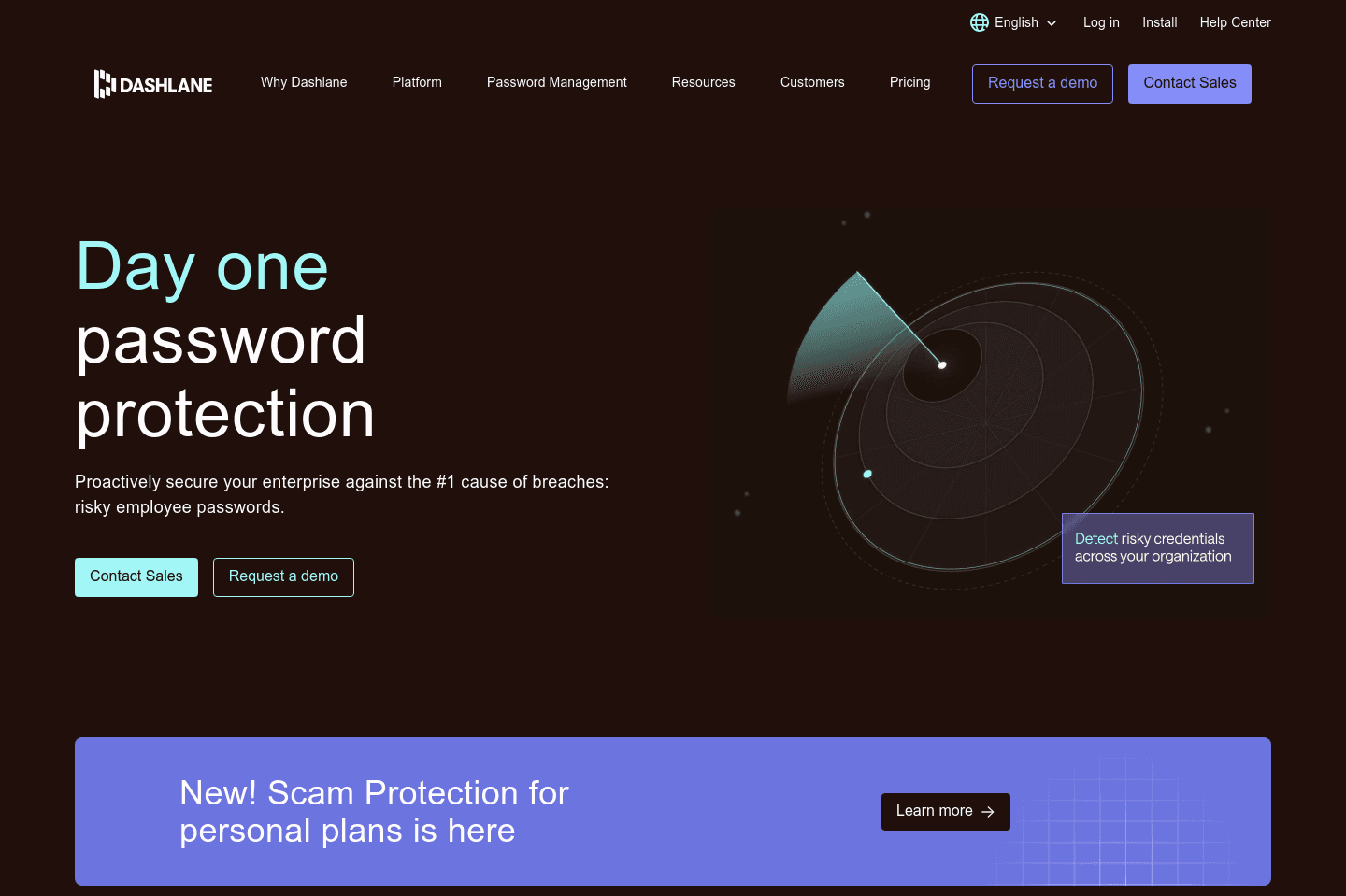
What is Dashlane?
What is Dashlane?I'll preface this by saying that I've used LastPass, 1Password, Bitwarden, and even—only IT companies would recognize—IT Glue & MyGlue (a premium solution starting at $150/mo).
I first started using LastPass over a decade ago, got most of my family/friends on it, and eventually even customers as well (as a way to securely share passwords between companies).
The thing is, LastPass got acquired by LogMeIn and started becoming stagnant. It also went through what felt like a never-ending series of major data breaches over the years to follow.
This was when I started seriously evaluating alternatives (like Dashlane), as I knew it was going to be a heavy lift to switch—consisting of migrating myself (personal + work), family, friends, and even some customers all over to it from LastPass and MyGlue respectivel
For those more technical (or running an IT company) and considering IT Glue/MyGlue—it's great, but as a password manager, it's overkill. It's more of an IT infrastructure documentation tool, which they acquired a password manager, and rolled it into the mix. So you're paying a huge premium if you're planning on only using it as a password manager (as I was during the later years of pivoting away from the MSP side of the business).
Key Features
Key FeaturesPassword Manager
Password ManagerDashlane started as a password manager for consumers (B2C)—as at the end of the day, people need to manage passwords their many passwords across personal/work—and in the past few years, they've been focusing their efforts in building out the B2B (team management) component of Dashlane.
This is important because having used password managers built for companies, not people (e.g. IT Glue/MyGlue), you see first-hand that a powerful password manager is nothing if the end-user doesn't actually, well, use it... User-adoption is the most critical factor for a password manager to be successful.
That's where Dashlane stands out, because they were first-and-foremost a B2C company that built an exceptional end-user experience for everyday people, and have moved to the B2B market. This gives them a unique advantage in the space.
Take the mobile app (for iOS and Android), it's far and above the most modern and visually appealing of all the other password managers I've listed here.
That said, there is one area that lacking a bit with Dashlane (likely because they haven't been in B2B as long), and that's their API.
Security
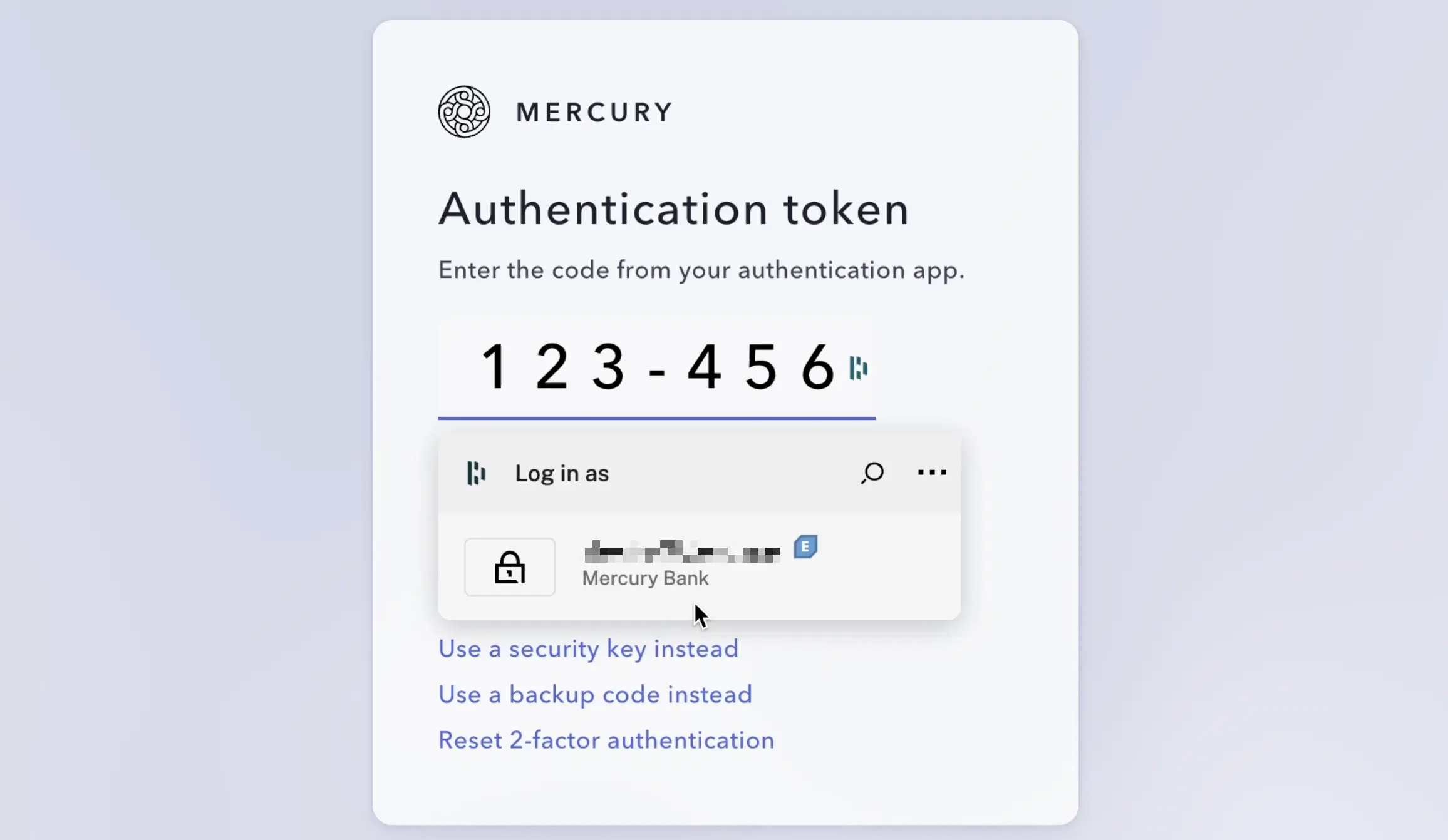
SecurityOnce you're using a password manager like Dashlane, you can also set up 2-Factor Authentication (2FA) from right within the existing password that you save for a site. So instead of using the insecure SMS 2FA (which won't work if you're without or in spotty cell connection, which also brings with it sending delays of up to 5 minutes. Not to mention being prone to spoofing, phishing, and social engineering attacks), you can instead set up a time-based code, which will even autofill when logging into a website while still adding a second layer of security (e.g. if your password leaks, someone still cannot login to your account without the additionally changing code). From over a decade in the IT space, I know all too well that never does higher security also mean higher convenience, but with Dashlane, it actually does:
Get the latest rankings and insights on top Password Manager apps—delivered to your inbox. Stay ahead with our expert picks and updates.