


 OrdinalBest5
Best for B2B teams posting on LinkedIn
Best for B2B teams posting on LinkedIn BufferBest2
Best social media scheduler for solo creators
Best social media scheduler for solo creators TypefullyRecommended3
Best for X solo creators
Best for X solo creators Sprout Social
Best for agencies managing enterprise clients
Best for agencies managing enterprise clients Hootsuite2
For enterprise teams
For enterprise teams Metricool1
For agencies that prioritize analytics over reliable posting
For agencies that prioritize analytics over reliable posting
Best Social Media Management Tools at a Glance
Watch the Full Breakdown
Social Media Management Tool Overview
Best Social Media Management Tools Ranked & Reviewed
Watch our full breakdown of the top social media management tools, how they performed in testing, and what makes each one worth considering
How We Evaluate Social Media Management Tools
We score each social media management tool across posting reliability, platform feature coverage, user experience, bulk scheduling speed, team collaboration, and hands-on expert evaluation
- Posting ReliabilityConsistently performs, publishes posts on schedule, and has few bugs that disrupt your workflow.
- Platform Feature CoverageYou can do most things in the scheduling tool that you can do in the native app.
- User ExperienceThe tool is thoughtfully designed, with a minimal, clutter-free interface.
- Bulk Scheduling SpeedPlanning posts across many social channels is incredibly fast. Cuts work down.
- Team CollaborationSimple to use approval flows and clear collaboration without slowing down publishing.
- Expert EvaluationCurated by, our rankings reflect in-depth testing, industry insights, and hands-on experience.AlexandAndra
Ordinal
Best for B2B teams posting on LinkedIn
Best for B2B teams posting on LinkedInWe've been using Ordinal for almost a year now and it's the best social media scheduler we've found, especially for LinkedIn (although we use it across all socials).
You can connect your team's LinkedIn accounts so every post gets automatically boosted with likes, comments, and reposts as soon as it goes live. Not to mention, their MCP has helped up draft content so much faster.
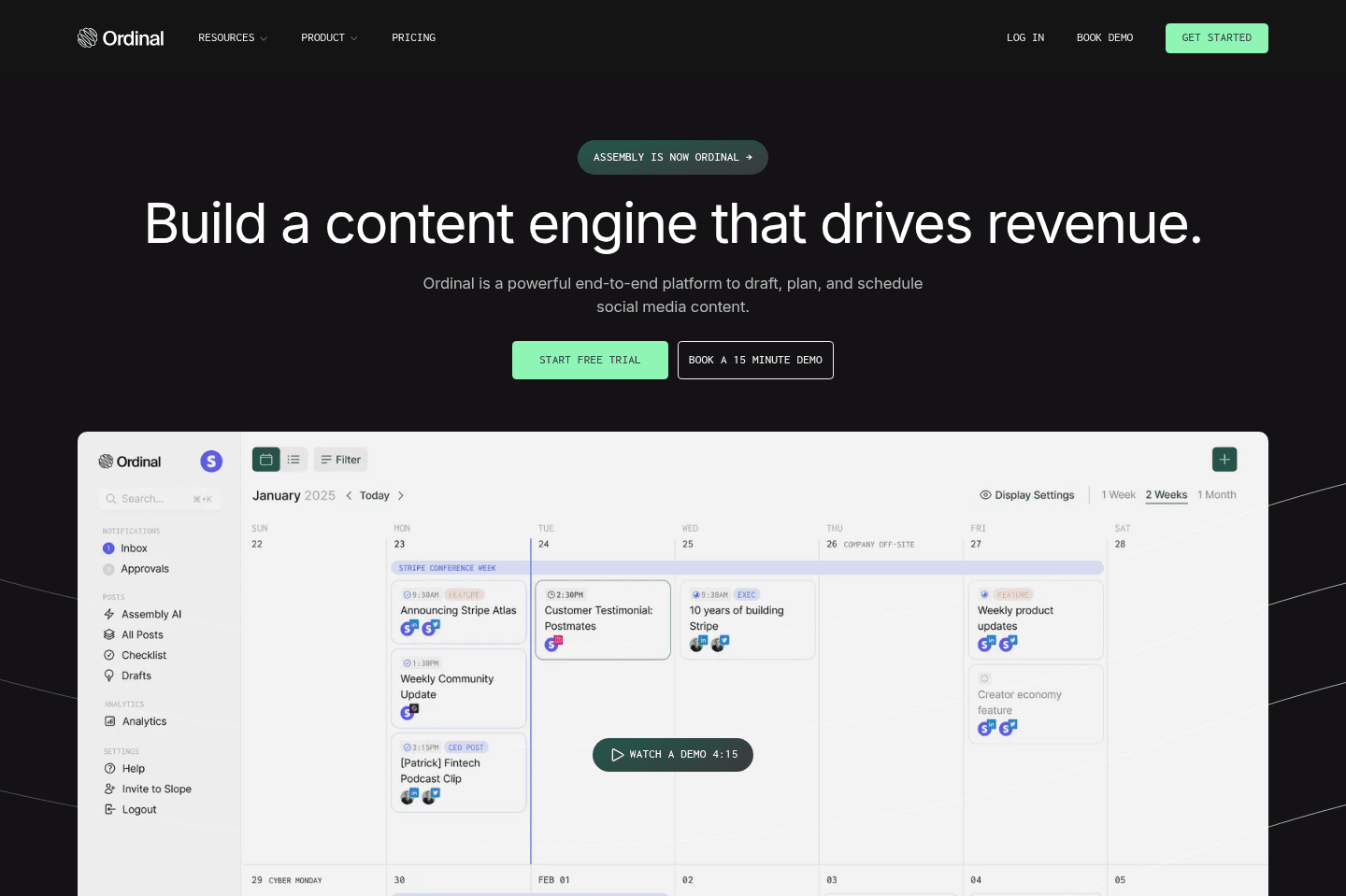
What is Ordinal?
What is Ordinal?Ordinal is built for B2B startups and founders who want to grow their brand presence on social media, with a particular focus on LinkedIn. Ordinal is also the best social media management platform for LinkedIn agencies looking to scale.
While Ordinal handles cross-platform scheduling across LinkedIn, X, Instagram, TikTok, Threads (etc), what makes it different is that it separates publishing from engagement.
Most schedulers are built around getting content posted to the right platforms at the right time. Ordinal goes a step further by helping your team amplify that content on LinkedIn and X.
You can connect multiple team members' accounts to Ordinal and automatically schedule likes and comments in advance. Engagement can happen immediately after a post goes live, or at staggered times so it feels more natural.
This means you don't need to pull your team into social media just to boost a post, which naturally distracts them from actual work. It also means your post is never sitting at 0 likes and comments. Those early engagement signals can help show the algorithm that the content is worth surfacing to more people.
Companies like Mercury, Clay, Zapier, and Bolt are already using it, and if you've ever wondered why their posts always seem to have early engagement and get visibility, now you know.
If you're a B2B company trying to grow on LinkedIn or X, Ordinal is hands down the best tool to use.
FYI We evaluated every tool on this list when we were looking at social media schedulers and we ended up using Typefully (LinkedIn/X) and Buffer (Instagram/TikTok) for about a year. But about six months ago we switched to Ordinal, and it's quickly become our favorite social media scheduling tool.
Pros and Cons
Pros and ConsPros
Pros- Auto-engagement from connected team accounts (this feature alone makes Ordinal worth it)
- Cleanest UX of any scheduler we've tested, zero learning curve
- Most reliable scheduler we've used. In six months, essentially zero posting errors
- LinkedIn cutoff line visible while drafting so your hook never gets buried
- Approval workflows for drafting and publishing content on behalf of teammates
- Engagement-only permissions so team members can boost posts without posting access
- Fantastic for LinkedIn agencies
- MCP speeds up content creation/scheduling process
- EMV tracking per post
Cons
Cons- No custom posting templates (gets tedious for recurring formats)
- Pro tier is where the good features live, so Starter is limiting
- Will get expensive for agencies managing multiple clients
Key Features
Key FeaturesAuto-Engagement
Auto-EngagementBefore Ordinal, every time a post went live I'd ping Alex (my co-founder) to go engage with it. Then he'd have to stop what he was doing, go to the post, read it or watch it, and formulate a reply.
We're just way too busy for that to be a recurring thing.
Now I schedule the likes and comments before the post even goes live and we both disconnect entirely. I check how it performed later. It's the closest thing to having an engagement pod without the pain of actually being in one (and we all know how much we hate those).
Cross-Platform Scheduling
Cross-Platform SchedulingOrdinal handles LinkedIn, X, Instagram, Threads, Facebook, TikTok, YouTube, Webflow, Slack, and Discord. You can tailor captions per platform or sync them across all of them.
Ordinal also shows the LinkedIn “see more” cutoff line while you’re drafting your caption, so you know exactly where the preview ends, which funny enough you don't even get if you post to LinkedIn natively. This little feature has helped our team become more thoughtful about experimenting with hooks.
I've also noticed Ordinal has been more reliable with scheduling posts across all platforms. With with Buffer and Metricool, I've run into posts failing to publish, while in the six months using Ordinal that hasn't happened. It just feels more polished and reliable.
MCP
MCPOrdinal has an MCP that connects to Claude, and it's a GAME-CHANGER! Earlier this year I was actually looking to hire a social media manager just to handle scheduling. Now with this workflow, that person can focus on brainstorming and creative work instead of doing admin.
Here's how it works in our workflow: Our video editor uploads short-form video to Ordinal.
Then I use Claude through the MCP to review the videos, format captions for LinkedIn, X, Instagram, and TikTok, and push those captions back into Ordinal. Claude even adds comments on our engagement accounts automatically. Then I just open Ordinal and do a final approval and schedule. That's it.
You can do a lot with it beyond that too, analyzing engagement, bulk-writing captions, drafting posts based on what's performing, repurposing top content into new formats, building custom reporting dashboards.
If you're an agency, it's perfect for drafting client posts faster. And a lot of agencies are actually building their own custom reporting dashboards on top of Ordinal's analytics, which is pretty cool.
Approvals
ApprovalsIf you're drafting content on behalf of someone else's account, say, your co-founder or CEO, Ordinal lets you set up an approval flow before anything goes live.
I use this all the time when I'm writing posts from Alex's account. It sends him an email with a deadline, and the post won't publish until he approves it.
You can set up multi-person approvals too with staggered due dates. It's slightly less strict than something like dependent approvals, but for a small team that usually just needs one sign-off, it works exactly as it should.
Analytics & EMV
Analytics & EMVOrdinal tracks follower count, engagement, and Earned Media Value across all your platforms.
EMV is the dollar figure that represents what you would have paid in ad spend to generate the same impressions organically.
For example, our website launch post on X was worth $500 in EMV which was interesting to see. Most other social media platforms don't have this feature. Neither Buffer nor Metricool gave us anything like this, we were missing all of that context until we switched.
If you work at a B2B startup with a marketing team, EMV also gives everyone a shared language for talking about social performance. Ordinal translates organic reach into a dollar figure that leadership, marketing, and finance can all understand.
MCP
Pricing
Pricing- Starter: $85/mo (annual) / $95/mo (monthly). Up to 3 seats, 4 social profiles, scheduling and AI drafting. Auto-engagement limited to your own account only, analytics capped at 14 days.
- Pro: $235/mo (annual) / $265/mo (monthly). Unlimited seats, full team auto-engagement, all-time analytics, approval workflows, and API access. This is the tier you want -- Starter locks you out of the features that make Ordinal worth using.
- Enterprise: Custom. Employee advocacy, leads data, advanced permissions, and SSO.
Ordinal has pricing for agencies (upon request). The discount depends on the volume of number of workspaces but it's usually a bulk discount on Pro workspaces - typically ~50% of the self-serve price.
Get the latest rankings and insights on top Social Media Management apps—delivered to your inbox. Stay ahead with our expert picks and updates.
Buffer
Best social media scheduler for solo creators
Best social media scheduler for solo creatorsBest For Instagram Posting
Buffer is the best social media scheduling app for posting to Instagram. It has the best user interface and experience of all the tools we tested, along with being the most reliable. It also has a super generous free tier—one of the best we've seen.
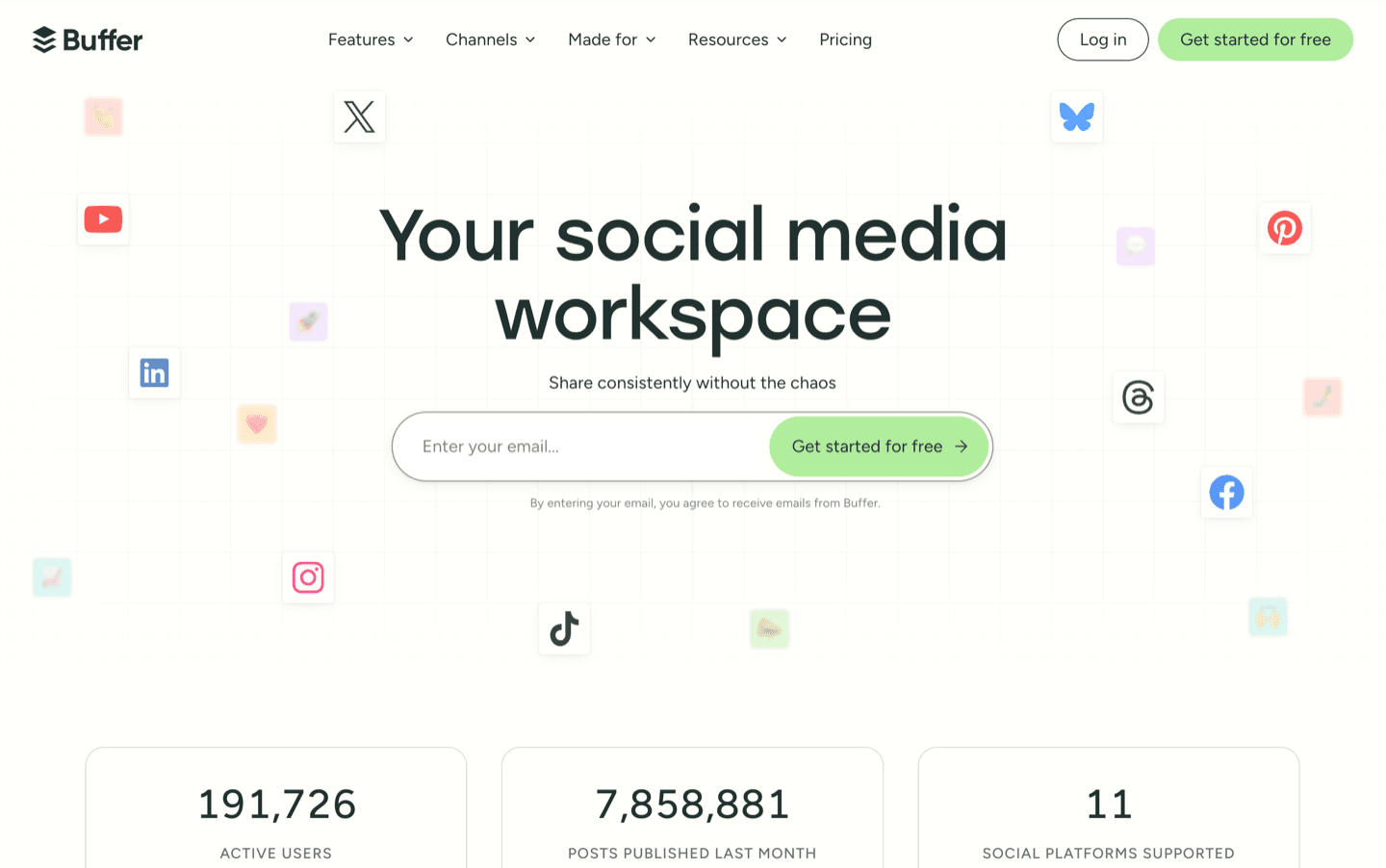
What is Buffer?
What is Buffer?Buffer is a social media scheduling tool that lets you queue and publish content across multiple platforms from one place. It's best for small businesses or creators who want to use a social media scheduling tool.
We used it for about a year for posting our content before switching to Ordinal in 2026.
Buffer has been around for over a decade and what we like about them is that they've stayed simple while a lot of competitors went the path of getting bloated with enterprise-level features.
The interface is one of the best (it's simple), posting is reliable, and the free tier is super generous.
If you are posting content manually across platforms and are just looking for a simple and affordable tool where you can post to Instagram, Tiktok, Meta, X, LinkedIn, then Buffer is probably the easiest social media scheduling tool to start with.
That said, Buffer isn't as ideal for serious agencies managing multiple clients, anyone who needs structured multi-step approval workflows, or teams that want engagement automation built into their publishing process.
Pros and Cons
Pros and ConsPros
Pros- Simple interface
- Reliable Instagram posting (no video file size issues like we hit with Metricool)
- One of the most generous free tiers in the category (3 channels, 10 posts per channel per month)
- Browser extension saves inspiration directly to your ideas board in one click
- Native MCP integration lets you handle social media drafting and scheduling through conversation with your preferred AI agent
- Minimal learning curve
- Most affordable
Cons
Cons- Basic analytics
- "Templates" are really just content prompts, not reusable formats
- Approvals are more permissions-based, so you don't have the ability to build layered workflows
- LinkedIn mentions are limited by the API
- Per-channel pricing adds up when you're working with multiple accounts
Key Features
Key FeaturesThe Interface
The InterfaceWhen comparing Buffer to it's closest competitors, Metricool and Hootsuite, Buffer's interface is much more simple, intuitive, and enjoyable to use.
Once you connect all of your accounts, you can see all your posts on a calendar. If you want to edit, simple click in and start tweaking.
Content Creation & Cross-Platform Posting
Content Creation & Cross-Platform PostingBuffer lets you create and share content across 10+ platforms.
One thing I appreciated most is that I never ran into issues with post delivery or file size limitations (something Metricool couldn't fix).
For example, when I was uploading shorts to Metricool, I kept getting a file size error. When I took that same video and posted it via Buffer, it worked wonderfully 👌
Buffer also has a built-in AI assistant that helps you draft copy directly inside the platform, but the truth of the matter is that I prefer using my own AI tools via the MCP to draft captions since they tend to know my voice and tone better.
Ideas Board + Browser Extension
Ideas Board + Browser ExtensionWhen you're browsing and come across something that sparks an idea, Buffer's browser extension lets you save it directly to your Ideas board in one click.
No copy-pasting into a notes doc, no "I'll remember this later..." (Spoiler: you won't).
It just goes straight into Buffer and is waiting for when you sit down to create. It's very much made with the content creator in mind.
MCP Integration
MCP IntegrationBuffer's MCP integration lets you connect AI tools so they interact directly with your publishing workflow.
Instead of generating content with AI and then manually moving it into your social media scheduling tool, you can use Claude or ChatGPT to queue up posts directly in Buffer.
Pricing
Pricing- Free Trial: 14-day trial available for paid plans.
- Free: Best for solo creators and small businesses who want to start scheduling content without paying for a social media tool. Includes 3 channels and 10 scheduled posts per channel. (Keep in mind Buffer limits free accounts to 8 lifetime channel connections.)
- Essentials — $6/mo per channel ($60/yr): Best for solo creators or small businesses who need unlimited scheduling, analytics, engagement tools, and a larger content workflow.
- Team — $12/mo per channel ($120/yr): Best for small teams that need approval workflows, permissions, and collaboration features without paying per user.
Note: Buffer charges per channel rather than per user. That keeps costs low for small teams but can become expensive as you add more brands, clients, and social accounts.

Not a tool. A hire.
Typefully
Best for X solo creators
Best for X solo creatorsBest For X + LinkedIn
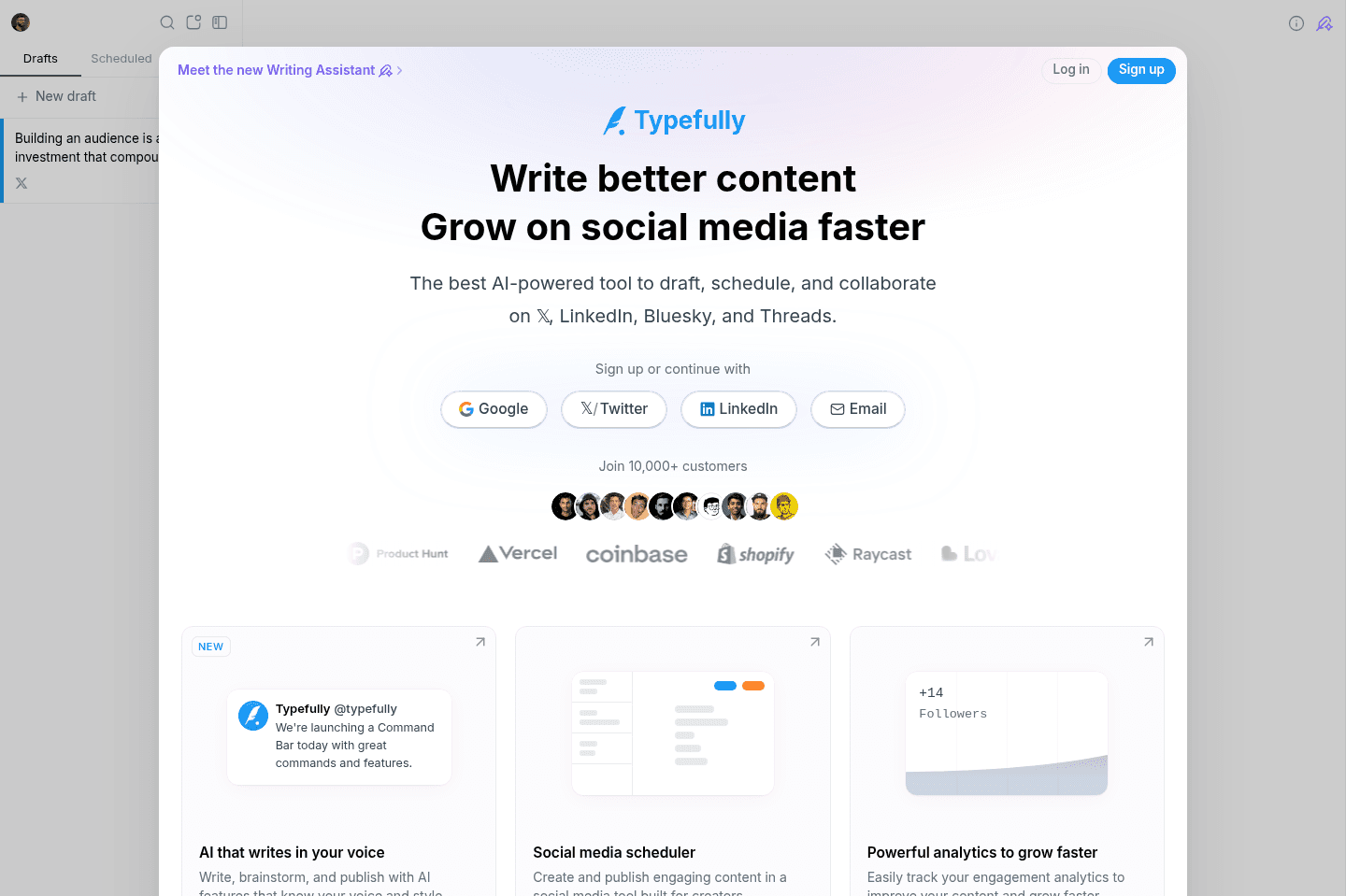
Typefully was built to make growing your following on X easier. If you're someone that uses X and want to greatly improve your experience, Typefully is your best bet.
You can, write, draft, schedule posts, and see deep analytics of how they perform all via Typefully. They even have some powerful automation functionalities like Auto-Retweet, Auto-Plug, and Auto-DMs.
What is Typefully?
What is Typefully?Typefully caters to professional folks who want a better posting experience on X and LinkedIn. You can plan, write, draft, and schedule posts via Typefully.
But if you are wanting to post on all social media channels (Instagram, YouTube, TikTok), then Typefully is not going to be for you. If scheduling on all social media platforms with one tool sounds more appealing, our top pick in that case is Ordinal.
Pros
ProsPros
Pros- Auto-saves as you type
- Purpose-built for X and LinkedIn
- Minimal, distraction-free interface
- Deep analytics. Better impressions, engagement rate, and profile conversion data than X gives you natively
- Auto-Plug, Auto-Retweet, and Auto-DM to extend reach and engagement
Cons
Cons- Only supports X and LinkedIn (no Instagram, YouTube, or TikTok, so multi-platform users need a second tool)
- Tagging friction on X. No auto-suggest, so you must know the exact @handle
- No LinkedIn tagging. You have to publish, then manually edit the post to tag anyone (an API limitation)
- Thin team collaboration. No approval flows or structured handoffs, sign-offs happen outside the tool and get messy as teams grow
Key Features
Key FeaturesAuto-Saving
Auto-SavingWhy is it that the simple things that have the greatest impact? Gosh, this feels like it should be native to X, but it isn't.
Ever write the most thoughtful post on X, spend over an hour on it, just to lose it entirely because of a bug? My guess is that if you use X regularly, you've experienced this. Typefully auto-saves as you type, which means the risk of losing your precious characters is gone and you can breathe a bit more easily. For us, Typefully is worth it for this alone.
Auto-plug, Auto-retweet & Auto-DM
Auto-plug, Auto-retweet & Auto-DMThese are engagement features, and they get more useful with the larger following you have.
Autoplug. Say your post goes viral and you want to plug your business in the comments section. With Typefully you can schedule an auto-plug if your post reaches a certain threshold of engagement that you set ahead of time. You would have probably seen some people doing this on X.
Auto-Retweet. You can automatically schedule your posts to re-tweet to ensure they are seen across multiple timezones.
Auto-DM. If you want to giveaway something to people that DM you, you can auto-schedule a reply.
Pricing
Pricing- Free — $0/month: 1 user, 1 social set, 15 posts/month, advanced scheduling, agents/API/MCP access, limited media uploads. Best for testing the product or very light, single-account posting.
- Pro — priced per social set (billed yearly): 1 user, up to 10 social sets, unlimited media uploads, X analytics, AI writing features, plus everything in Free. Best for individual writers and creators serious about growing on X/social.
- Business — priced per social set (billed yearly): unlimited users, up to 50 social sets, collaborative writing, comments & Slack notifications, teams/roles/permissions, higher API rate limits, plus everything in Pro. Best for marketing teams and agencies that need to collaborate and publish in sync.
Sprout Social
Best for agencies managing enterprise clients
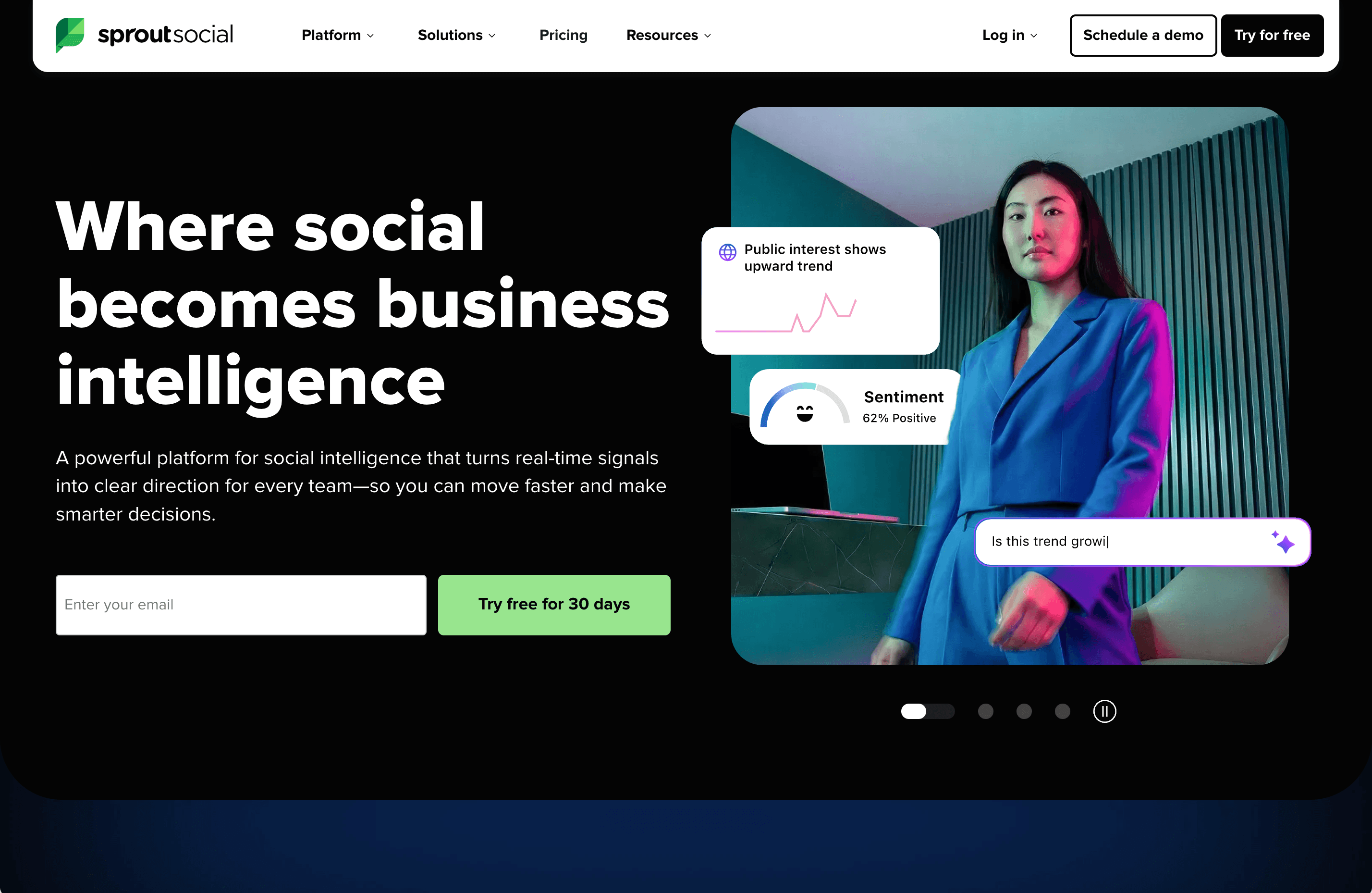
Best for agencies managing enterprise clientsSprout Social is an all-in-one social media management tool for enterprises and agencies.
It's not our top pick for most teams (you will likely not need most of it's features), but if you have dozens of people who need to approve a social post before it goes out, it is one of the best options available.
Not a tool. A hire.
Hootsuite
For enterprise teams
For enterprise teamsClunky & Not For Small Businesses
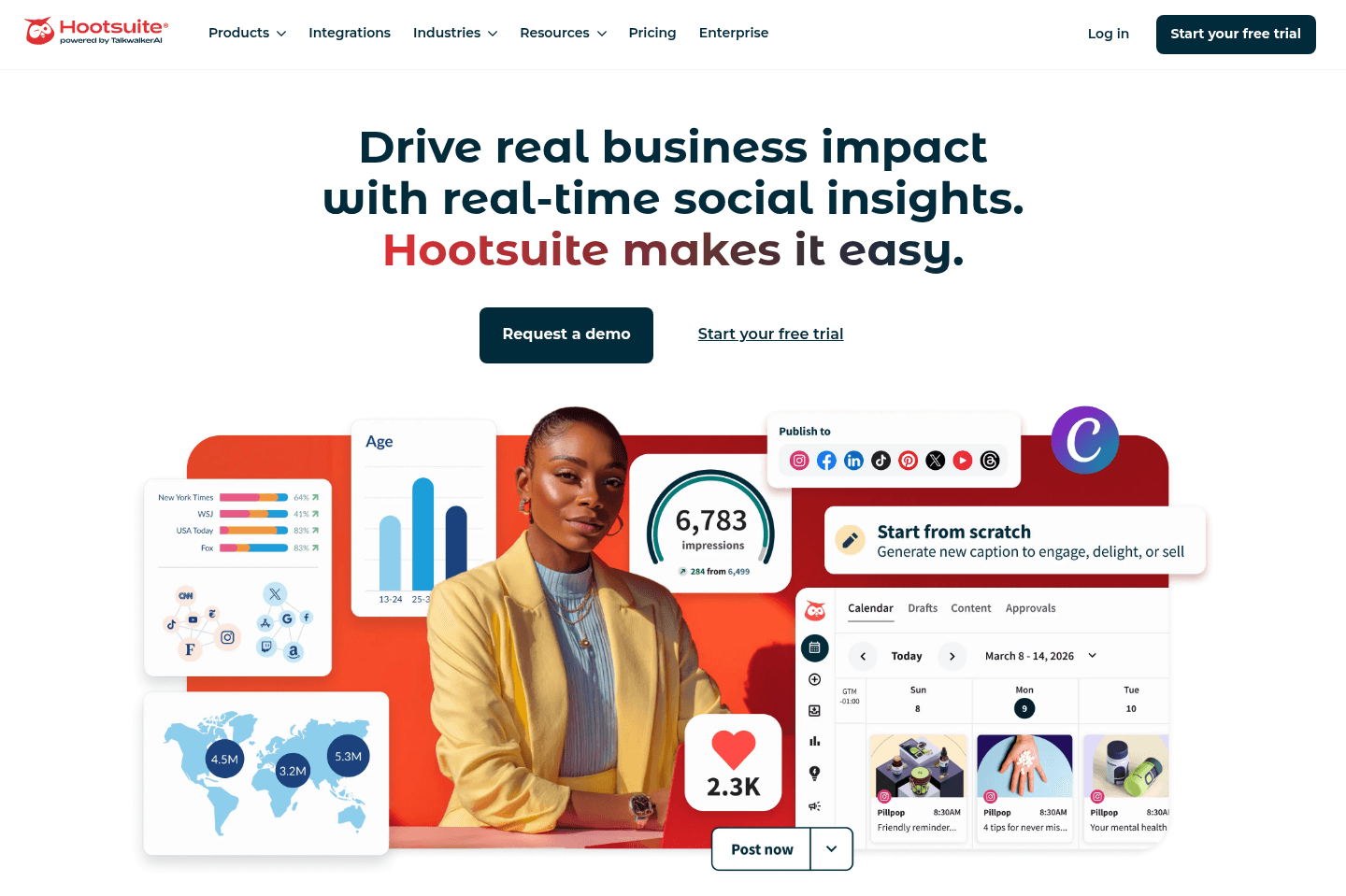
There wasn't anything impressive about Hootsuite when it came to social media scheduling. It doesn't have a friendly user interface (feels quite outdated), is way too feature rich (overwhelming), and the price doesn't justify the value.
If you want something more simple, go for Buffer. If you are a startup taking LinkedIn, X, Instagram/TikTok seriously, use Ordinal (it's what we use).
What is Hootsuite?
What is Hootsuite?Hootsuite has been around the longest out of all the social media management platforms and with that, the tool certainly feels like you're stepping back in time 😅 Hootsuite's interface is much more clunky and outdated when compared to something like Buffer or Ordinal.
Hootsuite is catering to large enterprise teams and have gone very deep into building social analytics, competitive benchmarking, permissions, approvals and reports. With that, their pricing starts at $99/month, but even this tier is restrictive as most of the features we mentioned unlock on the enterprise plan.
If you are a small business, or a modern social media agency, we'd recommend staying away from Hootsuite as they are much better social media scheduling tools available.
Many modern startups like Zapier or Mercury use Ordinal for their posting, so if you have the budget, we'd recommend them instead.
Pros and Cons
Pros and ConsPros
Pros- Enterprise social media management tool
- Multi-step approval workflows with sign-offs
- Analytics and reporting (custom dashboards, PDF exports, BI tool integration) strong enough for client-facing work
- Reusable templates, approved assets, internal notes, and repeatable campaign content
- Bulk scheduling available
- Deep permission controls help larger teams manage who can draft, approve, publish, or access specific brand/client accounts
Cons
Cons- Interface feels outdated and cluttered compared to modern alternatives
- The product can feel bloated if you don’t need approvals, governance, reporting, and admin controls
- Significant learning curve; new users often need onboarding
- Per-user pricing scales fast for teams, especially if you need the workflow features Hootsuite is best known for
- No scaled-back version for solo operators or small teams that only want clean publishing and basic analytics
- No free plan
Key Features
Key FeaturesInterface and Usability
Interface and UsabilityThe interface is one of Hootsuite’s biggest weaknesses. Yes, it has a lot of functionality, but too much of it feels buried inside a dated, dense dashboard. If you work in social and plan to be inside the tool for hours every day, I promise it'll get really tiring, really quickly.
From our research, agency users who need advanced workflows may prefer alternatives like Sprout Social because it delivers similar agency-level tools in a more intuitive way.
Publishing & Campaign Planning
Publishing & Campaign PlanningHootsuite gives teams a shared calendar for planning, scheduling, and publishing across most major social platforms. Personally, when I tested Hootsuite, I found the interface extremely clunky.
There were parts of the tool that felt newer and more modern, but with one wrong click I ended up in some weird interface that took me back 20 years. There were too many buttons on the interface and just a confusing UI.
It's just not a tool I would enjoy using on a regular basis for scheduling content.
Approval Workflows
Approval WorkflowsIf approvals are important for you, here is where Hootsuite may make sense.
For example, if you need marketing, then legal, then the CEO to sign off on posts, and you want to be sure that nothing goes out without everyone's eyes, then Hootsuite gives you this deep capability.
You can set content to move from writer to reviewer to client or final approver, with notes, status tracking, and the ability to document approvals that happened outside the platform. For agencies, larger marketing teams, or compliance-sensitive companies, this makes sense.
The caveat is that this only matters if your team actually needs that level of control. And if approvals are the main reason you’re considering Hootsuite, Sprout Social should probably be in the comparison too.
MCP, Analytics, and Reporting
MCP, Analytics, and ReportingHootsuite’s out of the box reporting is better than what you’ll usually get from most social schedulers. You can build custom dashboards, create branded PDF reports, track performance over time, and, on higher tiers, export to BI tools.
That said, with any social media tool's MCP, it's easier than ever to create custom reports than ever before.
Pricing
Pricing- Standard — $99/user/month (billed annually): 1 user, up to 10 social accounts, unlimited scheduling, basic analytics, OwlyWriter AI. Best for individual practitioners who specifically need Hootsuite's ecosystem.
- Advanced — $249/user/month (billed annually): Unlimited social accounts, team approval workflows, customizable analytics and reporting templates, bulk scheduling up to 350 posts, saved replies and automation. Best for agencies and teams who need real workflow infrastructure.
- Enterprise — custom pricing (typically ~$15,000–16,000+/year, minimum 5 users): Full governance, compliance, SSO, content library, social listening, Salesforce integration, multi-level approvals with audit trails, dedicated support. Best for large organizations with genuine compliance requirements or complex multi-brand operations.
Metricool
For agencies that prioritize analytics over reliable posting
For agencies that prioritize analytics over reliable postingDisappointing & Unreliable
While initially thought Metricool would be the answer to our social media scheduling needs, we quickly became disappointed due to many limitations with Instagram, TikTok, and YouTube Shorts posting.
With that, we ultimately switched away from Metricool to Buffer for Instagram posting (and more recently to Ordinal).
What is Metricool?
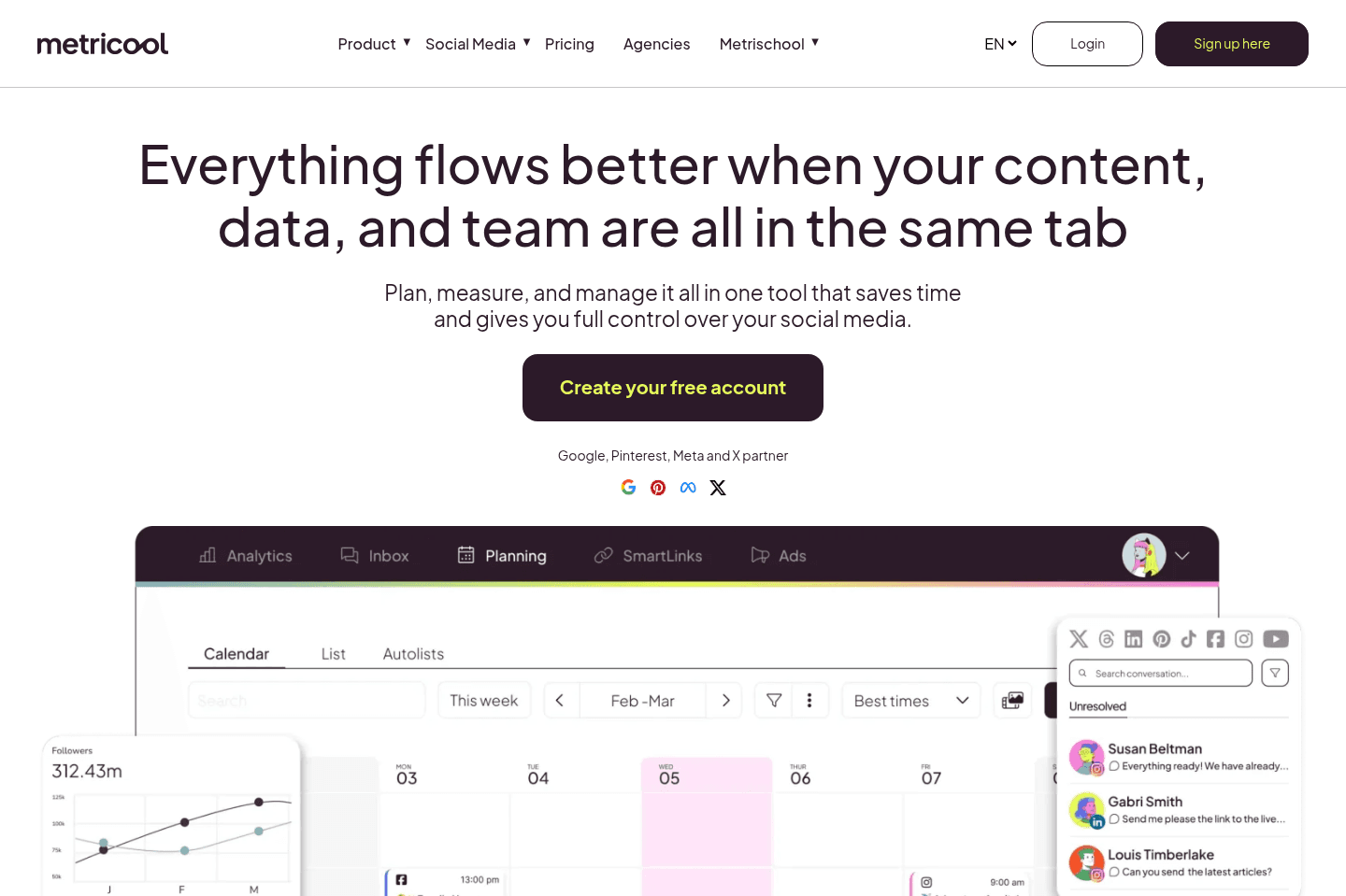
What is Metricool?Metricool is a social media management platform that combines scheduling, analytics, competitor tracking, client reporting, and paid social insights in one dashboard.
Unlike most scheduling tools, it also connects to Meta Ads, Google Ads, and TikTok Ads, making it possible to view paid and organic performance side by side.
While I initially thought Metricool would be the answer to our social media scheduling needs, I quickly became disappointed due to many limitations with Instagram, TikTok, and YouTube Shorts posting.
It seems they have sponsored a ton of a creators at a point in time, so generally a lot of creators talk about Metricool, even though it's not the best tool.
Out of all the social media scheduling apps we used, we had the most trouble posting our Instagram Reels with Metricool due to a video file size error (we cover the details of this in our full Metricool Review, but the short of it is that none of these issues occurred with Buffer, with the exact same video files).
The most impressive feature of Metricool is the best time to post feature, which shows when the highest percentage of your followers are online. While this was available for Instagram, TikTok, and X, it was not available for YouTube Shorts or LinkedIn.
All this being said, we found Metricool underwhelming overall and didn't end up sticking with it.
Pros and Cons
Pros and ConsPros
Pros- Scheduling capabilities for all major channels
- In-depth analytics
- Competitor tracking up to 100 profiles
- Automated PDF/PPT reports
- Shareable client dashboards to look more professional without extra tools
- Paid social integration (Meta Ads, Google Ads, TikTok Ads) even on free plan
- Pricing scales by brand instead of charging for every social channel
Cons
Cons- Glitches happen often, it's a buggy product
- Recurring reliability issues, including account disconnects and failed posts
- X (Twitter) and LinkedIn locked behind paid plans or add-ons
- Constant upgrade prompts make the product feel like a demo, not a tool
- Analytics watermarked on lower plans
- MCP
Key Features
Key FeaturesAnalytics and Competitor Tracking
Analytics and Competitor TrackingMetricool gives you historical performance data, reels analytics, and up to 100 competitor profiles on paid plans, so you can track a competitor's posting cadence, engagement rates, and top content over time without a separate tool.
That said, it's great if you're doing client work and need to show context around performance. Just know that even the analytics graphics are watermarked on lower plans, which starts to get frustrating when you're trying to do work.
That said, if you're a solo creator or small business, this feature matters less.
Client Reporting
Client ReportingThe reporting tab lets you make auto-generated PDF or PPT reports and schedule them to send directly to clients monthly.
You can even white-label them and add on shareable, client-facing dashboards on the advanced tier.
My friend who manages a social media agency says Metricool has one of the most complete reporting setups for the price.
I will note though that most features were greyed out behind upgrade prompts on the free plan. I totally get that these are premium features, but the constant "upgrade" CTAs became a little tiring when using Metricool.
Pricing
PricingAll prices billed annually.
- Free — $0/month: 1 brand, 20 posts/month, 30 days of analytics, 5 competitor profiles. LinkedIn and X not included. Okay for testing, but not enough to do real work.
- Starter — $20/month (up to 5 brands) / $36/month (up to 10 brands): Unlimited publishing, 100 competitor profiles, LinkedIn included, X as paid add-on (+$5/connected account), PDF/PPT reports, SmartLinks, Canva and Google Drive integration. Best for freelancers managing a handful of clients who need reporting without Advanced pricing. Tust factor in the X add-on if Twitter is part of your mix.
- Advanced — $67/month (up to 15 brands) / $107/month (up to 25 brands) / $210/month (up to 50 brands): Adds team management, approval workflows, custom report templates, shareable client dashboards, Looker Studio connector, and full API access. Best for small agencies running structured workflows. At $210/month for 50 brands, the per-brand cost is actually reasonable compared to per-channel pricing elsewhere.
Not a tool. A hire.
Our Final Verdict


Final Verdict
Final VerdictOur testing taught us that the social media posting space is challenging to innovate in as all of these tools are so reliant on the API's of YouTube, TikTok, Instagram, LinkedIn, and X themselves.
Great solutions rely heavily on each social platform having robust APIs, but think about it, do these platforms really have incentive to build great APIs?
All social platforms prefer that users open their apps, get distracted by content, and see ads because that's how these apps make money.
We wish this Best Social Media Scheduling Apps page could be a bit more positive, but hopefully it will at the very least, save you some time.
Our Top Pick is Ordinal across the board. You can read the full Ordinal Review, and grab an Ordinal Discount.





















Social Media Management Tool FAQs
Get quick answers about how we evaluate tools, what moves apps up or down our list, and how to choose the right social media management tool for your business.
Still have questions?
Read more FAQs




















YouTube Shorts
YouTube ShortsWe do not use a social media scheduling app for posting on YouTube Shorts. We personally don't like to give any access to any third-party app to our YouTube channel. It's just a decision that we made early on, given how much we invest in the channel and we want full control. With that, we always manually schedule our content to YouTube.
We use the native YouTube app, our editor uploads all the videos. We then select our thumbnail and related video, then schedule it to post right within the app. Then, we go intoYouTube Studio via browser on our computer, add a description & tags.
Yes, it's quite involved, but YouTube is second largest source of traffic (other then our website via Google) so we want to do it right 💪