 PandaDocRecommended
Best eSignature platform for small-to-mid sized businesses
Best eSignature platform for small-to-mid sized businesses AirtableRecommended
Best for powerful spreadsheet-like databases
Best for powerful spreadsheet-like databases
Best Form Builders at a Glance
How We Evaluate Form Builders
We score each form builder across multiple criteria, and hands-on expert evaluation
- Ease of UseQuick to set up and intuitive to use without a steep learning curve.
- Feature DepthCore features that work well, not surface-level checkboxes.
- Reliability & PerformanceConsistent, fast, and dependable with minimal bugs.
- Value for MoneyPricing that's fair relative to what you actually get.
- Integrations & EcosystemWorks well with other tools in your stack.
- Expert EvaluationCurated by, our rankings reflect in-depth testing, industry insights, and hands-on experience.AlexandAndra
PandaDoc
Best eSignature platform for small-to-mid sized businesses
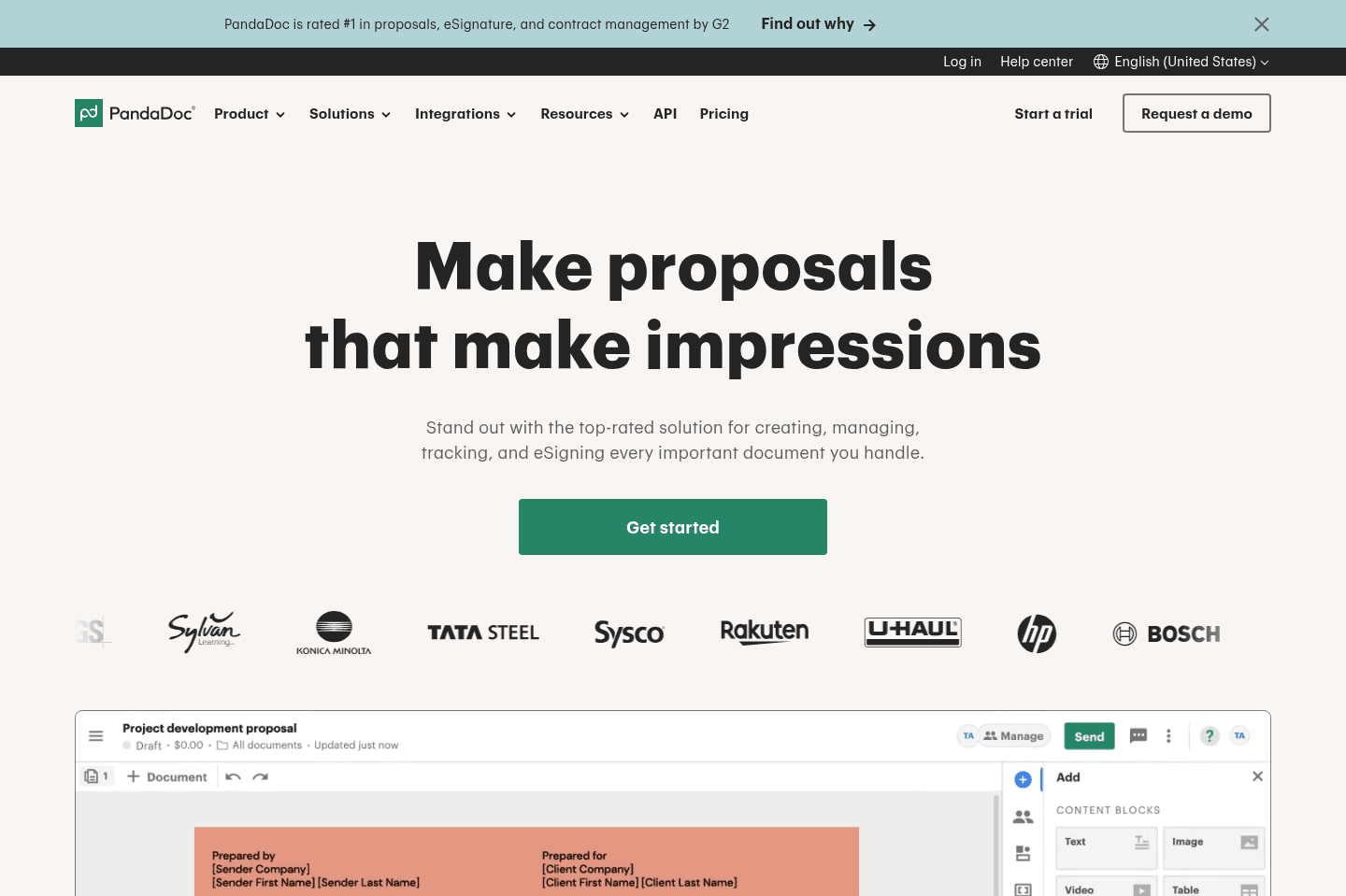
Best eSignature platform for small-to-mid sized businessesPandaDoc handles proposals, contracts, eSignatures, agreement generation, and payment collection in one place, making it easy for teams to create and manage documents with a clean, modular workflow. If you want something more user-friendly and modern than DocuSign, this is our top pick. We've been using it for 5+ years!
What is PandaDoc?
What is PandaDoc?Where do we begin with PandaDoc... It is one of the most versatile, yet focused tools on the market. If you want to create proposals, contracts (with legally binding eSignature capabilities), generate agreements from form submissions, or even collect payments—PandaDoc is your all-in-one tool.
Unlike DocuSign, PandaDoc is incredibly user-friendly, and simple, yet powerful. You can create complex modular documents, dragging in reusable blocks of text/pricing tables, or simply upload a PDF and mark the areas that require filling out and send it off.
It's our go-to recommendation when the conversation of proposal and eSignature tools come up, as it can do most things that teams are looking to have done. Not to mention, it can be deeply integrated into your CRM of choice (they have a fantastic API for custom integrations), which we love.
Think of PandaDoc as a more modern DocuSign built for teams. We can't lie, when potential vendors send us over a PandaDoc to sign—we get excited—it's just such an amazing end-user experience.
Get the latest rankings and insights on top Form apps—delivered to your inbox. Stay ahead with our expert picks and updates.
Airtable
Best for powerful spreadsheet-like databases
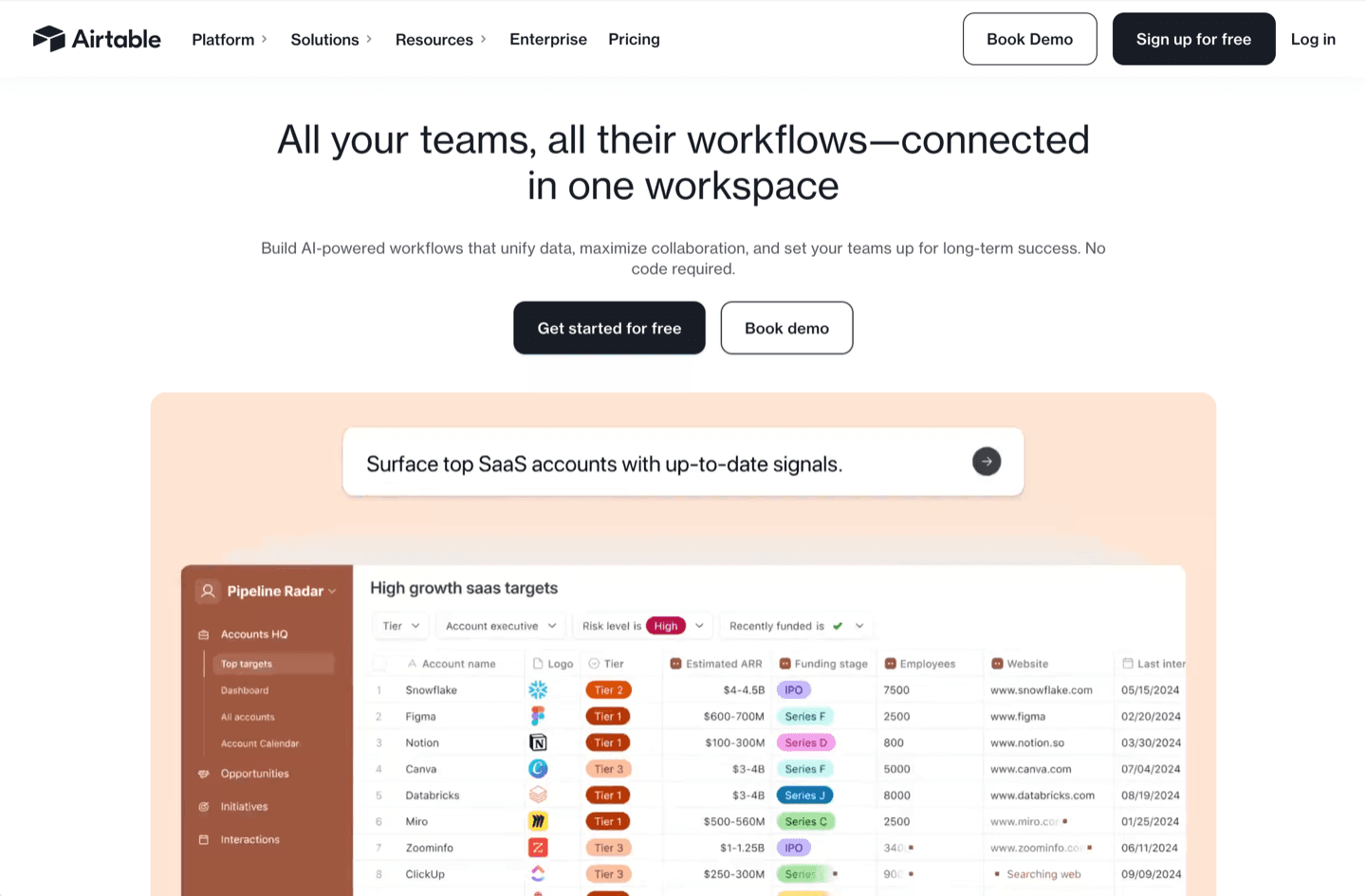
Best for powerful spreadsheet-like databasesAirtable gives you a flexible, user-friendly database that easily replaces Google Sheets and form tools for almost any business use, especially if you need structure, automation, or to connect data between apps.
Avoid the urge to use it as a CRM or project management software.
What is Airtable?
What is Airtable?Airtable is an incredibly flexible tool that can be used from something as simple as a Google Sheets replacement, all the way up to a no-code builder.
At a core, it's really just a user-friendly database, similar to that of Coda and even Notion (although those 2 apps both started as more of knowledge base tools first, whereas Airtable has always been first-and-foremost a user-friendly database).
If your team is still using Google Sheets (for things outside of company finance reporting like balance sheets, etc.), then we fully encourage you to check out Airtable and to give it a try. In most cases, it will completely replace the need for Google Sheets, Google Forms, Typeform, Jotform, and other Form software.
Believe it or not, over the past 8+ years, we've actually entirely replaced every single internal Google Sheet with Airtable alternative. Sometimes the structure needs to change slightly, but doing so unlocks so much additional functionality.
Key Features
Key FeaturesAPI
APIWe love working with the Airtable API. It just does most everything you could want it to do, and it incredibly flexible and easy to work with.
You can simply create a new view within an Airtable Base, add filtered logic to it, and set it up so when a new record enters that view, an automation can be triggered. This allows it to be incredibly flexible.

Get through your inbox 2x as fast (for teams of all sizes).