




































































11 apps and 0 deals

9 apps and 0 deals
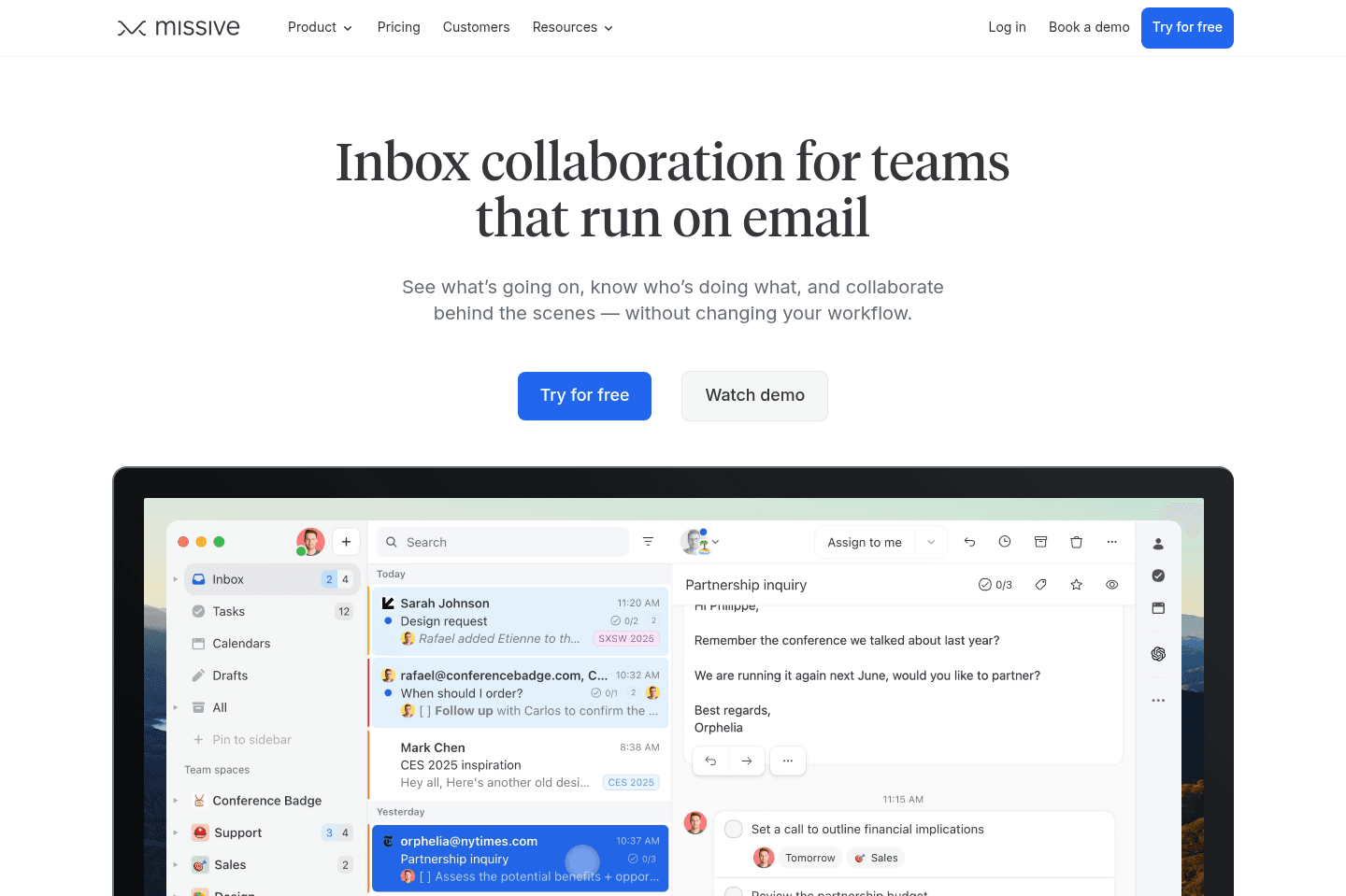
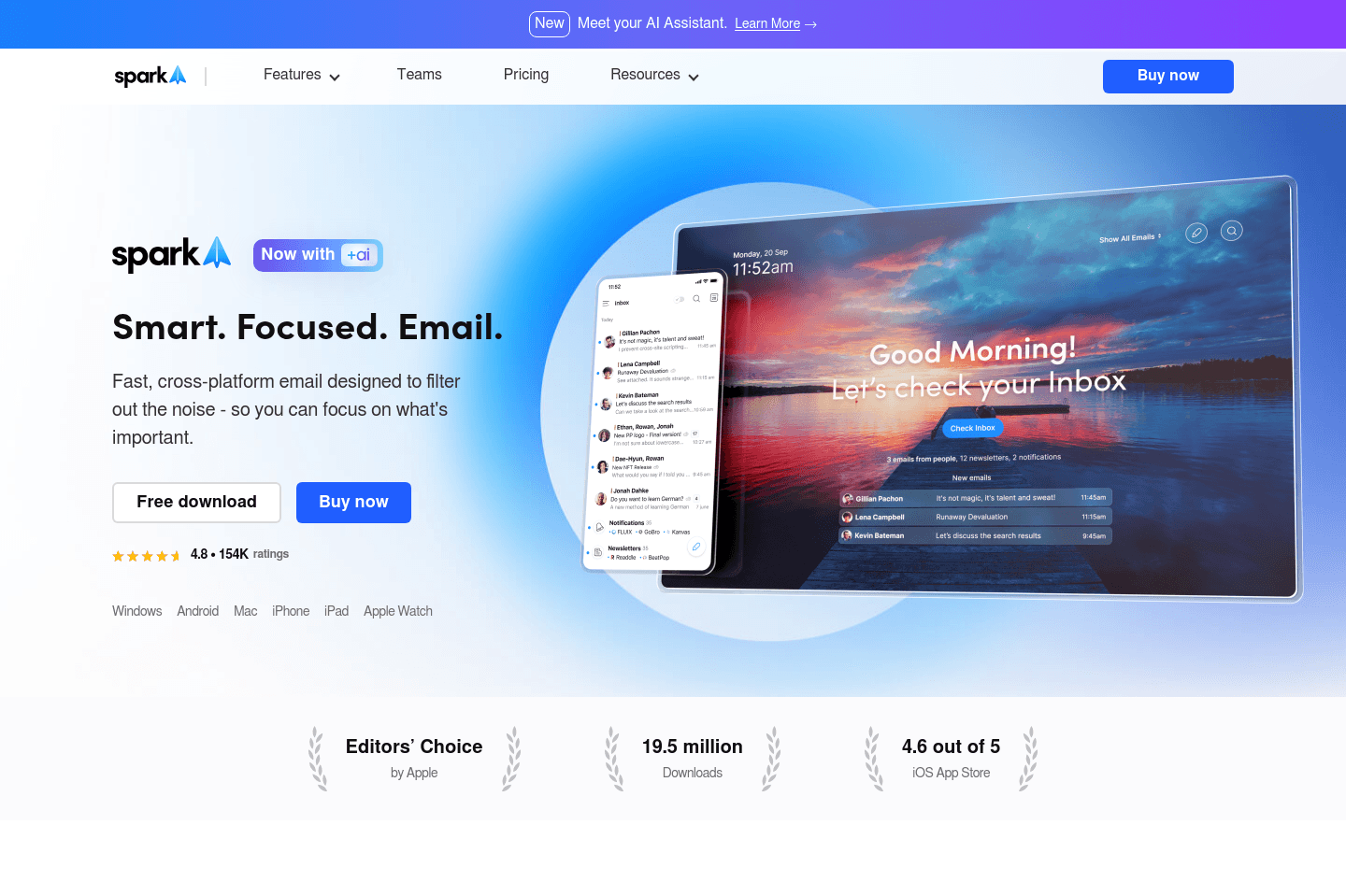
5 apps and 0 deals
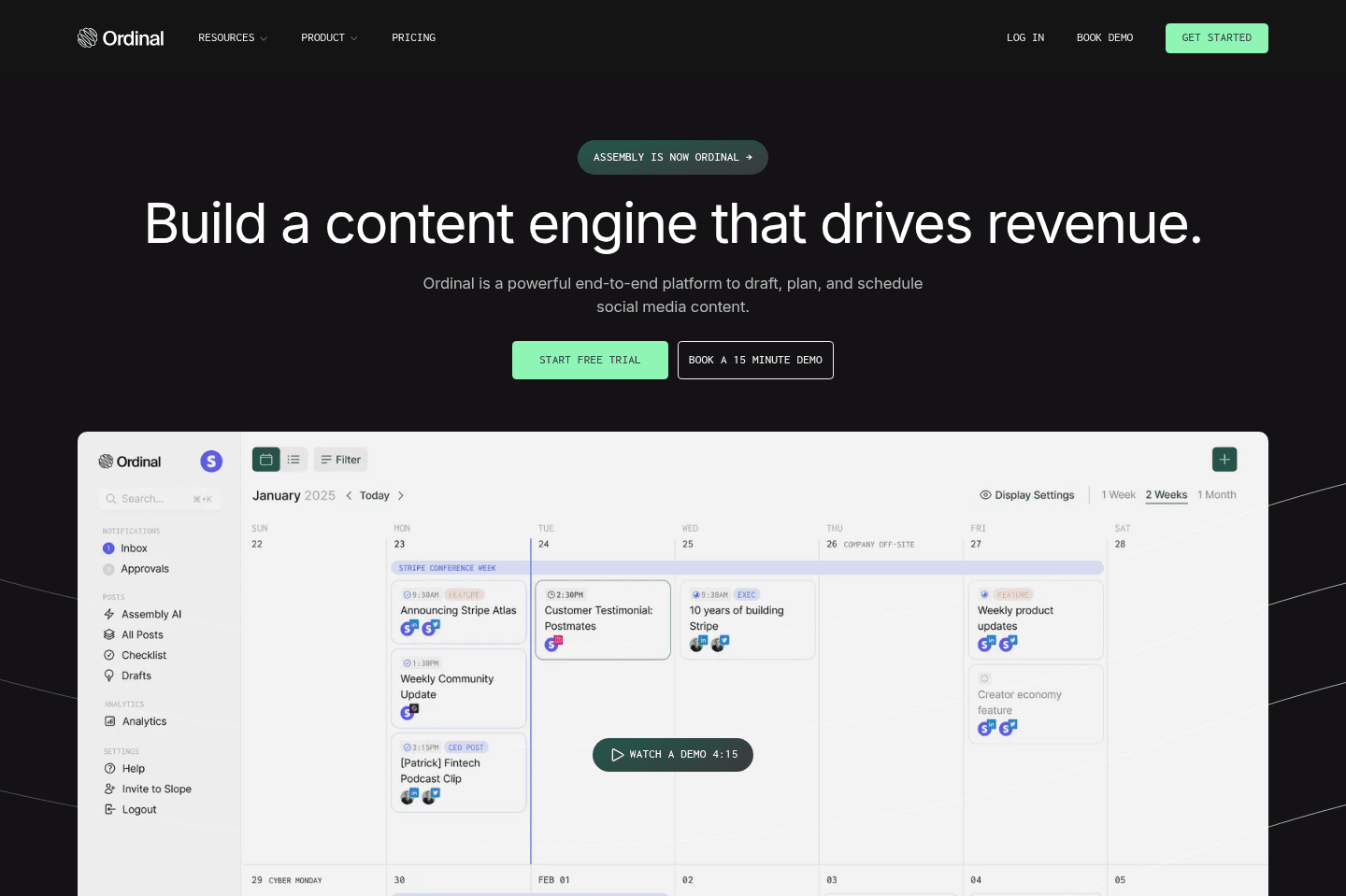
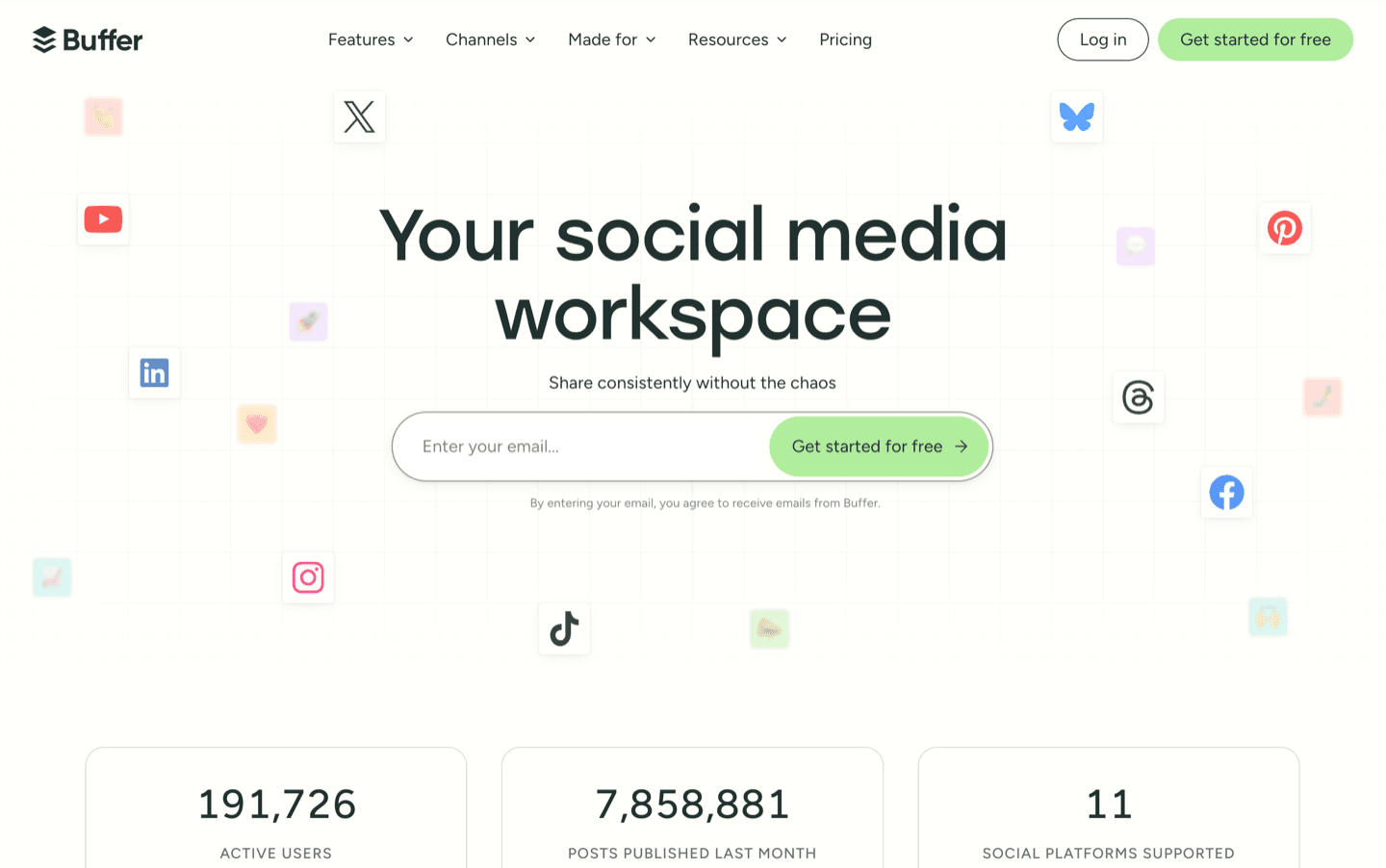
11 apps and 0 deals

6 apps and 0 deals
9 apps and 0 deals
Looking for more of the best apps categories?
 Viktor
Best AI hire
Best AI hire Granola
The AI notepad for people in back-to-back meetings
The AI notepad for people in back-to-back meetings Lightfield
Best AI CRM
Best AI CRM Wispr Flow
Wispr Flow is the best AI voice dictation app on the market. We use it for everything.
Wispr Flow is the best AI voice dictation app on the market. We use it for everything. ChatGPT
Teams of all sizes can use GPT to automate content creation, improve customer interactions, and streamline data analysis.
Teams of all sizes can use GPT to automate content creation, improve customer interactions, and streamline data analysis. Claude
Brainstorm in Claude, build in Cowork
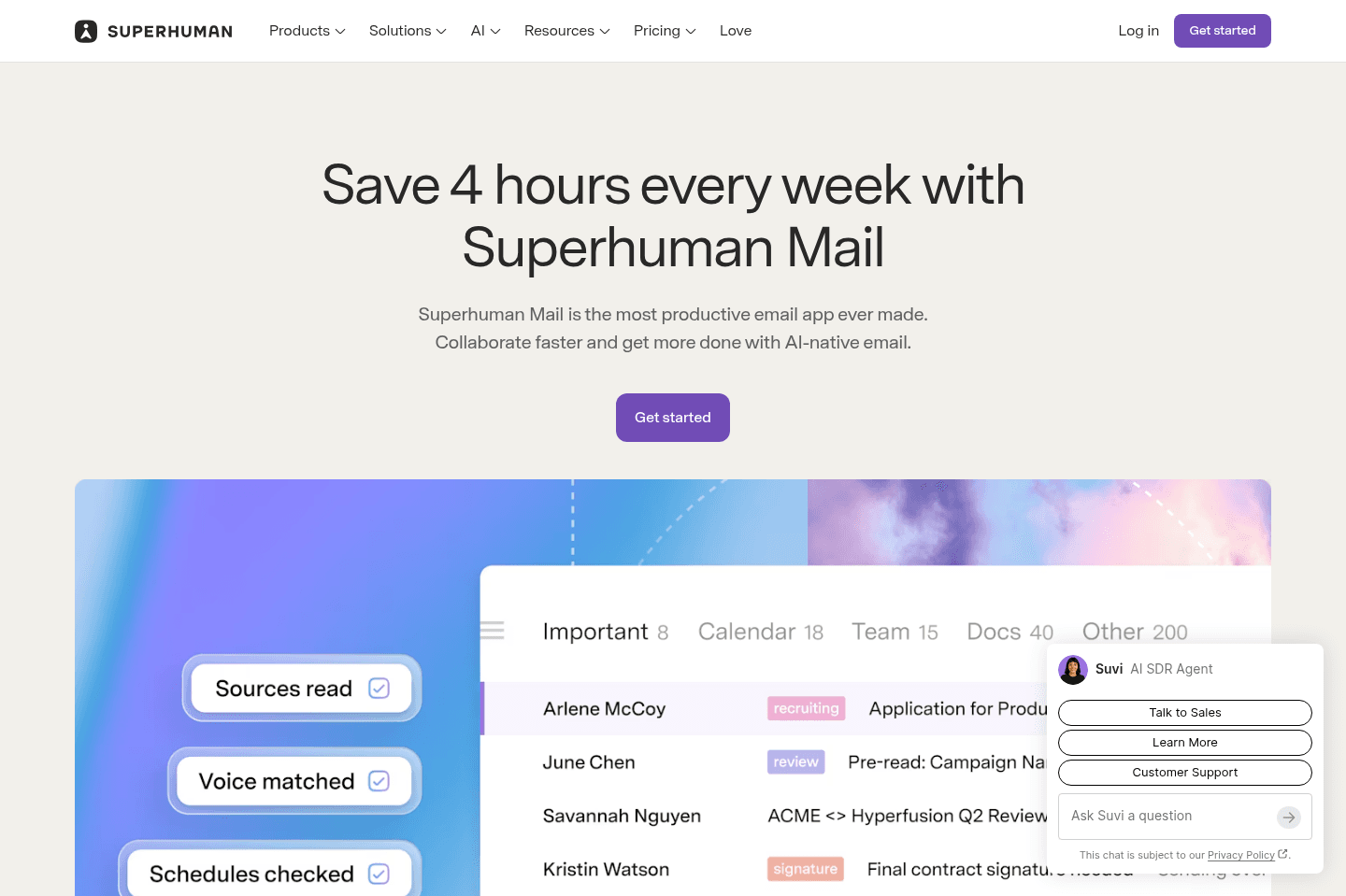
Brainstorm in Claude, build in Cowork Superhuman Mail
AI email client
AI email client Kick
KickBest AI accounting & bookkeeping
Best AI accounting & bookkeeping Supercut
Best AI video messaging tool
Best AI video messaging tool Motion
Use AI to plan your work, automatically. Be 137% more productive.
Use AI to plan your work, automatically. Be 137% more productive. Perplexity
AI Research Assistant
AI Research Assistant
 OpenClaw
The AI that actually does things.
The AI that actually does things.
Browse Categories
From productivity to team collaboration, dive into curated app categories that help you get more done.
Can't find the category you're looking for?
This is the one app we believe truly sets the standard. Innovative, reliable, and beautifully built — a must-try for anyone.
Superhuman Mail
Best overall email client
Best overall email clientSuperhuman Mail is the best email client on the market. It's wildly fast, minimal (not bloated with features), and helps individuals and teams triage through emails most efficiently. We've been using it for 6+ years and can't ever imagine going back to regular email.
Claim the Superhuman free trial for 30 days free, which is more than enough time to see if it fits your workflow.
What is Superhuman Mail?
What is Superhuman Mail?Superhuman Mail is by far the best email client built for busy professionals who live in their inbox and want a faster, more focused experience. It works as a layer on top of Gmail or Outlook, meaning you keep your existing email provider, but operate entirely inside Superhuman Mail’s web, desktop, or mobile app instead.
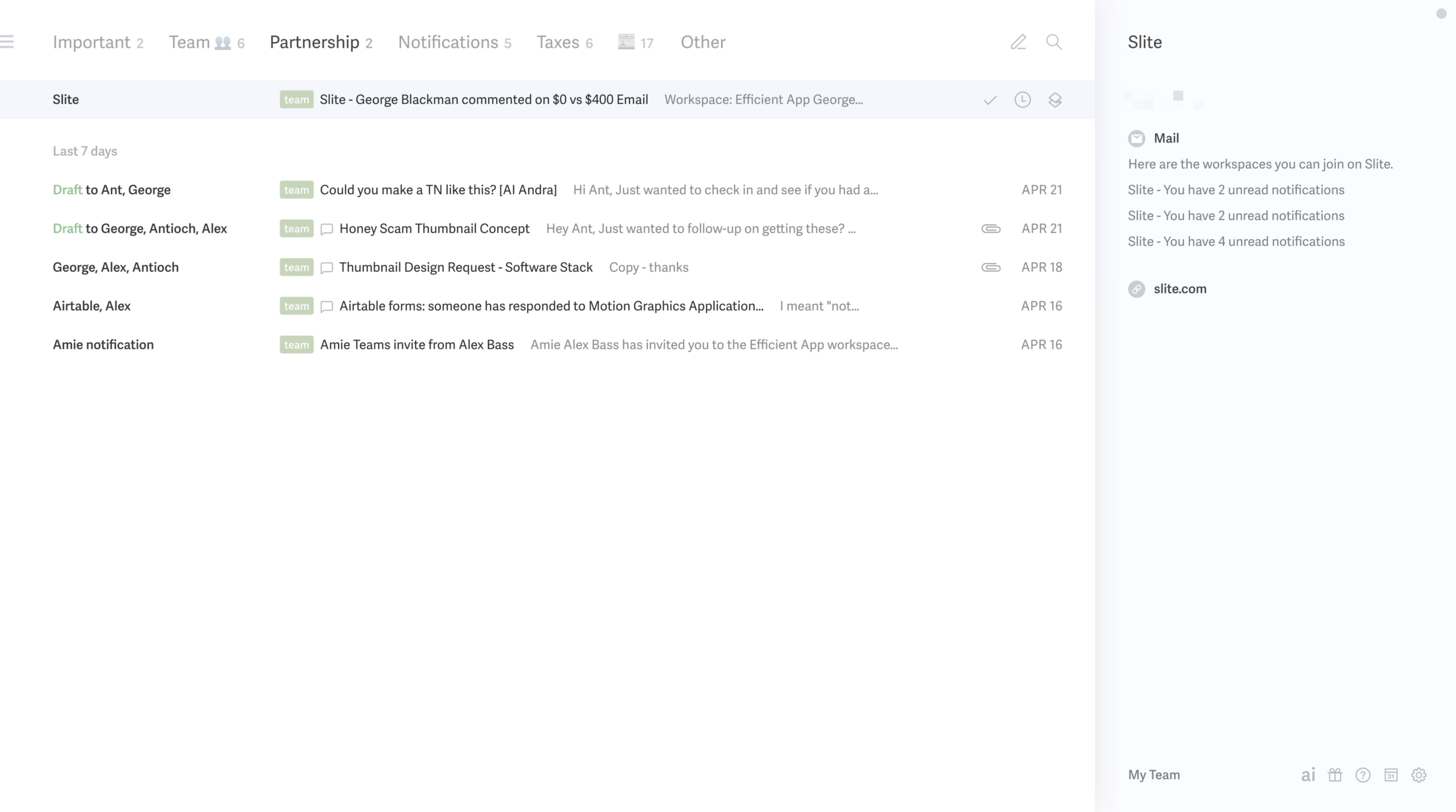
Superhuman Mail has a beautiful, minimal design and will help you get through your email faster. You can navigate your inbox almost entirely by keyboard, snooze messages effortlessly, use AI to draft responses in your voice, and create inbox splits to process emails in intentional batches. So, if checking email feels overwhelming, distracting, or just slower than it should be, Superhuman Mail really does fix that.
If you get more than 10 emails a week, we recommend trying Superhuman Mail for at least 30 days. If email slows you down, Superhuman Mail is the fastest fix we've found. The free month trial gives you enough time to see if it's actually worth paying for (heads up, you don't get the free month if you try signing up for Superhuman Mail directly). You can grab the free month via our Superhuman Mail discount link.
We've personally been using Superhuman Mail for over 6 years as our email app and couldn't see life without it.
And trust me, I used to be the person that said "I would never pay for email" but after trying it for the first month... I couldn't imagine going back to Gmail, and here I am now 6+ years later, still a paying customer, and I'm happier for it.
Superhuman Mail is available on MacOS, iOS, Android, and works on Windows via modern browsers.
Pros and Cons
Pros and ConsPros
Pros- Fast performance (literally instant compared to Gmail/Outlook)
- Minimal, beautifully designed interface with zero clutter
- Team email collaboration features helps move emails forward more quickly and seamlessly
- Deep-work friendly (no distractions, no unnecessary features)
- Mobile app on iOS and Android to help you triage emails on-the-go
- Free 30-day trial to test it out
Cons
Cons- Might feel unnecessary if you don't spend much time in email
- While you can share emails and drafts with your team, you cannot assign emails and have your team answer on your behalf
Key Features
Key FeaturesMinimal Interface
Minimal InterfaceThe first time we opened Superhuman Mail, it genuinely felt like a different category of email tool. The wall of emails we were used to see just wasn't there instead it had been replace with a clean, fast interface that made it feel like this is the only email client actually designed for deep work.
The use of inbox splits makes brings allows for purpose and intention when managing your emails. There’s nothing visually overwhelming or distracting, which, if you spend hours in your inbox like we do, makes a massive difference. It doesn’t feel like you’re “doing email.” It feels like you’re focused.
Pair that with a mobile app that is purposefully designed to allow for triaging emails with speed and clarity and it honestly makes it impossible to go back.
Superhuman Mail AI Features
Superhuman Mail AI FeaturesSuperhuman Mail actually drafts email responses in your tone. It learns from your previous messages and responds as you would, automatically.
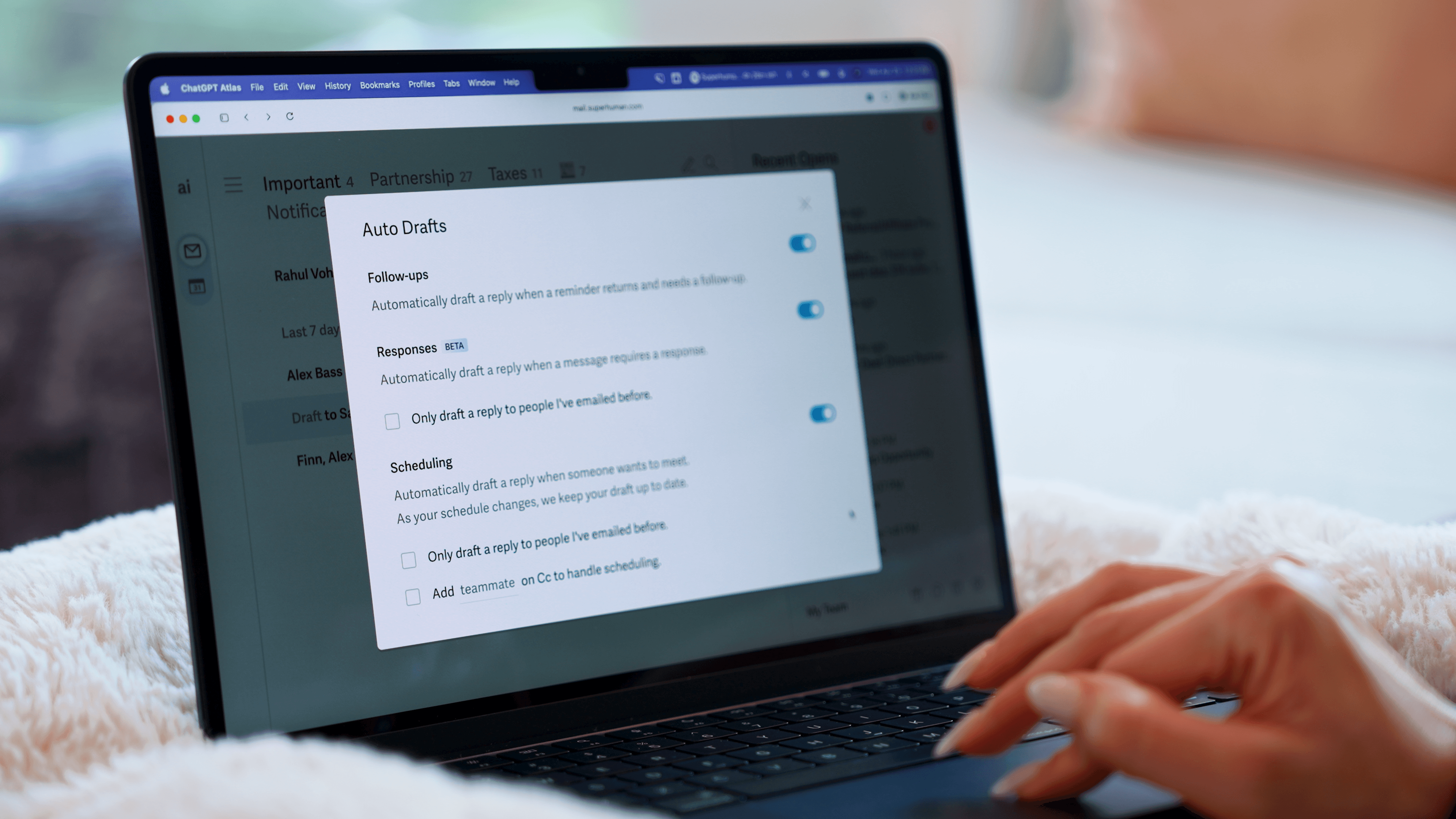
Picture this: you just hired an assistant.
As part of her training, she read through thousands of your emails to learn how you talk to customers versus teammates versus vendors. Then she starts drafting replies for you. You get an email, she writes a reply.
You send something and never hear back, she writes the follow-up. All you do is check her work before hitting send. That's exactly the experience we've had with Superhuman Mail's AI drafts.
Then there's AI auto-labels, which organize your inbox into splits automatically so similar emails are grouped together when you triage them.
And the AI search is useful in a way most email search isn't. Instead of trying to remember the exact word from a thread six months ago, you just ask a plain language question "Where did things land with XYZ?" or "When did I last talk to this person?" and it gives you a summary. You can also use the AI chat for things like creating a calendar invite without leaving your inbox.
Read Statuses
Read StatusesSimilar to read receipts in text messages, Superhuman Mail shows you exactly who opened your email, how many times they viewed it, and when they opened it. It's super helpful if you're waiting on a reply.
Calendar & Scheduler
Calendar & SchedulerSuperhuman Mail is also one of the best calendar apps and best scheduling apps if you live within your email. Why?
Say you get an event email with no calendar invite, just hit [b] and Superhuman Mail will instantly create an event for you (I absolutely love this feature). Or if you're writing to someone, and you say "let's meet next Tuesday" your calendar automatically pops open on the right so you can quickly check your availability.
Want to share your availability quickly? No worries, hit the keyboard shortcut and [CMD] + [SHIFT] + [a] and send over your free time slots in seconds so they can book in.
Keyboard Shortcuts
Keyboard ShortcutsSuperhuman Mail also allows you to triage through your inbox using only keyboard shortcuts.
I was a skeptic for years, until I finally gave it a shot. Learned some of the simple keyboard shortcuts like [e] for archive and [h] for snooze + some additional fun shortcuts like [#] for delete, and [!] for spam.
Just hit [0] to instantly open your calendar on the right-hand side without leaving your inbox, giving you a full view of your schedule while you continue working through emails.
Don't like memorizing keyboard shortcuts to get through your email more quickly? Great, then just press [CMD] + [k] for the command bar → the Superhuman Mail key, which allows you to do absolutely anything from anywhere just by typing.
MCP
MCPSuperhuman Mail also has an MCP connector for Claude and ChatGPT, allowing you to build workflows around your inbox.
For example, you could ask Claude to find every email that was opened that day but never received a response, then automatically send a follow-up email.
While you can technically use a chatbot to triage your entire inbox, I still prefer having a dedicated interface for my email.
Superhuman Mail For Teams
Superhuman Mail For TeamsYou can share email threads with others (whether they are on your team or not) so you can collaborate under email.
This has come super handy for us when we've had sales negotiations (very helpful to @mention each other and check-in if what is proposed makes sense), or to more thoughtfully respond to a customer. Read our entire Superhuman Mail Team Comments review here.
If you share the Superhuman Mail Discount link with your entire team, you will all get a free 30 days to test it out together.
Pricing
Pricing- Monthly Subscription: $30/mo
- Annual Plan: $300/year
Frequently Asked Questions
Get quick answers about how we evaluate tools, what moves apps up or down our list, and how to choose the right apps for your business.
Should I use multiple CRMs for different business divisions?
Should I use multiple CRMs for different business divisions?You should only use a single CRM for your entire business, even if you have a lot of complexity. The point of a CRM is to be a single-source-of-truth for your business, so multiple instances will directly result in having more disconnected data and problems.
It's best to just make a single CRM work for your team, by using visibility permissions and a structure that scales across the various departments.Learn more
Still have questions?
Read more FAQs