


 MuseBest
Best free personal assistant
Best free personal assistant Grok BotRecommended
Best for power-users
Best for power-users ViktorRecommended
Best executive assistant
Best executive assistant
Best AI Personal Assistant Apps at a Glance
How We Evaluate AI Personal Assistant Apps
We score each AI personal assistant app across multiple criteria, and hands-on expert evaluation
- Ease of UseQuick to set up and intuitive to use without a steep learning curve.
- Feature DepthCore features that work well, not surface-level checkboxes.
- Reliability & PerformanceConsistent, fast, and dependable with minimal bugs.
- Value for MoneyPricing that's fair relative to what you actually get.
- Integrations & EcosystemWorks well with other tools in your stack.
- Expert EvaluationCurated by, our rankings reflect in-depth testing, industry insights, and hands-on experience.AlexandAndra
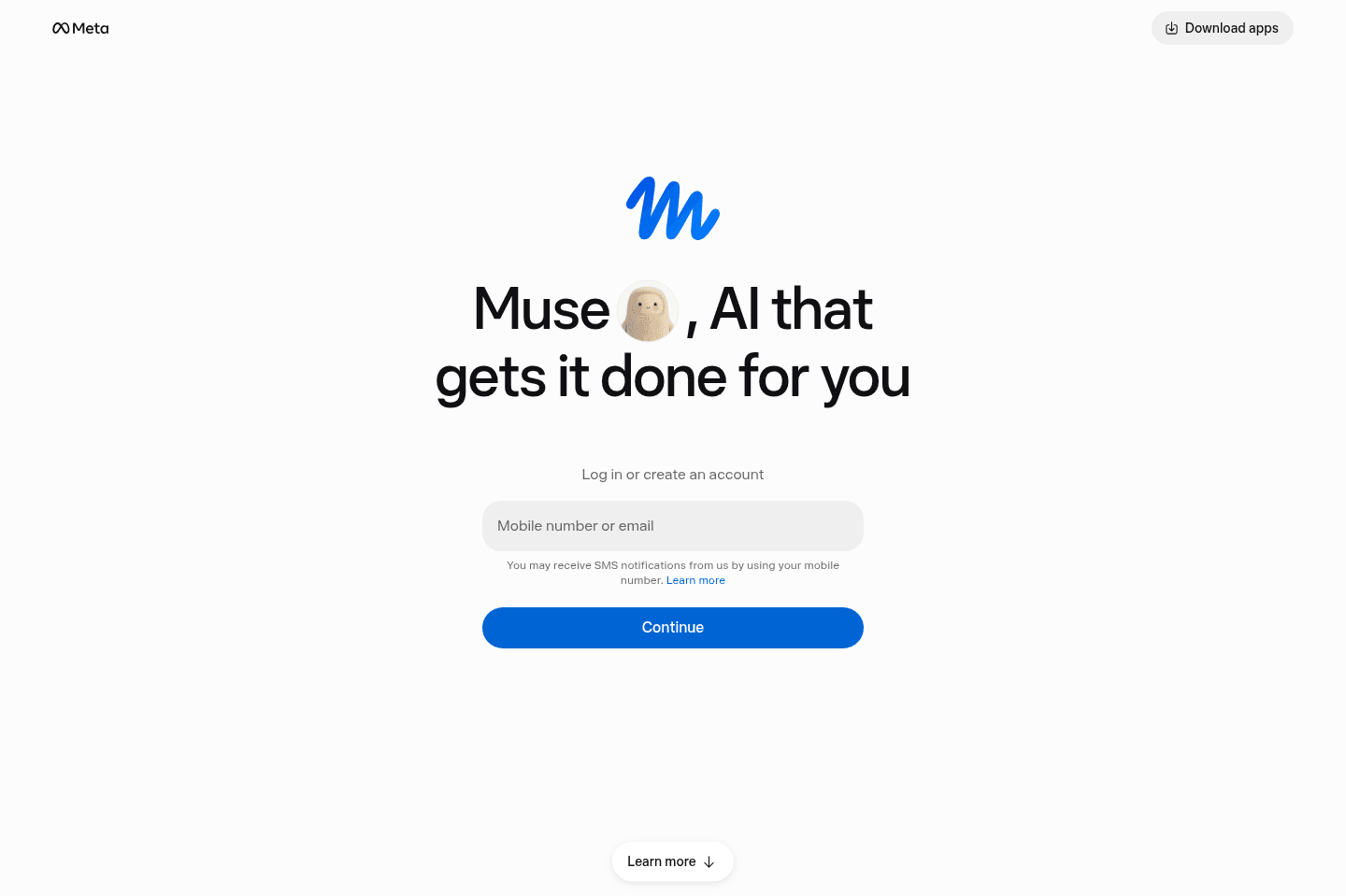
What is Muse?
What is Muse?Muse is Meta's new personal AI assistant and it's currently free 👀 Free AI personal assistant? You don't need to tell me twice!
Unlike a normal AI chatbot, Muse can actually complete tasks for you. It can shop, watch deals for you, fill out returns, forms, and about a zillion other things. It's also incredibly easy to use. If you can use Meta or Instagram, you can use Muse. It's just one long chat, and you can even connect your WhatsApp and chat with it right from there.
My Experience with Muse
My Experience with MuseWhile I've used my fair share of AI tools for work, this is the first personal assistant I have. Every time something comes up, I tell Muse.
For example, I asked it to let me know when my favorite band will be in town, and to make my Black Friday wish list and monitor deals. My biggest win so far is around shopping.
I gave it a tight set of criteria to help me find a mineral sunscreen that wouldn't leave a white cast. I asked it to find Reels of real users using it too. And it did!
I'm excited to continue to use it.
Pros and Cons
Pros and ConsPros
Pros- Easiest personal AI agent to use
- Works through a familiar chat
- Can research, browse websites, fill out forms, and complete tasks
- Finds useful Instagram content and Reels during product research
- Keeps working after you close the app
- Can handle recurring tasks and monitoring
- Available through WhatsApp
- Currently free to try
Cons
Cons- Windows users need to use the browser because there isn't a Windows app
- Amazon and other websites may block it
Key Features
Key FeaturesTask Execution
Task ExecutionMuse gets its own secure virtual computer and browser. This means it can visit websites, fill out forms, use your accounts with permission, etc.
My husband asked it to submit a warranty claim for a broken device, and Muse handled the process for him. It asks for approval before sensitive actions such as sending something or making a purchase, and you can review what it has done.
Recurring Tasks and Monitoring
Recurring Tasks and MonitoringMuse can repeat tasks or monitor something without waiting for you to ask again.
You could have it watch for an appointment, track the price of an item, look for tickets, monitor a full class for an opening, or complete monthly administrative work.
Our meal-prep chef needed a simple way to send invoices, so she asked Muse to create and send them automatically on the first of each month. She didn't need to learn an invoicing platform or build an automation, she just told Muse what she needed!
Pricing
PricingMuse is currently free for most everyday use, but Meta hasn't published an exact number of free tasks or credits. When you reach the free limit, you can wait for it to refresh or upgrade.
- Free: Best for trying Muse with research, shopping, and basic personal-assistant tasks.
- Power: $20/month. Best for people who use Muse regularly and need more capacity.
- Maximum: $100/month. Best for heavy users running frequent or demanding tasks.
Get the latest rankings and insights on top AI Personal Assistant apps—delivered to your inbox. Stay ahead with our expert picks and updates.
Grok Bot
Best for power-users
Best for power-usersIf you have loved tinkering with Zapier, N8N, or IFTTT back in the day, to build automations that have simplified your life, Grok Bot is the next generation of those tools.
The biggest difference between Grok Bot and ChatGPT/Claude is that Grok Bot has its own cloud computer and it can actually execute tasks for you (e.g. do your grocery shopping for you).
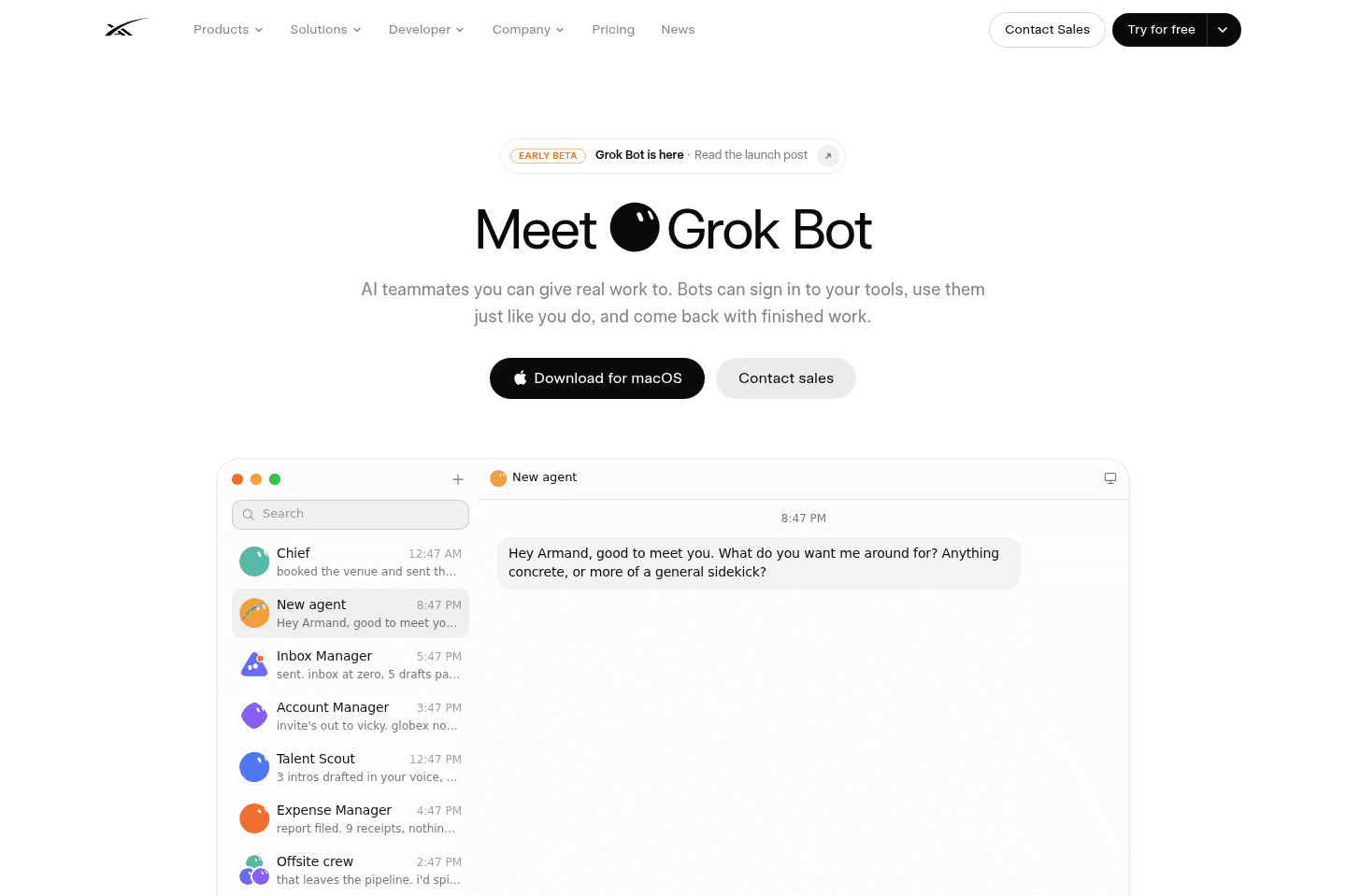
What is Grok Bot?
What is Grok Bot?Grok Bot is AI agent that gets its own computer in the cloud. It can fully execute tasks for you.
When testing it, I found that it's very similar to Meta's Muse. I'd say Muse is the personal assistant that anyone can use, its more accessible, while Grok Bot is more for the power user who wants to set up multiple agents with different jobs.
Pros and Cons
Pros and ConsPros
Pros- Has own cloud computer, so you can close your laptop and it just keeps working
- Actually completes tasks
- You don't need to be technical at all to set it up and use it
- Can run recurring tasks without you remembering to ask again
- Works across desktop and mobile
- Has way more guardrails than something like OpenClaw
Cons
Cons- Logging your real accounts into an AI's computer feels WEIRD at first
- Better for personal automation than serious business workflows
- Coding is not as advanced as Codex or Claude Code
Key Features
Key FeaturesCloud Computer
Cloud ComputerEvery bot gets its own computer in the cloud, so you can give it something to do, it will keep working even when your laptop is off. Grok Bot works across both mobile and desktop so you can keep checking in.
Scheduled Tasks
Scheduled TasksYou can tell Grok Bot to do something every day or every week and then... you don't need to remember to ask it again!
For example, our Head of Engineering, Bob, asked Grok Bot to monitor Facebook Marketplace for a guitar and let him know when one in his budget was available.
I'm most excited to figure out more use cases I can hand off.
Multiple Agents
Multiple AgentsYou can train multiple agents to get really good at doing different tasks for you...and then you can even get them to work together! For example, one could be your personal assistant, another could be a researcher, shopper, copywriter, etc. They all get smarter the more you train them.
Pricing
PricingIf you're already paying for Grok or Cursor, trying Grok Bot feels like kind of a no-brainer.
- Cursor Pro: $20/month and includes Grok Bot
- SuperGrok: $30/month and includes Grok Bot alongside Grok
- SuperGrok Plus: $100/month with higher usage limits and priority access
- Teams and Enterprise: Available through eligible team plans, with pricing depending on the account

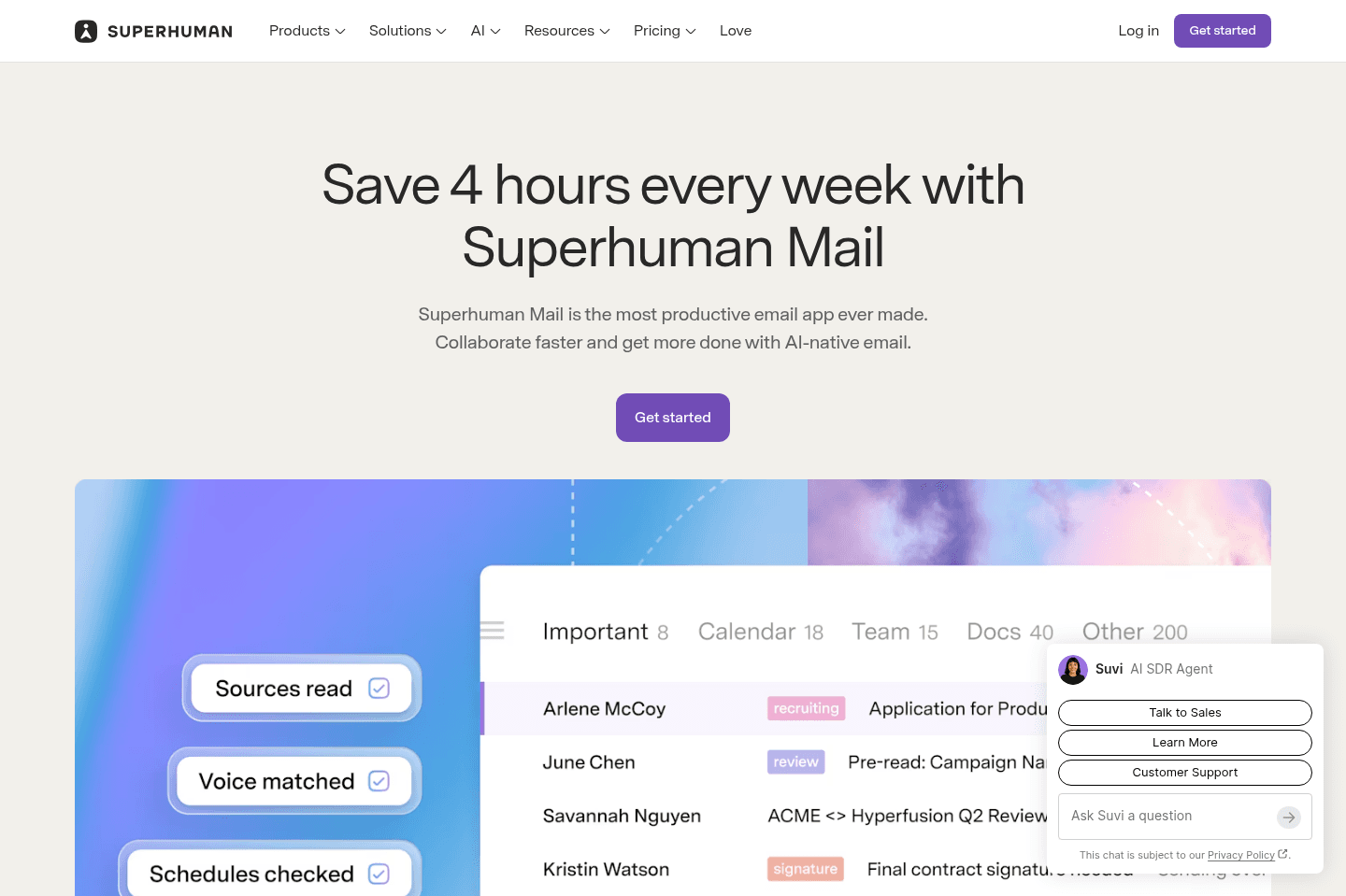
Get through your inbox 2x as fast (for teams of all sizes).
Viktor
Best executive assistant
Best executive assistantIf you're a solopreneur/founder, or have hit the point in your business where you need an executive assistant, that's where Viktor fits best. He's not built for personal tasks, but if your personal tasks feel more like business-focused tasks, then Viktor is exactly what you need.
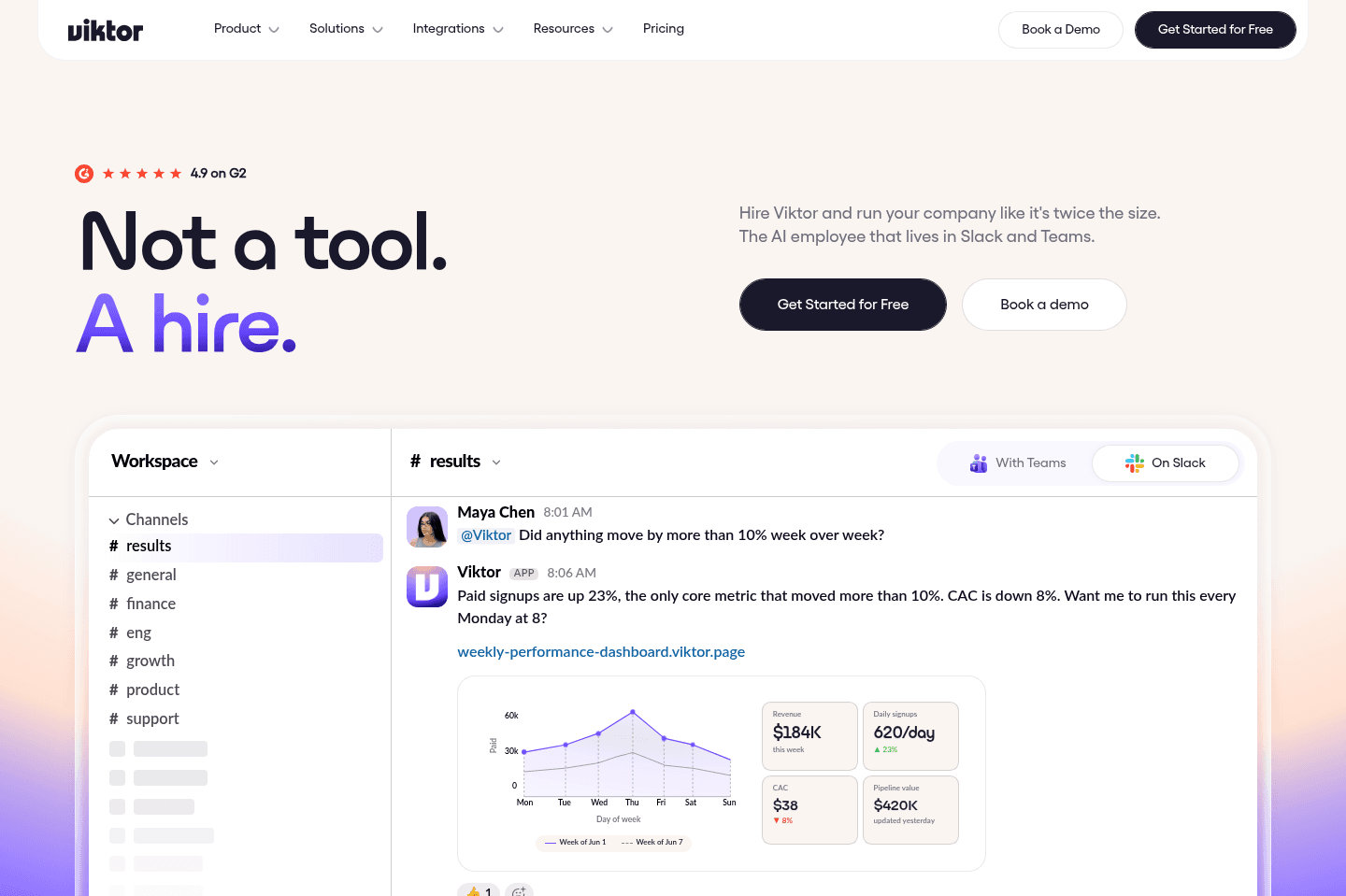
What is Viktor?
What is Viktor?Viktor is the business-focused executive assistant of the bunch.
If you've tried the other apps on this page and have felt "this is too personal/consumer-focused", then what you actually need is the AI personal assistant that's built for founders. While it can still do the personal side that AI assistants, it's more geared toward business owners and solopreneurs, looking for an employee to help hand things off to.
Viktor works in Slack and Microsoft Teams, so it has full context on what is happening inside of your business. It is also an agent, so it can also go off and execute tasks for you.
Imagine you have a new project idea, but instead of needing to write an entire brief, Viktor has context from your conversations with your team mate, so you can just tell him to get started on it.
Pros and Cons
Pros and ConsPros
Pros- Viktor has the most integrations of everything else listed here, but they're business software integrations, not personal
- He's one of the most secure options on the market, as since it's built for business, it's SOC 2 compliant, and have all the team privacy/security sharing features available
Cons
Cons- While Viktor at time uses a virtual computer to get work done, you can't actually access it, like you can with Muse and Grok Bot
- If you try using him for things like grocery lists and grocery shopping, you're going to feel like it's the wrong tool for the job quite quickly
Pricing
Pricing- Viktor is credit-based, so the team just charges a small margin atop of direct LLM costs, so it's similar to using Claude or ChatGPT via credits.
You can get your first month + $100 in free credit ($200 value), by using our Viktor discount code.