Dia BrowserRecommended3
Best for AI power users living in the browser
Best for AI power users living in the browser SafariRecommended2
Best browser for battery life (MacOS only)
Best browser for battery life (MacOS only) SigmaOSRecommended2
Best alternative browser layout
Best alternative browser layout Google ChromeRecommended1
Best for stability & reliability
Best for stability & reliability Arc BrowserRecommended3
For your productivity workspace
For your productivity workspace BraveRecommended2
Crypto-focused privacy browser
Crypto-focused privacy browser Comet BrowserRecommended1
Best for free agentic mode
Best for free agentic mode Zen Browser1
Firefox-based Arc Browser Spinoff
Firefox-based Arc Browser Spinoff Firefox1
Best non-Chromium privacy-based browser
Best non-Chromium privacy-based browser Edge0
Edge0For Windows users already deep in the Microsoft ecosystem
For Windows users already deep in the Microsoft ecosystem Vivaldi0
Best for extreme browser UI customization
Best for extreme browser UI customization Shift Browser0
For pinning apps in a browser sidebar
For pinning apps in a browser sidebar Opera0
Staying relevant but serious privacy concerns
Staying relevant but serious privacy concerns Chromium0
Browser engine foundation
Browser engine foundation ChatGPT Atlas3
Shut down & rolled into ChatGPT Chrome extension
Shut down & rolled into ChatGPT Chrome extension Sidekick Browser
Acquired and shut down by Perplexity
Acquired and shut down by Perplexity
Best Browsers at a Glance

Watch the Full Breakdown
Browser Overview
The State of Browsers in 2026
The State of Browsers in 2026The browser market was stagnant for years, then AI made it interesting again. What was once a category led by productivity-first browsers like Arc quickly turned into a race between OpenAI, Perplexity, Google, The Browser Company, Anthropic, and everyone else trying to build AI directly into the browser.
Instead of competing mostly on tab management, sidebar layouts, spaces, and polish, browsers are now competing on context, memory, research help, and whether they actually make you faster once AI is part of the experience.
What Separates the Best Browsers
What Separates the Best BrowsersWhat used to separate browsers was tab management, sidebar layouts, spaces, and just how good they felt to use. That still matters, but the bigger question now is whether the browser actually helps you think, research, and get work done faster. We're continually finding that pairing an AI browser with the best AI tools right now has dramatically improved our workflows.
Speaking of workflows, one quick tip: if you are constantly multi-tasking across many tabs and get to the end of your day and wonder "what did I even do today?" I would recommend adding Littlebird to your stack. It sees everything you work on throughout the day and can give you a roll-up summary of everything you did (not to mention, it had perfect memory of everything you saw in each browser tab!).
Who Our Top Picks Are Best For
Who Our Top Picks Are Best ForIf you want to try something genuinely different, and see what a browser can become once AI is built into it, the top picks on this page are worth trying. Once you get used to chatting with the page you're on, referencing tabs, and going deeper without constantly switching tools, it gets surprisingly hard to go back.
That said, if you mostly want stability, familiarity, and as little change as possible, which is still most people, the incumbents will feel safer. But even they are moving in the same direction. Google is already pushing Gemini into Chrome and that tells you where browsers are headed.
Best Browsers Ranked & Reviewed
Watch our full breakdown of the top browsers, how they performed in testing, and what makes each one worth considering
How We Evaluate These Browsers
We score each browser across embedded AI, user experience, tab management, performance efficiency, data protection, and hands-on expert evaluation
- Embedded AIBuilt-in AI features integrated directly into the browsing experience.
- User ExperiencePurpose-driven interface built for clarity and workflow efficiency.
- Tab ManagementBuilt-in features for grouping, pinning, and navigating tabs efficiently.
- Performance EfficiencyStartup speed, page load time, and system resource efficiency.
- Data ProtectionBuilt-in protections against tracking and unwanted data collection.
- Expert EvaluationCurated by, our rankings reflect in-depth testing, industry insights, and hands-on experience.AlexandAndra
Dia Browser
Best for AI power users living in the browser
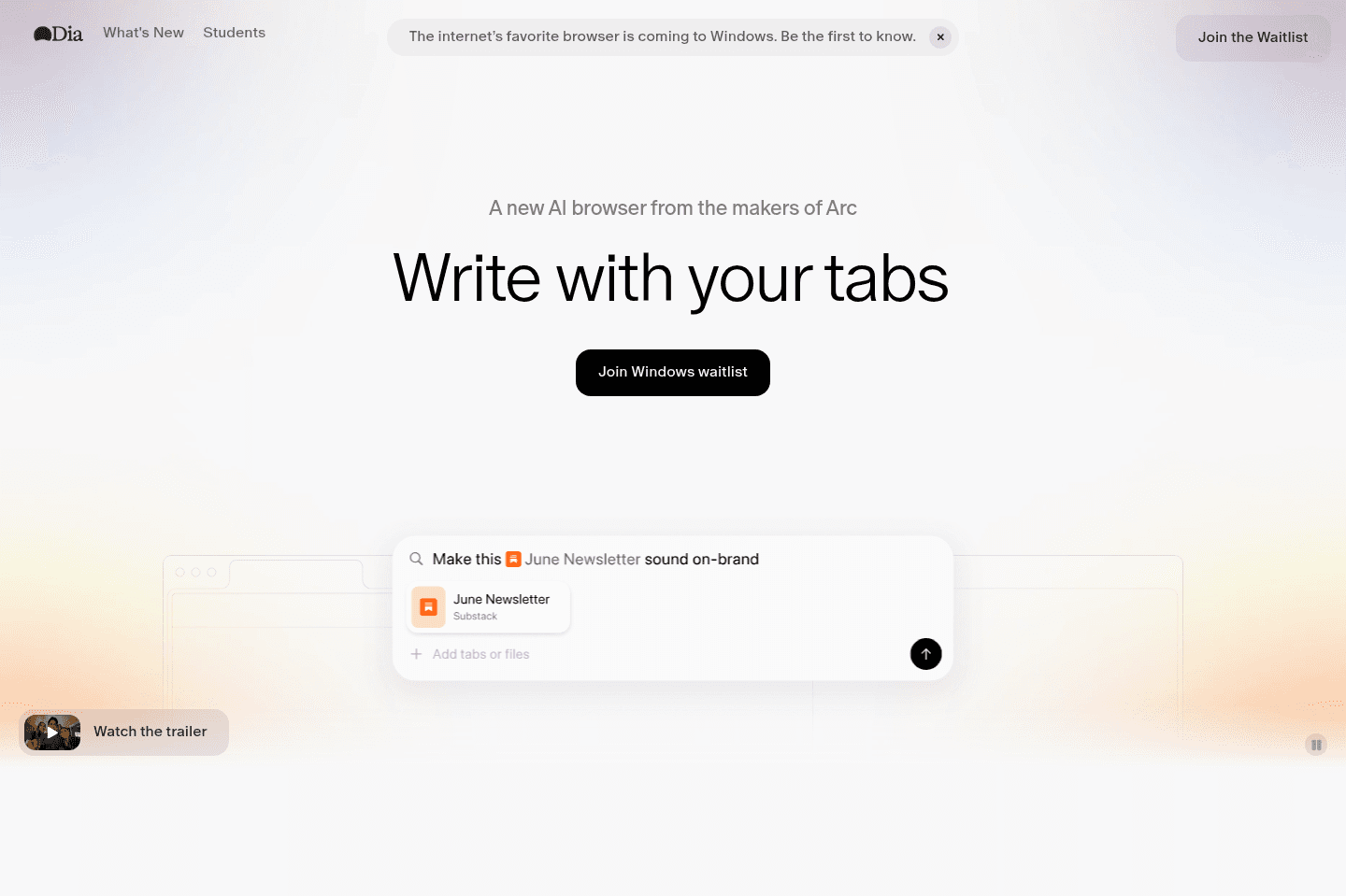
Best for AI power users living in the browserDia Browser is effectively the AI version of Arc Browser, developed by the same team.
In-fact, most of the features that made Arc great (like the exceptional sidebar, tab management, and profiles features of Arc), have made their way to Dia, all with a modern AI chatbot experience baked in at the core.
What is Dia Browser?
What is Dia Browser?Dia Browser is one of the latest AI web browsers from The Browser Company (the same team who built Arc Browser).
After The Browser Company got acquired by Atlassian for $610M, they were given the full resources to double-down on their AI browser, Dia.
Who is Dia Browser For?
Who is Dia Browser For?Dia is for those who are super excited about agentic browsers (think of a baked-in AI chat sidebar, that can co-pilot the browser with you at times).
Pros & Cons
Pros & ConsPros
Pros- Dia has one of the most performant browsers out of all the current AI browsers on the market.
- Backed by the same team as the beloved Arc Browser, much of what made Arc great has been making its way to Dia.
- Since getting acquired for $610M, they now have the full backing of a $20B+ publicly traded company (Atlassian), to experiment and build in one of the most expensive and competitive spaces in the market.
Cons
Cons- Dia hasn't decided to go the path of Agent Mode (controlling your browser for you), type features that both ChatGPT Atlas and Comet have gone deep into. So if you're looking for that, it's not likely coming.
- They can't currently use your actual ChatGPT history, so while their chat experience is beautiful and works well, I do at times wish I had more of the context from my ChatGPT account.
- They don't yet have a mobile app for iOS or Android, which feels important for something as core as your browser.
Key Features
Key FeaturesSkills
SkillsIf you're someone that likes the idea of being able to have pre-built prompts that can be ran that interact with and take into consideration the content on the page you're visiting, then you'll love their "Skills" functionality.
Pricing
PricingDia is currently totally free, with an optional $20/mo tier, that unlocks unlimited AI chat limits.
That said, you'd be hard-pressed to hit limits on the free tier, I only hit it once, and I was doing some pretty deep shopping research, referencing dozens of tabs and YouTube video content.
Final Verdict
Final VerdictDia is one of the leading AI browsers in the space, arguably with the most talented and thoughtful product and design team behind it (and now with Atlassian's backing, nearly infinite resources at their hands).
Dia is definitely worth giving it a try, the only question is really whether or not you're open to switching browsers or not. As that's likely the largest blocker. Although, if you're on this page right now, that's likely exactly what you're looking to do, so yes, Dia is worth giving a shot, especially if you've never tried and AI browser.
Get the latest rankings and insights on top Browser apps—delivered to your inbox. Stay ahead with our expert picks and updates.
Safari
Best browser for battery life (MacOS only)
Best browser for battery life (MacOS only)Safari gives you a stable, familiar browsing experience with great battery life and smooth syncing if you use all Apple devices, but it's bland, rarely changes, and lacks the advanced features or enjoyable UX found in newer browsers like Dia or ChatGPT Atlas.
If you just want reliability and hate change, especially as a dedicated Apple user, Safari is fine, but anyone looking for more excitement or productivity from their browser will quickly get bored.
What is Safari?
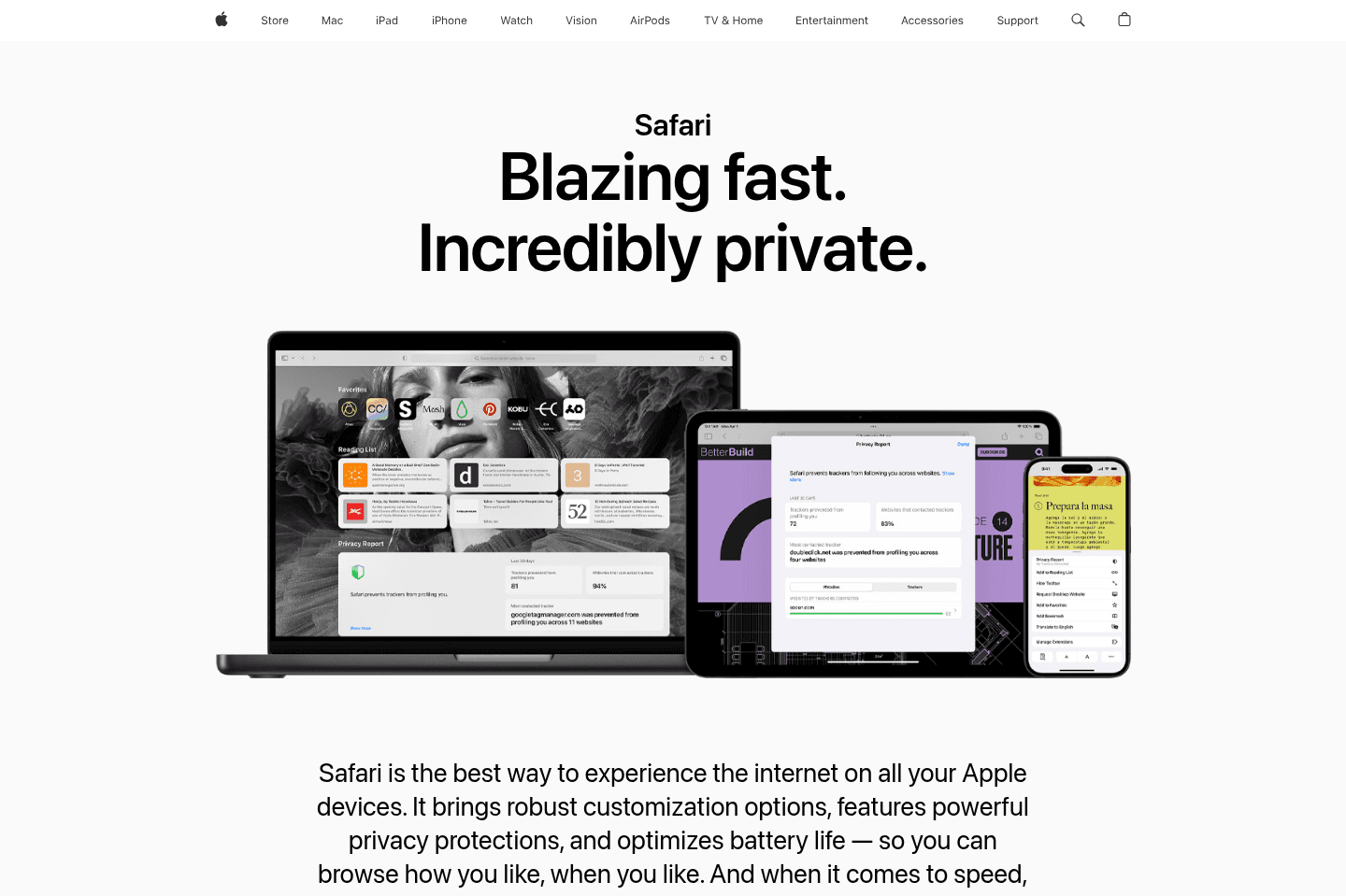
What is Safari?Safari is Apple's web browser for that comes out-of-the-box for anyone who uses a MacBook or iPhone.
With Safari, you're not going to get anything too cutting-edge or innovative, because they, like Google Chrome are focused on stability for their 1+ billion users.
Key Features
Key FeaturesSince Apple is a hardware company at the end of the day, the whole point of Safari is that you're going to get a great cohesive experience if you're using all Apple products (Mac + iPad + iPhone).
The largest benefit to be had here, in our eyes, comes from Apple owning both the hardware and software layers. This allows them to go above and beyond with optimizations like battery life and cross-device syncing.
While they have baked in password management
We don't really see much major innovation or differentiation coming to Safari though. Why? Because this isn't Apple's core business. Not only that, but Apple has zero interest in going after the B2B and collaborative browser space. When comparing Arc Browser vs Safari, you'll see first-hand that Arc has a lot more going on in the features and differentiation space as they ultimately want to be the browser for teams and collaboration.
Tab Management
Tab ManagementWe do applaud Apple for adding tab groups, and allowing for them to be on the side of the browser window. There's some small similarities when comparing Safari or Brave in the recently released sidebar tab management in Brave and Arc Browser.
User Interface
User InterfaceWith Safari, you get a familiar and safe UI. It looks like a browser, it looks pretty much the same as it has the past decade, and it's relatively bland in terms of how it looks.
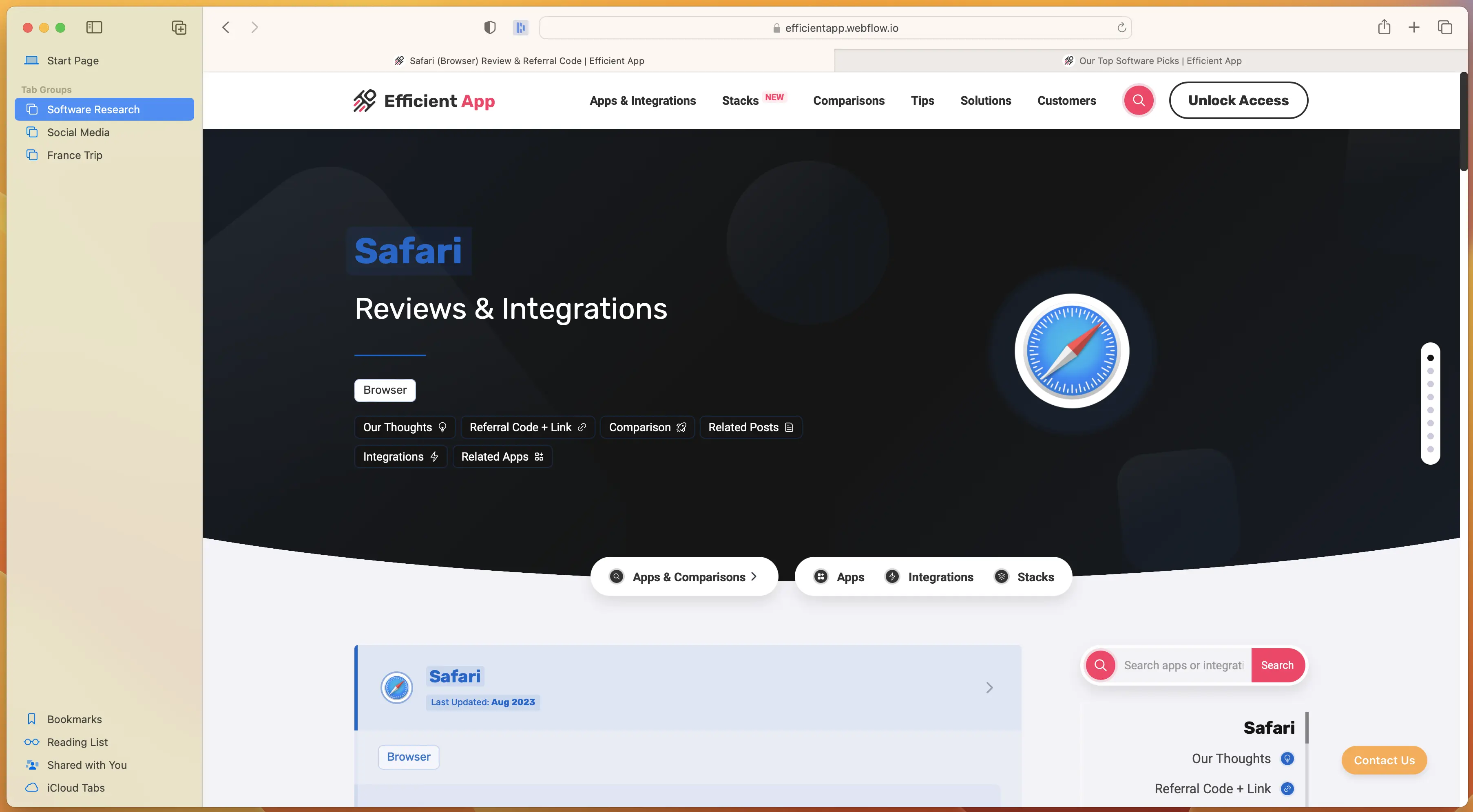
Safari User Interface
There's just not much to mention here, but the truth of the matter is some of this is by design. Their focus is to be stable, functional, and to let the content of the website you're currently on, shine.
User Experience
User ExperienceThis is where we can give Apple some props on the user-experience, if of course you're also using other Apple products. Take for example you visit a website on your iPhone, you get a prompt in your MacOS dock that shows a website was just opened on mobile. Want to open it up on your desktop? Simply click the Safari icon in your software dock.
In actually using the browser though, there's nothing in particular that stands out as an exceptional UX. This category in particular is where Arc shines. They have the smallest UX details, that just makes using the browser on the day-to-day so incredibly enjoyable.
Final Verdict
Final VerdictAre you a huge Apple fan? Do you only care about getting the best possible battery performance on your MacBook and nothing else matters to you? Do you absolutely despise change? If so, Safari is probably fine for you.
If you're on the other hand sort of bored when looking at the existing browser market and wish you could get a bit more enjoyment and productivity out of your browser, then that's where you should definitely be giving Arc a shot.
Genuinely, give Arc a shot for a week straight as your daily driver, and I'm willing to bet you that you never come back to Safari again.
Arc Browser is genuinely what Apple could have made, had they re-thought the browser from the ground up, without all the baggage that currently exists with Safari. And for that reason, that's why we rank Arc at the top of our best browsers list. Genuinely wouldn't be surprised if Apple one day acquired Arc and replaced it with Safari as the default browser for MacOS.

Not a tool. A hire.
SigmaOS
Best alternative browser layout
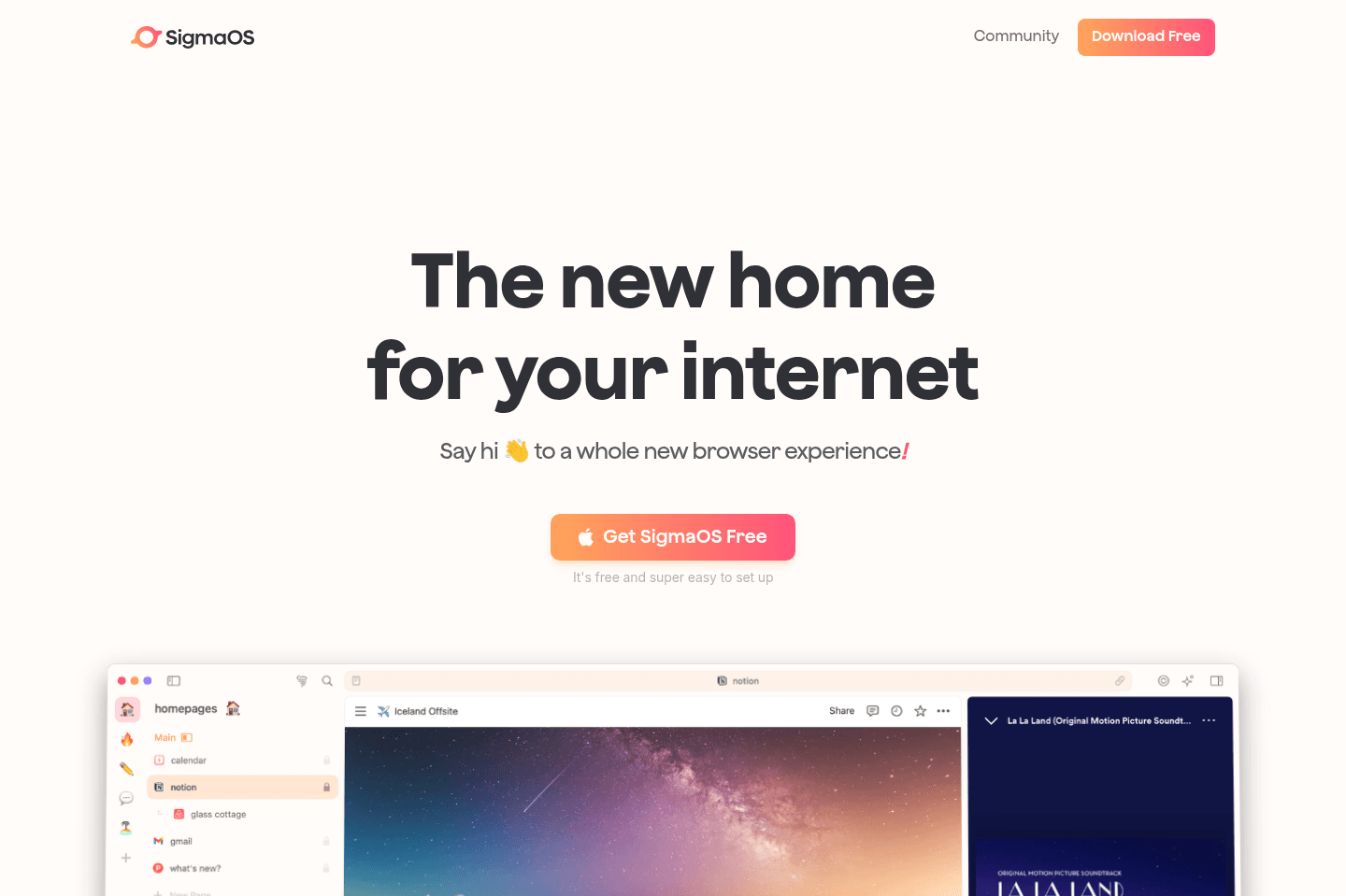
Best alternative browser layoutSigmaOS is what comes from YC backing a browser. It's one of the actually interesting new entrants in the market, although they have far less funding than Arc Browser and many of their features are just copies of what Arc is doing (and charging for them), whereas Arc is giving them for free.
What is SigmaOS?
What is SigmaOS?SigmaOS is a more unique productivity browser in the space.
SigmaOS tried to re-think how a browser layout should be, and build in layers of productivity along the way (not too dissimilar to that of Arc Browser).
The thing is, Sigma has quite minimal funding, and in the browser space, you're competing with companies that have billions of dollars to throw at improving the browser (Google Chrome, Edge, Safari), so when comparing it to those, it's tough to see how they'll manage to compete.
That said, even just comparing SigmaOS to that of Arc, Arc has raised over $100M to take on this incredibly competitive space, whereas SigmaOS is trying to fight having raised likely less than $2M. It's also tough to understand if people are actually willing to pay for a browser, and at $20/mo on the paid tiers for SigmaOS, it just feels like Arc is the more likely winner here.
SigmaOS does make some pretty different opinionated design decisions though, it's worth a shot checking out if you want to try something fresh and new, though not sure we'd bet on it ultimately taking up any meaningful browser marketshare.
Google Chrome
Best for stability & reliability
Best for stability & reliabilityChrome is a stable, familiar browser that works well if your digital life is tied to Google and you use Windows, Linux, or anything outside MacOS. If you want new features, smarter tab management, or a reimagined experience, especially on Mac, you should look at newer browsers like Dia instead.
What is Chrome?
What is Chrome?Chrome is the most popular browser in the world, owning over 60% of the browser marketshare, so chances are, you're reading this site in Google Chrome right now.
Love it or hate it, you should appreciate it. Without Chrome, the Chromium engine wouldn't exist, and why does that matter? Well the open-source browser foundation that was built by Google is likely powering whatever browser you're using right now.
All-in-all, Chrome is great. It was our main browser for over a decade. And yes, we tried all of leading browsers on the market (Safari, Brave, Firefox, Opera, Vivaldi, even giving Edge fair shot when they introduced OpenAI into the mix).
We continued going back to Chrome, it was just familiar and worked well, especially if your personal and work life are tied to Google (as many are).
Well... That was up until Arc (and now Dia) by The Browser Company.
Who Google Chrome is for?
Who Google Chrome is for?Google Chrome is the best browser for you if you're solely looking for the most stable internet browser on the market. It's also best for those of you who are tied in with the Google ecosystem via Google Workspace/Gmail, etc.
Also, if you're using Windows, Linux, or an operating system outside of MacOS, Chrome is also for you.
Who isn't Chrome for?
Who isn't Chrome for?If you're using MacOS, then there's actually some exceptional alternatives on the market. Now, that doesn't mean that Google Chrome isn't for you if this is the case, but what we are saying is that you have options, and should consider trying the browsers listed on our best browsers list.
If you're the type of person who likes to "upgrade apps" (e.g. you use one of the best email clients over Gmail or one of the best daily planner apps over Google Calendar) then you are going to love leaving Chrome for one of the more modern browsers on this list.
Key Features
Key FeaturesChrome has all of the normal features that browsers have, so we'll cover some of the more standout features (which isn't all that unique as most other browsers also have what Chrome has, and even more).
Tab Groups
Tab GroupsOf all the Chrome features, this was one of all the key features that we were most excited about. If you're using Chrome, you've probably experienced first-hand tab overload. And heck, you've probably even experimented with alternative tab management browser tools like Workona or Toby.
Tab management is where Chrome has always struggled, and tab groups were set out to solve this issue:
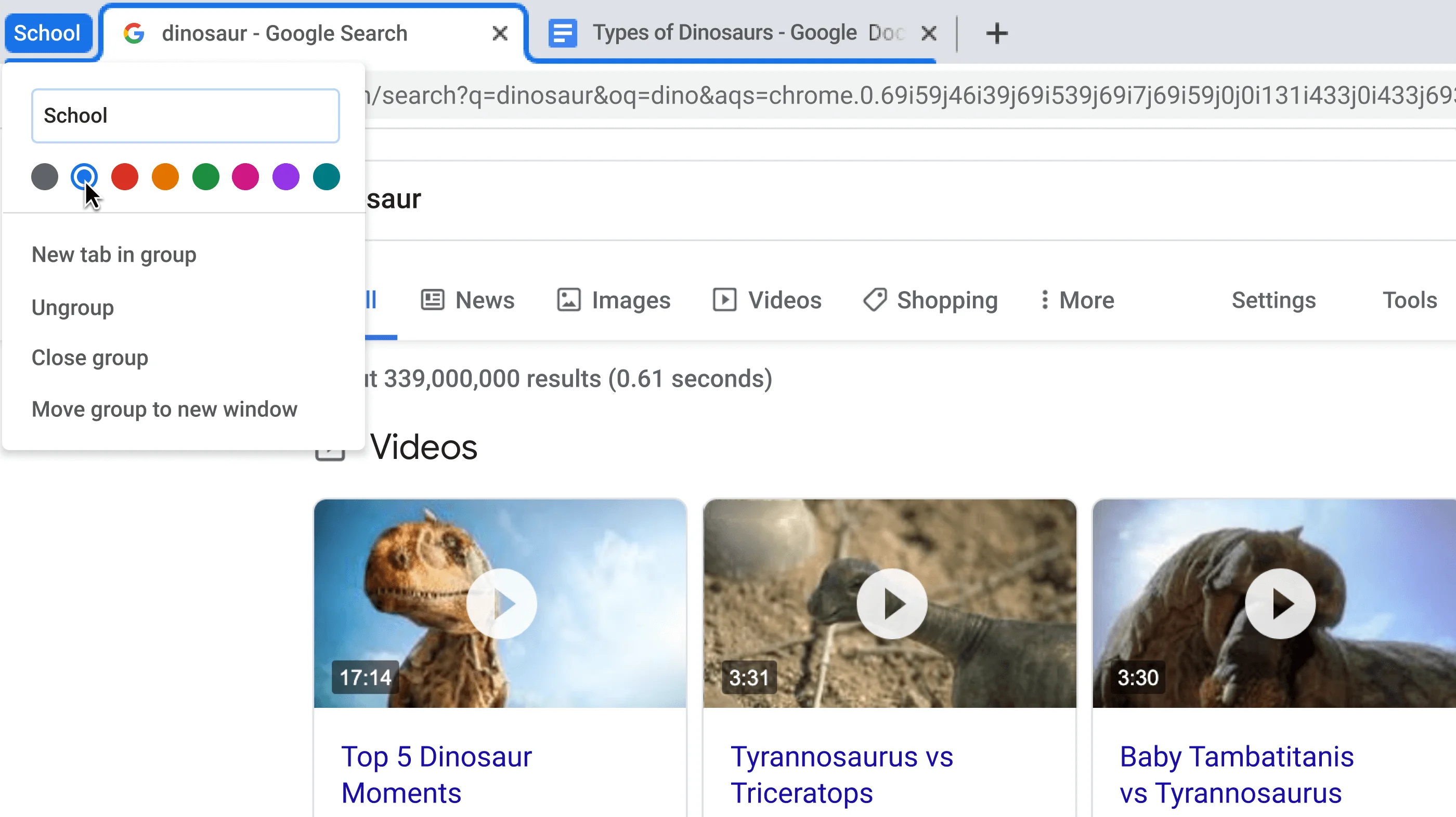
Tab Groups in Google Chrome
Rather than describe all of the features you're probably already familiar with like tabs and bookmarks, I think it's time better spent explaining why you shouldn't really expect new features with Chrome.
When you have a product that has billions of users and hundreds of millions of companies relying on it, you need to focus on stability over everything else.
Is that why it took the Chrome team over a year of beta testing "Tab Groups" before publicly releasing it? Oh, and then only leaving it core to the new tab experience for a few months before ultimately disabling it and making it a manual opt-in feature.
Yeah, that's because of inertia. Billions of people are expecting the browser to work one way, you can't have core functionality change one day without pissing off potentially hundreds of millions of people.
Okay, okay, so all of that is totally fair... But also sorta a boring answer 😅 okay, you win—let's ruffle some feathers!
Ah good-ol bookmarks! Tried, true, and tested. Do they actually work well for referencing back what you saved? Nope! But they are familiar, so don't touch them!
Wait... You said they don't work well, let's dive into that for a moment. Hear me out: bookmarks weren't actually created to make finding pages you're looking for to be easier.
The more you use bookmarks, the less you search Google to find what you are looking for, and the less ads that Google can serve you. Ah! Misaligned incentives! Get overwhelmed with all your open tabs? Google wants this! It results in you closing the overwhelm of tabs, only to later search Google to find back what you're looking for.
What if bookmarks and tab management could be rethought and reinvented 🤔 well they can be, that's why much of Chrome's team have left Google to join Dia Browser to actually build out all the ideas that they had at Google but were killed because releasing them would actually hurt Google's Ad business. 🤯
Mobile App
Mobile AppThe best part about Chrome for mobile is that it works cross-platform, from iOS to Android, and everything in-between. That said, it's quite standard with what you'd expect (for better or worse).
Things counting against it though are that they don't have the address bar at the bottom of the screen (which makes it far more reachable on mobile). Even Apple put the address bar at the bottom of the screen with Safari on iOS because it just makes sense.
This is where we feel the mobile app is lacking. It just hasn't changed much, just like the desktop app. But that's also what people love about it, so I suppose that's what you get with Chrome. At least they're consistent with who they are and what they're trying to accomplish.
Competition
CompetitionBefore Arc, I've have just told you that the major competitors on the market were pretty much the same thing, with slight opinionation. Take Brave, the privacy-focused opinionation. Looks and feels almost identical to Chrome, but you don't need to sign up with an email address to use it (you instead have a hash key).
Final Verdict
Final VerdictIf you're on MacOS, give Dia Browser a shot, it's essentially what Chrome could have been if they didn't rely on an ad business (although it's coming soon to Windows as well). It genuinely rethinks from the ground up of what a browser is, and could be. They bake in delight into every interaction, and it just does more.
Not a tool. A hire.
Arc Browser
For your productivity workspace
For your productivity workspaceArc is a new browser that has been built from the ground up to completely re-think what a browser should and could be for people.
They have rethought Google's role in the foundation of the browser (how most browsers, including Safari, Brave, and Firefox make their money), and have built a solution that is meant to save you time, not serve you ads.
It's our top pick in the category and it's causing a ripple that is resulting in competitors attempting to copy them in every way. So the question for trying Arc is simple, do you want a new browser that is leading the charge (Arc)? Or the ones that are copying the leader?
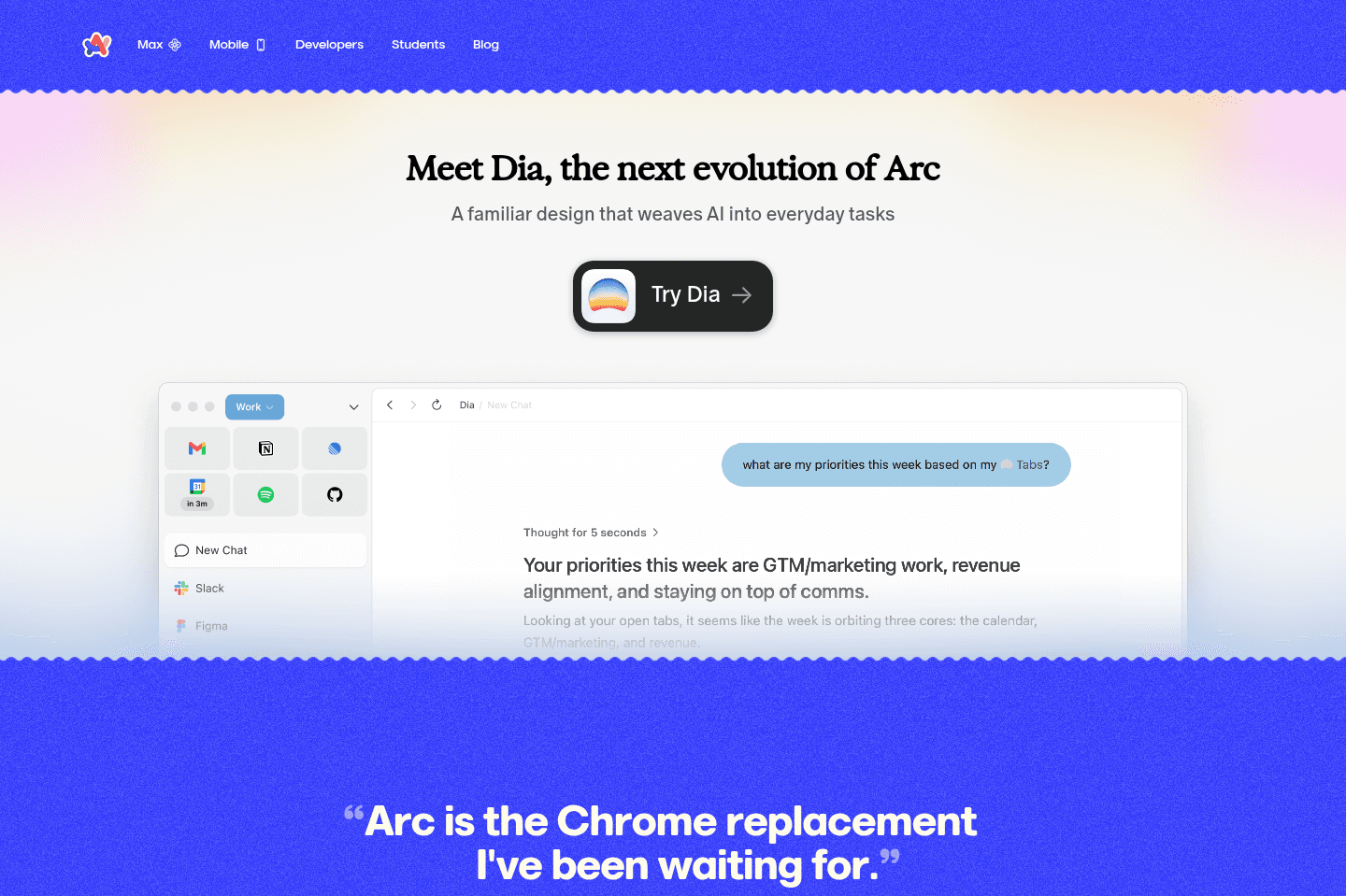
What is Arc Browser?
What is Arc Browser?Arc is a web browser made by the The Browser Company. And in-line with their name, they're actively maintaining Arc, while focusing their efforts on Dia Browser.
The Browser Company was acquired by Atlassian for $610M, where they will continue building both browsers (focusing on Dia) but with more financial backing to hire more. There were mentions of a potential new plan for Arc Browser in the coming months, we believe that Atlassian may see a path to monetize it for the B2B world.
Although typically acquisitions by the likes of Atlassian have led to stagnation (e.g. Trello the project management software and more recently Loom). We're cautiously optimistic about this one though since Arc Browser was already in some form of maintenance mode while the team focused on Dia.
Who is Arc Browser for?
Who is Arc Browser for?If you've been feeling like Chrome and Safari haven't evolved to be more powerful when it comes to tab management, folder structure, and switching between different spaces (Google Profiles), then Arc was built exactly for you.
And if you, for some reason, do not want to dive into the amazing world of AI browsers, then Arc is for you.
In general, if you're someone that always opts for keyboard shortcuts, finding the quickest way to do things, separating personal and work, and just want more organization (e.g. you've tried many of those productivity extensions like Toby and Workona, but they just didn't make the cut, then my gosh, you'll love Arc).
People who use Arc typically like using the modern tools in other areas too (e.g. using one of the best email clients for email instead of regular Gmail or Outlook, or one of the best calendar apps opposed to just Google Calendar).
Key Features
Key FeaturesSpaces
SpacesSpaces let you stay focused by separating your work into clean, organized environments instead of one messy browser.
For example, you can create a personal space with your YouTube, Spotify, WhatsApp, and Gmail tabs pinned. They start to feel less like tabs and more like mini apps you always have ready.
Then with a simple swipe, you're instantly in your work space, where everything switches over to your work tools, accounts, and logins. No switching profiles, just a completely different setup built for getting things done.
Split Screen
Split ScreenWith Arc Browser you can easily drag a tab beside one another and it will automatically turn your browser into a split screen. It's one of those features that feels obvious once you use it, but surprisingly no other browser has nailed it this well.
Instead of constantly switching between tabs, you can actually work across tools at the same time. Think having your email open next to your CRM, or your notes beside a YouTube video you're learning from.
Availability
AvailabilityArc Browser is currently available on MacOS, Windows, iOS, and Android.
Who shouldn't use Arc Browser?
Who shouldn't use Arc Browser?If you're someone that couldn't care less about the browser you're using (erm... why are you even reading this?), and you don't like change, and have never been frustrated by Chrome or Safari, then you aren't likely to be blown away by Arc Browser.
Final Verdict
Final VerdictWell, there's no more waiting list, so you can just give it a shot yourself to see if it sticks, whether you're on MacOS, Windows, iOS, or Android, so we'd say yes, Arc is worth it. That said, if you're won Windows, Arc doesn't have as much feature parity as MacOS, so while we highly recommend Arc on MacOS, we don't recommend it as much on Windows. Pay closer attention to when Comet or Dia make their way to Windows instead.
Brave
Crypto-focused privacy browser
Crypto-focused privacy browserBrave is a web browser built for people who are obsessed with privacy and want built-in ad blocking, tracking protection, and crypto features like a wallet and rewards program, but it can be inconvenient if you're not comfortable managing seed phrases or if you just want a simple, traditional browser experience.
If you're deeply privacy-focused, distrust Google, and are fine with the blockchain-centric approach, even if it means you might lose data if you forget your key, then Brave is for you, but if that doesn't sound like you, it's probably not worth the hassle.
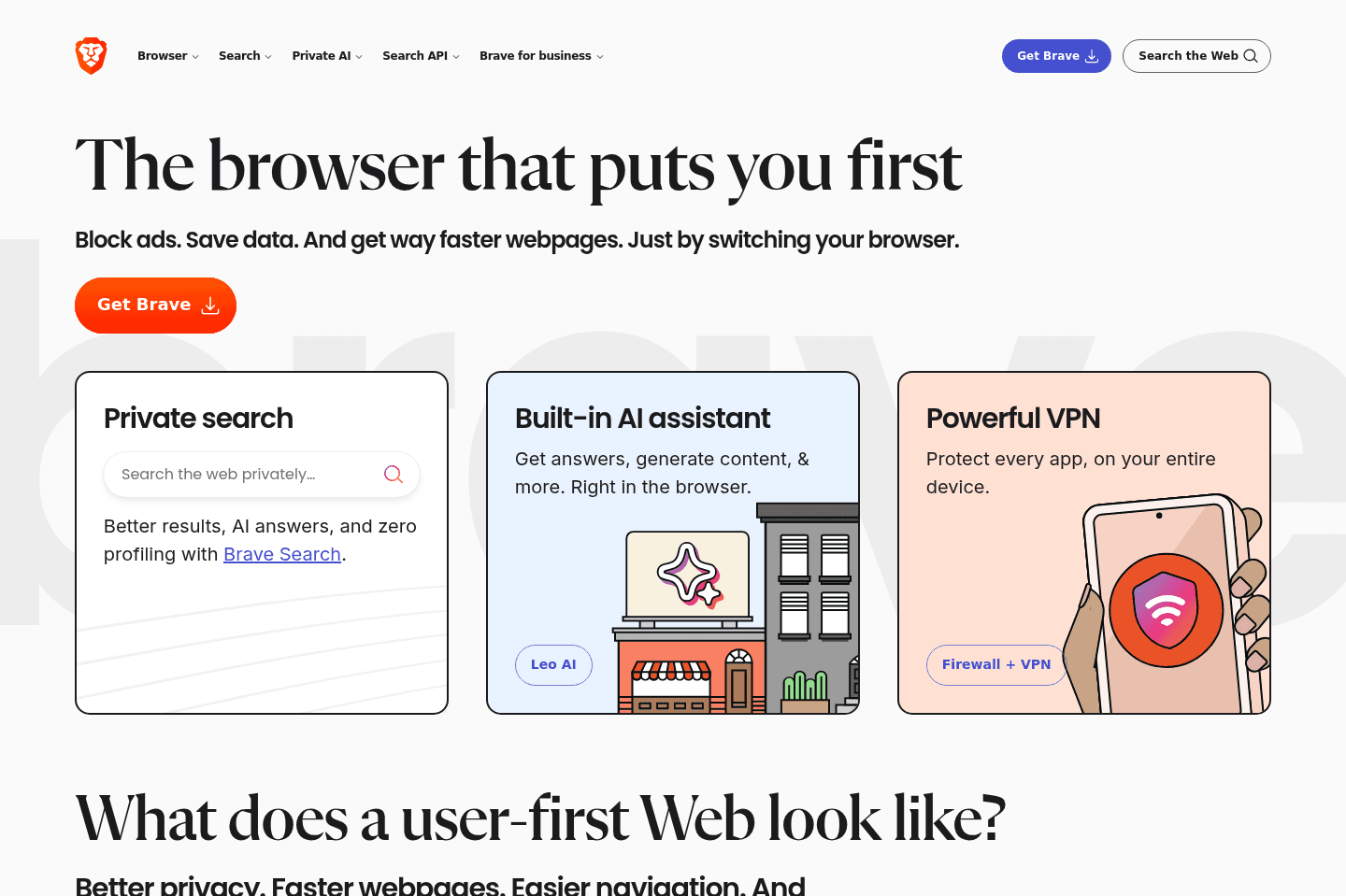
What is Brave?
What is Brave?Brave is a web browser that was originally built more as a cryptocurrency/blockchain-focused browser, tied quite closely to the BAT token (Basic Attention Token).
The whole premise was that you can get paid in BAT tokens via their Brave rewards program, by referring others to use Brave, and simply using Brave in your day-to-day. These tokens could then be used to support creators and websites.
They are essentially trying to take back control from the traditional ad model, and compensate their users versus selling their data, like that of Chrome.
For that reason, they have ad-blocking enabled by default (similar to Arc and Dia, which just enables the uBlock Origin chrome extension on the back-end).
They also have things like a VPN and a crypto wallet baked in at a core—this will either totally connect with you, or mean nothing. If the latter, it's probably not the right browser for you.
Who is Brave Browser for?
Who is Brave Browser for?Brave browser is a private browser through-and-through. If you're looking for the browser with the most privacy features, like enhanced tracking protection from site trackers, it has those security features baked right in at the core. That's actually what Brave has built it's name on.
So if you're someone that has a major distrust for Google services, and is open to the minor inconveniences that come with focusing on online privacy, Brave may be the browser for you.
That said! It is still built atop the Chromium engine, which is essentially Google's open source project at the core, but it is void of Google Services baked in, so you'd just have to trust that the open source project is truly protecting your data. Most of the leading browsers are built atop Chromium as it stands. This actually makes it way easier to switch over to because all the same extensions and bookmarks will transfer over fluidly.
Who shouldn't use Brave?
Who shouldn't use Brave?If you wouldn't identify as a heavily privacy-focused individual, more specifically, someone that is interested in the security benefits that come from leveraging the blockchain, and aren't heavily into crypto, Brave wouldn't be your best choice (here's a list of the best browsers).
If you're someone that usually loses passwords (e.g. aren't using a 3rd party password manager like Dashlane), or wouldn't be great at remembering a seed phrase to backup/restore all of your data (bookmarks, passwords, etc.) then Brave will probably be a bit of a nightmare to use.
Key Features
Key FeaturesDesign/Experience
Design/ExperienceBrave looks and feels a lot like... Well, Chrome/Chromium. They've modernized the interface a bit by adding in optional features like vertical tab support:
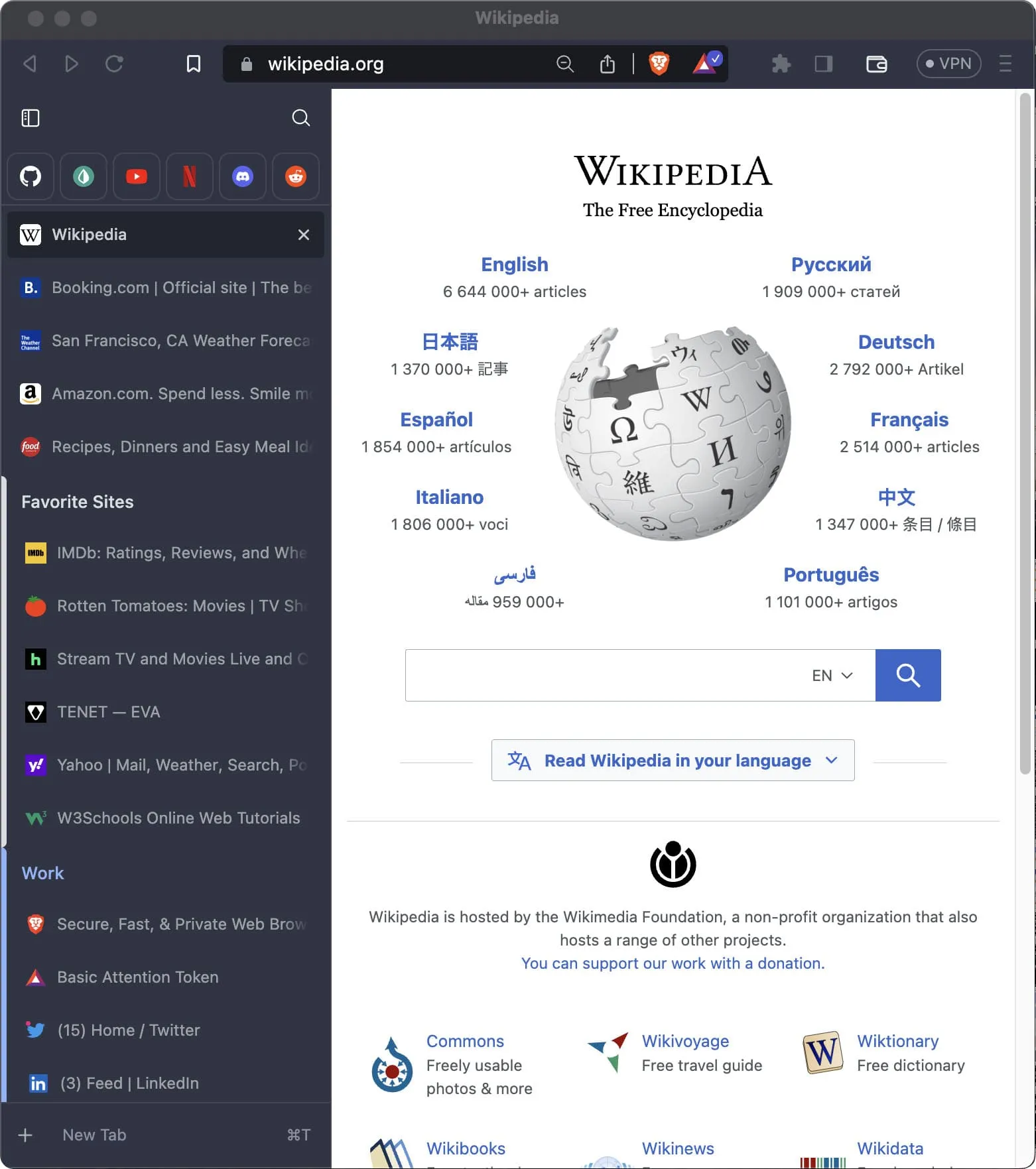
Looks eerily similar to that of Arc, inspiration taken much?
That said, it still looks and feels like most browsers do—for better or worse. They don't seem to be taking any risky bets or overly experimenting on the design/UI/UX-front, which is honestly fine for what most people are expecting to get out of their browser.
Extensions
ExtensionsThe interesting thing here is that Brave, like many of the leading browsers on the market use Chromium at the core (e.g. Chrome, Arc, Opera, Vivaldi, and even more recently Microsoft Edge).
What this allows for is the same browser extension support, and more broadly, all these browsers have the same underlying rendering engine (open sourced by Google).
Point being, changing browsers between Chromium-based browsers makes switching between them pretty seamless (low friction), and Brave is no exception here.
Final Verdict
Final VerdictBrave often connects most with heavily privacy-focused individuals, for whom are typically more in the crypto space. For example, at Consensus 2023, most people I talked to were using, or at least familiar with Brave.
A asked them what they liked most about it, and their responses were almost entirely around the privacy aspect. For example, "they don't even know what I'm bookmarking—my account is tied to a hashed key, so I can anonymously save my environment, and re-access it with my unique token—no email address/identification required."
And look, I get it, it's impressive to how they are leveraging the blockchain to store some of this information without tying it to identity, but personally for me, I'll take the benefits that come with using a traditional database and user account, like most other modern browsers like Arc and Chrome rely on for storing and syncing your data between devices.
If you're considering Brave, I genuinely think you already know yourself. But if you're not quite obsessed with privacy, to the level of at times potentially inconveniencing yourself (e.g. you forget your unique hash/key, you lose your history and settings—there's no "forgot password" per-say).
If you think privacy is important enough to not want to use Chrome though, there are genuinely other privacy-focused alternatives (in that they aren't trying to sell your data unlike Google with Chrome is), like Arc Browser. If you're on MacOS (Windows coming soon), definitely recommend giving that a shot.
Not a tool. A hire.
Comet Browser
Best for free agentic mode
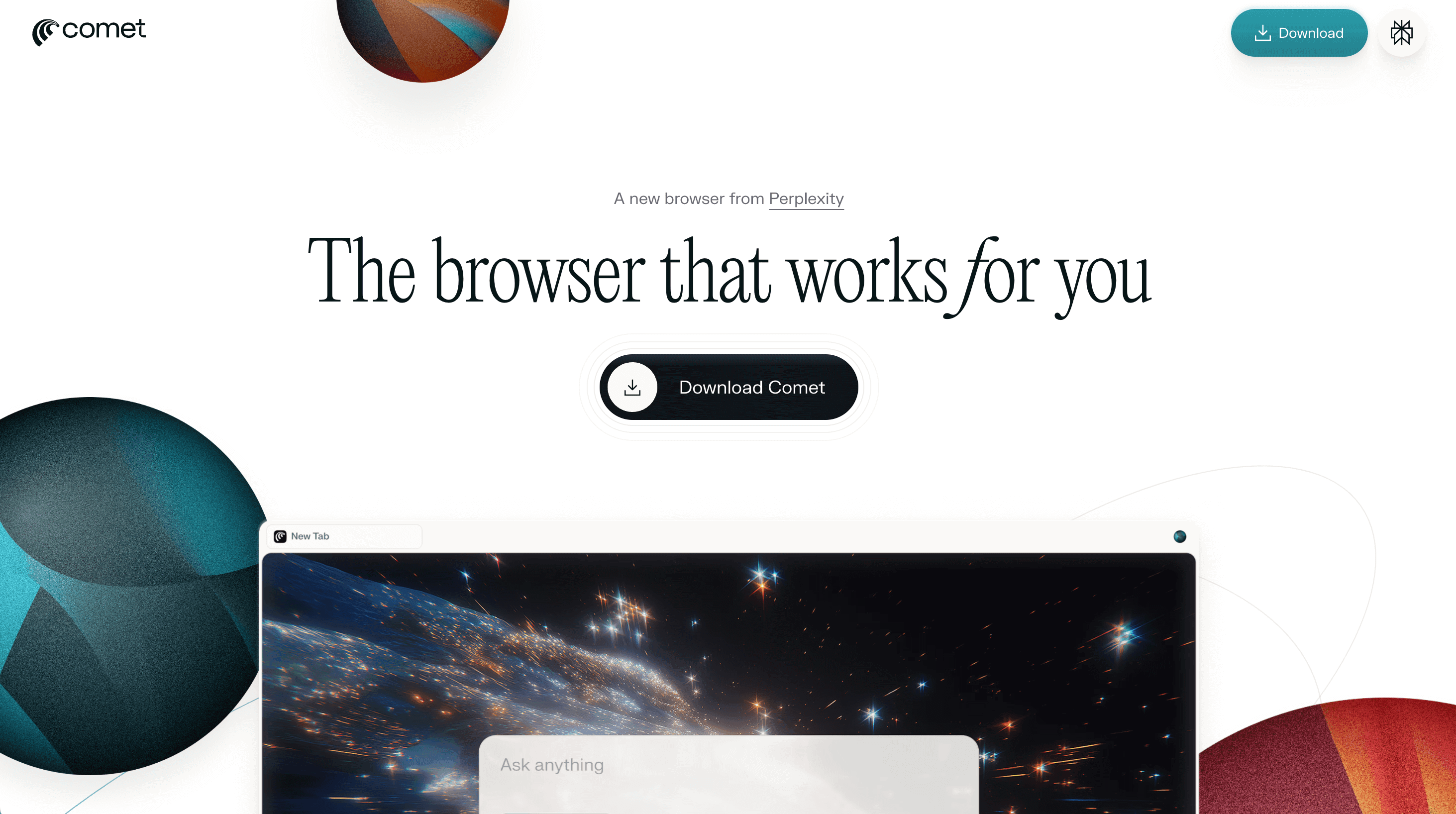
Best for free agentic modeComet Browser was one of the first agentic browsers to release, meaning that you can not only talk to the baked in Assistant (Perplexity), but you can have it interact with your tabs, emails, calendar, and even navigate the web for you (as if an assistant took over your screen). It's currently the only totally free agentic browser (at least for now). And while it's not as good as Dia or ChatGPT Atlas, it is the only one that gives truly free access to agent mode.
This makes Comet good specifically for researching and shopping.
Comet Browser Summary
Comet Browser SummaryComet Browser was the first agentic browser to release, meaning that you can not only talk to the baked in Assistant (Perplexity), but you can have it interact with your tabs, emails, calendar, and even navigate the web for you (as if an assistant took over your screen). It's currently the only totally free agentic browser (at least for now). And while it's not as good as Dia or ChatGPT Atlas, it is the only one that gives truly free access to agent mode.
This makes Comet good specifically for researching and shopping.
Zen Browser
Firefox-based Arc Browser Spinoff
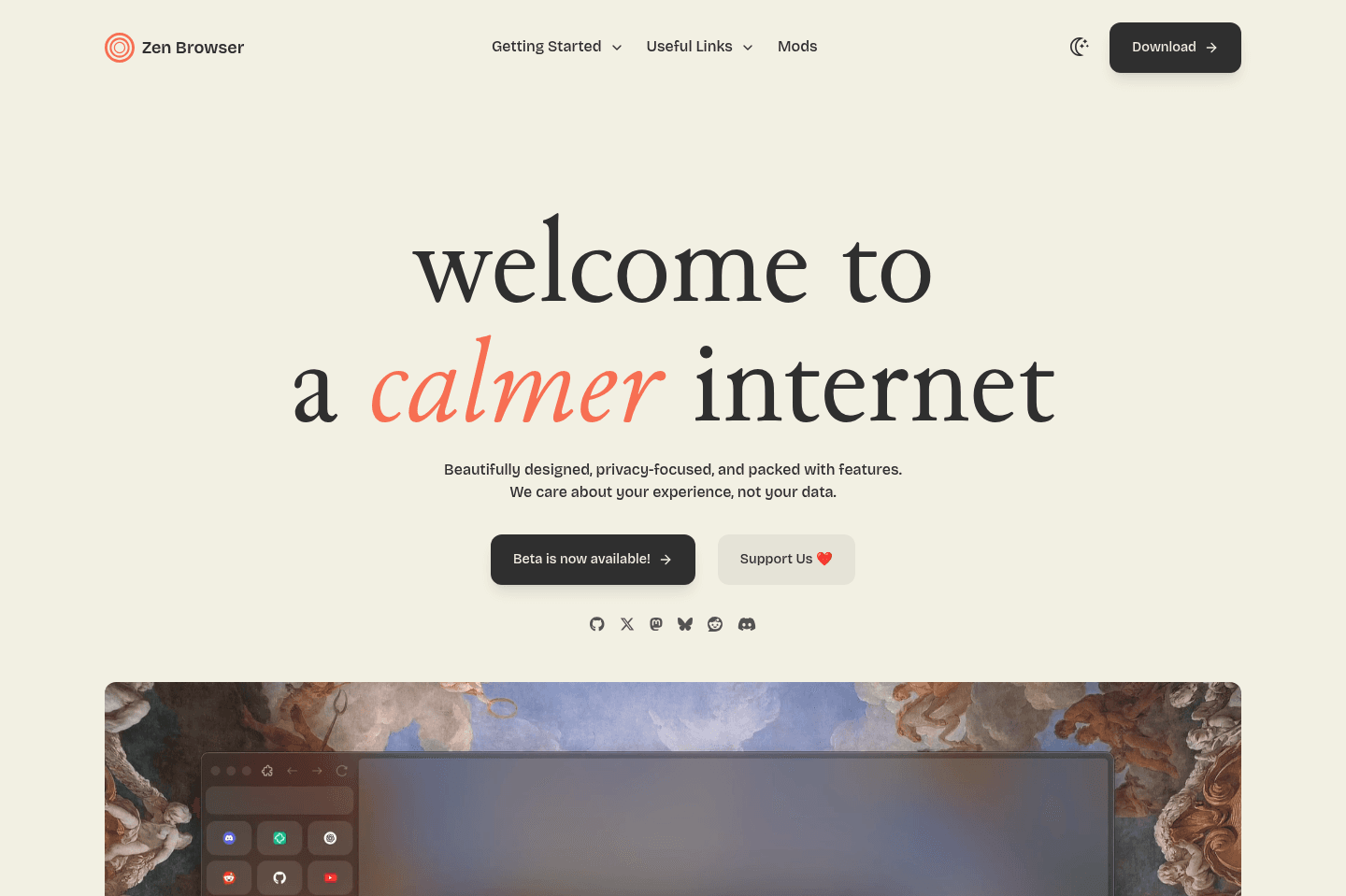
Firefox-based Arc Browser SpinoffZen Browser is an attempt at coping some of what makes Arc Browser great (like the sidebar), but is built atop Firefox. While some people love the idea of getting away from Google and Chromium, the reality is in that your extensions won't work, and generally sites build to support Chromium browsers, so you might experience a more buggy experience and worse developer tooling across the board.
What is Zen Browser?
What is Zen Browser?Zen Browser is heavily inspired by Arc Browser, with one core difference. It was built for those who want a Chromium alternative, but love the idea of a modern browser with a powerful sidebar, like Arc.
That said, with it being built atop Firefox, if you're moving over to it from Google Chrome or Safari, you're most notably going to notice how many browser extensions you use that don't exist in Firefox more than anything:
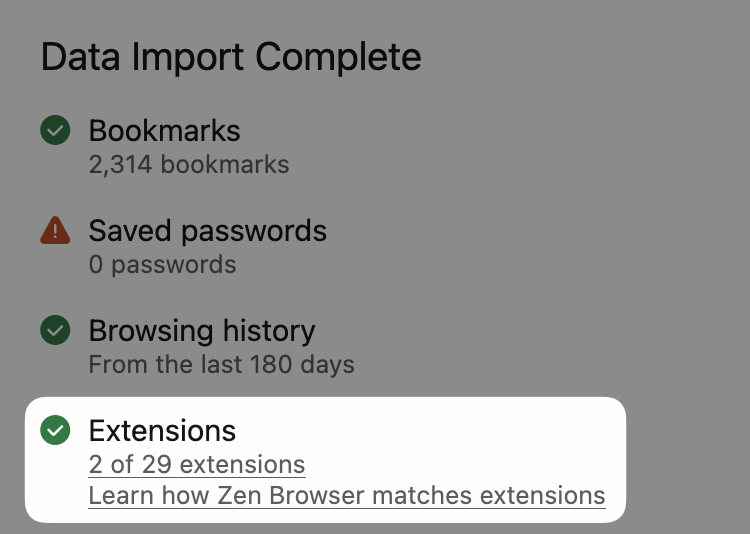
Only 2 of 29 extensions ported over
It's also built by a much smaller team, so you really have to just be somebody that absolutely loves Firefox, and wants to use a modern spin on that. That said, if youwant an Arc-like experience without the bugs? Just use Arc instead.
Not a tool. A hire.
Firefox
Best non-Chromium privacy-based browser
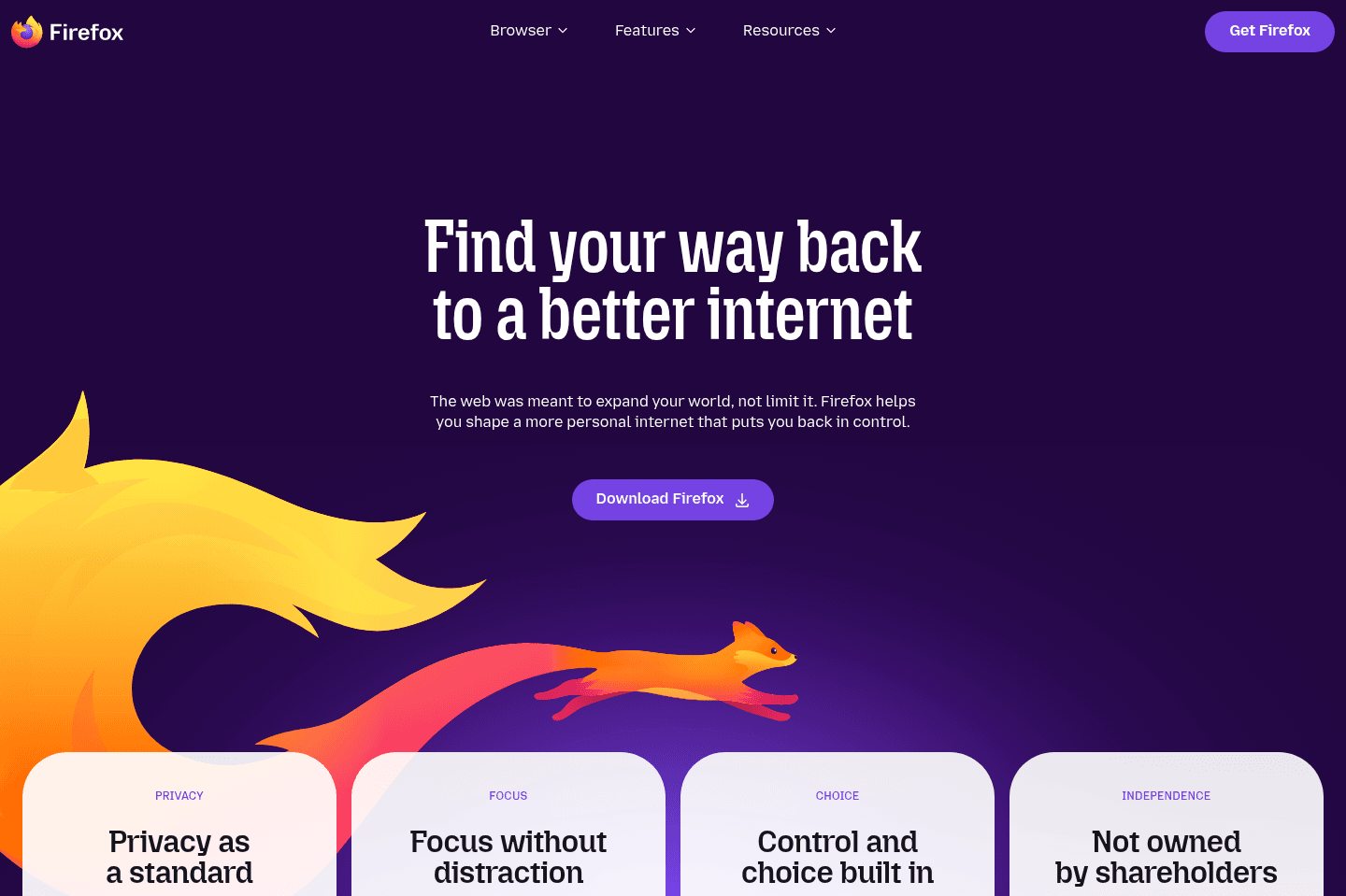
Best non-Chromium privacy-based browserFirefox is a non-profit, privacy-focused browser built atop Quantum browser engine instead of Chromium which runs the majority of other browsers on the market.
What this ultimately means is that in exchange for "privacy" you're getting a substantially less supported ecosystem of browser extensions and a higher likelihood of websites not rendering exactly as they were intended due to having less than 3% of global browser marketshare.
Because of that, for most people, we recommend using a Chromium-based browser like that of Arc Browser.
What is Firefox?
What is Firefox?Firefox is one of the only privacy-focused browsers that is not built atop Chromium, in theory giving it further distance from the stronghold that Google has in the browser market.
What this ultimately means is all the Chrome extensions that people use and rely on are not compatible with Firefox unless rebuilt specifically for it. Think of it like iOS, Android, and Windows Phone/BlackBerry (which neither exist anymore, but the point is), you'll typically get developers building for iOS first (think of as Chromium/Chrome), Android second (think of as Webkit/Safari), and then Quantum Browser Engine third (Firefox).
Key Features
Key FeaturesPrivacy Focus
Privacy FocusBecause of that, while you may be choosing a "privacy-focused" browser like Firefox, you're also getting substantially less third-party app support, and a higher chance of websites not performing as intended (like legacy banks or modern sites using newer technology). It simply comes down to there not being enough marketshare for web developers to focus on making everything work properly in Firefox as it only accounts for less than 3% of global marketshare.
Extensions & Compatibility
Extensions & CompatibilityGiven this foundational difference, it means that the millions of Chrome extensions that are accessible to people, are not in Firefox, unless they rebuild it for Firefox, giving people less options if they choose Firefox as their primary browser.
For that reason, most people who use Firefox also use a second browser as well (typically based on Chromium), like Arc Browser, Chrome, or Brave for when they need full features and functionality like full Chrome Extension support.
Revenue & Business Model
Revenue & Business ModelThat said, while they are a non-profit and privacy focused, they still make the far majority of their money from Google ($500M/yr) by having Google as the default search engine. So if you want to be a sustainable browser, you really need to just make a deal with Google in some way.
Some argue that Google is in some way strategically paying Firefox at this point just to make it seem like Chrome is not a monopoly.
Edge
For Windows users already deep in the Microsoft ecosystem
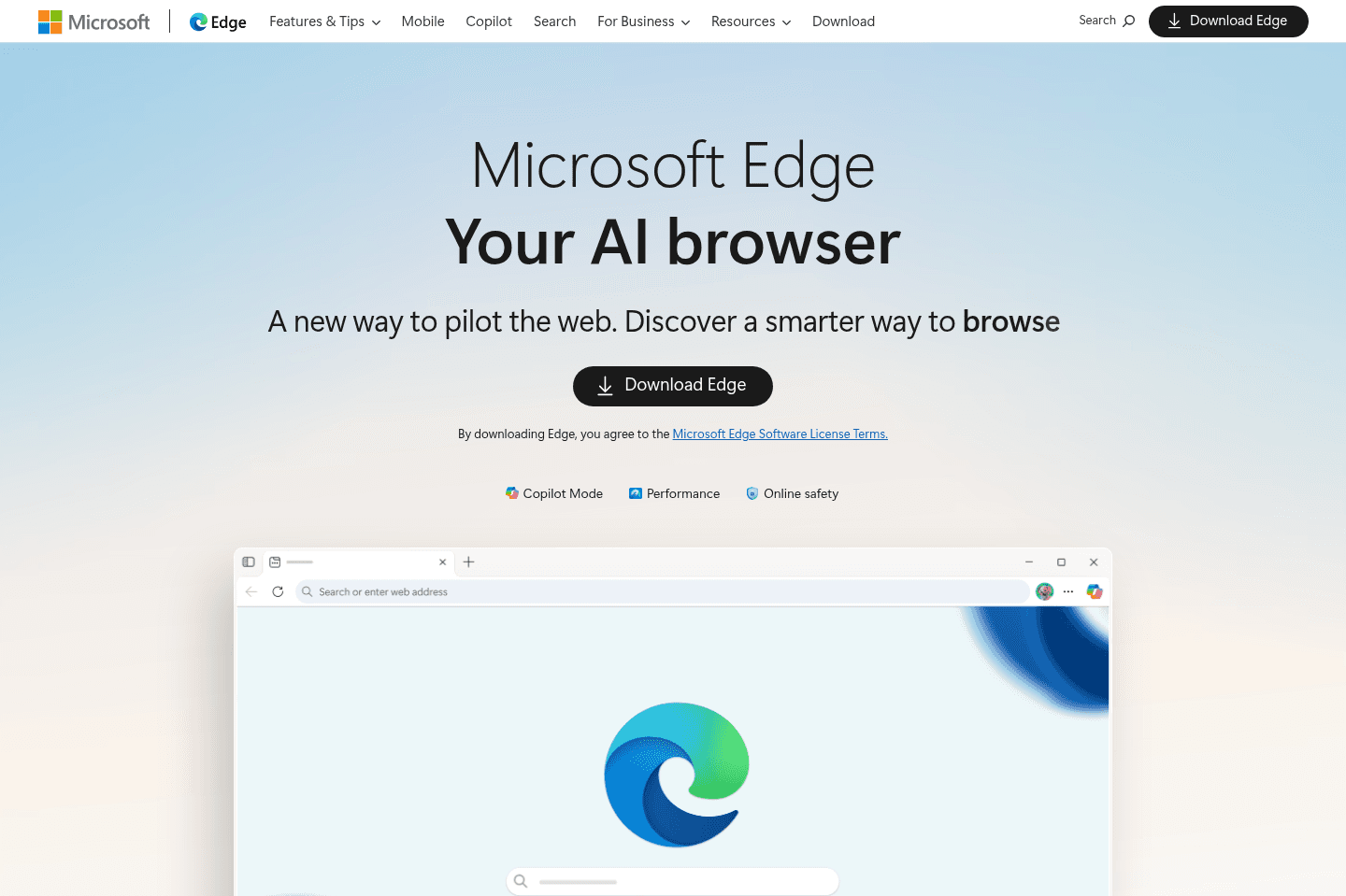
For Windows users already deep in the Microsoft ecosystemEdge is Microsoft's attempt to stay relevant after all the years of pain and heartache that came from Internet Explorer.
Their large investment into OpenAI has enabled them to pull in some AI into the browser (branded as Copilot), though it's more just a wrapper for ChatGPT with various pre-built functions.
We believe there's better options on the market, even if you're looking for some AI baked into your browser.
What is Edge?
What is Edge?Edge is Microsoft's attempt to stay relevant after all the years of pain and heartache that came from Internet Explorer.
Their large investment into OpenAI has enabled them to pull in some AI into the browser (branded as Copilot), though it's more just a wrapper for ChatGPT with various pre-built functions.
Key Features
Key FeaturesBusiness Model
Business ModelWhile Edge is built on Chromium (like many of the best browsers on the makes), they are one of the only browsers (aside from Arc) that have managed to exist without taking that sweet sweet money from Google.
Edge makes money by promoting their many Microsoft products, making them work more seamlessly in the browser where possible.
Final Verdict
Final VerdictWhile Microsoft has tried so hard to get back the marketshare they once had and have since lost, Edge still feels a bit dated in their UI/UX, and their unique functionality isn't all that great unless you're an avid Microsoft 365 user.
That said, if you're on this site and doing software research, you're more likely using Google Workspace and Gmail, and there are much better browser options on the market, even if you're a Windows user, as even Arc is now on Windows.
Not a tool. A hire.
Vivaldi
Best for extreme browser UI customization
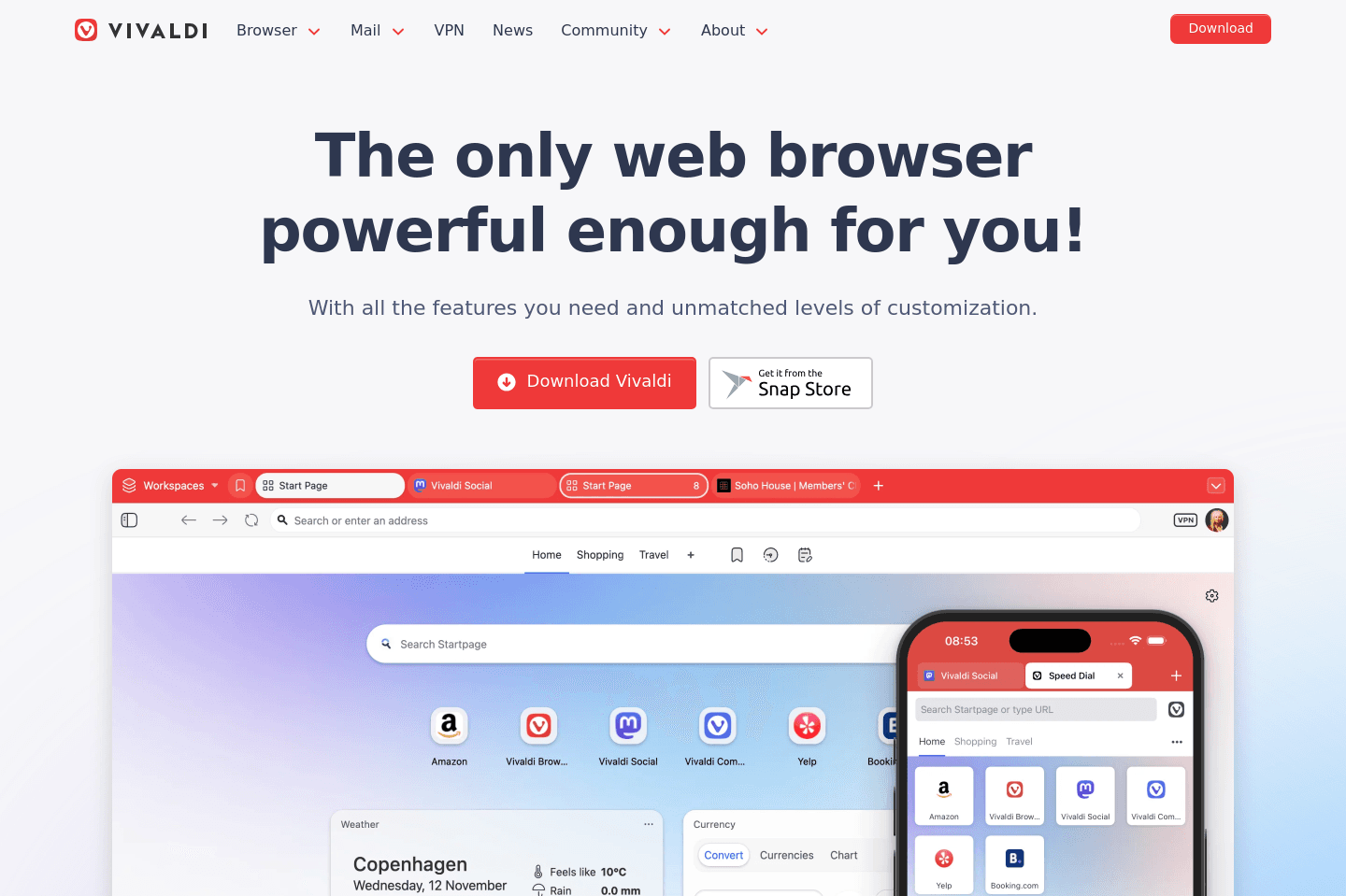
Best for extreme browser UI customizationThe most customizable chromium-based browser that feels like it's stuck in 2015. Only consider Vivaldi if you must modify where every single button is placed within the browser because you disagree with global standards.
What is Vivaldi?
What is Vivaldi?Vivaldi was one of the first browsers to shake up the customization space when it was first released in 2015. Vivaldi came out of nowhere allowing you to customize just about every button along with full color themes, at a time when everyone was using the identical looking version of Chrome, Internet Explorer, and Safari.
This was the unique value proposition of Vivaldi back then, and seems to be the same to this day.
The problem is, when you allow for ultimate customization of every button and color theme, they seem to have locked themselves into an old and uninspiring design. One that looks like it did back in 2015. So at a time when modern solutions are coming out on a monthly bases, and customization and color theming is baked into just about every browser on the market, what once made it unique now leaves it in a questionable situation.
Shift Browser
For pinning apps in a browser sidebar
For pinning apps in a browser sidebarIf you too have confused Shift Browser with Sidekick Browser, you're not alone. They are essentially account switcher wrappers atop of Chromium, selling themselves as a productivity browser.
While they have a great name and slick new one word domain, they haven't evolved much from what they were half a decade ago. Shift feels like a feature atop of Chrome rather than a "new" productivity browser.
What is Shift?
What is Shift?Shift is a tool that I've tried incredibly hard to like over the past 7+ years. The day I first found it, I was so stoked with it, until learning that it didn't have all of the Chromium extension support.
They've since made major strides on that front and have most extensions now supported, but it's beginning to feel a bit like a relic from the past, and pales in comparison to that of the more recent entrants into the space like Arc Browser and SigmaOS. In-fact, comparing Shift alongside Sidekick Browser and you'll be sure to confuse them with one another.
Who is Shift For?
Who is Shift For?I just have a tough time recommending them at this point, they really just allow for your favorite apps to be pinned on the sidebar and easy account switching with some quick action features.
They'd like to focus on the productivity users, but we feel like you can get most of the positives of Shift in your existing browser by utilizing a tool like Workona or Toby.
Who Shouldn't Use Shift?
Who Shouldn't Use Shift?If you're unwilling to install a new browser, stopping to use your beloved Chrome, Safari, or Firefox, well, you'd be hard-pressed to even give this browser a shot. We just don't feel like it innovates enough to actually take over your primary browser replacement, especially when looking at Shift vs Arc Browser for example.
Not a tool. A hire.
Opera
Staying relevant but serious privacy concerns
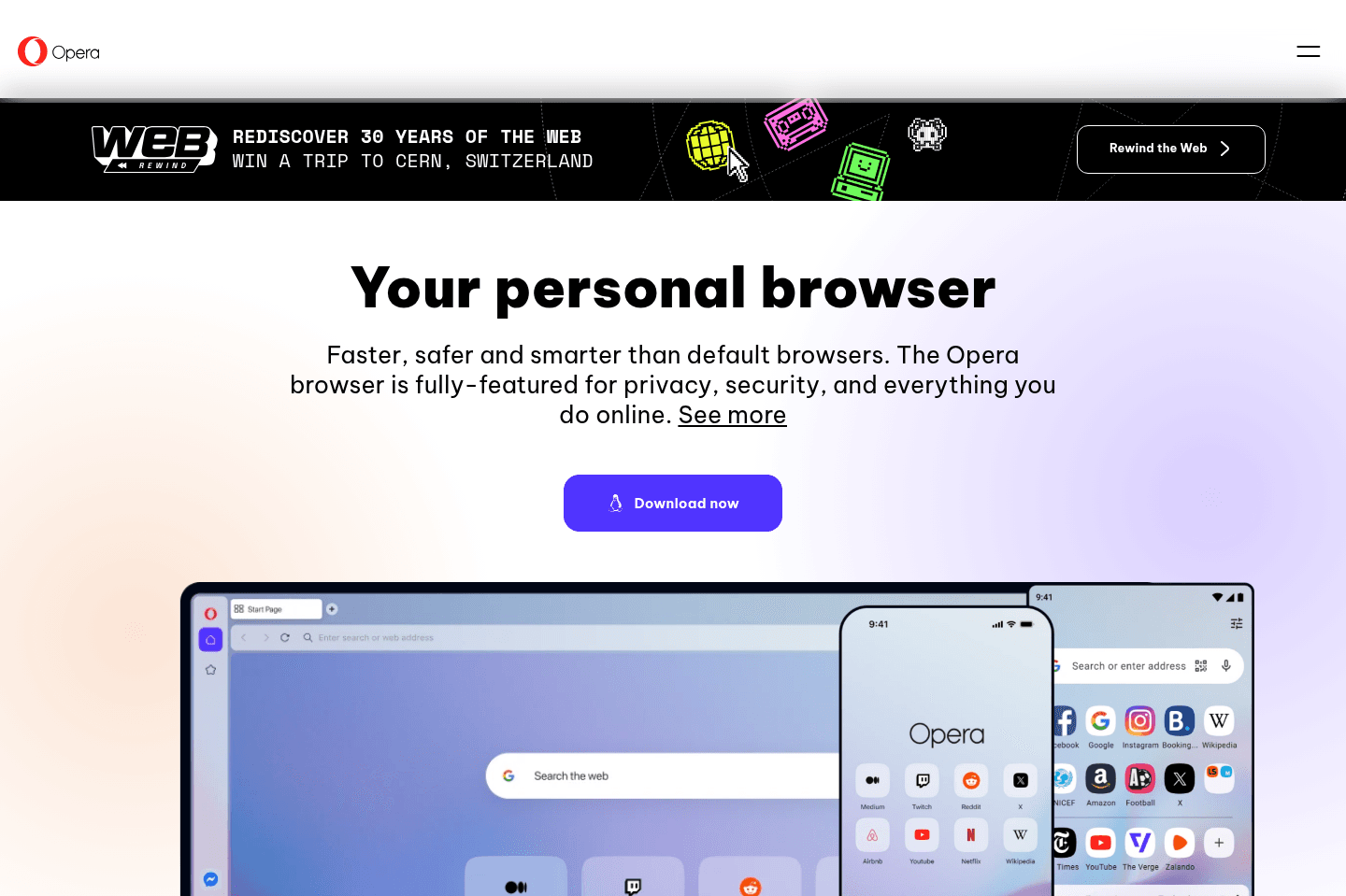
Staying relevant but serious privacy concernsThey've tried staying relevant by spinning up Opera GX (for gamers), and more recently Opera One (attempting to copy much of the Arc Browser onboarding experience and core features like spaces and folders).
But at the end of the day, it's just the same browser as it was before with a new onboarding flow and some slick animations. We'd still recommend checking out Arc instead. Although we're glad to see Opera attempting to stay more relevant in the space.
What is Opera?
What is Opera?Opera has managed to stay about as relevant in the browser space as Firefox, which is just a tad bit behind that of Microsoft Edge.
Interestingly enough, unlike most other major browsers on the market, Opera is actually a publicly traded company with about a $1B market cap. This is particularly interesting because it means that they need to focus on growing revenue as they have investors.
Key Features
Key FeaturesIn their attempt to stay relevant, they have copied many features from the more modern browsers on the market like Arc Browser (e.g. Spaces and Folders).
Workspaces
WorkspacesYou can tell Arc has been influencing the browser market. They expanded the idea of browser profiles into Spaces, and now Opera has copied the concept with Workspaces. The switching animation is slick and you can create as many workspaces as you'd like, but they all share the same cookies and cache, so you cannot fully separate environments like personal and work accounts. That separation is the key difference between Arc's Spaces and Opera's Workspaces.
Tab Groups
Tab GroupsYou can create groups of tabs in the top if you want similar sites to be together for easy expanding/collapsing. If you open up 2 or more of the sam site, it'll automatically create a tab group for that site.
Privacy & Security Concerns
Privacy & Security ConcernsOpera has been called out a bit lately for being owned by a Chinese company, and for making most of its revenue from Ads, meaning they very well are tracking, storing, and selling details about how you're using the browser.
Final Verdict
Final VerdictWhile tempting and seemingly impressive, there's just something in the heavy influencer marketing push and security concerns that make us have a bit of pause in actually using Opera as our daily driver.
Chromium
Browser engine foundation
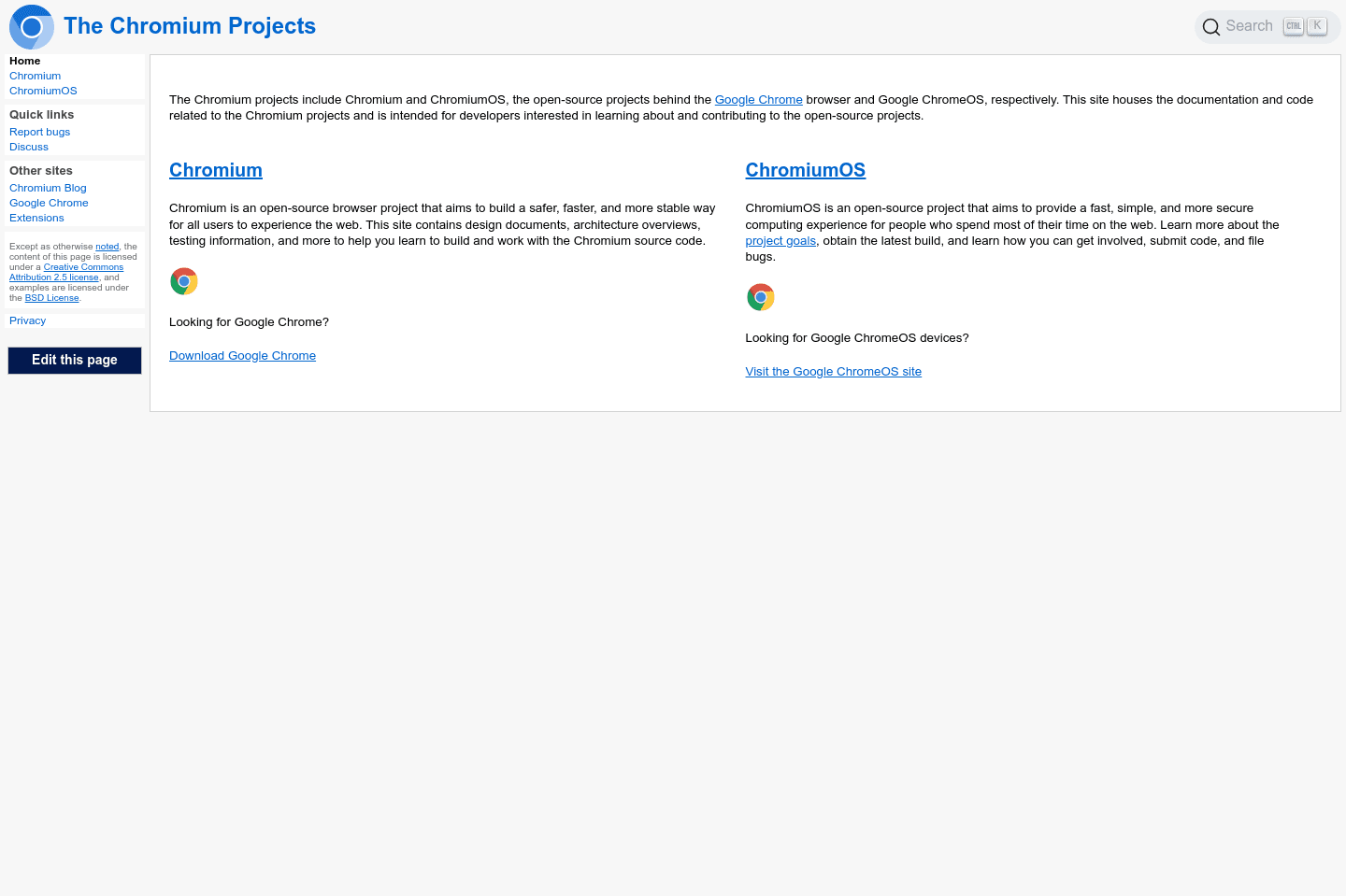
Browser engine foundationChromium is the open-source codebase that powers most browsers like Chrome, Edge, Brave, and Arc, but using Chromium itself directly doesn't matter for most people because all the features and conveniences you want are already built into those browsers. Unless you specifically want to tinker with the raw foundation behind these browsers, there's no real reason to use Chromium itself.
What is Chromium?
What is Chromium?Chromium is something you're likely using right now without even realizing it. Are you using Arc Browser, Chrome, Brave, or even Microsoft Edge right now? Okay, then you're using Chromium.
You know those extensions you have in the top-right corner? Yep, those are Chromium extensions (often referred to as "Chrome Extensions"). Little do people know, Google built an open-source foundation to the browser, for which most of the top browsers on the market use as their foundation.
Competition
CompetitionI mean you're not exactly looking at traditional competition here, but Apple does use a competing standard called Webkit. So if you're using Safari on your computer, that's running on Webkit instead of Chromium.
The super interesting part here though is if you're using iOS, any browser you're using is actually built atop Webkit—even Google Chrome. Apple requires Webkit be used on iOS regardless.
Why exactly? Well, Google pays Apple some $20bn per year to be the default search engine in Safari, so holding onto Webkit on iOS and iPad is probably one of their leverage points:
“At-least we still own the foundation of the browser for our products!”
-Apple (probably) 🤷
Final Verdict
Final VerdictThis genuinely probably doesn't mean much to you, but you're probably using Chromium and you probably don't care.
Just know that it makes for switching between Chromium-based browsers far easier—from transferring bookmarks, to extensions, and everything inbetween.
Not a tool. A hire.
ChatGPT Atlas
Shut down & rolled into ChatGPT Chrome extension
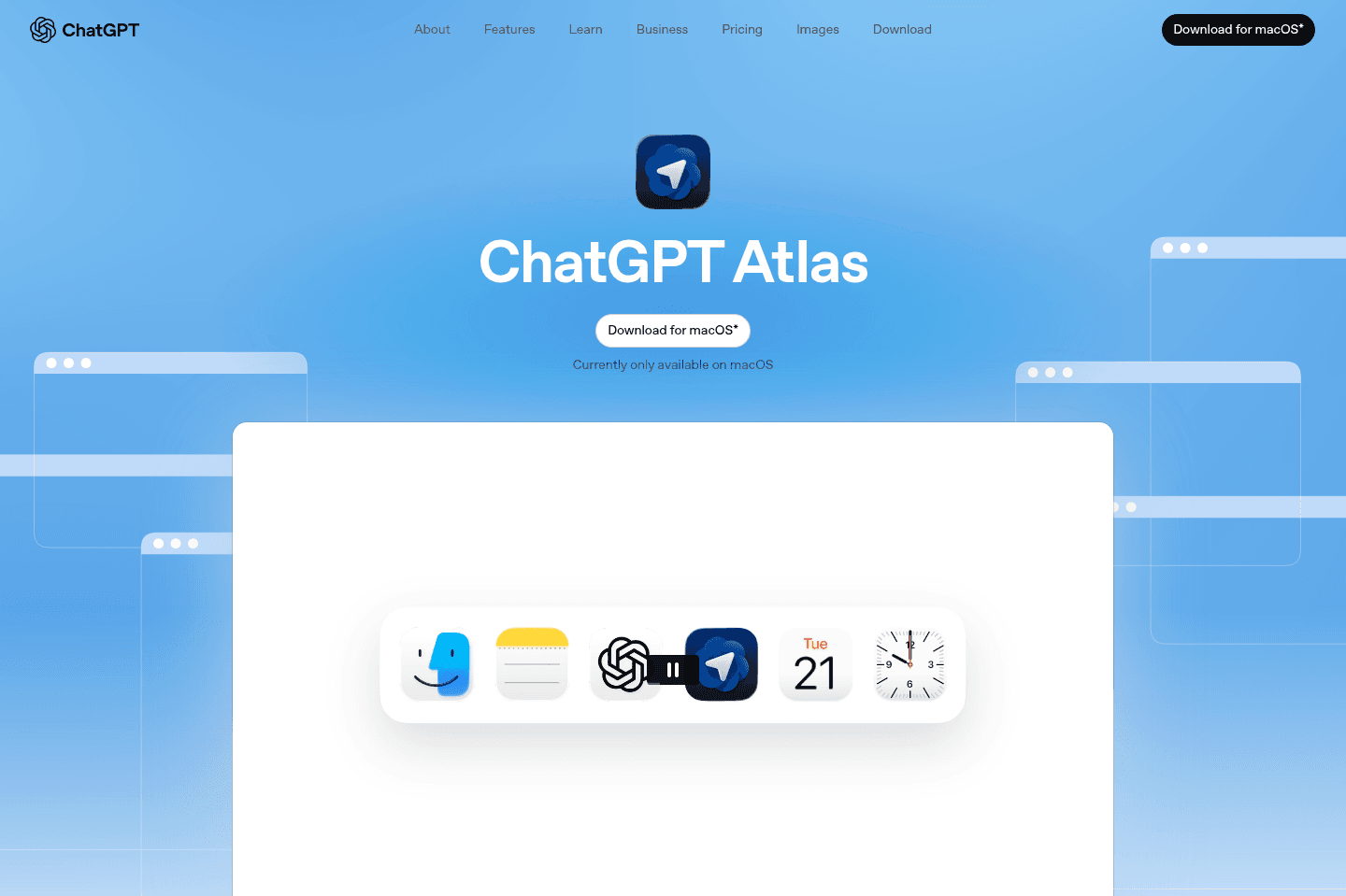
Shut down & rolled into ChatGPT Chrome extensionChatGPT Atlas has been shut down and rolled into their ChatGPT Chrome extension which brings ChatGPT to any Chromium browser.
If you want to experience what ChatGPT Atlas was, in any chromium browser, install their Chrome extension in one of the best browsers, and grab our free ChatGPT business promo code offer.
What is ChatGPT Atlas?
What is ChatGPT Atlas?Update: ChatGPT Atlas has been shut down and rolled into their ChatGPT Chrome extension which brings ChatGPT to any Chromium browser.
If you want to experience what ChatGPT Atlas was, in any chromium browser, install their Chrome extension in one of the best browsers, and grab our free ChatGPT business promo code offer.
ChatGPT Atlas was a Chromium-based browser built by OpenAI that felt a lot like Google Chrome, but instead of Google Search, you had the full power of ChatGPT available everywhere you go. It's now available as a Chrome extension within other browsers, and as a headless browser within ChatGPT.
Pros & Cons
Pros & ConsPros
ProsThink of ChatGPT Atlas as more of an upgraded UI/UX for the ChatGPT desktop app than that of a full replacement for your primary browser.
If you compare it in that way, then it's a no-brainer to install and use it instead of the ChatGPT desktop app.
For example, clicking on a link mid-chat expands the site to the left-hand-side, with chat sitting on the right. It's just a better user-experience than it popping you out to whatever default browser you have set.
From there you can easily ask additional questions about the site you're on, or even reference other open tabs along with browser history. And depending on how complex of a question you ask, their built-in AI agent mode can even pop in and start navigating and completing tasks for you.
So what is the biggest "Pro" for ChatGPT Atlas? It's that it feels like an upgraded desktop app on all fronts. It just feels "right".
Cons
ConsOnce you get used to having your full ChatGPT account everywhere you go, it can become hard to use another browser because you are always missing that personalized experience.
Key Features
Key FeaturesAgent Mode
Agent ModeChatGPT Atlas has an AI agent mode that can navigate the web on your behalf. It has ChatGPT with you everywhere (even highlight some text and tell it how you want to modify it and it'll do it inline right there).
AI Chat Side Bar
AI Chat Side BarBecause it's a browser, you also have the ability to @ mention tabs to pull in added context, and it also has deep memory on what you're searching from day-to-day.
The truth is, we experienced a ton of efficiency gains at work once we started using ChatGPT Atlas. Every question gets answered faster. There’s no more copying and pasting context from your browser into a separate AI app. It feels like a constant thinking partner. Our research quality has improved, and we probably use the side chat 20 to 40 times a day.
It even has voice mode built in. It can be a little buggy at times (when it acts up we switch to Wispr Flow) but you can literally think out loud about whatever page you’re on and go deeper with AI right there.
We’re now getting work done faster and require all team members and freelancers to work within ChatGPT Atlas as part of their role with us. If you’re running a business, especially a small team, I think you’ll see output increase just by giving them this browser. Just make sure they’re on a paid account so they don’t hit limits.
Pricing
PricingWhile Atlas is technically free, the features that you're probably seeing teased all over social media and the marketing videos are actually primarily paid (at least for now).
To unlock their AI agent functionality, you must be on ChatGPT Plus ($20/mo) or higher. The same goes for memory and file recall (prior uploaded documents) as well.
So while Atlas is free, it's a pretty restricted version of it (although the truth is we pay for multiple ChatGPT accounts and find the value way outweighs the cost).
Final Verdict
Final VerdictDo you use ChatGPT? If yes, absolutely install Atlas browser, and just treat it as more of a replacement for the ChatGPT desktop app.
In-fact, use ChatGPT for work and personal, and have 2 separate accounts? Use Atlas to login to one of them, and the ChatGPT desktop app to login to the other one, and boom! You've now got built-in account switching (sorta).
If you're not a paying user of ChatGPT, then I'd recommend you give Comet browser by Perplexity a shot if you want to experience the AI agent mode and other agentic features without purchasing a paid subscription.
Sidekick Browser
Acquired and shut down by Perplexity
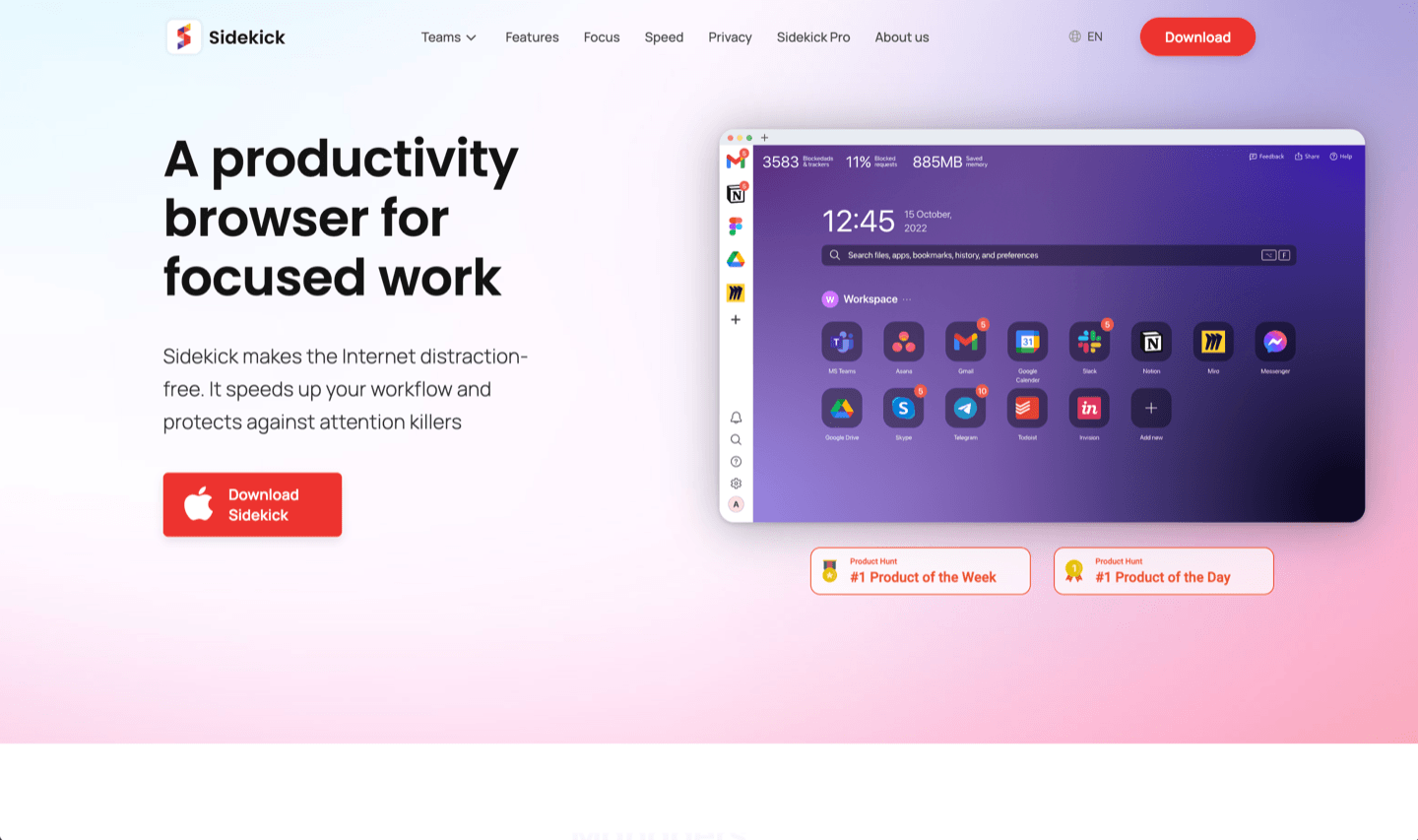
Acquired and shut down by PerplexitySidekick was a Chromium-based productivity browser built around workspaces and web apps, but it has since been acquired by Perplexity and no longer exists.
If you're looking for an opinionated modern browser today, you're better off evaluating Dia, Arc, ChatGPT Atlas, or SigmaOS instead.
What is Sidekick?
What is Sidekick?Sidekick was acquired and shut down by Perplexity, to focus their efforts on building Comet Browser.
They likely needed browser engineers to help build out Comet to compete with Dia (Arc Browser's AI browser counterpart).
Not a tool. A hire.
Our Final Verdict
Which Browser We Would Choose
Which Browser We Would ChooseIf we had to pick one browser today, we'd say use Dia, but with the ChatGPT chrome extension if you're a heavy user of ChatGPT (especially with the current 1 free pro workspace seat ChatGPT discount code we currently have going on). That's because with it, already has all of your historical memory, it understands your tone, and has full context from every single thing you've talked with it about.
It works well for personal recommendations when shopping, and for work, whether you're writing an email or researching a project, though for email we'd still recommend using Dia alongside one of our recommended best email clients.
The team behind it took everything that made their prior productivity browser (Arc) great, and built in AI at the core. It's one of the most thoughtful browsers in the space, and probably the cleanest example of where browsers are headed next.