Comparison Summary
Comparison SummaryArc Browser rethinks what a browser can be and leads the pack, while Comet Browser stands out only for being the only truly free agentic browser with assistant features for researching and shopping.
Only use Comet Browser if you need free agent mode for research or shopping; choose Arc Browser for a new experience that sets the standard.
 Arc BrowserRecommended
For your productivity workspace
For your productivity workspace Comet BrowserRecommended
Best for free agentic mode
Best for free agentic mode
At a Glance
At a Glance- Embedded AIBest
- User ExperienceBest
- Tab ManagementBest
- Performance EfficiencyDraw
- Data ProtectionBest
Comparison Video
Comparison VideoBest AI Browser? Comet vs ChatGPT Atlas vs Dia (Honest Review)
Best AI Browser? Comet vs ChatGPT Atlas vs Dia (Honest Review) 8:15
8:15Best AI Browser? Comet vs ChatGPT Atlas vs Dia (Honest Review)
Best AI Browser? Comet vs ChatGPT Atlas vs Dia (Honest Review)Trending Right Now
Trending Right NowEditor's Verdict
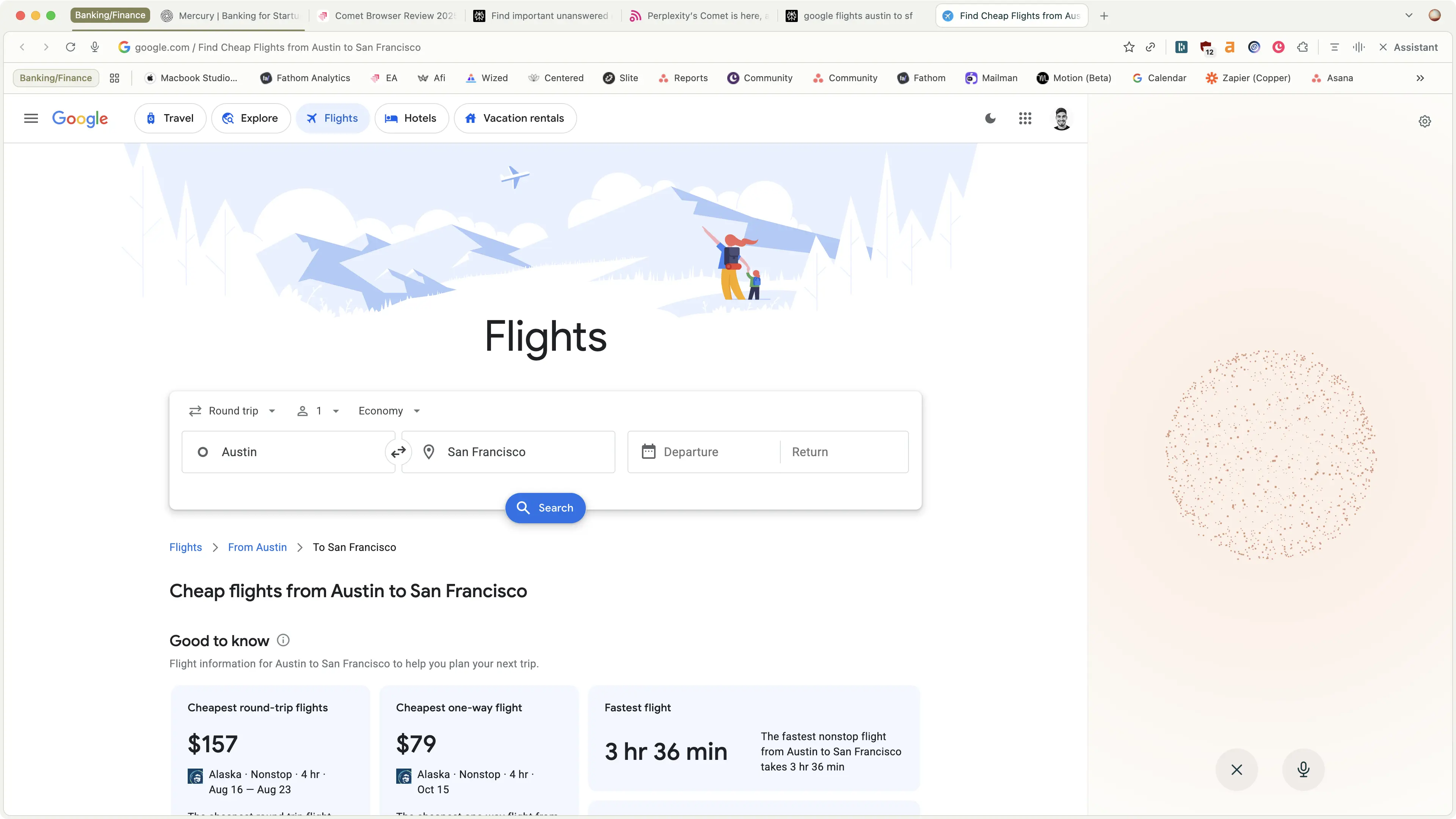
Editor's VerdictIf you care most about having an assistant that can actually take actions for you, like navigating the web, interacting with your tabs, reading your email, or pulling up your calendar, Comet Browser is the clear pick. Its agentic browsing lets you delegate real tasks to the built-in Perplexity Assistant, and it's the only browser right now that gives you this agent mode for free. For deep research or shopping where you want the assistant to find facts, cite sources, or even hunt for promo codes while you browse on mobile, Comet stands out.
Arc Browser, on the other hand, is all about productivity and organization. If your priority is tab management, switching between spaces, and customizing your workflow (and you love productivity tools like Motion or Notion), Arc is way ahead. It's built for people who live in their browser all day and want everything organized and snappy. But Arc doesn't offer the kind of agent-driven automation or web navigation that Comet does.
If you want your browser to actively do things for you, pick Comet. If you want a highly organized, productivity-focused browser experience, especially on MacOS, Arc is the better fit. For hands-off automation and research, Comet wins. For power user workflow and organization, Arc is the one.
Screenshots
Screenshots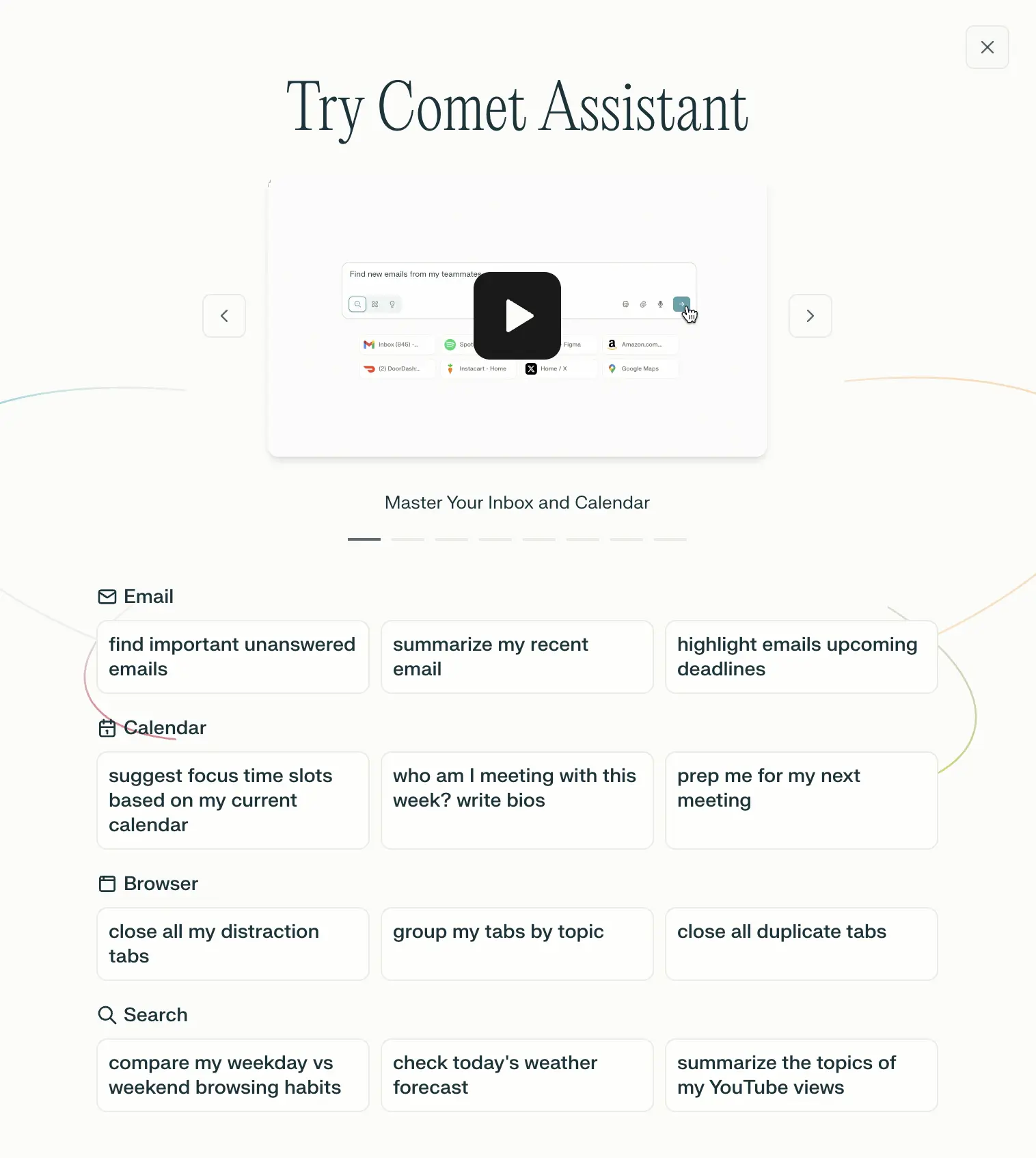
Comet Browser
Examples of what Perplexity Assistant can do