Comparison Summary
Comparison SummaryComet Browser gives you a free assistant that can interact with your tabs, emails, calendar, and even browse the web for you, which Vivaldi does not offer.
Only use Vivaldi if you absolutely need to customize every button's placement and can't stand standard browser layouts; otherwise, pick Comet Browser.
 Comet BrowserRecommended
Best for free agentic mode
Best for free agentic mode Vivaldi
Best for extreme browser UI customization
Best for extreme browser UI customization
At a Glance
At a Glance- Embedded AIBest
- User ExperienceDraw
- Tab ManagementDraw
- Performance EfficiencyDraw
- Data ProtectionDraw
Trending Right Now
Trending Right NowEditor's Verdict
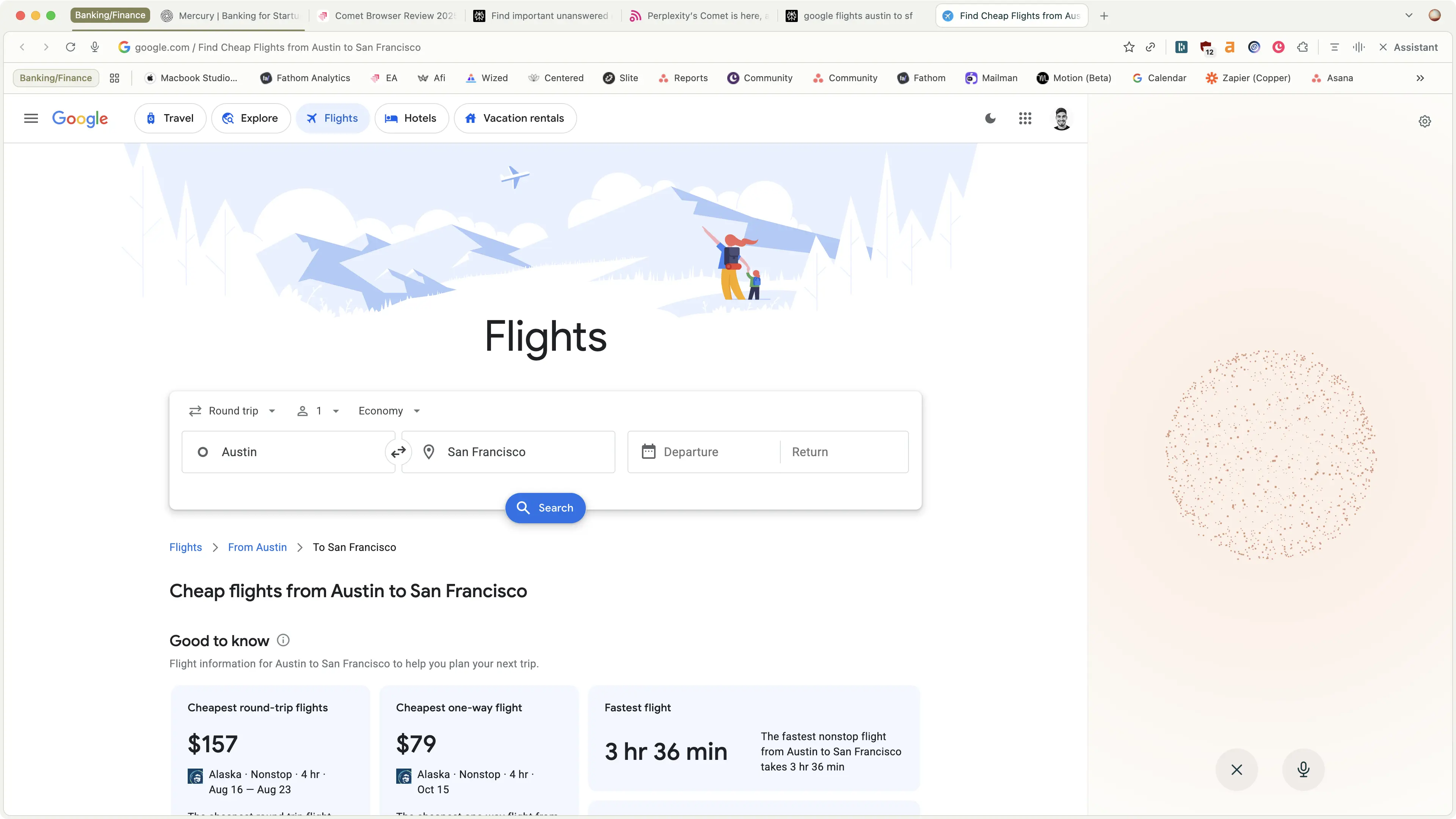
Editor's VerdictComet Browser stands out for its integrated assistant that can actually navigate the web for you, interact with your tabs, and even handle tasks like checking your email or finding promo codes while shopping. It's built for anyone who wants deep research or hands-off web actions, and the fact that you get agent mode for free is rare.
Vivaldi is all about customization, letting you move every button and tweak every theme, but its design feels stuck in 2015 and what used to be special is now common across browsers.
If you want a browser that actually helps you get things done or find reliable info without doing all the clicking yourself, grab Comet. Only go with Vivaldi if you absolutely need to rearrange every button and don't care about modern web helpers. For research, shopping, and letting an assistant do the work, Comet is the clear pick.
Screenshots
Screenshots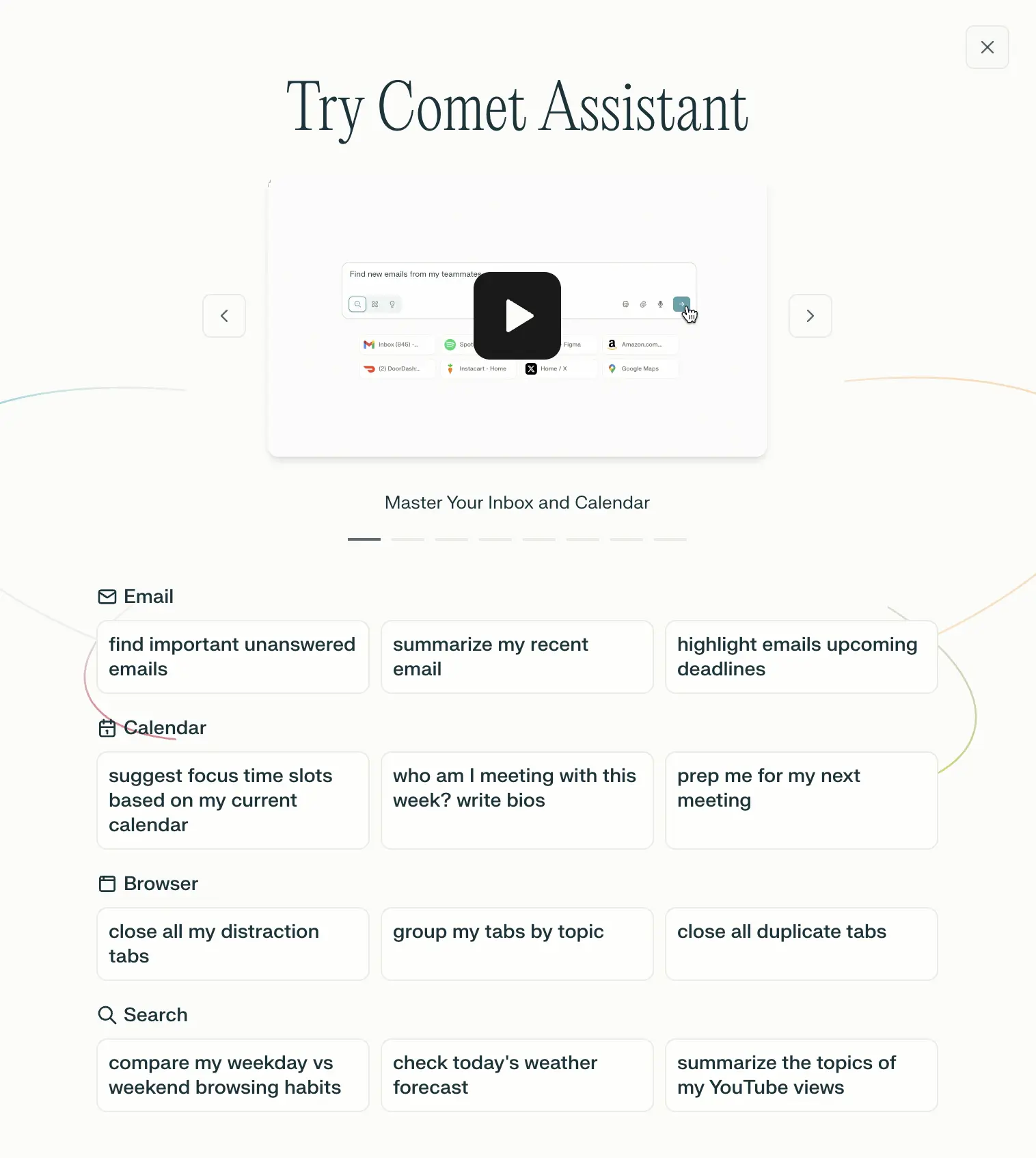
Comet Browser
Examples of what Perplexity Assistant can do