Comparison Summary
Comparison SummaryComet Browser gives you a free agent mode that can handle your tabs, emails, calendar, and even navigate the web for you, while Sidekick feels outdated and its productivity features are now standard elsewhere.
Only use Sidekick if you have a specific reason, since Comet Browser is the only one here with truly free agent abilities.
 Comet BrowserRecommended
Best for free agentic mode
Best for free agentic mode Sidekick Browser
Acquired and shut down by Perplexity
Acquired and shut down by Perplexity
Trending Right Now
Trending Right NowEditor's Verdict
Editor's VerdictComet Browser actually delivers on agentic browsing, letting you talk to its assistant and have it handle your tabs, emails, calendar, and even navigate the web for you. It's the only one that gives you true agent mode for free, and it stands out for deep research and shopping since you get real-time internet results with clear citations.
Sidekick, on the other hand, doesn't compete here at all. Its so-called productivity features are now standard everywhere, and its user experience is behind newer browsers. Plus, it's been shut down and its team moved over to build Comet, so there's no reason to pick Sidekick for anything agentic or productivity-focused.
If you want a browser that actually acts for you and helps with research or shopping, Comet is the obvious choice. Sidekick is outdated and no longer supported.
Screenshots
Screenshots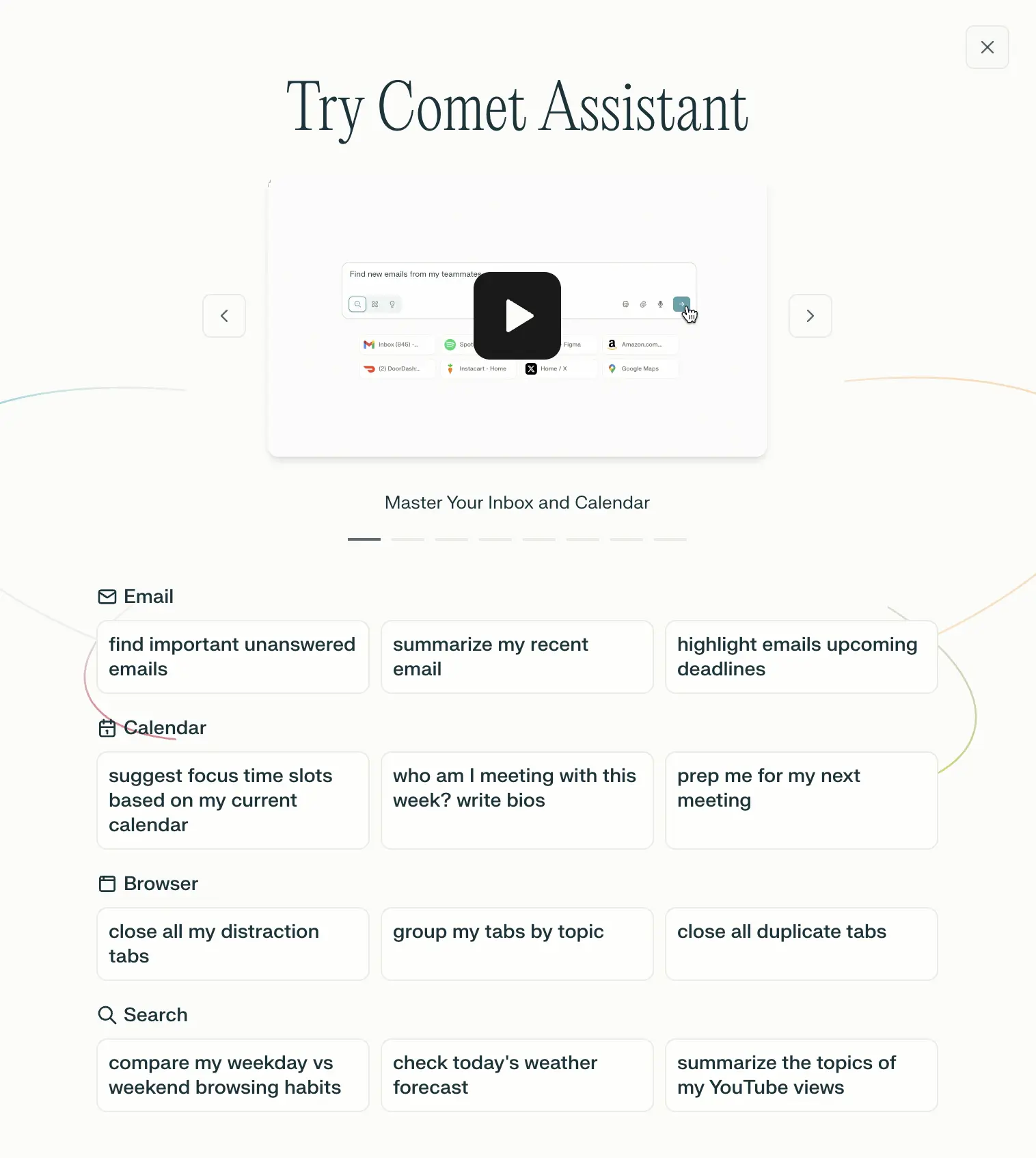
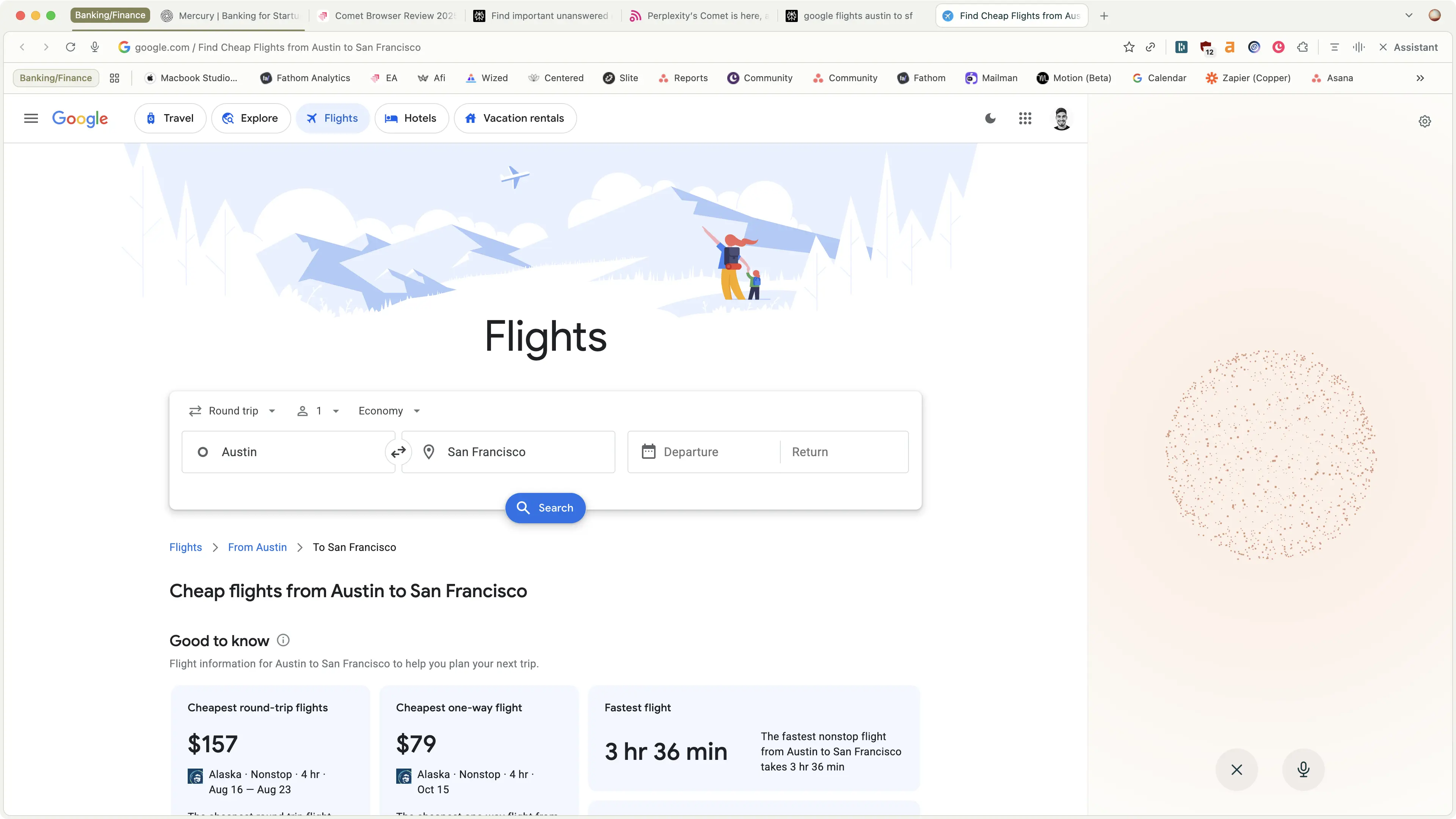
Comet Browser
Examples of what Perplexity Assistant can do