 Superhuman MailBest
Best for high-performers
Best for high-performers Inbox Zero
Best open-source AI inbox automation
Best open-source AI inbox automation Fyxer AI
Best for those who want AI help without switching email clients
Best for those who want AI help without switching email clients Mailman
Best for filtering your inbox without AI
Best for filtering your inbox without AI
Best AI Email Assistants at a Glance
Best Email Assistant, Who Wins?
What is an AI Email Assistant?
What is an AI Email Assistant?Honestly, "AI email assistant" feels like a new category, but when I think about it, I've had some version of an email assistant for the past seven years. Not because of AI, just because of the tool I was already using. Being able to snooze an email and have it resurface exactly when I needed it, scheduling a reply to land in someone's inbox at 9am their time zone, having my inbox automatically split by type of email so I'm triaging similar conversations back to back instead of bouncing between a sales thread and a team question and a billing issue. That's all email assistance. We just didn't call it that. The tool I am referring to is Superhuman Mail.
What's changed is that AI has given us two distinct versions of this category, and they're not really the same product.
Two Types of AI Email Assistants
Two Types of AI Email AssistantsThe first is the layer approach. You stay in Gmail or Outlook, and a tool like Fyxer sits on top of it. It applies labels to try to organize things, it drafts replies for you, and the pitch is that you don't have to majorly learn a new tool. It's the same interface you're used to, just with a little AI help. I get the appeal, especially if the idea of switching your email client feels like too much. But in practice, you're still inside Gmail, which is cluttered by design and built for billions of people, not for someone trying to get through a high-volume inbox efficiently.
The second approach is replacing the email client entirely, which is what Superhuman Mail does. There's learning curve when you first switch, but what you get on the other side is a much more minimal interface, a keyboard-shortcut-driven workflow that genuinely speeds you up, and AI features that are built into the experience rather than bolted onto it.
The AI features themselves, the auto-labels, the draft replies, the follow-ups, are honestly pretty comparable between the two at a surface level. Where Superhuman Mail is better is with how deeply it personalizes the drafts. Both learn your general writing style from your past emails. But Superhuman Mail goes a level deeper by adapting per recipient based on your history with that specific person. The draft it writes to my accountant reads differently than the one it writes to a new sales prospect. Fyxer learns how you write generally. Superhuman Mail learns how you write to each person.
Claude & ChatGPT Email Assistance
Claude & ChatGPT Email AssistanceA lot of people are using AI tools like Claude or ChatGPT to help with their emails right now. And I get it, you're already paying for the subscription, so it feels like you might as well get the most out of it. But I think what's really happening is you're optimizing for the monthly bill and not for your time 😅
I tried it myself. When you connect Claude to Gmail through an automation, the drafts don't land in the right thread. They show up in your Gmail drafts folder as standalone messages with no context attached. So now you're hunting through your drafts, figuring out which one corresponds to which conversation, copying it, going back to the original thread, and pasting it in. I remember thinking, what is the point of this? I might as well have just written it myself.
The most common version people do manually isn't much better. You copy the email, switch tabs to Claude or ChatGPT, paste it in, get a draft, copy that, switch back to your inbox, find the thread, and paste it in. That's four context switches per email. If you're getting 40 emails a day that need replies, you're doing that routine 40 times.
Gmail's Gemini integration is the smoothest version of this and it's still clunky. You click into the email, find the Gemini button, wait for it to generate, then decide whether to accept it. It's better than a separate tab but you're still being interrupted at every step.
What I use instead is Superhuman Mail, and the difference is that the draft is just there when I open the email. You open your inbox, the draft is sitting there for you. Review and hit send. So if you get more than 5 emails a day, it's so worth using a dedicated tool. I would honestly say, if you value your time, just use Superhuman Mail. Yes, it costs more than keeping things in Gmail. But if it saves you 30 minutes a day, it's worth it.
What About Other Email Tools?
What About Other Email Tools?A few tools worth mentioning that didn't make this list: Notion Mail, Spark, and Missive have all added AI features.
But their core product is still a traditional email experience with AI layered on top, which puts them in a different category. If you want to check out full email clients and want to compare all of them side by side, we cover every option in our best email clients guide. But if AI assistance is the primary thing you're optimizing for, the tools on this page are the ones actually built around that problem.
How We Evaluate AI Email Assistants
We score each AI email assistant across innovation, saves time, purposeful design, AI assistance, speed & productivity, and hands-on expert evaluation
- InnovationRedefines what email can be, not just another copycat or feature.
- Saves TimeDoes it save you at least 15 minutes/day or 2+ hours a week?
- Purposeful DesignIs this a true email client, or just a UI layer or plug-in on top of an existing inbox?
- AI AssistanceDoes it learn your voice, use context, and automate follow-ups?
- Speed & ProductivityHelps you process emails faster and gets you out of your inbox.
- Expert EvaluationCurated by, our rankings reflect in-depth testing, industry insights, and hands-on experience.AlexandAndra
Superhuman Mail
Best for high-performers
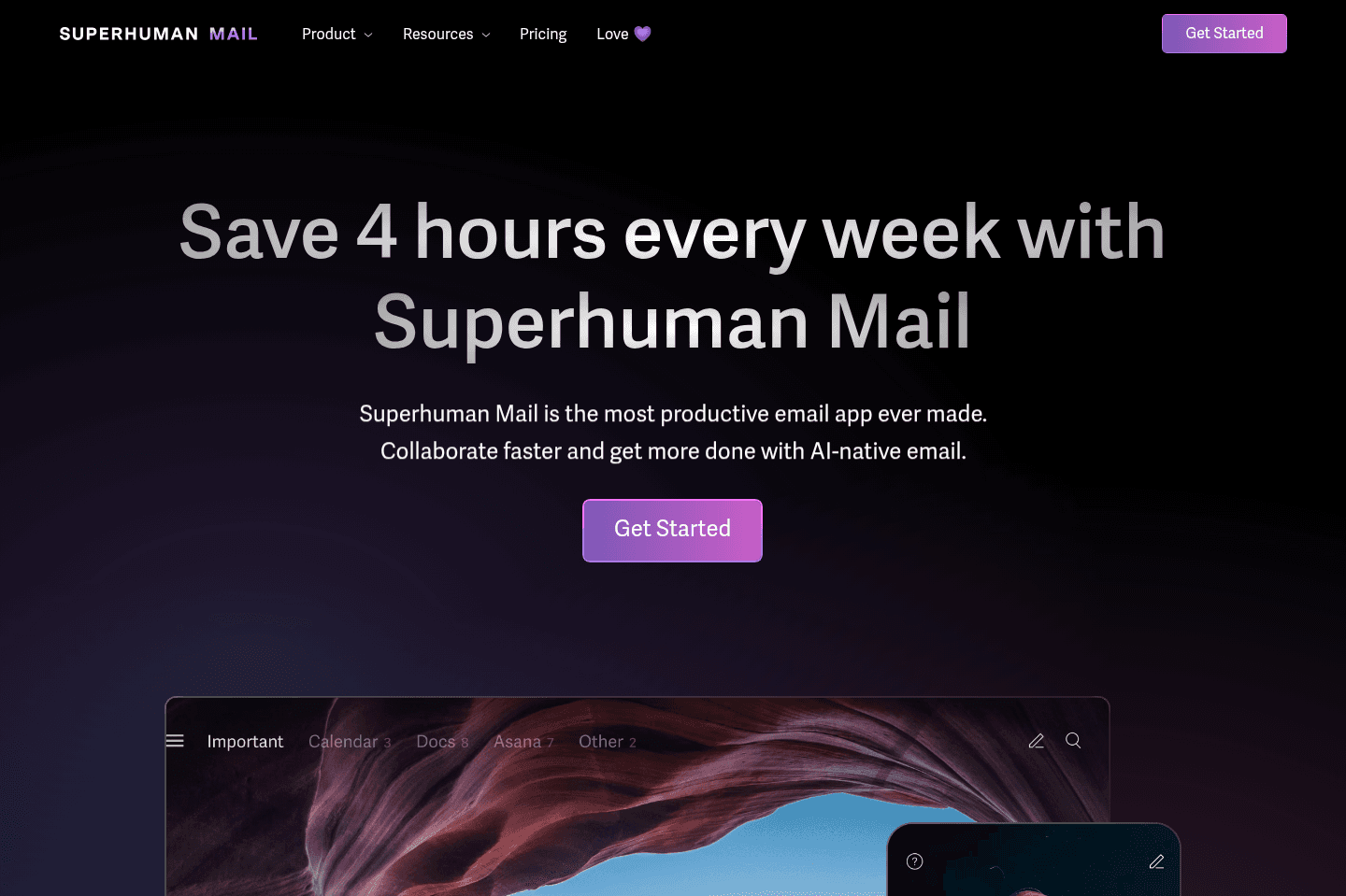
Best for high-performersSuperhuman Mail is the best email client on the market. It's wildly fast, minimal (not bloated with features), and helps individuals and teams triage through emails most efficiently. We've been using it for 6+ years and can't ever imagine going back to regular email.
Claim the Superhuman free trial for an limited time 2 months free, which is more than enough time to see if it fits your workflow.
What is Superhuman Mail?
What is Superhuman Mail?Superhuman is not just an AI email assistant. It is a complete email client built on top of Gmail or Outlook and we totally prefer it that way.
A lot of tools in the AI assistant category are trying to make your existing inbox slightly less painful since switching to a new interface outside Gmail or Outlook means there is a small learning curve. But honestly, in our experience, that is exactly why Superhuman Mail works even better (we've used it for 7+ years and you couldn't pay us to go back to using Gmail 😅).
Gmail is slow and cluttered (so many colors popping for your attention), and it's built for the masses, so think billions of people. Instead of trying to fix a cluttered inbox from inside the same old environment and slap AI on top, Superhuman Mail gives you a faster, cleaner place to manage email altogether.
Speaking of AI, with Superhuman Mail they thoughtfully it to help you get through your emails faster. First, you have AI auto labeling, which can turn similar emails into inbox splits for you automatically. That means when you are triaging your inbox, you can stay focused with similar emails instead of bouncing between completely different types of conversations.
For example, you can separate team emails from admin and tax emails, or keep partnership and sales conversations in their own lane. You can even set certain emails to auto-archive, which helps cut down on clutter without you having to manually manage every little thing.
And beyond organization, you still get the core AI email assistant features people actually want, like help writing replies and searching your inbox in plain English.
Then there’s AI auto-drafts. Superhuman Mail detects when an email needs a response or follow-up and drafts a reply for you.
So you are not just getting AI layered onto your inbox. You are getting deep/thoughtful AI features AND a much more powerful interface to manage email in the first place. We'd recommend using this Superhuman free trial to try it for free for 30 days before committing to any other AI email assistant on this list.
Pros and Cons
Pros and ConsPros
Pros- Replaces your email interface with something designed for focus, not distraction
- AI drafts writes emails in your actual tone, not a generic template
- AI follow-ups detect when someone hasn’t responded and draft a follow-up for you
- AI search lets you ask plain-language questions about your inbox instead of hunting for keywords
- AI auto-labels help create split inboxes so you triage with intention instead of scrolling a wall of unread emails
- They only ship AI features that consistently work, which almost no one else does
- iOS + Android apps available (so you get the email assistant on your phone too)
Cons
Cons- If you're not in email much, it's more than you need
- Small learning curve to switch to new email interface
Key Features
Key FeaturesAI Drafts
AI DraftsA past client of ours was considering hiring someone just to help manage his inbox. I told them to try Superhuman Mail first ($30/mo for the tool or $30/hr for a person 😅). The follow-up drafts handle what you'd be paying an assistant to do, since Superhuman Mail automatically detects any email that needs a response and automatically writes the email (all you need to do is hit send).
More than that, Superhuman Mail notices when you’ve sent an email and never heard back. It automatically brings the conversation back in your inbox and drafts a follow-up for you. This has been fantastic for sales follow-up! In my experience, about 90% of the time it's ready to send as-is. The other 10%, you change one line and send anyway.
The AI also learns your voice from other emails. So when it's drafting a reply, it will write differently to your co-worker vs client vs a cold email.
You can also upload documents to their Knowledge Base (e.g. your pricing page or tone guide) and it will use that context when using AI to draft your emails.
AI Assistant
AI AssistantInstead of trying to remember the exact phrase from an email six months ago, you just ask. "Where did we leave things with this person?" or "Did we ever send that contract?" or "What are my reservation details for tomorrow?" and it gives you a direct answer with the relevant emails underneath. It sits inside the search bar, which means you actually remember to use it. This works both on your phone and desktop.
AI Auto-Labels
AI Auto-LabelsWhen setting up AI auto-labels, you describe a label in plain language "emails about tax" or "sales conversations" and Superhuman Mail scans your inbox, shows you what it found, and lets you confirm that these are the types of emails you'd like to group together.
From there you can build split inboxes, so instead of one overwhelming wall of email, you're triaging by category, one focused batch at a time. Split Inboxes have been game-changing for us.
Pricing
Pricing- Monthly: $30/mo
- Annual: $300/year
Get the latest rankings and insights on top AI Email Assistant apps—delivered to your inbox. Stay ahead with our expert picks and updates.
What is Inbox Zero?
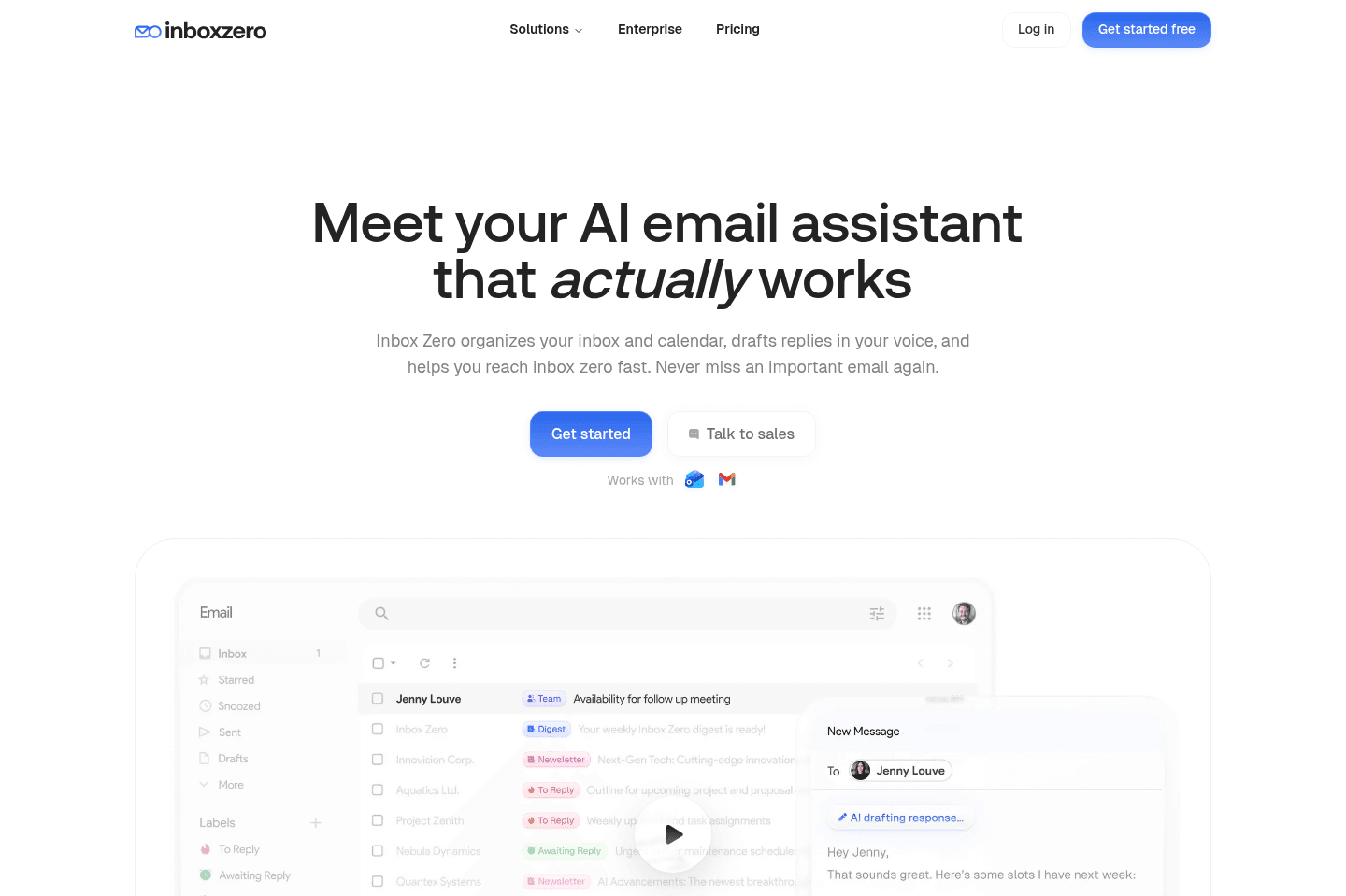
What is Inbox Zero?Inbox Zero (not to be confused with what Superhuman Mail refers to getting through all your emails) is a layer atop your Gmail that helps you to easily unsubscribe from newsletters and automate label/forwarding flows all via AI.
The area that we use and love with Inbox Zero is where it helps us tame our email inbox, sort of like Mailman, but it focuses more on actually leveraging AI to automatically take action on your email (or unsubscribe if you're getting many newsletters but not reading any of them.
Key Features
Key FeaturesOpen-Source
Open-SourceOne thing to keep in mind with Inbox Zero (and how it differentiates from its competitors) is that it is an open source AI email assistant with thousands of stars on GitHub, so go and check out the code yourself if you'd like:
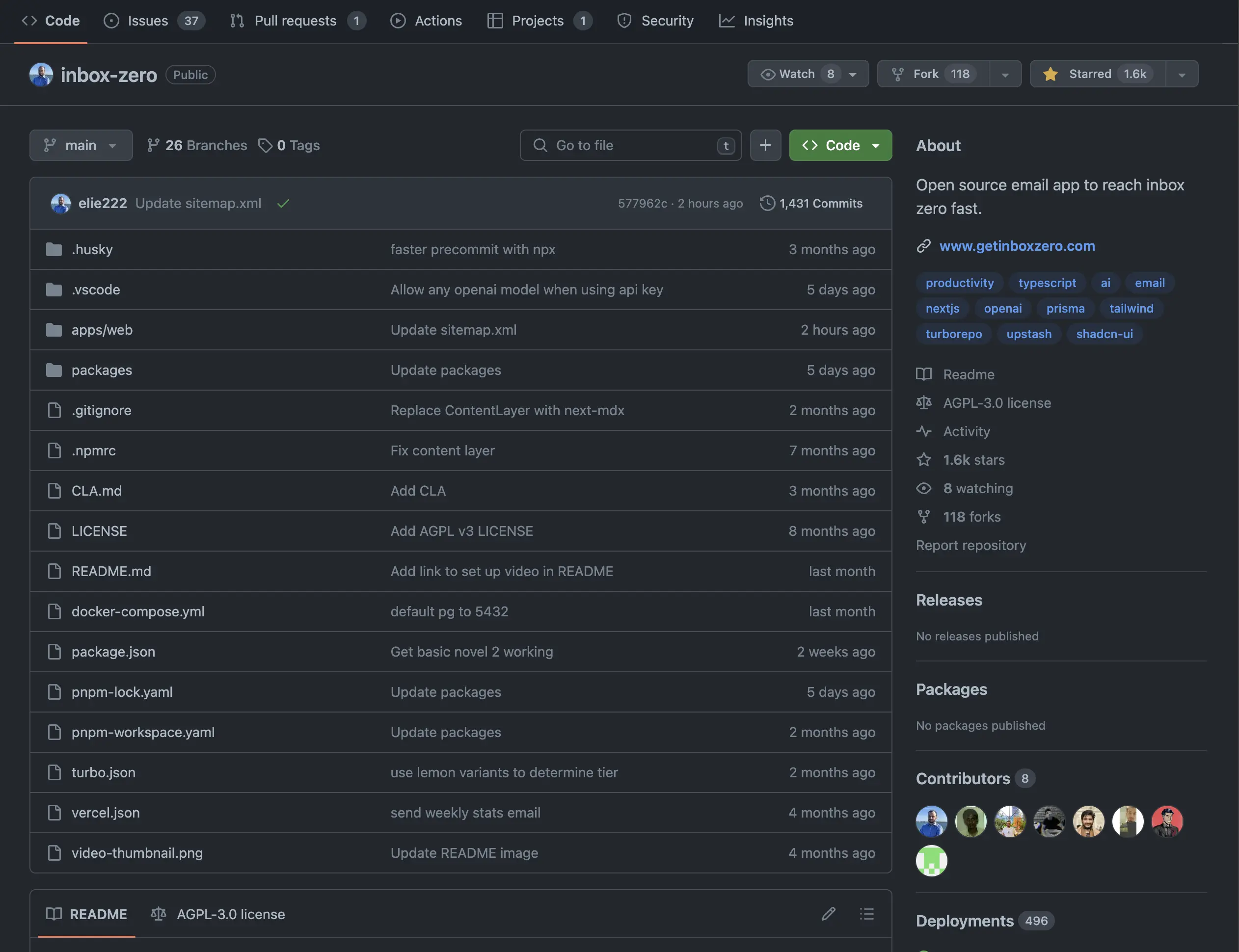
Inbox Zero Open-Source GitHub Rep
Pricing
Pricing- Basic: $6/month on annual tier + $1.50/month for each additional email account
- Business: $12/month on annual tier + $3/month for each additional email account

Not a tool. A hire.
Fyxer AI
Best for those who want AI help without switching email clients
Best for those who want AI help without switching email clientsI'll give credit where credit is due... Fyxer AI is incredible at marketing the most basic AI features, and selling them as revolutionary to individuals and small businesses.
All of Fyxer AI exists as basic "features" within existing business software already on the market. They're just good at convincing you that they're doing something beyond simply placing ChatGPT atop your email. Fyxer is a feature, not a product.
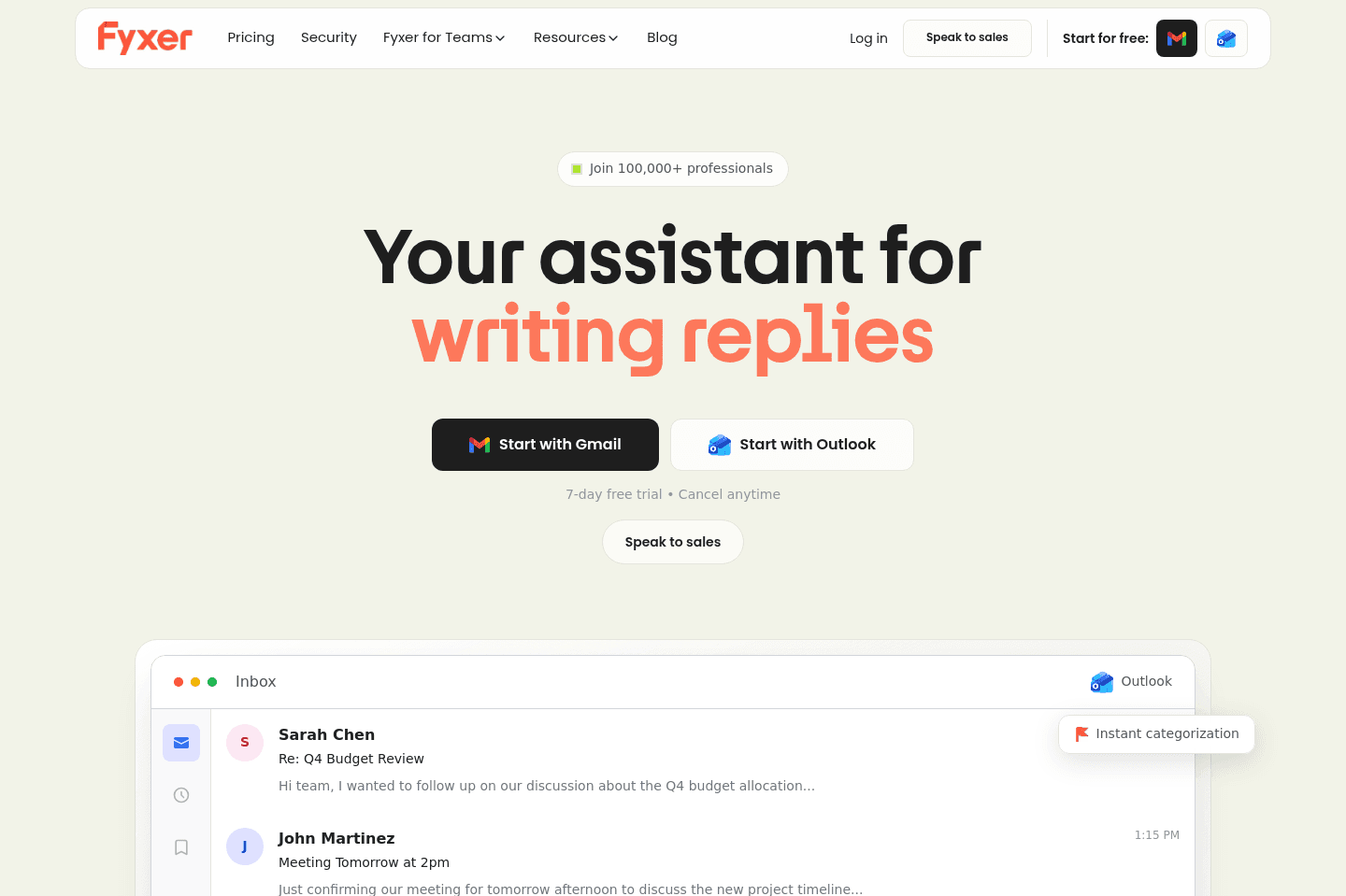
What is Fyxer?
What is Fyxer?Fyxer is an AI integration layer that sits on top of Gmail and Outlook. It automatically labels emails into categories, drafts replies, suggests meeting times, and offers light note-taking features. It's trying to position itself as an AI executive assistant for your inbox.
In short, it’s positioned as an AI executive assistant for your email.
The key thing to understand, though, is that Fyxer is not a full email client. It doesn’t control the inbox experience or redesign how email works. It operates within the constraints of Gmail/Outlook, which limits how powerful it can actually be. In our testing, it felt more like a feature layered on top of your inbox rather than a long-term, standalone product.
While that might sound appealing if you love Gmail or Outlook, but the reality is that the biggest shift that will help you get through your inbox faster comes from upgrading the inbox interface itself. An email client built specifically for business professionals and fast triage will do far more to keep you out of your inbox than layering AI on top of the same old interface.
More than that, Gmail now integrates deeply with Gemini to help write your emails and help search your inbox so part of what made Fyxer unique is dwindling.
It feels like Fyxer is trying to target individuals and teams that are just not aware that more fully featured solutions already exist in the space. So before you double down on Fyxer, do yourself a favor and check out the other email clients on the market before deciding to give Fyxer AI's trial a shot.
Pros and Cons
Pros and ConsPros
Pros- Works directly inside Gmail and Outlook
- AI auto-labeling for quick inbox categorization
- Basic meeting scheduling and AI note-taking included
- Lower intimidation factor for teams resistant to switching tools
Cons
Cons- Not a true email client (limited by Gmail/Outlook’s structure)
- Label-based system doesn’t properly support inbox zero
- AI drafts feel generic and often require editing
- Limited customization of labeling and draft logic
- Pricing is high for what is essentially an AI wrapper
Key Features
Key FeaturesAI Email Labeling
AI Email LabelingDon't mistake this for a true split inbox, because in reality, this feature relies on Gmail-style labels. So while it does automatically categorize emails into buckets like “To Respond,” “FYI,” and “Notifications,” It also makes your emails feel cluttered and repetitive quickly. Overall, helpful in theory, but not really in practice.
AI Auto-Drafts
AI Auto-DraftsSimilar to other email clients, Fyxer gives you the ability to generate draft replies to incoming emails. While it does seem convenient, we noticed the responses often lack deep context and personalization compared to its competitors.
More than that, Gmail now natively uses Gemini to help write in your tone, and pull information from Google Drive and previous emails so part of the value has dropped here.
Pricing
Pricing- Starter: $22.50/mo per user ($30/mo billed monthly, $270/yr billed annually). Best for individuals ready to streamline their inbox, calendar, and meetings with smart automation.
- Professional: $37.50/mo per user ($50/mo billed monthly, $450/yr billed annually). Best for teams or professionals who want deeper automation, integrations, and personalization.
- Enterprise: Bespoke pricing. Best for organizations that need scale and dedicated support (50+ users).
Mailman
Best for filtering your inbox without AI
Best for filtering your inbox without AIIf you feel like you're constantly getting disrupted by new emails coming through and you want to either have them batch come through a few times per day, or you just want new recipients to require approval before being shown in your inbox, Mailman is for you.
It's more of an email utility that works atop your existing email client like Gmail or Superhuman Mail.

What is Mailman?
What is Mailman?What if you could have your email delivered on a regular cadence (say once a day) similar to the way that your physical mail is delivered. You'd be able to focus more, not get distracted by that random newsletter, but you could still have priority emails come immediately through when necessary. That's Mailman.
If you're using Gmail, especially Gmail alongside Superhuman Mail, then it's definitely one of the best productivity tools to check out, because what's more productive than having more control over your email?
Pricing
Pricing- $8/month on annual tier
Not a tool. A hire.
Our Final Verdict


Best Email Assistant
Best Email AssistantIf you're a business owner and you genuinely want the best email experience, there's no other choice than Superhuman Mail. I've been using it for seven years and I've watched the category evolve the entire time. Nothing has come close, and I've tried nearly every tool.
The tools that try to fix your inbox from inside Gmail are solving the wrong problem. You can't make a cluttered interface efficient by adding labels on top of it. And cobbling something together with Claude or ChatGPT feels clever until you're doing it 10-20 times a day and realizing you've just created busywork.
Superhuman Mail is the one tool in this category that was built from the ground up around getting you out of your inbox faster. The AI features are good, but honestly that's almost beside the point at this stage. The interface, the keyboard shortcuts, the inbox splits, the follow-up detection, it all works together in a way that nothing else does.
Grab the Superhuman Mail free trial before you decide on anything else on this list. One week in and you'll understand what I mean.