Review Summary
Review SummaryCan one really live without ChatGPT these days? It's undeniably one of the best AI tools available. We have four subscriptions in our household alone: one each for personal use and one each for work. At this point, it's more of a family member whose available 24/7.
6 AI Tools EVERY Small Business Needs 🫢
6 AI Tools EVERY Small Business Needs 🫢ChatGPT Alternatives
ChatGPT AlternativesNot sure if ChatGPT is the right fit for you? Check out these alternatives:
 ViktorBest
Best Slack-based AI chatbot
Best Slack-based AI chatbot Granola
Best virtual and in-person AI note taker
Best virtual and in-person AI note taker LittlebirdRecommended
Best for context aware chat and recall
Best for context aware chat and recall
What is ChatGPT?
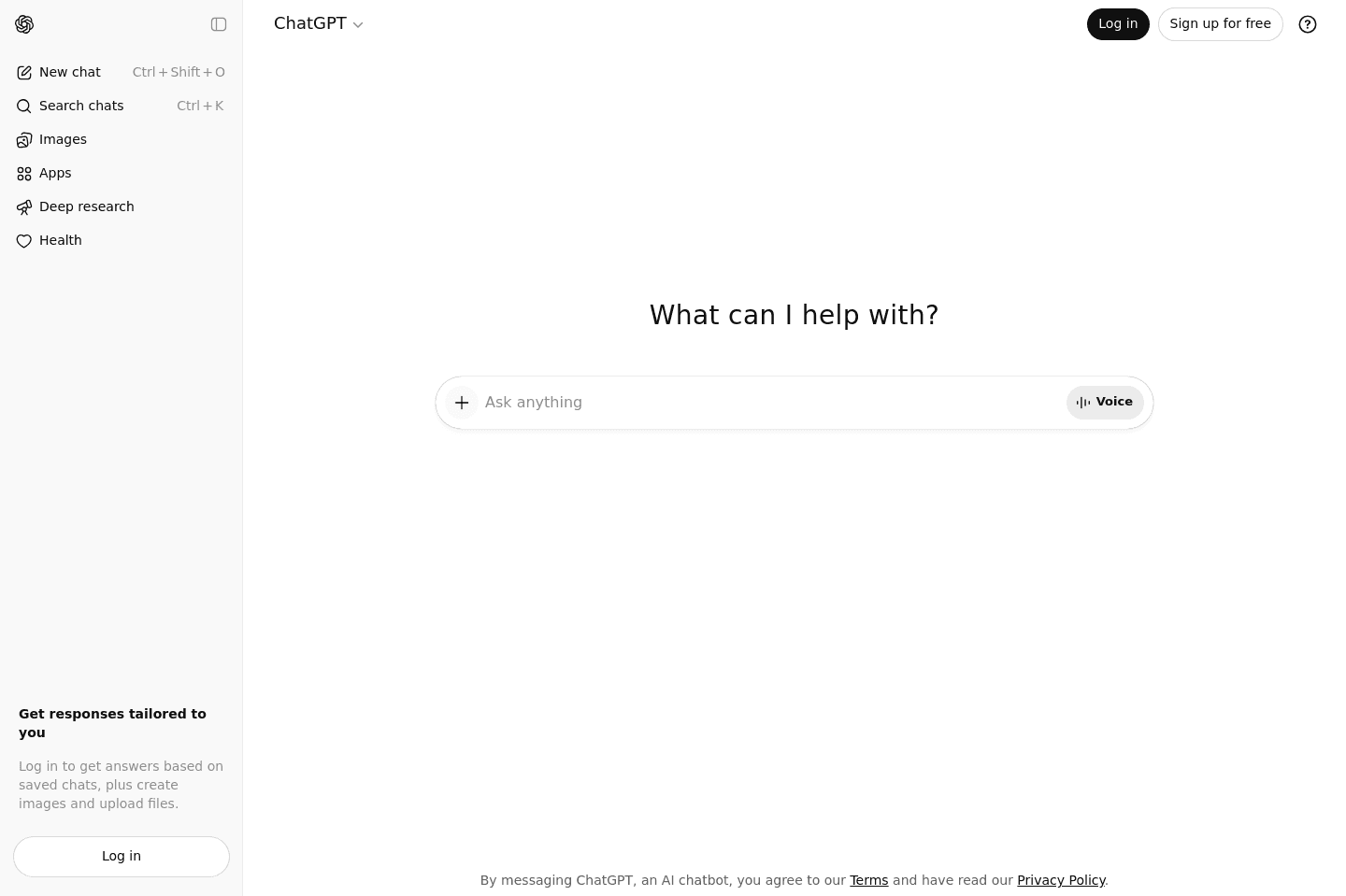
What is ChatGPT?ChatGPT is the AI assistant that most people now use as shorthand for "AI." It started as a chatbot where you could ask questions and get human-like answers back, but it's turned into a broader work layer for just about anything (writing, research, file analysis, coding, etc.)
Its memory is a huge differentiator. That's why we keep coming back to ChatGPT, because it makes it feel like a thought partner instead of just another tool throwing out random responses.
Alex and I both have two ChatGPT subscriptions each (one for personal and one for work), because we didn't want to muddy personal and work conversations.
My personal ChatGPT knows my health goals, fitness stuff, diet preferences, and the kinds of books I like. When I finish a book, I'll tell it whether I liked it or not, because I want this thing to get to know me. And then my work ChatGPT knows our systems and the way we think about products.
ChatGPT has also done a great job of being available everywhere I need it. It's on every device I use, and that makes it easy to create habits and keep context across my devices. I am an avid user of ChatGPT Atlas as my main browser, and find myself feeling quite limited and anxious using any other browser just because of how much not having ChatGPT with it's full memory on the right hand side at all times, slows me down.
Now of course, ChatGPT is not perfect, projects still feel more manual than they should, and the agent features are not magically better than every other agent tool we've tested. Then there's the issue of it being too agreeable, so be aware and be sure to ask for sharper feedback.
I also use Claude, and I get why people love it. It's clean and really good when I already know exactly what I want. But ChatGPT is the all-around AI assistant I actually keep using day to day, and if I had to start from scratch, it's still what I'd start with.
Who is ChatGPT for?
Who is ChatGPT for?ChatGPT is for everyone and anyone. Almost everyone I know uses it, from my mom to my hairdresser, to every engineer, to us at work. It's especially useful for people who spend a lot of time thinking, writing, researching, or making decisions.
The thing I personally need most often isn't a faster writer, it's a thought partner. Someone (or something) that can help me figure out why a script, review, or idea feels off before I waste another hour polishing the wrong thing. That's where ChatGPT stands out for me.
I use it to think through reviews, pressure-test ideas, explore Reddit discussions, compare information, and help me make better decisions. Sometimes I'll spend an hour talking through a piece with ChatGPT just to get clear on the angle, then go write it myself without AI afterward.
Because in a world where AI can increasingly do the work for you, what stands out more to me is getting clearer on your own thinking and opinions. That's where I find Claude more limiting. Claude feels more execution-focused, whereas ChatGPT is better at helping me get to the core of what I'm actually trying to think through.
Key Features
Key FeaturesAI Chat
AI ChatOpen ChatGPT, ask it a question, and you'll get an answer.
That's why ChatGPT blew up. You don't need to know prompt engineering or model names. You just need to know how to have a conversation. But the reason the chat experience actually sticks is because it's memory. It remembers who you are, what you care about, and what you have been working on, so every new chat does not feel like starting from zero.
I use it to pull ideas together and create drafts, but I also feed it things I've written, so it can do a final pass for clarity. It's worth flagging that ChatGPT can be too agreeable if you don't push it. Ask for blind-spot feedback. Tell it when you don't want a rewrite. Make it challenge the piece instead of politely smoothing everything out.
Deep Research
We use the higher-tier account ($200/mo) when something needs more thought: market research, product decisions, competitive analysis, or situations where an instant answer isn't enough. Obviously, don't use it for every question. Most prompts do not need that much horsepower.
But when you're trying to understand something deeply, the slower, more thoughtful modes are worth it.
Voice and Video
Voice and VideoChatGPT is the only AI tool I reliably use for voice + video chat. I use it all the time for random real-life problems. My washing machine breaks, and I can ask, "What is this error message?" while ChatGPT's camera is pointed at the machine.
Projects + Workspace Layer
Projects + Workspace LayerRandom chats have a time and place, but Projects are where ChatGPT starts to feel more like a workspace than a bunch of disconnected conversations.
We use projects for writing, product, engineering, where the same context needs to show up again and again. If you have a recurring type of work, for us, that looks like writing software reviews in a specific voice, it makes sense to keep the relevant context, instructions, and conversations together. It's also nice that it keeps a specific POV, so you don't have to feed it context and re-explain things every single time you need something.
I do wish we didn’t have to go to the step of linking conversations to projects though. The same goes for skills. I want to access the skill without adding it to a specific project first. It feels like a small workflow thing, but it would cut so much friction if the right context showed up more naturally.
So, I like Projects. I use them. I would recommend teams use them. But the workspace layer still feels like it can use a lot of improvement. It's useful and heading in the right direction, but it still asks you to organize more manually than I would like.
Cross-Device Availability
Cross-Device AvailabilityIt's kind of shocking to say this because cross-device support feels like something every AI tool should get right, yet I've run into way more friction with other tools than with ChatGPT. Across desktop, browser, and mobile, ChatGPT has easily been the most reliable experience I've used.
Right now, I'm a huge fan of the browser, ChatGPT Atlas. I tried the Claude extension, but lasted two days because f you accidentally close it out for a second, it deletes your entire chat and there is no memory. Feels like a huge oversight and unless you experience ChatGPT Atlas, you don't realize how easy it could be to have AI always accessible on every page.
Agents
AgentsChatGPT can connect tools like Slack and Drive, then help you find information or take action across them. The idea is to use AI to pull the answers together instead of having to search across five different tools.
The most useful thing I've found in Agents is honestly just Slack search. I hate Slack search, so being able to ask ChatGPT "Who said this in Slack?" or "Where is this message in Slack?" without adding in context is genuinely useful.
But a lot of agent stuff still feels early. Sometimes it pulls up things where I am like, "I don't even know what this is." And that's the issue with so many AI agents right now. They can connect to your tools, but connection doesn't equal context.
We test sooooo many tools trying to do this agent thing, so maybe I'm just harder to impress here, but it doesn't feel new or exciting to me. Maybe for someone who's seeing this for the first time, it will, but for me, I can't help but notice the gaps. For these types of things, I am still more bullish on using specific AI tools that are more refined.
If you mainly want an agent-style assistant, I'd look at something more specific, like Littlebird. It has workflows that are better because it's actually looking at my screen instead of relying solely on connected tools.
Additional Features
Additional FeaturesCodex
CodexI asked our Head of Engineering about his views on Codex.
He said "It's the best value in agentic coding right now. The $20 plan gives you enough usage to get things done, which you genuinely can't say about Claude's equivalent tier."
He reaches for Codex when he needs something fast and obvious done across a lot of files, the kind of work where it's straightforward and hard to mess up.
He also runs it alongside Claude specifically to audit each other's work.
Because they're somewhat adversarial, they're good at spotting what the other one got wrong. If your budget is tight and you need one tool for real development work, he says to start with Codex.
File Analysis
File AnalysisSomething I love so much about ChatGPT is that it knows how to handle a mess. I can bring it transcripts, PDFs, spreadsheets, and all my half-baked ideas. It'll take all that raw material and clean it up way faster than I could.
I can't even count the number of times that I've brought ChatGPT, a rambling transcript, and a bunch of research notes, asking if it could turn it into a useful review! It's good at pulling out structure, themes, contradictions, and usable lines when I'm too close to the material to see what is actually there.
However, as much as I am a fan, I still wouldn't treat it as a final source of truth. It can miss context, overstate things, and sometimes it struggles with being too polished, so you still need to pass over everything with a fine-tooth comb and some editorial judgment. But it still saves a lot of time, especially when you've been staring at a wall of text and need to know, "What's actually here?"
Pricing
Pricing- Free: Best for individuals, students, or curious first-time users who just want to understand why everyone talks about ChatGPT.
- Codex: Usage-based pricing with no fixed seat fee. Best for engineering teams or technical operators who want AI deeply integrated into software workflows.
- Business + Codex: $20/user/mo billed annually ($25/user/mo monthly). Best for startups, agencies, and growing teams that want ChatGPT as a shared workspace instead of just an individual tool.
- Enterprise: Custom pricing. Best for larger organizations dealing with sensitive internal data, strict IT requirements, and hundreds of employees.
Final Verdict
Final VerdictIs ChatGPT worth it? One thousand percent. It's the first AI subscription I'd recommend to someone.
It's definitely a tool that gets better once you're on a paid tier. If you're using the free version and constantly running into limits, I genuinely think it's worth upgrading. AI is probably the cheapest it'll ever be right now, and I think having full access to at least one strong AI tool is becoming increasingly valuable. For most people, ChatGPT is still the best all-around option to have in your arsenal (by the way, here's a ChatGPT discount).
Categories
CategoriesChatGPT fits into multiple categories based on what it actually helps you do. Each category highlights a different strength and the efficiency points it earned, helping you compare tools not just by features, but by how well they actually perform.
Keep exploring the best software across categories, or explore ChatGPT alternatives