Review Summary
Review SummaryLittlebird is an AI assistant built around one idea: the more context it has, the more useful it becomes. It records meetings, pulls from your calendar and email, AND reads what's on your screen so it can understand what you've really been doing throughout the day.
That's what lets you ask something as simple as "What did I do today?" and get a real answer instead of guessing or piecing things together yourself.
Littlebird Gave Me Perfect Memory. 1 month review. *not sponsored*
Littlebird Gave Me Perfect Memory. 1 month review. *not sponsored*What is Littlebird AI?
What is Littlebird AI?Littlebird is an AI assistant that gathers context by recording meetings, pulling from your calendar and email, and using your on-screen activity + calls as context so it can help when you ask questions, try to surface insights, or just get work done. It's one of our top-rated productivity tools right now.
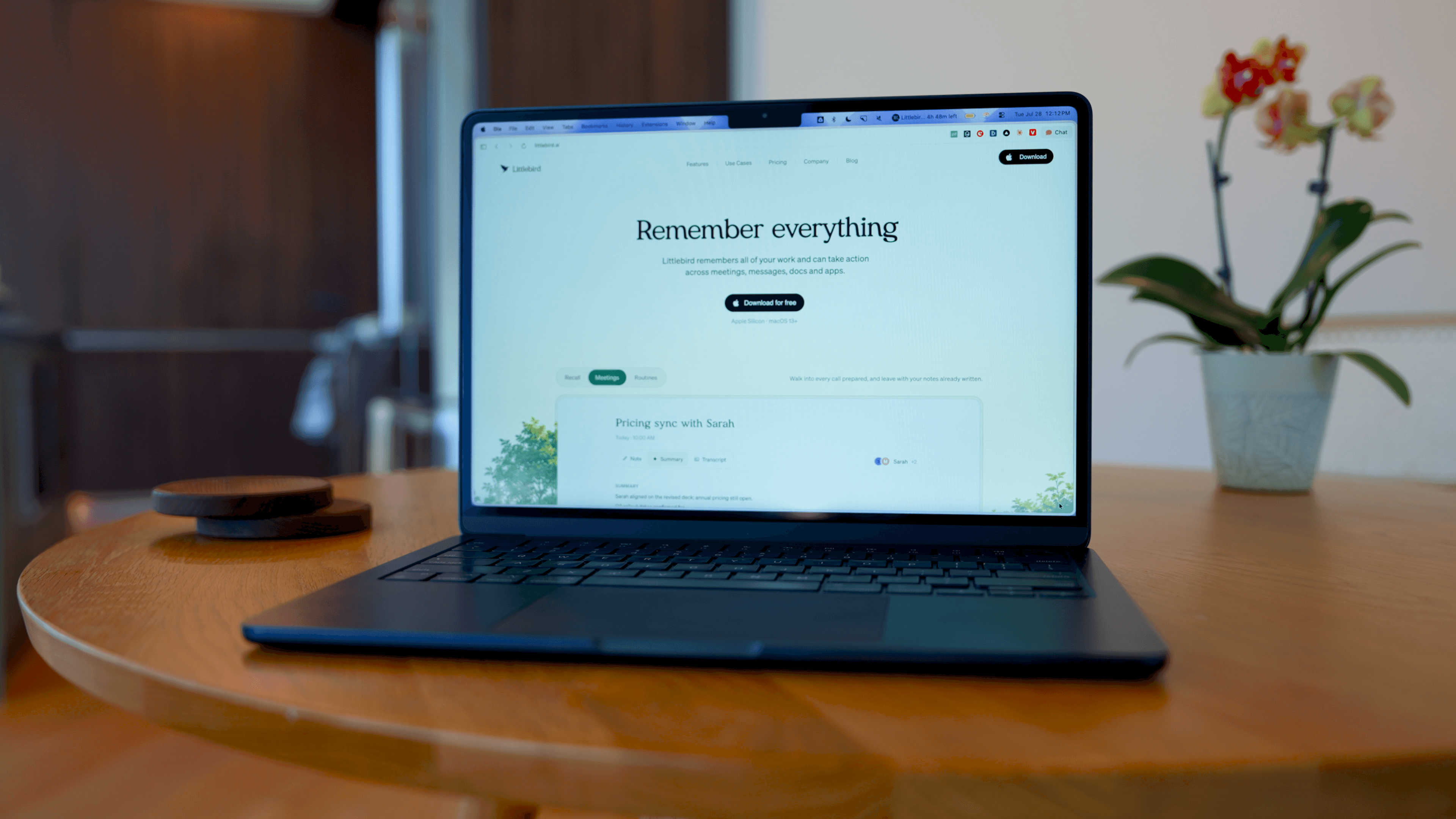
It's basically an AI chatbot mixed with full context from your day-to-day, and that difference becomes very obvious once you use it. We've been using it for about two months now and have had some interesting wins.
For instance, we can ask "what engineering had been working on?", and it pulled actual updates from Slack... even though we didn't give it Slack access. Slack just had to be open. That was one of the situations where you go, "Okay... that's both amazing and kind of scary."
Our Experience with Littlebird
Our Experience with LittlebirdThis tool has gotten a ton of traction recently, and that's how we found out about it. We were checking our website search history and noticed that someone had searched for Littlebird, so, of course, we had to do some digging.
After seeing their recent $11M (impressive!) funding announcement, paired with the fact that Lenny Rachitsk decided to invest (he runs one of the largest product podcasts out there) it was more than enough for us to know this probably wasn't going to be a half-baked product.
Other companies have tried to do this context-aware thing, like Rewind and Microsoft, but they went the path of recording your entire screen and taking tons of screenshots, which is not only super CPU intensive but also just quite violating. Littlebird took a different approach. Everything you're doing on a page is just text, and the reality is the text is actually the helpful part, and that's the only thing they are storing. So it's not that invasive anymore.
So we ultimately decided to give Littlebird a try. It's been really helpful so far when it comes to fully understanding everything you did for the day. It's like having a real assistant who's by your side all day and can tell you exactly who said what or when things happened. With that, it's become one of our favorite AI tools right now.
Who is Littlebird For?
Who is Littlebird For?I'll get asked something simple like, "What did you do today?" and I kind of spiral.
Not because I didn't do anything, but because it was 500 tiny things... Slack messages, random tabs, quick decisions, context switching all day. So, trying to piece my day back together during our nightly debrief is exhausting. And that's where Littlebird lightens that mental load, because now I already know what I'm going to say, because I already asked Littlebird for a full rundown.
It's for people who are doing a lot, switching contexts constantly, and don't want to rely on memory to keep track of it all.
We have Granola for meeting notes, but when we need to recall things, we're straight to Littlebird. So far, it's really been helping me with the simple things, like "I swear I saw something, but I don't remember exactly where" or "what was in that tab I had open earlier." I didn't expect that. I was surprised at how good it is when you need to make sense of things that happen outside official meetings.
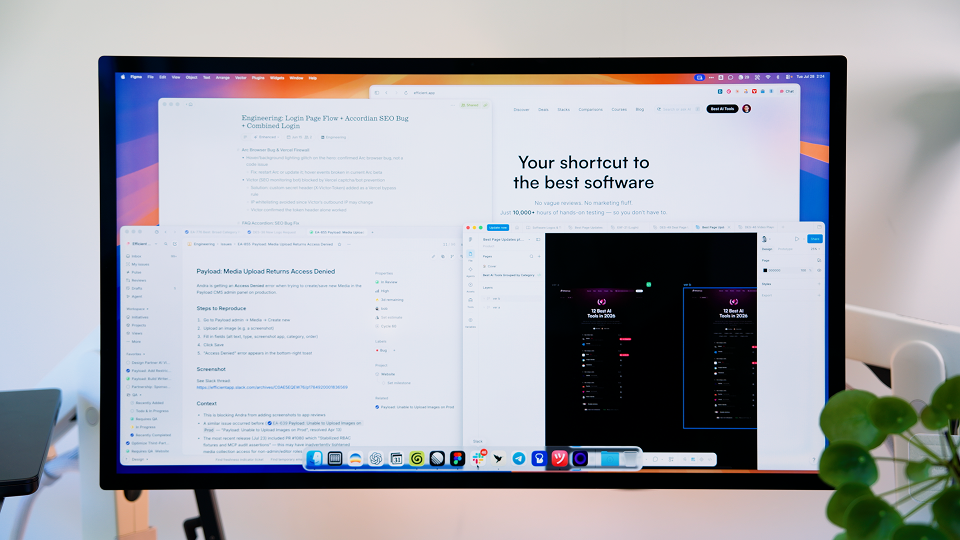
With that said, I wouldn't say that Littlebird is limited to founders only. In fact, I think it would also be really great for anyone in customer-facing roles (like customer success or sales). The amount of time it would save when you're wondering: Who am I talking to next? Who do I need to respond to? Or what's left on my plate? is huge.
Bottom line is that it's really for the person who forgets things. If you're context-switching all day, and even trying to remember what you did today, last week, or even the month, feels exhausting, then yeah, Littlebird's going to feel refreshing.
Key Features
Key FeaturesContext Awareness
Context AwarenessThe main differentiator of Littlebird is that it is able to see your on-screen activity and use that as context. And unlike failed startups before them (e.g., Limitless), they don't actually take screenshots or record what you're doing; they just pull reference queues here and there as you simply use your computer.
It's definitely more invasive than a normal note taker, but that's also the whole point. The best AI assistant is going to be the one with the most context. This is what that looks like in practice so far.
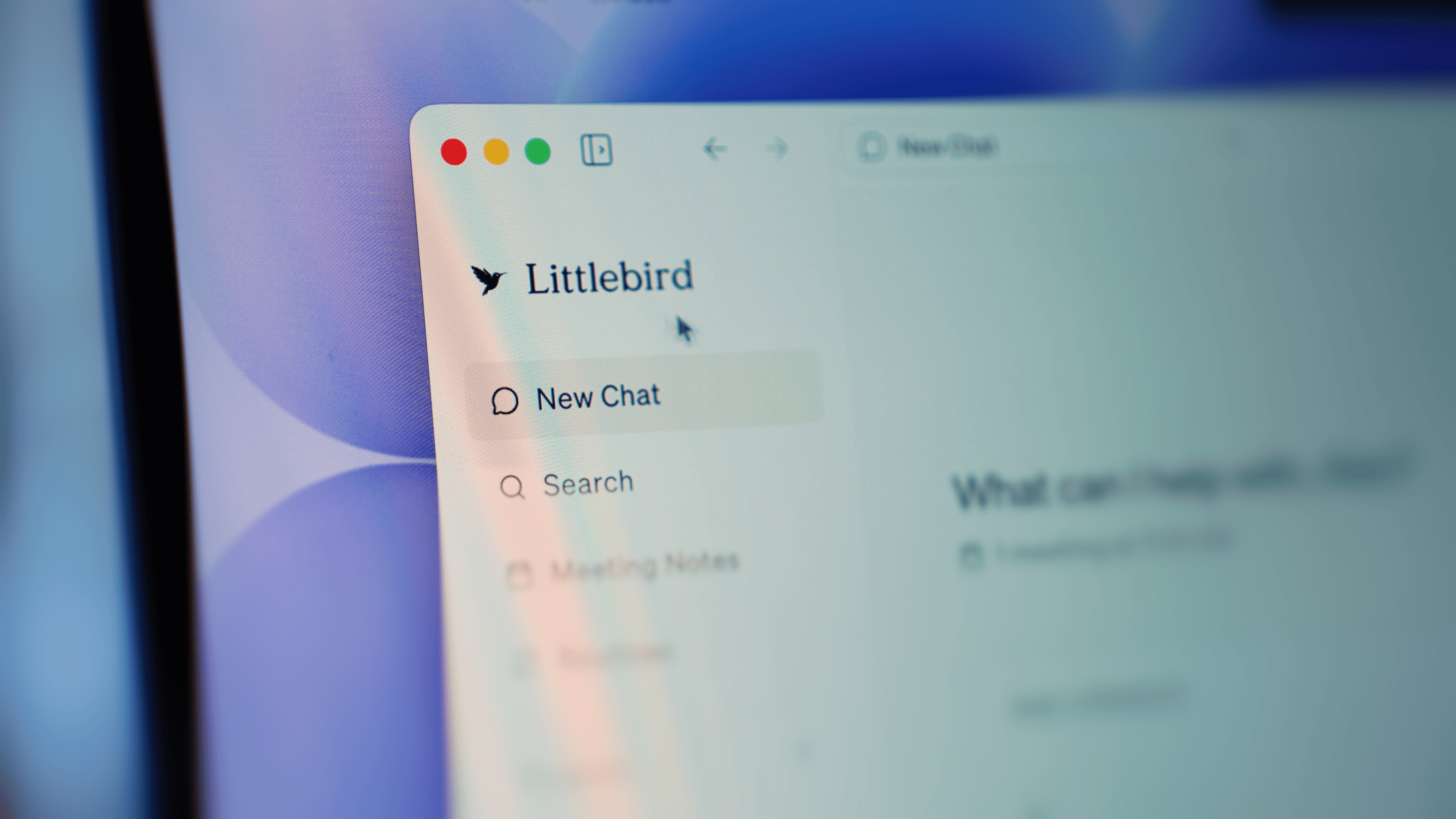
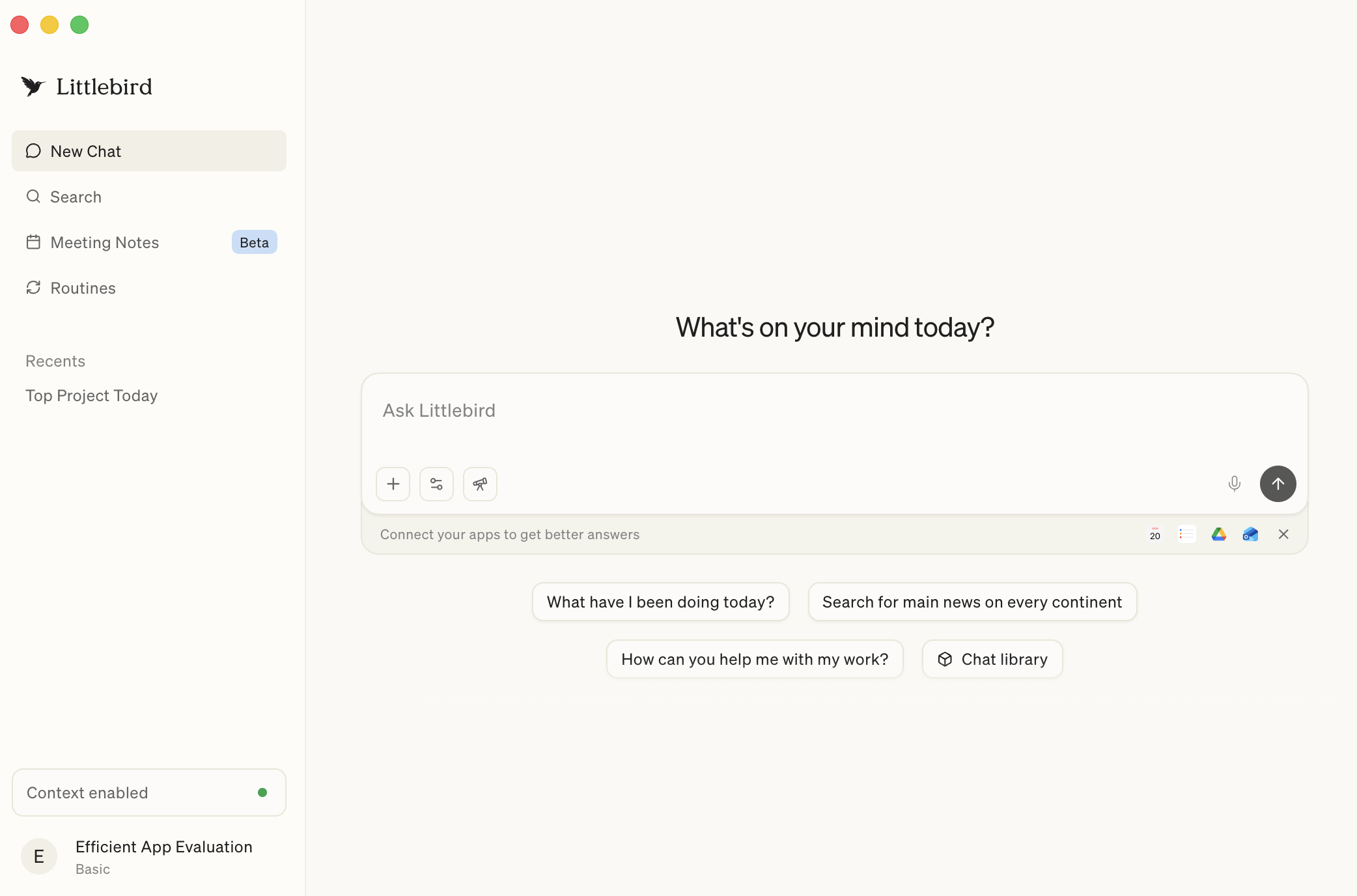
Something I really loved is the lack of setup friction. You do not have to sit there integrating every tool under the sun just to get some basic assistant behavior. It's pretty automatic: you just download it and let it observe. Then you can ask questions based on what happened during your day. That's what makes it feel less like a chatbot and more like a second set of eyes. Whatever you looked at, at some point, it knows. 😳
There was a moment where Slack had just been open on screen (we hadn't asked it to connect to Slack), hadn't set anything up, and Littlebird already knew what engineering had shipped that day. Which is completely insane!
At the same time, that's exactly why we made it a point to be aware of the privacy settings. This is a tool that can read everything on your screen, so we immediately thought about our analytics dashboard and financial data, things like that. That's stuff that I really don't want added to an AI's memory layer, so just a word of caution.
AI Note Taker
AI Note TakerYou can tell that Littlebird has taken a lot of inspiration from the best AI note taker on the market, Granola. We see a lot of similarities between Granola vs Littlebird. The UI is lightweight; the recorder fits into the flow of a call by prompting you to join your call (when you have a meeting starting), then it sits as a scratchpad to take your own notes while on the call.
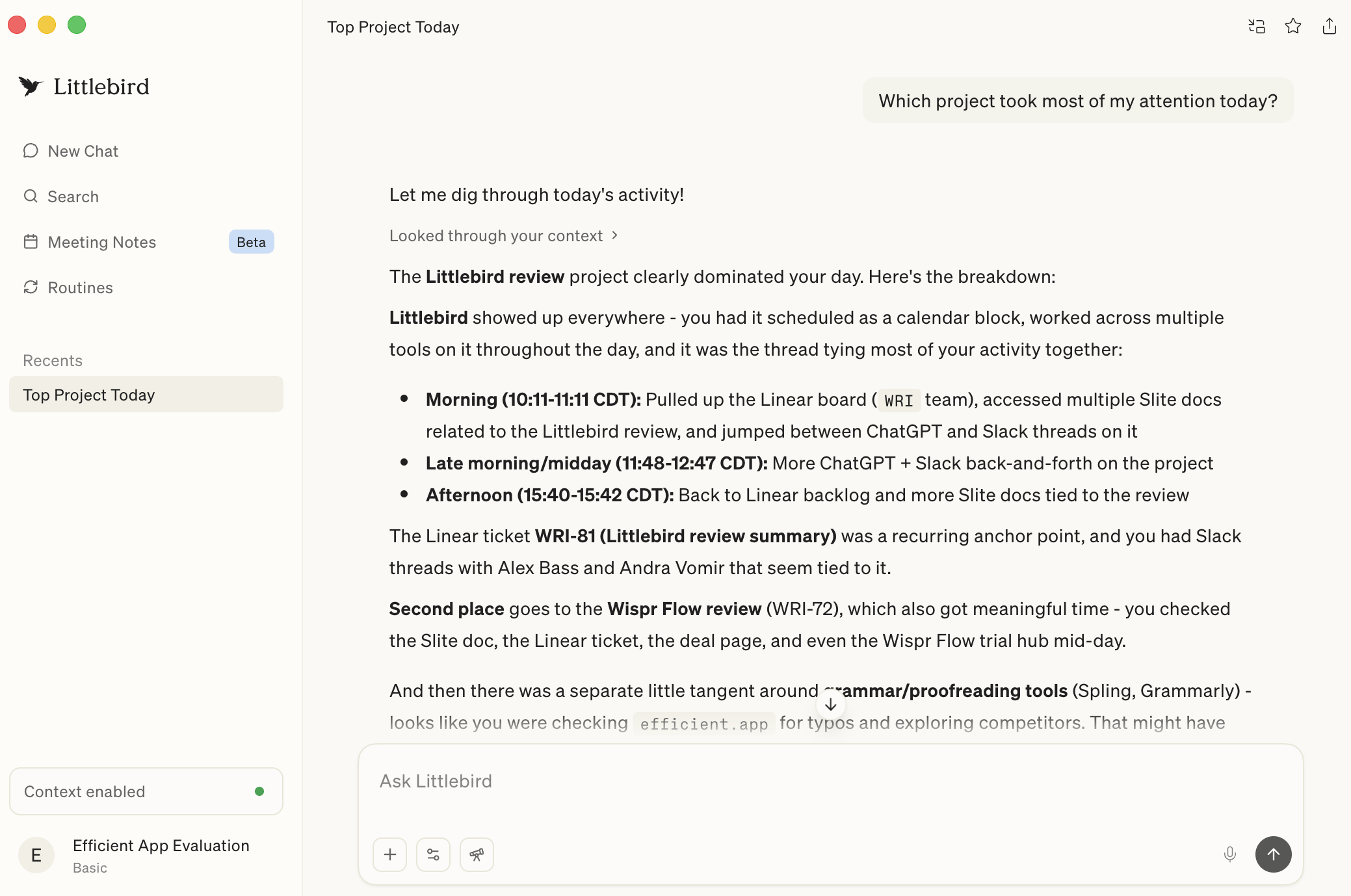
Which has been really helpful because since Littlebird considers the bigger context layer, it can feed our Granola meeting notes into the broader questions about my day, projects, or anything that happened around a decision. Just today, I had taken notes in Granola, opened it during the day, and then later asked Littlebird what happened. It was able to reference those Granola notes because they had the best answer, so that's where the memory layer acts as a huge differentiator across all my tools.
I don't think I'd go as far as to say Littlebird beats Granola when it comes to AI notetakers, especially if all you want is purely the best meeting note taker, but Littlebird is more interesting when you're looking for something broader and need it to consider various pieces in the puzzle that is your workday.
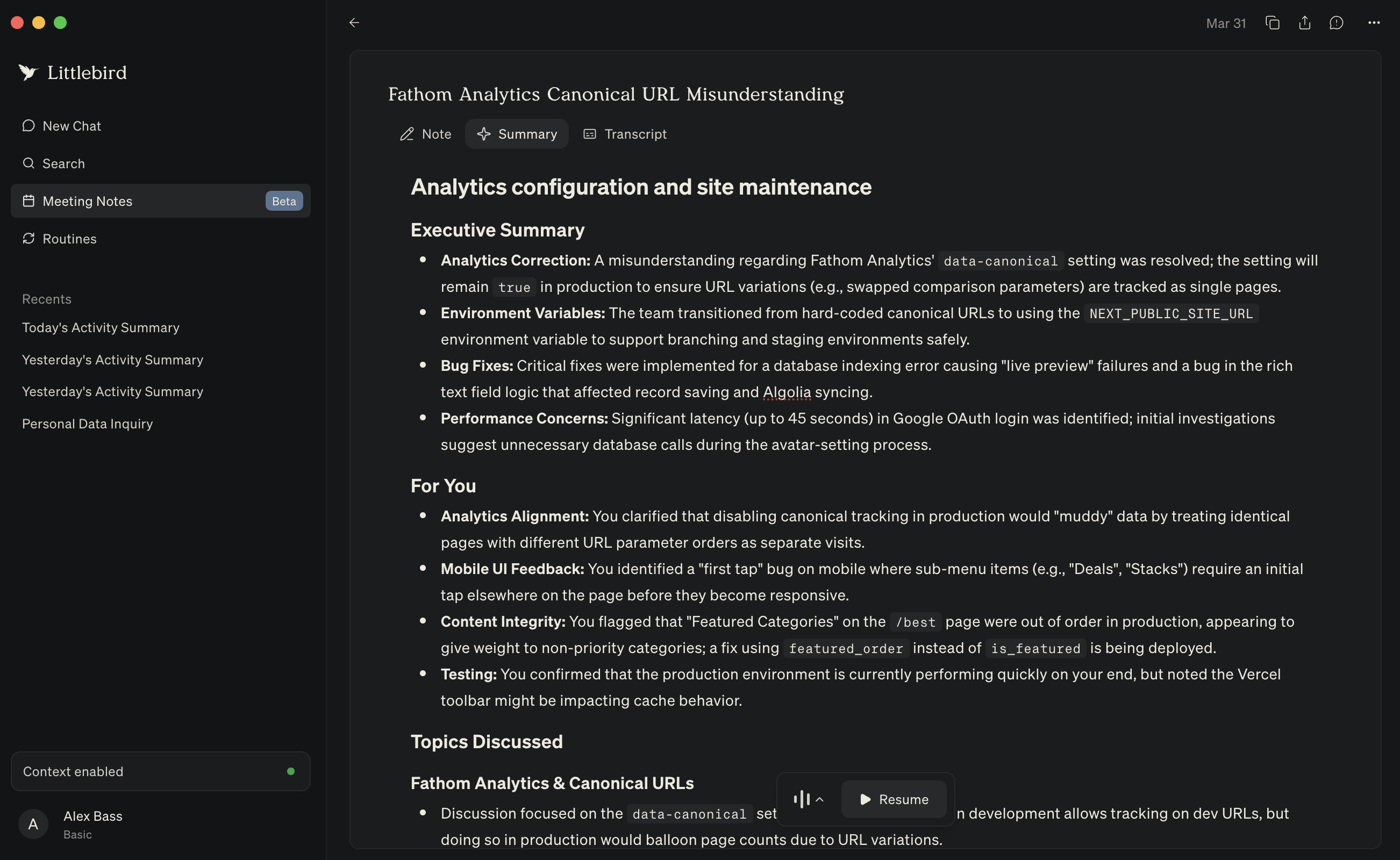
Oh yeah, and generating the call notes after the call is suuuuuper slow as compared to other notetakers. Sometimes it froze, but it always got there. I know it takes longer because it's also taking into account all of the context and just pulling in more data overall. On the bright side, it does generally result in better notes, but it's at the cost of time.
Meeting Prep Research
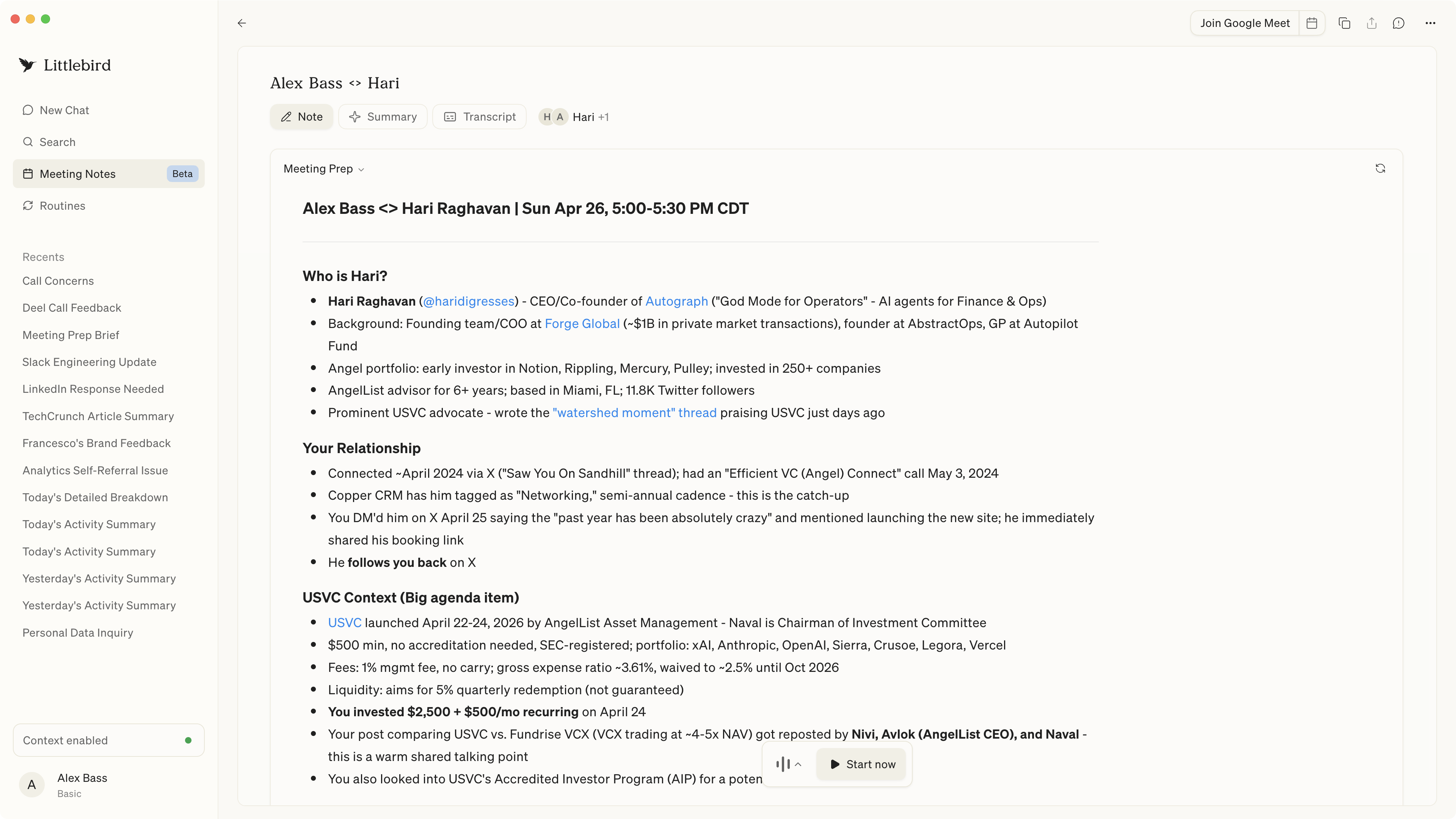
Meeting Prep ResearchI was running late for a call, and forgot about the context as to why we were going to meet, and just as I was about to join, Littlebird prompted me to an AI "Prep for meeting".
It actually went deeper than any other tool, as it actually knew what I was doing on X and what led to me reaching out and booking the call, along with the key areas of overlapping interest. It's moments this that make me feel like Littlebird is the future.
Routines
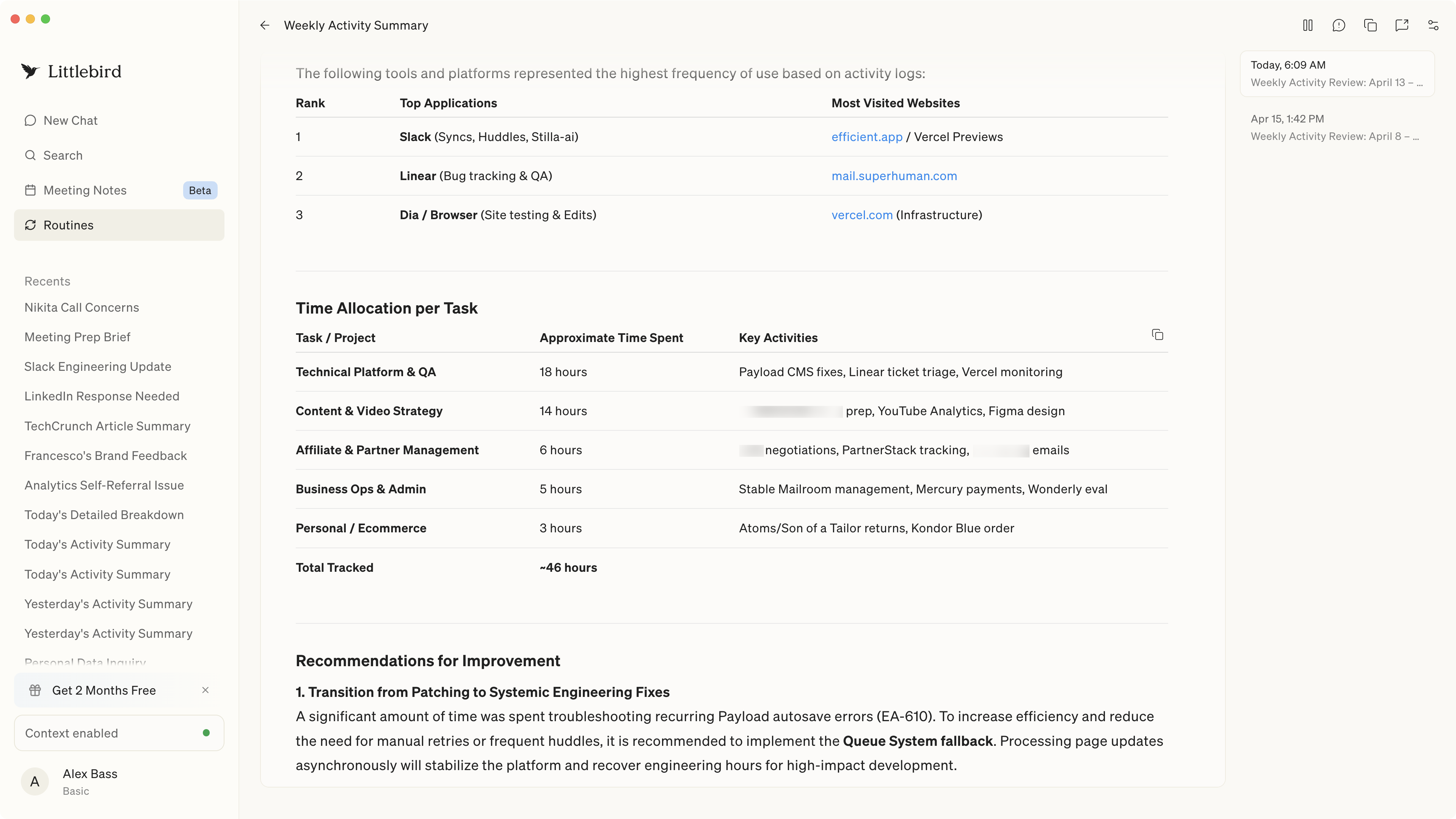
RoutinesLittlebird allows you to run routines, like a weekly activity summary, which helps you understand where you spent your time the past week, and suggests areas of improvement. So, instead of waiting for you to ask what happened, it sends recurring updates that show where your time actually went and what kinds of work have been quietly eating up your week.
Alex just looked at his weekly summary and saw he'd spent 18 hours on technical work and QA. He knew it was a lot... but not that much! That's a huge part of the value with Littlebird.
When you can surface patterns, you can see where you're taking random ownership or getting off track, which means you get to decide on how you want to take action. In this case, if you need a new hire or want to delegate to a team member, it gives you a clear answer so you can make a clear decision on the best course of action.
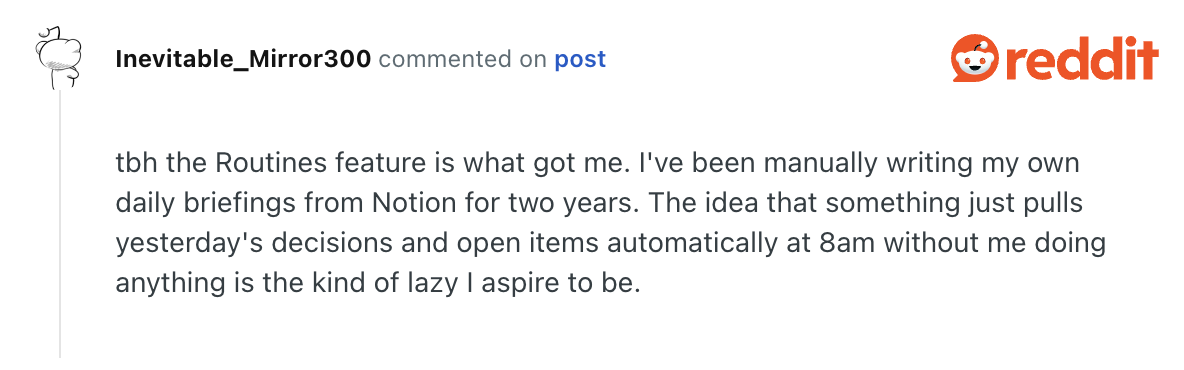
We aren't the only ones who have been loving the routines feature. Lots of people who have been picking up the manual load of drafting briefs that eat up their time are seeing Littlebird's potential. The truth is, if you can find a reliable tool to automate a task or portion of your workday, then it's worth trying.
Ask Anything Shortcut
Ask Anything ShortcutYou know we love a good keyboard shortcut, and a Littlebird has one! You can ask questions from anywhere on your computer, which is exactly how a tool like this should work.
I think I've used it just about everywhere: Slack, Linear, browser, inbox, you name it. I love having the ability to ask a question on the spot without having to open another app and manually recreate the context. It's a great idea, but you do need to build the habit. It's still way easier than something like ChatGPT or Claude, where you have to bring all the context yourself.
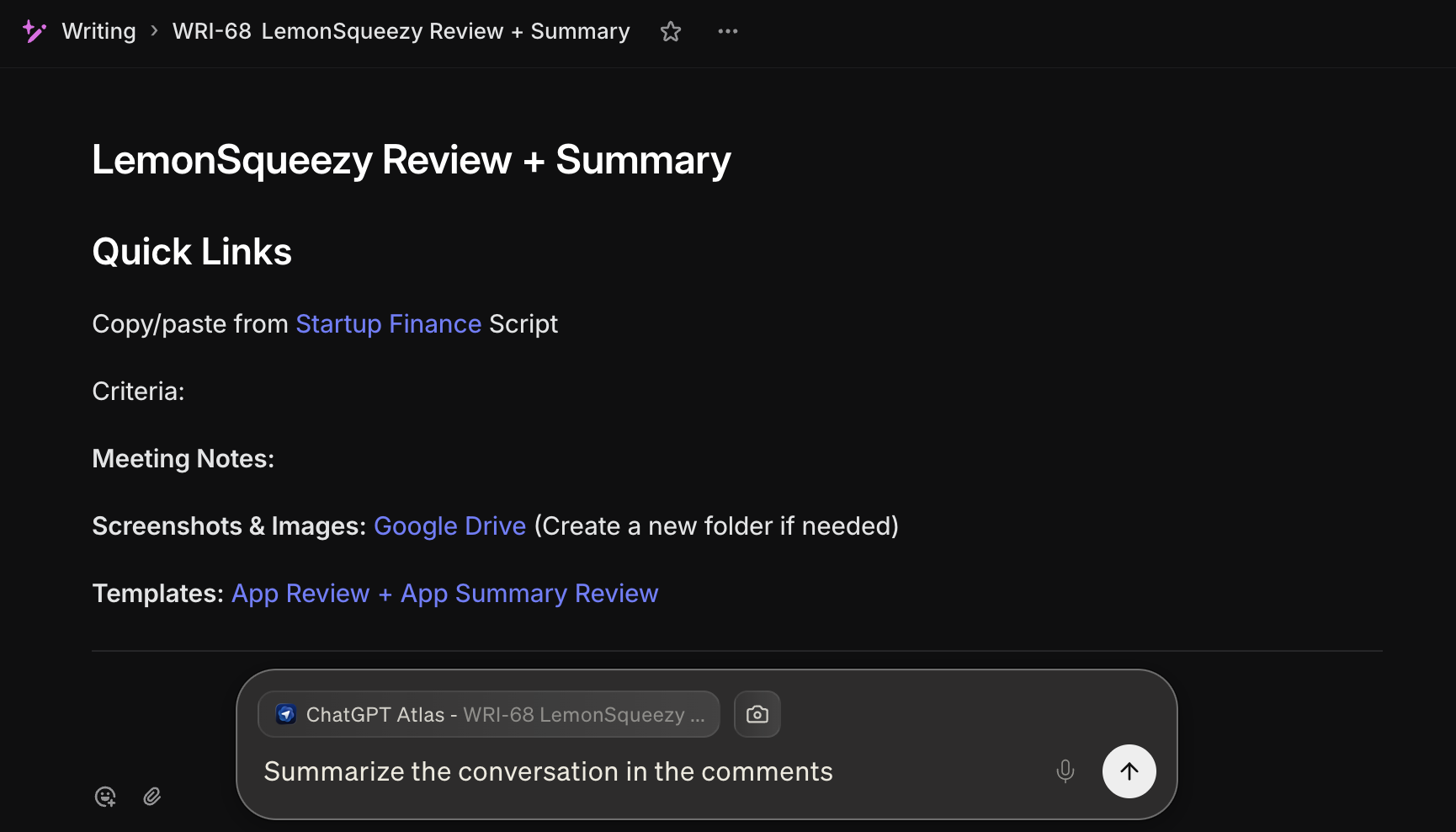
Littlebird's shortcut is super useful, but it did take a while before it felt natural and fully embedded into my workflow.
Additional Features
Additional FeaturesApp and Site Exclusions
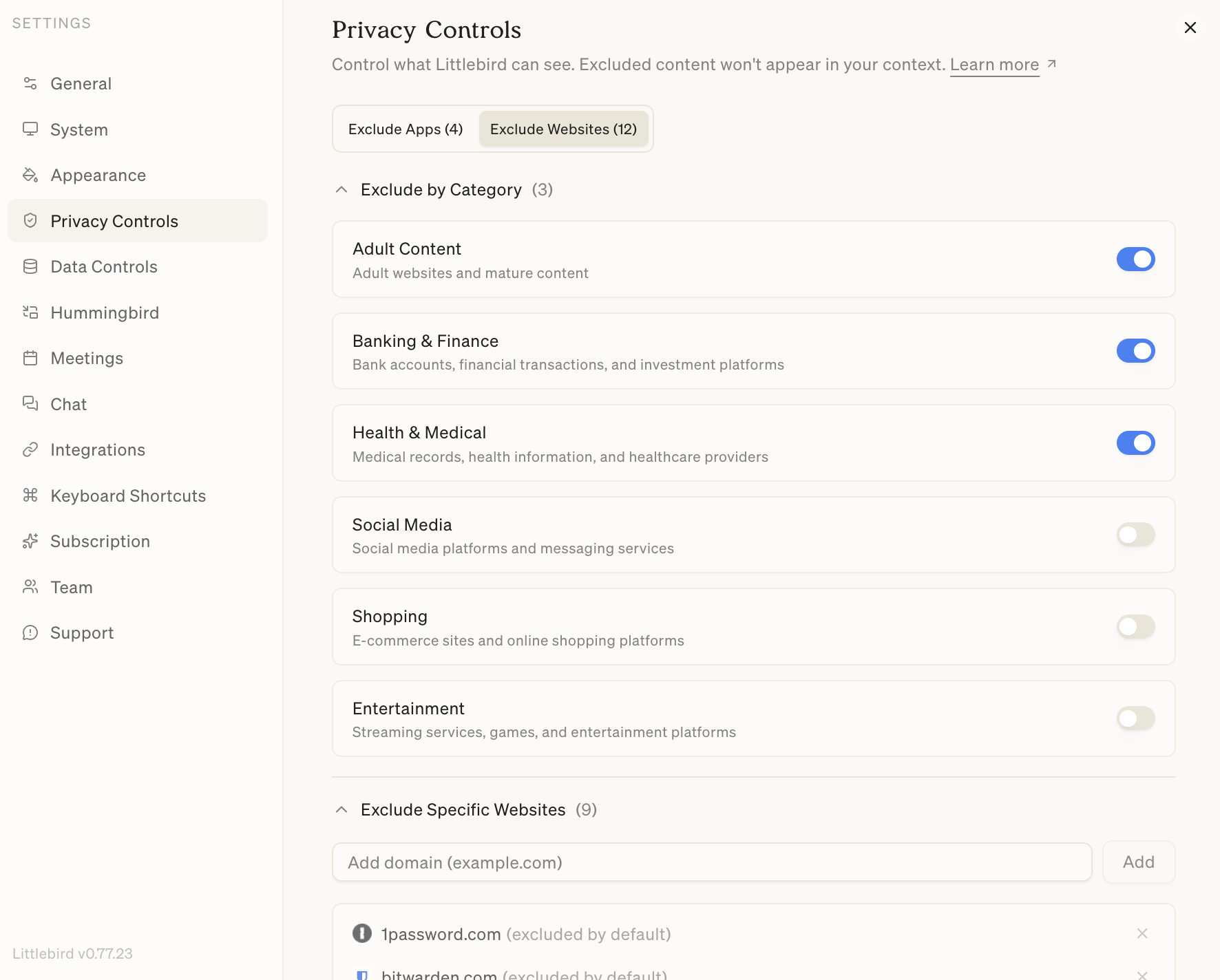
App and Site ExclusionsOne of the first things we did after installing Littlebird was to decide what it shouldn't see.
Since the tool is pulling context from everything on your screen by default, there are some obvious things we wanted to exclude, but especially banking apps, analytics dashboards, and anything else that felt too sensitive to hand off to a startup that's still finding its footing.
We were happy to see that Littlebird does let you exclude specific apps and sites, which goes a long way toward making the always-on context feel less exposing.
The exclusion feature exists, and it works, so you just have to be intentional about setting it up before you forget the thing is running.
Pause Context
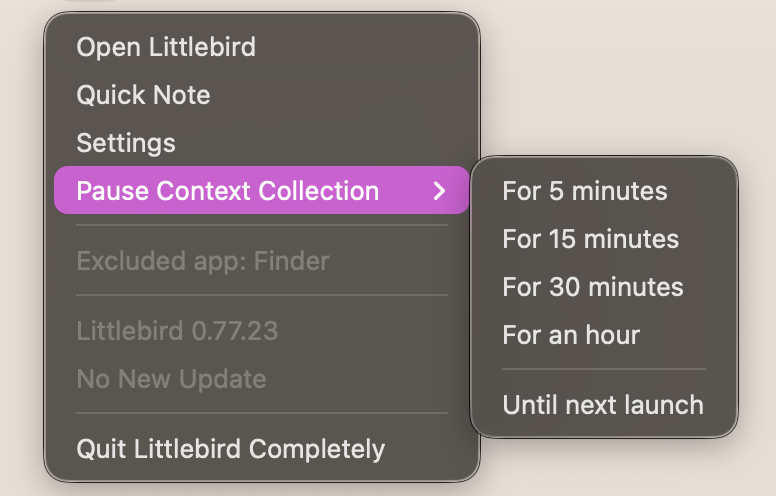
Littlebird also gives you the ability to pause context collection on a Mac. You can just click on Littlebird's menu bar icon (located at the top right of your screen), and the window will drop down. That's where the "Pause Content Collection" lives. It stops Littlebird from reading your screen for your selected amount of time. I've used this when I want to pop over to a project that includes sensitive information within a site that I visit often, so it basically closes its eyes while I get what I need done. I will say it adds some mental friction, but it's useful and has a time and place.
Mobile App
Mobile AppLittlebird has mobile apps on both iOS and Android, which is great since Granola is currently iOS only (Android coming to Granola soon!). When we are out for walks, we will open the app and ask what happened today, and it will pull together a real answer. That's not just your meetings, but also the messages, tabs, and all the contacts you accumulated throughout the day. Being able to recall all of that on the go is something most tools just don't do yet.
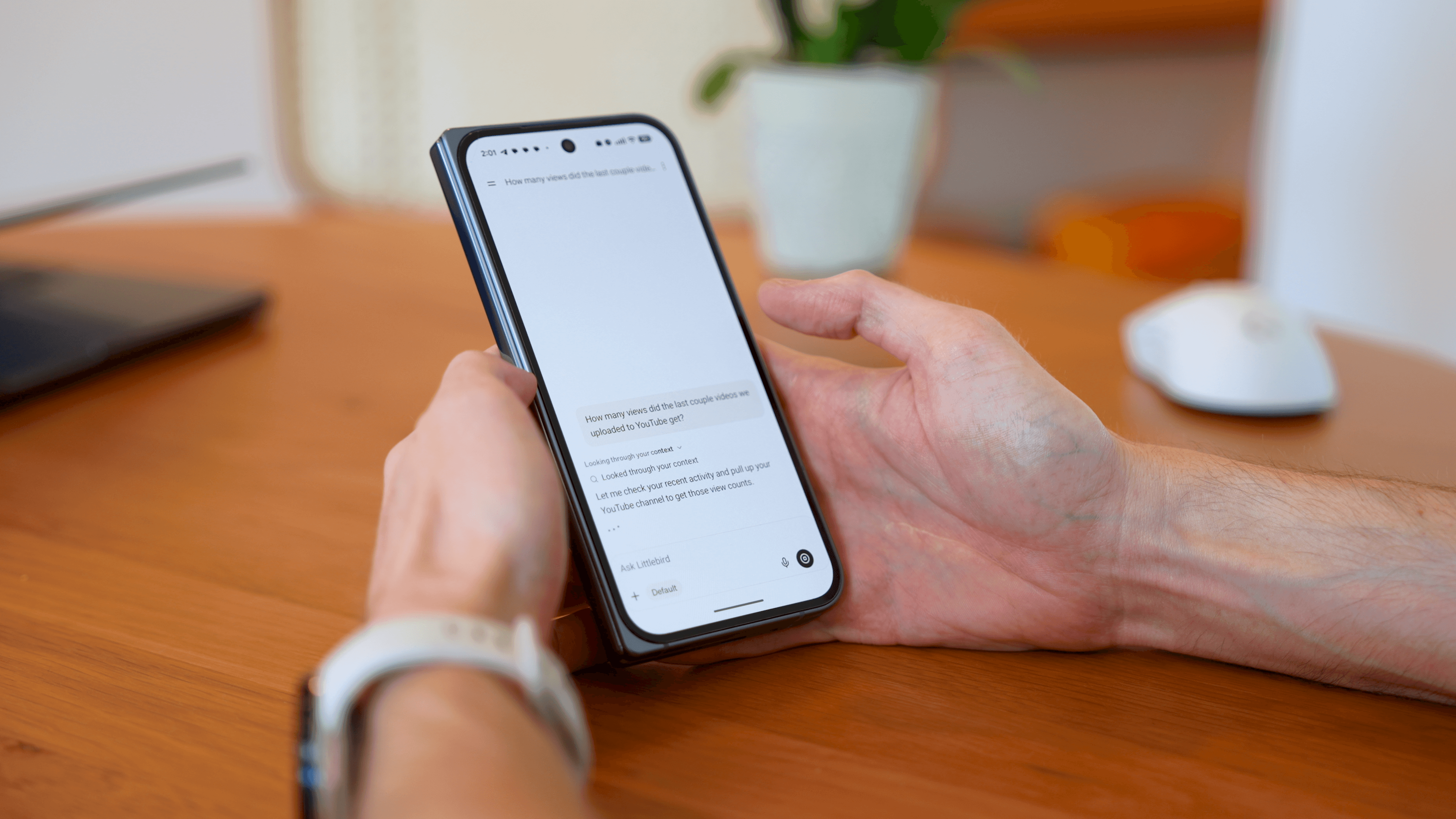
It's worth mentioning that Littlebird doesn't yet pull context from your phone. That'll be impossible on iOS, due to Apple restrictions, but for Android, they said they'll possibly experiment with accessibility permissions, which would allow them to see on-screen activity.
Even with that potentially coming, the security/comfort of having it read your phone screen at all times feels a bit more violating than just the computer. I personally would be keeping that disabled even if they built that in. Overall, it's too muddy to know the context between work and personal. In general, people use phones more for personal than they do work. I'm the opposite, but even I wouldn't be able to justify it.
Calendar and Email Context
Calendar and Email ContextYou can connect Littlebird to your Google Calendar and email to round out its picture of your day. It's also nice to know that the permissions it requests are read-only, so it can view your email, but it's not asking to edit or create drafts or anything like that.
It's only awareness, no action, which was a big deal for us because we were initially on the fence about giving it access. Knowing it's absorbing context and not operating on my behalf was a big relief.
Cross-Tool Recall
Cross-Tool RecallI find it generally impressive how Littlebird captures everything on my screen throughout the day and can build context around every tool without me having to set up any integrations. It just... knows, because you had those things open.
The perfect example of this is how it handles meeting notes. If you use Granola on a call and then pull up those notes on screen, Littlebird will absorb that too! Just the other day, we asked Littlebird what happened in a meeting, and it actually referenced our Granola notes.
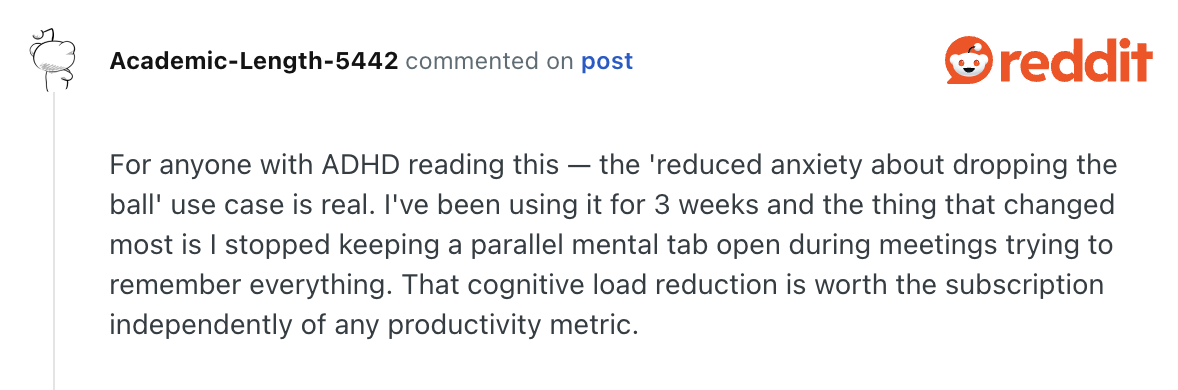
Which was weird because I took the meeting notes in Littlebird, but it's even referencing Granola's meeting notes because I wrote additional stuff there. From that, it tells me that it's pulling from the best available source it's seen, which makes the recall feel shockingly complete and dependable. We keep seeing cognitive load mentioned and it's so real! Being able to get rid of that nervous "I'm forgetting something" feeling is so freeing.
And it's not just meetings, the same applies to other places like Slack. Everyone knows that the search in Slack is notoriously bad, so being able to ask "where did so-and-so talk about this thing?" and actually get an answer is the kind of thing that solved a real problem in my workday.
Is Littlebird AI Safe?
Is Littlebird AI Safe?Littlebird is safe to use but I still think it's important to be mindful about what it sees, just for your own peace of mind. It looks at everything you're doing on your computer but only stores it as text, not screenshots, and you can pause, delete, or block context whenever you want.
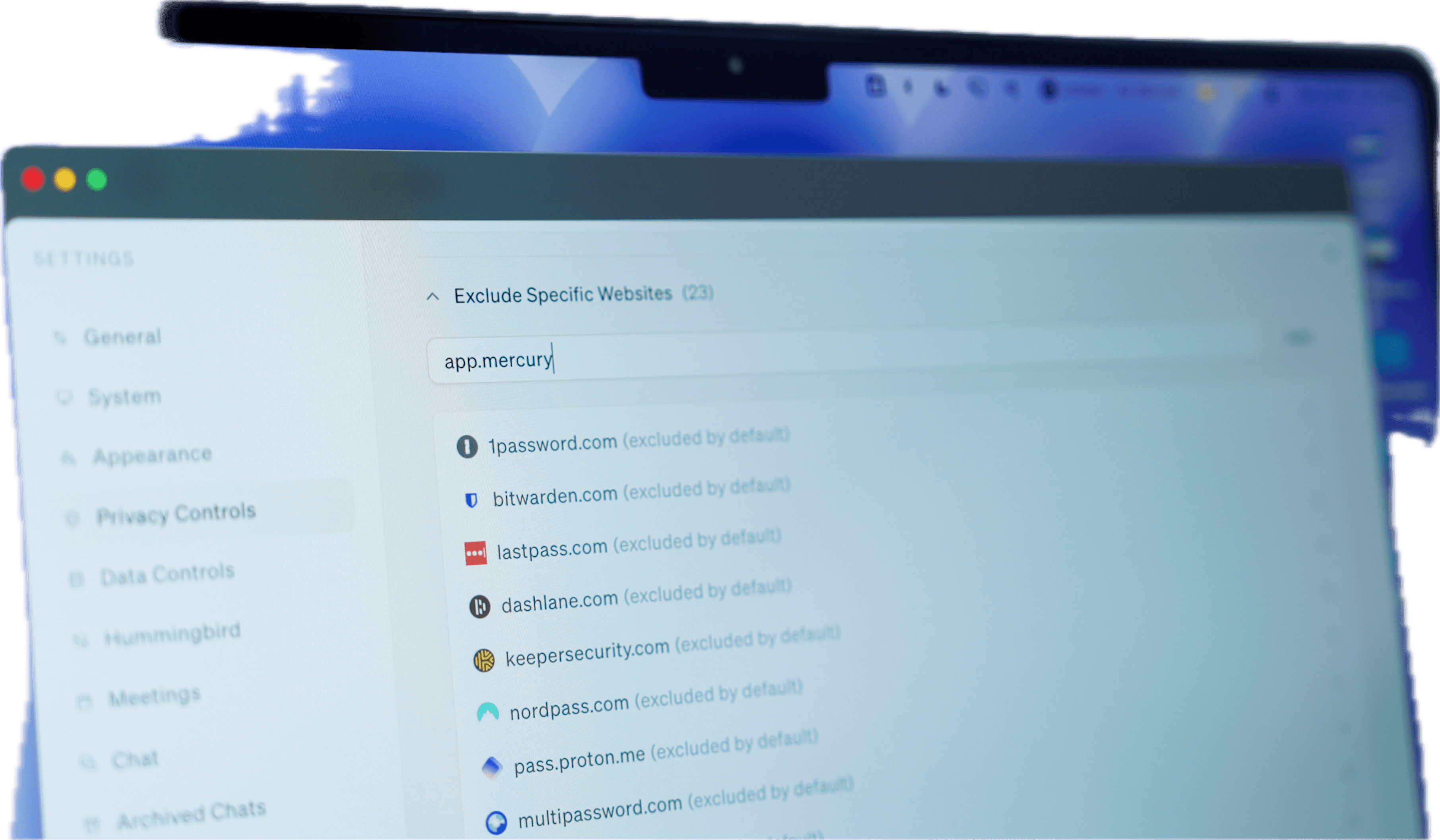
Littlebird has default privacy settings for sites you probably wouldn't want it to see (password, bank, etc), and those are enabled by default. But I still found myself adding a lot of websites to the block list, because I use my computer for both personal and work, and I don't need my personal finance sites stored inside of Littlebird. So if you're going to use it, be aware of the sites you're on and add them to the list. It's just a little layer of overhead you need to be thinking about.
I'm still figuring out the level of privacy I feel comfortable with, but I'm leaving it on throughout the day because that deeper level of context is something other tools aren't giving me.
To give you more peace of mind on the technical side, Littlebird is SOC 2 certified, which means an outside firm regularly audits its security practices, so you're not just taking their word for it. It's also GDPR and CCPA compliant, and it's HIPAA aligned for handling sensitive information, which matters because doctors, therapists, and clinicians actually use it.
On the technical side, your data is encrypted with AES-256 when it's stored and TLS 1.3 when it's moving, and encryption keys are managed through AWS KMS. They also have independent security firms regularly test their infrastructure and controls.
Pricing
Pricing- Basic: Free. Best for those wanting to test the product and see if the context-aware approach actually clicks for their workflow.
- Plus: $17/mo. Best for people who want more depth, more routine usage, and plan to use Littlebird as an everyday assistant.
- Pro: $100/mo. Best for those who need significantly higher usage limits or like advanced intelligence and want early access to feature releases.
- Team: From $17/mo. Best for those looking to roll out Littlebird to the entire team. Same features as Plus.
Final Verdict
Final VerdictIs Littlebird worth it? If you're comfortable with Littlebird having access to your on-screen activity, then you'll immediately see what makes Littlebird special, with what is unlocked when an AI assistant has access to what you've done throughout the day.
Definitely grab it for free, and worth locking in the Littlebird discount now if you ever want to upgrade in the future.
Screenshots
Screenshots

Littlebird
Categories
CategoriesLittlebird fits into multiple categories based on what it actually helps you do. Each category highlights a different strength and the efficiency points it earned, helping you compare tools not just by features, but by how well they actually perform.
Keep exploring the best software across categories, or explore Littlebird alternatives