 LittlebirdBest
Best for perfect memory and time tracking
Best for perfect memory and time tracking RaycastRecommended
Best MacOS spotlight search replacement
Best MacOS spotlight search replacement
 Wispr FlowBest
Best AI voice dictation app
Best AI voice dictation app
 Superhuman MailBest
Best email client for professionals and teams
Best email client for professionals and teams
 MotionBest
Best AI project management for small-mid-size teams
Best AI project management for small-mid-size teams
 Dia BrowserRecommended
Best for AI power users living in the browser
Best for AI power users living in the browser
 ZapierRecommended
Best no-code tool for building app integrations
Best no-code tool for building app integrations
How We Evaluate AI Productivity Tools
We score each AI productivity tool across multiple criteria, and hands-on expert evaluation
- Ease of UseQuick to set up and intuitive to use without a steep learning curve.
- Feature DepthCore features that work well, not surface-level checkboxes.
- Reliability & PerformanceConsistent, fast, and dependable with minimal bugs.
- Value for MoneyPricing that's fair relative to what you actually get.
- Integrations & EcosystemWorks well with other tools in your stack.
- Expert EvaluationCurated by, our rankings reflect in-depth testing, industry insights, and hands-on experience.AlexandAndra
Littlebird
Best for remembering everything you did and saw
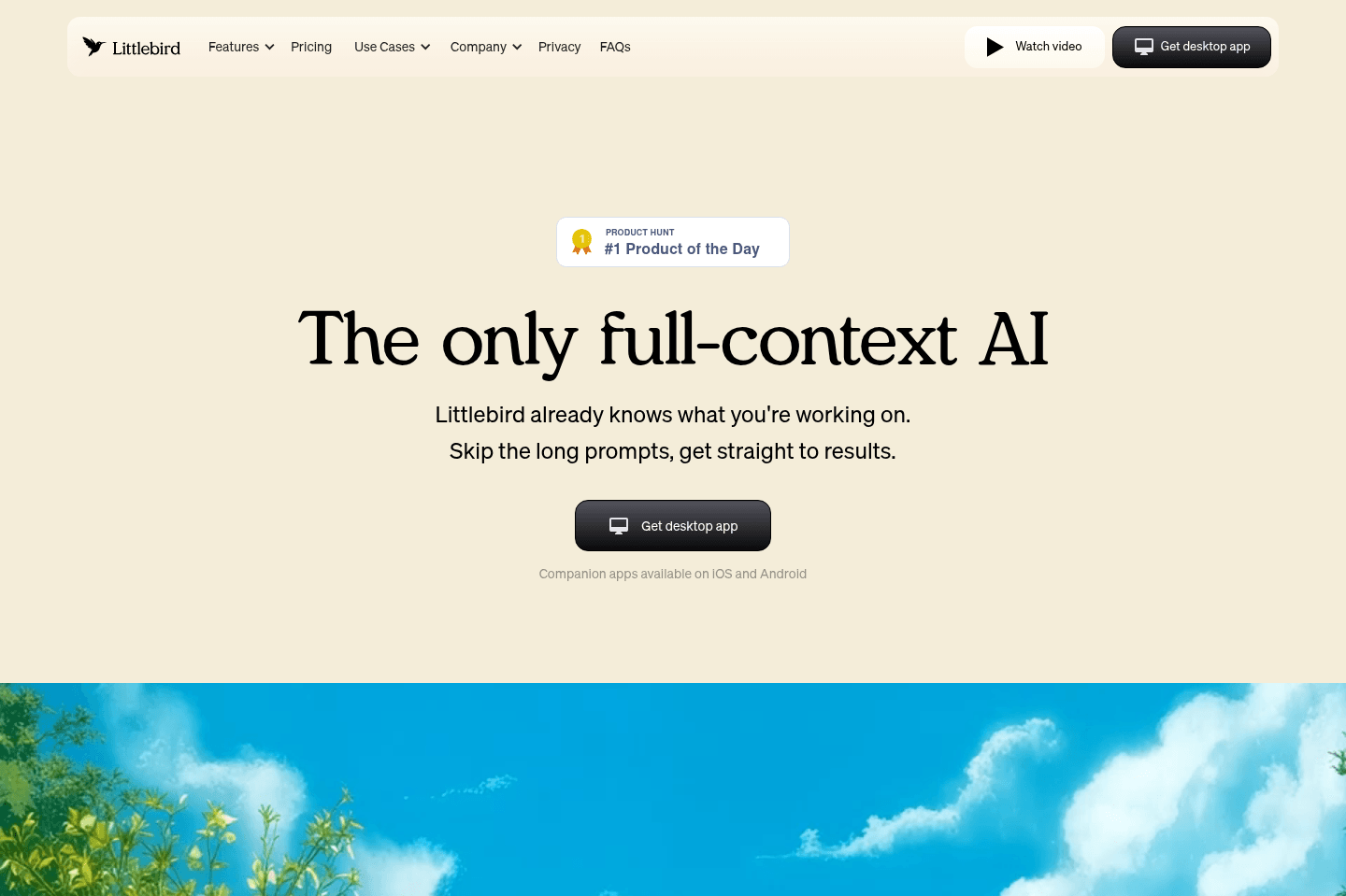
Best for remembering everything you did and sawLittlebird is an AI assistant built around one idea: the more context it has, the more useful it becomes. It records meetings, pulls from your calendar and email, AND reads what's on your screen so it can understand what you've really been doing throughout the day.
That's what lets you ask something as simple as "What did I do today?" and get a real answer instead of guessing or piecing things together yourself.
What is Littlebird?
What is Littlebird?Littlebird's an AI productivity assistant that helps you get a better idea of where you spent your time or even help you find what you need to remember. It pulls context from your meetings, calendar, email, and pretty much any on-screen activity, so you can ask things like, "What did I do today?" or "Where did I see that?" and get an answer based on your actual workday.
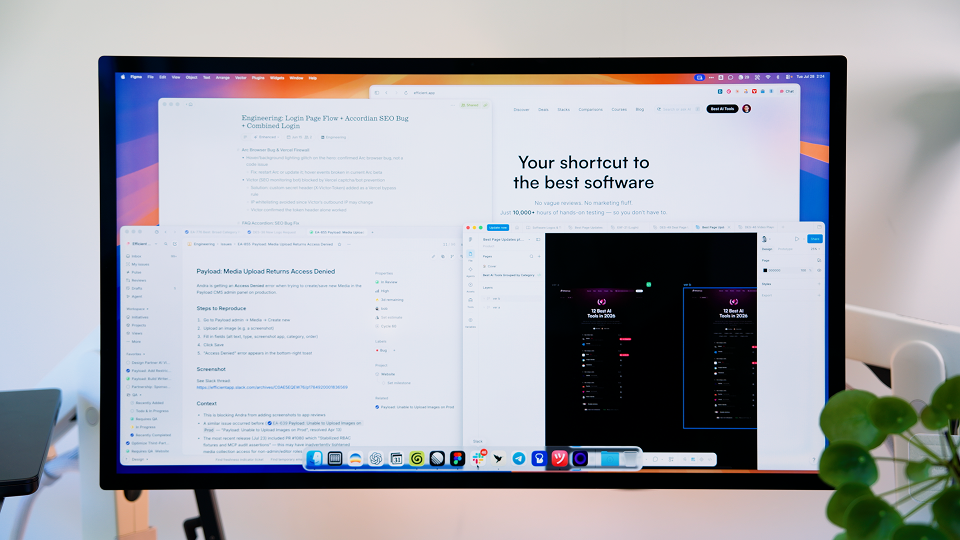
Littlebird keeps track of everything you worked on throughout the day, across all apps.
My workdays are messy... constant Slack messages, hundreds of open tabs, quick decisions, and I'm context switching nonstop. Littlebird has made me more productive just by keeping me from wasting time reconstructing what happened within each place, which is a nice change of pace compared to other AI assistants that can only look at the context provided.
I have so many of those "I swear I saw this somewhere" 🤔 moments that used to drive me crazy. Like, say you watched YouTube video and want to know where something was mentioned or at some point during your 10+ hour long workday you read a blog and need to recall a specific point, Littlebird helps you find it. And, when a tool gives me the chance to reduce the mental load of remembering everything myself... I take it!
Now, it does come with a tradeoff. Littlebird needs a lot of context to be useful. It's definitely more invasive than other productivity tools, but it's because it's trying to understand your full workday, not just one meeting or one chat. I will say it does a good job of putting the guardrails in your hands through exclusions and pausing context, but as long as you're comfortable using it intentionally, Littlebird really is like a second brain.
Pros and Cons
Pros and ConsPros
Pros- Reduces time spent context switching
- Helps you understand + optimize were you spend your time
- Strong for recall questions across tabs, YouTube, websites, Slack, meetings, email (everything!)
Cons
Cons- More invasive than most AI productivity tools
- Requires opting-out of sensitive sites (e.g. password managers, finance tools, etc.)
Key Features
Key FeaturesContext Awareness
Context AwarenessLittlebird's context awareness is the biggest productivity benefit because it understands what you are doing across your computer, not just inside one app. And since it's using your on-screen activity (including your meetings, calendar, emails, or even notes) to build a complete picture of your day, that means when you ask a question, it's able to answer with that full context in mind.
Something I didn't like about other productivity tools is the time it takes to connect every tool manually before they ever start helping. So when I was testing Littlebird it was pretty shocking that it started being useful instantly. A great example is when I asked Littlebird what the engineering team had shipped, it pulled the answer from Slack even though Slack was never connected. It had just been open on my screen.
That's why I'm a fan because I have so many moments where I know a teammate gave me an update or asked me to send something over, but I can never remember if it was in Slack, on a Linear ticket, sitting in my email, or it could even be in the comments on a Supercut video, now I don't have to hunt for it anymore; I just ask Littlebird and move on.
Routines
RoutinesThere's so many things that eat up my time and most of them I was completely unaware of. Littlebird's routines feature gave me some much needed insight on where my time was actually going. You can get recurring summaries, like a weekly breakdown, that show what you spent time on and where your attention went.
Recall is one thing, but when a tool can unearth helpful information without me feeding it prompts I'm always impressed. This feature helped Alex realize he was spending roughly 18–20 hours a week on product development, which made it a lot easier to understand why he felt overloaded. Having that insight and visibility helped him make a better decision on what to delegate or if he needed to hire an extra hand.
Ask Anything Shortcut
Ask Anything ShortcutAI tools are great, but having to break my flow to pop over to another tab just to ask a question, even if it's a simple copy/paste, is soooo unproductive. The Ask Anything shortcut is super handy because you can ask Littlebird a question from wherever you're working. For example, when I'm in Slack and the conversation goes technical (because why do I keep forgetting what MCP stands for!?), I use the Ask Anything to gain quick understanding or context without having to opening a separate tool.
I've tested a ton of productivity tools and if I've learned one thing it's that tools only stick if they work in the moment. I'm a big fan of ChatGPT Atlas because it can answer questions from the browser, but even it's limited to the context available on that page, while Littlebird can answer based on the broader context of your day + my current page + web search.
Memory
MemoryI'm constantly geeking out over the extensive memory Littlebird has. It's what makes the tool act as a second brain. The way it's able to give me a working memory of everything I've touched on throughout my day makes it invaluable. It used to take me so much time to feed AI all the things I wanted it to consider and Littlebird just needs a few seconds to register what's on your screen and it's ready for all my questions.
In any job remembering the small details can really set you apart, but that's also kinda hard when you're one person doing a thousand things at any point in time. I like that I can just be productive without trying with Littlebird. I was writing a review and remembered I had saw someone on Reddit mention a problem they ran into while using the tool, but it was like a week ago and finding it in my upvote history would take a while (Reddit's an addiction ATP 😅), so I fired up Littlebird and it found the comment in less than a minute.
What I've learned from testing so far is that trying to stay productive as one person really doesn't have to be an uphill battle anymore.
App and Site Exclusions
App and Site ExclusionsBe aware and be intentional. Littlebird is most useful when it has enough context to understand your day, but that doesn't mean you need to let it see everything. The app lets you exclude certain sites and apps, which matters if you have dashboards or financial tools, really anything sensitive that you might have open while you work.
This is what makes the always-on layer more usable. You still get the productivity benefit of better recall and better context, but you can draw boundaries around the places you don't want included in Littlebird's memory.
Mobile App
Mobile AppLittlebird has a companion app for iOS and Android, which is useful when you're away from your desk but still want access to your computer context. Luckily, you don't have to worry about it monitoring your phone usage, which is a big relief.
I like to use it when I'm on a walk or doing an end-of-day debrief. A simple "What happened today?" makes all the difference when I'm trying to gain a better understanding of where I was proactive or where I fell out of alignment with my goals. It's like a helpful little assistant I can check in with when my brain has already clocked out for the day. 😴
Pricing
Pricing- Basic: Free. Best for those wanting to test the product and see if the context-aware approach actually clicks for their workflow.
- Plus: $17/mo. Best for people who want more depth, more routine usage, and plan to use Littlebird as an everyday assistant.
- Pro: $100/mo. Best for those who need significantly higher usage limits or like advanced intelligence and want early access to feature releases.
Get the latest rankings and insights on top AI Productivity apps—delivered to your inbox. Stay ahead with our expert picks and updates.
Wispr Flow
Best for AI dictation
Best for AI dictationWe've been trying dictation tools for years, and Wispr Flow is the first one that actually worked reliably enough for us to keep using every single day.
Press a button, speak, and it'll use AI to write out clean text across Slack, texts, email (anywhere). I even use it for fast content writing or when I'm talking to AI. At this point, it feels like one of those tools where, if it disappeared, I'd be massively annoyed. If you spend a big chunk of your day writing or typing, definitely give it a shot. This is the future.
What is Wispr Flow?
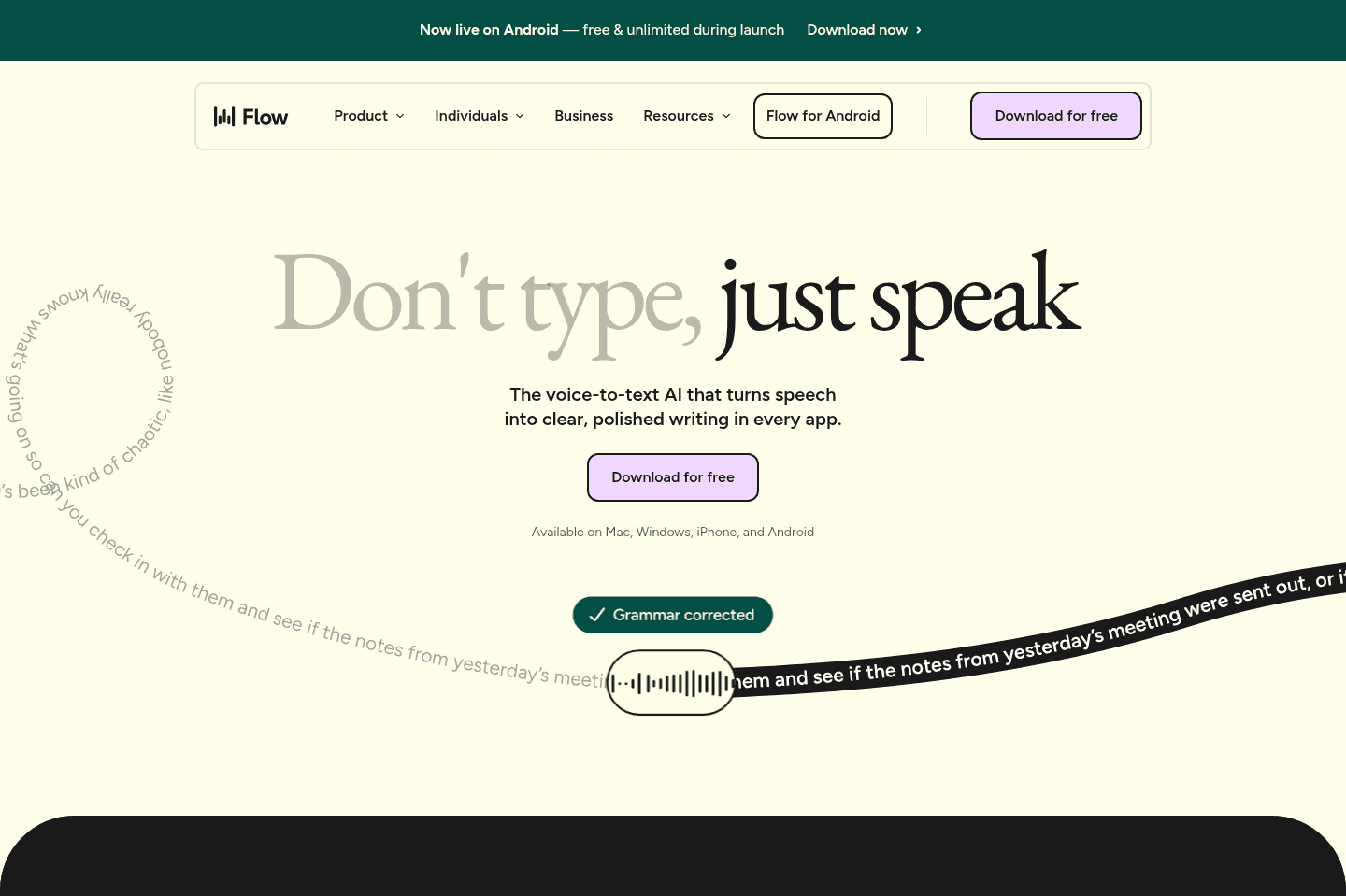
What is Wispr Flow?Wispr Flow is an AI dictation tool that lets you speak naturally, and uses AI to fix any errors as you speak (e.g. if you correct yourself mid-sentence, it will just output the corrected text).
If there is one tool that's improved my productivity tremendously, it's Wispr Flow. Sometimes, my mind moves faster than my fingers can, so being able to quickly respond to a Slack message, then email, and then write a V1 of a blog post all via voice has been a huge time saver.
The only thing to be aware of is, being able to execute extremely fast is great, but does have a mental load. Days when I am using voice dictation more, I tend to need short-breaks away from my devices, especially if I am doing deep work that requires more thinking.
I find Wispr Flow helps me execute faster, and gives me more time for deep thinking.
Pros and Cons
Pros and ConsPros
Pros- Works across any app with a text field
- Genuinely fast and reliable enough to use every day
- AI cleanup saves you from editing every little speech mistake
- Custom dictionary helps with names, jargon, and phrases you use often
Cons
Cons- iPhone has a little more friction than desktop or Android
Key Features
Key FeaturesAI Dictation
AI DictationWispr Flow doesn't make me clean up every little mistake I make while speaking. If I start a sentence one way and then correct myself halfway through, it fixes that for me so I don't need to spend time editing later.
Works Everywhere
Works EverywhereOne of the best parts of Wispr Flow is that I don't have to think about where to use it. I just use it.
On desktop, I hit my keyboard shortcut and start talking in Slack, Gmail, ChatGPT, or wherever I am working.
On iPhone, there is a little more friction because it has to take over the keyboard, and yes, that extra second can make me a little impatient sometimes. But once it is going, it is easy. That's another reason Wispr Flow fit into my workflow so fast; it became an easy habit for me instead of just another tool I had to remember to use.
Snippets
SnippetsIf you say something often, like your email address or physical address, you can get it to remember key phrases.
E.g. If I say here is my meeting link, Wispr Flow knows the correct link to insert, without me spelling it out.
Pricing
Pricing- Free: Best for anyone who wants to try Wispr Flow and see if it fits into their workflow.
- Pro: $15/mo per user ($12/mo billed annually). Best for individuals who plan to use Wispr Flow daily or for team collaboration.
- Enterprise: Contact for pricing. Best for teams that need more control around security and compliance.

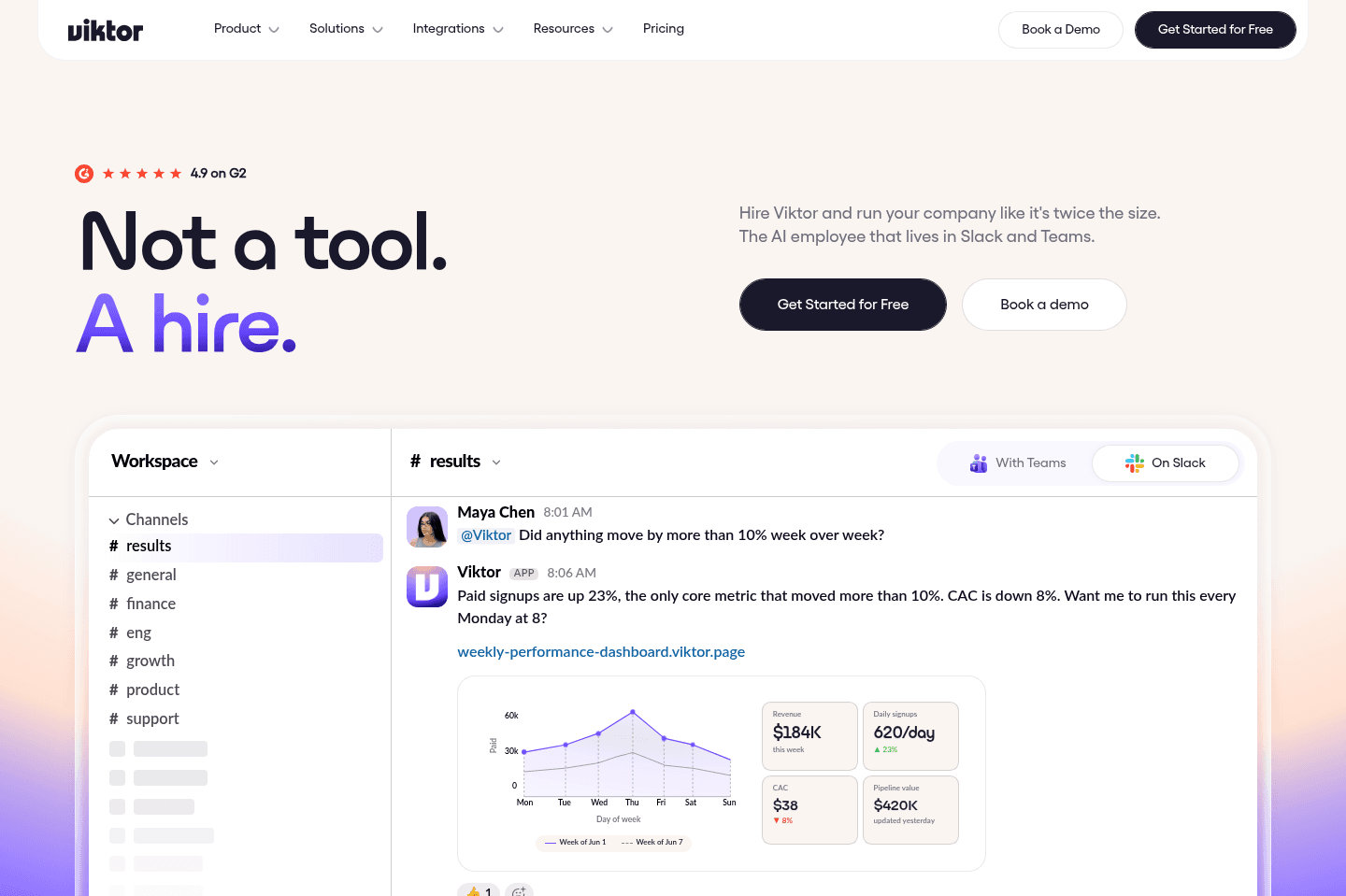
Not a tool. A hire.
Superhuman Mail
Best for AI emails
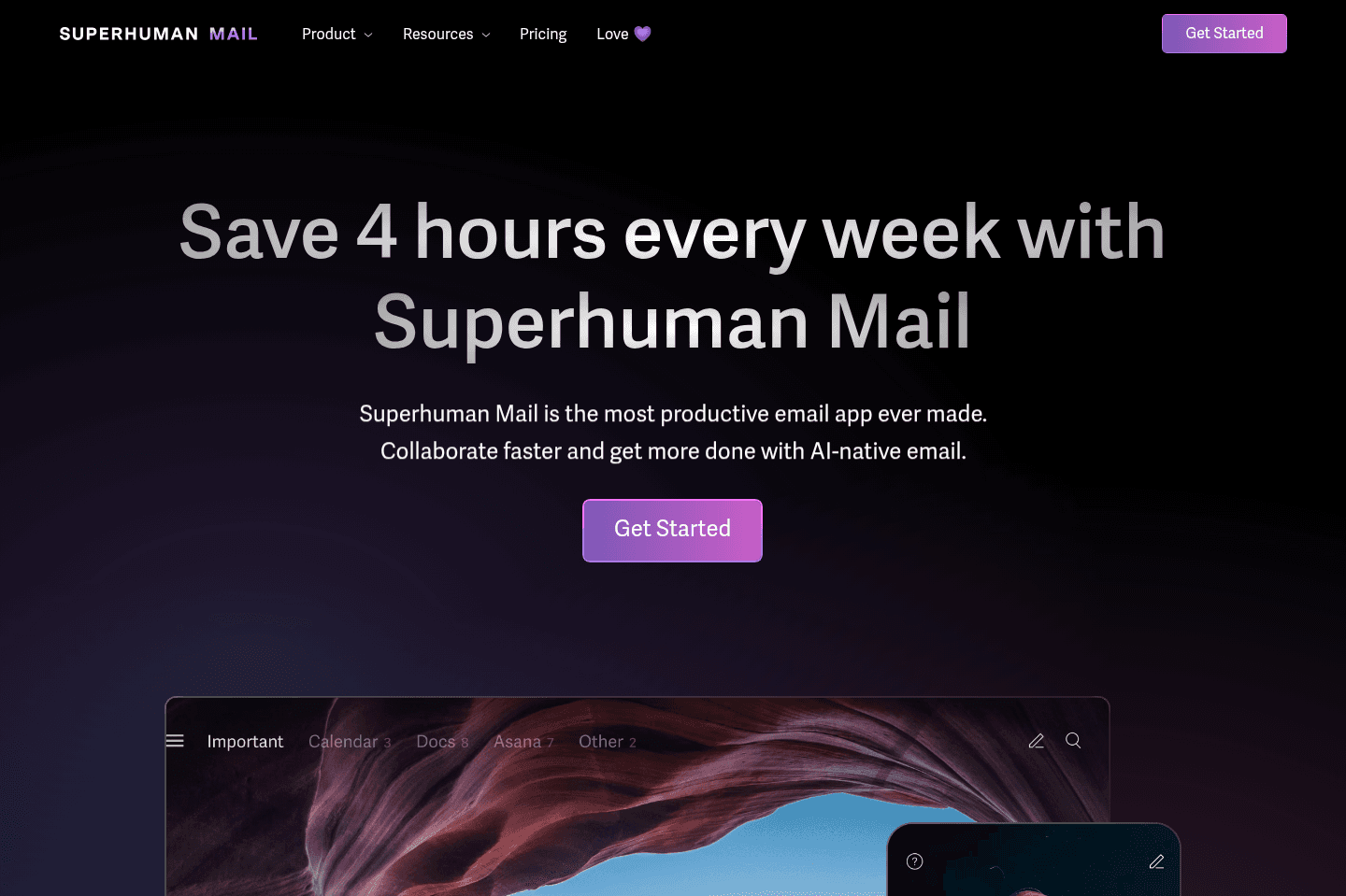
Best for AI emailsSuperhuman Mail is the best email client on the market. It's wildly fast, minimal (not bloated with features), and helps individuals and teams triage through emails most efficiently. We've been using it for 6+ years and can't ever imagine going back to regular email.
Claim the Superhuman free trial for an limited time 2 months free, which is more than enough time to see if it fits your workflow.
What is Superhuman Mail?
What is Superhuman Mail?We started using Superhuman Mail before it even had AI features (7 years ago!), and it was already the fastest email client we'd ever used. Back then, the magic was simple... it made email feel instant. Open it, press [c], write the email, archive with [e], snooze with [h], and move through your inbox without waiting on Gmail to remember how to load.
But now that AI's fully baked in, Superhuman Mail feels even more like a productivity system built for people who live in their inbox. If you're the kind of person who loves hitting inbox zero and gets weirdly motivated by keeping a streak alive (guilty 😄✋), then you'll see the value pretty quick.
I always joke with people and ask, "would you really not pay $30/mo for an assistant to help weed through your emails? Because realistically, you'd be more likely to pay closer to $30/hour!" When I'm testing tools, something I always look at is: Is this tool waiting somewhere off to the side, waiting for me to remember it exists, or is it taking work off my plate? And Superhuman Mail's AI gets closer to the second one. It drafts replies, writes follow-ups, helps you search your inbox in plain language, and if you're looking for pure automation, you can even plug it into Claude or ChatGPT through MCP so you can build workflows around your email.
Something that's always in the back of my mind with AI email tools is, "Is this actually saving me time, or am I going to rewrite the whole thing anyway?" That's why I was really impressed that Superhuman Mail analyzed my writing samples, so its drafts sound closer to my real voice and tone instead of some generic AI email voice.
The bigger productivity win is that Superhuman Mail notices the little things you'd normally have to track manually. It detects when an email needs a follow-up, brings it back into your inbox, and gives you a draft that's ready to review. So instead of scanning your sent folder or building a reminder system around email, you can just keep moving through your inbox. For power users like us, that's the moment where it clicks: "Okay, this is actually making me more productive."
Pros and Cons
Pros and ConsPros
Pros- Keyboard shortcuts for quick actions
- Fast, literally instant compared to Gmail/Outlook
- Minimal, beautifully designed interface, no clutter
- Inbox zero streaks for habit building (and just fun)
- Truly useful AI that boosts productivity instead of adding steps
- MCP integrations for advanced automation through Claude or ChatGPT
Cons
Cons- Can feel like overkill if you don't spend much time in email
Key Features
Key FeaturesAI Auto-Labels
AI Auto-LabelsIf you've ever used Gmail, you know it creates auto-labels that are broad, like "promotions" or "updates", but the problem with that is that they're way too vague to be helpful. So when I realized Superhuman Mail lets you create labels using plain language, that immediately felt more useful. I created labels like "emails about tax" and "emails about partnerships". Superhuman Mail was able to scan my inbox and pull in everything that matched. Then it gave me a preview before creating the rule to apply the label.
All you have to do is check the ones that belong and uncheck the ones that don't, and then it learns from that. After that, you're free to create split inboxes with your most popular labels, which means instead of one VERY overwhelming wall of emails, you get intentional mini-inboxes, it a small thing, but having the right emails pulled into the right place makes it a lot easier to see what truly needs your attention today.
AI Follow-Up Drafts
AI Follow-Up DraftsEmail is where your important conversations happen and follow-ups are one of the easiest places to lose time. Superhuman Mail monitors your sent emails and automatically queues up a follow-up draft when something hasn't gotten a response. So I never have to remember to circle back or build reminders. It just appears in my inbox, written in my tone, ready to review and send.
Just the other day, we were onboarding a contractor, and I felt like we hadn't heard from her until I opened Superhuman Mail and saw the AI draft waiting for me to respond to her.
I'd say about 90% of the time, the draft is perfect as is. For me, the bigger win isn't the writing as much as it is the fact that Superhuman Mail catches the open loop. When someone opens my email but never replies you can have a follow-up ready without manually scanning your sent folder like a detective. 🕵️
AI Search
AI SearchInstead of trying to remember the exact phrase from an email you sent six months ago, you can just ask. "Where did we leave things with XYZ?" or "Did we ever send the contract to this person?" and Superhuman Mail will give you a direct answer with the relevant emails cited underneath it. 🤯
The beauty of the design is that it sits right inside the search bar, which is where you already go when you're trying to find something. So, there's no need to remember a separate AI workflow. You just search the way your brain naturally thinks. Tons of tools claim to be your second brain, but Superhuman Mail’s AI search feels more practical because it's tied to a place where work already happen. It takes, "I know this happened, but I can't remember the exact wording," and finds it for me, so I don't have to waste ten minutes guessing keywords like I used to.
AI Workflows & MCP
AI Workflows & MCPEvery tool seems to be adding MCP right now, but Superhuman Mail's one of the few where I can totally see the productivity angle.
For power users, the MCP connectors with Claude or ChatGPT let you build workflows around your inbox instead of manually clicking through every email. Like, if you wanted Claude to find emails that were opened but never received a response, then draft follow-ups. Or you could pair it with an AI note taker like Granola and ask ChatGPT to review your notes from that day and draft follow-up emails for each call.
Technically, you could do something like this with Gmail too, but Superhuman Mail's advantage is that the whole product is already built around getting through emails faster. The AI workflows feel like a natural extension of that, and not just another random feature bolted onto an already slow inbox.
Pricing
Pricing- Monthly Subscription: $30/mo
- Annual Plan: $300/year
Raycast
Best AI-powered launcher & clipboard
Best AI-powered launcher & clipboardIf you're using MacOS, Raycast is hands-down the best spotlight search replacement available. It's one of those apps that you won't "get" until you use it, but once you use it, you won't be able to live without it.
It's usually the first app we install on a new computer, if that tells you anything.
What is Raycast?
What is Raycast?Raycast is a macOS productivity app that replaces Spotlight search with something a whole lot more useful.
Instead of just searching your computer, it turns your Command + Space shortcut into a command center that can open your apps or access AI, but also resize windows and run snippets.
Most people are fine with the native Spotlight search on Mac, and if you're only opening apps a few times a day, you might not care.
But once I got used to Raycast, it feels weird to go without it. Search became the main way I started to move around my computer, and Raycast made the search bar way more useful than Apple ever did.
We originally started using Raycast for the non-AI features. Clipboard history, emoji search, snippets, Caffeinate, color picker, app launching, and all of that became part of my daily workflow before AI was even part of the conversation.
It's one of those apps that doesn't exactly sound "sexy," yet has a huge impact on your productivity.
Pros and Cons
Pros and ConsPros
Pros- One shortcut replaces the clunky "open app, find thing, copy thing, paste thing" dance
- Clipboard history alone solves a workflow problem that hits me all day
- Team snippets let us share links, messages, and business details across computers
- Free version is genuinely useful, so there's no real downside to trying it
- Beautiful UI and a deep extension ecosystem that replaces a bunch of separate tools
Cons
Cons- Raycast AI feels underwhelming if you want deep, context-aware AI work
- Snippets and team features won't add much if your team has no repeatable language or links
- Mac only
Key Features
Key FeaturesClipboard History
Clipboard HistoryI truthfully cannot live without this one.
It's the feature that made Raycast stick for us. Normally your Mac only remembers the last thing you copied, but with Raycast you can pull up your full clipboard history and paste any of it.
So when I copy a link, then another link, then a piece of text, I'm not bouncing back through tabs to re-copy something I already had. It sounds unimportant until you realize how often it saves you.
Snippets and Team Snippets
Snippets and Team SnippetsSnippets are saved pieces of text you reuse without rewriting them, like UTMs, our business mailing address, and NDA language.
The team version is what sold us on paying after using the free version for ages, because Alex and I can share the same snippets across both our computers.
If your business has recurring sales, ops, hiring, or partnership messages, it's genuinely worth it. If your team doesn't have repeatable language, it won't do much for you.
App and Extension Ecosystem
App and Extension EcosystemThe developer community and growing library of extensions is something I wish more tools had.
I'd much rather compress an image through a Raycast plugin than go to some sketchy image conversion site, which I totally haven't done before. It means a lot of little tasks stay inside your launcher instead of scattering you across random apps and websites.
Pricing
Pricing- Free: $0/mo. Best for most individual Mac users who want...
- Pro: $10/mo, or $8/mo billed annually at $96/yr. Best for power users who care about sync or want Raycast AI built into your launcher.
- Pro + Advanced AI: $20/mo, or $16/mo billed annually at $192/yr. Best for users who specifically want access to more advanced AI models.
- Teams Pro: $15/user/mo, or $12/user/mo billed annually at $144/user/yr. Best for small businesses if shared snippets and commands become part of daily operations.
- Teams + Advanced AI: $25/user/mo, or $20/user/mo billed annually at $240/user/yr. Best for teams that want access to the most advanced AI models.
- Enterprise: Custom pricing, billed annually. Best for larger organizations that need advanced security and admin controls.
Not a tool. A hire.
Motion
Best for those who want an AI personal assistant
Best for those who want an AI personal assistantMotion is the most innovative AI-powered project management tool for individuals and teams who want to fully embrace AI to get work done.
It uses AI to take all of your team's projects, tasks, priorities, deadlines, and dependencies to build the perfect day for you and your team, time blocking tasks right on your calendar. They also have AI Docs, & an AI Note Taker, helping you get work done faster.
We've been using it for 5 years and is core to how we manage our time and projects!
What is Motion?
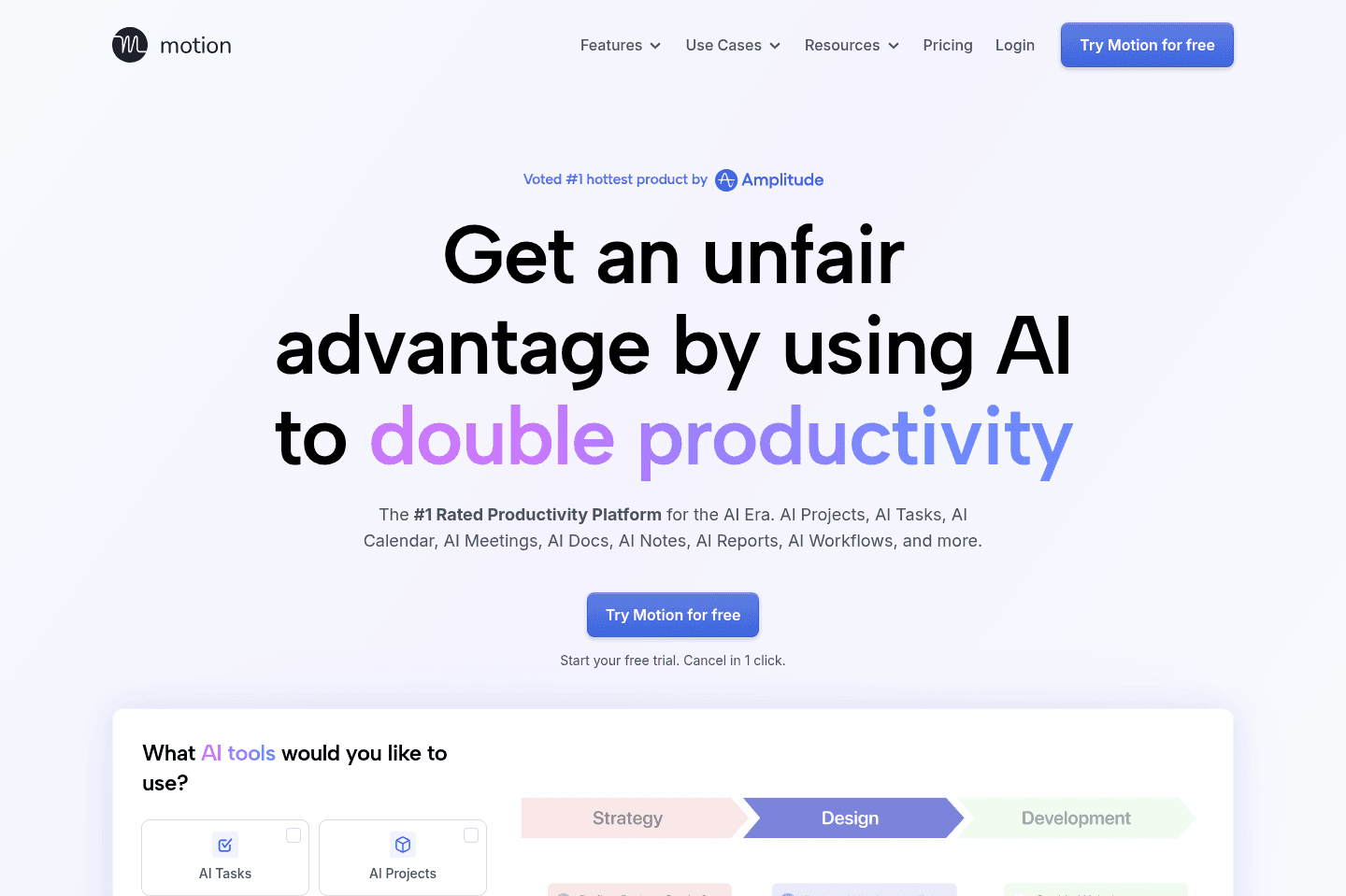
What is Motion?There’s a big difference between perceived productivity, i.e., trying new apps, color-coding everything, reorganizing your system for the fifth time, versus actually finishing meaningful work. Motion leans into the second camp.
It's more focused on taking away the busy work that silently eats up all your time and less about making everything look perfectly organized.
It does this through its AI auto-scheduling feature, which works by taking all the tasks on your calendar and using AI to create a schedule that makes sense. Meaning you log on for your workday, and all your tasks are scheduled. You know exactly where to jump in with no guesswork.
It's built for people who actually want to get work done and not just tinker with productivity tools.
Motion's AI assistant basically takes the place of an assistant who would plan your day for you. So, instead of rearranging tasks or deciding what to work on next, you open your calendar, and it’s already mapped out.
Pros and Cons
Pros and ConsPros
Pros- Automatically schedules tasks onto your calendar
- Eliminates constant manual planning and rearranging
- Fully mapped-out daily schedule
Cons
Cons- Not ideal for people who enjoy customizing and constantly reorganizing tools
- Less focused on aesthetics or perfectly polished layouts
Key Features
Key FeaturesAI Calendar
AI CalendarYou come in, look at your calendar, and everything is laid out. You know what needs to get done, and your team has a clear picture.
AI Task Auto-Scheduling
AI Task Auto-SchedulingMotion places your tasks directly onto your calendar so you don’t have to decide what to work on next. You open your day, and it’s already planned.
Workflow Templates
Workflow TemplatesWorkflow Templates in Motion are reusable project templates that define exactly how your work gets done from start to finish. They remove mental overhead by clearly mapping out every step of your process, so you can jump straight into execution without second guessing what comes next or forgetting critical steps.
They include your roles, stages, tasks, and key details so every project follows the same structured process. Once set up, Motion uses the template to automatically schedule everything on your team's calendars and adjust timelines when things change.
Pricing
PricingMotions prices range from $19 to $34 per month (Individual to Team plans).
Dia Browser
Best AI browser with built-in assistant
Best AI browser with built-in assistantDia Browser is effectively the AI version of Arc Browser, developed by the same team.
In-fact, most of the features that made Arc great (like the exceptional sidebar, tab management, and profiles features of Arc), have made their way to Dia, all with a modern AI chatbot experience baked in at the core.
What is Dia?
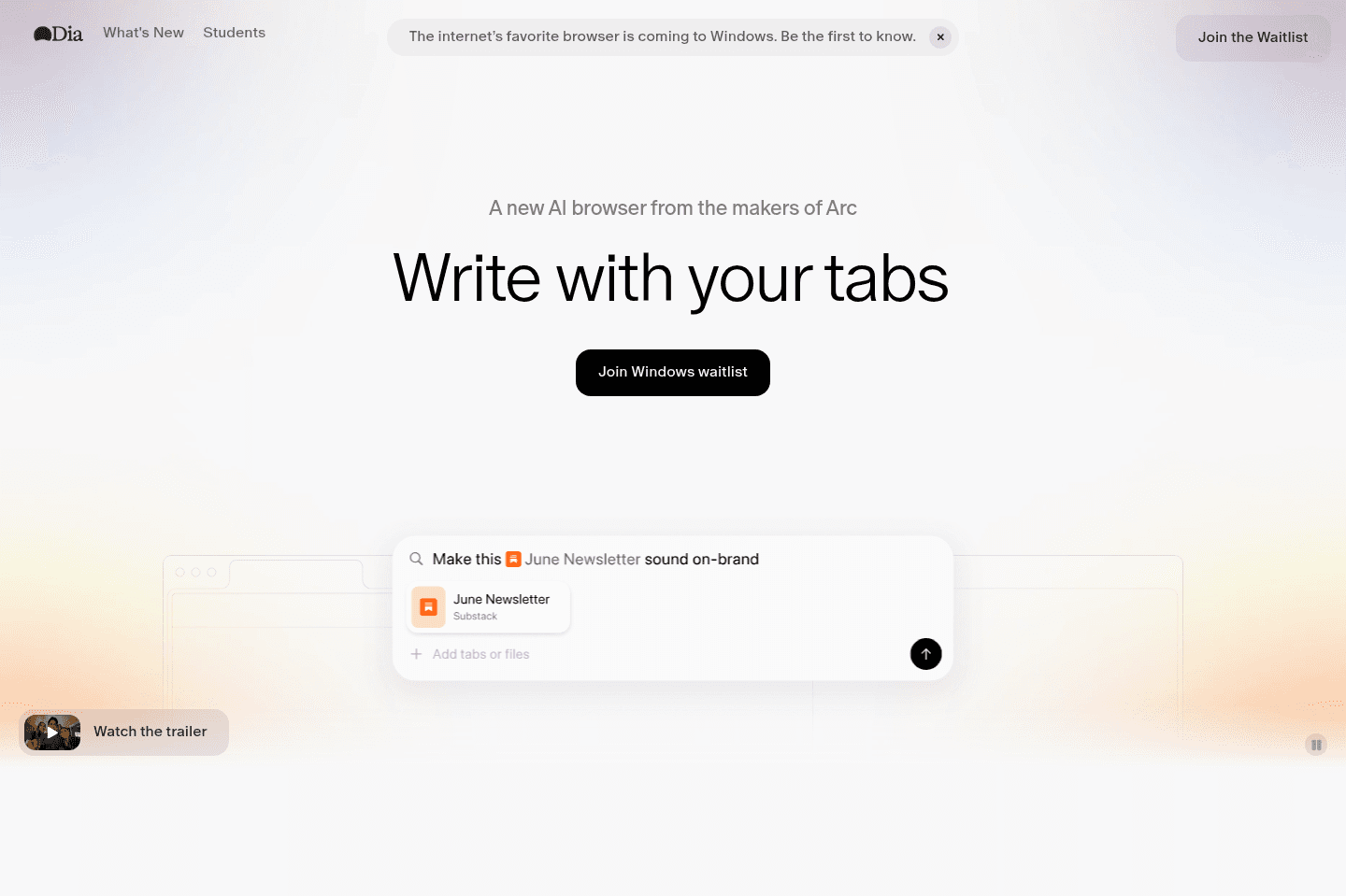
What is Dia?Dia is an AI browser that has one of the best AI Chatbots baked into the sidebar, that allows you to talk to your tabs, help you shop, and more.
Not a tool. A hire.
Zapier
Best no-code tool for building app integrations
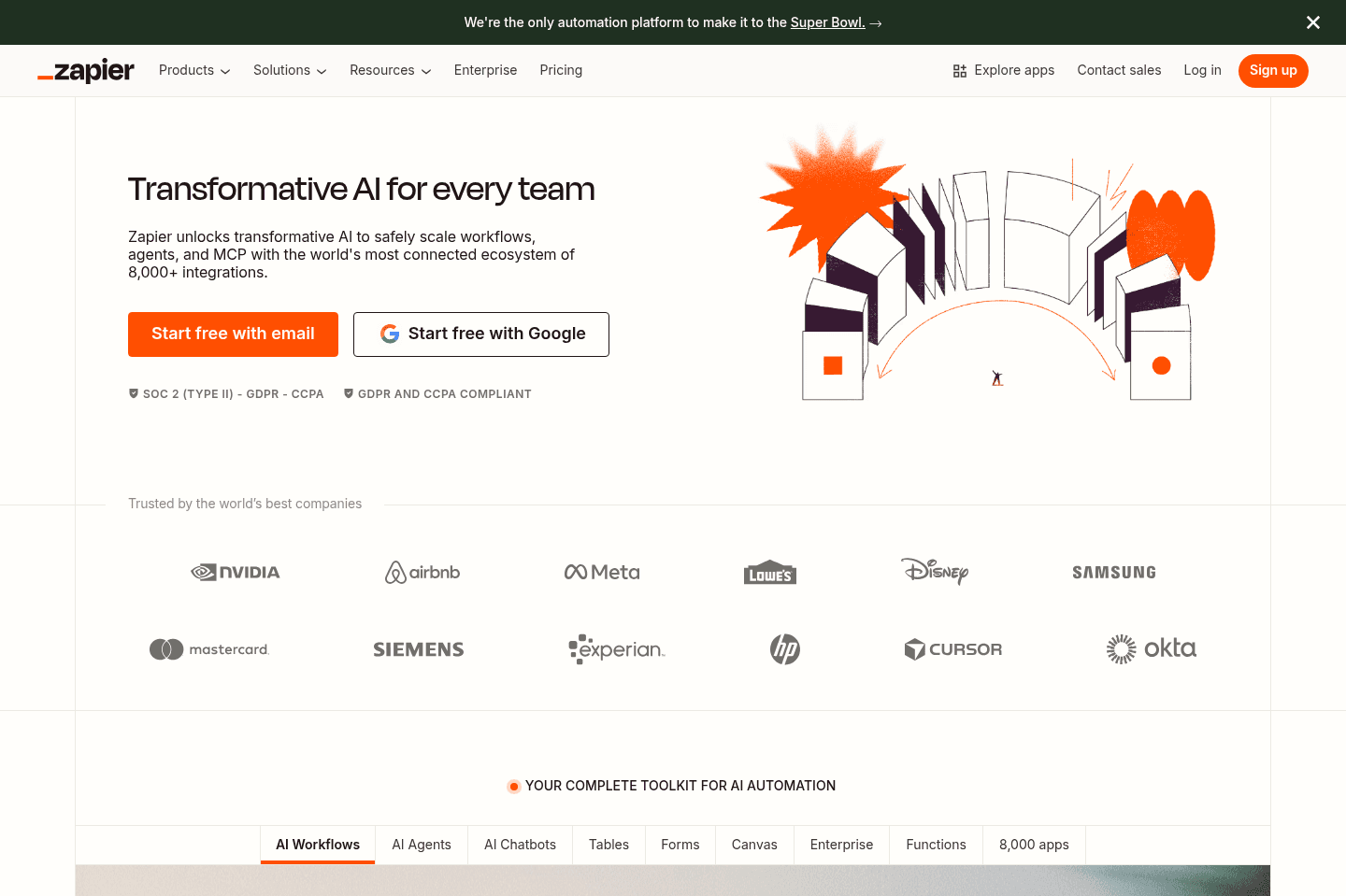
Best no-code tool for building app integrationsZapier connects apps and automates workflows with a user-friendly interface. We've been huge fans of Zapier for many, many years, in fact, Alex has been called one of "Zapier's biggest power users" by the Zapier themselves 😄
What is Zapier?
What is Zapier?Zapier is the most popular integration and automation platform on the market. While they've had competitors arise over the years like Make, Tray, and Workato, they've managed to build one of the most user-friendly interfaces of them all, along with the largest number of deeply supported apps. Not a small feat whatsoever.
If you're using a modern software (take any app listed on our site for the most part), and there's sure to be a Zapier connector. This is pretty baffling when you really think about it.
When comparing Zapier vs Make for example, Make may look more user-friendly and accessible, but we're here to tell you that isn't the case. Make is more powerful with some inline formulas and other logic power features, but that definitely does not make it easier to use. If anything, it's easy to feel quite overwhelmed when first using Make.
Time and time again, in trying Make, we have found ourselves coming back to Zapier. It really can be bent and molded into what it needs to be.
Key Features
Key FeaturesArtificial Intelligence
Artificial IntelligenceNo Code Tool
No Code ToolWe're seeing Zapier slowly outgrow even just the integration world, and actually evolve into one of the best no code tools on the market. At the rate they are going with AI, alongside Tables and Interfaces, we wouldn't be surprised if we start seeing Airtable vs Zapier actually come up in the conversation in the future in the No-Code Builder space along with the Database space. For right now though, we'll have to award the winner to Airtable, but that doesn't mean we're not keeping a close eye on what Zapier has up its sleeve.