FramerRecommended
Best for designers who already use Figma
Best for designers who already use Figma
Best AI Website Builders at a Glance
How We Evaluate These AI Website Builder
We score each AI website builder across multiple criteria, and hands-on expert evaluation
- Ease of UseQuick to set up and intuitive to use without a steep learning curve.
- Feature DepthCore features that work well, not surface-level checkboxes.
- Reliability & PerformanceConsistent, fast, and dependable with minimal bugs.
- Value for MoneyPricing that's fair relative to what you actually get.
- Integrations & EcosystemWorks well with other tools in your stack.
- Expert EvaluationCurated by, our rankings reflect in-depth testing, industry insights, and hands-on experience.AlexandAndra
Framer
Best for designers who already use Figma
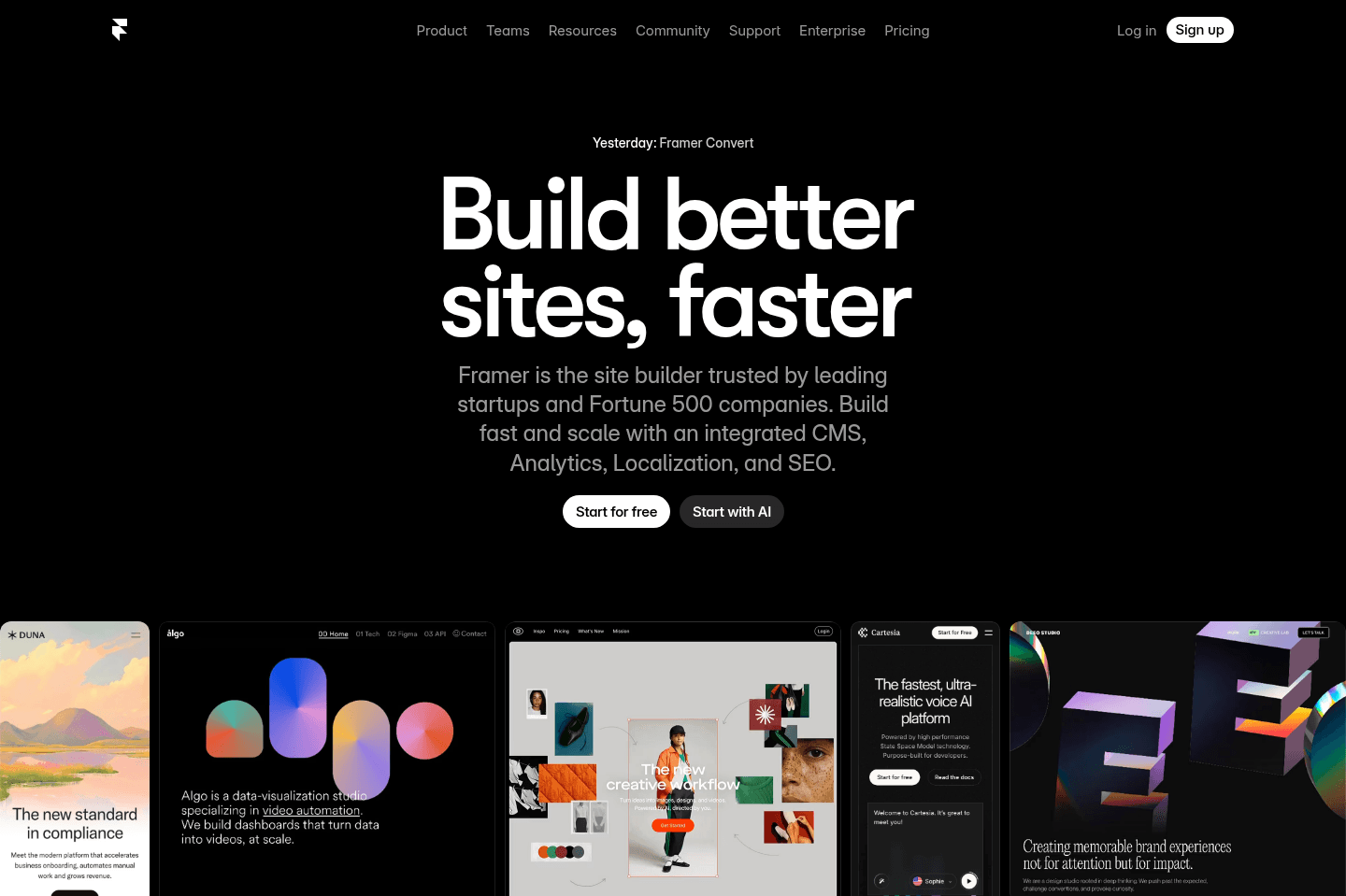
Best for designers who already use FigmaFramer lets you quickly build beautiful, simple marketing websites or personal blogs with slick animations and a visual interface that feels a lot like Figma, making it perfect for designers or anyone who wants something eye-catching without dealing with code or complex structures. If you need a site with advanced CMS relationships, want to scale to something bigger, or care about affordable Cloudflare integration, skip Framer and look elsewhere.
What is Framer?
What is Framer?Framer actually started as a mock-up tool like Figma, but has since evolved more into a proper website builder.
People love the animation capabilities and lightweight-functionality of Framer over other more substantial website builders like Webflow. That said, you need to put a lot of thought into if Framer is right for the project at hand before committing to it.
The way we see it, if you're looking to build out a basic (and beautiful) marketing website (without hopes for it to evolve into something more complex), or a personal blog, Framer would likely be the best solution.
If you're looking to scale something substantially larger, planning on investing in a robust blog, or potentially even an eCommerce component and/or membership login in time, Webflow would be the better pick.
That said, Framer is almost as easy to use as Figma. So if you're more a designer and looking to get a website mocked up and built in the same tool, that's where Framer has done an incredible job filling a void in the market.
Pros & Cons
Pros & ConsPros
Pros- Beautiful animations and interactions out of the box
- Very fast to build and launch simple marketing sites
- Large marketplace of high-quality templates from talented designers
- Visual editing interface with little need to understand CSS concepts
- Great for personal sites, landing pages, and basic marketing websites
- Built-in analytics for simple traffic tracking
Cons
Cons- Not ideal for complex or scalable websites
- CMS is limited and not relational, making advanced content structures difficult
- Reusable components can become repetitive compared to class-based systems
- Harder to build large systems with interconnected content (apps, integrations, etc.)
- Cloudflare proxy requires an expensive $350/month add-on
- Less flexibility than Webflow for large or evolving websites
Final Verdict
Final VerdictOkay, so we've actually rebuilt the Efficient VC site and chose to use Framer, so if you're interested in seeing how a Framer site feels, check out Efficient VC.
If you have a less complex site that you want to load super quickly, have beautiful animations, and a visual interface for editing, and you're comfortable with a design tool like Figma, use Framer.
If you have more complex needs in the site you're building, like the site you're on right now, which has interconnected CMS collections, you'll need to use a more powerful tool like Webflow.
Get the latest rankings and insights on top AI Website Builder apps—delivered to your inbox. Stay ahead with our expert picks and updates.