
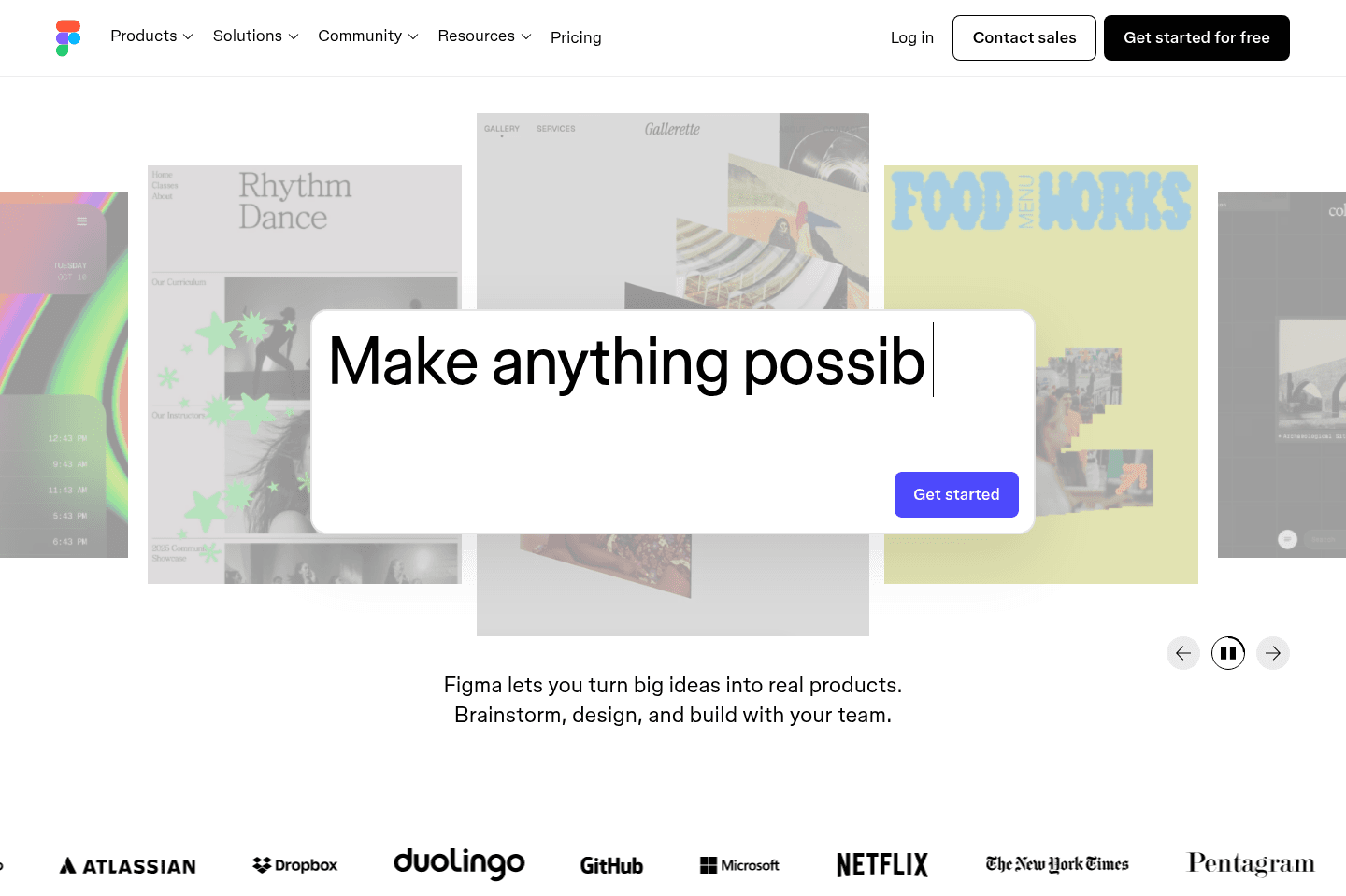
Review Summary
Review SummaryFigma lets you create and share website assets, logos, thumbnails, and product mockups easily, especially if you work with vectors. If you're in product or design and need fast, collaborative mockup tools, this is the go-to, but you'll still need Photoshop for serious photo editing.
What is Figma?
What is Figma?Figma is incredibly flexible, so much in-fact that almost everyone should be able to use it for one reason or another.
If you're creating website assets (e.g. putting together site logos—like on our site, post/video thumbnails, product feature mockups, etc.), Figma is the answer.
Adobe used to run this world (so much in-fact that it tried to acquire Figma for $20bn—still TBD if that officially goes through), but Figma has shaken up the world by making design and product a collaborative experience.
Although I will note, it works better with vectors (like SVGs), it's not going to really replace your photography editing stack (so you may still be called back to Photoshop when needing that type of tooling).
You simply can't be in the product or design world without interacting with Figma in one way or another. Teams love using it, and sharing mockups have never been so easy.
The best part of it all? Figma is totally free for most use-cases.
Categories
CategoriesFigma fits into multiple categories based on what it actually helps you do. Each category highlights a different strength and the efficiency points it earned, helping you compare tools not just by features, but by how well they actually perform.
Keep exploring the best software across categories