 WebflowRecommended
Best for scalable marketing websites
Best for scalable marketing websites ZapierRecommended
Best no-code tool for building app integrations
Best no-code tool for building app integrations SoftrRecommended
For building no-code business apps with AI
For building no-code business apps with AI CodaRecommended
Best for lightweight no-code tools
Best for lightweight no-code tools AirtableRecommended
Best for powerful spreadsheet-like databases
Best for powerful spreadsheet-like databases
Best No-Code Builders at a Glance
No-Code Builder Overview
Category Evolution
Category EvolutionNo-Code is a category that is difficult to define. There's the clear no-code tools like Bubble, which the entire purpose of them are for building apps without directly needing to know how to code.
But ultimately what makes an app able to be a "no-code" builder is that it needs to have powerful relational database functionality. So it stands that many of the apps listed in the database comparison page also have a hint of no-code to them.
With Airtable and Zapier both investing resources into an "interface builder" component alongside their respective database products, and automation/integration capabilities is clear territory for no-code.
For example, we've built entire product MVP's using Airtable as the foundation and Zapier/Make as the connective tissue between the other tools required. For example we have the product Communicate by Efficient App, which is entirely a no-code product.
It uses Airtable as the programmable settings area for email copy/merge fields/delay settings and more, Postmark for handling the transactional email sending component, Copper as the main interface that the customer is interacting with the tool in on the day-to-day, and Zapier to tie together all of the complex logic.
As you'll see in the above example, it's really 4 different tools coming together to ultimately make the "product", but each of those in their own right has no-code capabilities by leveraging an integration tool like Zapier/Make.
So all of that to say, take a grain of salt when looking at these apps below. While they may not directly be a no-code builder standalone, they contain most of the components that are required of a tool to be used to build apps within.
How We Evaluate No-Code Builders
We score each no-code builder across multiple criteria, and hands-on expert evaluation
- Ease of UseQuick to set up and intuitive to use without a steep learning curve.
- Feature DepthCore features that work well, not surface-level checkboxes.
- Reliability & PerformanceConsistent, fast, and dependable with minimal bugs.
- Value for MoneyPricing that's fair relative to what you actually get.
- Integrations & EcosystemWorks well with other tools in your stack.
- Expert EvaluationCurated by, our rankings reflect in-depth testing, industry insights, and hands-on experience.AlexandAndra
What is Webflow?
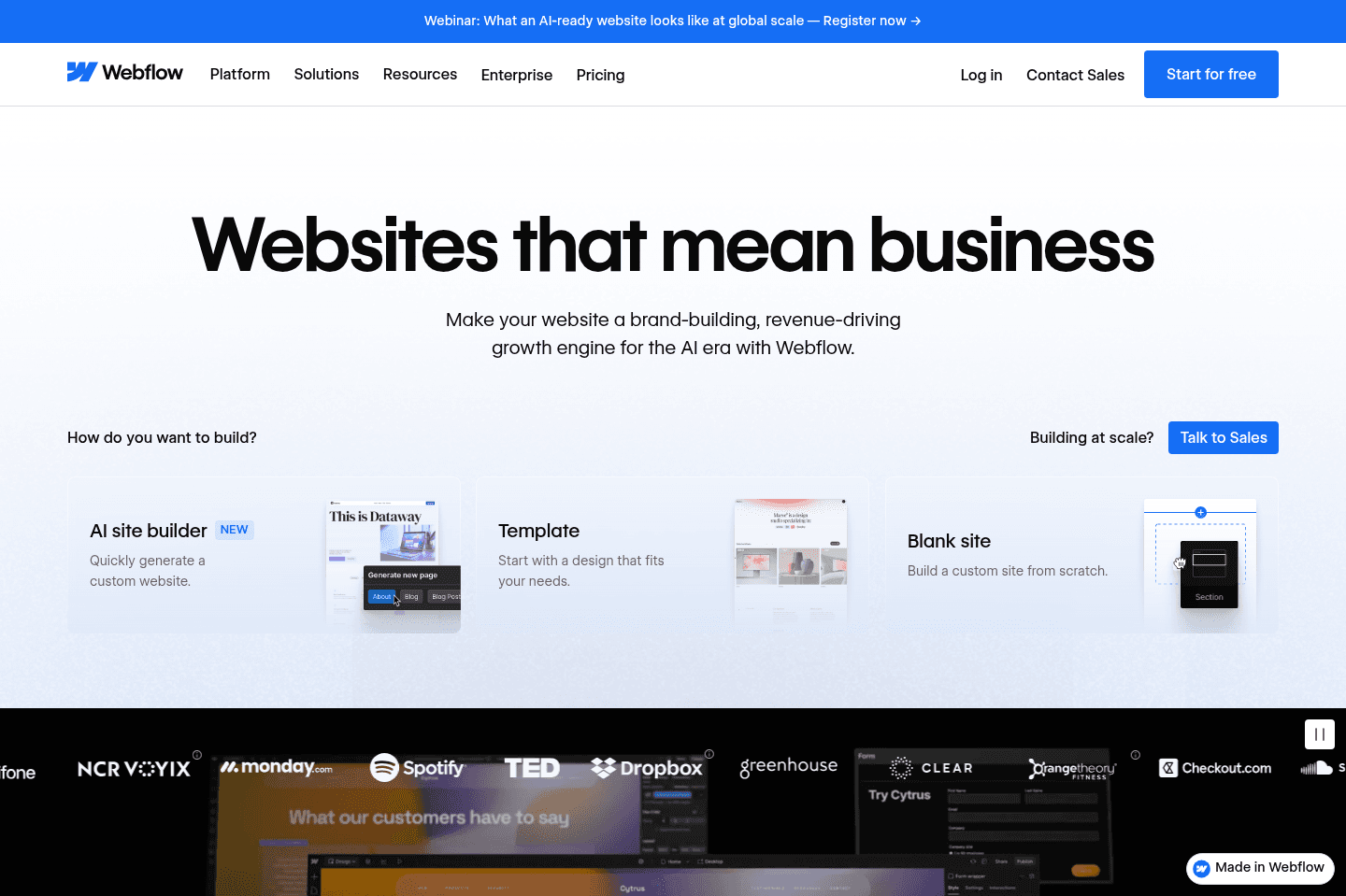
What is Webflow?If you're looking for a powerful and flexible website builder look no further than Webflow.
I will say though, the learning curve is a bit higher than other website builders like Framer or Squarespace. That said, if you have any hopes of your site eventually evolving into a more involved blog, eCommerce store, or membership site (aka anything meaningfully complex), you'd be happy you picked Webflow over the alternative best website builders.
Webflow is even sometimes referred to as more of a "no-code web app builder" than it is that of a website builder. And with the recent users functionality released along with all the integrated tools, Webflow is definitely evolving into something a bit more than just a website builder.
If we were creating super basic marketing site or personal website, we might use Framer over Webflow. Even if we wanted to try building a site like this in Framer, it would begin falling apart with any scale.
Fun fact: the first version of our website was built in Webflow. It was incredibly powerful, especially when matched with tools like Whalesync, and helped us MVP Efficient App (now we've gone with a custom stack).
Get the latest rankings and insights on top No-Code Builder apps—delivered to your inbox. Stay ahead with our expert picks and updates.
Zapier
Best no-code tool for building app integrations
Best no-code tool for building app integrationsZapier connects apps and automates workflows with a user-friendly interface. We've been huge fans of Zapier for many, many years, in fact, Alex has been called one of "Zapier's biggest power users" by the Zapier themselves 😄
What is Zapier?
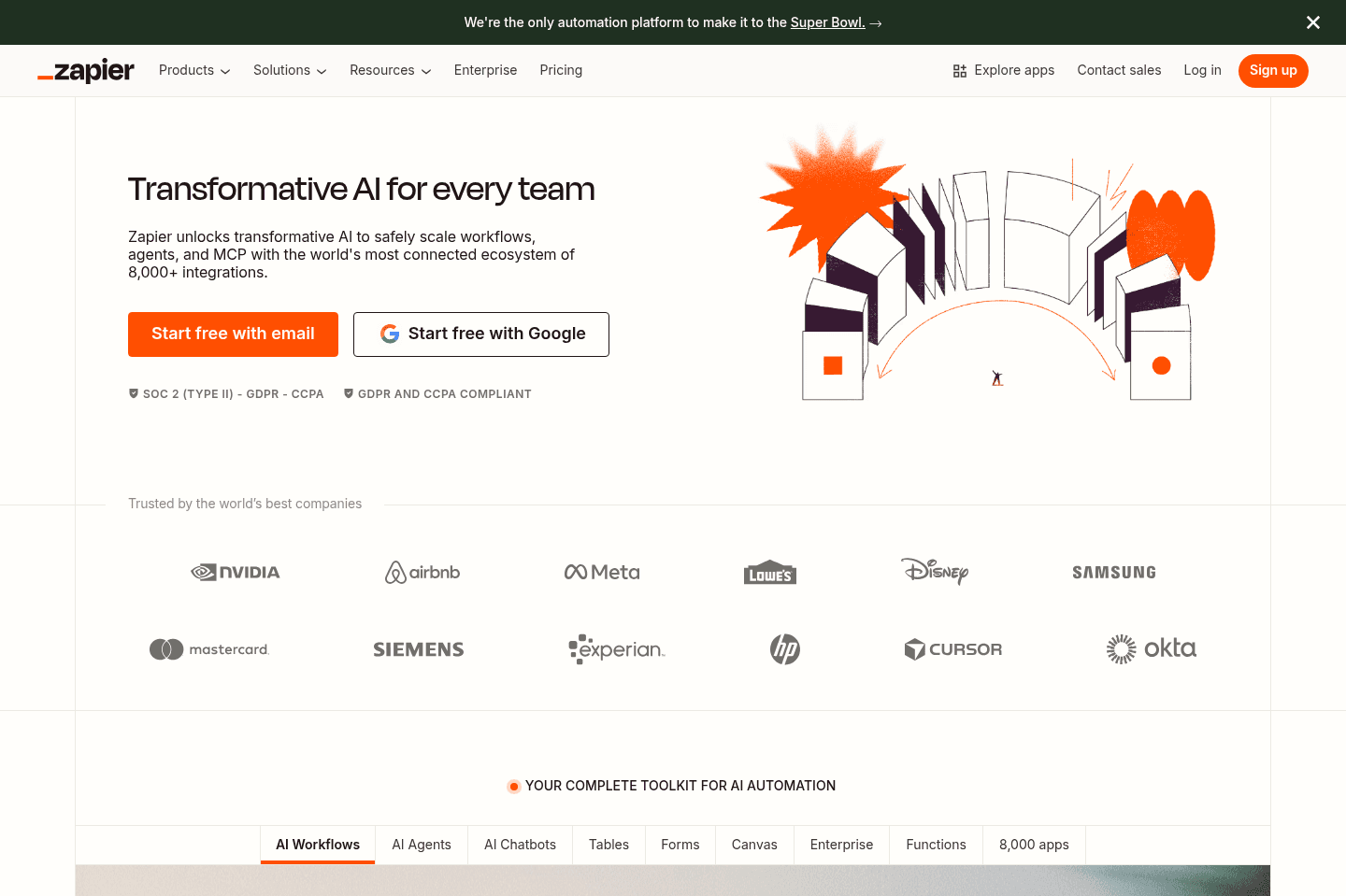
What is Zapier?Zapier is the most popular integration and automation platform on the market. While they've had competitors arise over the years like Make, Tray, and Workato, they've managed to build one of the most user-friendly interfaces of them all, along with the largest number of deeply supported apps. Not a small feat whatsoever.
If you're using a modern software (take any app listed on our site for the most part), and there's sure to be a Zapier connector. This is pretty baffling when you really think about it.
When comparing Zapier vs Make for example, Make may look more user-friendly and accessible, but we're here to tell you that isn't the case. Make is more powerful with some inline formulas and other logic power features, but that definitely does not make it easier to use. If anything, it's easy to feel quite overwhelmed when first using Make.
Time and time again, in trying Make, we have found ourselves coming back to Zapier. It really can be bent and molded into what it needs to be.
Key Features
Key FeaturesArtificial Intelligence
Artificial IntelligenceNo Code Tool
No Code ToolWe're seeing Zapier slowly outgrow even just the integration world, and actually evolve into one of the best no code tools on the market. At the rate they are going with AI, alongside Tables and Interfaces, we wouldn't be surprised if we start seeing Airtable vs Zapier actually come up in the conversation in the future in the No-Code Builder space along with the Database space. For right now though, we'll have to award the winner to Airtable, but that doesn't mean we're not keeping a close eye on what Zapier has up its sleeve.

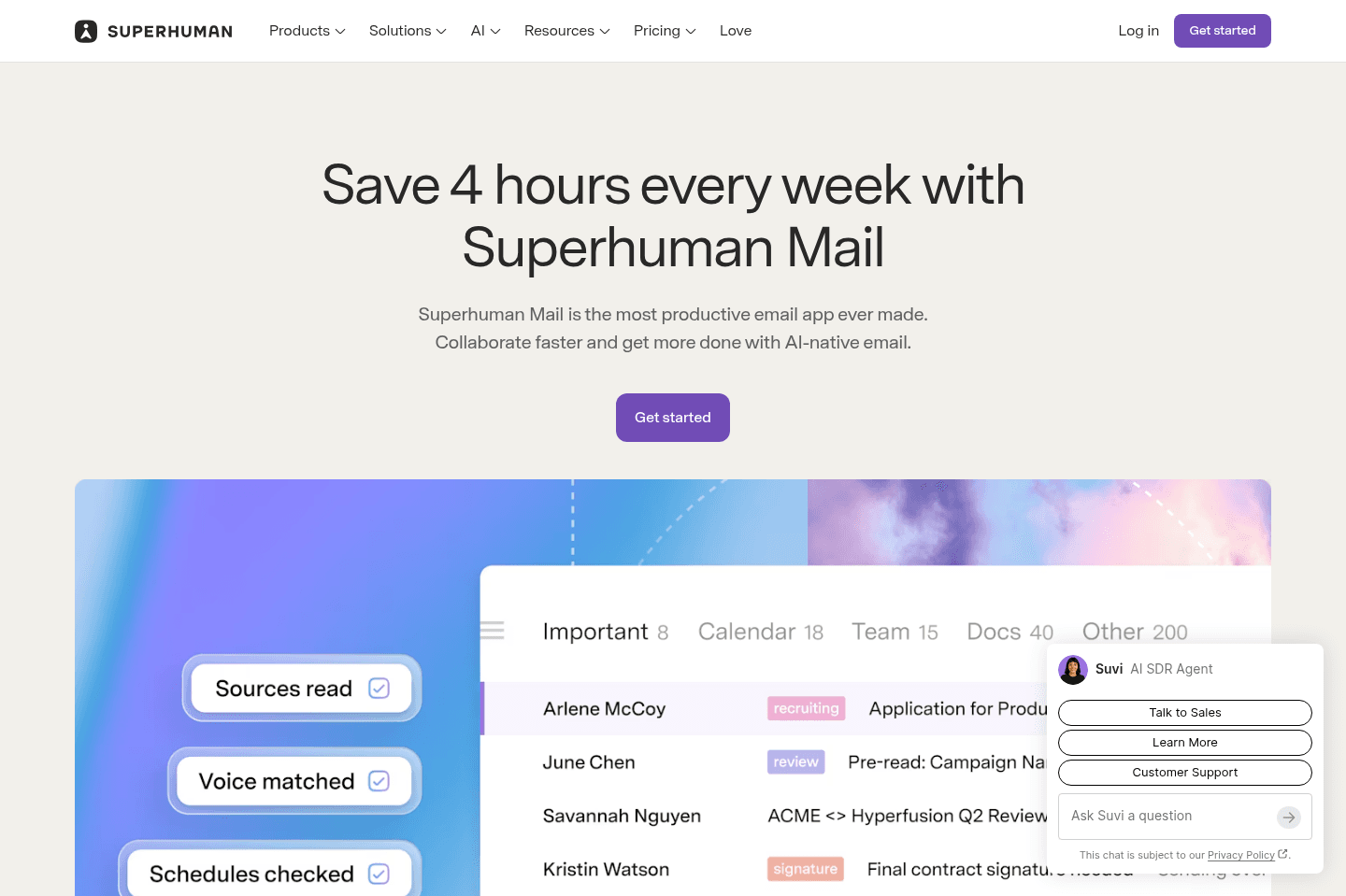
Get through your inbox 2x as fast (for teams of all sizes).
Softr
For building no-code business apps with AI
For building no-code business apps with AISoftr works great for those who are looking to build a highly customizable client portal, or internal tool, all without coding experience. It's substantially easier to get an MVP business app up and running when compared to other no-code builders like Bubble, Coda, and Zapier.
What is Softr?
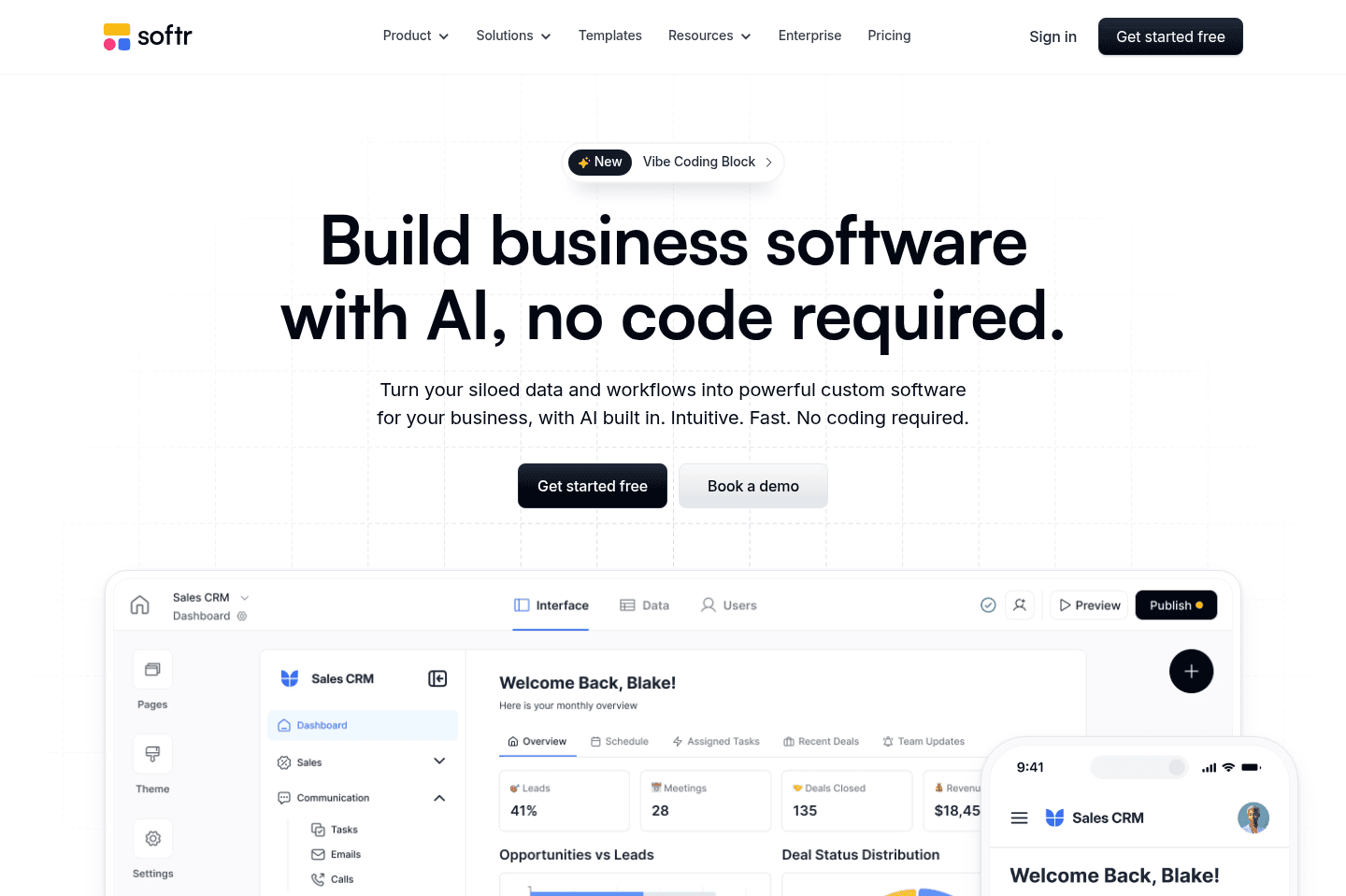
What is Softr?Softr is a no-code builder which allows you to turn your structured databases (e.g. Airtable, Notion, Google Sheets, and more) into actual useable business apps. Think client portals and internal tooling through their full-fledged user authentication functionality, alongside a user-friendly drag-and-drop website builder experience.
And while they have a built-in database experience as well, its main differentiator is their seamless integration with existing external databases where you may already be storing structured data, providing a level of database control and modularity that's less common in the no-code space.
Coda
Best for lightweight no-code tools
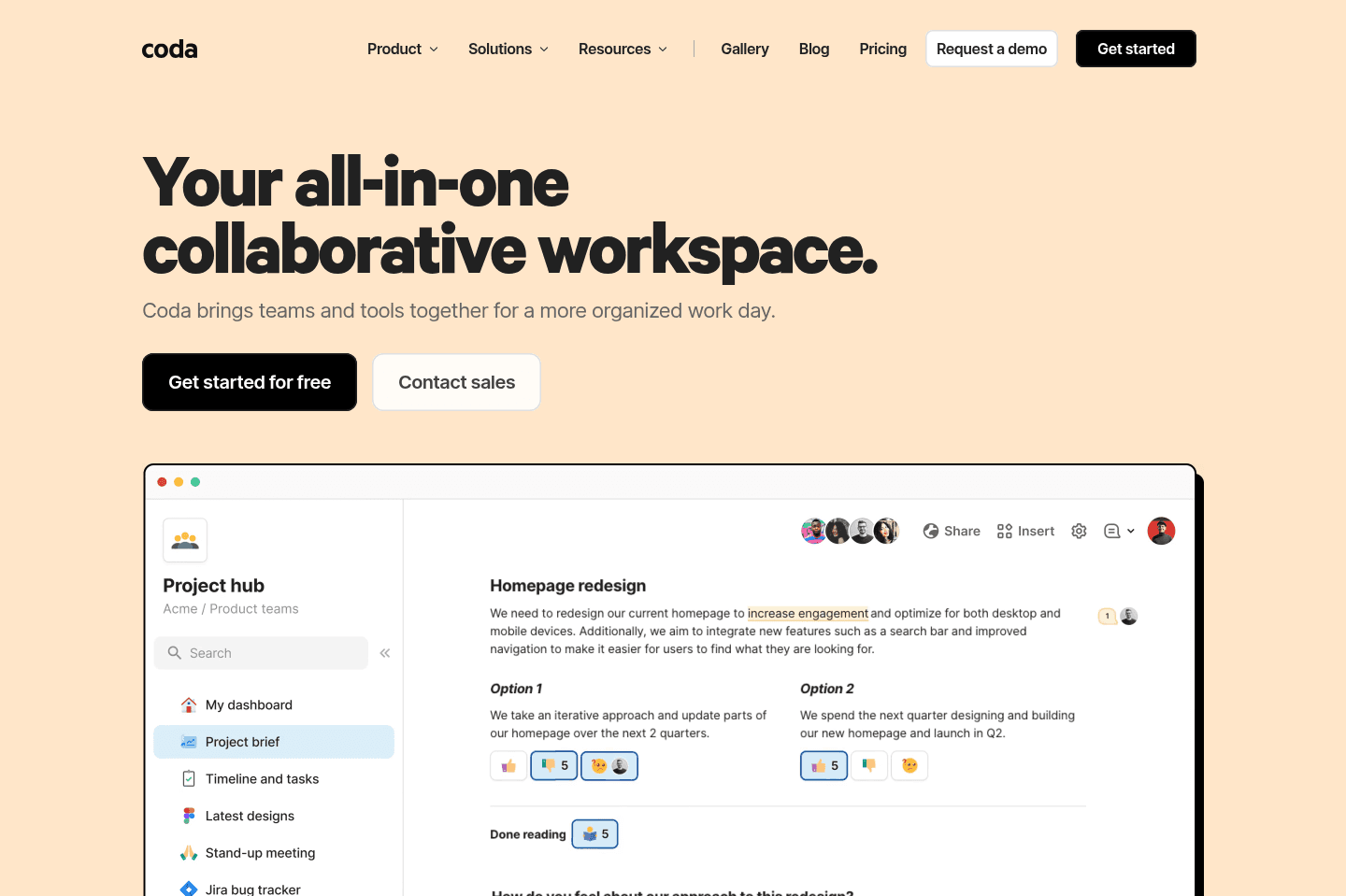
Best for lightweight no-code toolsCoda lets you build custom workflows, internal documentation, and project management setups, and it's especially good if you want to experiment with no-code tools or need a flexible solution for unique, non-standard processes. It's best for people who like to tinker, prototype, or build one-off internal tools, but if you try to replace core systems like your CRM or task manager with it, things get messy and you'll regret it long term.
What is Coda?
What is Coda?We used to be huge fans of Coda for internal documentation and shared customer documentation. When it first came out, it was competing with Google Docs, and it was just better on every single front. And to that end, it still is.
We mainly used it as more of a collaborative project manager mixed with knowledge base solution, to where we'd spin one up when beginning work with a new customer, and it'd be the sole place we'd communicate and document.
The friction point grew over time as documents increasingly felt separate from one another. Jumping between internal documentation and customer documentation was like moving in and out of folders in Google Drive, and quickly searching across all of this was just too much.
That and the team at Coda decided they were going to double-down more on the no-code and database functionality of Coda and less on the knowledge base/documentation side of things.
I must admit, they did an exceptional job at this—in terms of re-thinking Google Docs and turning it into something that's just better in all ways, they accomplished that and more. It's just also with that, they began strutting the line of an all-in-one tool, to which if you've read enough on the site, you'd see that this is a category we see poised with issues.
Key Features
Key FeaturesNo Code Builder
No Code BuilderWe've seen some companies do some incredibly impressive things with Coda—heck, we were one of them. What we see with tools like this though is they start out with a clear focus and purpose—let's build an MVP for a non-standard process we have going on in our company, one that no other tool on the market fits into.
And we agree with that premise! Where it falls apart is shortly after that, when the team starts seeing the capabilities of Coda, and begin rebuilding all other systems into Coda. The exact same reason why we don't recommend using Notion as your CRM is the same reason we don't recommend using Coda as your CRM.
Get through your inbox 2x as fast (for teams of all sizes).
Airtable
Best for powerful spreadsheet-like databases
Best for powerful spreadsheet-like databasesAirtable gives you a flexible, user-friendly database that easily replaces Google Sheets and form tools for almost any business use, especially if you need structure, automation, or to connect data between apps.
Avoid the urge to use it as a CRM or project management software.
What is Airtable?
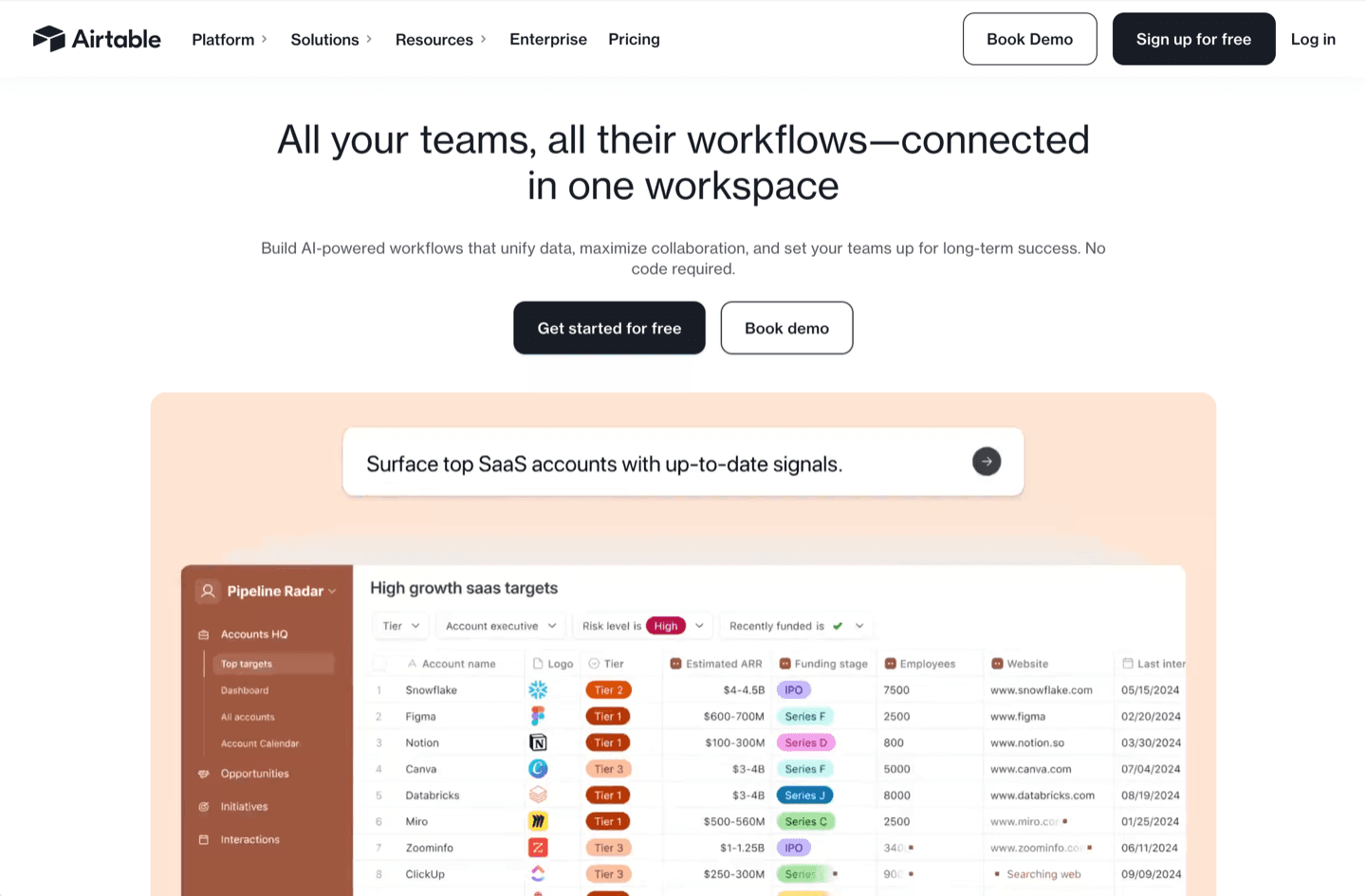
What is Airtable?Airtable is an incredibly flexible tool that can be used from something as simple as a Google Sheets replacement, all the way up to a no-code builder.
At a core, it's really just a user-friendly database, similar to that of Coda and even Notion (although those 2 apps both started as more of knowledge base tools first, whereas Airtable has always been first-and-foremost a user-friendly database).
If your team is still using Google Sheets (for things outside of company finance reporting like balance sheets, etc.), then we fully encourage you to check out Airtable and to give it a try. In most cases, it will completely replace the need for Google Sheets, Google Forms, Typeform, Jotform, and other Form software.
Believe it or not, over the past 8+ years, we've actually entirely replaced every single internal Google Sheet with Airtable alternative. Sometimes the structure needs to change slightly, but doing so unlocks so much additional functionality.
Key Features
Key FeaturesAPI
APIWe love working with the Airtable API. It just does most everything you could want it to do, and it incredibly flexible and easy to work with.
You can simply create a new view within an Airtable Base, add filtered logic to it, and set it up so when a new record enters that view, an automation can be triggered. This allows it to be incredibly flexible.