
Review Summary
Review SummaryWebflow is a great website builder to MVP your website.
The Startup Growth Stack I Use as a Founder
The Startup Growth Stack I Use as a FounderWhat is Webflow?
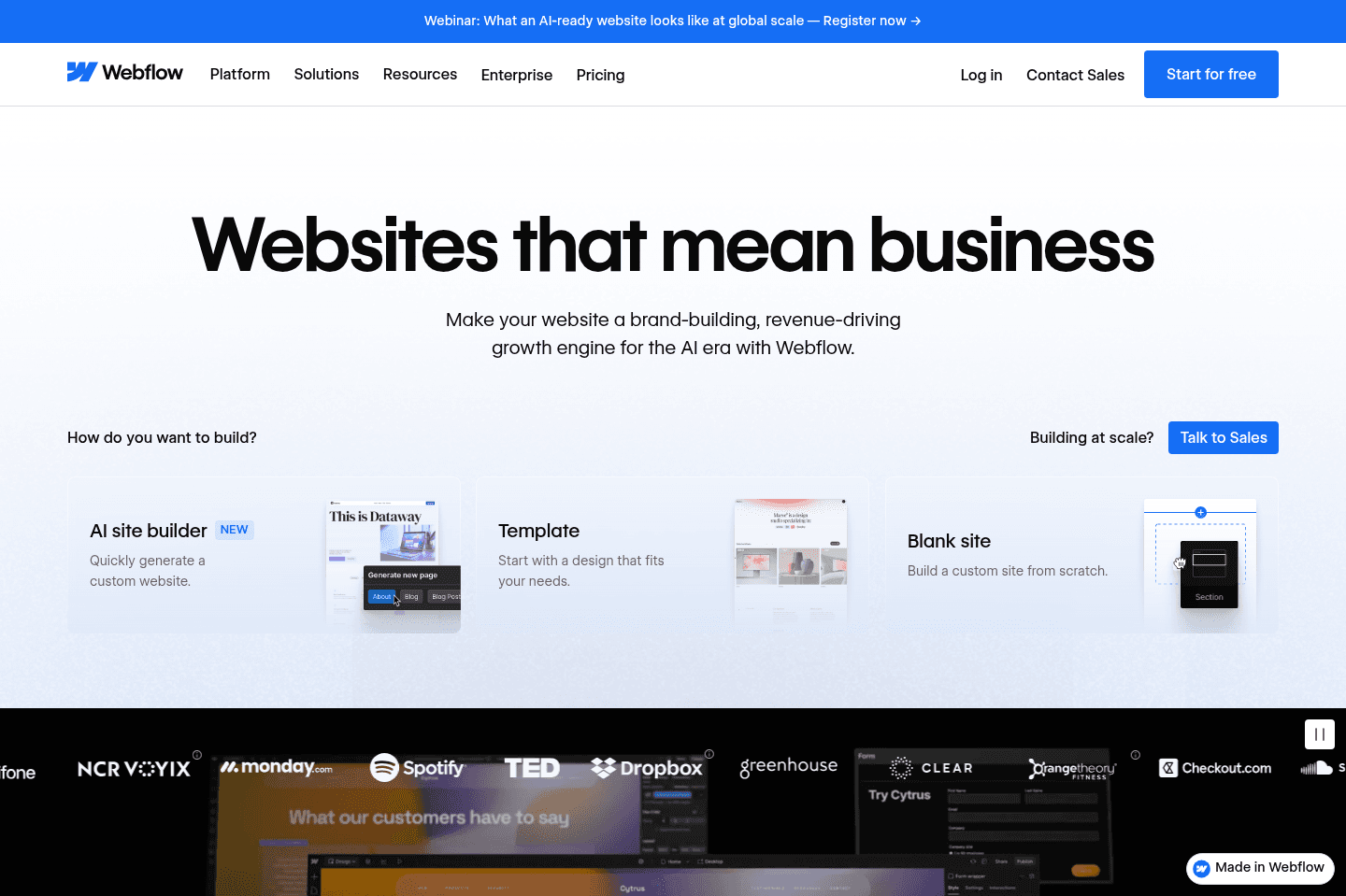
What is Webflow?If you're looking for a powerful and flexible website builder look no further than Webflow.
I will say though, the learning curve is a bit higher than other website builders like Framer or Squarespace. That said, if you have any hopes of your site eventually evolving into a more involved blog, eCommerce store, or membership site (aka anything meaningfully complex), you'd be happy you picked Webflow over the alternative best website builders.
Webflow is even sometimes referred to as more of a "no-code web app builder" than it is that of a website builder. And with the recent users functionality released along with all the integrated tools, Webflow is definitely evolving into something a bit more than just a website builder.
If we were creating super basic marketing site or personal website, we might use Framer over Webflow. Even if we wanted to try building a site like this in Framer, it would begin falling apart with any scale.
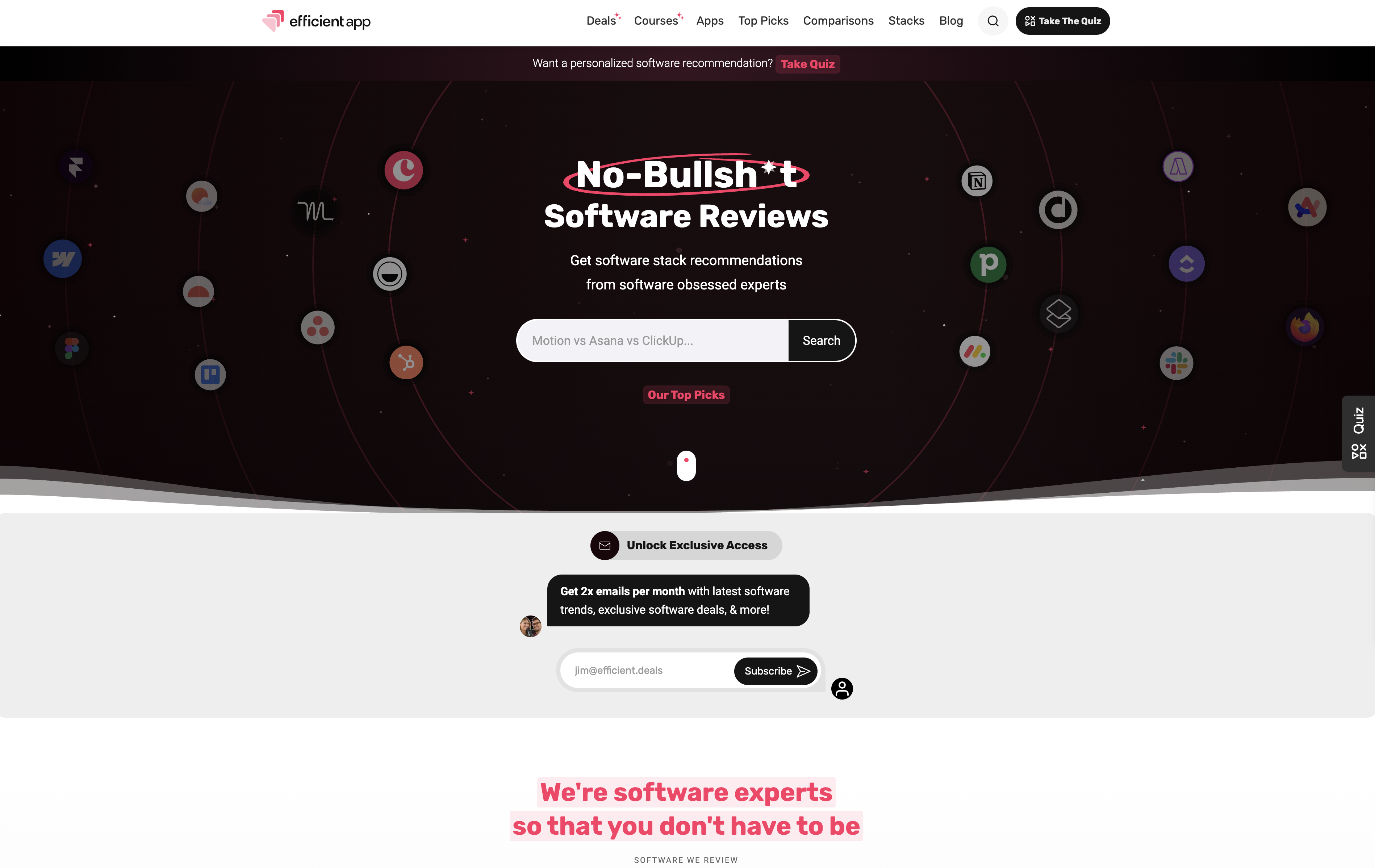
Fun fact: the first version of our website was built in Webflow. It was incredibly powerful, especially when matched with tools like Whalesync, and helped us MVP Efficient App (now we've gone with a custom stack) and helped get us to our first million visitors per year before we outgrew it.
Who is Webflow for?
Who is Webflow for?Scaling businesses that need a powerful, flexible platform to run their marketing site.
This is a fun one... If we were to actually go through the list of our top picks, we're willing to bet that the majority of those that didn't go fully custom, went with Webflow.
Here's a few examples:
- Motion (Project Management)
- Slite (Knowledge Base)
- Webflow (Website Builder) - Yep, Webflow uses Webflow
- App Stacks (One of our other sites)
Key Features
Key FeaturesAnalytics
AnalyticsNow there's one thing that Webflow is lacking, and that's a proper website analytics tool for some reason 😅 that said, we find Fathom Analytics to be a fantastic pairing with Webflow if you're looking for a modern website analytics and uptime monitoring tool.
The truth of the matter is that even if Webflow added a basic website analytics tool, we'd still continue using Fathom just for speed of accessing it, better control around conversion tracking, and storage of historical data.
Alternative CDN
Alternative CDNAre you someone that wants to use Cloudflare for things like bot detection and general caching of your site? Yeah, us too—it's a super reasonable request and technically even completely free (well, at least on the Cloudflare side of things).
Webflow decides to categorize this as an "enterprise feature" so to enable the Cloudflare proxy to stop bots and spam along with improved loading times with the global CDN that is Cloudflare, you'll need to purchase the Webflow Enterprise tier (which starts at around $15k/yr (we've seen some people get it for around $8k/yr with barebones enterprise lite barebones functionality).
So yes, even if you're like us and spending less than $600/yr on Webflow because you're not needing any of the additional tier limits, they'll tell you to head on over to the Enterprise tier in order to enable Cloudflare… Yeah, we're pretty upset over it too.
Please just stop gatekeeping using Cloudflare proxy for your own fee (looking at you too Framer), please.
But I Enabled Cloudflare With Webflow
Yes, you did! And you're going to get an expired SSL certificate error within the next 3 months when Webflow fails to realize that you're using the auto-renewing Cloudflare SSL certificate instead.
So that's where you need the Enterprise tier, to simply let Webflow know this here:

You simply need to add your free Cloudflare SSL certificate here, but it's locked behind the expensive Enterprise tier
Final Verdict
Final VerdictAs mentioned, the first version of this website was built in Webflow. Our Efficient VC website was built in Framer.
What I can say for certain is that this website could not have been built in Framer—it had tons of limitations when it comes to the database (CMS Collections) side of things. Something that we are heavily leveraging here on this site.
If you need a more simple blog and/or personal website, more used for just displaying data, then Framer is amazing. It allows for powerful animations that are easy to build out-of-the-box. The editor is also incredibly similar to that of Figma (for better or worse).
Categories
CategoriesWebflow fits into multiple categories based on what it actually helps you do. Each category highlights a different strength and the efficiency points it earned, helping you compare tools not just by features, but by how well they actually perform.
Keep exploring the best software across categories, or explore Webflow alternatives