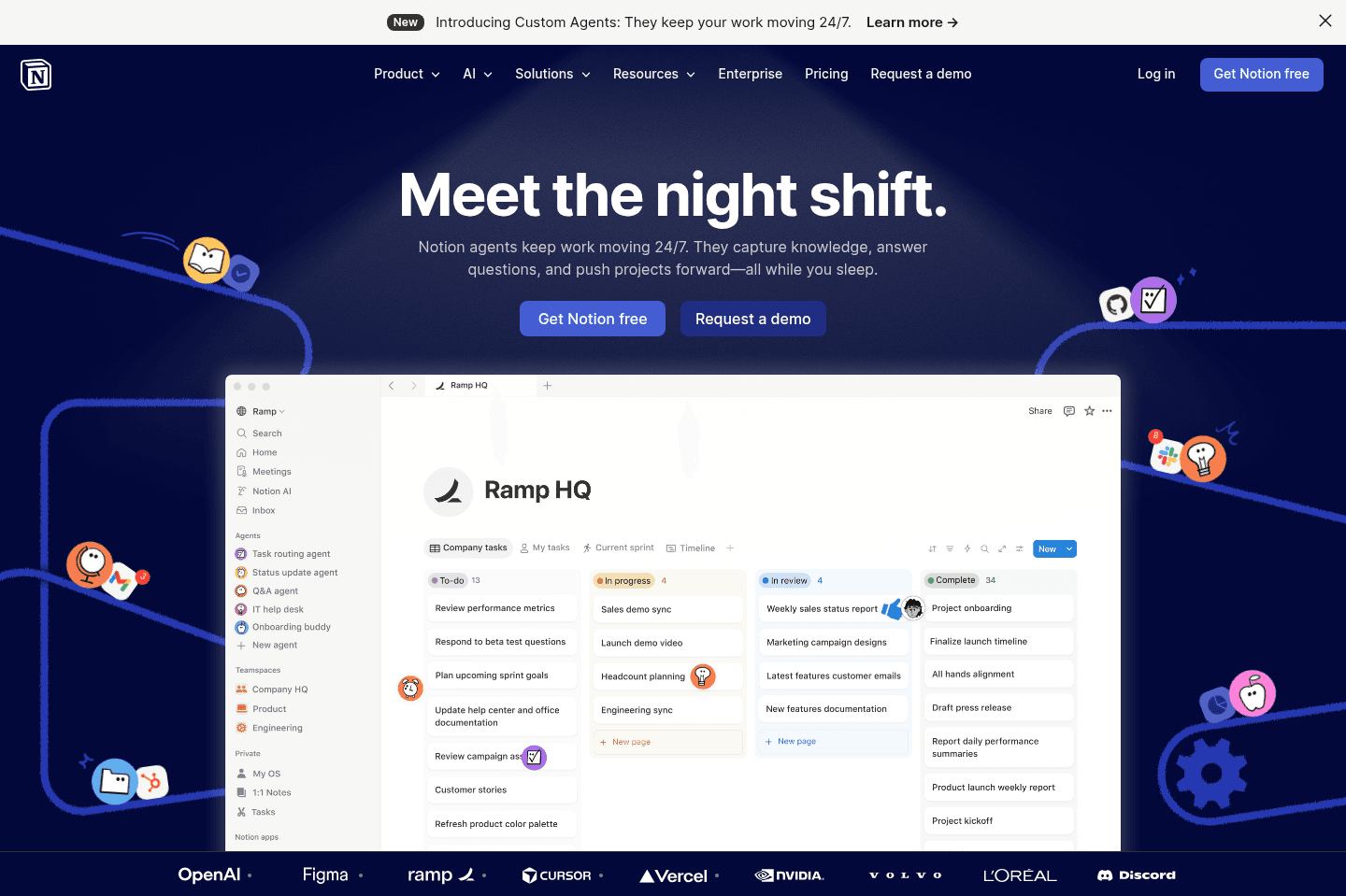
Review Summary
Review SummaryNotion is a shared team knowledge-base software that has extended itself to appear as an all-in-one suite. The difficulty is it works well for team docs, but struggles in all the other areas.
Most teams struggle when using Notion for everything in their business.
Notion Failed You
Notion Failed YouNotion Alternatives
Notion AlternativesNot sure if Notion is the right fit for you? Check out these alternatives:
 Superhuman DocsBest
Best for teams using Superhuman Suite
Best for teams using Superhuman Suite MotionRecommended
Teams looking for a tool to manage their projects + documentation
Teams looking for a tool to manage their projects + documentation
What is Notion?
What is Notion?Notion is part of a category of apps often referred to as an "all-in-one", for which we aren't particularly fans of.
The main problem we have with this is it feels more like a cop-out when asked to define what you are—we do everything.
Notion started as a team knowledge base software, and that's what it should really be defined as. The problem is, as you're doing well in a single category, some apps decide to double-down, while others look to increase their TAM (Total Addressable Market). Notion is in the latter camp.
Who should use Notion?
Who should use Notion?If you're looking for an incredibly flexible note taking tool that struts the lines of "no-code builder", where you actually see structure as a negative, then that's where an all-in-one app like Notion will actually shine.
Team Adoption
Team AdoptionWe've found that rolling out all-in-one solutions with customers is actually more difficult to get team adoption due to overwhelm.
Take Notion, it's not opinionated. In them deciding to make it super flexible, allowing it to "do anything", it by design becomes overwhelming with time. We know, it'll be incredibly exciting at first—all of the limitless potential! But then that "potential" turns to overwhelm in weeks and months.
What structure should I add these notes in? Should I add tasks here? Or over here? Do I message you on Slack, or @comment you here in Notion? Because it does "everything", it introduces micro-fatigue for doing anything.
Key Features
Key FeaturesAll-in-One
All-in-OneWhen teams start having micro-success with Notion, they end up trying to use it for everything, and this is exactly where Notion's limitations and flaws are shown.
CRM
CRMWe're taking customer notes in Notion, what if we actually had our customer's information in Notion as well! Thus the mistake of trying to use Notion as a CRM is born. It will never be a proper CRM. Yes, Notion has relational databases at the core, and a CRM is really just a bunch of relational databases at the end of the day, but the difference here is opinionation and structure.
Versus getting into this point further here, that's where we've written a post explaining why Notion is not a CRM.
Project Management
Project ManagementYour team is using Notion collaboratively with some of your clients now, eh? That's great! We have a collaborative shared knowledge base, what would make this even better? A project management software—let's build that right into Notion as well, because tasks are really just line items in a database, right?
Wrong.
The same issue arises as before. What makes a good project management tool like Motion actually good, is the opinionation and structure. You can't just start connecting tasks to customers to notes to videos to XYZ. That's a surefire way to overwhelm absolutely everyone on your team.
The goal of a project manager is to actually get work done—with Notion as a project manager, you'll be spending more time building out a project manager, tip-toeing the line of product manager (instead of project manager).
Here's a more detailed post of our thoughts on how Notion is not a project manager as compared to the leaders on the market.
Notion Mail
Notion MailNotion Mail is an email client, basically a cleaner, more minimal Gmail wrapped in a Notion-style interface, built on top of Skiff after Notion acquired them. Read our Notion Mail Review to get more of our unfiltered thoughts about it.
Notion Calendar
Notion CalendarNotion Calendar comes from another acquisition. Notion acquired a company called Cron and built on top of it. To our surprise, they left much of the tool as-is (we loved Cron before), so we've named Notion Calendar as one of the best calendar apps, you can read our full Notion Calendar Review for our thoughts.
One thing Notion changed is they added an integration between Notion Calendar and Notion database items. This means you can drag and drop Notion tasks (aka pages) and time block on your calendar but you'll notice they didn't make our best daily planner apps list because it's not really a seamless experience. Unless you're a powerhouse Notion user, don't attempt to use it as a daily planner (just use something like Sunsama instead).
API & Integrations
API & IntegrationsThis is an area that Notion excels because at the end of the day, Notion is primarily just a database at the core. This means that the API is up there when comparing Airtable vs Notion on the database side of things.
Not to mention, the sheer number of tools built atop Notion, and the templates marketplace (all things that signify Notion is more of a database/no-code tool), add up to making Notion have a pretty solid and flexible API.
Pricing
Pricing- Free: $0 per user per month. Best for individuals organizing personal projects and life.
- Plus: $10/mo per user ($96/yr with annual billing). Best for small teams and professionals who want unlimited blocks, file uploads, and collaboration features.
- Business: $20/mo per user ($192/yr with annual billing). Best for growing teams that need advanced collaboration, permissions, and AI-powered workspace tools.
- Enterprise: Custom pricing. Includes advanced security, compliance, admin controls, and dedicated support for large organizations.
Notion offers a free tier for up to 10 guests, making it accessible if you're curious about its capabilities. Notion has a free tier for up to 10 guests, so if you're curious as to what the hype is about, you can easily sign up and start playing with it yourself. If after a day you start feeling overwhelmed, you're not alone, it's more or less a blank slate after all.
Final Verdict
Final VerdictChoosing to roll out something like Notion across your team requires immense thought, structure, documentation, and training.
So are you trying to build all of this out yourself? And if so, are you a product designer? Do you understand your team's specific needs even better than they do? Or are you just trying to build what you think is needed and then plan to have everyone use it in that way?
If the latter, adoption is more than likely to fail, and you might want to reconsider choosing an all-in-one tool like Notion, and instead opt for something more purpose-built as your team's internal knowledge base software like Slite.
Categories
CategoriesNotion fits into multiple categories based on what it actually helps you do. Each category highlights a different strength and the efficiency points it earned, helping you compare tools not just by features, but by how well they actually perform.
Keep exploring the best software across categories, or explore Notion alternatives