
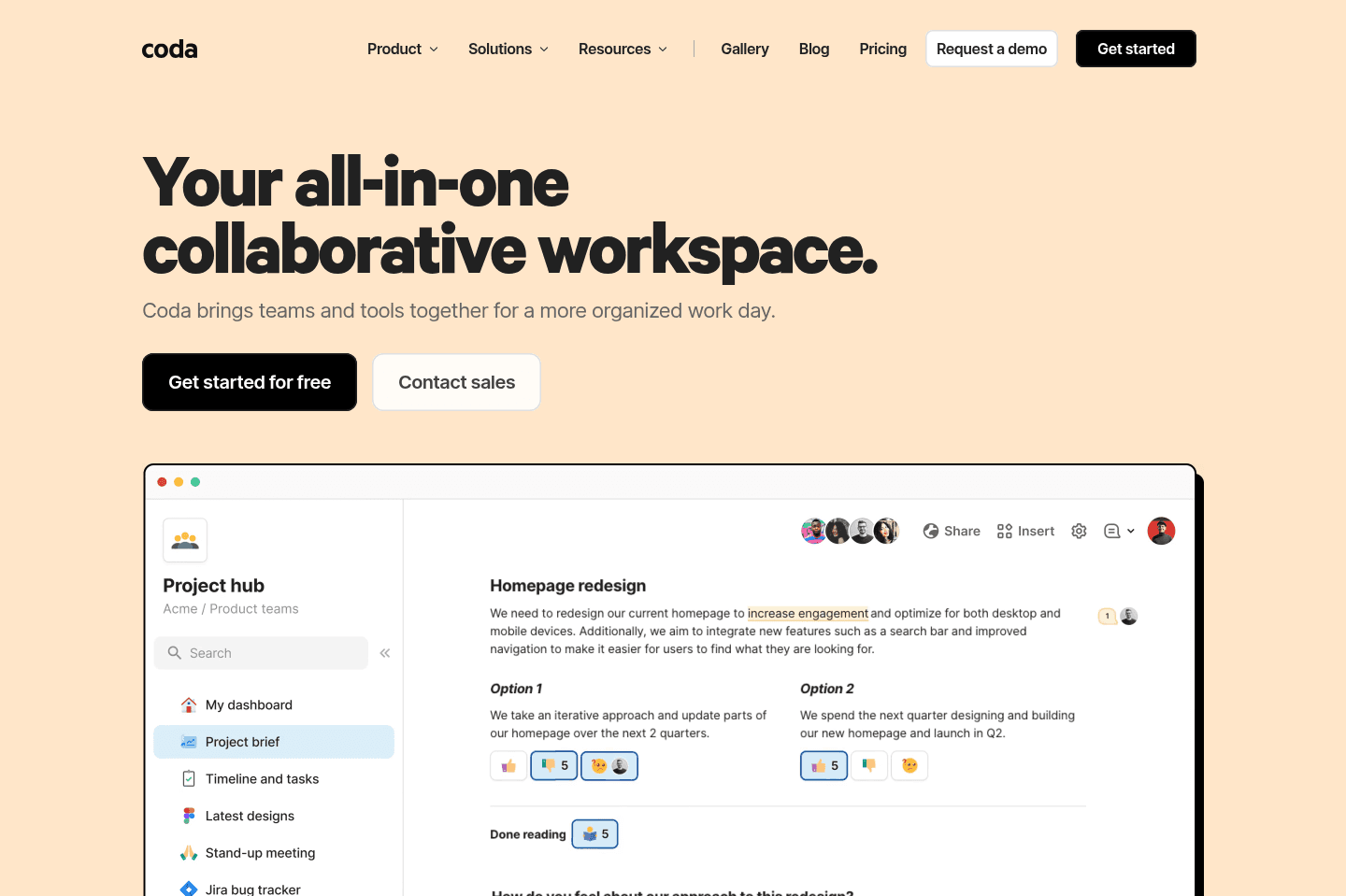
Review Summary
Review SummaryCoda lets you build custom workflows, internal documentation, and project management setups, and it's especially good if you want to experiment with no-code tools or need a flexible solution for unique, non-standard processes. It's best for people who like to tinker, prototype, or build one-off internal tools, but if you try to replace core systems like your CRM or task manager with it, things get messy and you'll regret it long term.
Coda Alternatives
Coda AlternativesNot sure if Coda is the right fit for you? Check out these alternatives:
 WonderlyBest
Best all-in-one AI software for trade businesses
Best all-in-one AI software for trade businesses MotionRecommended
Best AI project management for small-mid-size teams
Best AI project management for small-mid-size teams
What is Coda?
What is Coda?We used to be huge fans of Coda for internal documentation and shared customer documentation. When it first came out, it was competing with Google Docs, and it was just better on every single front. And to that end, it still is.
We mainly used it as more of a collaborative project manager mixed with knowledge base solution, to where we'd spin one up when beginning work with a new customer, and it'd be the sole place we'd communicate and document.
The friction point grew over time as documents increasingly felt separate from one another. Jumping between internal documentation and customer documentation was like moving in and out of folders in Google Drive, and quickly searching across all of this was just too much.
That and the team at Coda decided they were going to double-down more on the no-code and database functionality of Coda and less on the knowledge base/documentation side of things.
I must admit, they did an exceptional job at this—in terms of re-thinking Google Docs and turning it into something that's just better in all ways, they accomplished that and more. It's just also with that, they began strutting the line of an all-in-one tool, to which if you've read enough on the site, you'd see that this is a category we see poised with issues.
Who should use Coda?
Who should use Coda?We've gotta hand it to their team, if you want to dip your toes into the no-code world, there's probably no better entrance than Coda. They have a deep library of concept apps, it was genuinely one of the first tools that really got me thinking in the no-code headspace.
If you're technical enough to understand formulas in Google Sheets, you can do some pretty cool things with Coda. We almost see Coda as more of a playground, a fun place to learn and experiment. If you have a non-standard process that genuinely fits outside that of what other more structured tools offer, it might be worth giving Coda a shot.
Who should not use Coda?
Who should not use Coda?This is also the area that's quite difficult though, just because they show you in their templates area that you can build a CRM or Project Manager in Coda, doesn't mean you should.
So while we encourage you to experiment with Coda, we just highly encourage you not to go overboard—if you find yourself trying to recreate an existing solution like a CRM or task manager, take a step back and re-evaluate, as you may be using the wrong tool for the job.
Final Verdict
Final VerdictWe've seen some companies do some incredibly impressive things with Coda—heck, we were one of them. What we see with tools like this though is they start out with a clear focus and purpose—let's build an MVP for a non-standard process we have going on in our company, one that no other tool on the market fits into.
And we agree with that premise! Where it falls apart is shortly after that, when the team starts seeing the capabilities of Coda, and begin rebuilding all other systems into Coda. The exact same reason why we don't recommend using Notion as your CRM is the same reason we don't recommend using Coda as your CRM.
Why is this relevant? Well it's because we've seen way too many well meaning companies using Coda for one division (e.g. marketing), and a CRM for another division (e.g. Sales), and then someone wants the two systems integrated together (totally fine by the way)! What comes next is the problem...
There's then this person that has the "smart" idea of:
"Why don't we remove our reliance on our CRM and instead just build it directly into Coda? How hard can it really be?"
And that's where all hell breaks loose. Not immediately, but rather 1–2 years later when the team finally realizes that they made a huge mistake.
Categories
CategoriesCoda fits into multiple categories based on what it actually helps you do. Each category highlights a different strength and the efficiency points it earned, helping you compare tools not just by features, but by how well they actually perform.
Keep exploring the best software across categories