
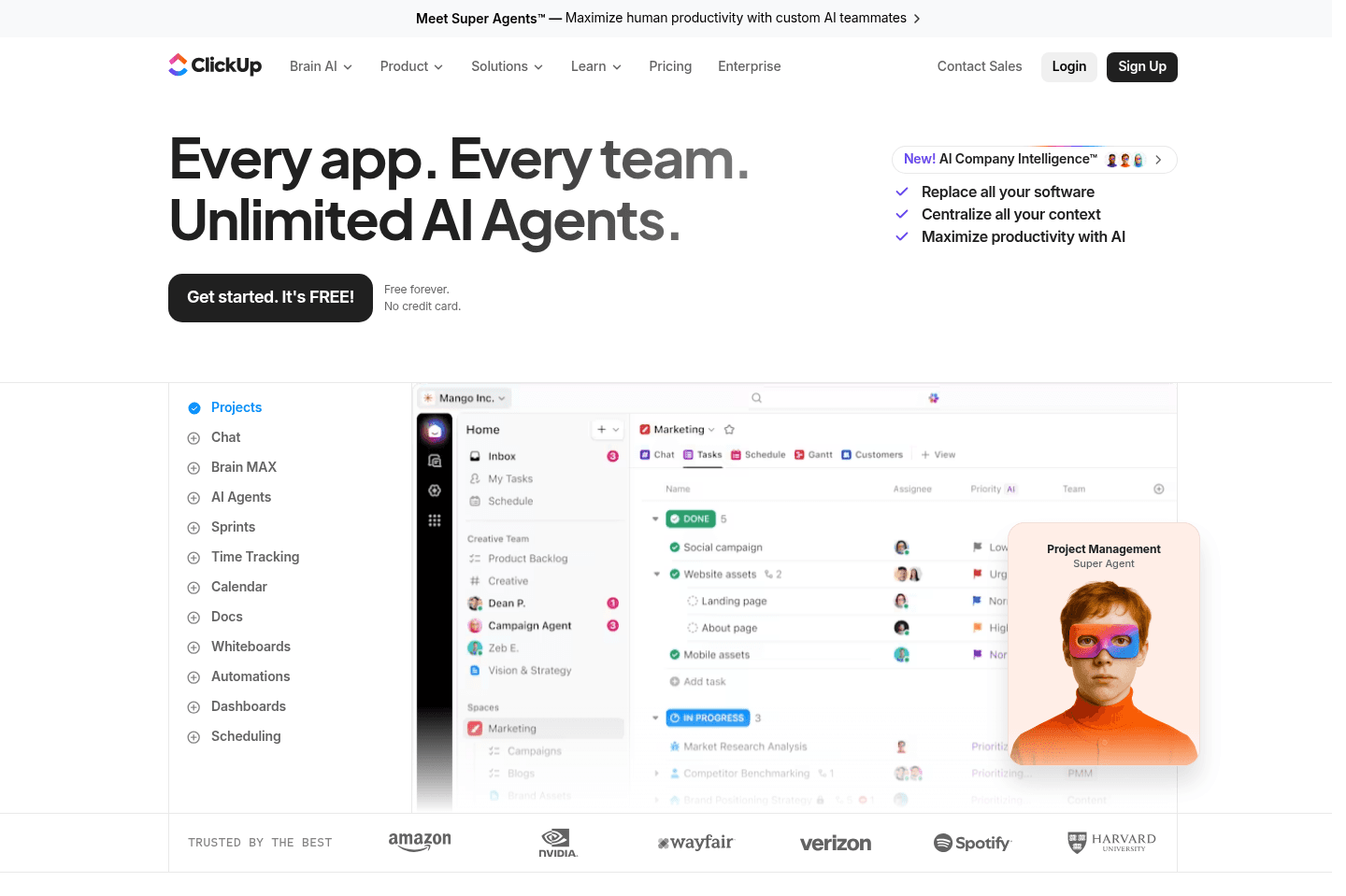
Review Summary
Review SummaryClickUp was built to be a project management tool at the core, but everything to everyone as well. So while it can do everything, it lacks polish when actually using it in the day-to-day. It's also quite slow to load because of this.
Best Project Management Software? Motion vs Asana vs ClickUp vs Monday vs Notion
Best Project Management Software? Motion vs Asana vs ClickUp vs Monday vs NotionClickUp Alternatives
ClickUp AlternativesNot sure if ClickUp is the right fit for you? Check out these alternatives:
 MotionBest
Best AI project management for small-mid-size teams
Best AI project management for small-mid-size teams
What is ClickUp?
What is ClickUp?ClickUp is probably best categorized as an "all-in-one tool", even though it started off as more of a project manager, and is quite task management focused at the core.
Who is ClickUp for?
Who is ClickUp for?ClickUp appeals to folks who want one tool to manage all work-related projects and processes. These folks don't typically need nor want the best project management tool, or best docs, or best of anything, they just appreciate that one tool (ClickUp) bundles all the apps together under one subscription.
For instance, say you were looking for the best project management tool, then you'd want to consider Asana for larger teams, or Motion for smaller teams (if you're seeking simplicity) because they are both focused only on one thing: project management.
You might like ClickUp if you fall into one or all of the below categories:
- You'd rather just have one tool that is good enough, rather than multiple excellent tools that work together.
- You have complicated projects and workflows that require a lot of customization and want a tool flexible enough to adopt. You're not planning to manage simple projects in ClickUp.
- You have the budget to invest in a consultancy to help you set up ClickUp for your complex processes (contact us for consultancy recommendations).
- You have a dedicated person on your team who can manage ClickUp. They are responsible for keeping things organized, and coordinating with team members to ensure they are using it properly.
Key Features
Key FeaturesAll-In-One
All-In-OneWhile an "all-in-one" tool may sound appealing because it sounds simple, here are the red flags with using any tool that tries to do too many things:
The main complaint we hear with ClickUp is that it's too complicated for its main use, and that it can be easy to get overwhelmed by all the features that are included. And this is the exact problem we have with this category. It does many things well, but it's consistently missing the last 10-15% in every category, which might not seem like a big deal, but I assure you that it'll frustrate the team.
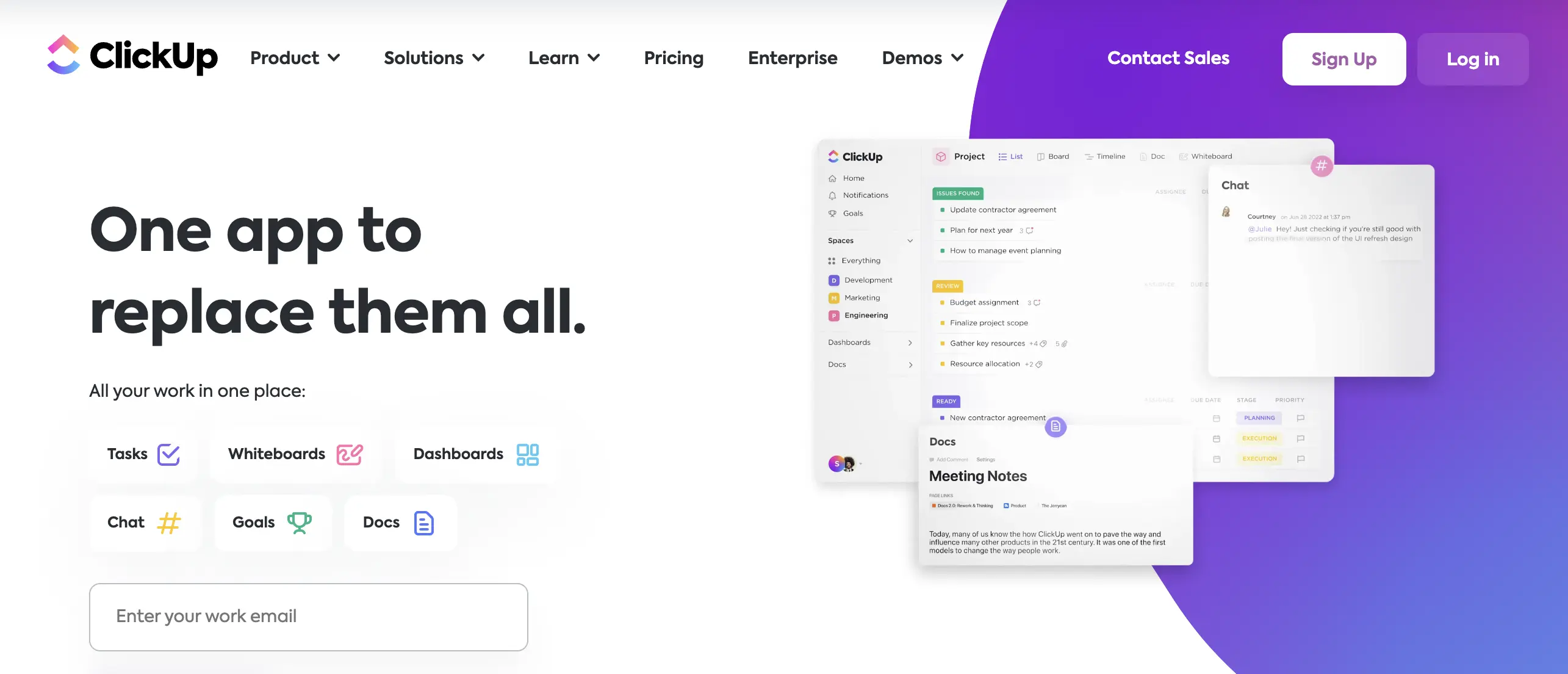
ClickUp homepage - "One app to replace them all"
With that, ClickUp isn't a tool we'd give positive differentiation points to. They are trying to do too many things, and with that comes a buggy experience and often feeling like you can't rely on the tool. While it does a decent job for many businesses in helping them with managing projects, it wouldn't be a tool we'd be quick to recommend if you're just beginning your search.
ClickUp overall is a tool that we have consistently considered on almost a yearly basis (and again with their recent launch of "ClickUp 3.0"). The problem is, is that the promise of what it is, and what it actually is upon using it just doesn't quite meet expectations.
User Interface
User InterfaceClickUp has a decent user interface, it's relatively clean and nice to look at.
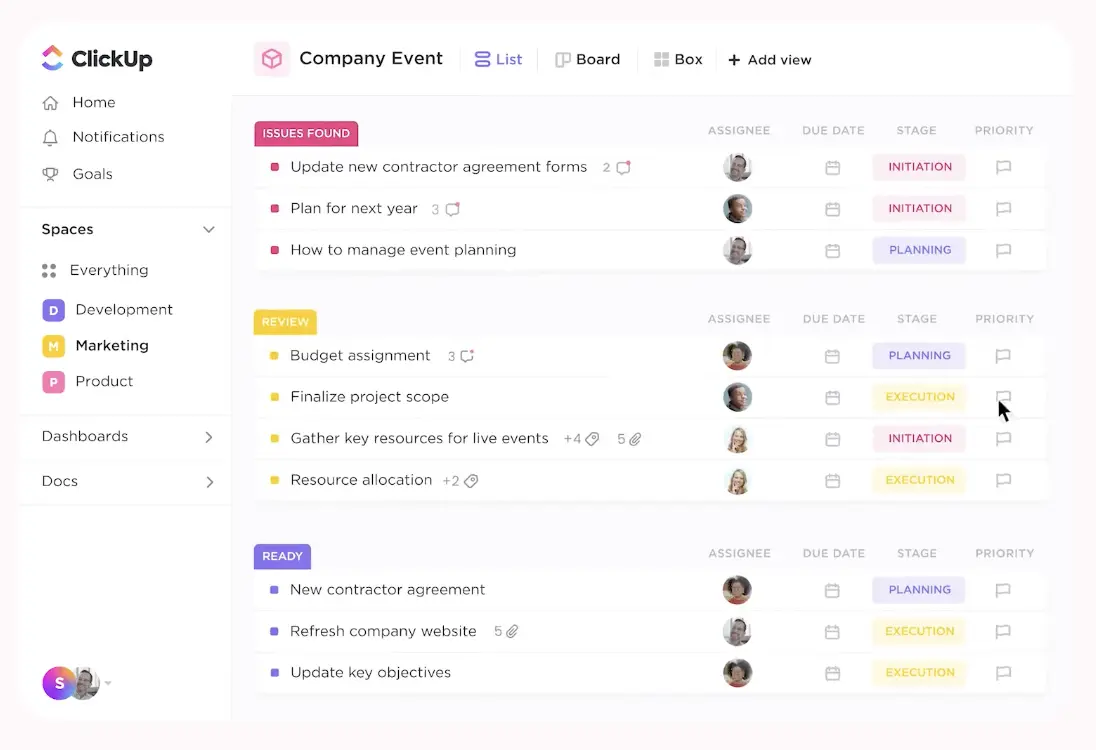
ClickUp Dashboard & Task Lists
User Experience
User ExperienceAbout 20% of our closest friends that run businesses, use ClickUp, so the "why" is a regular discussion that comes up whenever we hang out. The main consensus we've heard is:
"It does a lot but it's also incredibly buggy"
ClickUp does a good job at marketing features and functionality to intrigue you—we've literally signed up to re-evaluate it at least once a year because of exactly that. But when you begin actually using it, you start noticing the drawbacks. They come out in the experience, between slowness, overwhelm of where to find things and how to organize the information at hand.
It's a blank canvas, it claims to be able to do everything for your business, and that's why one of our friends literally runs an agency that just sets up ClickUp for other agencies, and charges mid-5-figures per year to do just that. Being convinced to sign up for ClickUp is easy. Using it well is not.
In general, if you're considering between ClickUp and Asana, we'd say stick with Asana and supplement it with a proper team knowledge base tool like Slite, or give our top pick in the category a shot (Motion) to see if it might work for you. 🤷
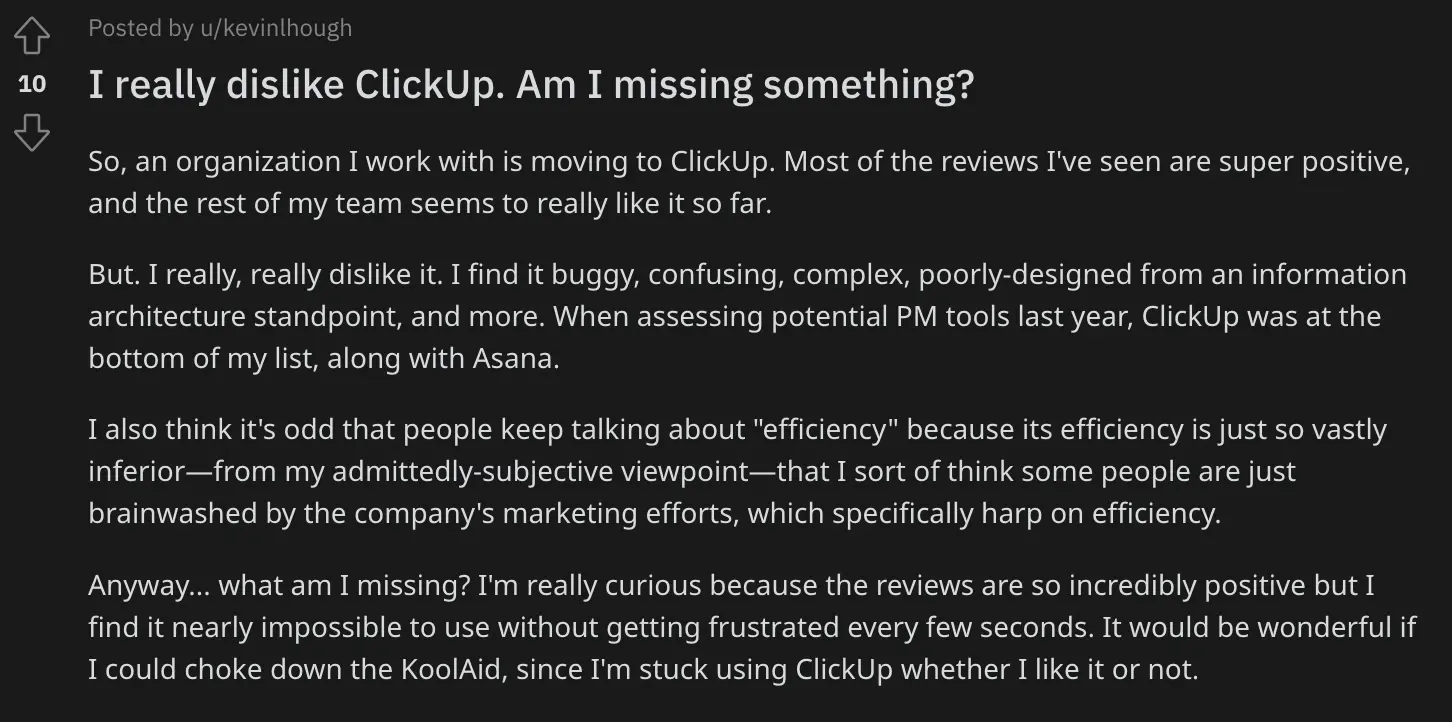
Reddit thoughts on ClickUp
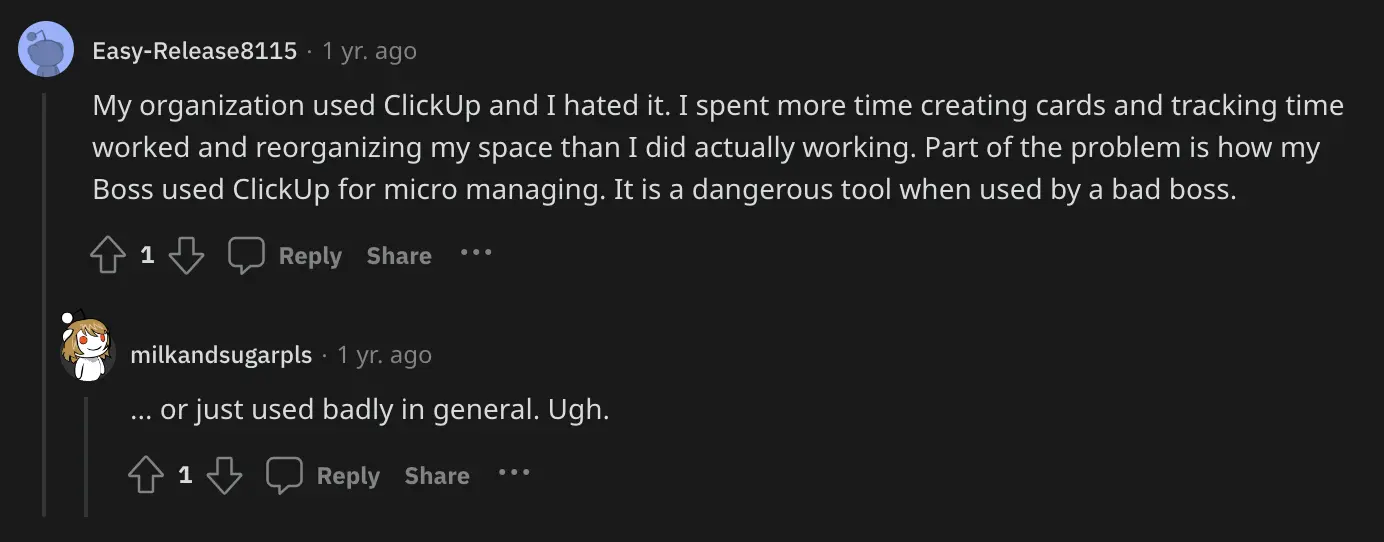
More Reddit thoughts on ClickUp
Competition
CompetitionWhen viewing it more as an all-in-one tool, you're starting to compare it more with apps like Notion and Coda, but what's also a bit strange is both of those tools were built more as knowledge base software, and have evolved more into the "all-in-one" category.
This is where things get difficult to prescribe without deeply understanding your specific use-cases. We believe that rarely are the "all-in-one" tools best for companies, as we strongly believe in using the best tool for the job. That said, ClickUp is definitely the most "Task Management" focused tool of the bunch. Meaning, if you want to rely on getting timely alerts for getting work done and project completed, ClickUp will handle that better than Notion on Coda.
Although, if documentation and almost a form of "no-code app" building is more important to you, that's where Coda or Notion will shine.
And this is the exact problem we have with this category. It does many things well, but it's consistently missing the last 5–10% in every category, which might not seem like a big deal, but I assure you that it'll frustrate the team.
So with all of that said, that's where we typically recommend using a tool like Motion as your Project Manager, and then Slite as your documentation/shared team collaboration tool (I would also say Notion, but it suffers from the all-in-one syndrome as well, that I fear you'll start trying turning Notion into your team's project management tool given enough time using it—which is not ideal), versus trying to just fit them all into a single product.
Final Verdict
Final VerdictClickUp has done a *phenomenal job* at marketing itself (literally the CEO on stage wearing a ClickUp suit kinda marketing). In the last few years, they've invested millions of dollars in their advertising, everywhere you looked you saw a ClickUp billboard. They have consistently hit their growth goals because of that. But is it just hype? For some, ClickUp fulfills their business needs, for others they see through the marketing. In terms of your project management software options, is it the best? We think not.
ClickUp does have a free version although it's very much for personal use so we wouldn't say its a free project management tool.
Categories
CategoriesClickUp fits into multiple categories based on what it actually helps you do. Each category highlights a different strength and the efficiency points it earned, helping you compare tools not just by features, but by how well they actually perform.
Keep exploring the best software across categories, or explore ClickUp alternatives