
Review Summary
Review SummaryJira is built for massive enterprise engineering teams running agile or scrum, but it's so complex and hard to use that unless you have thousands of employees and can afford dedicated Scrum Masters just to manage it, your team will end up frustrated, burned out, or simply avoiding the tool.
For anyone else, especially smaller teams or non-engineering groups like marketing, design, or HR, Jira is a bad fit and you'll be much happier with simpler project management tools.
Best Project Management Software? Motion vs Asana vs ClickUp vs Monday vs Notion
Best Project Management Software? Motion vs Asana vs ClickUp vs Monday vs NotionJira Alternatives
Jira AlternativesNot sure if Jira is the right fit for you? Check out these alternatives:
 MotionBest
Best AI project management for small-mid-size teams
Best AI project management for small-mid-size teams
What is Jira?
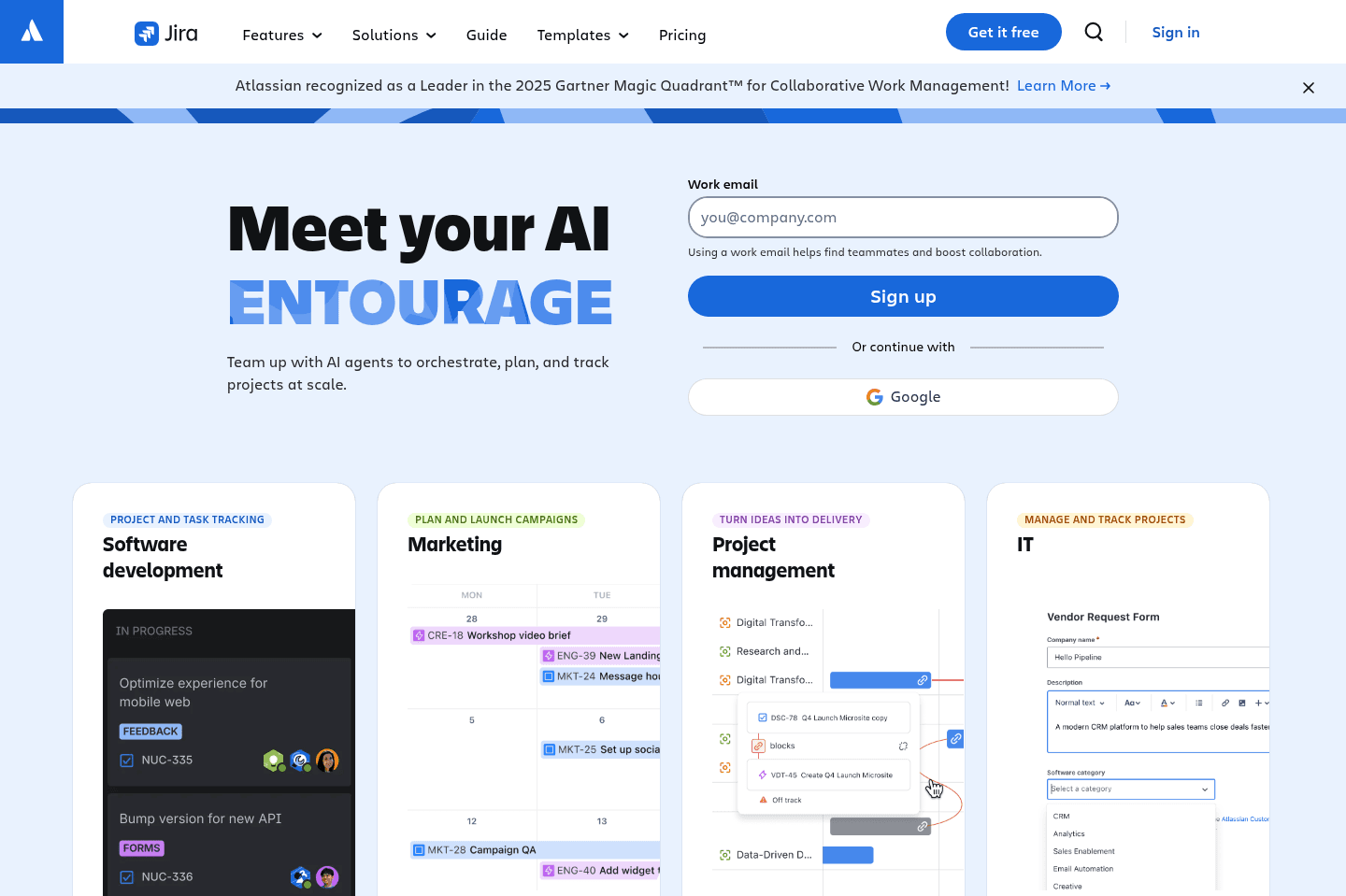
What is Jira?Jira Software started off focusing on helping software teams to manage project development—think sprints, agile and scrum methodologies. But in 2021, Jira launched what they call "Work Management" to help greater business teams like marketing, HR, finance, and design.
This meant that they introduced other features that tools like Asana and Monday have, like different views (task list view, timeline view, kanban board view) and forms.
What does this all mean? Well first and foremost, Jira is designed for highly technical teams and the other "work management" features were created in an effort to compete with Monday and Asana and gain more market share.
With that, don't expect Jira to be a project management tool with a friendly user experience. It has a steep learning curve with a ton of features, with many of them that will never be used an average business.
With that, while Jira has been previously known as one of the best agile project management tools, there are newer tools on the market that are much more modern and simple to use.
Who is Jira for?
Who is Jira for?Jira is for enterprise engineering teams (1000 employees +) who work with traditional project management methodologies like scrum and agile. Jira calls itself a customizable workflow engine that allows users to track issues, bugs, tasks and other work items through pre-defined workflows.
If your team is already using the likes of behemoth software solutions like Salesforce and NetSuite, then Jira is probably a solution that will fit into your software stack as an enterprise team. When configured correctly, Jira can be useful in the software development space.
Full Time Scrum Master
Full Time Scrum MasterA Scrum Master is a professional who leads a team using Agile project management through the course of a project. Teams who have the most success with Jira have a full-time salaried employee (aka Scrum Master) whose job is to mange the project and spend most of their day in Jira.
When speaking with employees of enterprise companies using Jira, they've mentioned that when they first implemented Jira, they also hired multiple Scrum Master's to manage a handful of projects each. But with budget cuts overtime, Scrum Masters were let go, and the job of "Scrum Master" fell on the shoulders of the Business Analysts on the team. This resulted in employees needing to do numerous jobs, burn out and team members leaving the company altogether.
That said, if you're thinking of implementing Jira, make sure you also have the budget to hire employees (often numerous) to work exclusively within Jira to keep things on track. If you don't, skip implementing Jira altogether and opt for something more simple like Linear for software development.
Team Adoption
Team AdoptionA project management tool is only useful if it's being regularly updated by team members. Because of Jira's overly complicated nature, employees often don't share updates in Jira during each sprint, waiting to only update Jira at the very end.
When we asked why, they mentioned it's because "they dislike Jira, try to avoid it, and they are too busy doing actual work than spending time updating the project management tool."
Who Shouldn't Use Jira Software?
Who Shouldn't Use Jira Software?If you have less than 1000 employees on your team and you are considering using Jira Work Management, we're here to say that it's not a good idea. There are MUCH better tools on the market — Asana if you're a larger team, or Motion if you have 100 employees or under. These project management tools are friendly, have beautiful interfaces and your team will actually want to use the tools.
If you're looking for a project management tool that works "out of the box", Jira is not for you.
Small Engineering Teams
Small Engineering TeamsThere are newer, better tools for managing software development sprints.
We're seeing modern software development teams prefer the likes of Linear for issue tracking, as Linear is much more beautifully designed (while teams typically find Jira cluttered and complex). Linear is also much easier to set up than Jira, we set it up to build this website in genuinely 5 minutes (that included onboarding 4 people 😅).
Non-Technical Teams
Non-Technical TeamsTo implement Jira, you must have deep IT and technical experience due to it's steep learning curve and customization requirements. Expect to work with a Jira Solutions Partner which can cost over six-figures for a larger organization. Your team will need to be onboarded slowly and keep in mind that regular trainings will be required.
For instance, simple things like writing Jira descriptions require you to use markdown for bolding, italics, and bullet points. Busy team members have expressed being deeply frustrated with the time it takes formatting text to write updates to the team. Our take? This isn't a good use to of time for anyone 😅
Key Features
Key FeaturesJira is highly customizable, making it too complicated for the average person. Expect a steep learning curve for every the most simple of features, as many folks who use Jira end up overwhelmed. If you're looking for an intuitive, easy to set up tool, Jira is not for you.
Cross-Department Collaboration
Cross-Department CollaborationJira Roadmaps enables cross collaboration among different departments, making projects visible company wide. This helps teams stay on track with the bigger picture and track progress and dependencies based on team availability.
Once Jira is configured correctly, assigning tasks and stories to team members is easy so you can easily see who is working on what task.
Work Management
Work ManagementIf you are looking for a project management tool for anything other than software development, we don't recommend Jira. Look—sure they offer features built for marketing and design, but we can guarantee your marketing and design team will hate using Jira (they likey won't adopt it either). Why? Because they are marketing and design teams 😄 They want to use user friendly software with an intuitive interface that is easy to use—not a tool initially built for engineers. Same goes for construction teams, financial planners, HR teams, and onwards.
Speed
SpeedEmployees who have used Jira have reported it being slow at times. For instance, they said that while the search functionality was useful, it could sometimes be very slow.
Integrations
IntegrationsJira has over 3000+ integrations with other tools. That said, for enterprise tools like Salesforce or Zendesk you're very likely looking at a custom integration that will need to be managed by a third party.
Pricing
Pricing- Free: Free forever for up to 10 users. Best for small teams getting started with basic project management.
- Standard: $7.91/mo per user. Best for teams that need user permissions, external collaboration, AI-powered features, and increased automation.
- Premium: $14.54/mo per user. Best for organizations managing multiple teams that need advanced planning, dependency management, unlimited storage, and 24/7 support.
- Enterprise: Unlisted (annual only). Includes advanced security, centralized administration, analytics across Atlassian tools, multiple sites, and enterprise-grade identity management.
Final Verdict
Final VerdictA project management tool is only useful if it's being regularly updated by team members. Because of Jira's overly complicated nature, employees often don't share updates in Jira during each sprint, waiting to only update Jira at the very end.
When we asked why, they mentioned it's because "they dislike Jira, try to avoid it, and they are too busy doing actual work than spending time updating the project management tool."
Instead, we recommend that engineering teams consider Linear for issue tracking and all other teams (marketing, design, HR, and onwards), or consider Motion that is much more user friendly for the average person (and your team will actually enjoy using it).
Categories
CategoriesJira fits into multiple categories based on what it actually helps you do. Each category highlights a different strength and the efficiency points it earned, helping you compare tools not just by features, but by how well they actually perform.
Keep exploring the best software across categories

