
Review Summary
Review SummaryMake handles complex data automation and advanced integrations but actually feels like learning a programming language, so unless you're comfortable with APIs, webhooks, and arrays, you'll get lost fast.
This is really only a good fit if you're a technical user or engineer who wants to solve tough data problems, not if you need simple, beginner-friendly automation.
Make Alternatives
Make AlternativesNot sure if Make is the right fit for you? Check out these alternatives:
 ViktorBest
Best AI Coworker for Automating Work
Best AI Coworker for Automating Work
What is Make?
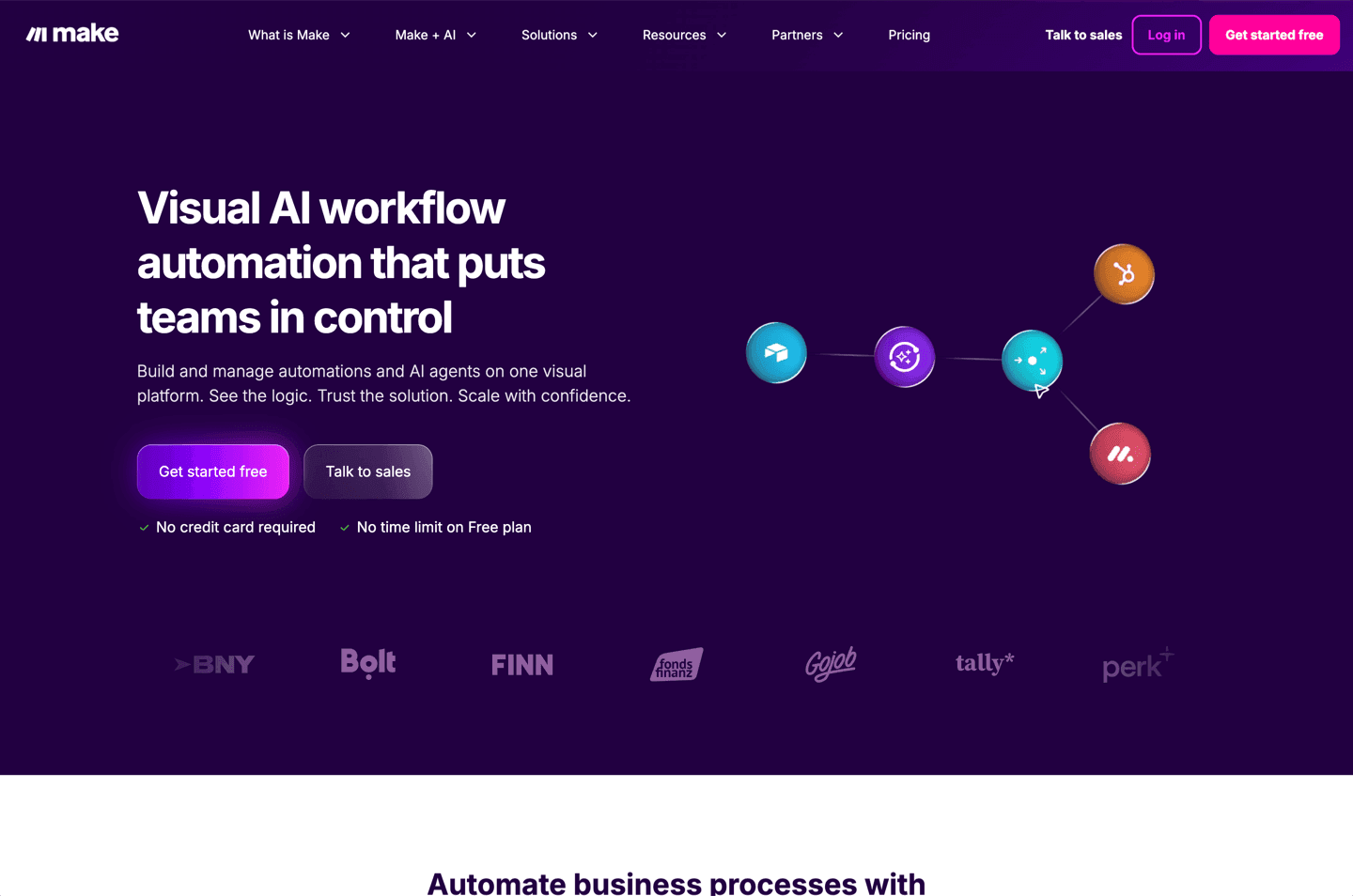
What is Make?While at first glance Make may look more user-friendly and visually appealing than that of Zapier with their drag-and-drop interface and animated bubble-like components, it's deceptively complex, yet extremely powerful.
Make is much more than a tool to just pass data from one app to another, it's also a fully-featured data manipulation tool for the data.
Because of that, learning how to use Make effectively is actually like learning a programming language, which is where the initial deception comes from.
The people I know that use Make as their main integration tool, are using it for quite complex data problems, for large companies, and they are often just as technical as a traditional engineer.
If you don't know what an API is, how webhooks function, and how arrays work, you're likely going to struggle with using Make.
Categories
CategoriesMake fits into multiple categories based on what it actually helps you do. Each category highlights a different strength and the efficiency points it earned, helping you compare tools not just by features, but by how well they actually perform.
Keep exploring the best software across categories