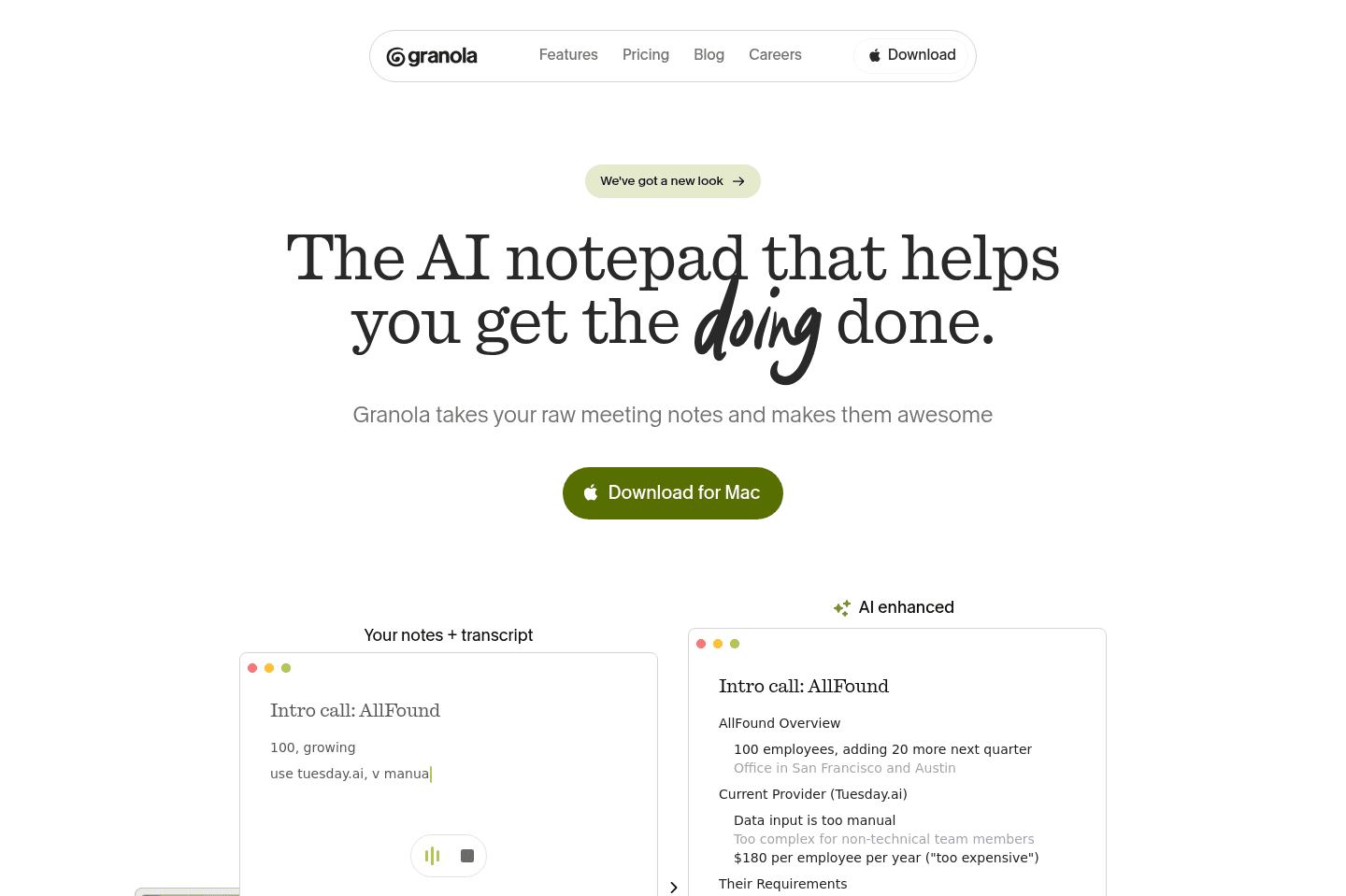
Review Summary
Review SummaryI've been using Granola for just over a year now. We have a rule at Efficient App: if Granola wasn't there, the conversation didn't happen. We use it at least 3-5 times a day (heads up, you can try it for free - no credit card required).
I Used Granola AI for 365 Days. Here's What I Learned.
I Used Granola AI for 365 Days. Here's What I Learned.What is Granola AI?
What is Granola AI?Granola's the best AI note taker that we've tried over the past decade (and we've tried them all - Fathom, Fireflies, Otter, and many more).
Granola listens to your conversations and turns them into notes using AI. It's not one of those meeting bots that has to join the call, it just runs in the background and gives you the transcript of every word that was said, along with polished, organized notes at the end of a meeting.
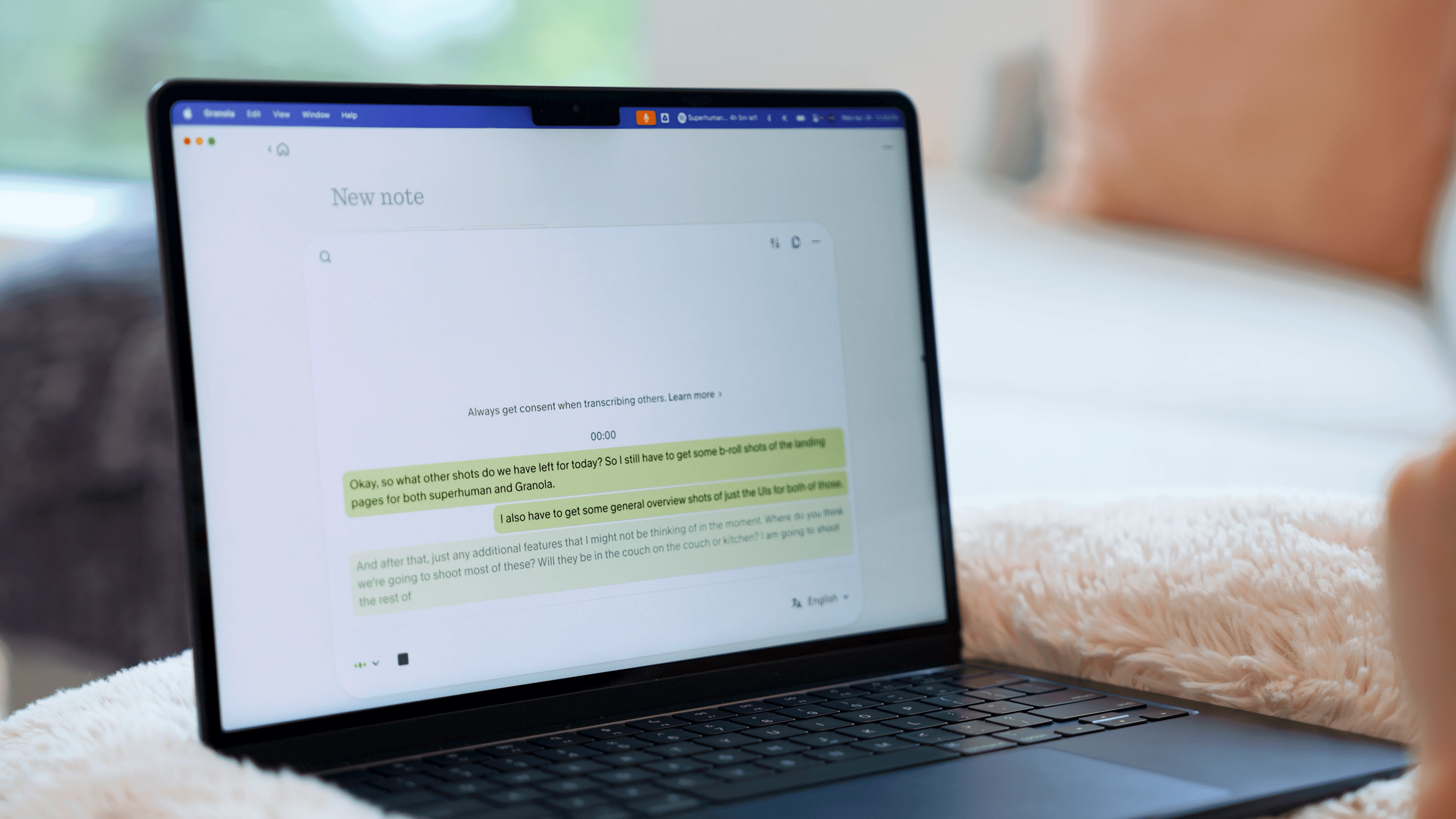
Why Granola AI is Different
Why Granola AI is DifferentI found out about Granola through from the founder of Dub. He was using it like crazy back when we were still stuck on meeting recorder bots. Steven swore by it. He would send summaries of calls to our team, and it seemed pretty cool.
But I thought, "I don't need another meeting recorder, I already have one" so I wrote it off for as long as I could, but I just kept hearing about how great it was from more and more people.
Eventually I downloaded it and started using it alongside meeting bots. Turns out the Granola team focused on something called invisible design when creating the product. Kind of like an invisible handrail on a staircase.
It stays out of the way while you live your life, but when you need it, it's instantly there to help "hold your weight".
And that's why it stuck. It's simple yet super helpful when you need it.
When we first started using it, we were just using it for Google Meet calls. We noticed how little friction there was when using it. One button to start recording. Then after the meeting, we got fully polished notes, organized better than any of us could have.
When comparing to Granola vs Fireflies, they went the more modern approach of not storing your audio (just the transcript).
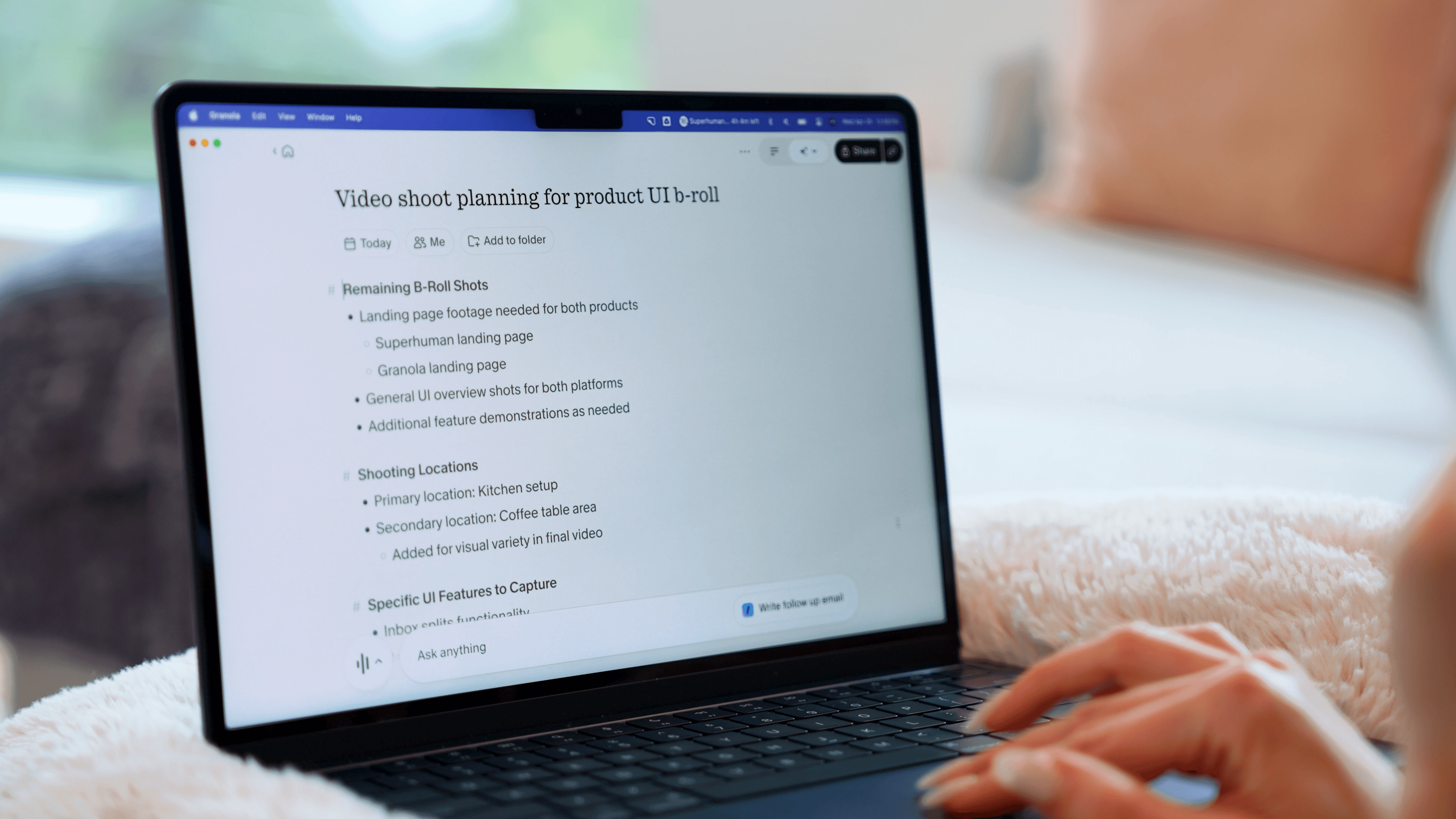
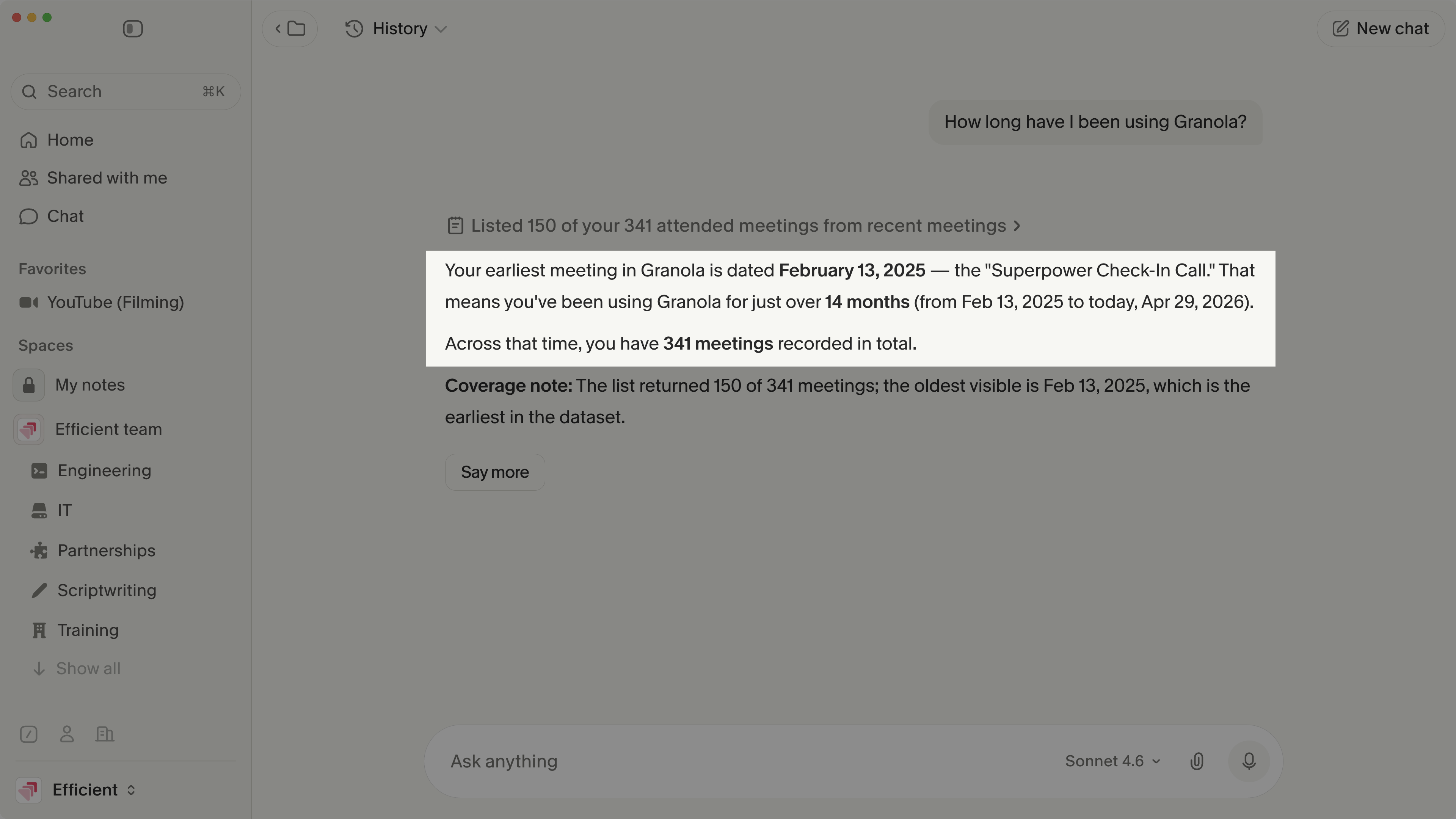
Within the AI chat, I can ask "where did we talk about X?" and it pulls up the exact part of the call. Or I could ask it a question and it would search across all my meetings to find me the answer. This is the benefit of it storing all of your transcripts.
At some point after I had downloaded Granola on my iPhone, I realized I could just pull it out, tap record, and record anywhere. So I started recording when we were out on walks or at dinner, when the conversation turned into something about work. It was just so simple and easy.
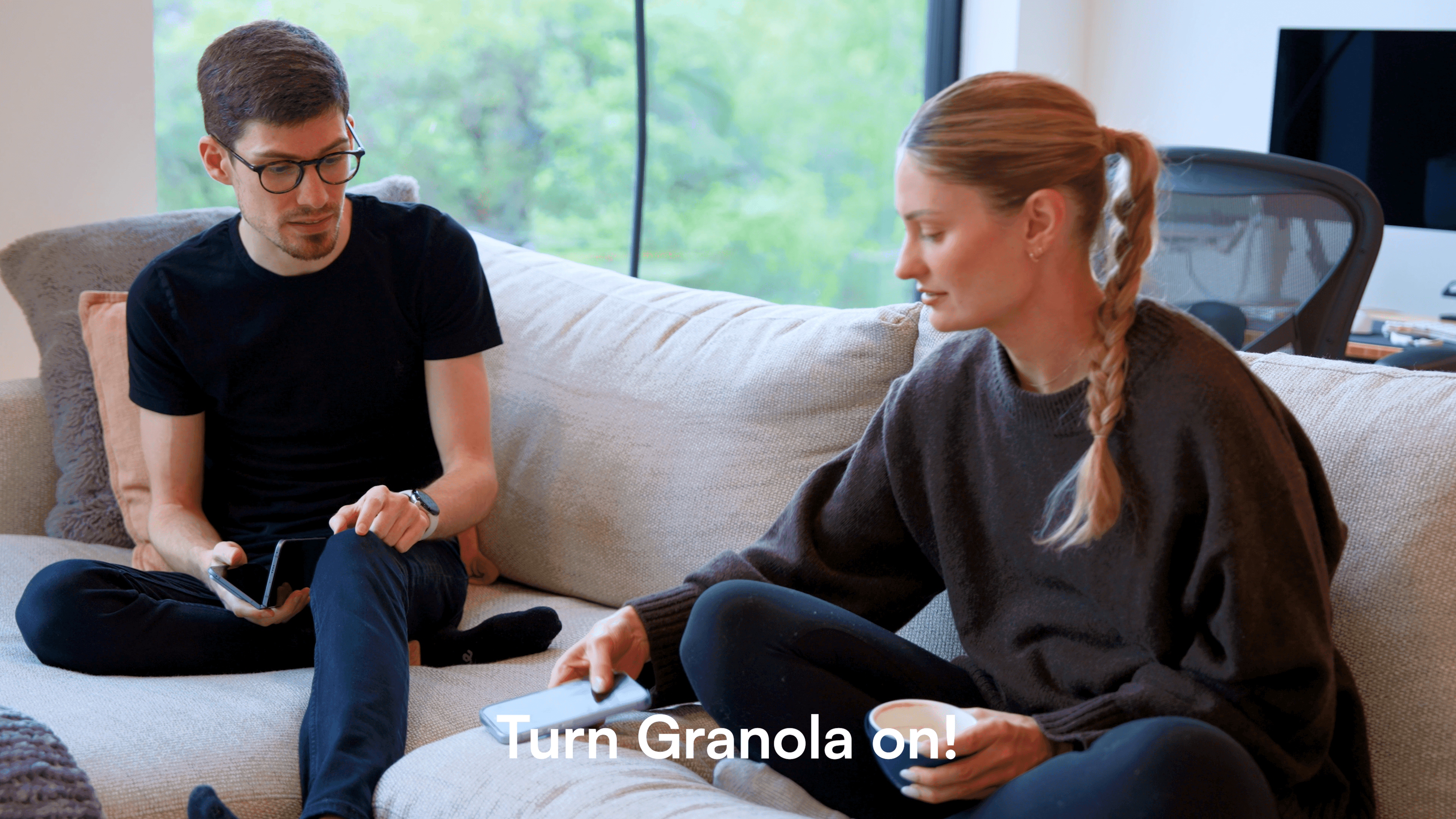
Now it's turned into this thing where we have to have a Granola recording everywhere. We always say, "If it's not in Granola, it didn't happen!"
Who is Granola AI For?
Who is Granola AI For?If you're in back-to-back conversations all day, scrambling to piece together follow-up notes after a call, or wondering "wait, what did we actually decide?", Granola will help.
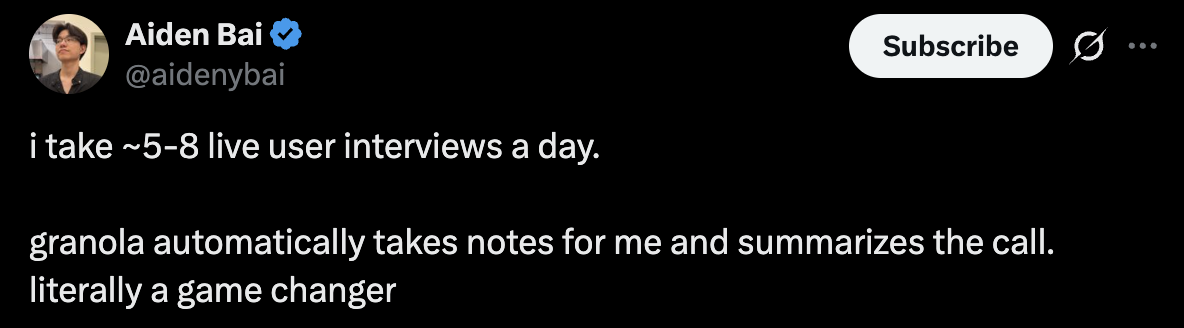
Granola honestly feels like having an intern sitting in every conversation, taking notes for me.
Since Granola has a scratch pad, it also still allows you to jot down your own notes (if you're the type of person that just needs that), but then it uses AI to enhance the notes, so you get the best of both worlds.
If your team is looking for a simple way to start using more AI tools in your business, Granola is honestly the perfect place to begin.
Key Features
Key FeaturesWe've now been using Granola for over a year, here are the ways we've gotten the most value from it.
Background Recording
Background RecordingWe've all had that awkward moment where you have to ask, "Hey, are you okay if I record this?"
Granola gets rid of that. It sits in the background, gives you the transcript, and there's no bot joining or awkward announcement. That ends up being way more useful than it sounds, especially on sensitive calls where you can't record audio, but still need to share what happened.

Not to mention, if I am having an interesting conversation in-person, I now just say "Mind if I take notes? What I mean by that is turn on Granola." It's helped me reference back insightful conversations from conferences or networking events.
Another reason we use it so consistently is that it's just very low friction. As soon as you open the app, it literally is one tap, and it's already recording, so you don't have to put too much into it in order to make sure that your conversations are recorded and documented, which is a big part of consistency.
There's also a little floating indicator that stays on your screen so you can always see that it's recording, even if you've jumped to another app. So if you're in another app, it's just sitting there, so you don't have to second-guess whether it's on.
Transcription + AI Meeting Summary
Transcription + AI Meeting SummaryWhile Granola does all the typical meeting recorder/note taking features you'd expect (e.g. AI meeting summary), they also give you effectively a scratchpad to take ad-hoc notes throughout the call, for which AI enhances all the notes written with further context automatically:
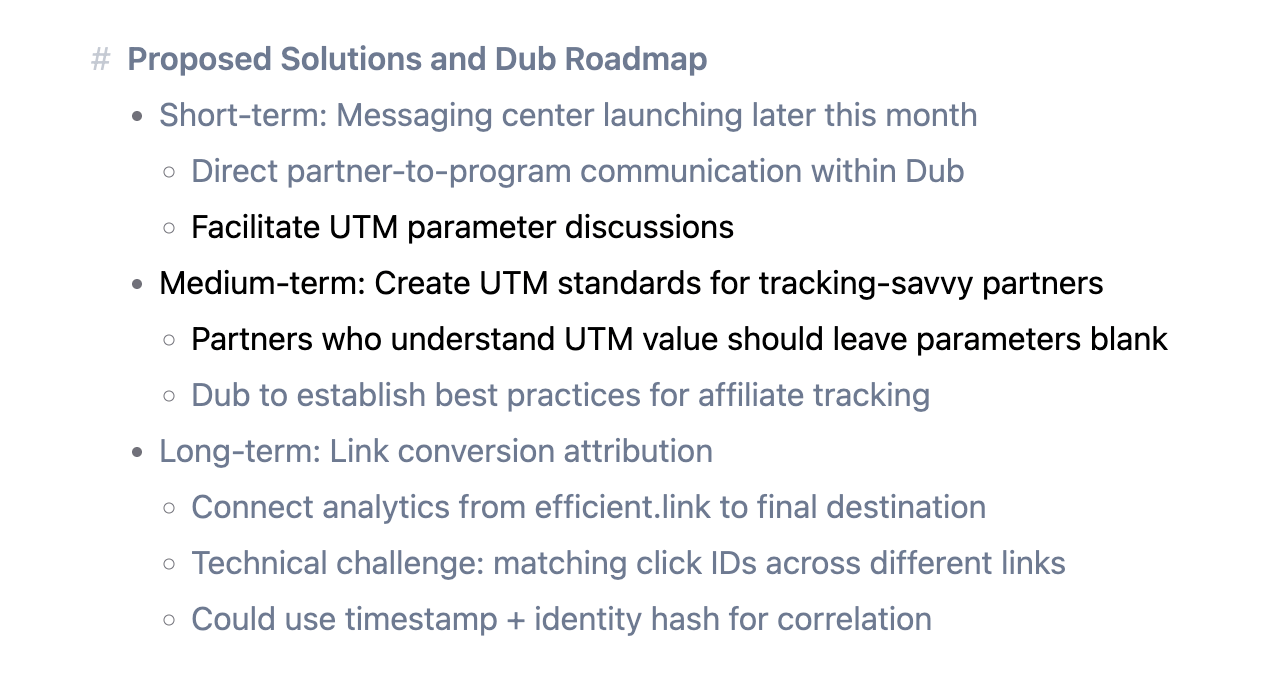
Auto-generated Granola notes in light gray, your enhanced "scratchpad notes" in black
It transcribes everything live, word for word, detects two different speakers, and then once you stop the recording, you just hit "Generate Notes," and it structures everything for you. You still get the full transcript, which we use all the time for pulling exact quotes or dropping into docs.
AI Chat
AI ChatYou can even ask Granola questions mid-call, which uses full context of the call up to that point, or can even come up with contextual questions to ask to help the conversation flowing.
It's really as if you have an active note taking assistant on the call alongside you, helping you keep the conversation flowing. That said, the questions you ask have to pertain to what is said on the call, it will not do outside research currently within the chat.
This is likely to prevent from hallucinations which we have seen happen when comparing Granola vs Cluely.
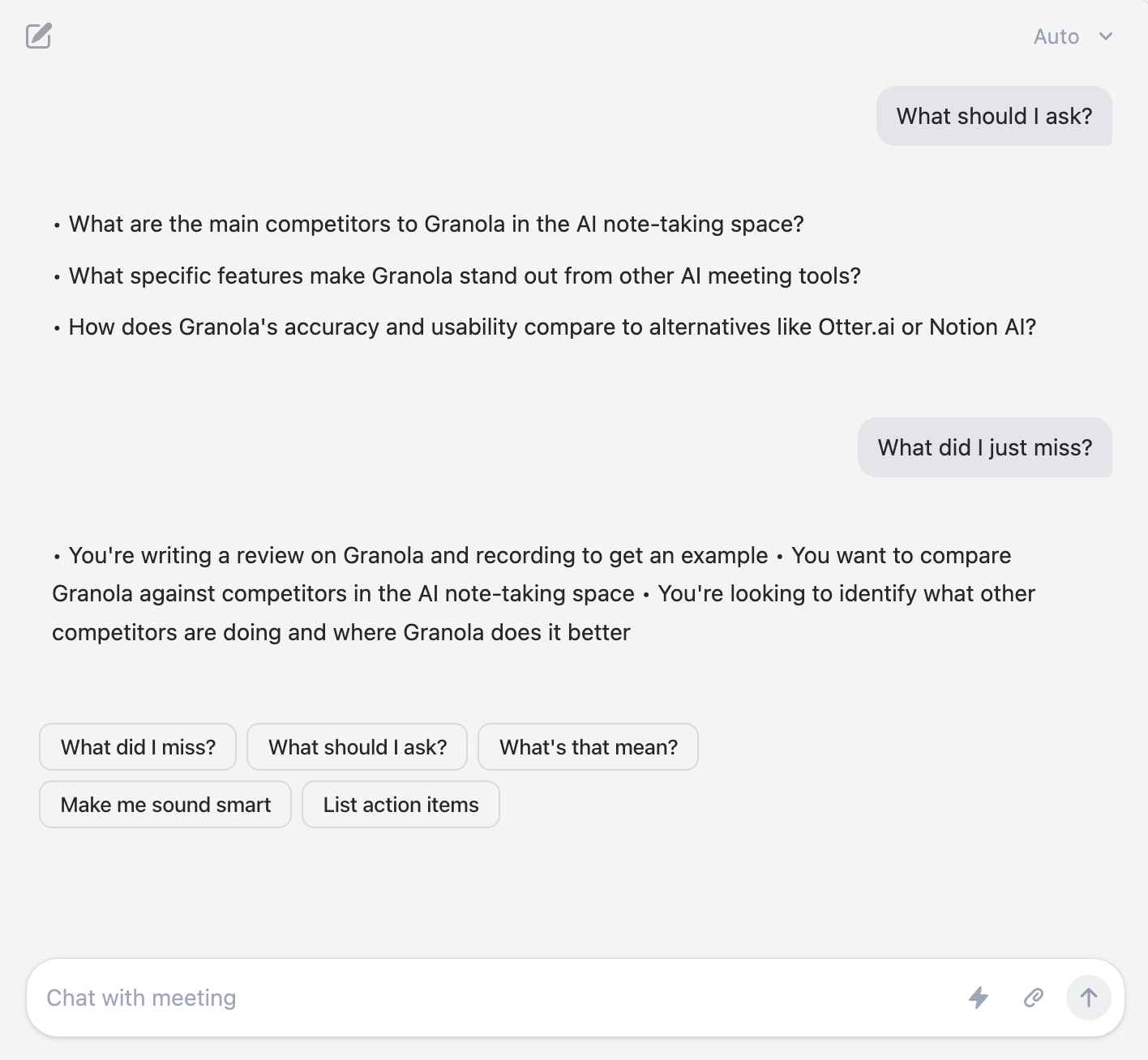
You have the ability to ask questions specific to the call at hand during the meeting
It works during the meeting and after. If you ran to the bathroom mid-call, come back and type "what did I miss?" or if the engineering team is going deep on something technical and you're lost, just ask "explain what was just said like I'm five."
Memory
MemoryEvery company in the future will have their own version of AGI.
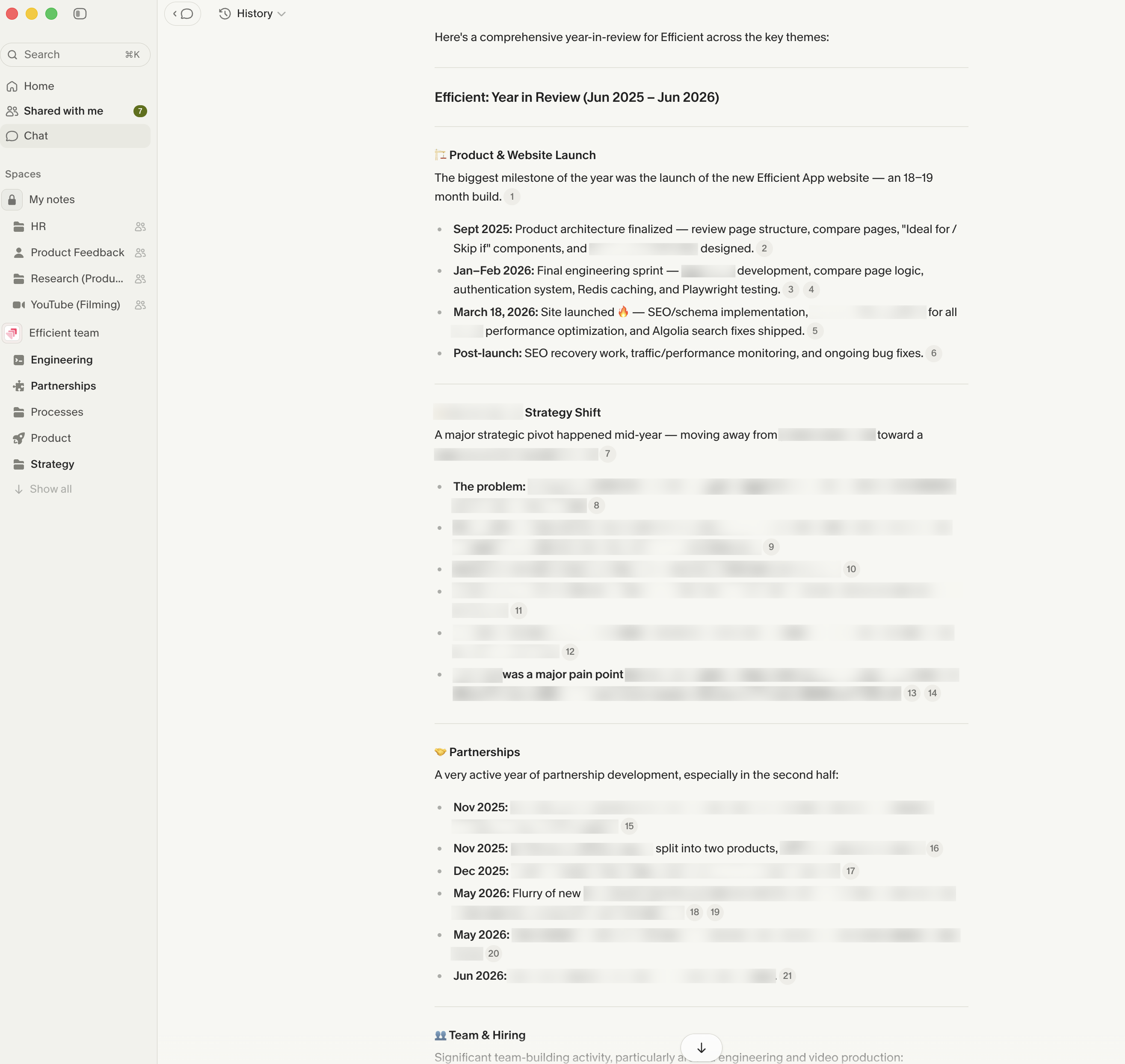
Imagine using Granola for one year, five years, ten years, and having it capture every conversation your team has. You'd be able to look back and see what decisions were made, why they were made, and how those decisions correlated with the growth of the company. Since we've been using Granola for a year, we were able to ask about a year-in-review and it gave us the most accurate possible picture of the state of the business.
MCP + Integrations
MCP + IntegrationsIntegrate your calendar and the moment a meeting starts, Granola will pop up and ask if you want to record. It even does it for Slack huddles. So it's not another thing you have to remember. It's just there when you need it.
Granola connects with Zapier so you can integrate it with almost anything, and it has an MCP connector that helps you take action after your meetings.
You can set up some pretty powerful automations with Claude.
Some examples from our workflow:
- We have Granola + Claude + Superhuman Mail connected. We ask Claude to check all our call notes for the day and draft follow-up emails for us.
- I went for a walk with my co-founder Alex and we discussed what we wanted to cover at our team meeting. We recorded the conversation with Granola, then I asked Claude to take the notes and create a slide deck for me
- We ask Claude to review our Granola call notes and create Linear tickets for all the bugs we talked about
That said, we'd love Granola to be able to take action for us on it's own. For example, at the end of an engineering call, we'd love it if it could recommend the tickets that came out of the conversation or heck, create them.
Additional Features
Additional FeaturesSharing and Collaboration
Sharing and CollaborationFor sensitive calls where you can’t record audio but still need to loop someone in, sharing your Granola notes is the much easier, PC way to do it. You're just sending them the summary of what happened, which is a lot more appropriate than sending a recording.
We have a team account, so we organize everything into spaces and can share notes with specific team members. So if we add our engineers, they get access to what's relevant to them and only them.
Automatic Grouping
Automatic GroupingA small feature I really like is that it automatically groups your meetings by company. You can see all the conversations you've had with a specific client or partner just sitting together, without you having to organize anything. It just happens.
Templates
TemplatesThere are templates in Granola if you want more structure in how the notes come out. But truthfully, it's not something we really use. It's there if you want it, and I suppose it's a nice-to-have, but it's not really a core part of how we personally work.
Mobile
MobileGranola is only available on iPhone at the moment, which I know is a pain for all my Android friends. Alex is an Android user and wishes he could use Granola on his phone. Hopefully it's coming soon!
I've found the Granola mobile app reliable overall. I have a widget on my home screen that allows me to tap once to start a recording. The only thing is, once you stop recording, you can't resume the same recording like on the desktop.
Also as a heads up, you can also record phone calls with Granola!
Is Granola secure?
Is Granola secure?Granola earned SOC 2 Type 2 certification in July 2025, and independent auditors confirmed it meets the standards for customer data privacy and confidentiality.
From the practical side, no bot joins your meeting, and audio is temporarily cached only for transcription, and once that's done the audio is deleted.
What you keep is the transcript and your notes.
Also something we appreciate is that they also don't allow third parties like OpenAI or Anthropic to use your data for training.
Pricing
PricingGranola has a freemium model, and somehow even though they have limits in-place, we've somehow managed to get away from paying for it for a long time.
Our entire team has been using it for a year and we only just upgraded from the free tier because we wanted it a bit more integrated across the team along with history when using their MCP with ChatGPT & Claude.
- Free Tier (25 free meetings)
- Individual Tier: $18/mo (Unlimited meetings + Integrations)
- Business Tier: $14/user/mo (Unlimited meetings for entire team + Integrations + team folders for collaboration + consolidated billing & admin)
- Enterprise Tier: $35/user/mo (Everything in Business + Model training opt-out + admin controls for meeting link sharing + priority support & usage analytics)
Final Verdict
Final VerdictIs Granola worth it? There's no doubt about it.
With how much AI LLMs are improving, we're learning that context is everything, and there's not more context than a recorder that has your entire team's meetings in memory. So while it's already impressive software, it feels like one that only just gets better the more you and your team use it.
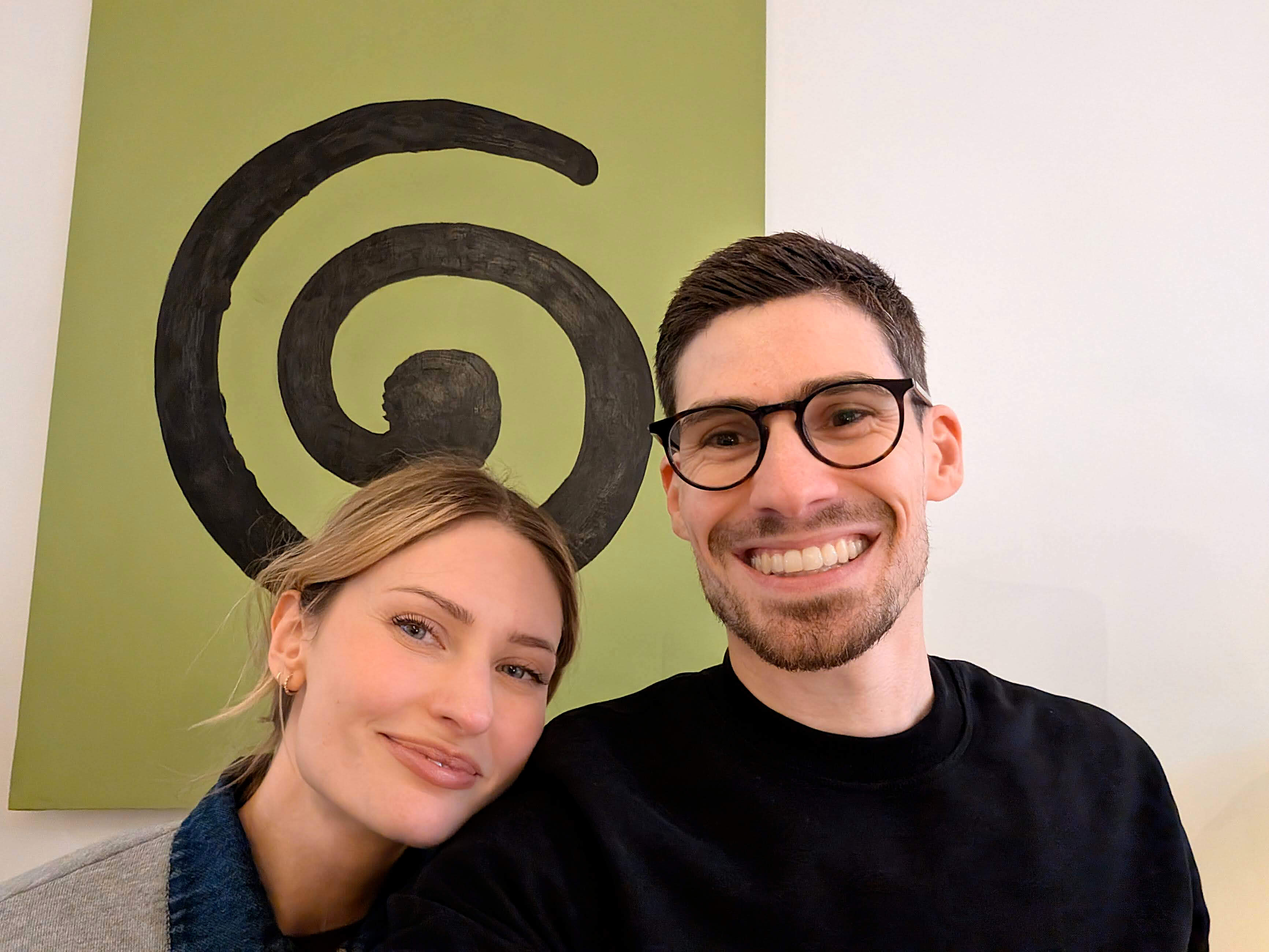
When we were in London, we got the chance to visit Granola's HQ. We got a tour of their office which was super cool!
Before you go, grab the Granola discount. While Granola is free to use (no credit card required), it will store 3 months of credit if you ever choose to upgrade.
Screenshots
Screenshots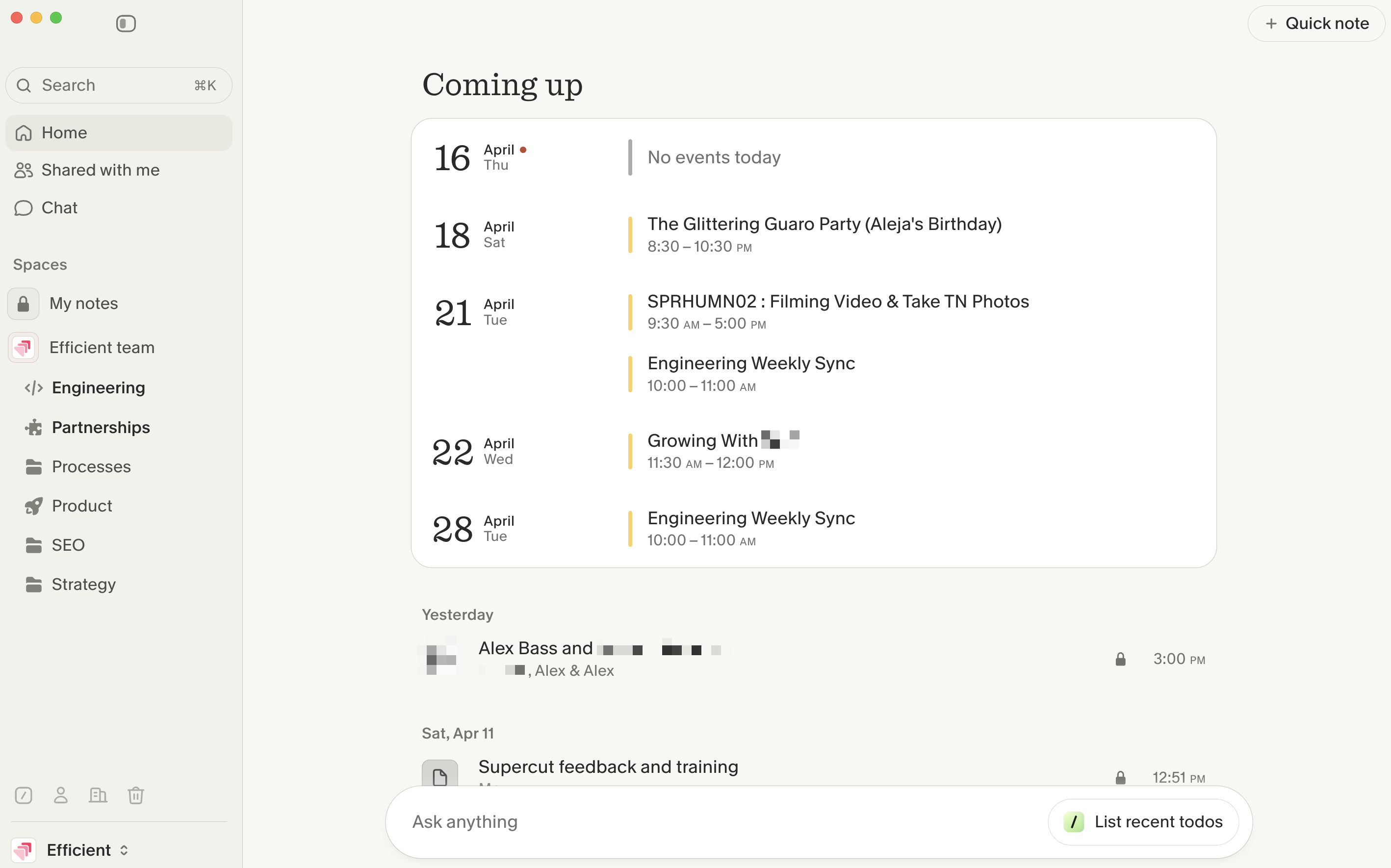

Granola
Categories
CategoriesGranola fits into multiple categories based on what it actually helps you do. Each category highlights a different strength and the efficiency points it earned, helping you compare tools not just by features, but by how well they actually perform.
Keep exploring the best software across categories, or explore Granola alternatives
FAQ
FAQWhat OS is Granola available on?
What OS is Granola available on?Granola is a desktop app that is works on both MacOS and Windows. They do not currently have a web app.