
Summary
Summary LittlebirdBest
Best context-aware AI note taker
Best context-aware AI note taker Wispr FlowRecommended
Best for existing Wispr Flow users
Best for existing Wispr Flow users MotionRecommended
Best AI meeting bot for task creation
Best AI meeting bot for task creation AmieRecommended
Best non-bot AI with audio recording
Best non-bot AI with audio recording tl;dvRecommended
Best for low-friction setup that records video
Best for low-friction setup that records video FirefliesRecommended
Best for deep CRM integrations
Best for deep CRM integrations Gong
GongBest for enterprise sales teams who need to analyze data
Best for enterprise sales teams who need to analyze data Otter
OtterFor quick meeting transcription and notes
For quick meeting transcription and notes Cluely
For proactive suggestions during calls
For proactive suggestions during calls
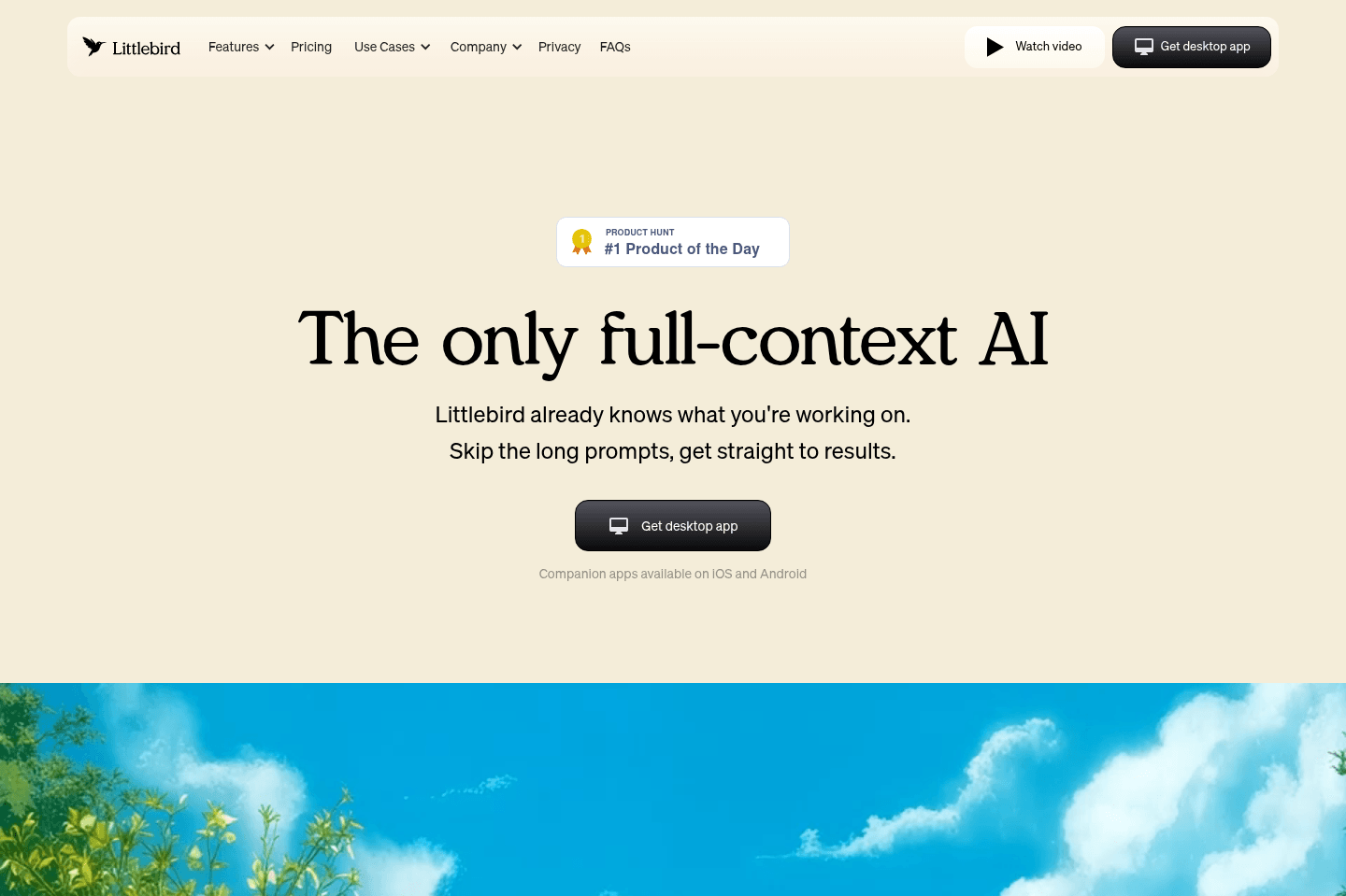
Littlebird
LittlebirdBest alternative for tracking everything you did automatically.
Littlebird is an alternative for those who want an AI note taker that doesn't just capture meetings, but also remembers everything you did across your workday. If your days are a blur of Slack messages, open tabs, and constant context switching, Littlebird acts like a second brain, letting you ask what happened, what was said, or what you saw, even if it was outside a formal meeting. You don't need to set up endless integrations; just install it and it pulls context from your on-screen activity, meetings, calendar, and email, making recall questions and end-of-day rundowns much easier.
This is especially useful for people who are juggling a lot, founders, customer-facing roles, or anyone who needs to keep track of hundreds of small actions and conversations. Littlebird's routines and summaries help you see where your time went and spot patterns that might otherwise get lost. It's one of our favorite AI tools right now.
You do need to be comfortable with the level of access it requires, as it observes your screen activity by default. If privacy is a top concern, you'll want to spend time adjusting its settings or consider whether this approach fits your comfort level.
Wispr Flow
Wispr FlowBest alternative for fast reliable AI dictation.
Wispr Flow is a great alternative for those who want to move quickly between apps and get their thoughts out without stopping to edit or repeat themselves. If you find traditional dictation tools unreliable or distracting, this is for you. It works anywhere you can type, Slack, email, social, content drafts, and consistently turns your spoken words into clean text, so you can keep up your momentum even when juggling different tasks or switching contexts all day.
If you're a business owner, professional, or knowledge worker who has ideas piling up faster than you can type, Wispr Flow helps you capture and share them before they slip away. It's especially valuable if you often answer client questions, collaborate with team members, or want to turn quick thoughts into publishable content. It also stands out for people who work across multiple languages or prefer to dictate on both desktop and phone.
Motion
MotionBest alternative for calendar-driven AI project management.
Motion is a great alternative for those who want their project management tool to take the hassle out of scheduling and prioritization. If you're tired of constantly updating deadlines or figuring out what to focus on next, Motion stands out by automatically organizing your team's tasks directly onto your calendar, adjusting as meetings and priorities shift. It's actually one of the first AI tools our team adopted.
This approach is especially useful for small to mid-sized teams, busy professionals, or freelancers who want to spend more time working and less time managing their workflow. Motion also brings meeting notes, documentation, and workload tracking into one place, making it easier to keep everything connected without jumping between tools.
If you prefer to control every detail of your schedule yourself or need advanced reporting and dashboards, Motion may not be the best fit. It's also not designed for large enterprise environments.
Amie
AmieBest alternative for bot-free meeting recording.
Amie is a great alternative for those who want to record and summarize meetings without having a bot join the call. If you prefer a tool that listens directly to your computer audio and microphone, Amie handles call summaries, pulls out action items, and can draft follow-up emails for you after each meeting.
This is a strong fit for individuals who value clean, attractive design and want simple task and calendar features alongside meeting notes. If you like managing personal tasks in a visually appealing space, or want to schedule and reply to emails from within the same app, Amie covers those basics.
If you need advanced scheduling, robust team workflows, or full-featured email management, Amie may feel limited. Its main strength is focused on solo users looking for a streamlined way to capture meeting notes without extra bots or clutter.
tl;dv
tl;dvBest alternative for live collaborative meeting notes.
TL;DV is an awesome alternative for those who want to take meeting notes directly inside the call, with everyone on the team able to see and contribute in real time. If you're tired of scrambling for a shared doc or losing track of notes that aren't tied to the actual recording, this setup keeps everything connected and visible. Notes are automatically timestamped as you type, and summaries get sent out to everyone on the call, making it easy to stay on the same page.
It's especially useful if your workflow relies on sharing meeting summaries over Slack.
If you need deep CRM integrations, you may find it limiting for now, as those connections are still being developed.
Fireflies
FirefliesBest alternative for organizing and tagging meeting audio.
Fireflies is an alternative for those who want to get hands-on with their meeting recordings, especially if you value tagging, organizing, and creating audio snippets from calls. If your workflow involves referencing specific moments from past meetings or sharing curated clips with your team, Fireflies gives you plenty of options to break down and categorize your calls.
It's especially well-suited for teams that lean into organizing meeting content and need integrations with major CRM platforms. The tool has a track record of quickly adding integrations and features, which can be a plus if you need your audio meeting data to connect with other systems.
However, if you're looking for simplicity or just want to set-and-forget your meeting notes, Fireflies may feel overwhelming. The software packs in a lot, and you'll likely need the highest paid tier for video recording or heavy usage, which can add up over time.
Gong
GongBest alternative for sales team deal insight.
Gong is a great alternative for those who need to understand what's really happening across a large, complex sales team. If you have 20 or more sales reps running calls and it's getting tough to track deals or coach effectively, Gong helps by analyzing calls, emails, and meetings to show where deals stand and why they might be at risk. It's especially useful if you want to base coaching and forecasting on actual customer interactions, not just CRM updates.
If your sales team is small or you don't struggle with visibility into your pipeline, Gong is likely more tool than you need. The value really shows up as your sales organization grows and manual oversight stops working.
Otter
OtterBest alternative for casual conversation transcription.
Otter is an alternative for those who want a straightforward way to record and transcribe personal conversations or appointments. If you need to capture things like doctor's visits or casual chats, you can just hit record and let Otter handle the transcription while your phone stays in your pocket.
If your workflow is mostly business-focused, would skip Otter and consider another AI notetaker.
Cluely
CluelyBest alternative for proactive contextual suggestions during calls.
Cluely is a great alternative for those who want an AI chatbot that jumps in during meetings to recommend follow-up questions or suggest information based on what's being discussed in real time. If you're someone who often finds yourself searching for more context mid-call or running out of things to ask in interviews, Cluely's active approach can keep the conversation moving by surfacing relevant prompts without needing to leave your meeting.
This tool stands out for users who value having a chatbot that's always listening and ready with suggestions, especially if you want recommendations that take the entire meeting context into account. It's also useful if you need a quick way to trigger questions or search for info with screen-aware shortcuts.
However, Cluely can feel intrusive outside of meetings, with keyboard shortcuts that interfere with other apps and no way to disable them. If you rely on screen sharing or use apps with overlapping shortcuts, it may get in the way more than it helps.

Dialpad Meetings
Dialpad MeetingsBest alternative for clean meeting experiences.
Dialpad Meetings is a great alternative for those who want a straightforward, modern interface for video calls and don't mind introducing something a bit different to their team. If you value a simple, uncluttered meeting space and are comfortable guiding others through a new workflow, this platform can help keep calls focused and tidy.
If you need deep CRM integrations or custom workflows, you'll have to rely on outside tools to bridge the gap, since Dialpad Meetings doesn't offer a public API or native CRM connections. Be prepared for some resistance from users who are set in their ways, as the interface feels unfamiliar to most people used to other meeting tools.
Dialpad
DialpadBest alternative for modern business calling.
Dialpad is a great alternative for those who want a VoIP system that actually feels current and stable, especially if you rely on texting and calling for professional relationships. If you care about having a mobile app that works like a modern SMS app and want to avoid giving out your personal number for work, this is one of the strongest options out there.
It's a solid fit if you're interested in logging calls and texts automatically into your CRM, but you should be prepared to invest in custom integration work for reliable syncing. The built-in AI features for call review and sentiment analysis also set it apart if you want more insight into your communications.
If straightforward, plug-and-play integrations are your top priority, or if you need to trigger automated SMS/MMS via the API, Dialpad may not be the best fit. Regulatory changes also mean you'll pay extra for business texting, which is becoming the norm across similar services.

Fyxer AI
Fyxer AIBest alternative for adding AI to Gmail or Outlook.
Fyxer AI is a good alternative for those who want to keep using Gmail or Outlook but want a simple way to add automatic email labeling and basic AI draft replies. If you like your current inbox setup and don't want to think about switching email clients or learning a new interface, Fyxer works right on top of what you already use. It's especially approachable for teams that are hesitant to overhaul their workflow but want some AI help with categorizing messages and drafting responses.
If you're looking for deep customization, advanced triage, or draft replies that really match your voice, Fyxer's limitations will show quickly. Since it relies on labels within Gmail and Outlook, it can feel cluttered and doesn't support true inbox zero workflows. The value drops further if you're already using built-in AI tools from your email provider.