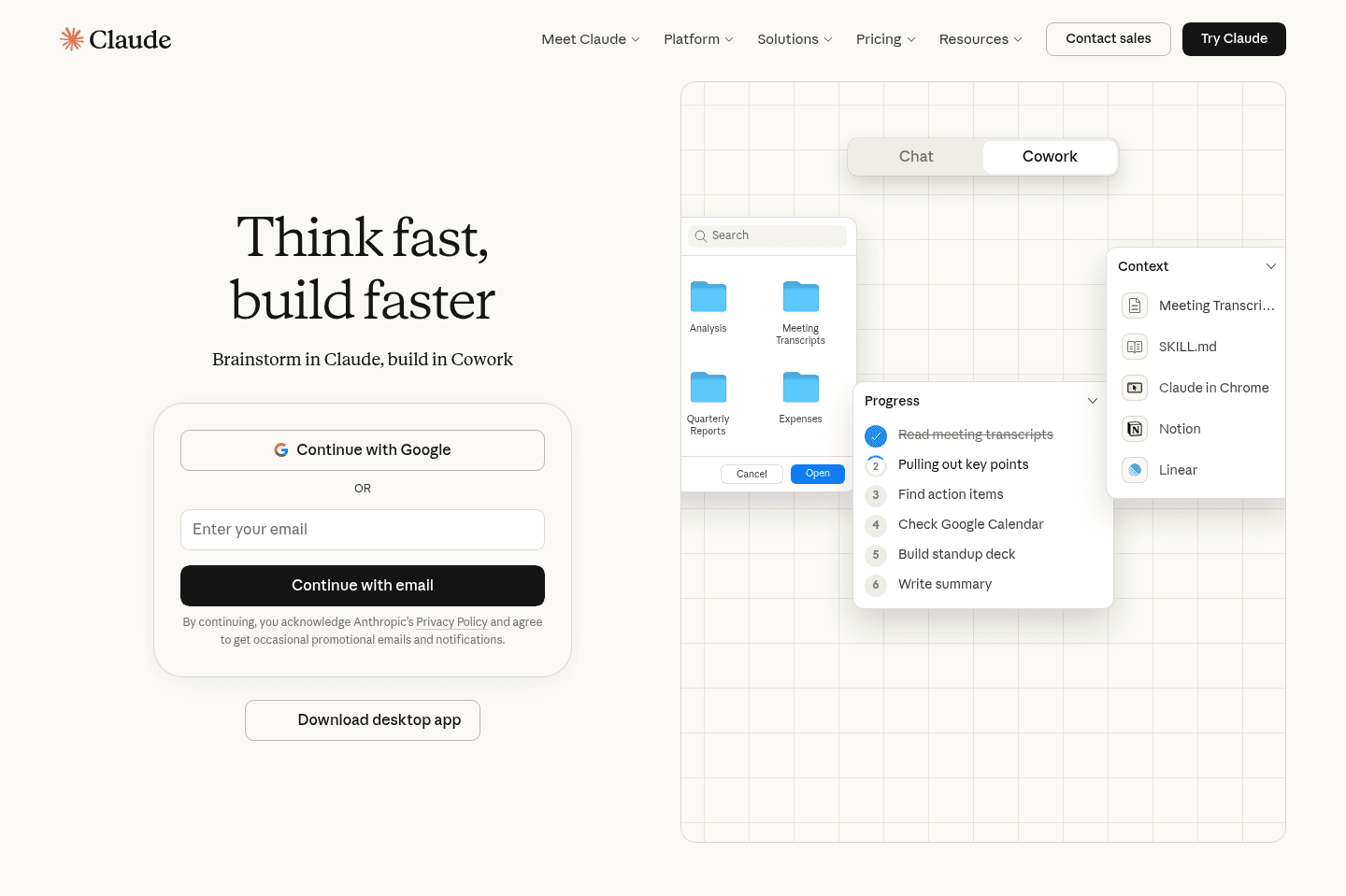
Review Summary
Review SummaryThere is a reason Claude is getting a ton of attention right now. It's genuinely one of the best AI tools for getting work done, coding, and writing. But as a small business, be careful how deep down the rabbit hole you go.
Don't try to use Claude to vibe code your own software (I promise you, your team will be frustrated and you'll abandon it within 30 days 🫠).
Claude Failed You
Claude Failed YouClaude Alternatives
Claude AlternativesNot sure if Claude is the right fit for you? Check out these alternatives:
 ViktorBest
Best Slack-based AI chatbot
Best Slack-based AI chatbot Granola
Best virtual and in-person AI note taker
Best virtual and in-person AI note taker LittlebirdRecommended
Best for context aware chat and recall
Best for context aware chat and recall
What is Claude?
What is Claude?Claude is an AI assistant made by Anthropic. The simplest way to describe it is that ChatGPT built for everyone, and Claude built for people who work. Anthropic has been intentional about targeting professionals and operators, and you feel that when you use it for anything requiring real thought, making it one of the best AI tools.
It's less likely to sound generic, more likely to follow complex instructions all the way through a long document, and when you're building content or thinking through something nuanced.
Claude also has continued to expand it's product offering:
- Claude Cowork: the desktop agent that works directly with files on your computer
- Claude Code: the developer tool that runs in the terminal and writes and executes code
- Claude Tag: Claude's Slack agent. Just tag @Claude in Slack and it will help write code or execute tasks (Claude Tag review)
My Experience with Claude
My Experience with ClaudeI'll be honest, I resisted trying Claude for a while. I'd been using ChatGPT for two years and it knows me and my writing style incredibly well. Every time I tried Claude before really committing to it, I was disappointed because it just lacked that context, and I'd walk away thinking "I don't get what everyone's talking about."
But the hype kept coming from people I respected, so I couldn't shake the feeling that I was missing something.
What changed it for me was exporting all of my writing instructions from ChatGPT and loading them into Claude as a skill. After that, the experience improved dramatically.
Claude started asking better questions, taking the brief seriously, and the writing output got a lot closer to what I actually wanted.
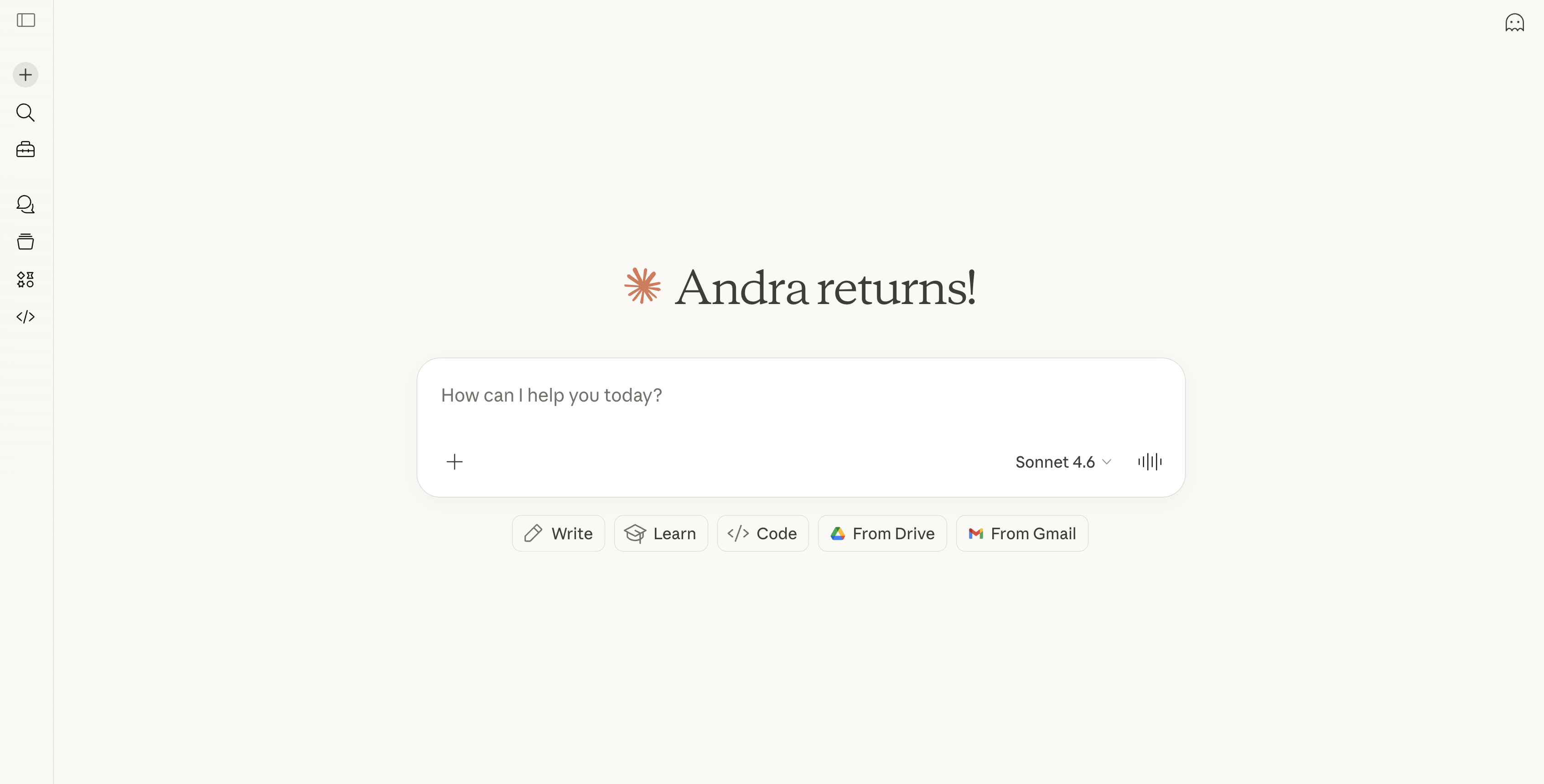
Now I find myself reaching for Claude specifically when I'm doing deeper writing work.
It pauses to ask clarifying questions more than ChatGPT does, and it genuinely seems to honor the context I've given it rather than just acknowledging it and moving on.
Is that because Claude is naturally more thoughtful, or because my prompt told it to ask more questions? Honestly, hard to say! Without the skill loaded in, my earlier experience was nowhere near as impressive as the internet made it sound.
So if you're going to try Claude and you already have a strong brief/memory somewhere, move it over before you form an opinion.
Where it still falls short is in some of the surrounding product experience, the Chrome extension, the cross-device memory in Cowork. Those feel like areas where ChatGPT has just gone a lot deeper on the day-to-day user experience, and you notice the gap when you compare ChatGPT vs Claude.
For now, I am also keeping my ChatGPT experience, especially because I use their AI web browser ChatGPT Atlas.
Who is Claude For?
Who is Claude For?If you've hit a ceiling with ChatGPT, specifically around writing quality or the depth of responses, Claude is worth trying. It also makes a lot of sense if you regularly give AI a lot of material to work with, long briefs, voice notes, big documents, because the longer context window means it actually holds onto more of what you gave it and produces more cohesive output.
Our engineering team uses Claude Code and won't stop talking about it.
You'll likely appreciate Claude Cowork if you work a lot out of folders and local files. Cowork can go into a specific project folder, read across your documents, and take action based on everything inside it.
For me, all of my work happens in web apps. I'm not working out of local folders or documents on my machine, so Cowork doesn't particularly help me more than any other AI tool would.
Who should not use Claude?
Who should not use Claude?If you live in your browser all day and depend on an AI sidebar on Dia or ChatGPT Atlas to stay in context across tasks then Claude is a bit harder to adopt. That experience with the Claude extension is frustrating since it has no memory, so I end up going back to ChatGPT for browser work specifically.
Key Features
Key FeaturesReasoning & Writing
Reasoning & WritingWhen I'm working through something complicated like editing, thinking out loud, trying to structure an argument, Claude gives me a more complete answer without turning it into a back-and-forth endless optimization loop.
ChatGPT has this habit of ending every response with "want me to refine this further?" and you end up in an endless spiral. Claude just answers, and then the conversation tapers unless you push it which I tend to prefer.
People say that Claude's writing is more conversational, but I only found that to be the case after I gave it a huge system prompt based on my writing style with ChatGPT.
Skills
Skills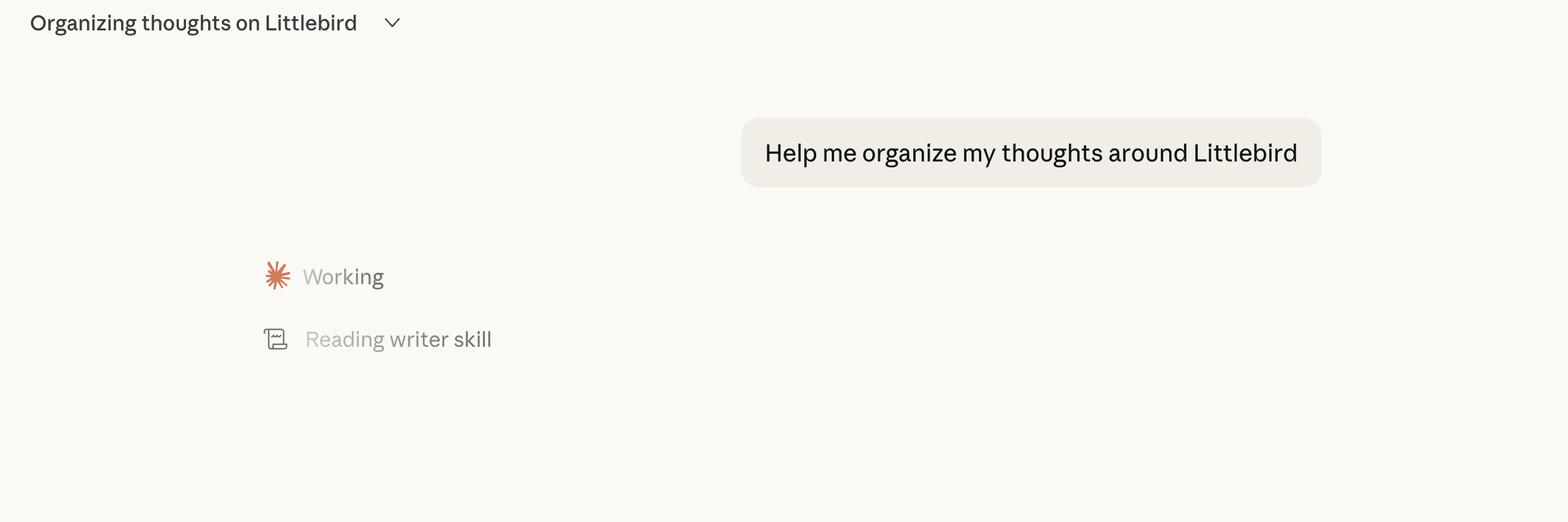
What I didn't expect is that Claude references skills automatically in every chat. With ChatGPT, you need to constantly add chats to a "project" in order to use a specific prompt, while every time I interact with Claude about anything writing related, it will reference that skill without me asking.
Longer context window
Longer context windowPeople mention this a lot and it's the reason I wanted to give it a try. When I give Claude a full brain dump, like a 20 minute voice dictation (shout out to Wispr Flow), it retains more of it and the output reflects that.
ChatGPT can start losing the thread when you give it a lot at once. Claude tends to stay slightly more cohesive throughout.
More than that, when you create a Skill within Claude, I haven't hit character limits, while with ChatGPT you are limited to 8,000 characters (sounds like a lot but I've already run into limitations).
Claude Code
Claude CodeOur lead engineer Bob programs more or less constantly evenings, weekends, side projects and if he had to pick one tool regardless of cost, he'd pick Claude Max 20x without hesitation.
His reasoning is that Claude genuinely understands your codebase better over time, especially once it's built up context on custom architecture.
When a bug is tied to something specific in how your app is wired, Claude tends to find the right reason more often than ChatGPT's Codex does.
That said, he said the "$100/mo plan is effectively unusable for serious work". You'll hit limits mid-task, which is more frustrating than anything. The $200/mo plan is totally worth it, from his POV.
He also prefers Claude's CLI over Codex's, and notes that it rolls out new features faster there's something almost game-like about it that makes it feel like the more alive of the two tools.
Vibe Coding
Vibe CodingUnless you're living under a rock, you've seen countless videos and posts from people on social media talking about how they can now vibe code their own tools using Claude (with no coding experience).
While that's technically true, we are not buying that this is the future. Think about it, everyone has the tools to make videos, but are all videos good? No.
So if you've been feeling pressure to learn how to vibe code, I'll be the first to give you permission not to.
If you're interested in hearing more about this topic, we recorded an entire podcast called Claude Failed You that goes into 5 ways Claude influencer marketing is misleading users.
Claude Cowork
Claude CoworkCowork is Claude's desktop agent, it can take actions across your computer, integrate with tools, and work through tasks with more autonomy than a standard chat.
I can see this being super useful if you work heavily out of folders and project files. As for me, I mainly work out of apps like Superhuman Mail, Linear, Granola AI and use Viktor as my AI agent to execute work across them.
The biggest issue for me is that context doesn't persist across devices. I was working on something, switched laptops, and all of that context was just gone. Went to reference the work on my phone, and yep, it's no where to be found.
That said, it's been incredibly helpful for creating proposals, contracts, and presentations (I ditched using Gamma because Claude got so good). I create a folder, upload a bunch of screenshots, our brand guidelines and font, and it creates beautiful PDFs that are ready to send.
It guzzles usage and credits, but it's entirely worth it.
Claude Tag
Claude TagClaude Tag is Claude inside Slack. Instead of opening Claude in a separate app, your team can tag @Claude in a Slack thread and ask it to help. It can read the conversation, understand what people are talking about, and jump in with ideas, answers, or next steps.
It makes sense that Claude would build in this direction, as this is a way to integrate AI directly into where people work. That said, it's a bit of a chore to setup. You need to be on a team (5 seats) or enterprise Claude subscription.
For us, each team member started their own Claude subscription at different times and we never got around to being on an actual "team account", which meant even trying Claude Tag meant untangling admin logistics.
It's especially a chore because we have already been using Viktor (works in Slack and Microsoft Teams) and when comparing Viktor vs Claude Tag, we've found Viktor to be exceptional.
The main drawback of using Claude Tag (beyond the onboarding) is that you have one unique Claude Tag per channel, which means it does not have memory or context cross channels.
I get they built it that way for enterprises, but for us, this just means we end up having to re-explain context (which is what we're all burnt out from!).
It's amazing having a chat in a marketing or SEO channel, and Viktor being able to troubleshoot with our engineers with all of that context.
Additional Features
Additional FeaturesConnectors
Connectors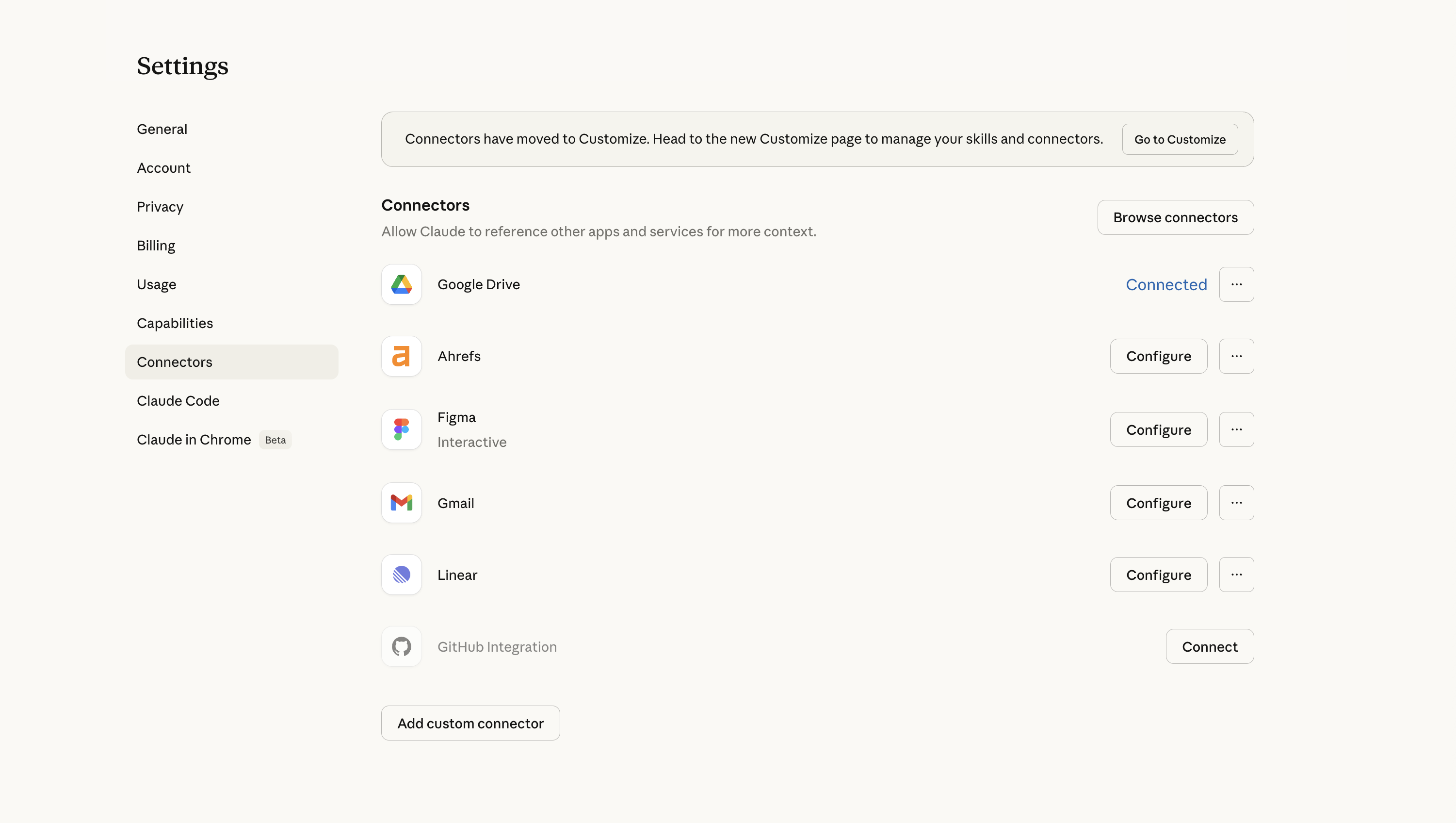
Claude has an impressive list of connectors to other tools. We have Ahrefs, Figma, Linear, among others, connect in.
Pricing
Pricing- Free: Limited access, good for testing the product before committing.
- Pro: $20/month. This is the tier most founders and operators will want. Gives you access to the full model and the features that actually matter for daily work.
- Max: $100/month. Higher usage limits and more capacity for longer, more intensive sessions. Worth considering if you're hitting limits regularly.
- Team: $30/month per user (minimum 5 users). Adds collaboration features and admin controls for teams.
- Enterprise: Custom pricing. Expanded security, compliance, and deployment options for larger organizations.
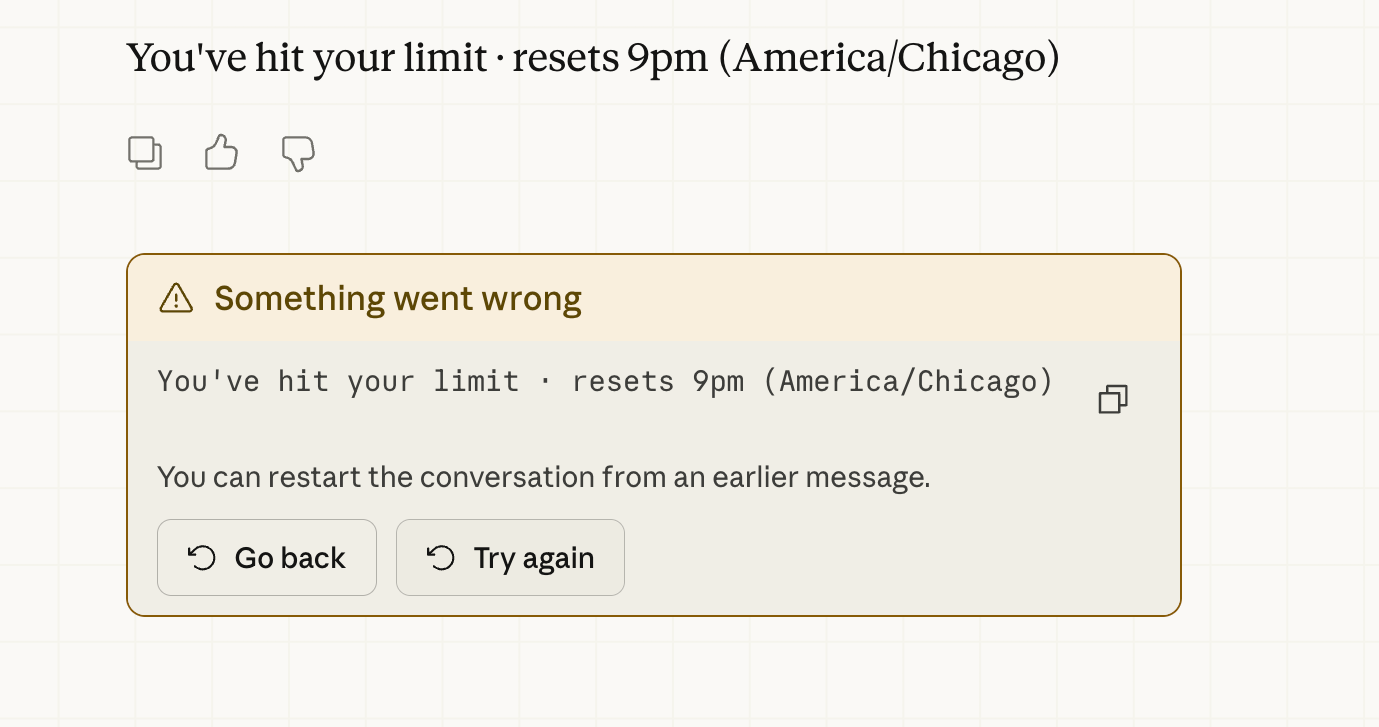
One thing worth flagging: You're likely to hit his usage limits fast on the standard tier. If you're someone who regularly pushes AI hard on long, complex sessions, you might feel limited (here is a screenshot from my session today 😭)
Final Verdict
Final VerdictIs Claude worth it? I mean, it's $20 a month, how can it not be? The fact that access to tools like this is still under $20 a month is, honestly, kind of wild, I don't think that pricing will holds forever.
The bigger question, though, is what kind of AI tool you're actually looking for. Claude is excellent when you want a more thoughtful thinking partner. But if you're a business owner or team looking for something closer to an AI Agent that can actually help with execution, that's a different category.
Screenshots
Screenshots
Claude
Categories
CategoriesClaude fits into multiple categories based on what it actually helps you do. Each category highlights a different strength and the efficiency points it earned, helping you compare tools not just by features, but by how well they actually perform.
Keep exploring the best software across categories, or explore Claude alternatives