 Google DriveBest
Best for general storage of files and documents
Best for general storage of files and documents Box
BoxFor secure file storage
For secure file storage
Best Cloud Storage Apps at a Glance
How We Evaluate Cloud Storage Apps
We score each cloud storage app across multiple criteria, and hands-on expert evaluation
- Ease of UseQuick to set up and intuitive to use without a steep learning curve.
- Feature DepthCore features that work well, not surface-level checkboxes.
- Reliability & PerformanceConsistent, fast, and dependable with minimal bugs.
- Value for MoneyPricing that's fair relative to what you actually get.
- Integrations & EcosystemWorks well with other tools in your stack.
- Expert EvaluationCurated by, our rankings reflect in-depth testing, industry insights, and hands-on experience.AlexandAndra
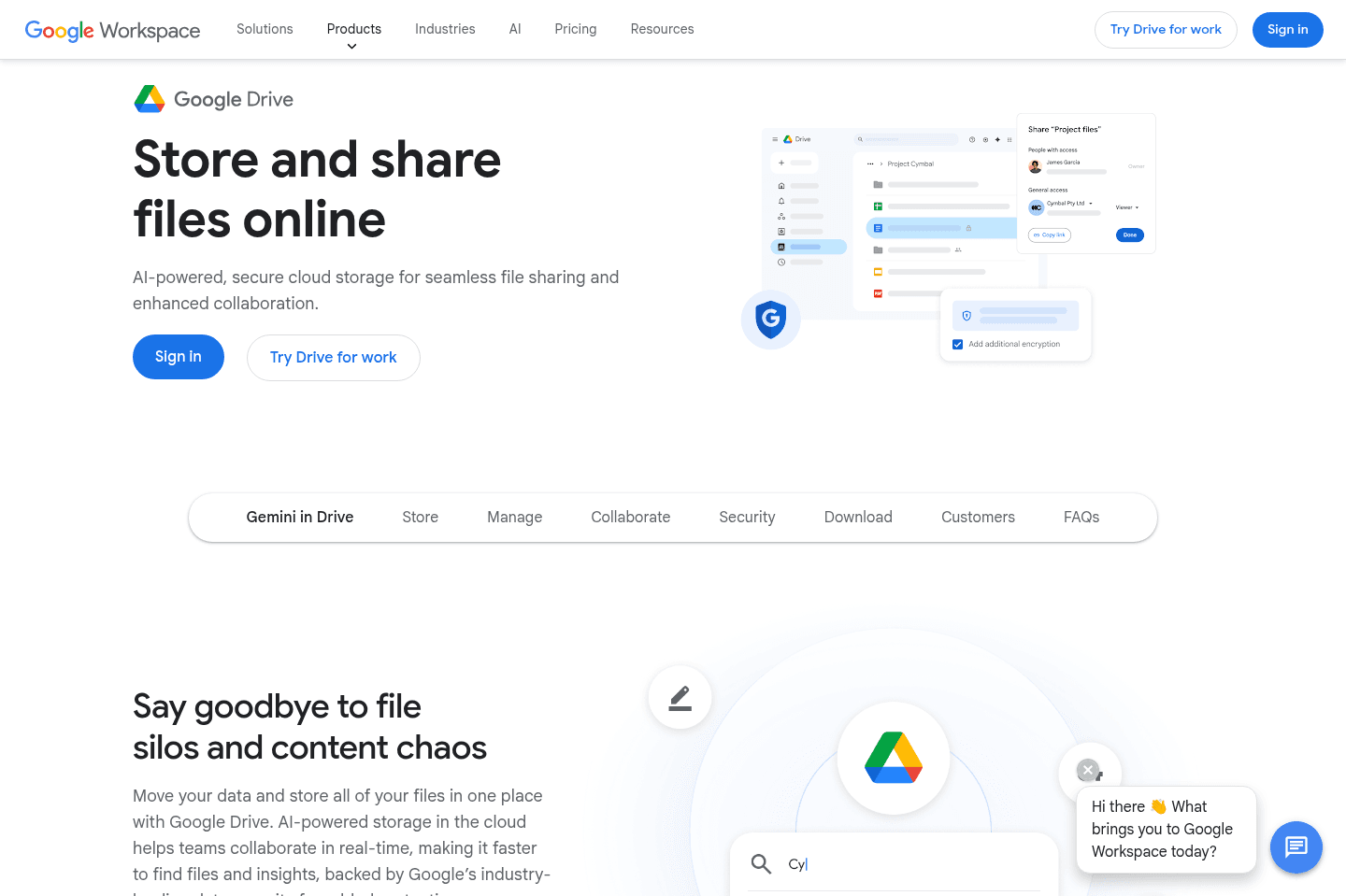
Google Drive Summary
Google Drive SummaryGet the latest rankings and insights on top Storage apps—delivered to your inbox. Stay ahead with our expert picks and updates.
Box
For secure file storage
For secure file storageBox handles storage with strict permissions, audit trails, and compliance, making it a fit if you work with regulated data like legal, healthcare, or financial documents. If you just need simple file storage, skip it, but if you care about automated workflows and tight control, especially for regulated industries, it does the job.
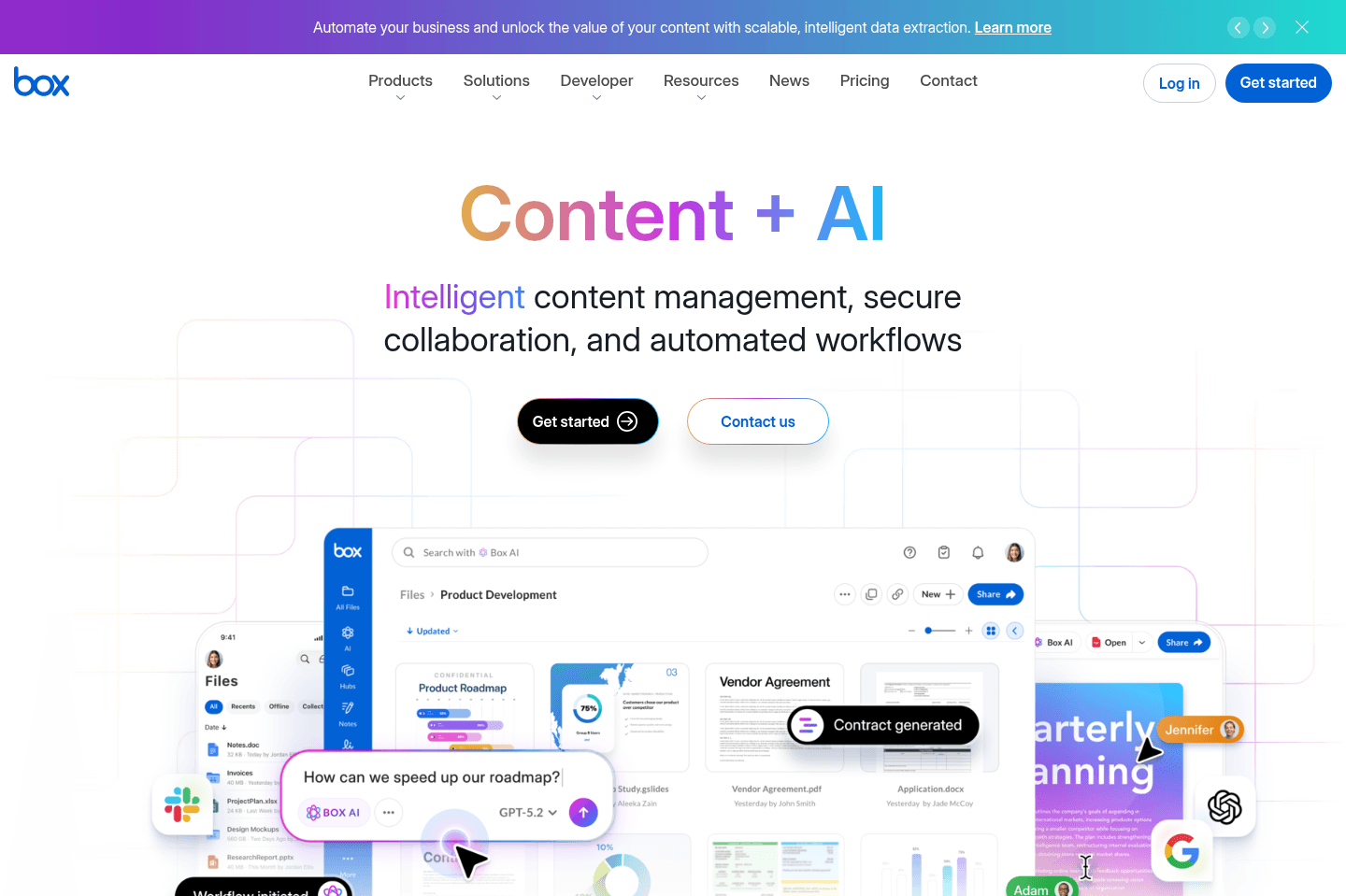
What is Box?
What is Box?The biggest difference between Box and Google Drive or Dropbox is structure and control.
With Box, you get deep permissions, audit trails, and compliance. That matters if you are dealing with legal docs, contracts, healthcare data, or anything regulated. Our previous client who worked as a financial advisor used Box.
It also leans heavily into workflows. You can automate things like approvals, onboarding docs, and contract routing. Dropbox and Drive can do parts of this, but usually through add-ons or duct-taped tools.

Not a tool. A hire.