Review Summary
Review SummaryBox handles storage with strict permissions, audit trails, and compliance, making it a fit if you work with regulated data like legal, healthcare, or financial documents. If you just need simple file storage, skip it, but if you care about automated workflows and tight control, especially for regulated industries, it does the job.
What is Box?
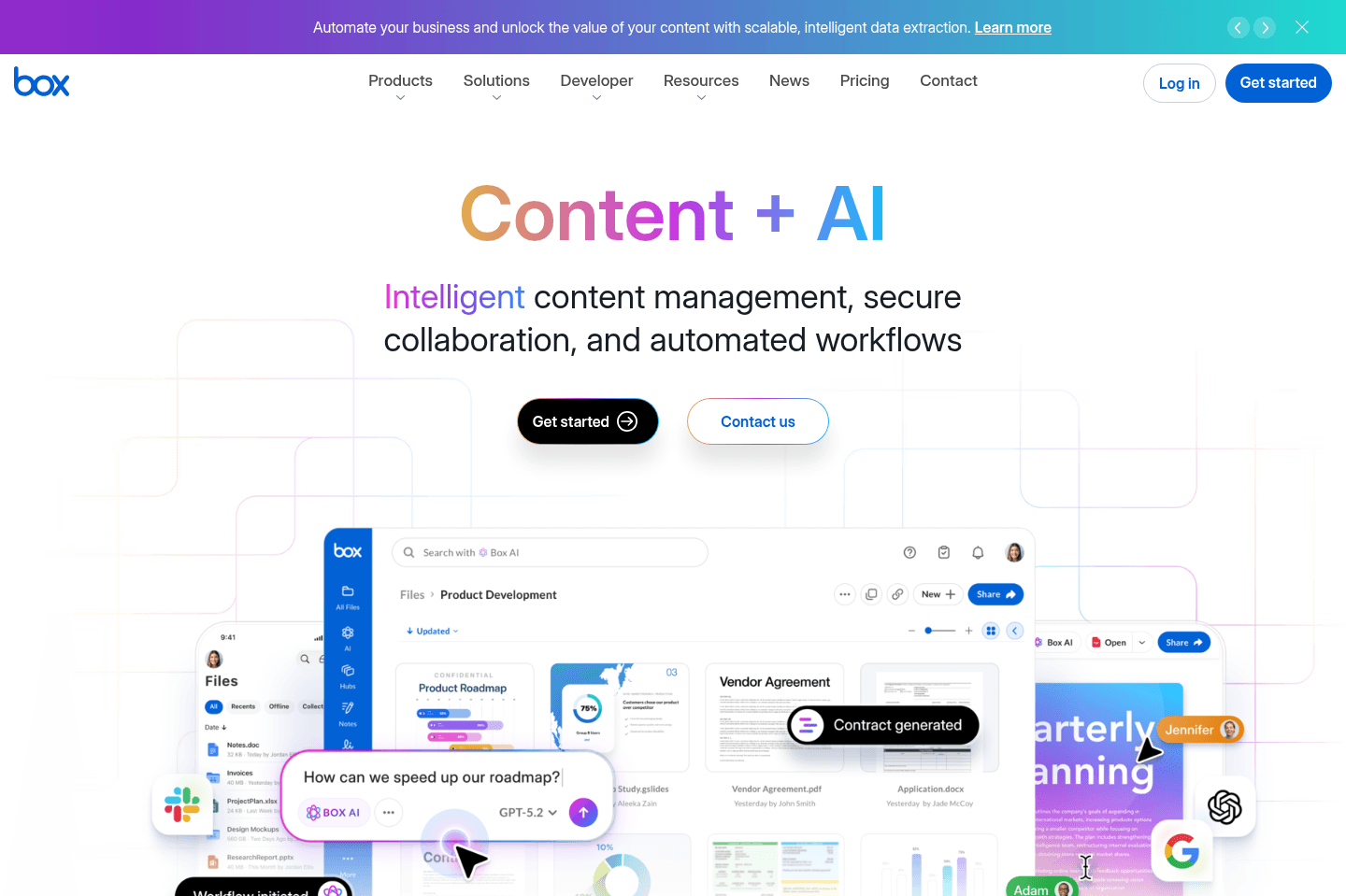
What is Box?The biggest difference between Box and Google Drive or Dropbox is structure and control.
With Box, you get deep permissions, audit trails, and compliance. That matters if you are dealing with legal docs, contracts, healthcare data, or anything regulated. Our previous client who worked as a financial advisor used Box.
It also leans heavily into workflows. You can automate things like approvals, onboarding docs, and contract routing. Dropbox and Drive can do parts of this, but usually through add-ons or duct-taped tools.
Categories
CategoriesBox fits into multiple categories based on what it actually helps you do. Each category highlights a different strength and the efficiency points it earned, helping you compare tools not just by features, but by how well they actually perform.
Keep exploring the best software across categories