

 LoomRecommended
Was once the leader, now legacy
Was once the leader, now legacy TellaRecommended
Best for recording + editing course content
Best for recording + editing course content Screen StudioRecommended
Best for polished screen recordings
Best for polished screen recordings
Best Video Editing & Recording Apps at a Glance
How We Evaluate Video Editing & Recording Apps
We score each video editing & recording app across innovation, easy editing, speed & productivity, AI assistance, reliability, and hands-on expert evaluation
- InnovationPushing editing forward in a meaningful way, helping speed up workflows.
- Easy EditingExceptionally fast and smooth editing experience.
- Speed & ProductivityHow fast can you record and share, without processing delays or friction.
- AI AssistanceActually useful AI features to help speed up the editing process.
- ReliabilityNo crashes, predictable and consistent. You won't lose your work.
- Expert EvaluationCurated by, our rankings reflect in-depth testing, industry insights, and hands-on experience.AlexandAndra
Loom
Was once the leader, now legacy
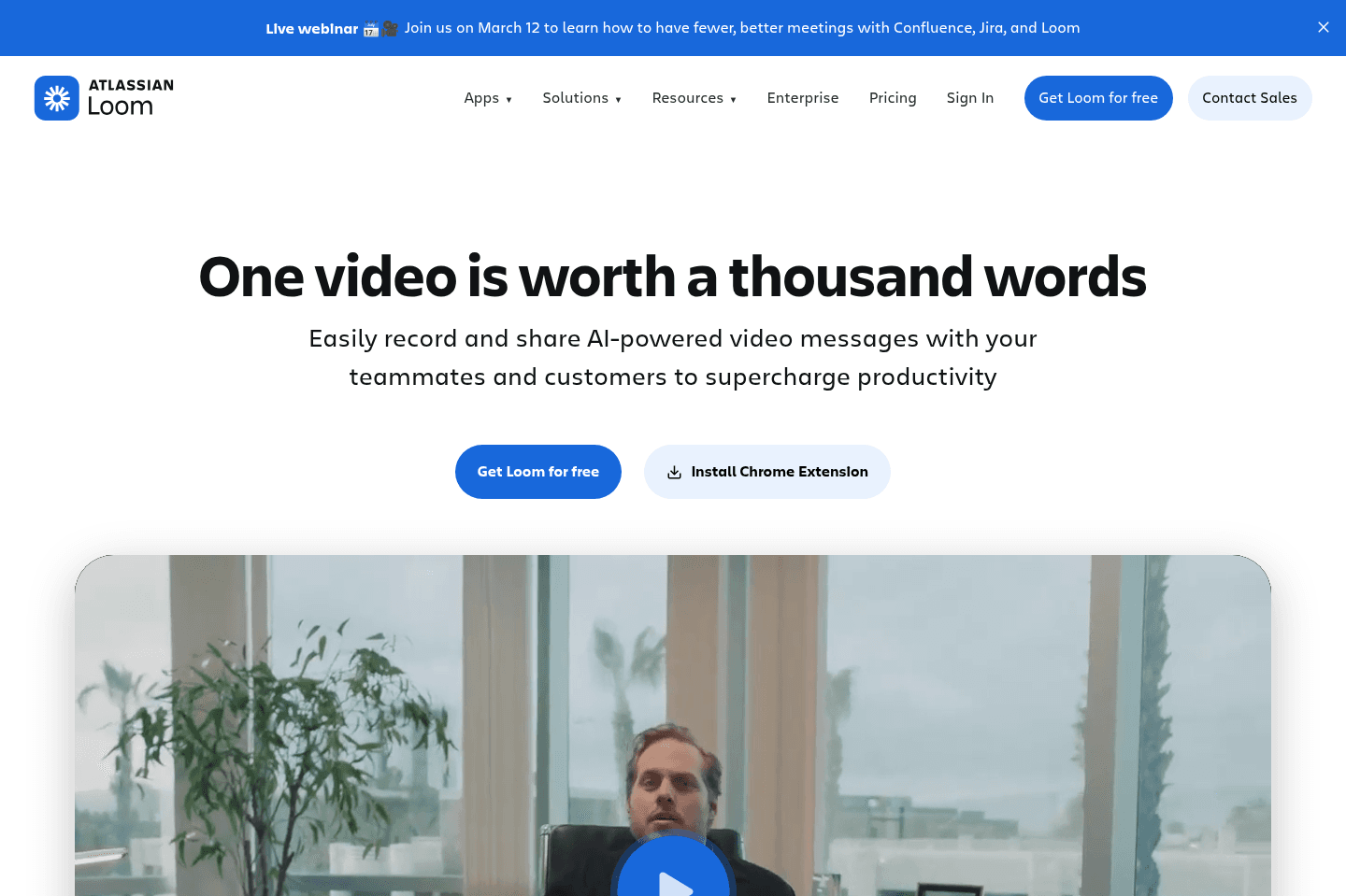
Was once the leader, now legacyWhat used to be the gold standard for screen recording, async team collaboration, and light video editing, has turned into a bloated and frustrating tool. If you're willing to actually invest in a modern screen recording solution, use Supercut instead.
What is Loom?
What is Loom?Loom used to be the gold standard for the best screen recording software and internal collaboration, but it has been upended by Supercut recently.
After Atlassian acquired Loom back in October 2023, it just became more bloated, constantly crashing, with a constant push to upgrade to their "AI tier", which is quite basic and unremarkable features.
If it's between having tons of meetings or just recording a quick async Loom, definitely do the latter. That said, there's now way better solutions on the market that feel lightweight, fast, and powerful, like Supercut (our entire team switched off of Loom to Supercut and do not miss Loom in the slightest).
If you're completely unwilling to spend money on a tool in this category, then your best bet is the free 5 minute limit Loom tier, but if you want to actually use the best solution on the market and not have restrictions, constant upsells, and just a great product, invest in a quality tool like Supercut that you and your entire team will actually enjoy using.
On the other hand, if you're looking for more of an impressive screen recording and video editing tool for things like product feature launch GIFs and videos, look no further than our friends over at Screen Studio.
Get the latest rankings and insights on top Video Editing & Recording apps—delivered to your inbox. Stay ahead with our expert picks and updates.
Tella
Best for recording + editing course content
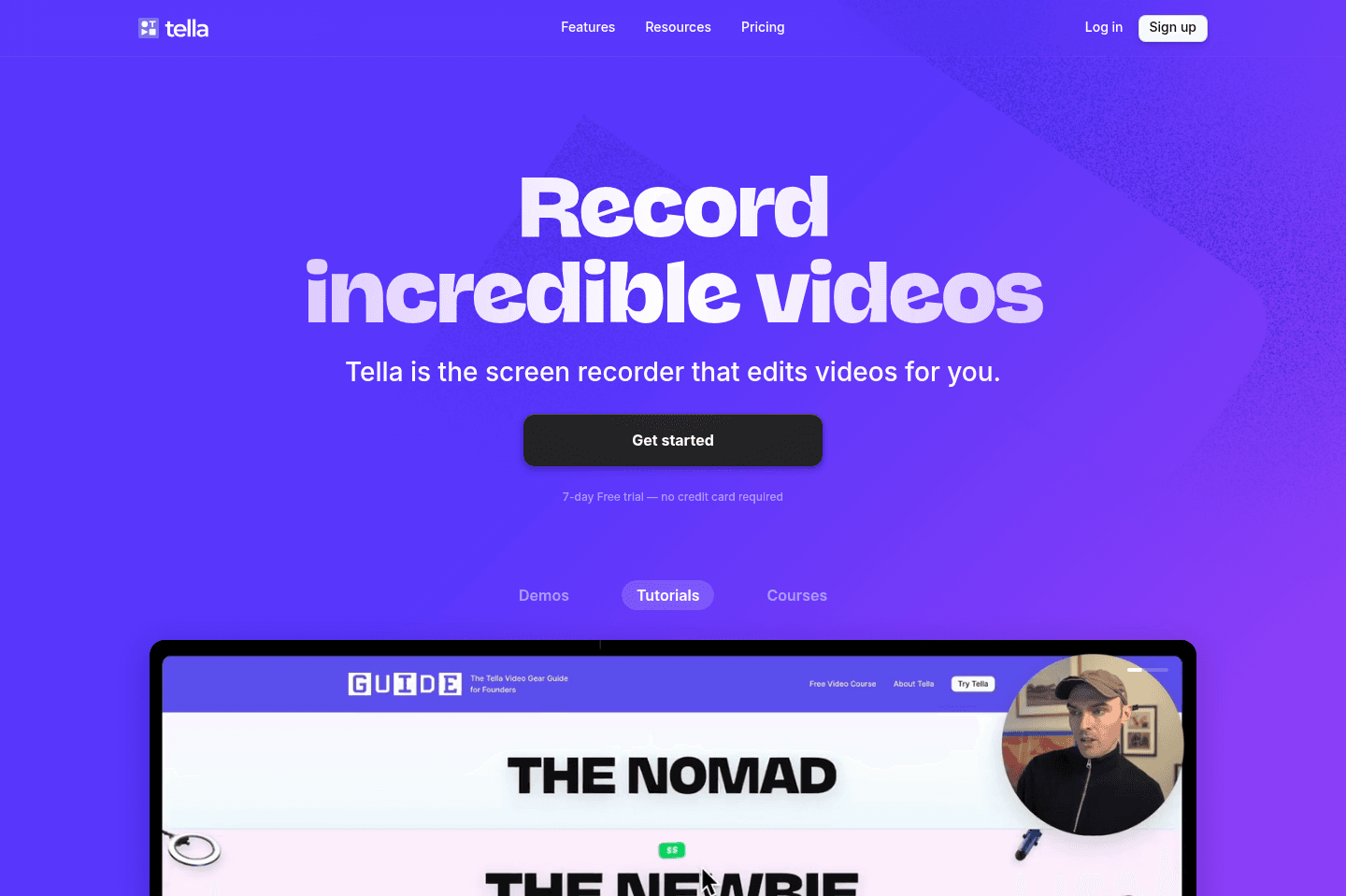
Best for recording + editing course contentTella solved a real pain point for us when it came to recording + editing our Motion Course. But if you're looking for a Loom alternative, it's not quite there because it's missing core features (like the quick ability to leave comments at certain timestamps). In that case we'd recommend Supercut instead.
Overall, we'd recommend Tella for recording tutorials, courses or any videos you want to put a bit more effort into (opposed to something like a quick screen recording).
What is Tella?
What is Tella?Tella is an awesome tool to use if you are wanting to create courses or film beautiful videos that require screen sharing. It easily allows you to film a series a clips to create your video, and also allows you to edit your videos right within the web browser.
We used Tella to create our Motion App Course and it saved us tons of time and not to mention we didn't have to hire a video editor to get a beautiful end result.
While some editing features can be improved, overall we'd recommend it and found that it came in very handy.

Not a tool. A hire.
Screen Studio
Best for polished screen recordings
Best for polished screen recordingsIf you're looking for the highest quality screen recording software for showing off product interfaces in video or for posting GIFs and short videos to social media, then there's no better screen recording software on the market.
What is Screen Studio?
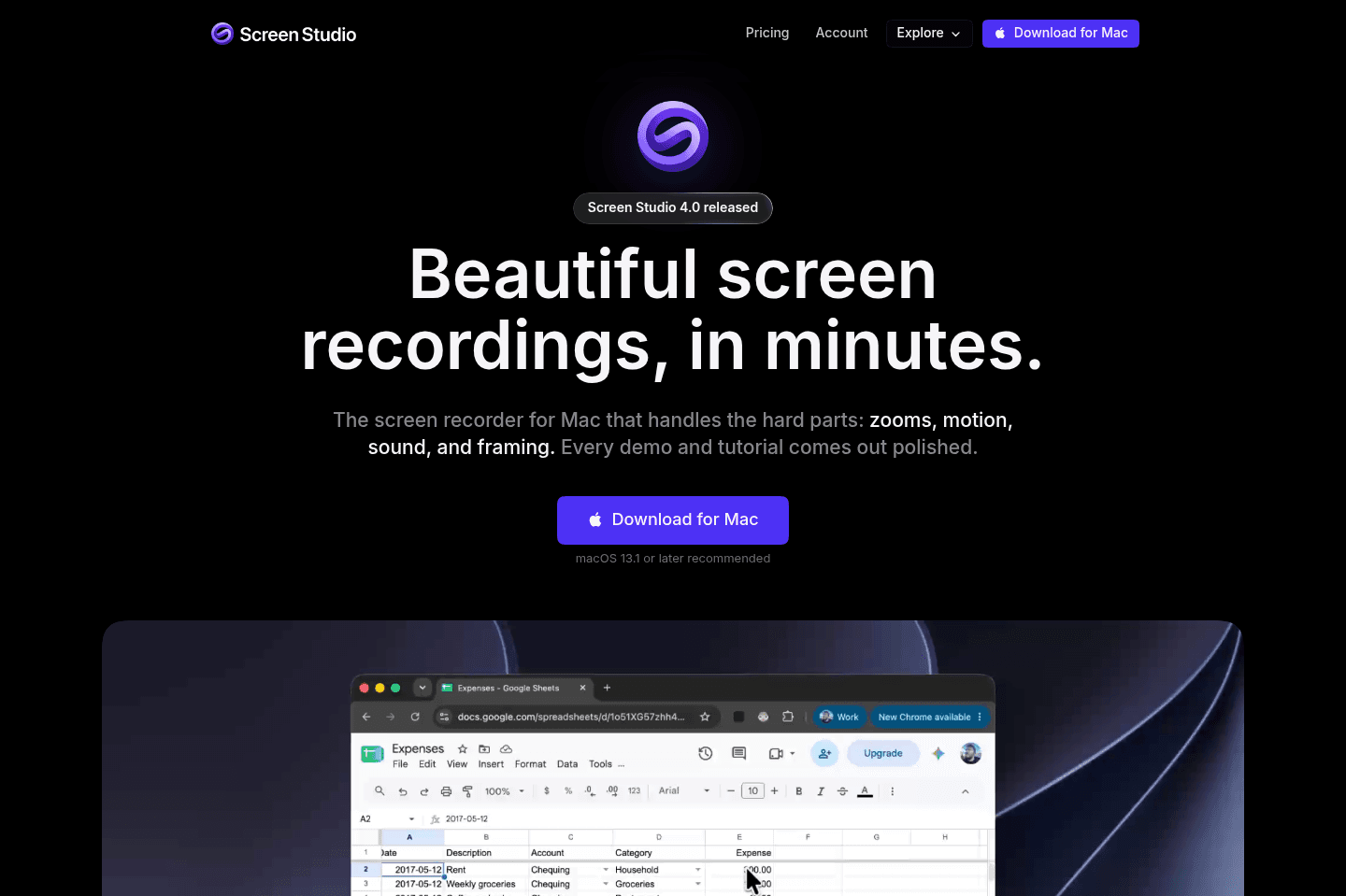
What is Screen Studio?Screen studio is the best screen recording tool for quick and elevated videos. You don't have to have any experience with professional screen recording when using Screen Studio. It gives your screen video a professional look by default with features like automatic zoom, smooth cursor movement, auto-hiding your static cursor and super easy editing (if even required). We are huge fans.
Who is Screen Studio for?
Who is Screen Studio for?Screen Studio is for you if you are creating promotional videos, tutorials, product updates, demos, or social media stories. I'm sure you've seen screen recordings that were recorded and edited via Screen Studio—more and more software companies have been using them for new feature launches, and product videos.
We've tried a myriad of tools in this category (e.g. Supercut and CleanShot X), and while they both work well for capturing the screen recording, Screen Studio is a far superior. When recording software videos for our social media channels, we were previously recording with CleanShot X and the videos felt quite dull and boring. There was no auto-zoom or a way to really engage the viewer.
Then we saw someone else's demo video on Twitter and were blown away with how sleek it looked. Our first impression was "Wow, how did they film and edit that? That's so cool!". When finding out that Screen Studio was actually a software that actually automatically edits the screen recording by following your cursor, and zooming in on the screen when you click, we knew it had to be a part of our arsenal. We also wanted our videos to have that elevated look 👀
You can even edit your videos easily after the recording for vertical video platforms like YouTube Shorts, TikTok, Instagram, and Twitter.
We'd go as far as saying this is the best tool on the market for professional screen recording.
It is currently only available on macOS.