
Review Summary
Review SummaryTella solved a real pain point for us when it came to recording + editing our Motion Course. But if you're looking for a Loom alternative, it's not quite there because it's missing core features (like the quick ability to leave comments at certain timestamps). In that case we'd recommend Supercut instead.
Overall, we'd recommend Tella for recording tutorials, courses or any videos you want to put a bit more effort into (opposed to something like a quick screen recording).
The Startup Stack I Use as a Founder
The Startup Stack I Use as a FounderTella Alternatives
Tella AlternativesNot sure if Tella is the right fit for you? Check out these alternatives:
 SupercutBest
Best for async video collaboration for teams
Best for async video collaboration for teams
What is Tella?
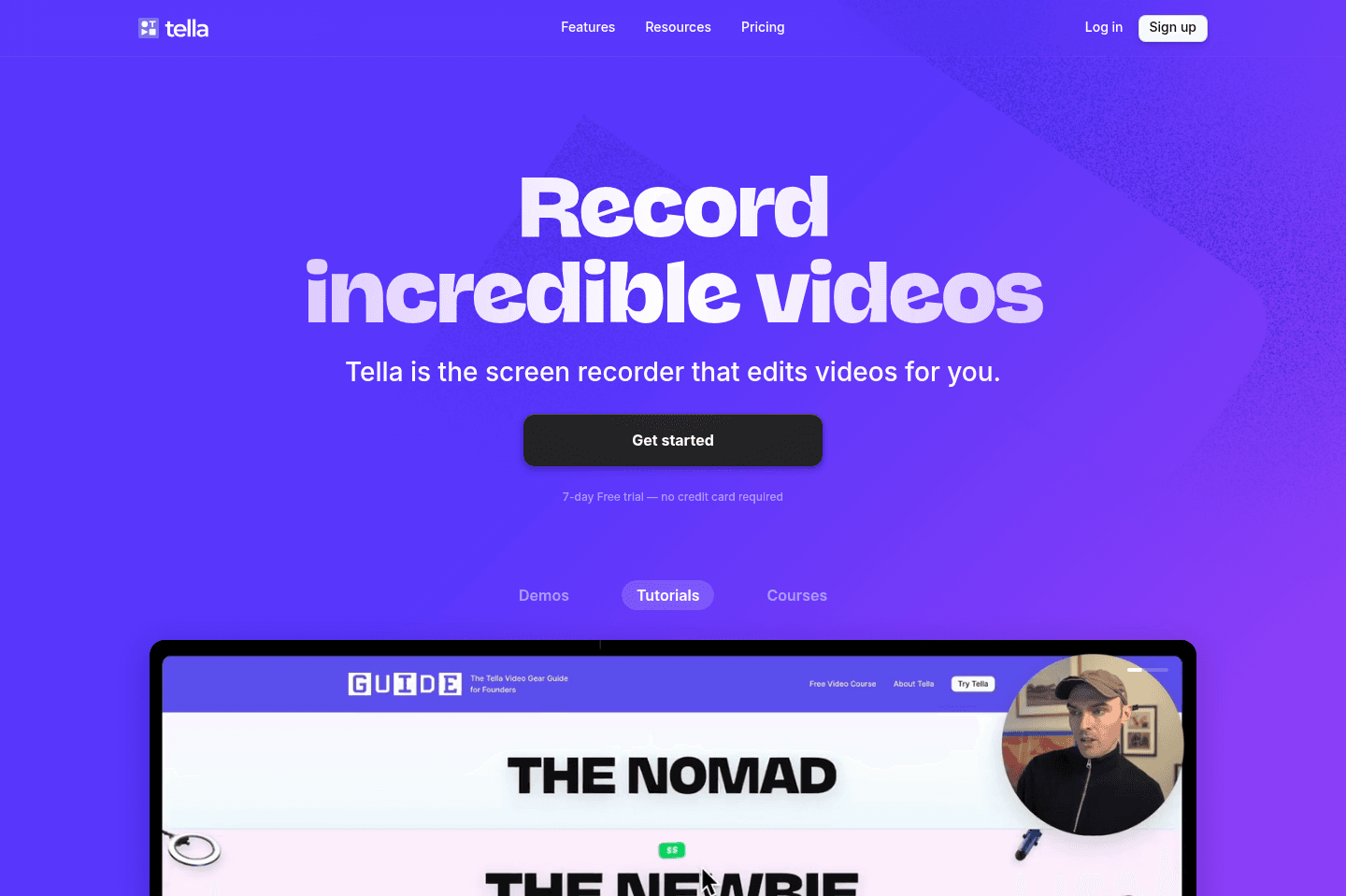
What is Tella?Tella is a screen recording software that allows you to record your screen, camera, or both at the same time.
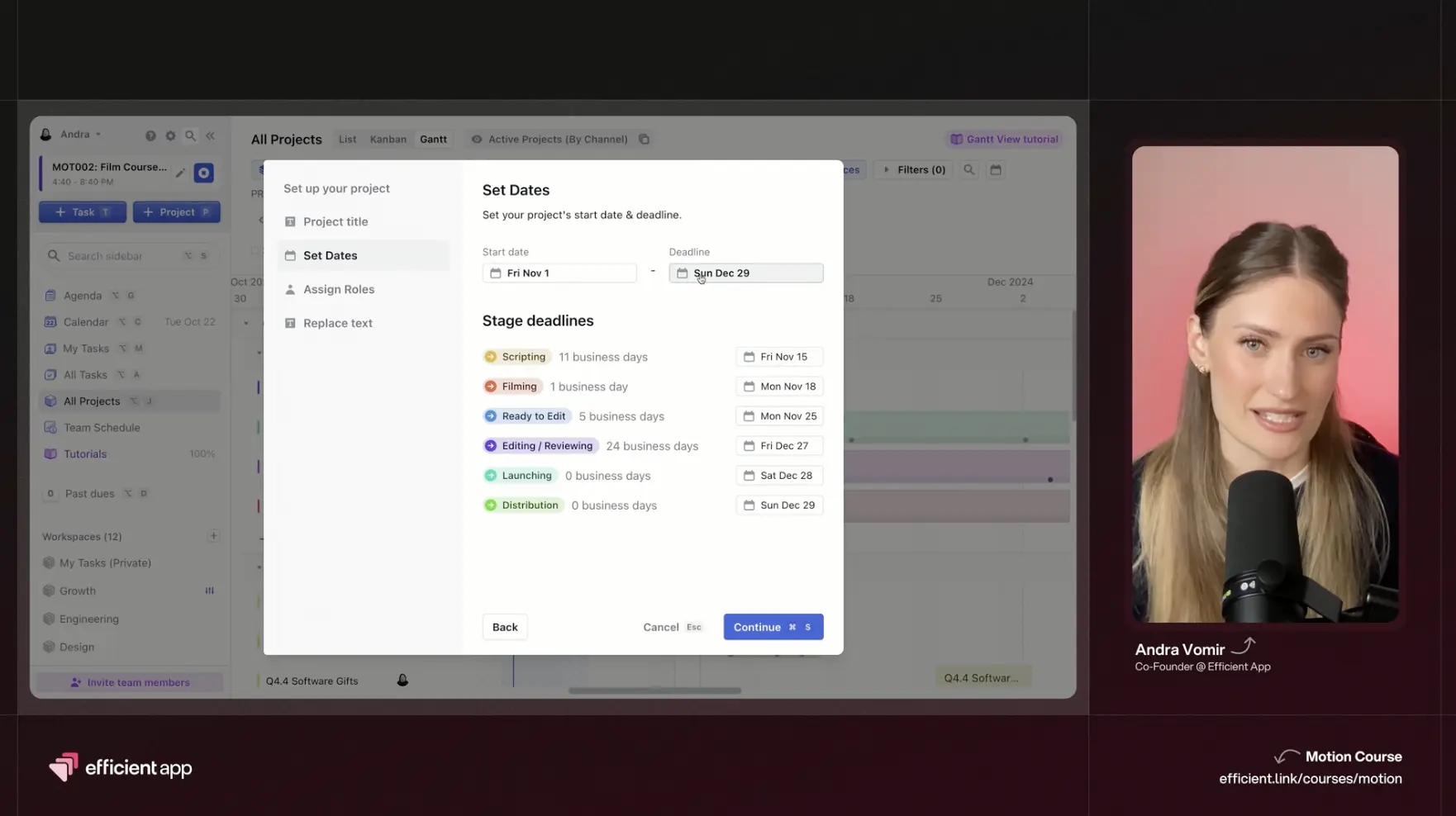
We used Tella to film our Motion Course.
Tella also takes it one step further and allows you to edit your clips and add a customized background, allowing you to create fast but beautiful videos.
Who is Tella for?
Who is Tella for?Course creators or anyone looking to create professional but quick screen sharing videos will benefit from Tella.
When we initially starting working on our course, we thought we'd have to use multiple tools + a video editor to do the job that Tella did. We thought we'd have to use one app to screen record, another to record our camera, and then hire a video editor to pull it all together.
When we discovered Tella, we were so inspired because we felt it was the perfect solution for us to execute on a professional course WITHOUT the pain of all of the above.
Key Features
Key FeaturesTella was incredibly helpful, although there were a few hiccups! We hope to see Tella continue to refine their features over the months and years to come.
Screen + Camera Recording
Screen + Camera RecordingLearning the basics of how to use Tella was incredibly simple. Within 5 minutes, we had gotten the gist of how to use it, which was great, because we were craving a simple software, not something that would take a few hours to learn to navigate.
By downloading the Tella app, it easily allows you select if you want to record your camera, screen, or both.
We recommend recording in small segments!
We made the mistake of trying to record an entire module (45 minutes) in one video and this caused Tella to lag. Not to the mention, there was a point where I accidentally hit something on my keyboard and it deleted the entire module. We LUCKILY had a back-up, but I was nearly in tears when it happened. So learn from us: duplicate + back-up your clips, and record in small segments.
Editing
EditingOne of the perks of using Tella was that we could edit our videos right within your web browser. While the OVERALL experience was positive, there were definitely some points where I wanted to throw my computer out the window 🪟
Buffering Issues
Buffering IssuesTella was taking a long time to buffer in the editor, which made editing a real pain. I was editing in my daily browser, Arc Browser, and Tella was running super slow. Alex suggested I try Safari, and to my delight the performance issues improved. There was still buffering delays but it was significantly better!
I believe the buffering times might have been better if we recorded in smaller clips, so next time I'd do that.
Splitting Clips
Splitting ClipsA huge editing frustration was when we were splitting clips and deleting segments. Tella doesn't "hide" what was deleted (as any typical editing software does). Because of this, if you cut a 1 minute part, Tella would jump from one clip to the forward clip and shift the entire timeline. This resulted in it being VERY difficult to accurately trim clips with a lot of time wasted scrolling back and forth horizontally on the timeline.
This experience left me wondering if in the future I would edit in Tella, or export the footage and use another editing software as my patience was definitely tested.
That said, we had to edit about 3 hours of footage down to 1 hour (multiple takes), so we had a significant editing job to get done. If you are just recording a 10 minute video the experience with the editor will surely not be as frustrating. We'd say aim for minimum editing in Tella and you'll be in a better spot than we were 👌
Custom Backgrounds
Custom BackgroundsWe loved that Tella allowed us to select a custom backdrop that matched our branding.
No Blurring
No BlurringOne feature that would have saved us a ton of time is the ability to blur sensitive information. We had to export the edited Tella video and end up hiring a video editor to blur out some parts of the screen recordings, which just resulted in about a week of extra back-and-forth of work.
That said, creating a blurring feature within a video editing software is challenging which is why most tools don't do it...despite so many feature requests for it. The reason is because it's one thing blurring something if your screen is static, but what about if you're scrolling and the item you want blurred is in and out of the recording? This introduces a new set of challenges.
Pricing
Pricing- Pro: $19/month
- Premium: $49/month (We used this tier as we wanted custom branding)
There is a Tella discount available for both of these plans.
Final Verdict
Final VerdictSo is Tella worth it? If you're looking to create courses or tutorials, we'd absolutely day Tella is worth it. It will save you a ton of time with recording and even editing the course (despite some of its frustrations). If you're looking for a Loom replacement, we don't think Tella is quite there yet, but we'll certainly keeping an eye on them if they build more share-friendly features.
Categories
CategoriesTella fits into multiple categories based on what it actually helps you do. Each category highlights a different strength and the efficiency points it earned, helping you compare tools not just by features, but by how well they actually perform.
Keep exploring the best software across categories, or explore Tella alternatives