
Summary
Summary ViktorBest
Best Slack-based AI chatbot
Best Slack-based AI chatbot ClaudeBest
Best for thoughtful reasoning and execution
Best for thoughtful reasoning and execution LittlebirdRecommended
Best for context aware chat and recall
Best for context aware chat and recall Grok BotRecommended
Best for automating personal tasks
Best for automating personal tasks ChatGPT AtlasRecommended
Shut down & rolled into ChatGPT Chrome extension
Shut down & rolled into ChatGPT Chrome extension RaycastRecommended
Best MacOS spotlight search replacement
Best MacOS spotlight search replacement PerplexityRecommended
Best for researching, whether work, student, or personal
Best for researching, whether work, student, or personal
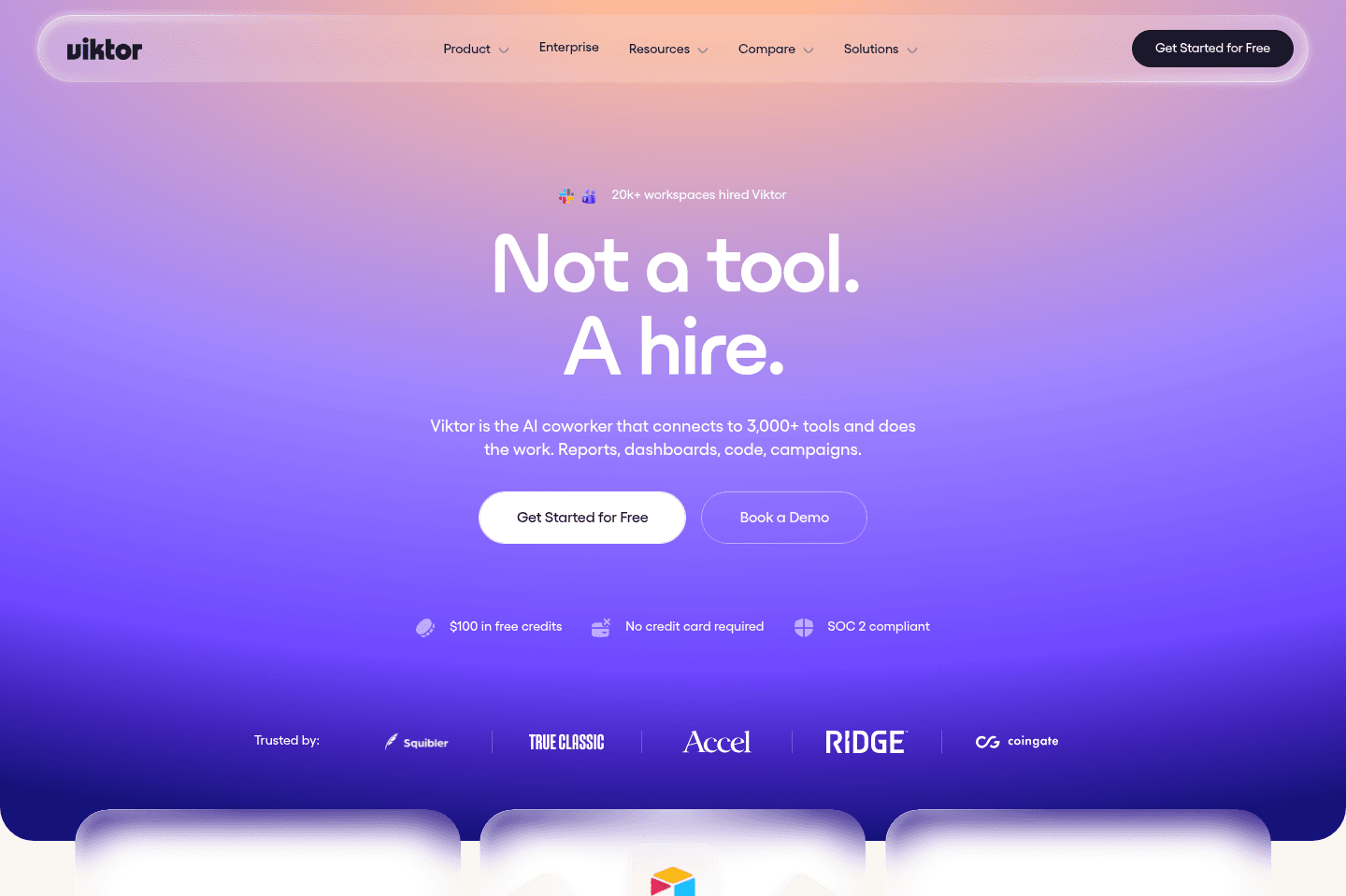
Viktor
ViktorBest alternative for proactive task delegation to an AI hire.
Viktor is a great alternative for those who want an AI agent that actually takes work off your plate inside Slack or Teams, without constant hand-holding or process setup. If you're on a small team or startup and need help across content, engineering, or operations, Viktor adapts to whatever your workflow looks like and starts suggesting and executing tasks right away. It learns your preferences as you go, remembers them across weeks, and handles recurring automations or reminders so you don't have to keep re-explaining how things should be done.
Everyone on the team can use Viktor in their own way, whether that's prepping marketing materials, debugging code, or managing team follow-ups, because it figures out what matters to each person and just gets started. You don't need to write instructions or build workflows, you just tell Viktor what you want, and it handles the details.
You'll need to use Slack or Teams to get started, and heavy use can run through credits quickly.
Claude
ClaudeBest alternative for deep context writing + work. It's one of the best AI tools available right now.
Claude is a great alternative for those who need an AI chatbot that can handle long, complex instructions and retain more context across demanding projects. If your workflow involves giving the AI detailed writing briefs, big documents, or lots of information at once, Claude stands out by referencing your instructions automatically and producing more cohesive, less generic responses.
You'll notice the difference most when working through nuanced writing or editing tasks, or if you want an assistant that asks clarifying questions instead of looping through endless refinements. Developers and engineers who work directly with code or local files may also appreciate the dedicated tools like Claude Code and Cowork.
Claude is less ideal if your work happens mostly in the browser or you need persistent memory across devices. Usage limits on standard plans can also be a bottleneck for heavy users.
Littlebird
LittlebirdBest alternative for tracking everything you did automatically.
Littlebird is an alternative for those who want an AI note taker that doesn't just capture meetings, but also remembers everything you did across your workday. If your days are a blur of Slack messages, open tabs, and constant context switching, Littlebird acts like a second brain, letting you ask what happened, what was said, or what you saw, even if it was outside a formal meeting. You don't need to set up endless integrations; just install it and it pulls context from your on-screen activity, meetings, calendar, and email, making recall questions and end-of-day rundowns much easier.
This is especially useful for people who are juggling a lot, founders, customer-facing roles, or anyone who needs to keep track of hundreds of small actions and conversations. Littlebird's routines and summaries help you see where your time went and spot patterns that might otherwise get lost. It's one of our favorite AI tools right now.
You do need to be comfortable with the level of access it requires, as it observes your screen activity by default. If privacy is a top concern, you'll want to spend time adjusting its settings or consider whether this approach fits your comfort level.
Grok Bot
Grok BotBest alternative for delegating and automating personal tasks.
Grok Bot is one of the best alternatives for those who want an AI agent to complete repetitive personal tasks instead of just helping plan them. It works inside websites from its own cloud computer, so you can hand off jobs like grocery ordering or marketplace monitoring and let them continue after you close your laptop.
You can also schedule recurring jobs, making it an awesome tool for when you do not want to remember to repeat the same request every day or week.
It is less suited to serious business workflows or advanced coding, and you need to be comfortable logging personal accounts into a computer controlled by the agent.
ChatGPT Atlas
ChatGPT AtlasBest alternative for integrated AI browsing.
ChatGPT Atlas is a great alternative for those who want ChatGPT woven directly into every part of their browsing and research workflow. If you rely on ChatGPT for work, research, or team collaboration, having the AI built into your browser means you can ask questions, edit text, and reference other tabs or browser history without ever switching tools or copying context around. Many teams find they answer questions faster, improve research quality, and use the side chat constantly throughout the day.
If you run a business or small team, Atlas can help everyone move faster by making ChatGPT part of their daily tools. The AI agent mode even lets you hand off simple web tasks to the browser itself, and voice mode makes it easy to keep moving without stopping to type.
To get the most out of ChatGPT Atlas, you'll need a paid ChatGPT account, most of the advanced features are locked behind a subscription. If you aren't already a regular ChatGPT user or need lots of browser customization, this may not be the right fit.
Raycast
RaycastBest alternative for supercharged Mac search.
Raycast is a great alternative for those who want to turn their Mac search bar into a command center that handles way more than just finding files. If you rely on quick keyboard shortcuts to jump between tasks, open calculators, manage windows, or even convert images, Raycast pulls all of that into one place.
If you're a technical user or someone who likes to customize your workflow, the deep integrations and plugin community give you tools to handle just about anything without leaving your search box.
If you're already satisfied with the default Mac search and don't need more, you might not see a reason to switch. But if you want your search bar to do more, Raycast is worth a try.
Perplexity
PerplexityBest alternative for fast web-sourced answers.
Perplexity is an alternative for those who want direct, sourced answers from across the internet without digging through traditional search results. If you're often tackling research projects or need reliable citations pulled in real time, this tool fits well into your workflow.
You can easily switch between different language models depending on your needs, which helps when you want a fresh angle or a specific approach to finding information. The built-in browser also lets you set Perplexity as your main search engine and try out new AI-powered browsing tools.
If your work relies on deep reasoning, advanced problem solving, or heavy math, Perplexity is less effective for those tasks. It's strongest when the job is finding and summarizing information with sources.

Comet Browser
Comet BrowserBest alternative for research with AI-powered web navigation.
Comet Browser is a great alternative for those who want an AI assistant that can actually interact with the web and help with deep research. If you often need factual information and clear citations, or find yourself juggling multiple tools to get reliable sources, Comet's assistant is built to dig into the internet and show you exactly where it finds its answers.
If you prefer a browser that doesn't just search, but can follow your instructions to click around, open new pages, and even help with tasks like finding promo codes while shopping, Comet stands out. The browser's integration with email and calendar also means you can ask it about upcoming events or important emails directly.
Early adopters and power users who are comfortable with a few rough edges will get the most from Comet, especially if you've been waiting for a browser that actually does things for you, not just fetches information.
It's worth noting that some features, like fully taking action on any webpage by voice, are not yet fully functional. If you need a polished, primary browser for all your daily use, you may find Comet still evolving.

Granola
GranolaBest alternative for invisible meeting note taking.
Granola is a great alternative for those who want to record and document meetings without interrupting the flow or alerting other participants. If you need a note taker that runs quietly in the background, without bots joining your calls or being visible to attendees, Granola fits that workflow. It's especially useful if you want to ask an AI assistant questions about your meetings, or even get help during the call with context-aware prompts to keep the conversation moving.
You can use Granola for both virtual and in-person meetings, making it a flexible option for teams who meet in different formats. If you want your meeting notes enhanced with extra context and the ability to reference details from past meetings across your entire company, Granola is set up for that.
Keep in mind, Granola does not let you play back audio recordings, it's focused on generating and searching notes, not audio review. If you need audio playback, this may not be the right fit.

Dia Browser
Dia BrowserBest alternative for simple browsing with built-in AI.
Dia Browser is a great alternative for those who want a straightforward, Chrome-like browser experience with helpful AI features always within reach. If you're looking for a minimal interface that doesn't overwhelm you with customization or complex layouts, and you like the idea of a browser that can summarize articles, answer questions, or help with research directly in a chat sidebar, Dia will feel right at home.
It's especially well-suited if you're newer to AI tools, or just want pre-built prompts to interact with content on the page without needing to set up workflows or extensions. The design leans toward being approachable for everyday browsing rather than productivity-heavy tasks.
If you need deep customization, advanced features, or rely on your browser for power-user workflows, Dia's early-stage simplicity and current feature limitations will likely feel restrictive. For now, it's best for those who want a clean, AI-supported browsing experience without the need for advanced controls.