
Review Summary
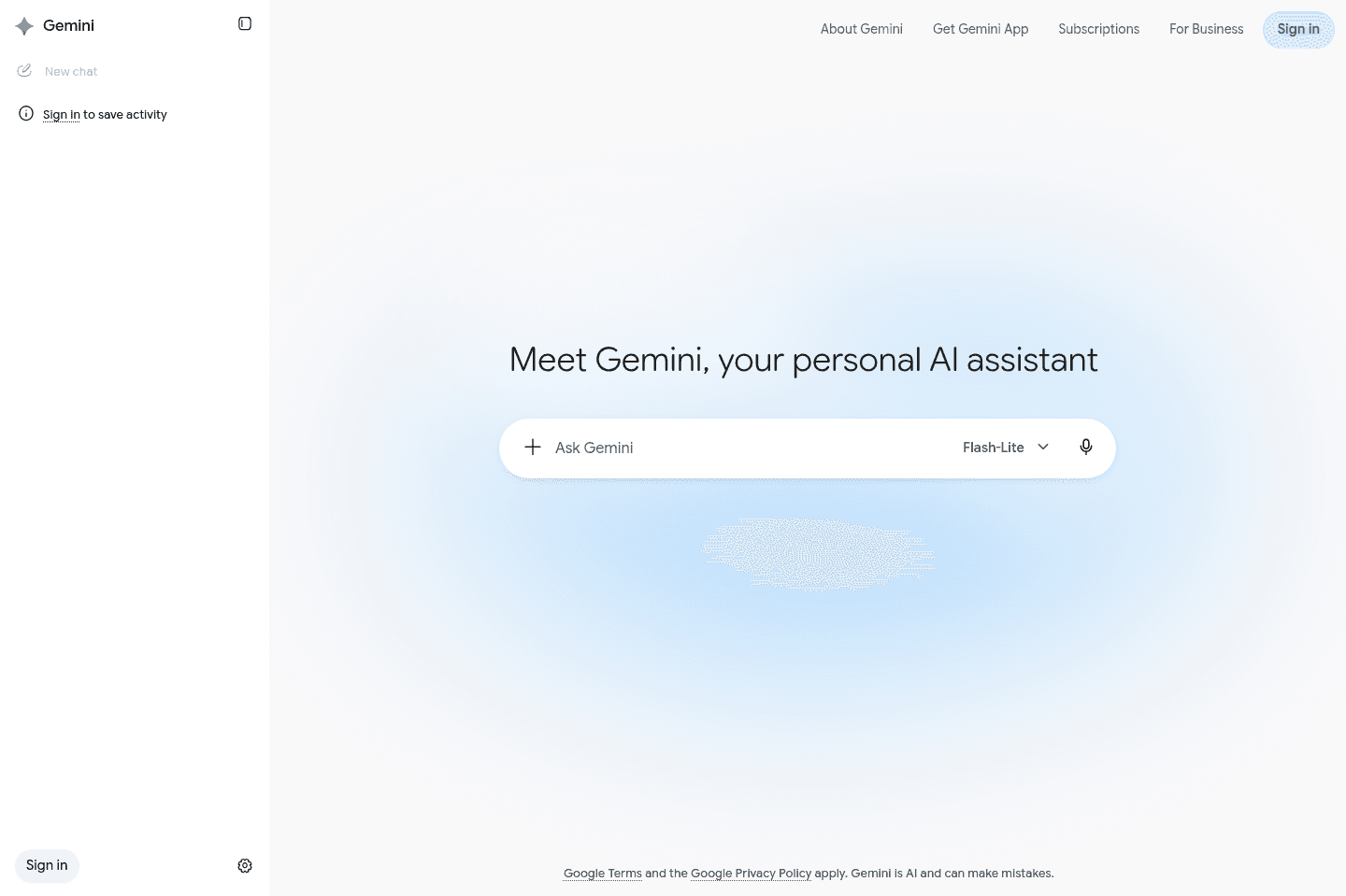
Review SummaryGemini is Google's AI assistant, it's baked into Google search, Google Home, YouTube, Gmail, Drive, Meet, and basically the entire Google ecosystem. It's almost impossible to have not used Gemini by now.
Gemini Alternatives
Gemini AlternativesNot sure if Gemini is the right fit for you? Check out these alternatives:
 ViktorBest
Best Slack-based AI chatbot
Best Slack-based AI chatbot Granola
Best virtual and in-person AI note taker
Best virtual and in-person AI note taker LittlebirdRecommended
Best for context aware chat and recall
Best for context aware chat and recall
What is Gemini?
What is Gemini?Gemini is Google's AI assistant, similar to ChatGPT or Claude.
If you've read a Google AI Overview, summarized a YouTube video, generated meeting notes in Google Meet, wrote an email with AI in Gmail, used an AI feature in Google Drive, there's a good chance you've already used it. That's the thing with Google, they already have billions of people using their products everyday so they instantly have high adoption.
According to Google, the Gemini app itself passed 1 billion monthly users in August 2026 (for comparison ChatGPT also has about a billion users).
So while I don't think Gemini is currently the best all-around AI chatbot, it is absolutely one of the most widely used. But anytime I am getting work done, I'm turning to ChatGPT or Claude, or our AI employee, Viktor.
Who is Gemini for?
Who is Gemini for?Everyone who uses any Google products.
Key Features
Key FeaturesGoogle Ecosystem Integration
Google Ecosystem IntegrationGemini connects with Google products including Gmail, Drive, Docs, Sheets, Slides, Calendar, Meet, Maps, Search, YouTube, Photos, and Android. You can ask it to summarize an email thread, find information in Drive, create something in Docs, review your calendar, explain a YouTube video, or use information from multiple Google products together.
AI Overviews in Google are powered by Gemini, so it's almost impossible not to use it. The thing is, I'm rarely jumping to a full chat mode with Gemini, simplify because if I want to go deeper on a topic, I'd rather use ChatGPT as it has so much more context about me by now.
Where I use Gemini the most is YouTube. As a YouTuber myself, I have a love-hate relationship with that feature. But sometimes if I'm searching for something that was said in the video, it's much easier to just ask Gemini rather than scrub through the entire video.
Gemini Live
Gemini LiveGemini Live is Google's voice experience. You can speak naturally, interrupt it, share your camera or screen, and ask questions about what it sees.
I find Gemini's voice mode to be a lot worse than their normal chat. We have Google Home nests all over our home, and I was so excited for Gemini to become available. Well, I find I'm disappointed 75% of the time with it's answers compared to ChatGPT's voice model. But I know this will improve with time. The fact that they have access to millions of homes through these devices already is wild.
Additional Features
Additional FeaturesGemini Spark
Gemini SparkGemini Spark is Google's attempt at turning Gemini from a chatbot into an agent that can actually manage ongoing tasks.
It can create workflows, use connected apps, browse websites, schedule recurring work, and continue tasks in the background...but I haven't heard many people around me adopt it. I haven't.
Nano Banana
Nano BananaGemini includes image generation and editing through Google's Nano Banana models, along with video and music tools on certain plans. I've played with this a bit, but while it's been impressive I am still yet to find a great use-case.
Pricing
Pricing- Free: $0. Includes Gemini Flash, varying access to Gemini Pro, image generation and editing, Deep Research, Gemini Live, Canvas, and Gems.
- Google AI Plus: $4.99/month. Includes roughly twice the Free plan’s usage, additional creative features, 400 GB of storage, and more Gemini access across Google products.
- Google AI Pro: $19.99/month. Includes roughly four times the Free plan’s usage, higher access to advanced models and Deep Research, Gemini inside Gmail and Docs, additional creative tools, and 5 TB of storage.
- Google AI Ultra: Starts at $99.99/month for five times Pro usage. A $199.99/month option provides up to twenty times Pro usage, along with the highest limits, Deep Think, Gemini Spark, and 20 TB or more of storage.
- Gemini Enterprise: Business plans start around $21 per user per month, while enterprise editions start around $30 per user per month.
Final Verdict
Final VerdictIs Gemini worth it? Yes, if you're already in the Google ecosystem.
While it's not the best AI assistant right now, it's one of the hardest one to avoid. Google has put it everywhere. You’re probably going to use it whether you consciously choose Gemini or not.
Categories
CategoriesGemini fits into multiple categories based on what it actually helps you do. Each category highlights a different strength and the efficiency points it earned, helping you compare tools not just by features, but by how well they actually perform.
Keep exploring the best software across categories, or explore Gemini alternatives