
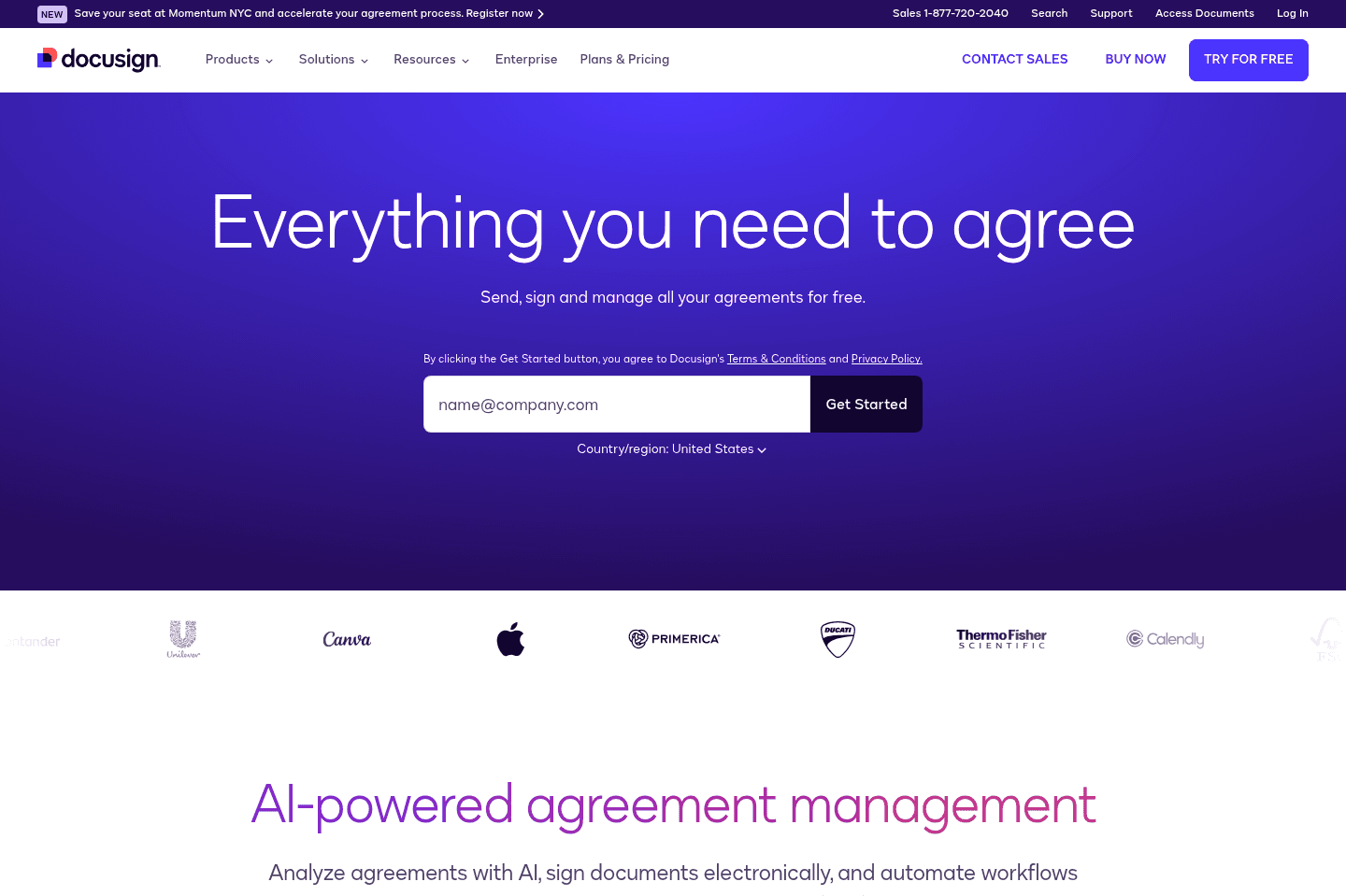
Review Summary
Review SummaryDocuSign lets you upload PDFs and add fillable text and signature blocks, but it is built mainly for large businesses and focuses on enterprise features. If you are not an enterprise customer, especially if you care about UI or work in a small to mid-size team, you will probably find better options elsewhere.
What is DocuSign?
What is DocuSign?The main use-case you'll see with DocuSign is for simply uploading PDFs and creating fillable text and signature blocks. While it's the gold standard for eSignature, they are very much enterprise-focused, meaning their average customer is a larger size business, and the features they are building out are more enterprise-business features.
(e.g. allowing to rope in identity verification for healthcare companies like Independent Health to automate identity verification when signing up for a health insurance plan).
If this doesn't sound like you, you'd be much better off with a solution like PandaDoc who has more of a focus on UI/UX, and is building out features more relatable to small-mid-size teams.
Categories
CategoriesDocuSign fits into multiple categories based on what it actually helps you do. Each category highlights a different strength and the efficiency points it earned, helping you compare tools not just by features, but by how well they actually perform.
Keep exploring the best software across categories