
Review Summary
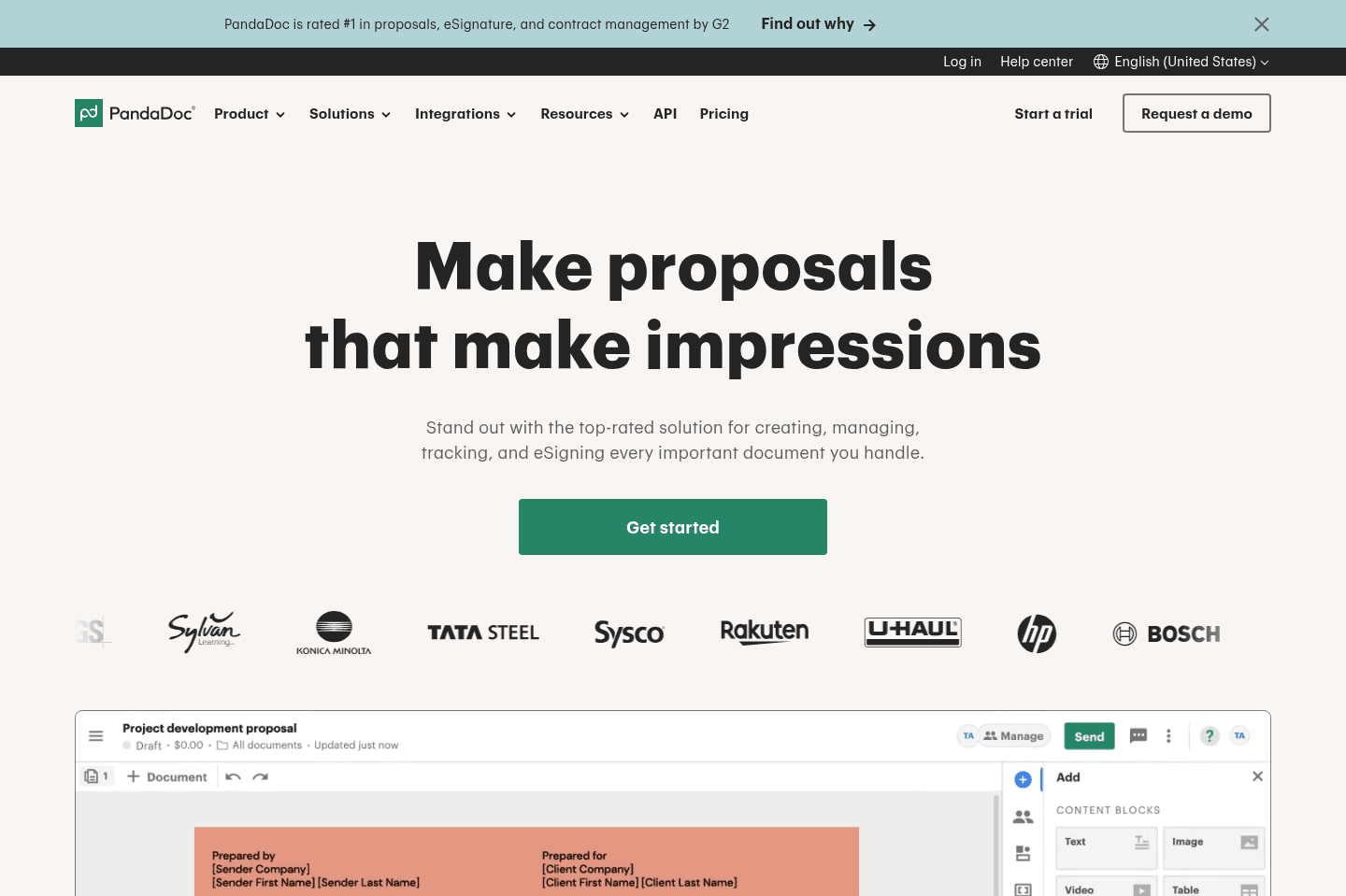
Review SummaryPandaDoc handles proposals, contracts, eSignatures, agreement generation, and payment collection in one place, making it easy for teams to create and manage documents with a clean, modular workflow. If you want something more user-friendly and modern than DocuSign, this is our top pick. We've been using it for 5+ years!
What is PandaDoc?
What is PandaDoc?Where do we begin with PandaDoc... It is one of the most versatile, yet focused tools on the market. If you want to create proposals, contracts (with legally binding eSignature capabilities), generate agreements from form submissions, or even collect payments—PandaDoc is your all-in-one tool.
Unlike DocuSign, PandaDoc is incredibly user-friendly, and simple, yet powerful. You can create complex modular documents, dragging in reusable blocks of text/pricing tables, or simply upload a PDF and mark the areas that require filling out and send it off.
It's our go-to recommendation when the conversation of proposal and eSignature tools come up, as it can do most things that teams are looking to have done. Not to mention, it can be deeply integrated into your CRM of choice (they have a fantastic API for custom integrations), which we love.
Think of PandaDoc as a more modern DocuSign built for teams. We can't lie, when potential vendors send us over a PandaDoc to sign—we get excited—it's just such an amazing end-user experience.
Categories
CategoriesPandaDoc fits into multiple categories based on what it actually helps you do. Each category highlights a different strength and the efficiency points it earned, helping you compare tools not just by features, but by how well they actually perform.
Keep exploring the best software across categories