/
Select
FTC compliant

6 Best Team Communication Apps in 2026
Updated May 22, 2026
See how our top 5 picks compare across the 6 team communication apps we evaluated.
Explore what each does best, where it falls short, and why it earned a spot on our 2026 list.


 Google MeetRecommended
Best for universally accepted virtual meetings
Best for universally accepted virtual meetings SlackRecommended
Best for real-time team communication
Best for real-time team communication SupercutRecommended
Best modern async screen recorder for teams
Best modern async screen recorder for teams tl;dvRecommended
Best for low-friction setup that records video
Best for low-friction setup that records video LoomRecommended
Was once the leader, now legacy
Was once the leader, now legacy Dialpad Meetings
Works only if you're already in the Dialpad ecosystem
Works only if you're already in the Dialpad ecosystem
Best Team Communication Apps at a Glance
6 apps and 2 deals
How We Evaluate Team Communication Apps
We score each team communication app across multiple criteria, and hands-on expert evaluation
- No Category Criteria records assigned to this category yet.
- Expert EvaluationCurated by, our rankings reflect in-depth testing, industry insights, and hands-on experience.AlexandAndra
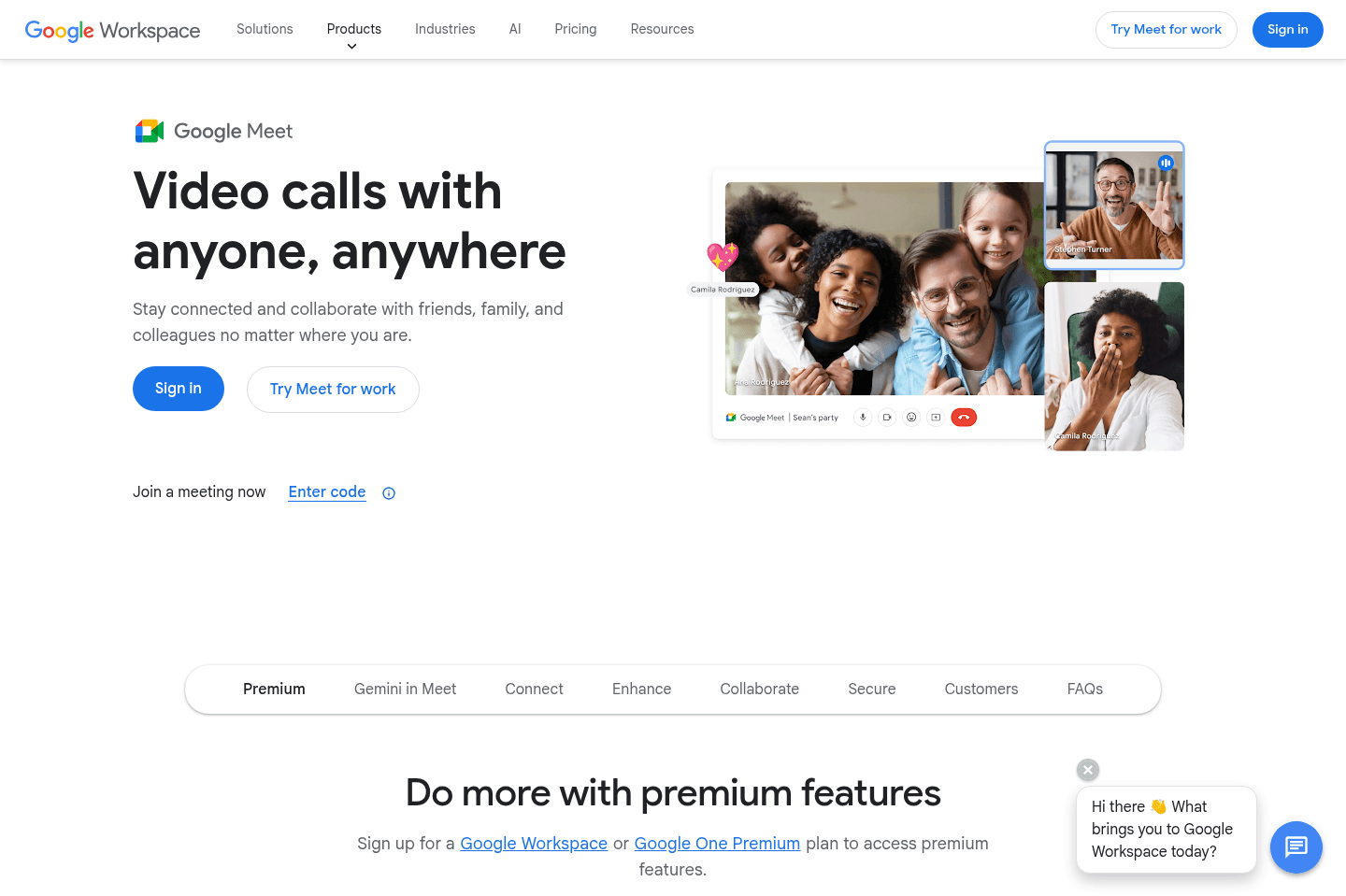
Go to Google Meet site
Google Meet Summary
Google Meet SummarySubscribe for updates
Get the latest rankings and insights on top Communication apps—delivered to your inbox. Stay ahead with our expert picks and updates.
Go to Slack site
What is Slack?
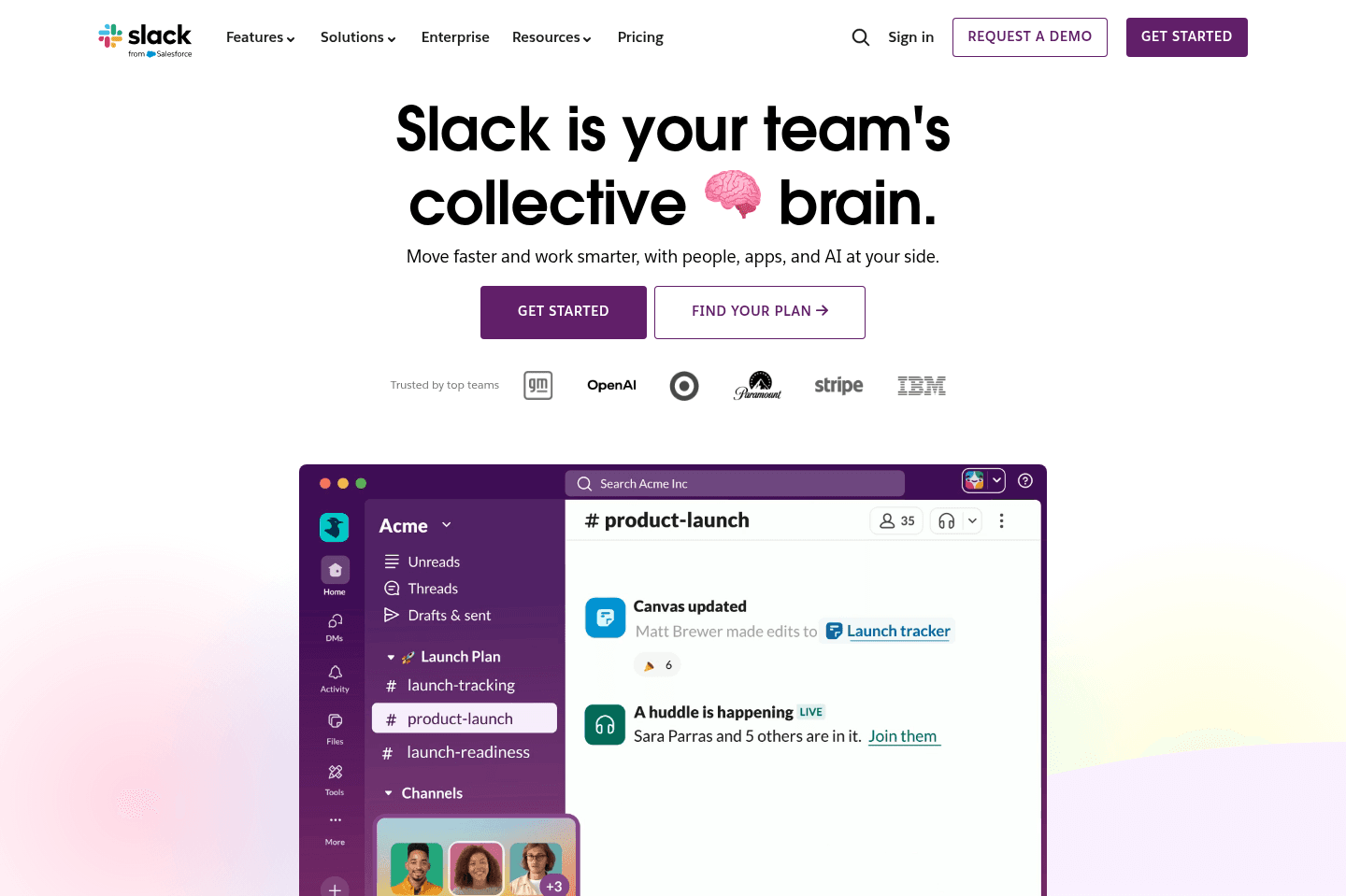
What is Slack?Slack is the default communication layer for startups and modern small businesses.
At its core, Slack is a real-time messaging platform built around channels. Teams organize conversations by topic, project, or department instead of burying everything in email threads. It is where decisions happen, launches are coordinated, bugs are reported, and customer feedback gets surfaced in real time.
While we wish the user experience with Slack was better, it's pretty much irreplaceable at this stage. The reason is Slack Connect. It lets you create shared channels with contractors, vendors, and most importantly customers. This is the piece most Slack competitors are missing. Instead of managing scattered email chains or scheduling endless Zoom calls, you can just open a shared channel and talk. We have so many Slack Connect channels, we've lost count.
Is Slack chaotic? Absolutely. Channels pile up, notifications get overwhelming, threads get missed. Many users (including us) wish there was something more user friendly. But the truth is Slack owns this market. Most people you need to connect with are already there. So the decision is made for you in terms of needing to use it.
As you scale, Slack alone is not enough. You will eventually layer in project management tools, internal knowledge base documentation systems, and help desk workflows. But in the early stage, Slack is the fastest way to create alignment and stay close to your customers.

Superhuman Mail
Featured
Get through your inbox 2x as fast (for teams of all sizes).
3
Supercut
Recommended
Best modern async screen recorder for teams
Best modern async screen recorder for teamsIf you're looking for the most modern screen recording software that has a focus on async team collaboration, Supercut is the clear leader in the space, no tool does it better. We've been using it for over a year and it's a joy to record and receive a Supercut! 🫶
Go to Supercut site
What is Supercut?
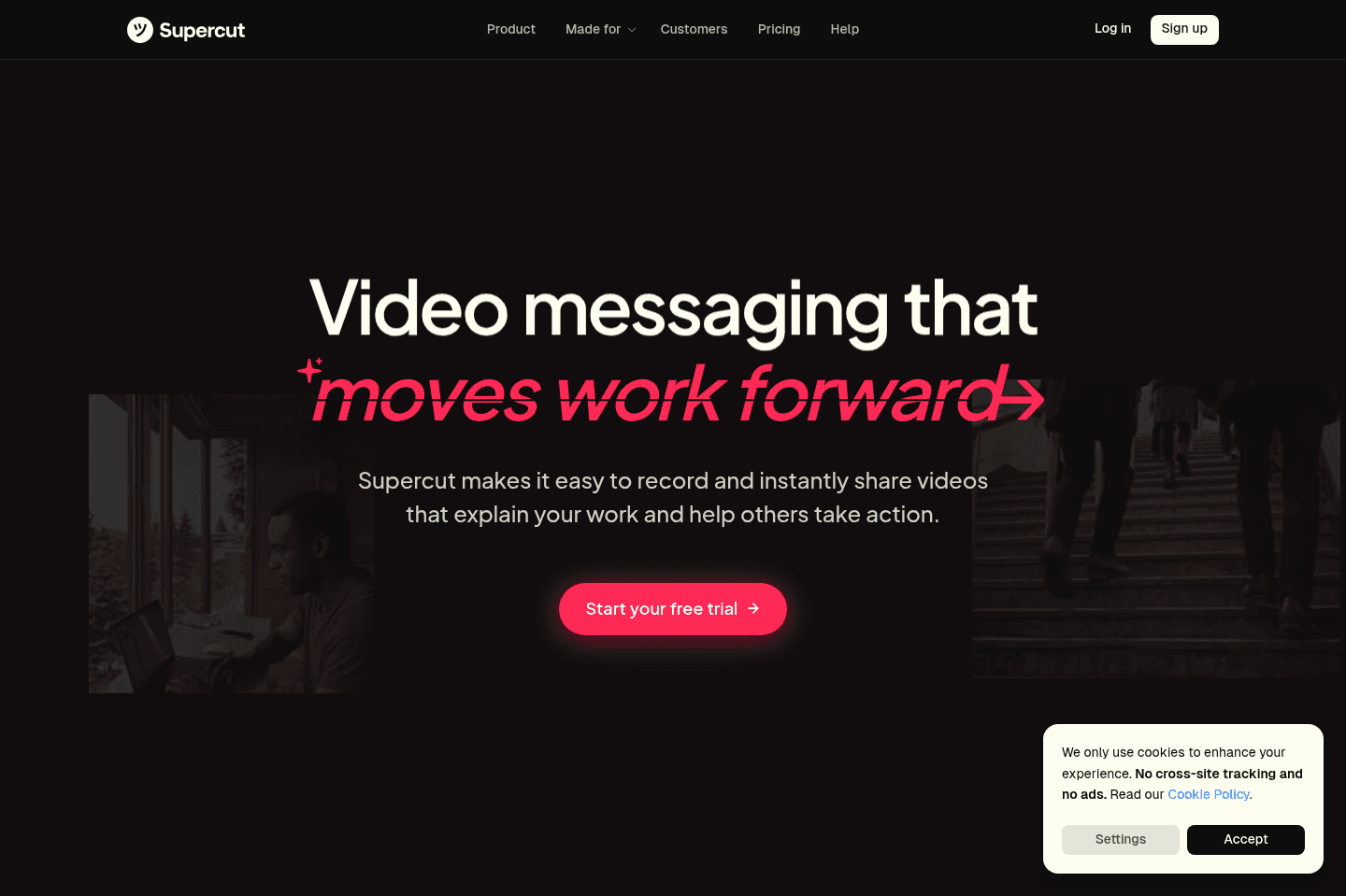
What is Supercut?Supercut is a video messaging tool built for teams that want to communicate through screen recordings instead of constantly jumping into meetings. It's insanely easy to use; you just hit record, walk someone through your screen, and send it off.
The functionality and simplicity don't stop at recording either; For every video you record, you get transcripts, an AI assistant that can pull insights or generate summaries, and a clean viewing experience that makes people want to watch.
It's great for SMBs that move fast and rely on clear communication (especially remote or async teams). Product and engineering teams can show bugs instead of writing them, and sales or support teams can walk through things without over-scheduling calls.
We originally found Supercut after asking for Loom alternatives on X, but none of the suggestions did anything to make my workflow easier. Loom was getting more and more bloated, and just as I was making peace with the fact I wasn't gonna find anything, I scrolled past and an X post about Supercut's launch.
After my first use of Supercut, I absolutely loved it! It's now part of our daily workflow team communication or bug reports. It's replaced a lot of our internal calls, and I've noticed we miss way less because everything is searchable and really easy to reference.
Compared to tools like Loom or Tella, Supercut feels so much more modern and intentional since it's focused on eliminating friction through user-friendly UI. Plus, other tools don't have AI assistants or keyboard shortcuts that actually make your life easier.
Pros and Cons
Pros and ConsPros
Pros- Fast, reliable recording experience
- AI assistant is smart and genuinely useful
- Clean, branded sharing experience for clients
- Transcripts make videos easy to reference later
- Strong async collaboration (comments, CTAs, analytics)
Cons
Cons- Not built for heavy or long-form video editing
- Manual organization with stacks
- Some friction for external collaborators (account required for leaving comments)
Key Features
Key FeaturesRecording Experience
Recording in Supercut for the first time left us somewhere between shock and excitement. Everything was just FAST. The recording panel is clean, nothing gets in your way. You hit record, do your thing, and it's ready to share almost immediately.
Coming from Loom, this was a big shift. Loom started to feel sluggish and unpredictable for us (after Atlassian took over), especially when we were recording back-to-back. It would crash and we'd be re-recording the same thing sometimes 3 times over. We've been using Supercut since 2025 and found it's way more reliable and smooth, and that's exactly what's been missing from the video recording market.
Transcripts
Every video comes with a transcript, and we use it this way more than we expected. You can jump to specific moments or even share exact sentence links. When you're working across teams, like us, that's really helpful. Product can go straight to their section, sales can skip to theirs, and no one has to sit through the whole video just to find one detail.
We've even used transcripts to train custom GPTs and pull content into other workflows. It turns even one-off recordings into something you can reuse and search, all while keeping everyone accountable.
AI Assistant
A lot of tools are rushing to add AI right now, but most of it ends up feeling bolted on. This doesn't. Supercut's "ask anything" feature lets you interact with your video almost like it's a document. You can ask things like "what are the action items?" and it'll pull the answer instantly.
I use it a lot when working with contractors, and I'm thinking, "I feel like I mentioned this in my video," so I'll quickly pop over to Supercut and search, "did I mention XYZ in this video?" and the AI assistant will provide me a time stamp and screenshot of the moment I mentioned it. Even more than that, it can go as far as to generate clear summaries, organized bug reports, and even full write-ups, which keeps me from context switching, and saves me tons of time.
Collaboration
Comments live directly on the video timeline, which keeps everything in context. Instead of getting Slack messages like "hey, at 4:12, what did you mean," the feedback is tied exactly to the moment it's about.
It's a small thing, but it changes how people interact with videos. There's even a cute keyboard shortcut ("c") that makes leaving comments speedy.
For client-facing teams, CTAs are insanely simple and useful. You can add a clear next step at the end of any video. It removes that awkward gap where someone watches your video and then… does nothing. It's a simple feature that pushes your viewers to book a call or review something.
Editing
The editor is amazing! It feels more like editing text than editing video. You highlight what you don't want, cut it, and move on. You can trim silences, clean things up, adjust layouts, and make quick improvements without having to re-record (which takes so much time).
It's not built for heavy production work, so don't expect to rearrange full sections or build complex edits like you would in something like Tella. But for day-to-day communication, it's perfect.
Pricing
Pricing- Free 14-day Trial: Best for individuals testing async workflows. No credit card required.
- Pro: $15 monthly ($18/mo if paid annually). Best for professionals and teams who want full access to collaboration, branding, and AI features.
- Enterprise: Contact for pricing. Best for companies needing cross-departmental communication, advanced controls, and more security.
Don't forget to grab your Supercut Discount before creating an account.
4
tl;dv
Recommended
Best for low-friction setup that records video
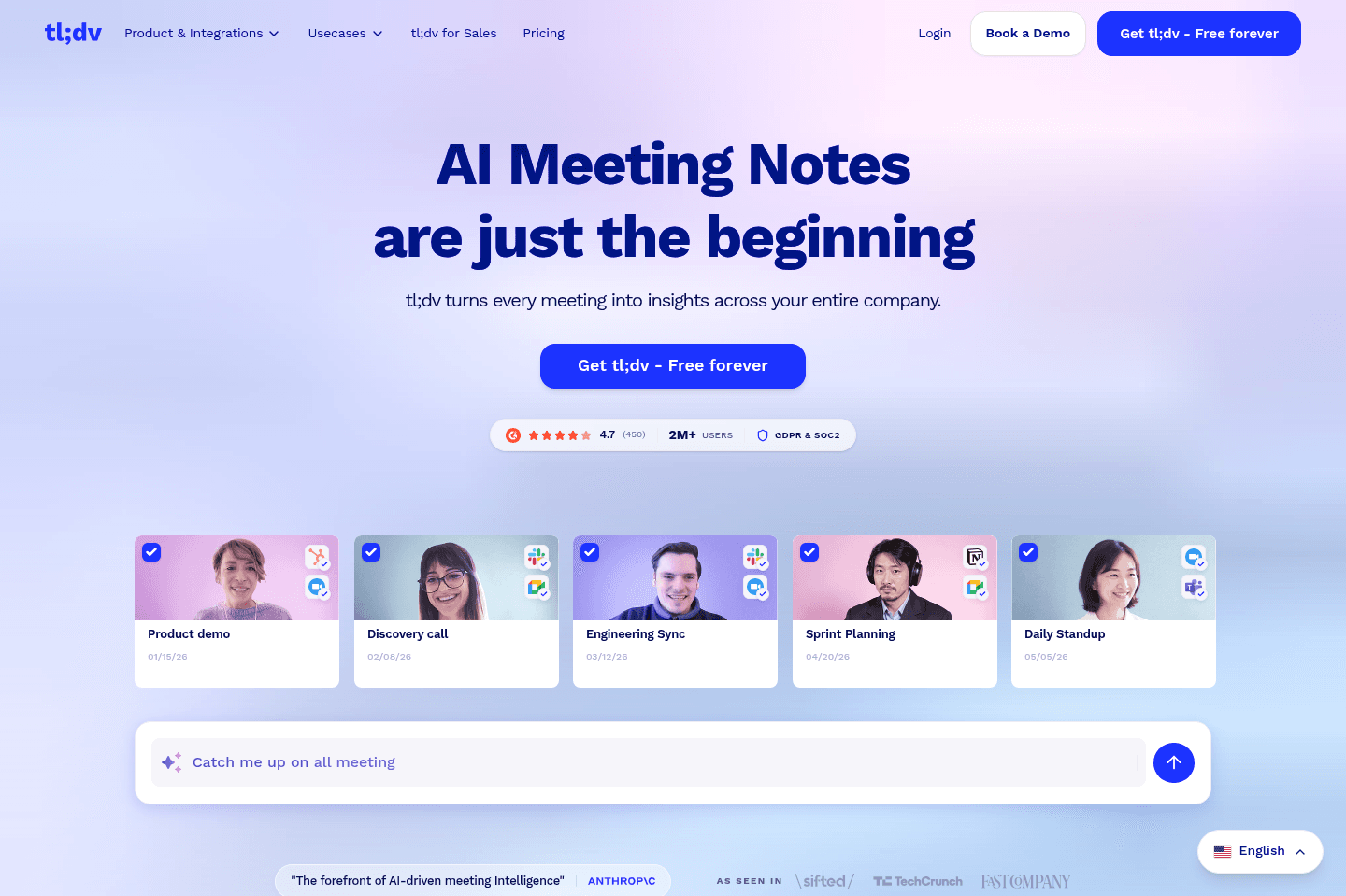
Best for low-friction setup that records videoTL;DV lets you and your team take meeting notes in a floating pop-up during calls, automatically adds timestamps, and instantly shares everything with participants or just your team. If you want everyone to see and collaborate on call notes as they happen, especially with Slack integration, this is a solid pick, though it currently lacks deep CRM integrations.
Go to tl;dv site
What is tl;dv?
What is tl;dv?What we love most about tl;dv is that you can take all of your meeting notes directly from a floating pop-up right within the meeting you're in.
As you type the notes, tl;dv automatically timestamps your message and your entire team can also see the notes as they are being written.
No more do we need to find where to take collaborative call notes of which would otherwise not even be connected to the call recording itself.
All of the most important notes and timestamps are automatically sent to everyone on the call (or just your team), and they even have a nifty Slack integration as well.
We do wish it natively integrated with more CRMs though, but know the team is working on opening up the API to allow for it.
Superhuman Mail
Featured
Get through your inbox 2x as fast (for teams of all sizes).
5
Loom
Recommended
Was once the leader, now legacy
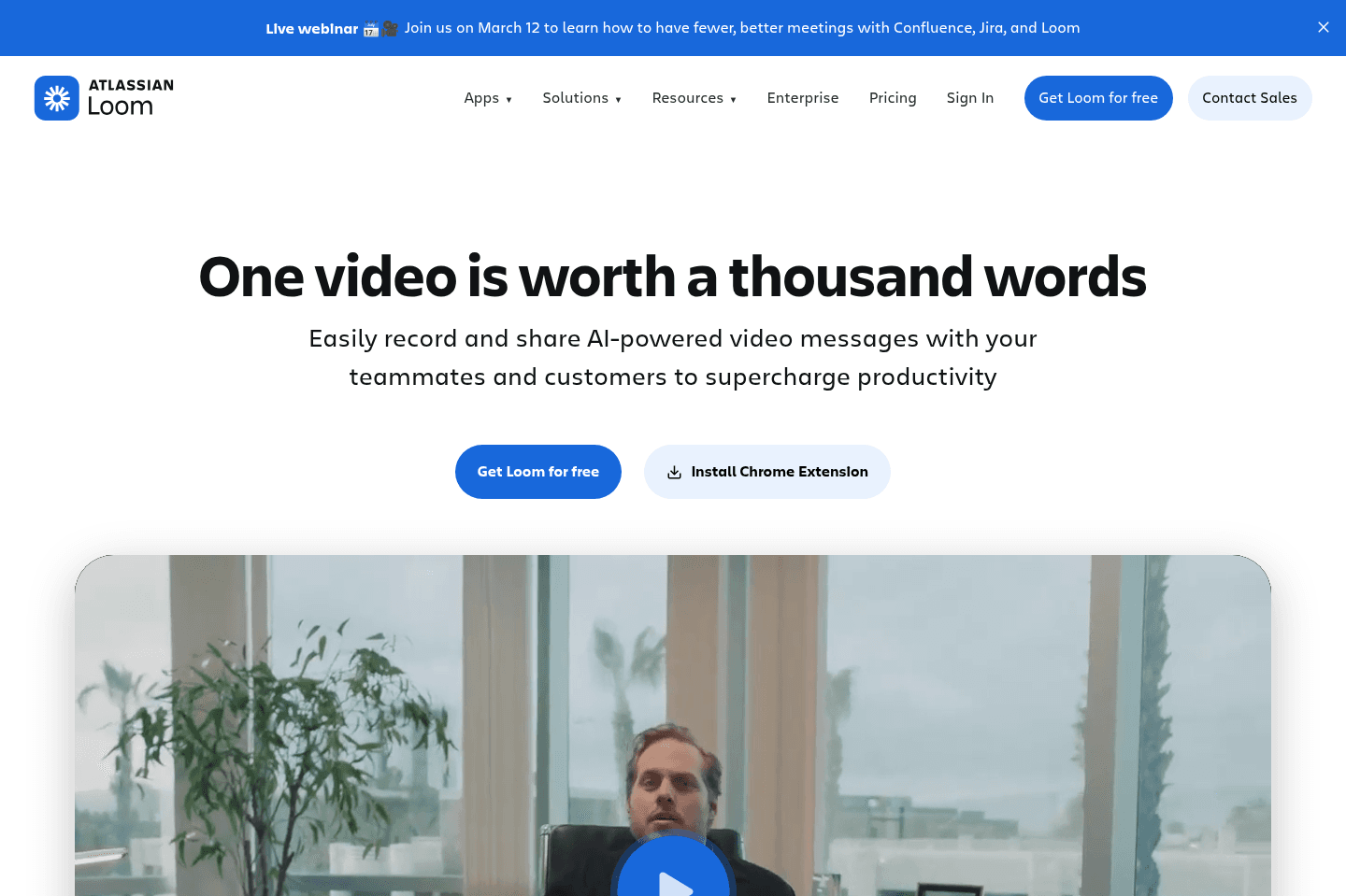
Was once the leader, now legacyWhat used to be the gold standard for screen recording, async team collaboration, and light video editing, has turned into a bloated and frustrating tool. If you're willing to actually invest in a modern screen recording solution, use Supercut instead.
Go to Loom site
What is Loom?
What is Loom?Loom used to be the gold standard for the best screen recording software and internal collaboration, but it has been upended by Supercut recently.
After Atlassian acquired Loom back in October 2023, it just became more bloated, constantly crashing, with a constant push to upgrade to their "AI tier", which is quite basic and unremarkable features.
If it's between having tons of meetings or just recording a quick async Loom, definitely do the latter. That said, there's now way better solutions on the market that feel lightweight, fast, and powerful, like Supercut (our entire team switched off of Loom to Supercut and do not miss Loom in the slightest).
If you're completely unwilling to spend money on a tool in this category, then your best bet is the free 5 minute limit Loom tier, but if you want to actually use the best solution on the market and not have restrictions, constant upsells, and just a great product, invest in a quality tool like Supercut that you and your entire team will actually enjoy using.
On the other hand, if you're looking for more of an impressive screen recording and video editing tool for things like product feature launch GIFs and videos, look no further than our friends over at Screen Studio.
6
Dialpad Meetings
Works only if you're already in the Dialpad ecosystem
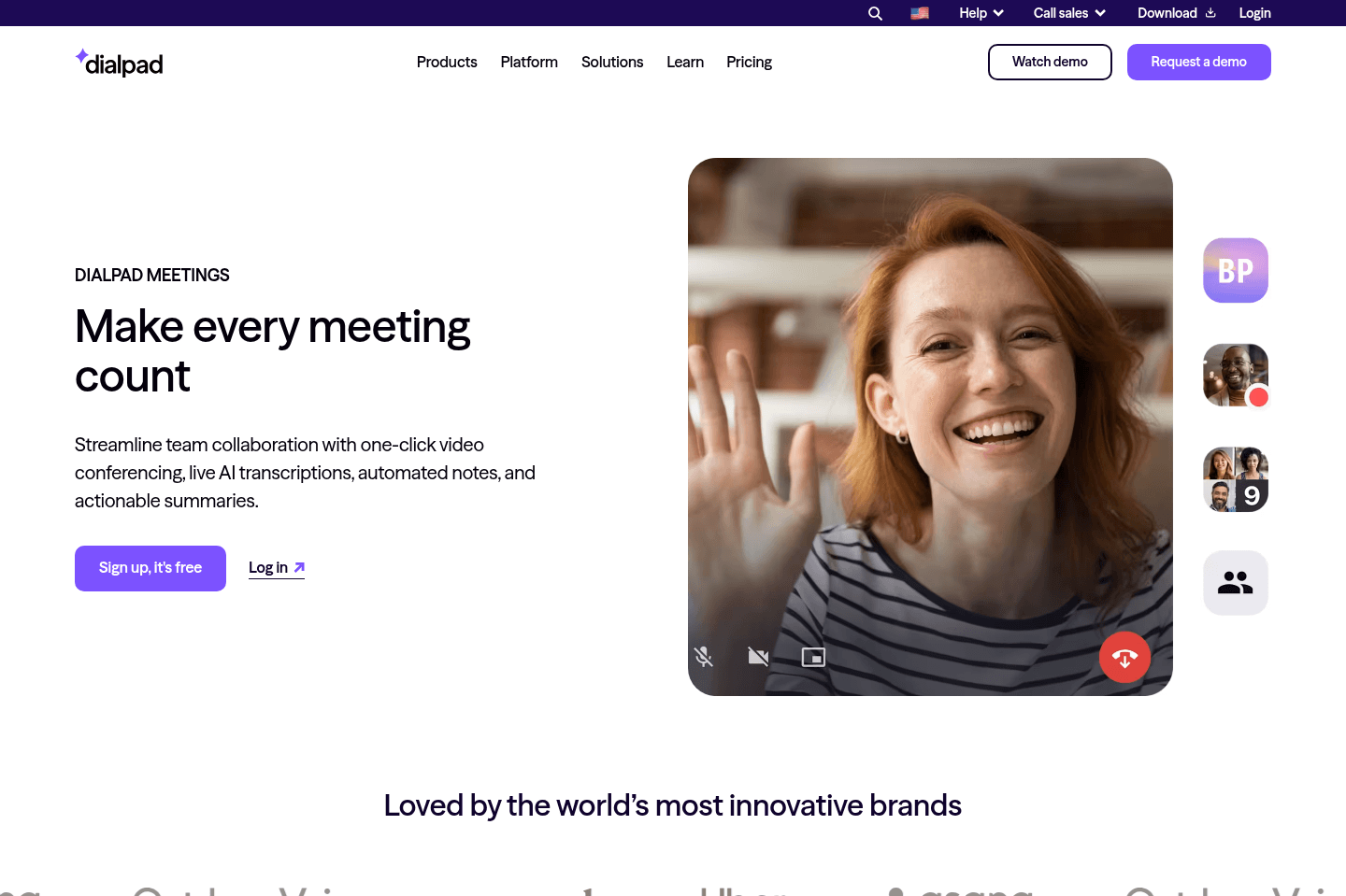
Works only if you're already in the Dialpad ecosystemDialpad Meetings runs video calls with a clean interface but getting people to actually use it is a pain since it feels unfamiliar and lacks the plug-and-play integrations everyone expects from Google Meet or Zoom. Unless you're willing to put up with extra workarounds and confusion, especially for CRM integration, you're better off sticking with the standard options, Dialpad Meetings just creates more friction than it's worth for most teams.
Go to Dialpad Meetings site
What is Dialpad Meetings?
What is Dialpad Meetings?I was actually one of a few people back in the day that tried to make the pivot from Google Meet and Zoom to Dialpad Meetings (formerly UberConference) happen.
The thing is, at the time, there was just too much friction trying to get people to use and accept Dialpad Meetings, because it's just different from what they are used to using (thank you inertia /sarcasm).
Pros & Cons
Pros & ConsPros
Pros- You can have it automatically join your calls in Dialpad Meetings, but Google Meet and Zoom as well, it's super flexible in that way.
- They are likely to be a bit more advanced than even that of Dialpad Meetings, since they are solely focused on just the meeting AI side of things, whereas Dialpad Meetings needs to also support the entire infrastructure of a meeting platform.
- If you ever do choose to leave Dialpad Meetings and move back to Zoom/Google Meet, your historical lock-in is on a 3rd party tool (Fireflies), instead of the meeting platform itself. So with Fireflies, you can jump between Dialpad Meetings to Google Meet to Zoom, no problems!
Cons
Cons- You're now going to be paying for a second meeting recorder to join the call, and the integration will be linking your CRM and notes from what Fireflies comes up with, not Dialpad Meetings.
- It'd definitely a bit less clean. Also, Fireflies will join the call as a fake person, that's how they record the call.
So all-in-all, we know this isn't the most ideal thing to hear. Without Dialpad Meetings having a proper API though (or a native CRM integration), that's all we can really do here.
If the above is you, all I can say is we hear you... It's overwhelming, confusing, and we were going down this exact same rabbit hole 6+ years ago.
Key Features
Key FeaturesUser Interface (UI)
User Interface (UI)Dialpad Meetings is quite clean, we've always appreciated the simplicity it brings with it. I appreciate them coming at it with a more modern approach, but with that, comes more difficult user-adoption (unless you just copy Google Meet and Zoom identically).
User Interface (UX)
User Interface (UX)This is where we've ran into the most struggles with Dialpad Meetings. It's just not familiar with most people when joining. They don't know where the screensharing icon is, along with everything else. It's just different from what people are used to. While this is normally fine and we don't want to be too negative on Dialpad Meetings for this point, the truth of the matter is they are just battling inertia (familiarity), and people just hate change when it comes to something they also dislike (Meetings) 😅
API & Integration
API & IntegrationDialpad Meetings doesn't have an API that we can connect into, so there's no current way to create custom integrations outside of what they list on their site (native integrations).
So say you want to create a meeting activity within your CRM (assuming you picked one of the Best CRM options on our list), you can't do that without a meeting recorder tool that can join your meeting, like Fireflies. So the only way to really do this is to hand off the integration side of things to a meeting recorder tool that has deep integrations with CRMs.
What I did back in the day to get this working actually, was relying on Fireflies to join the call and be the native integration with the CRM. They do have a dedicated landing page for their integration with Dialpad Meetings, although it is still has the URL "uberconference". 😅
There are positives and negatives that come with this approach though.
Final Verdict
Final VerdictAt the end of the day, we ultimately just decided to use Google Meet alongside Granola, as the native integration they have between eachother, alongside no longer having to fight the inertia (of people not wanting to try a "new" meeting tool), is where we ultimately found ourselves.
It's also more likely that tools will integrate natively with Google Meet and Zoom, especially because for some reason Dialpad Meetings is choosing to highly restrict their API for internal use only. 🤷
Superhuman Mail
Featured
Get through your inbox 2x as fast (for teams of all sizes).
Worth trying
Apps worth trying
These communication-adjacent apps prioritize another category at their core, but their communication features are strong enough that you should still consider them.




















Related app comparisons
Browse Categories