
Review Summary
Review SummaryFor better or worse, Slack is a necessary part of any business.
The Startup Stack I Use as a Founder
The Startup Stack I Use as a FounderWhat is Slack?
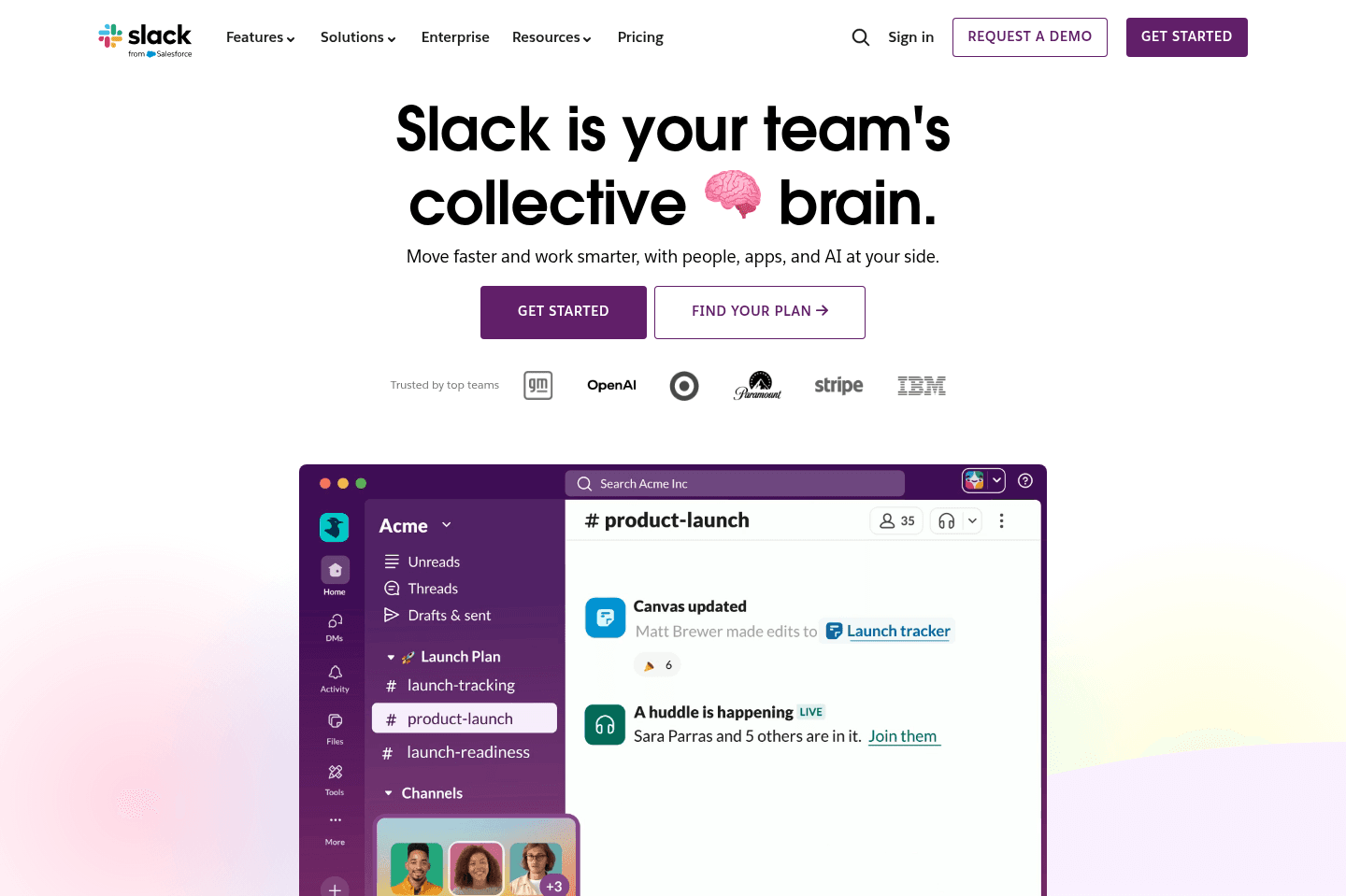
What is Slack?Slack is the default communication layer for startups and modern small businesses.
At its core, Slack is a real-time messaging platform built around channels. Teams organize conversations by topic, project, or department instead of burying everything in email threads. It is where decisions happen, launches are coordinated, bugs are reported, and customer feedback gets surfaced in real time.
While we wish the user experience with Slack was better, it's pretty much irreplaceable at this stage. The reason is Slack Connect. It lets you create shared channels with contractors, vendors, and most importantly customers. This is the piece most Slack competitors are missing. Instead of managing scattered email chains or scheduling endless Zoom calls, you can just open a shared channel and talk. We have so many Slack Connect channels, we've lost count.
Is Slack chaotic? Absolutely. Channels pile up, notifications get overwhelming, threads get missed. Many users (including us) wish there was something more user friendly. But the truth is Slack owns this market. Most people you need to connect with are already there. So the decision is made for you in terms of needing to use it.
As you scale, Slack alone is not enough. You will eventually layer in project management tools, internal knowledge base documentation systems, and help desk workflows. But in the early stage, Slack is the fastest way to create alignment and stay close to your customers.
More recently, our love for Slack has been renewed because of Viktor, an AI agent that works across your Slack channels and connects with thousands of tools.
The best way I can describe it is that Viktor is like adding a well-rounded teammate who understands coding, SEO, marketing, and operations, then helps everyone on the team directly from Slack. Read our full Viktor Review to learn why it's one of our favorite AI tools right now.
Who is Slack For?
Who is Slack For?Startups
StartupsIf you join a 2 person YC company or a 500 person tech startup, odds are Slack is already running.
In the early days of building a company, speed of feedback matters more than almost anything. Y Combinator pushes founders to talk to customers constantly. Slack Connect makes that easy. Shared channels let you help with onboarding, provide live support, and collect unfiltered product feedback without adding friction.
Small Businesses
Small BusinessesInstead of relying on email to talk to your team, Slack organizes conversations into channels like #sales, #ops, or #client-acme. Everything is transparent and searchable. For a small team where everyone wears multiple hats, this helps keep everyone on the same page.
Small businesses also benefit from Slack Connect, allowing you connect to vendors, customers, and contractors.
Key Features
Key FeaturesChannels & Threads
Channels & ThreadsSlack organizes conversations into channels so teams can separate services, product, growth, hiring, support, and more. Threads help reduce noise, though in practice they are often underused unless you enforce it as a company policy and constantly remind team members to use them correctly until healthy habits are formed (this is what we do). Without threads, Slack gets even more chaotic.
Slack Connect
Slack ConnectThis feature is why Slack is irreplaceable. Shared channels with customers, partners, and vendors create real time collaboration outside your company walls.
For early startups, this can replace dozens of onboarding calls and support emails. For an agency, it can help keep up with customer communication and more collaboration.
Integrations
IntegrationsSlack connects to nearly everything: GitHub, Linear, Notion, Google Drive, CRM tools, support platforms. Notifications flow directly into channels, turning Slack into a live dashboard for your business.
Alex (our CEO) says Slack is where he has full visibility into the business given all of our tools are connected in (marketing, sales, support, and even our virtual mailbox). It's where he starts his day every morning, keeping a pulse on the entire business.
The downside is that too many integrations can create constant noise if not managed carefully.
Search
SearchSlack’s normal search is...well, awful. But with AI Search, it has improved. The problem is the pricing though. It is expensive, sold as an add-on, and priced per seat, which means you have to upgrade everyone on your team just to make it usable.
Pricing
Pricing- Free: $0. Best for individuals or small teams who want basic chat and collaboration with 90-day message history.
- Pro: $8.75/mo per user ($7.25/mo billed annually). Best for growing teams that need unlimited message history, app integrations, group meetings, and collaboration with external partners.
- Business+: $18/mo per user ($15/mo billed annually). Best for scaling companies that want advanced AI features, enhanced security, and admin controls.
- Enterprise+: Unlisted. Includes enterprise-grade security, compliance, advanced admin controls, and enterprise search for large organizations.
Final Verdict
Final VerdictIs Slack worth it? Absolutely, it's essential. Don't try using WhatsApp or Discord for your business to save money on this subscription.
Categories
CategoriesSlack fits into multiple categories based on what it actually helps you do. Each category highlights a different strength and the efficiency points it earned, helping you compare tools not just by features, but by how well they actually perform.
Keep exploring the best software across categories
