Comparison Summary
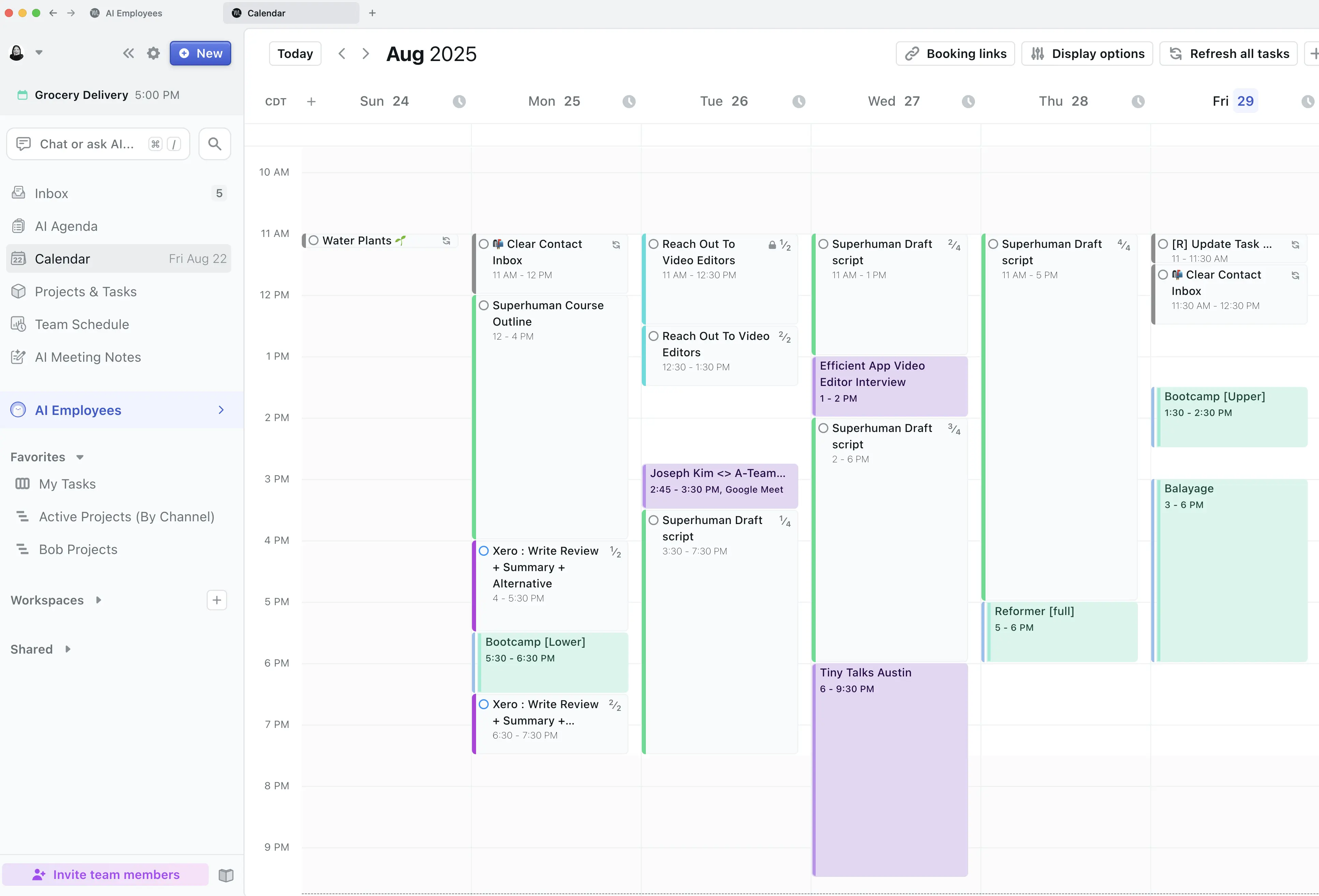
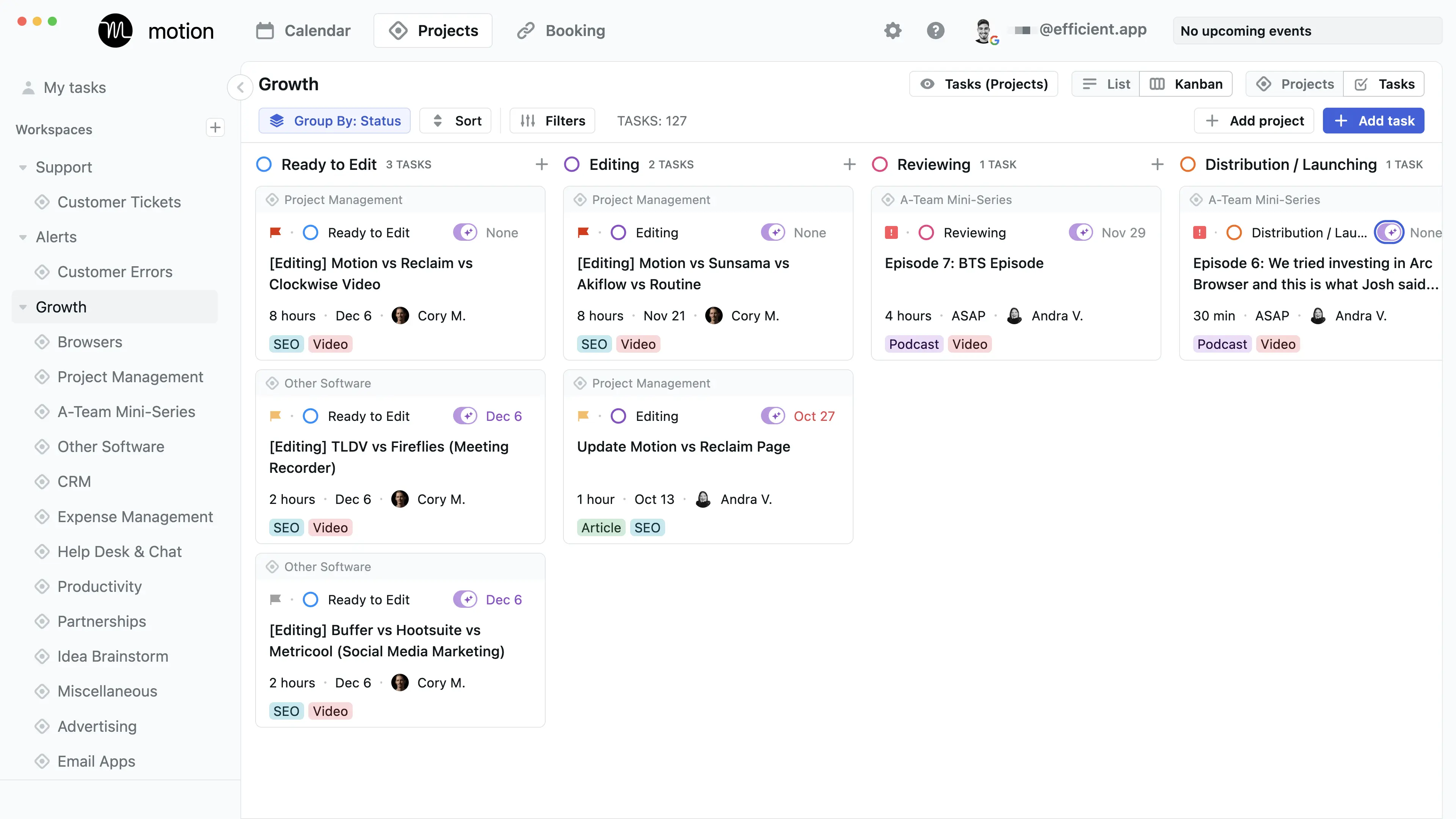
Comparison SummaryMotion is a full blown task and project management software that has calendar at the core. It uses AI to auto-schedule tasks on your calendar. TickTick is a barebones todo list app that is better used for personal and more basic tasks. Their calendar integration is also incredibly inconsistent and lacking.
 MotionBest
Best AI to-do app for organizing tasks and time
Best AI to-do app for organizing tasks and time TickTickRecommended
For barebones task management
For barebones task management
Comparison Video
Comparison VideoBest To-Do List Apps
Best To-Do List Apps 11:51
11:51Best To-Do List Apps
Best To-Do List AppsEditor's Verdict
Editor's VerdictIf you want a tool that actually manages your time for you and keeps you ahead of your deadlines, Motion is in a different league. It doesn't just track your tasks, it actively schedules them onto your calendar, automatically shuffles things when your plans change, and warns you if you're about to miss a deadline. You get instant updates and the whole point is to stop wasting time fiddling with your task list.
TickTick is just a basic to-do list. It's fine if you just want to jot down a few personal tasks and don't care about anything beyond that, but you're on your own when it comes to actually managing your schedule or reacting to shifting priorities. Even the calendar sync is slow, so you won't see real-time changes.
For anyone who needs actual help with task management and wants to work smarter, Motion does the work for you. Pick TickTick only if you want something super simple and don't mind doing all the planning and rescheduling yourself.
Screenshots
Screenshots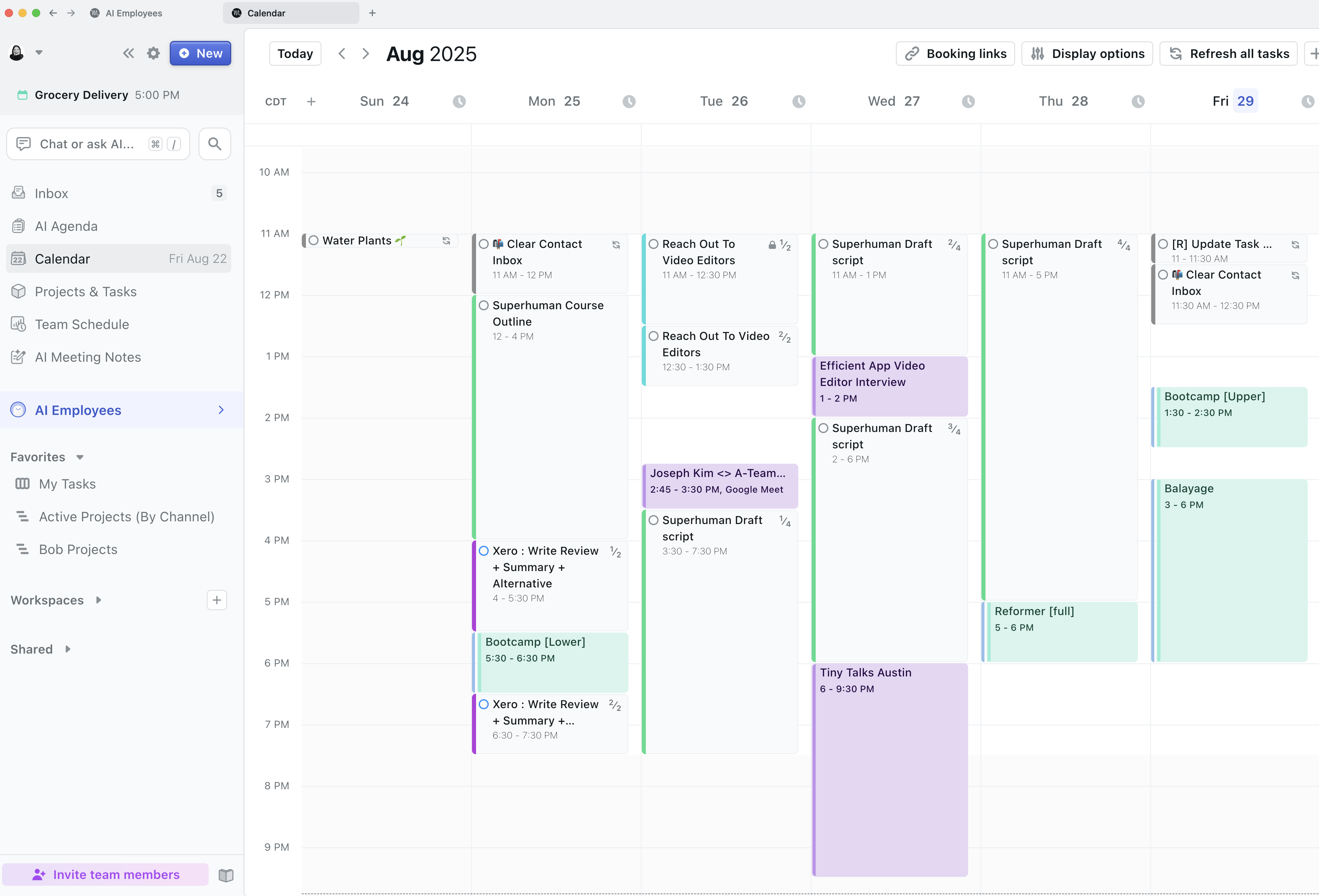
Motion