
Summary
Summary TodoistBest
Best simple to-do app
Best simple to-do app MotionBest
Best AI to-do app for organizing tasks and time
Best AI to-do app for organizing tasks and time SunsamaRecommended
Best for time blocking tasks on your calendar
Best for time blocking tasks on your calendar SuperlistRecommended
Best design-focused task app
Best design-focused task app Morgen CalendarRecommended
Calendar with basic task management
Calendar with basic task management AkiflowRecommended
Best for task consolidation from third party apps
Best for task consolidation from third party apps LinearRecommended
Best for engineering teams
Best for engineering teams
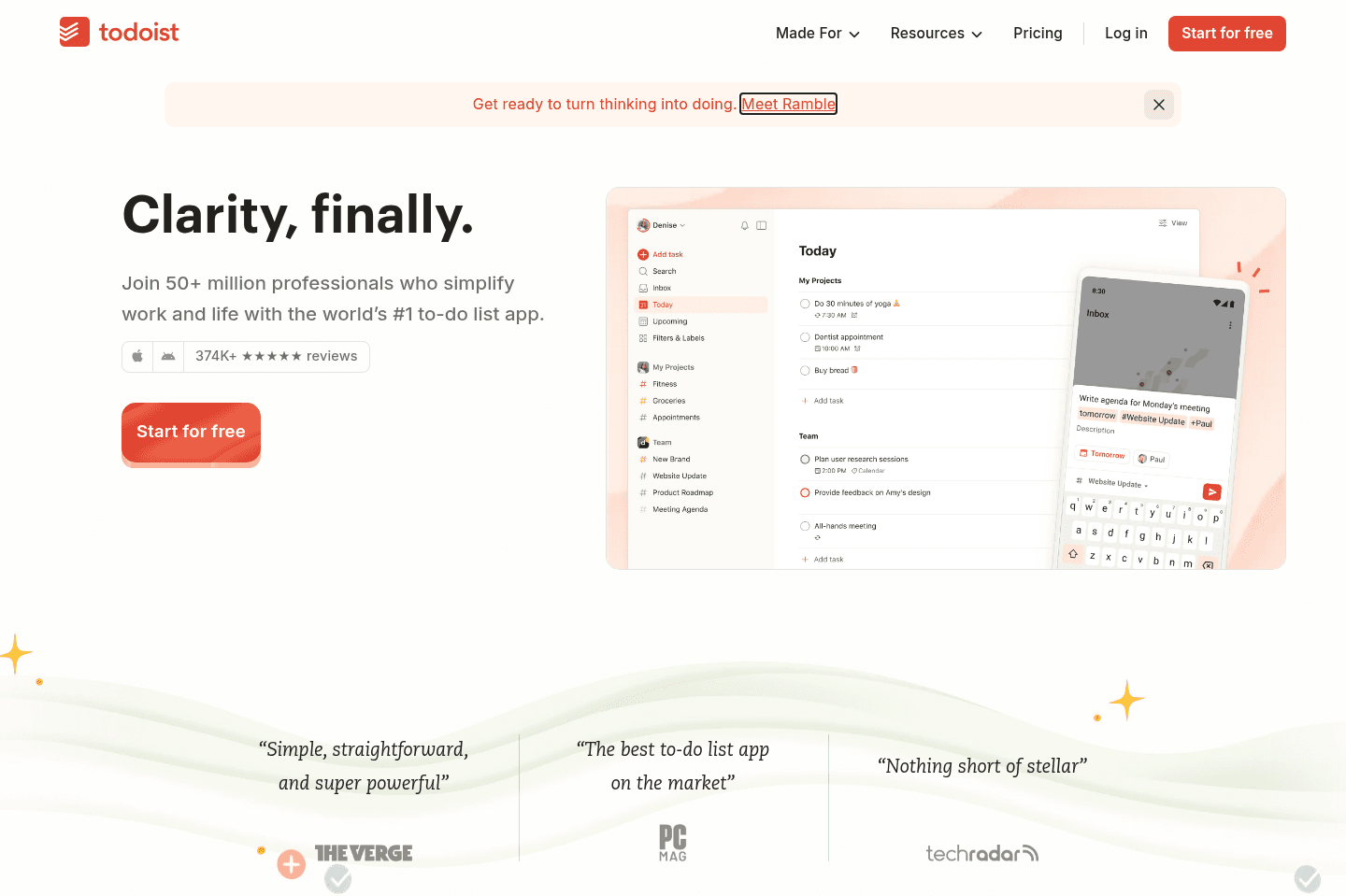
Todoist
TodoistBest alternative for structured personal task lists.
Todoist is a great alternative for those who want a straightforward way to organize personal tasks with a bit more structure than pen and paper or basic notes apps. If you like quickly adding tasks, setting priorities, and viewing them in lists or kanban boards, Todoist keeps things simple and easy to manage. The natural language input makes adding tasks fast, and the app is easy to pick up even if you're new to digital task managers.
If you're looking to manage bigger projects, coordinate with a team, or need advanced scheduling and time blocking, Todoist may feel too basic. Most advanced features like calendar view and reminders require the paid tier, and team collaboration tools are limited.
Motion
MotionBest alternative for calendar-driven AI project management.
Motion is a great alternative for those who want their project management tool to take the hassle out of scheduling and prioritization. If you're tired of constantly updating deadlines or figuring out what to focus on next, Motion stands out by automatically organizing your team's tasks directly onto your calendar, adjusting as meetings and priorities shift. It's actually one of the first AI tools our team adopted.
This approach is especially useful for small to mid-sized teams, busy professionals, or freelancers who want to spend more time working and less time managing their workflow. Motion also brings meeting notes, documentation, and workload tracking into one place, making it easier to keep everything connected without jumping between tools.
If you prefer to control every detail of your schedule yourself or need advanced reporting and dashboards, Motion may not be the best fit. It's also not designed for large enterprise environments.
Sunsama
SunsamaBest alternative for mindful daily planning.
Sunsama is a great alternative for those who want a digital planner that encourages intentional, hands-on scheduling each day. If you prefer to manually plan your tasks, reflect on your workload, and value a calming, minimal interface, Sunsama fits well, especially if you're coming from a pen-and-paper habit and want a similar, focused experience online.
It's especially useful if you already use project management tools to track bigger projects and just need something dedicated to structuring your daily work. The app prompts you each morning to decide what you want to accomplish, lets you drag tasks onto your calendar for time blocking, and includes a daily shutdown routine to help you review your progress.
Sunsama is not the right pick if you need automatic scheduling, want to manage projects with a team, or prefer to plan far in advance. You'll need to be consistent with manual planning, as the app won't automate your day or handle larger project management needs.
Superlist
SuperlistBest alternative for personal and shared task lists.
Superlist is a great alternative for those who want to manage personal to-dos and notes in one place, especially if you often share tasks with a partner or a small group. If you've been juggling separate tools for notes and personal tasks, Superlist brings everything together with a design that makes organizing and collaborating feel much smoother.
It stands out when you want to assign tasks, add due dates, and keep shared lists for things like apartment hunting, finances, or household projects. The experience is especially strong for couples or individuals who value a thoughtful interface and want to keep work and personal lists clearly separated.
If you need a full-featured project management system for larger teams or expect deep daily planning and calendar tools, Superlist won't cover those needs. It's best for personal use or very small-scale collaboration.
Morgen Calendar
Morgen CalendarBest alternative for simple daily planning.
Morgen Calendar is a great alternative for those who want an attractive, easy-to-use calendar that also lets you add a few basic tasks to your day. If your workflow is mostly personal or you just want to try daily planning without committing to a more complex system, Morgen makes it easy to get started. The interface is polished, the desktop app is intuitive, and you can quickly drag simple tasks onto your calendar.
If you're looking for a daily planner to handle a high volume of tasks or complex projects, Morgen's manual approach and limited features will likely feel too basic. Power users and teams needing more robust automation, integrations, or advanced scheduling will probably outgrow it fast.
Akiflow
AkiflowBest alternative for task consolidation from multiple apps.
Akiflow is a great alternative for those who rely on several different tools for work, like Slack, Trello, Notion, and Google Calendar, and need a single place to gather all their tasks. If your main headache is chasing to-dos across scattered apps, Akiflow pulls everything into one central inbox so you don't lose track. The workflow suits people who like managing their day with time blocking and want to plan or snooze tasks quickly, especially if you value using keyboard shortcuts and want to work from your desktop.
If you're comfortable spending 10-20 minutes a day organizing and manually scheduling your tasks, Akiflow fits right in. Power users who enjoy hands-on daily planning and don't mind some extra setup will get the most value.
If you tend to add every little item or don't keep up with regular triage, the inbox can get overwhelming fast. Akiflow won't automate your planning, so it works best if you prefer manual control and are selective about what you add.
Linear
LinearBest alternative for engineering-led project tracking.
Linear is a great alternative for those who need to manage projects centered around engineering and product workflows. If your team is mostly engineers, product managers, or designers, Linear makes it easy to tie together bugs, feature requests, and sprints with minimal setup. Teams often find onboarding quick, with most engineers able to use it right away without extra training, and integrations with tools like Slack and CLI access help keep everything in sync.
If your organization is mainly product-focused, you might be able to use Linear as your primary project manager. Adoption tends to be strongest among technical teams, who often express real satisfaction with the tool.
Linear is not built for marketing, sales, or broader company-wide project management. If you need a tool that works for every department, you'll likely need to pair it with something else.

Routine
RoutineBest free daily planner alternative.
Routine is an alternative for those who want a free, simple, visually appealing way to build daily habits, plan routines, and manage personal tasks. If you're looking for a daily planner that helps you time block static activities like exercise, meditation, or meal prep, and you don't need to constantly shuffle your schedule, Routine fits well.
You'll appreciate Routine most if you prefer to keep things light and personal rather than manage complex or shifting professional workloads. The interface stands out for its clean, minimal design, making it pleasant to use for tracking habits and planning your day.
Routine isn't suited for professional use or team collaboration. If you rely on advanced integrations, need to coordinate many moving parts, or want your schedule to adapt automatically as priorities change, this app will feel limited.

Trello
TrelloBest alternative for simple board-based tracking.
Trello is an alternative for those who want a straightforward kanban board to manage personal tasks or small projects, especially if you value a familiar interface that hasn't changed much over the years. If your workflow relies on the Atlassian suite, like Jira, Confluence, or Bitbucket, Trello's native integrations can make it a practical choice for keeping everything connected.
If you need advanced project management features or a tool that keeps pace with modern design and innovation, Trello will likely feel dated and limited. It's best suited for basic use cases or teams already committed to the Atlassian ecosystem.

Reclaim AI
Reclaim AIBest alternative for defending focus time.
Reclaim AI is an alternative for those who work in larger teams, constantly face packed calendars, and need help protecting time for habits and focused work. If your days are eaten up by internal meetings and you find yourself missing lunch or unable to carve out time for deep work, Reclaim can automatically block off these windows based on your rules, keeping your calendar from getting overrun.
The tool is most helpful if you already use Google Calendar and have a separate system for managing tasks or projects, since Reclaim is designed to work alongside, not replace, those tools. It shines when you want to automate scheduling of habits, focus blocks, and internal meetings, making sure your priorities actually get space on your calendar.
If you need robust task management, external meeting scheduling, or want a full daily planner, Reclaim will feel limited. Its task features are basic, and meeting scheduling is best suited for internal use only.

Notion
NotionBest alternative for flexible team wikis.
Notion is an alternative for those who want a highly customizable workspace to build out a company knowledge base or internal wiki. If you prefer having control over the structure and enjoy setting up your own systems for documentation, Notion gives you the flexibility to tailor everything from note linking to database layouts.
Notion works if you want a blank canvas to organize information your own way. If you value flexibility over ready-made tools, Notion can be a good fit for you.
If you're looking for something with built-in guidance (recommended for businesses) or want to avoid the time investment of building from scratch, skip Notion.
Video
VideoBest To-Do List Apps
Best To-Do List Apps 11:51
11:51Best To-Do List Apps
Best To-Do List Apps