Comparison Summary
Comparison SummarySpark gives you a faster and more organized email experience than Tatem, which is barely maintained and might stop working anytime.
Only use Tatem if you have a specific reason, but skip it for Spark, which is free and actually gets updates.
 Spark
SparkBest free email client
Best free email client Tatem
TatemLimited online presence, current development status is unclear
Limited online presence, current development status is unclear
At a Glance
At a GlanceRecommended Alternatives
Recommended Alternatives Superhuman MailBest
Best email client for professionals and teams
Best email client for professionals and teams
Editor's Verdict
Editor's VerdictPurposeful Design
Purposeful DesignTatem keeps distractions to a minimum with a stripped down interface, fast loading, and no clutter from extra widgets or panels. You can batch similar emails using inbox splits, which helps you stay focused and avoid getting overwhelmed. Actions like archiving or snoozing are quick, and keyboard shortcuts work well enough to keep you moving, even if they're not fancy.
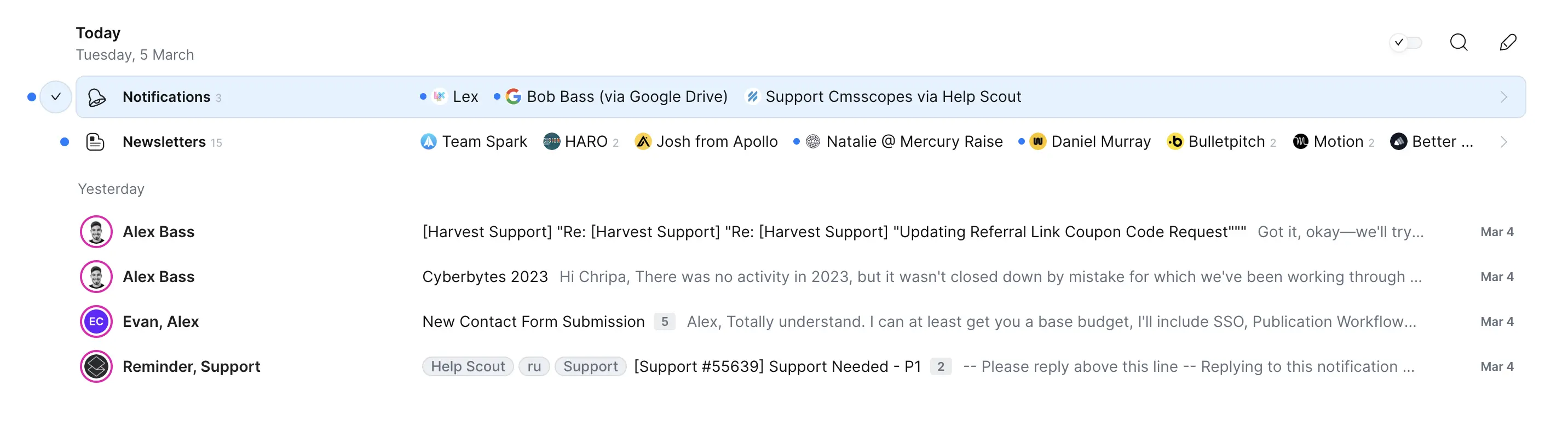
Spark tries to help you focus by auto-sorting emails into categories, but it falls short because you can't customize those categories and most emails end up in one big pile anyway. The interface still has clutter, especially in the compose screen, and the wide email formatting makes reading a chore.
If you want to triage emails quickly and avoid getting sidetracked, Tatem is the better pick. It's just a cleaner, more purposeful setup for staying on task, as long as you don't need advanced features. Spark's extra buttons and messy inbox make it harder to stay in the zone.
Speed & Productivity
Speed & ProductivitySpark pulls ahead on speed and productivity because its keyboard navigation is far more developed. You can get around almost everything without touching your mouse, from snoozing to sending later, and it even includes templates with keyboard shortcuts and placeholders for a bit of workflow automation. That's a real boost if you like to fly through your inbox.
Tatem is no slouch on load times and keeps things distraction-free, but its keyboard shortcuts are basic and there's nothing beyond the core email actions. If you just want something minimal and fast, Tatem will keep you moving, but it doesn't match Spark's depth for people who want to do more without reaching for the mouse.
If your top priority is pure speed and productivity with keyboard-driven control, Spark is the stronger pick. Tatem is fine for simple, fast email, but Spark gives you more power and keeps you in the flow.
AI Assistance
AI AssistanceSpark does more with AI than Tatem, hands down. Tatem doesn't offer any AI help for writing or organizing emails, so you're stuck doing everything by hand.
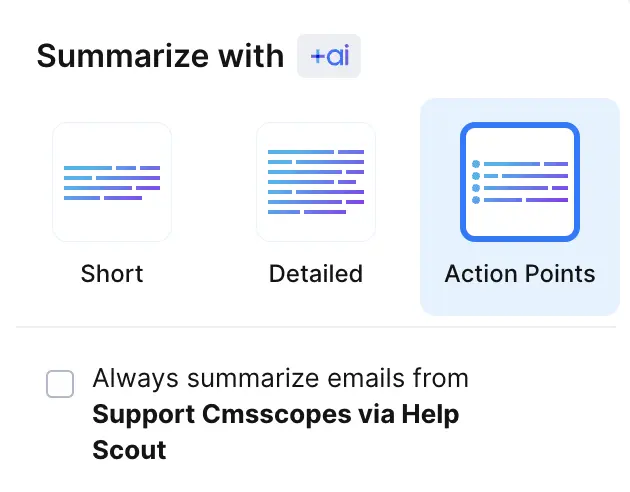
Spark at least tries to help. It auto-categorizes basic stuff like notifications and newsletters, can summarize or translate emails, and even tweaks draft tone by learning from a few of your messages. It's not super advanced and you can't set up custom labels or ask follow-up questions, but it does save a bit of time compared to nothing.
If you want any AI at all to speed things up, Spark is the only real option here. Tatem just leaves you on your own.
Follow-Up
Follow-UpNeither Tatem nor Spark actually help with follow-ups, so you're stuck tracking replies yourself with both.
Spark does offer read receipts if you pay for them, which gives you a tiny bit more info about whether someone opened your email, but it still doesn't do any of the follow-up for you.
If you need help remembering to follow up or want any automation here, neither app delivers. If you have to pick, Spark is slightly less barebones because of the read receipts, but honestly, don't expect either one to save you from missed opportunities.
Team Collaboration
Team CollaborationSpark is built for team collaboration, letting you comment on emails, assign tasks, and work together on drafts in real time. You can even share emails and comments with people outside your team, though they can't join the conversation directly.
Tatem doesn't support any of this. You can't comment, assign, or share emails with your team inside the app, so you're stuck coordinating everything elsewhere.
If you care about working together in your inbox, Spark is the only real option here. Tatem just isn't usable for team workflows.
Screenshots
Screenshots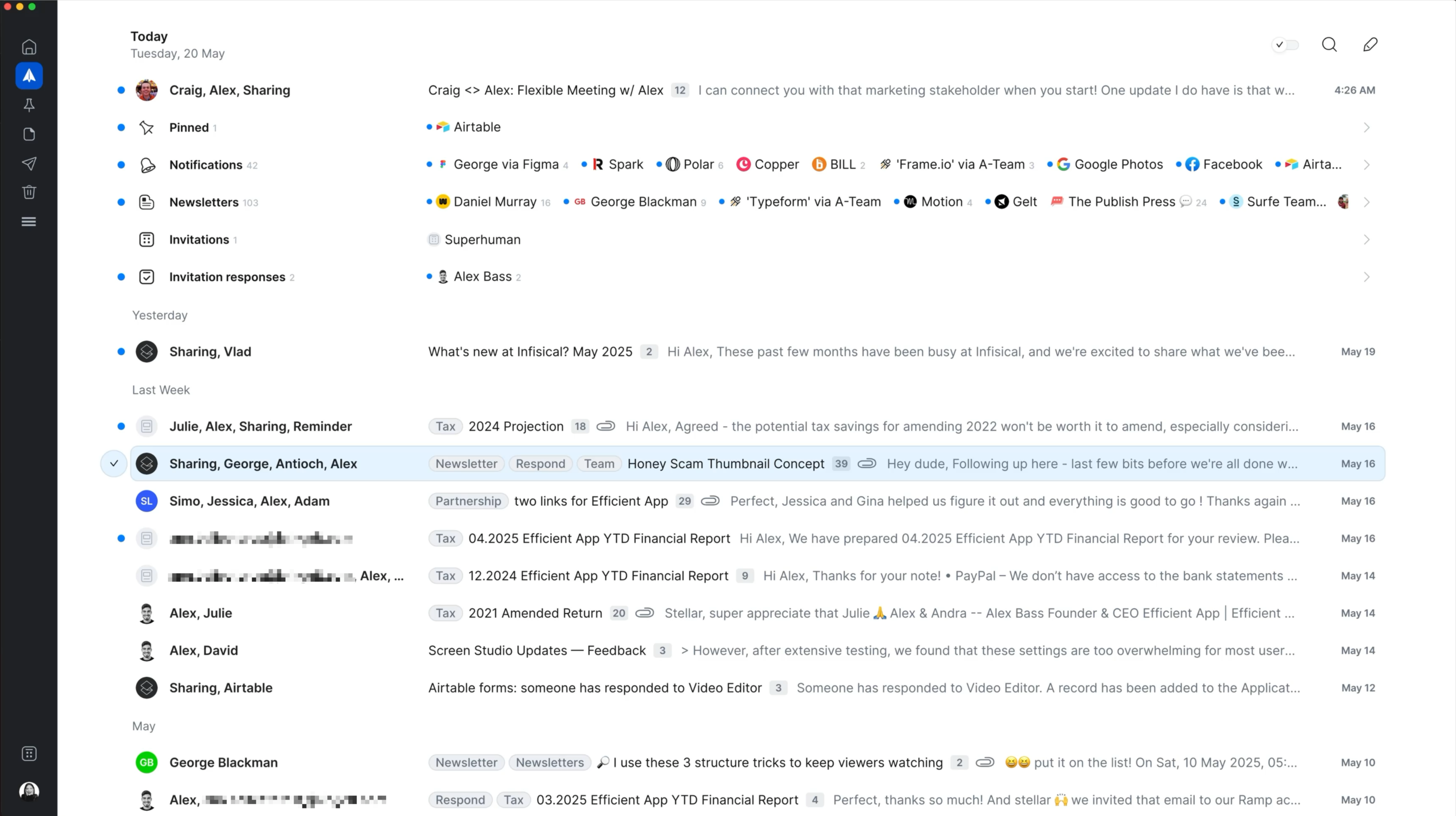
Spark
Spark Mail Interface




