
Review Summary
Review SummaryOutlook is the standard email client inside Microsoft 365, but fast-moving teams are better off choosing Google Workspace instead.
Is Superhuman Worth It? 5 Signs You Should Leave Gmail/Outlook 👋
Is Superhuman Worth It? 5 Signs You Should Leave Gmail/Outlook 👋Outlook Alternatives
Outlook AlternativesNot sure if Outlook is the right fit for you? Check out these alternatives:
 Superhuman MailBest
Best overall email client
Best overall email client
What is Outlook?
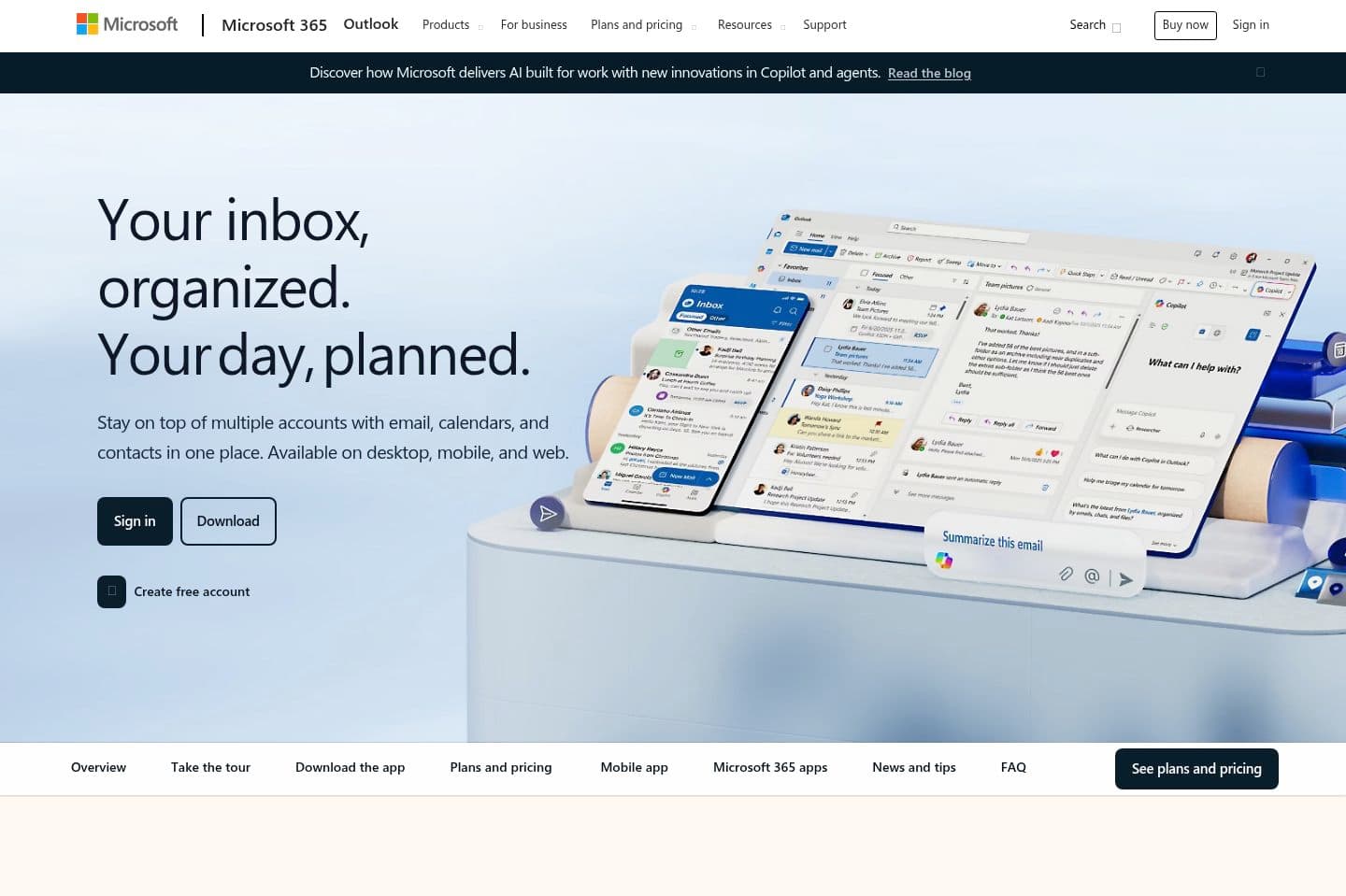
What is Outlook?Outlook is Microsoft’s email and calendar platform, included with Microsoft 365. I used it at my first job, and luckily not much since.
I've noticed that when people leave corporate and start their own business, they default to setting up Microsoft 365 because it's what they know. It feels like the professional thing to do, but it's not the right choice for a small business. You're essentially setting up an enterprise solution.
The admin controls and the ecosystem lock-in was built for IT departments managing hundreds to thousands of employees, not a small team or startup.
Who is Outlook For?
Who is Outlook For?It is primarily used by enterprises and companies that are committed to the Microsoft ecosystem. Outlook combines email, calendar, contacts, and task management into one app, and integrates tightly with tools like Word, Excel, Teams, SharePoint, and OneDrive.
For many large organizations, Outlook is the default choice because of its enterprise security, admin controls, and long-standing presence in corporate environments.
But most people are not using Outlook because they chose it, but because Microsoft 365 is what they've been given as a result at work. So as a heads up, some of the best email clients layer on top of Microsoft accounts and significantly improve speed, shortcuts, and usability.
So, just because your team is locked into Microsoft for business reasons, you can still have a better day-to-day inbox experience, simply by layering a premium client on top.
Key Features
Key FeaturesDesktop + Web + Mobile Access
Desktop + Web + Mobile AccessOutlook is available everywhere, plain and simple. No one is questioning the consistency of the user experience, but what we are saying is that it does lean towards "traditional" vs "modern".
We all know Outlook to be stable and reliable, but it could be more streamlined or speed-focused compared to modern email clients designed around keyboard navigation and rapid triage.
Microsoft Copilot
Microsoft CopilotMicrosoft has been pushing Copilot hard lately, and if you've watched any big creators on YouTube recently you've probably seen it sponsored all over your feed. When a product is paying to be everywhere, it usually means they're trying to establish relevance rather than letting the product do the talking.
Copilot is an AI email assistant that adds AI drafting, thread summarization, and meeting scheduling inside Outlook, and it works well enough for basic tasks.
If you're running a large enterprise with an IT department and compliance requirements, Copilot makes sense. If you're a founder or small team, you're paying a premium for AI features bolted onto an interface that was already showing its age.
Pricing
PricingOutlook itself is included with Microsoft 365, and pricing varies depending on features and region. Most Microsoft 365 plans start around:
- Business Basic: ~$6/user/month
- Business Standard: ~$12.50/user/month
- Business Premium: ~$22/user/month
Copilot costs an extra $30 per user per month on top of your existing Microsoft 365 subscription. That's overpriced when dedicated tools like Superhuman Mail gives you a significantly better experience for the same price, and works as a layer directly on top of your Outlook account. If you're on Outlook and want actual AI assistance, use Superhuman Mail instead.
Final Verdict
Final VerdictIs Outlook worth it? If you have the option to use Google Workspace instead, we recommend going that route.
Most startups and fast-growing companies choose Google Workspace, and if you’re comparing Gmail vs Outlook, we think Gmail is the clear winner. It offers a more user-friendly experience overall and significantly more integrations, since most modern tools prioritize Gmail over Outlook.
Categories
CategoriesOutlook fits into multiple categories based on what it actually helps you do. Each category highlights a different strength and the efficiency points it earned, helping you compare tools not just by features, but by how well they actually perform.
Keep exploring the best software across categories, or explore Outlook alternatives

