Comparison Summary
Comparison SummaryFirefox prioritizes privacy but has fewer extension options and more website quirks than Sidekick due to its small market share.
Only use Sidekick if you have a specific need for it, since its productivity features are outdated and its design lags behind competitors like Firefox.
 Firefox
Best non-Chromium privacy-based browser
Best non-Chromium privacy-based browser Sidekick Browser
Acquired and shut down by Perplexity
Acquired and shut down by Perplexity
Comparison Video
Comparison VideoBest Web Browser? Arc vs Chrome vs Safari vs Brave
Best Web Browser? Arc vs Chrome vs Safari vs Brave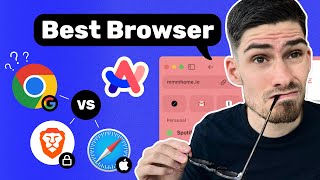 13:23
13:23Best Web Browser? Arc vs Chrome vs Safari vs Brave
Best Web Browser? Arc vs Chrome vs Safari vs BraveTrending Right Now
Trending Right NowEditor's Verdict
Editor's VerdictSidekick isn't even in the running anymore since it was acquired and shut down, so you're left with Firefox by default if you have to pick between the two.
Firefox has its downsides, like fewer extensions and some website compatibility issues due to its low market share and non-Chromium engine, but at least it's still available and maintained. Sidekick's productivity features are outdated and, more importantly, the browser itself is no longer supported.
If you need a browser from these two, Firefox is the only real choice.