Comparison Summary
Comparison SummaryComet Browser gives you a free agent mode that can handle tasks like navigating the web or managing your tabs and calendar, while Shift just feels like a Chrome add-on for switching accounts.
Only use Shift if you only care about basic account switching, otherwise pick Comet Browser for real assistant features.
 Comet BrowserRecommended
Best for free agentic mode
Best for free agentic mode Shift Browser
For pinning apps in a browser sidebar
For pinning apps in a browser sidebar
At a Glance
At a Glance- Embedded AIBest
- User ExperienceDraw
- Tab ManagementDraw
- Performance EfficiencyDraw
- Data ProtectionDraw
Trending Right Now
Trending Right NowEditor's Verdict
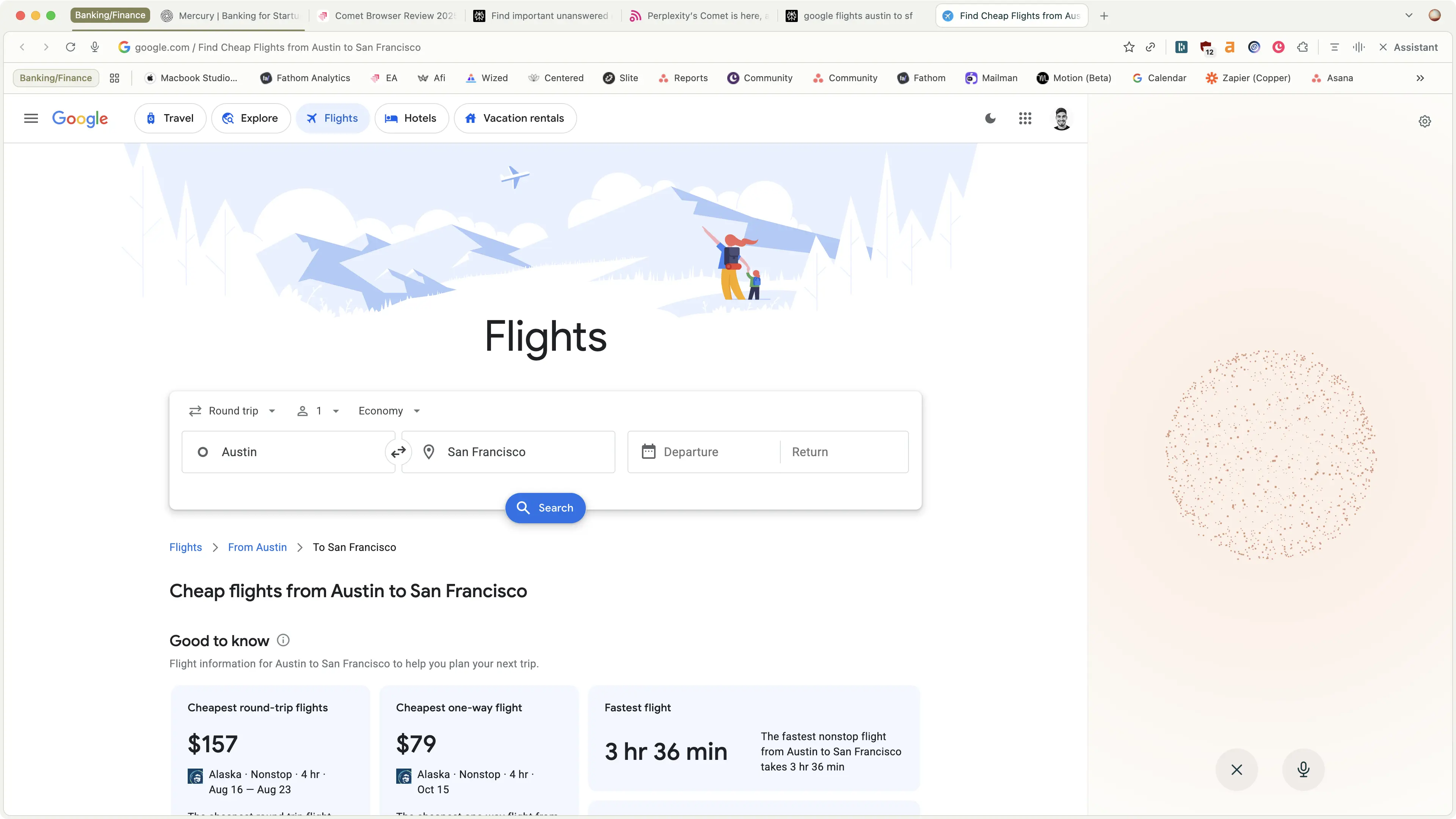
Editor's VerdictComet Browser actually brings something new to the table with its built-in assistant that can interact with your tabs, calendar, emails, and even navigate the web for you like a real assistant. This agentic browsing isn't just a gimmick, it's genuinely useful for deep research and shopping, especially since it gives clear citations and is totally free to use in agent mode.
Shift, on the other hand, mostly just wraps your favorite apps and accounts in a sidebar with some quick switching. It doesn't really evolve much beyond what you could already do with Chrome plus a few extensions, and it's starting to feel outdated compared to newer browsers.
If you care about having an assistant that can actually help you research or take actions online, Comet is the obvious choice. Shift is only worth considering if all you want is an account switcher pinned to a sidebar, but even then, most of what it offers can be replicated in your current browser. For anyone looking for real advances in browsing, Comet is the clear winner here.
Screenshots
Screenshots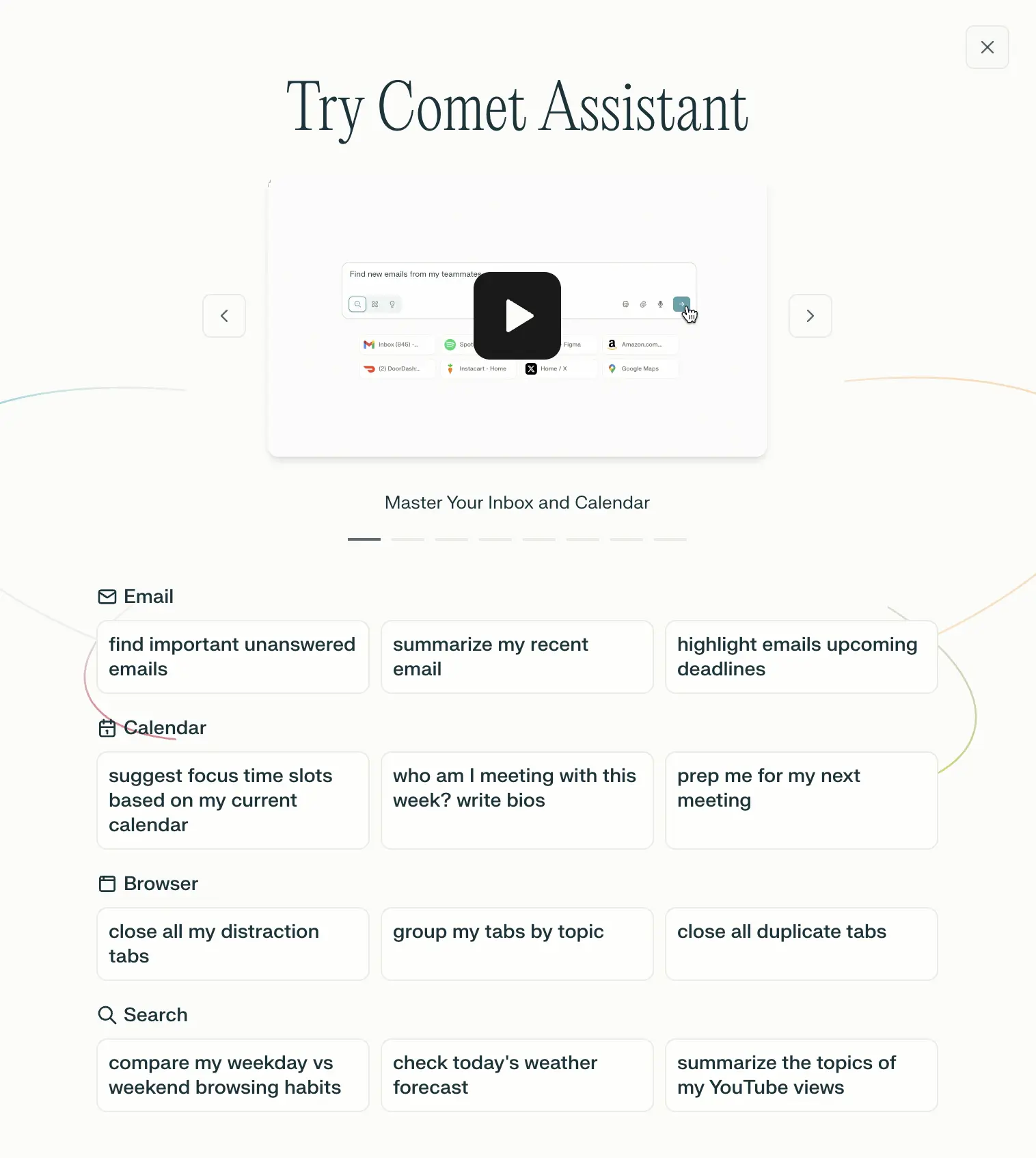
Comet Browser
Examples of what Perplexity Assistant can do