Comparison Summary
Comparison SummaryComet Browser gives you a free agent mode that can talk to its assistant, handle your tabs, emails, calendar, and even browse for you, which Firefox does not do.
Only use Firefox if you really care about privacy and don't mind fewer extensions and some websites not working as intended compared to Comet Browser.
 Comet BrowserRecommended
Best free agentic mode option
Best free agentic mode option Firefox
Best non-Chromium privacy-based browser
Best non-Chromium privacy-based browser
At a Glance
At a Glance- Embedded AIBest
- User ExperienceDraw
- Tab ManagementDraw
- Performance EfficiencyDraw
- Data ProtectionBest
Recommended Alternatives
Recommended Alternatives ChatGPT AtlasBest
Best AI Browser for ChatGPT users
Best AI Browser for ChatGPT users
Editor's Verdict
Editor's VerdictIf you care about having an assistant that can actually interact with your tabs, click around the web for you, and dig up factual information with clear citations, Comet Browser blows Firefox out of the water. Its agentic browsing is not just a buzzword, you can literally tell it what to do and it will take actions for you, even connecting with your email and calendar. That's something Firefox doesn't even attempt.
Firefox's main play is privacy, but you're trading away extension support and site compatibility. A lot of sites just don't work right, and you'll miss out on the huge world of Chrome extensions. Most people who pick Firefox end up needing a second browser anyway to fill those gaps.
If you want an actual next-level assistant baked into your browser for research or shopping, grab Comet. If your top priority is privacy and you're willing to put up with broken sites and fewer extensions, Firefox is fine, but you're not getting anything like Comet's agentic features. For real interactive browsing, Comet is the obvious pick.
Screenshots
Screenshots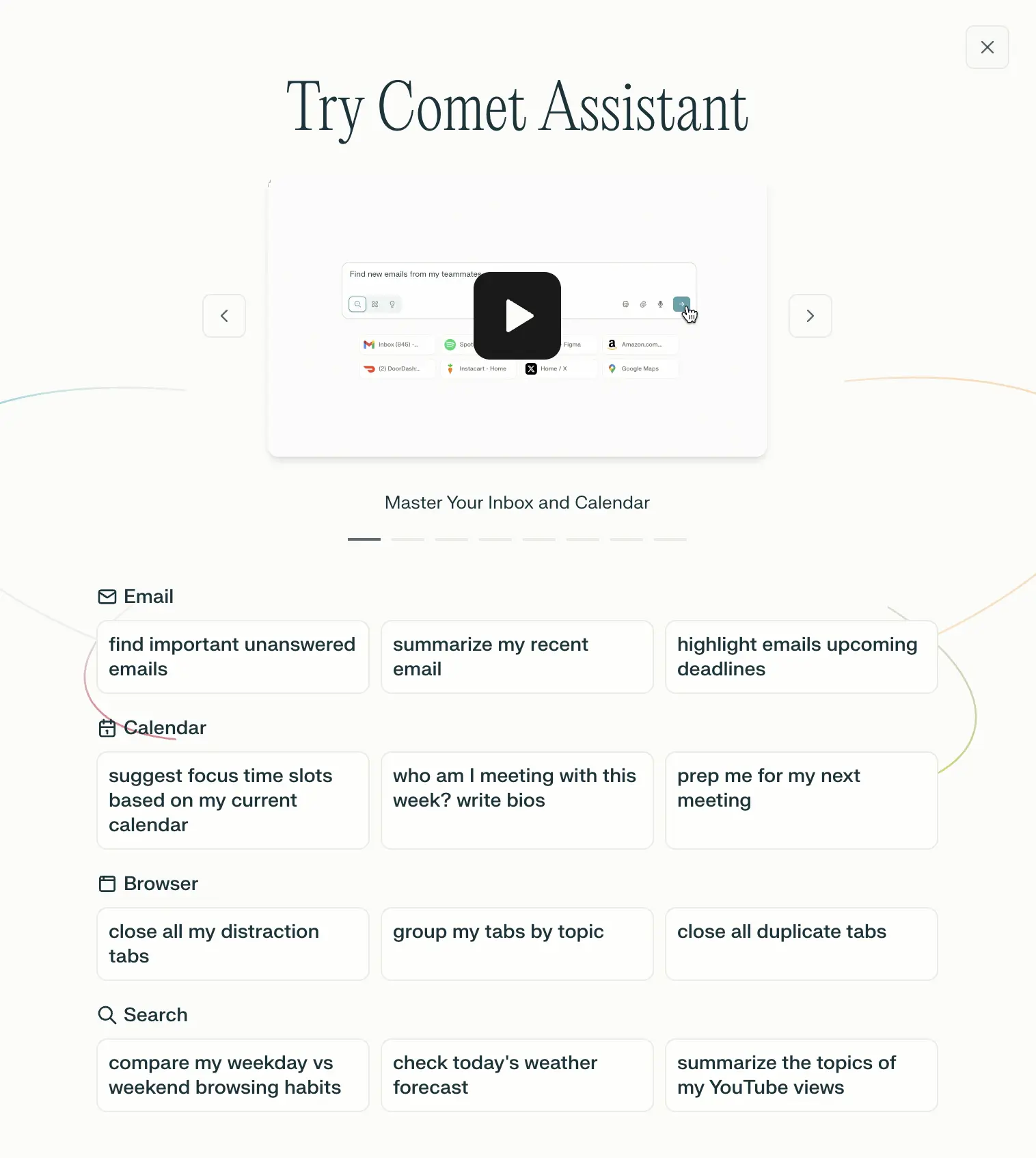
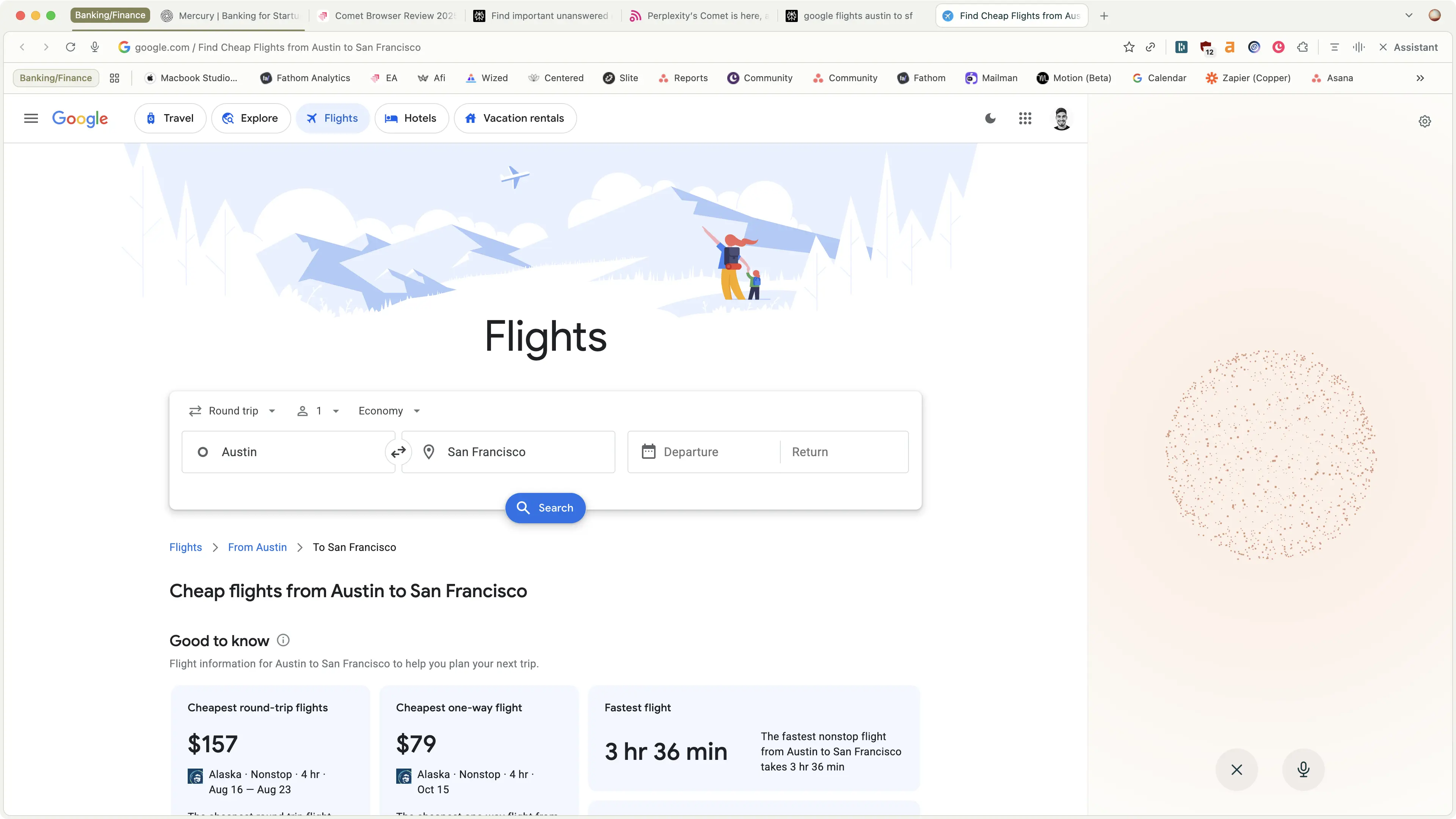
Comet Browser
Examples of what Perplexity Assistant can do