
Comparison Summary
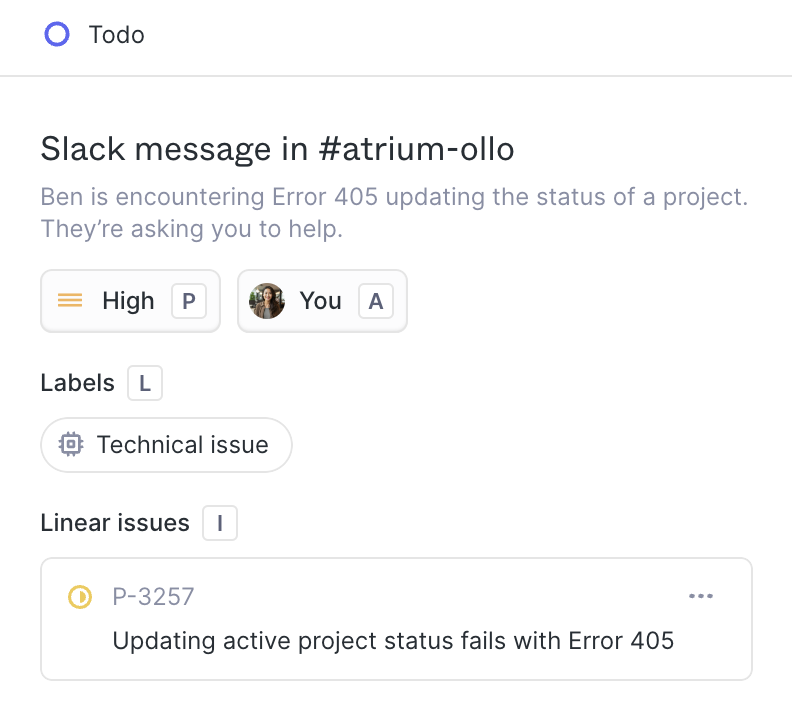
Comparison SummaryPlain gives product and engineering teams a simple, API-first help desk with deep Slack and Linear integrations, while Outlook is just the default email in Microsoft 365 and isn't recommended for fast-moving teams.
Only use Outlook if you're locked into Microsoft 365; otherwise, Plain is the better fit for software-focused teams.
Editor's Verdict
Editor's VerdictIf you care about deep integrations with tools like Slack, Linear, and Stripe, Plain is the clear pick. It's built for product and engineering teams that want support and engineering to stay tightly connected and need to turn Slack messages into tickets or issues without friction. The single inbox is designed for technical teams who already live in these tools, and the API-first approach makes it especially appealing if you want to wire your help desk directly into your product stack.
Outlook, on the other hand, is all about being the standard email and calendar client inside Microsoft 365. Its integrations are strongest within the Microsoft ecosystem (Word, Excel, Teams, SharePoint), not with modern product or support tools. If your workflow is built around Slack, Linear, or Stripe, Outlook just doesn't play in that world. Its integration story is about keeping you in the Microsoft lane, not connecting with the types of tools that fast-moving product teams actually use every day.
So if you're a product-led or engineering-heavy team and want your help desk to work seamlessly with Slack and Linear, go with Plain. Outlook only makes sense if you're already deep in the Microsoft ecosystem and don't need those kinds of integrations. For deep, product-centric integrations, Plain wins hands down.