Comparison Summary
Comparison SummaryIf email delegation or team collaboration is the main reason you're looking for an email client, we'd say Missive might be the best to check out.
The reason? Missive allows you to have a central inbox for any business-related messages (beyond email) — from social media apps, to SMS, to WhatsApp. Missive's collaborative features are also more established than Spark's, so you'll get a more reliable experience.
 MissiveRecommended
Best for smaller teams looking for a shared inbox
Best for smaller teams looking for a shared inbox Spark
SparkCleaner Gmail/Outlook experience with team collaboration features
Cleaner Gmail/Outlook experience with team collaboration features
At a Glance
At a GlanceRecommended Alternatives
Recommended Alternatives Superhuman MailBest
Best overall email client
Best overall email client
Editor's Verdict
Editor's VerdictPurposeful Design
Purposeful DesignMissive keeps things simple and familiar, sticking to a straightforward layout that feels like classic email clients. This makes it easy to jump in and triage messages without getting distracted, and the unified inbox for email, SMS, and WhatsApp means you're not bouncing between apps to stay caught up.
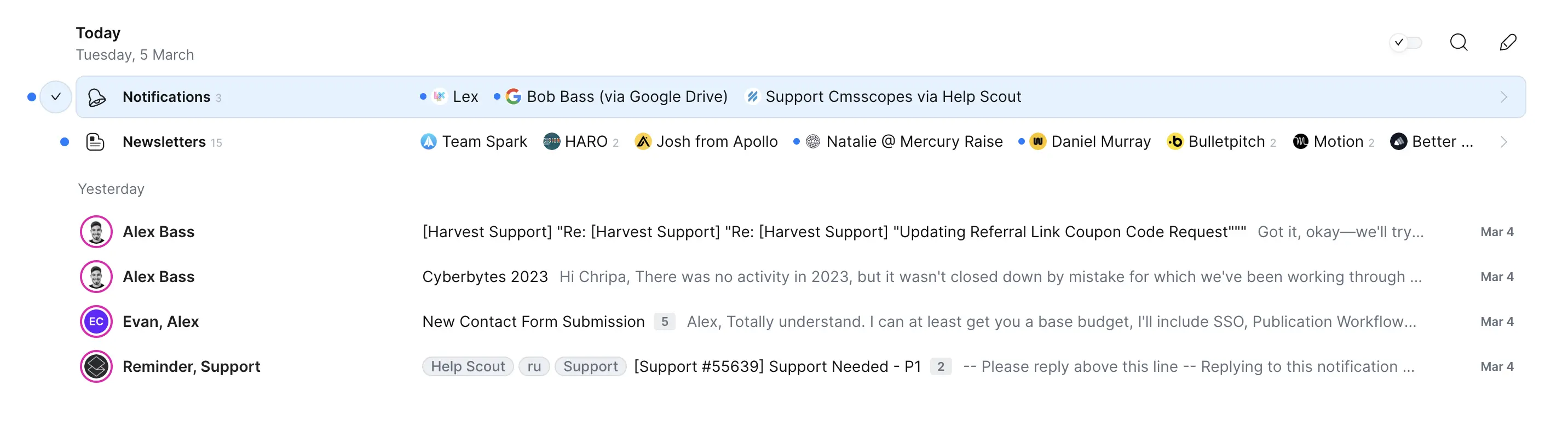
Spark tries to cut down on distractions too, but its cluttered compose screen and emails that stretch wide across the display can slow you down and cause fatigue. The auto-sorting helps a bit, but since you can't customize it and most mail still ends up in one big pile, it doesn't do much to speed up triage.
Both are solid, but if you want to triage quickly and avoid distractions, Missive's familiar, no-nonsense layout and all-in-one workspace give it a slight edge. Spark is capable, but its design quirks can get in the way.
Speed & Productivity
Speed & ProductivitySpark is built around keyboard navigation, so if you want to fly through your inbox with shortcuts, it's the one that keeps you moving fastest. You can handle snooze and send later without touching your mouse, and templates are just a shortcut away. The main speed killer is when you need to reply inline or set a custom snooze date, both get awkward and slow you down.
Missive shines if your productivity depends on managing lots of different message types in one spot or collaborating with a team. Assigning, delegating, and triaging across email, SMS, and social channels is quick, and team chat is right there in your inbox. But the interface gets crowded and can drag, especially if you like things clean and minimal. The AI tools could speed things up, but you have to set them up yourself.
If you're mostly working solo and want pure speed with keyboard-driven workflows, Spark is the better pick. If your productivity comes from handling multi-channel messages and teamwork, Missive is strong, but expect a bit more clutter and friction. For sheer speed and keyboard flow, Spark edges ahead.
AI Assistance
AI AssistanceMissive stands out once you get it set up with your own AI model. It can search old conversations, pull in context from your team's chats and knowledge, and generate replies that actually fit what your team would say. This makes it a real time-saver for client-facing teams or anyone handling a busy, complicated inbox.
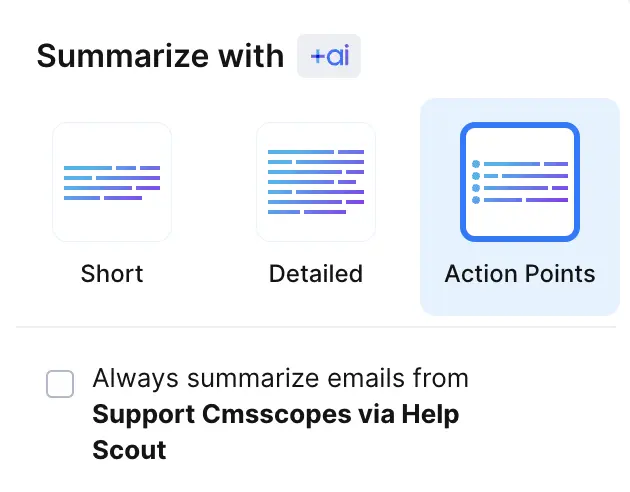
Spark is simpler and more limited. It can summarize emails and tries to match your tone by scanning a few of your past messages, but you can't ask it questions about your inbox or set up your own labeling rules. Its summaries don't really save much time, and you're stuck with its basic automation.
If you want AI that really feels like it's working the way you do and saving you time, Missive is the clear pick, especially for teams willing to handle a little setup. Spark just doesn't deliver the same level of useful, context-aware help.
Follow-Up
Follow-UpBoth Spark and Missive fall short when it comes to follow-up features, but Spark at least offers read receipts if you pay for them. That's the only edge here. Missive gives you nothing to help with follow-ups, no reminders, no prompts, nothing automatic, so you're on your own to remember everything.
If you need even basic support for knowing if your email was seen, Spark is the slightly less bad option. Neither one is good for follow-ups, but Spark gives you a tiny bit more to work with.
Team Collaboration
Team CollaborationMissive is all about team collaboration from the ground up, not just tacked on. You can comment right on email threads, @mention teammates, and keep every discussion in one place, so you never have to leave the inbox or get lost in Slack. Assigning or delegating is effortless, and you can even automate who gets what, so you never have to manually sort things out. If your team is constantly handing off emails or needs to chat as you go, Missive makes it seamless, no more forwarding, no more mess, just one spot for everything.
Spark does a solid job with team comments, sharing drafts, and assigning emails, so you can work together in real-time and keep ownership clear. It even lets you share threads with people outside your team, though they can't comment back. If you mostly need to assign and discuss within a team, Spark is capable, but it doesn't take away all the friction, external folks can't really join the conversation, and the whole setup feels more like a feature than the main event.
If your business lives in shared inboxes and teamwork on messages is your daily headache, Missive is the clear pick. Spark works, but Missive actually removes the hassle and gives you a real collaboration hub for every channel, not just email.
Screenshots
Screenshots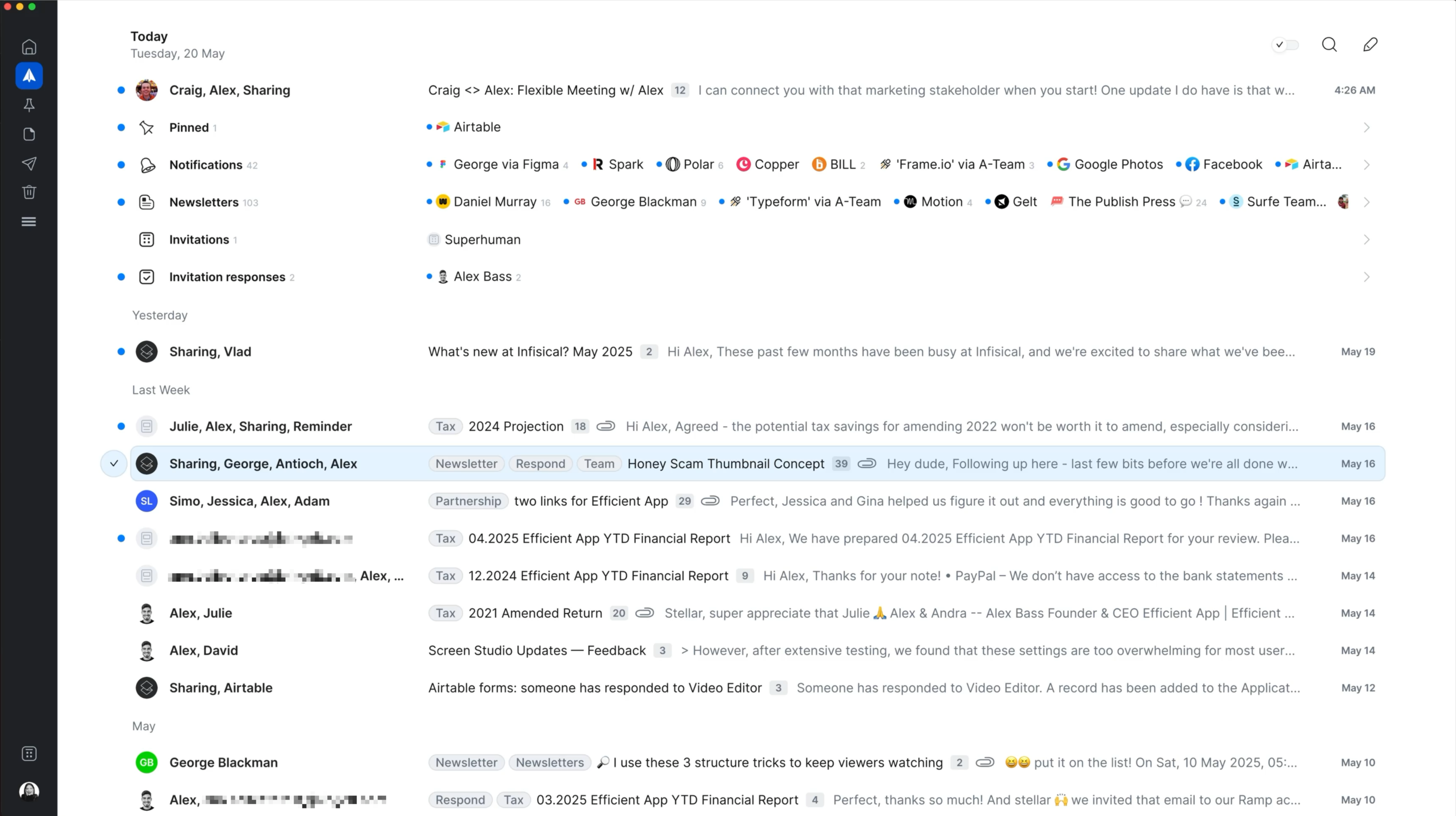
Spark
Spark Mail Interface





