

Comparison Summary
Comparison SummaryMuse is a personal AI assistant that can handle tasks like monitoring shopping deals or purchasing products for you. Claude is better suited for professional work, especially writing, research, and coding. We personally use both because they serve completely different purposes.
Editor's Verdict
Editor's VerdictClaude works through complex professional tasks with you. Muse goes out and completes personal tasks for you, including shopping, forms, recurring admin, and deal monitoring.
Use Claude for writing, research, and coding. It handles long context well, follows detailed briefs, and automatically applies saved skills. It suits professionals, operators, and engineers.
Pick Muse when you want a personal assistant that browses sites and keeps working after you close the app. It is easier to adopt, works through one familiar chat or WhatsApp, and can repeat tasks without an automation setup.
There is no overall winner because they solve different jobs. Claude is the clear choice for professional thinking and creation. Muse is the clear choice for handing off everyday personal tasks, and it is currently free for most everyday use.
Screenshots
Screenshots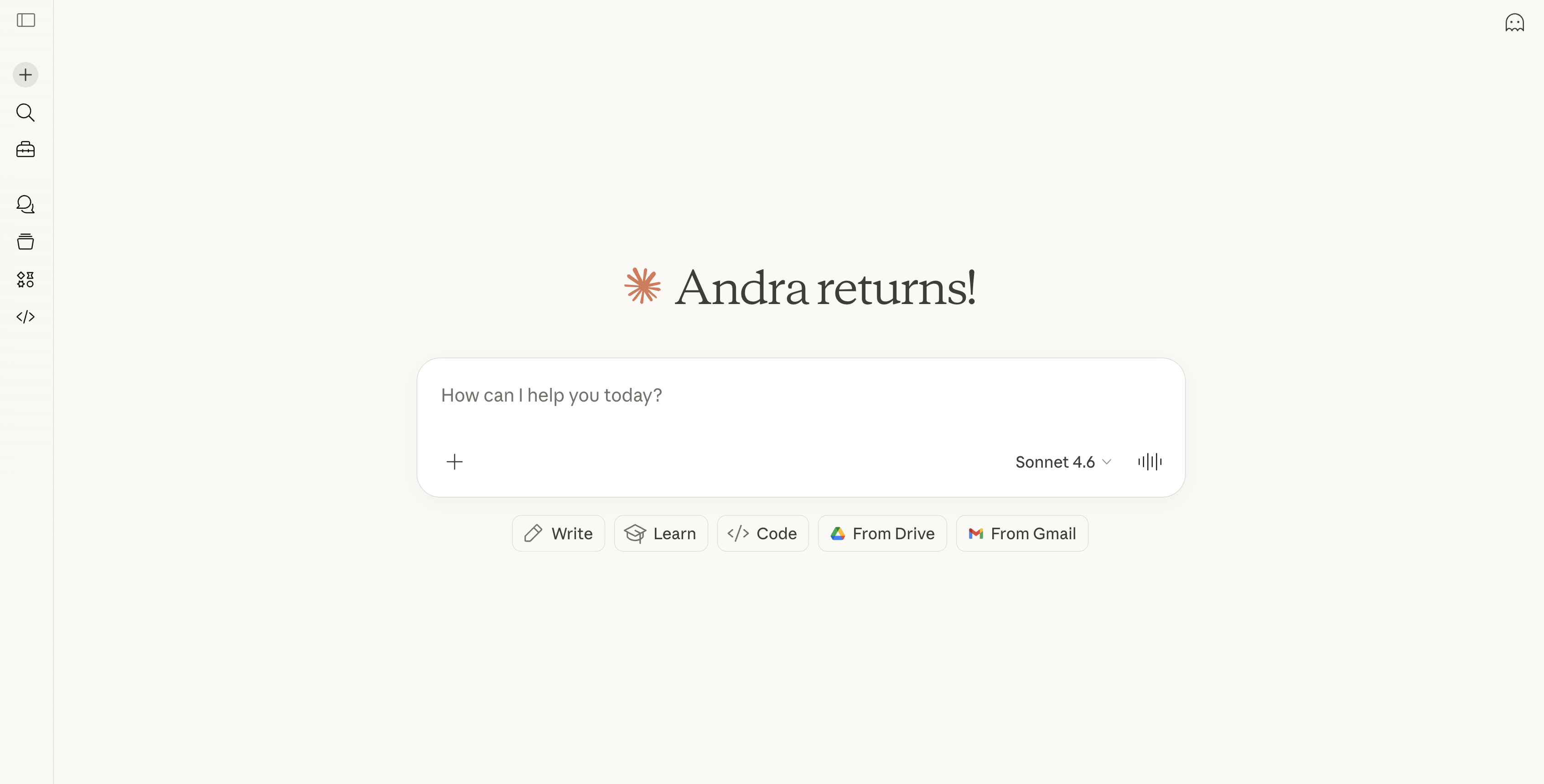
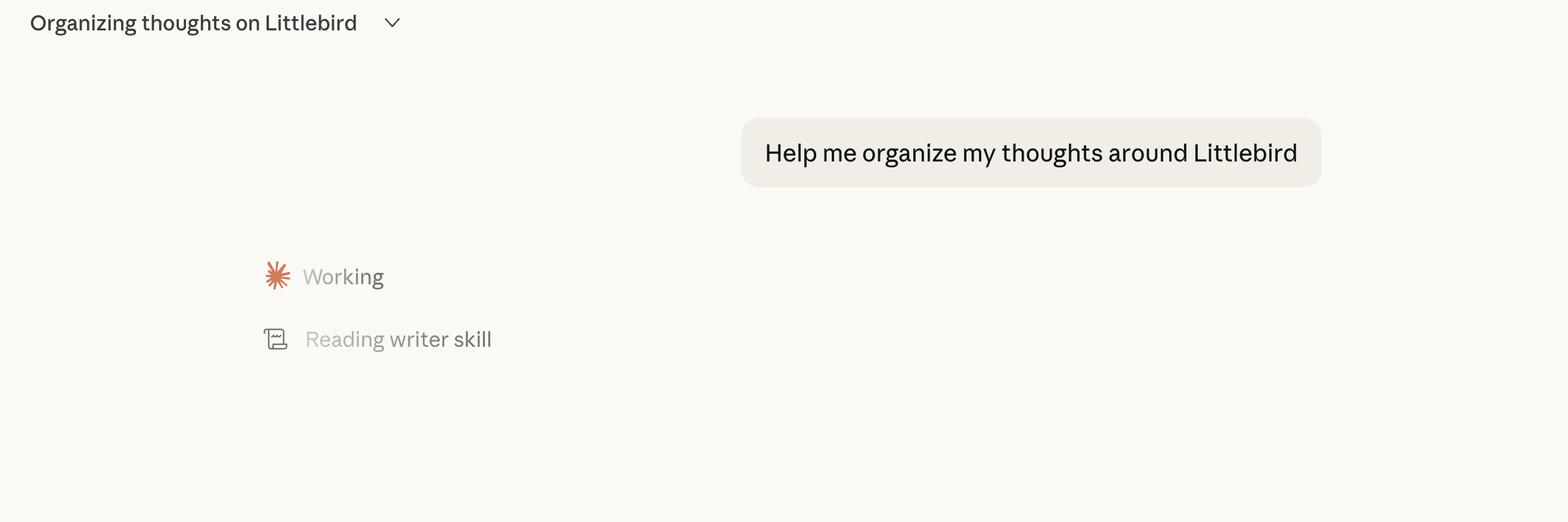
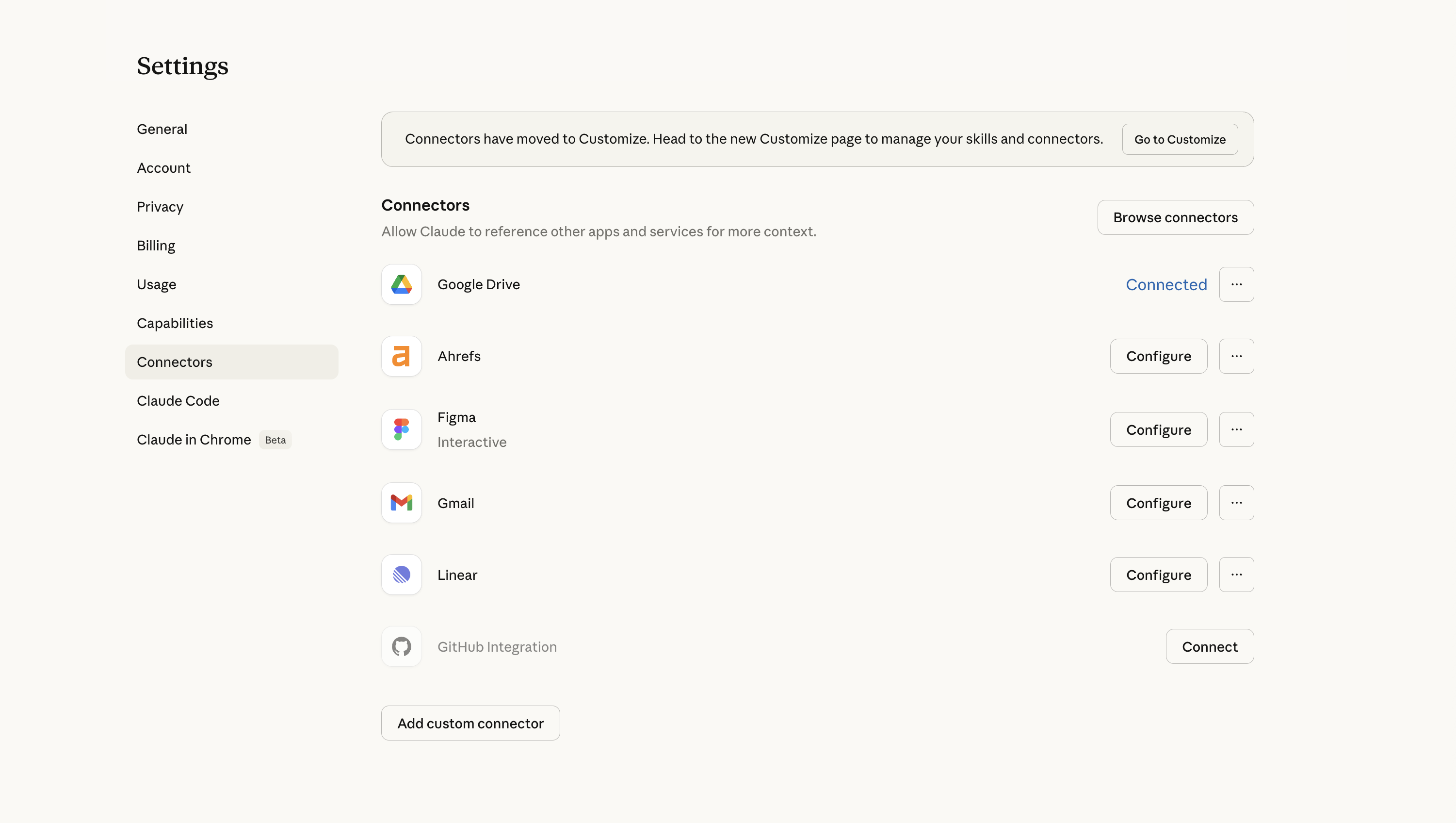
Claude
Claude Editor's Verdict
What is Claude?
Claude is an AI assistant built by Anthropic, designed for professionals and operators who need more than a generic AI response. It tends to follow complex instructions more completely, sounds less generic, and holds onto more context when you give it a lot to work with. There's also Claude Code for developers and Claude Cowork, a desktop agent that works with files on your machine.
I'll be honest, I resisted trying Claude for a while. I'd been using ChatGPT for two years and it knows me and my writing style incredibly well. Every time I tried Claude before really committing to it, I was disappointed because it just lacked that context, and I'd walk away thinking "I don't get what everyone's talking about!" But the hype kept coming from people I respected, so I couldn't shake the feeling that I was missing something.
What changed it for me was exporting all of my writing instructions from ChatGPT and loading them into Claude as a skill. After that, the experience improved dramatically. Claude started asking better questions and the writing output got a lot closer to what I actually wanted. Now I find myself reaching for Claude specifically when I'm doing deeper writing work. It pauses to ask clarifying questions more than ChatGPT does, and it genuinely seems to honor the context I've given it rather than just acknowledging it and moving on.
Is that because Claude is naturally more thoughtful, or because my prompt told it to ask more questions? Honestly, hard to say. Without the skill loaded in, my earlier experience was nowhere near as impressive as the internet made it sound. So if you're going to try Claude and you already have a strong writing brief (or any other brief) somewhere, move it over before you form an opinion.
Where it still falls short is the surrounding product experience, the Chrome extension, the cross-device memory in Cowork. Those feel like areas where ChatGPT has just gone a lot deeper on the day-to-day user experience, and you notice the gap when you hit them. For now I'm keeping both, especially because I use ChatGPT Atlas for browser work.
Pros and Cons
Pros
- Automatically references your skills and writing briefs without being told to
- Longer context window means it holds onto more when you give it a lot of input
- Claude Code is loved by engineers
Cons
- Chrome extension has no memory, close it accidentally and everything is gone
- Cowork context doesn't persist across devices
- Usage limits are annoying, we hit them fast doing deep research on the standard tier
- Cowork is less useful if your whole workflow lives in web apps
Key Features
Reasoning and Writing
Claude gives more complete answers without turning into an endless refinement loop. ChatGPT has a habit of ending every response with "want me to improve this?" and you end up going in circles. Claude just answers, and the conversation tapers naturally unless you push it further.
Skills
Claude automatically references your writing brief or skill in every relevant chat without you asking. With ChatGPT you have to actively add chats to a project to get that same behavior. It's a small thing that ends up mattering a lot when you're opening new chats constantly throughout the day.
Claude Cowork
Cowork is Claude's desktop agent, it can take actions across your computer, work through tasks, and integrate with your tools. If you work heavily out of local folders and project files, you'll probably get a lot out of it. For me, my whole workflow lives in apps like Superhuman Mail, Linear, and Granola, so it hasn't been life-changing.
Claude Tag
Claude Tag is Claude inside Slack. Instead of opening Claude in a separate app, your team can tag @Claude in a Slack thread and ask it to help. It can read the conversation, understand what people are talking about, and jump in with ideas, answers, or next steps. We've covered it in more detail in the full Claude Tag review.
But heads up, right now it's limited to team (5 seat minimum) and enterprise plans.
Pricing
- Free: Limited access, good for testing the product before committing.
- Pro: $20/month. This is the tier most founders and operators will want. Gives you access to the full model and the features that actually matter for daily work.
- Max: $100/month. Higher usage limits and more capacity for longer, more intensive sessions. Worth considering if you're hitting limits regularly.
- Team: $30/month per user (minimum 5 users). Adds collaboration features and admin controls for teams.
- Enterprise: Custom pricing. Expanded security, compliance, and deployment options for larger organizations.
Muse Editor's Verdict
What is Muse?
Muse is Meta's new personal AI assistant and it's currently free 👀 Free AI personal assistant? You don't need to tell me twice!
Unlike a normal AI chatbot, Muse can actually complete tasks for you. It can shop, watch deals for you, fill out returns, forms, and about a zillion other things. It's also incredibly easy to use. If you can use Meta or Instagram, you can use Muse. It's just one long chat, and you can even connect your WhatsApp and chat with it right from there.
My Experience with Muse
While I've used my fair share of AI tools for work, this is the first personal assistant I have. Every time something comes up, I tell Muse.
For example, I asked it to let me know when my favorite band will be in town, and to make my Black Friday wish list and monitor deals. My biggest win so far is around shopping.
I gave it a tight set of criteria to help me find a mineral sunscreen that wouldn't leave a white cast. I asked it to find Reels of real users using it too. And it did!
I'm excited to continue to use it.
Pros and Cons
Pros
- Easiest personal AI agent to use
- Works through a familiar chat
- Can research, browse websites, fill out forms, and complete tasks
- Finds useful Instagram content and Reels during product research
- Keeps working after you close the app
- Can handle recurring tasks and monitoring
- Available through WhatsApp
- Currently free to try
Cons
- Windows users need to use the browser because there isn't a Windows app
- Amazon and other websites may block it
Key Features
Task Execution
Muse gets its own secure virtual computer and browser. This means it can visit websites, fill out forms, use your accounts with permission, etc.
My husband asked it to submit a warranty claim for a broken device, and Muse handled the process for him. It asks for approval before sensitive actions such as sending something or making a purchase, and you can review what it has done.
Recurring Tasks and Monitoring
Muse can repeat tasks or monitor something without waiting for you to ask again.
You could have it watch for an appointment, track the price of an item, look for tickets, monitor a full class for an opening, or complete monthly administrative work.
Our meal-prep chef needed a simple way to send invoices, so she asked Muse to create and send them automatically on the first of each month. She didn't need to learn an invoicing platform or build an automation, she just told Muse what she needed!
Pricing
Muse is currently free for most everyday use, but Meta hasn't published an exact number of free tasks or credits. When you reach the free limit, you can wait for it to refresh or upgrade.
- Free: Best for trying Muse with research, shopping, and basic personal-assistant tasks.
- Power: $20/month. Best for people who use Muse regularly and need more capacity.
- Maximum: $100/month. Best for heavy users running frequent or demanding tasks.