MotionBest5
Best AI project management for small-mid-size teams
Best AI project management for small-mid-size teams LinearBest5
Best for engineering teams
Best for engineering teams AsanaRecommended3
Best for enterprise teams
Best for enterprise teams ClickUp0
The "All-In-One" Tool
The "All-In-One" Tool Monday0
Highly customizable, for complex projects and large teams
Highly customizable, for complex projects and large teams Wrike0
For enterprises who want deep reporting and analytics
For enterprises who want deep reporting and analytics Trello2
Simple kanban task management
Simple kanban task management Jira0
Jira0large enterprise engineering teams running agile or scrum
large enterprise engineering teams running agile or scrum Shortcut0
For teams already locked into Shortcut for other use-cases
For teams already locked into Shortcut for other use-cases
Best Project Management Software at a Glance

Watch the Full Breakdown
Project Management Software Overview
What is the Best Project Management Software?
What is the Best Project Management Software?The best project management software is Motion. We've used it for 5+ years, and switched over to it after using Asana for 7 years.
We liked the fact that projects and tasks could be scheduled right on our calendar, taking into account our team's availability so it gave us a more accurate picture of whether or not our workload and deadlines were realistic. We also liked that there isn't as much customization as Asana or Monday, which meant it was easier to set up.
And we're not alone. We asked 1,630 people shopping for project management software what mattered most to them:
- 80% said a project management tool that they could set up fast and couldn't get wrong
- Just 3% wanted advanced features.
The Problem With Project Management Software
The Problem With Project Management SoftwareMany of the most popular project management tools are designed for large teams and organizations, and they can be overwhelming and complex to set up and use for smaller teams. Here's what to keep in mind:
- Setup is no joke. Prepare to dedicate 50+ hours on doing a proper setup and implementation with your team. Those who succeed with project managers are those who make a core part of their business initiative. Larger teams tend to hire agencies to help with with an implementation (and with that, still the implementation still fails at times).
- Adoption can be poor. Even if you are able to successfully set up a project management tool, there is no guarantee that your team will actually adopt it and use it effectively. In fact, a study by Wrike found that 35% of teams with fewer than 10 employees stop using a project management tool altogether after a year. The number is 28% for teams greater than 10.
- Daily time commitment + steep learning curve. Using a project management tool can also be a significant time commitment for team members. Team members will need to spend time updating the tool on a regular basis. This can add up to a significant amount of time, especially for small teams that are already stretched thin.
Best Project Management Software Ranked & Reviewed
Watch our full breakdown of the top project management software, how they performed in testing, and what makes each one worth considering
How We Evaluate Project Management Software
We score each project management software across innovation, AI assistance, daily focus, ease of learning, team adoption, and hands-on expert evaluation
- InnovationRedefines what project management software can be — not just another copycat.
- AI AssistanceHas genuinely useful AI features that help save time, not just that they exist.
- Daily FocusActually useful for individuals managing their own work, not only for managers tracking progress.
- Ease of LearningAllows teams to get up and running in less than a day.
- Team AdoptionHow likely is your team to actually use it — and keep using it?
- Expert EvaluationCurated by, our rankings reflect in-depth testing, industry insights, and hands-on experience.AlexandAndra
Motion
Best AI project management for small-mid-size teams
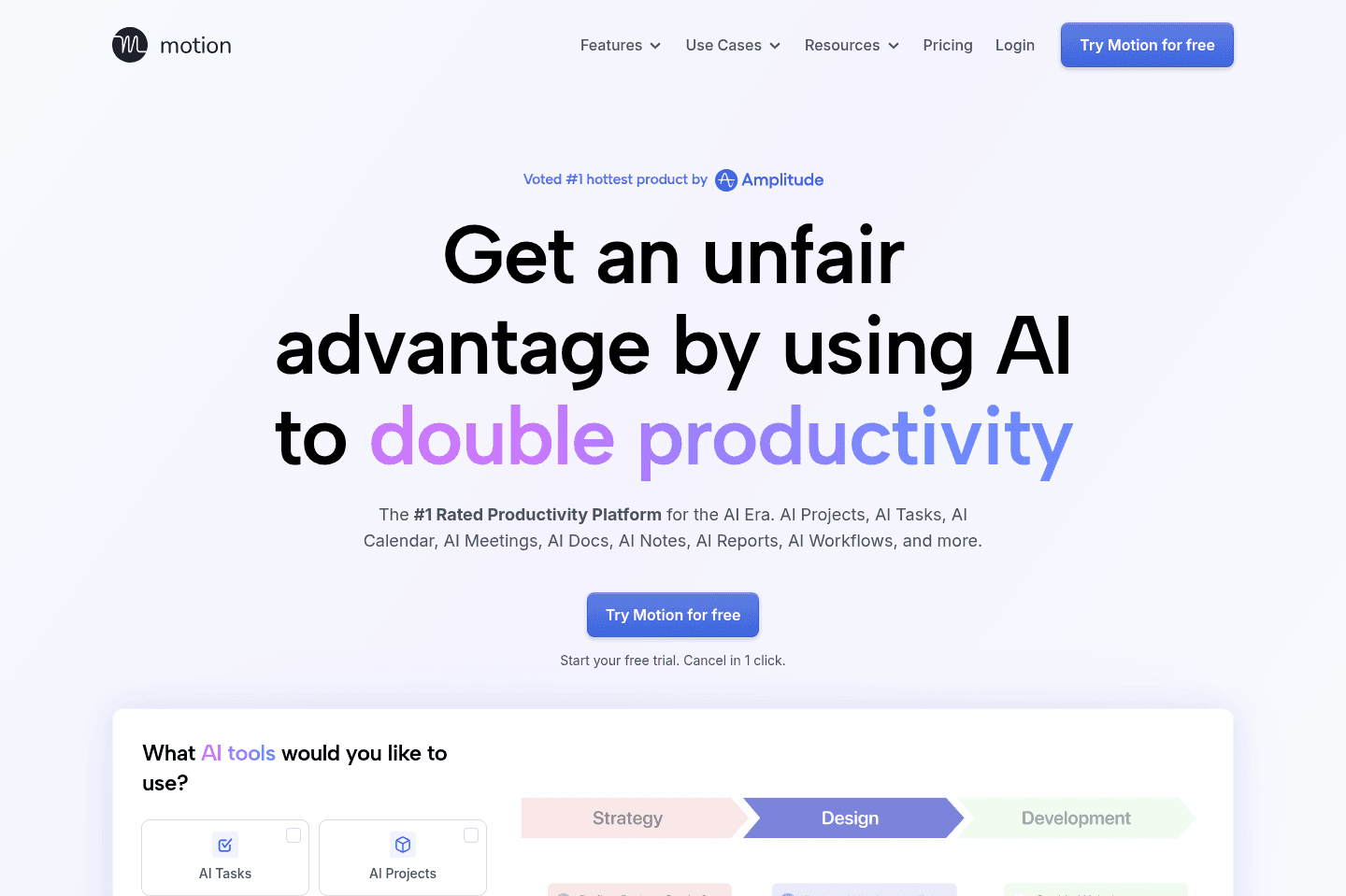
Best AI project management for small-mid-size teamsMotion is the most innovative AI-powered project management tool for individuals and teams who want to fully embrace AI to get work done.
It uses AI to take all of your team's projects, tasks, priorities, deadlines, and dependencies to build the perfect day for you and your team, time blocking tasks right on your calendar. They also have AI Docs, & an AI Note Taker, helping you get work done faster.
We've been using it for 5 years and is core to how we manage our time and projects!
What is Motion?
What is Motion?Motion is a calendar-first, AI-powered project management system that brings your tasks, meetings, documentation, and team workload into one tool.
Previous to using Motion, we used Asana for seven years. It kept us organized enough, but I was spending at least an hour or two every week just "cleaning up" the tool so it wouldn't fall apart. Deadlines would shift, priorities would change, and suddenly half the board was out of date. That's why we switched to Motion five years ago and haven't looked back.
The core thing Motion does differently is it actually schedules your tasks onto your calendar automatically, based on deadlines, priorities, and availability.
And when plans change, which they always do, it updates everything for you. What really got me early on was the deadline visibility. If our team has 5 hours of meetings in a day and 8 hours of work scheduled, Motion flags that we're at risk before it becomes a problem.
We use it to manage our entire YouTube production process, from scripting and filming to editing, reviewing, and distributing.
Recently, Motion has become more of an all-in-one tool. On top of being a calendar and project management tool, you can also store all of your notes and documentation in the app via their AI Docs and meeting recorder. This is especially helpful as you can tie meeting notes to projects, and when asking the Motion AI Assistant it has full context on projects, discussions, and notes.
And they didn't just tack on these features either... their meeting recorder is one of the best we've used (for instance, it creates tasks automatically at the end of each call, allowing you to assign it to team members directly).
So if you want a project management tool that will help your team just focus on getting work done (instead of babysitting your project management tool), give it a shot.
Pros and Cons
Pros and ConsPros
Pros- Only calendar-first project management tool on the market
- Automatically schedules tasks directly on your calendar using AI
- Takes your entire schedule (meetings + work) into account
- Has most traditional project management features (gantt charts, kanban views)
Cons
Cons- Not ideal if you don’t want AI automatically managing your schedule
- The interface can feel cluttered
- Minimal reporting & dashboards
- Not for enterprises
Key Features
Key FeaturesProject Management
Project ManagementMotion has all your traditional project management capabilities including kanban, gantt charts, and list views. But on top of that, they also have a calendar at the core that schedules tasks from your projects onto your calendar. No other tool fully integrates at this level.
Calendar
CalendarMotion is the only project management tool on the market built with a calendar at the core. We use it as a full replacement for Google Calendar in our day to day (on top of using it for project management). Motion is truly one of the best calendar apps on the market if you're looking for something powerful.
AI Auto-Scheduling
AI Auto-SchedulingManaging your workload is tiring, we experienced it ourselves every time we had to rearrange our tasks and priorities when using Asana. That's why daily planner apps came on the market, allowing you to pull in tasks from other project management tools and plan them on your calendar.
But Motion chose not to integrate with daily planner apps, and instead become one of the best daily planning apps themselves and built powerful project management features on top (while also using AI to automatically create your schedule for you like an assistant would). So what does this mean?
Didn't get something done? No worries, Motion will reschedule it for you based on the priority on your calendar. At risk of missing a deadline? Motion will warn you and you can fix it with a few clicks. Want to push back the deadline of a bunch of projects? Tell their AI Chat and it'll do it for you.
You can even forward emails into Motion and it will automatically create a task and schedule it on your calendar.
Workflow Templates
Workflow TemplatesWorkflow Templates in Motion are reusable project templates that define exactly how your work gets done from start to finish. They include your roles, stages, tasks, and key details so every project follows the same structured process.
Once set up, Motion uses the template to automatically schedule everything on your team's calendars and adjust timelines when things change. This makes starting projects incredibly easy & fast!
AI Docs
AI DocsMotion’s AI Docs are great for keeping processes and notes right inside your projects, perfect if you don’t already have a knowledge base software in place. That said, don't expect it to be as powerful as Notion or Slite. Motion AI docs are more suitable for basic documentation and notes.
The best part of using Motion Docs for all your notes is that you can quickly tag projects and tasks within the docs itself. And when searching across your projects with Motion's AI Assistant, you get a full picture of project updates (it takes into account your projects, docs, and even meeting notes so when you ask for an update, it can truly give you an accurate picture of what happened).
But as a heads up, when we really want to do serious writing (e.g. scripting or a full software review), we find ourselves opening Motion within Dia or ChatGPT Atlas (our browsers) because using their sidebar chat assistant is faster for writing in our tone, brainstorming, and doing research.
Meeting Recorder
Meeting RecorderWe love Motion's Meeting Recorder, and if you're already using Motion for your projects, there's really no reason to use another one. It automatically joins your meetings (you just have to let it in), records video and text, and then uses AI to organize the notes for you. It also automatically creates tasks from the meeting notes and all you need to do is approve or deny them.
Pricing
Pricing- Pro AI: $19/seat/mo (billed annually). Best for professionals and small teams who want AI-powered project management, scheduling, and task planning.
- Business AI: $29/seat/mo (billed annually). Best for teams that need advanced reporting, capacity planning, time tracking, permissions, and centralized billing.
- AI Credits: Included with each plan. Pro AI includes 7,500 credits/seat/month and Business AI includes 15,000 credits/seat/month.
Get the latest rankings and insights on top Project Management apps—delivered to your inbox. Stay ahead with our expert picks and updates.
What is Linear?
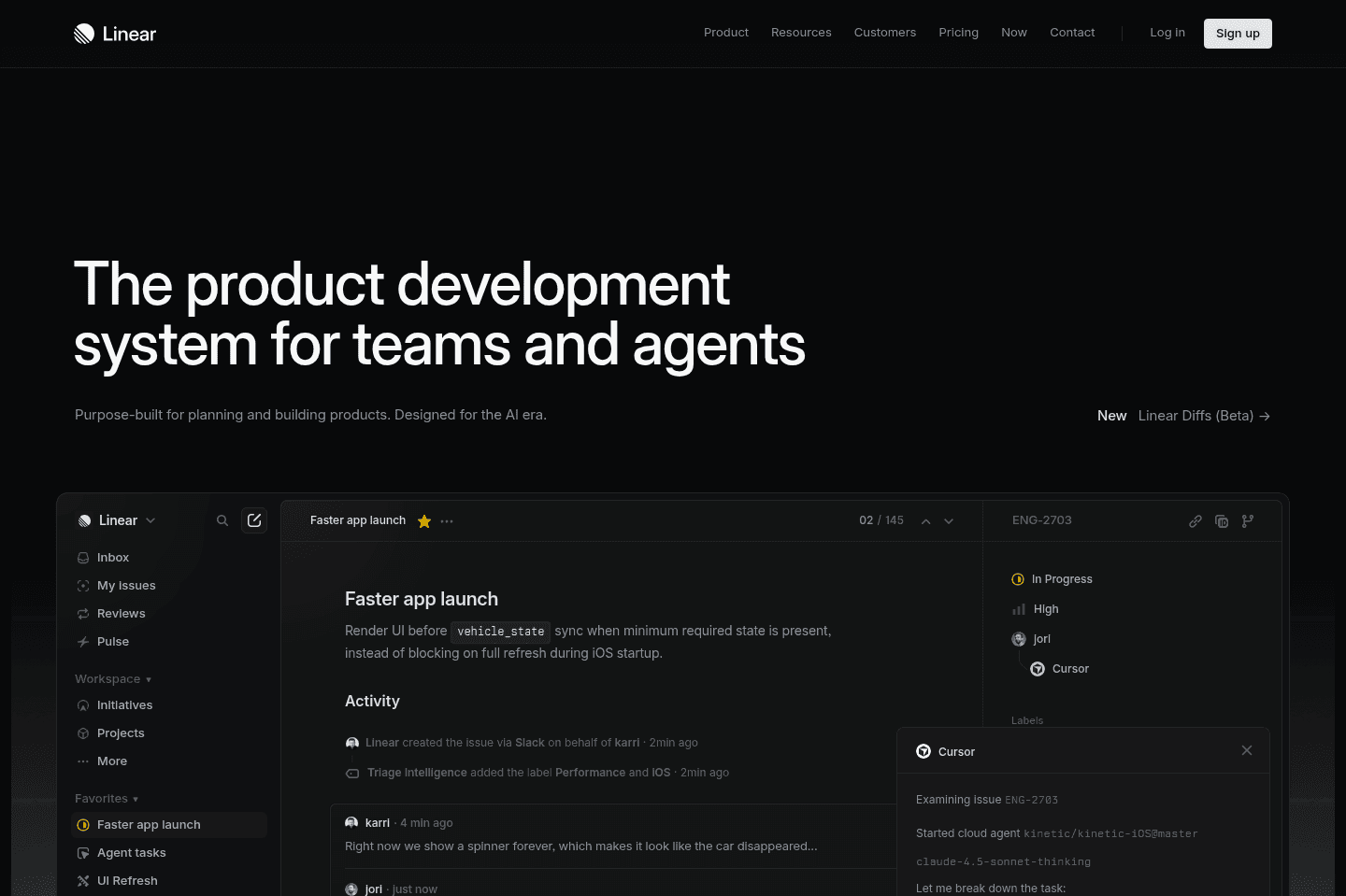
What is Linear?Linear is the best and most modern project management too for engineers. It's specifically designed for engineering workflows, and you won't find anything better.

Get through your inbox 2x as fast (for teams of all sizes).
Asana
Best for enterprise teams
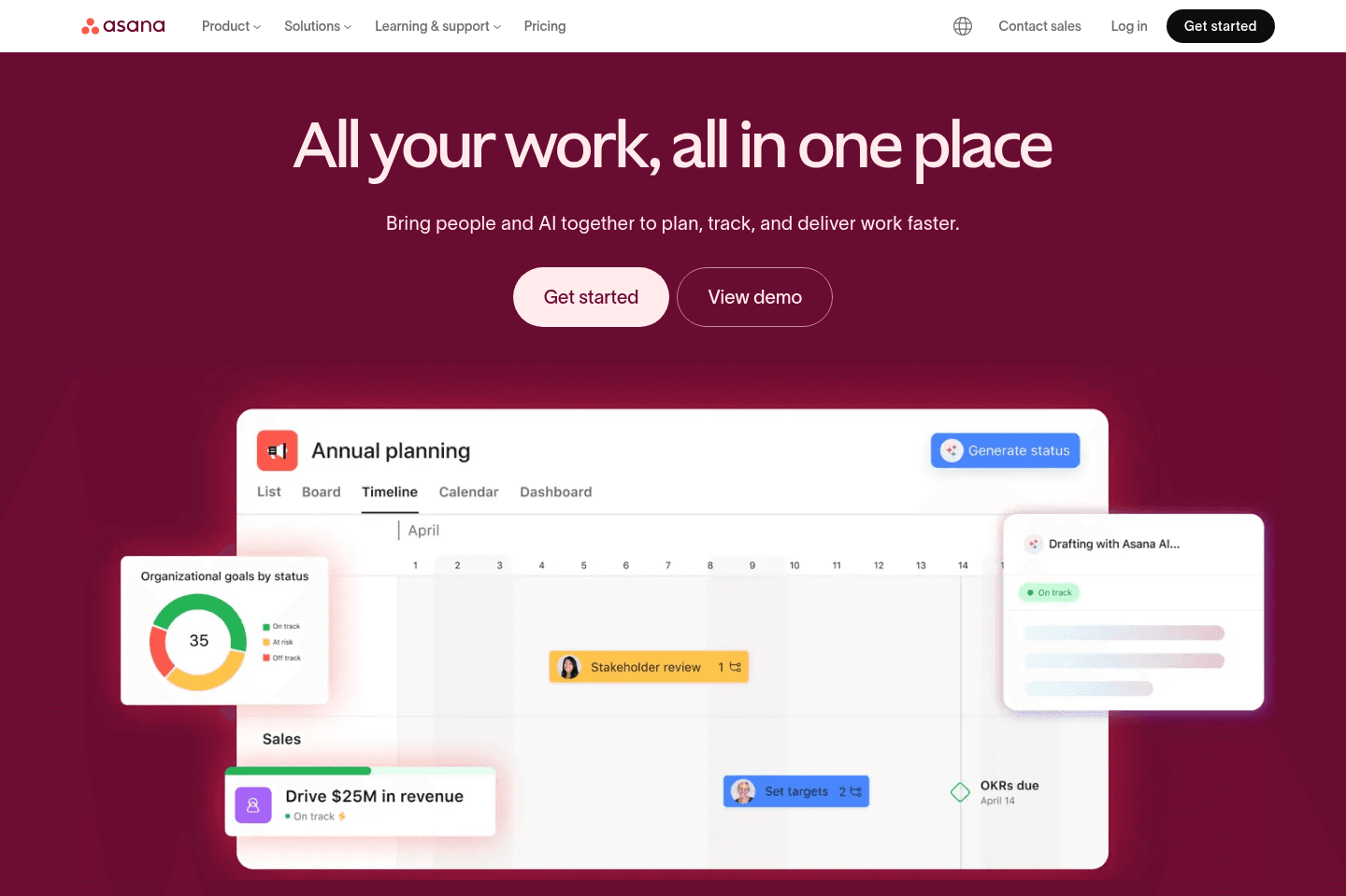
Best for enterprise teamsWhile Asana handles complex project management with lots of features, custom fields, multiple views, and reporting, but you need to invest time and resources into setup and ongoing manual upkeep to really get value.
It's best for larger teams or organizations with a dedicated project manager and the budget for proper implementation, if you have simple needs or want something more opinionated and fast to adopt, Asana will feel heavy and slow you down. After using Asana for 7+ years, we ended up switching to Motion for project management.
What is Asana?
What is Asana?Asana is tried and true. We used it for seven years before switching to Motion, and the reason it stuck around that long wasn't because it's just really well built. Things don't break, the system holds up as your team grows, and you can trust it to do what it's supposed to do day in and day out.
They've also done a better job layering in AI without it feeling like an afterthought than ClickUp or monday.com When we looked at monday.com's AI features, they felt bolted on and not that useful. Asana's feel like they actually belong in the product more so.
That said, Asana is going through a hard time right now despite executing on AI better than most legacy tools that have been around for a long time. And honestly, part of why we left after seven years captures the core limitation well: Asana is great at organizing work, but Motion was better at helping us actually focus on doing it.
If your team spends more time maintaining the system than benefiting from it, that's a sign it might not be the right fit. It really needs someone who knows what they're doing to set it up properly, and for smaller teams or anyone who wants AI to handle more of the day-to-day heavy lifting, that overhead just isn't worth it.
Pros and Cons
Pros and ConsPros
Pros- Great for large teams with lots of moving parts (300+ employees)
- Clear ownership and project visibility
- Useful workflow automation once it is set up
- AI features are integrated more smoothly than most PM tools
- Good fit for enterprise teams
Cons
Cons- Needs real setup and upkeep (you need a consultant to set it up right)
- Too customizable for smaller teams
- Feels more useful for managers than individual contributors
- AI and automation push you toward more expensive paid plans
Key Features
Key FeaturesProject Management
Project ManagementIf you have complex projects that require multiple custom fields, team collaboration, multiple views including kanban boards, lists, timelines, gantt charts and perhaps even workload management features. Workload management features, for example, allow you to manage your teams capacity, see how much work is on their plate (whether they are overwhelmed or underworked) and rebalance work as required.
Workflow Automation
Workflow AutomationAsana’s automation mostly runs on Rules. You can assign work automatically, move tasks between stages, and build repeatable flows for things like approvals or requests.
This saves a lot of repetitive admin work but it really only works well when there's someone who is super on top of building the systems, teaching them to the team, and then keeping an eye on it all. If you don't have that person, you end up with multiple/conflicting systems or things start to fall apart. The newer AI tools can help with that a little bit, but you still need someone "managing" the team's Asana.
AI Features
AI FeaturesAsana’s AI is better than I expected. The chatbot in particular is actually useful and didn't feel like a waste of time. You can ask it to move deadlines, summarize updates, and surface blockers, and it usually gets the job done without wasting your time.
A lot of the value here is for managers. The status updates and reporting are helpful if you are presenting upward. AI Studio and AI Agents are the more interesting long-term feature, but they're still early and sit on pricier plans.
Reporting
ReportingReporting important to your team for things like monitoring spending for project costs, tracking project status and seeing total revenue across projects (note: this can at times be managed in your CRM so you'd want to make the decision as to where you're mainly tracking revenue so you have a single source of truth).
Pricing
Pricing- Free: Best for trying Asana with a very small team. Limited once you need automation or AI.
- Starter: $10.99/user/month billed annually
Best for teams that want timelines, rules, and basic AI features. - Advanced: $24.99/user/month billed annually
Best for larger teams that need reporting, goals, workload planning, and AI Studio. - Enterprise: Custom pricing. Best for large companies that need stronger security and admin controls.
What is ClickUp?
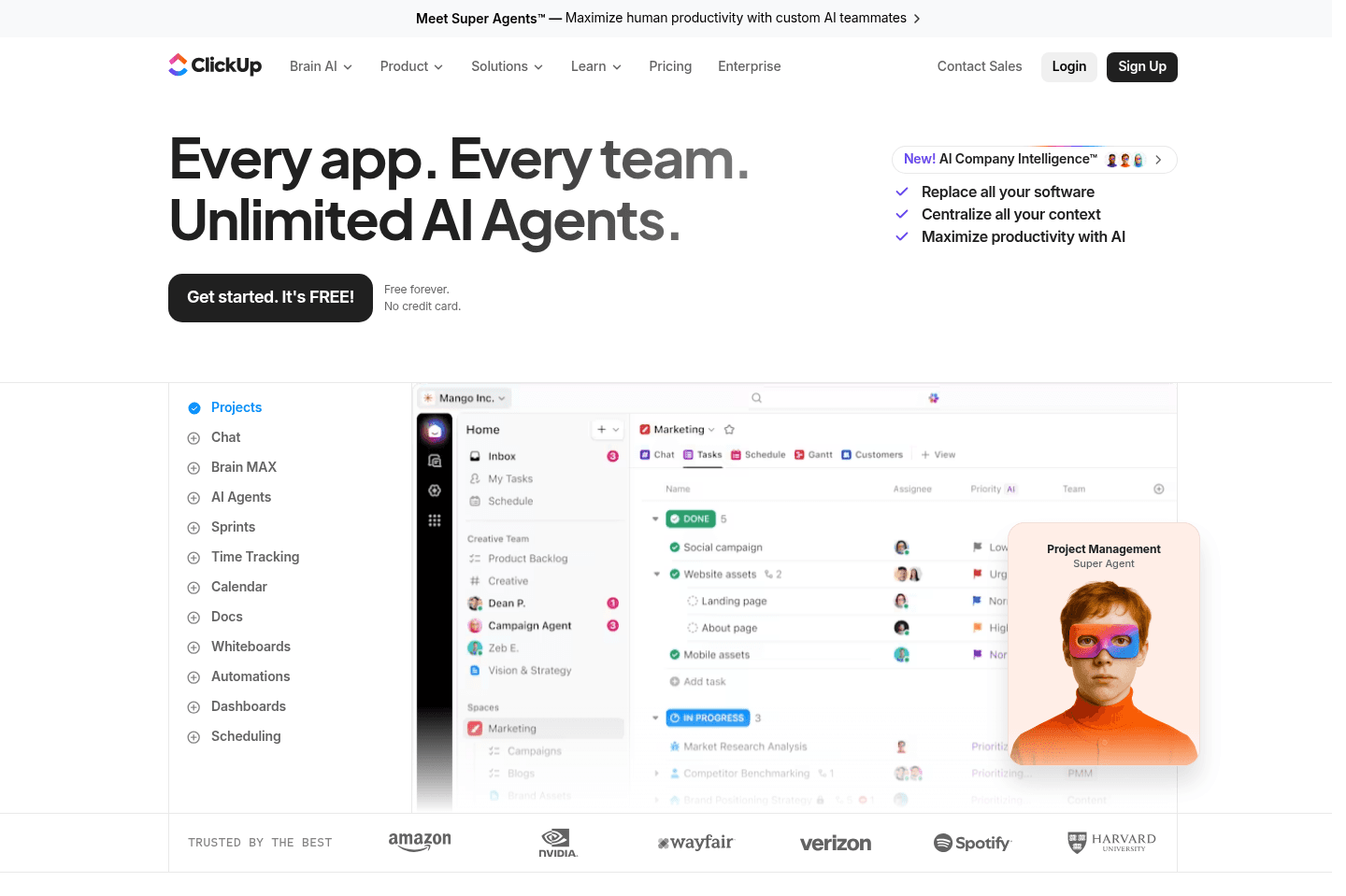
What is ClickUp?ClickUp is best categorized as an "all-in-one tool", even though it started off as more of a project manager, and is quite task management focused at the core. ClickUp now offers tasks, docs, whiteboards, time tracking and even chat. They are truly trying to do it all.
ClickUp appeals to folks who want one tool to manage all work-related projects and processes. These folks don't typically need nor want the best project management tool, or best docs, or best of anything, they just appreciate that one tool (ClickUp) bundles all the apps together under one subscription.
ClickUp Limitations
ClickUp LimitationsThe main complaint we've heard about ClickUp is that there is too much configuration and customization. We know this is draw for some, but for most folks, the amount of stuff going on within ClickUp is overwhelming. For instance, many of their features are irrelevant if you're just wanting to use ClickUp for project or task management, making the simple things difficult to find and accomplish.
With that, users of ClickUp report feeling like there is too much clutter that gets in the way, making it difficult to find where things are or you are shown buttons that you have no idea what they're used for. There are SO many options to sift through that you can't find what you're looking for unless you've been using the platform extensively and know it inside and out.
With too much "noise", it's easy for team members to miss being notified in a thread, spending too much time searching for things or wondering about the progress of projects. This steep learning curve for teams makes it difficult to truly adopt and buy-into.
Another complaint we've heard countless of times is that ClickUp is slow to load. While this might not seem like a big deal at first, when you're waiting 3-5 extra seconds for a tool to load, it can certainly get frustrating and slow you down.
ClickUp Pricing
ClickUp Pricing- Free Tier: ClickUp has a free forever tier for personal use or hobbyists. It wouldn't work as a free project management tool due to the feature limitations.
- Unlimited: $7/mo per seat on the annual tier. This is an introductory tier for small teams. While ClickUp does offer quite a few features on this tier, like Asana and Monday, ClickUp gate keeps their advanced automations behind the next tier up.
- [BEST 🥇] Business: $12/mo per seat on the annual tier. Comparing Asana and Monday, ClickUp is the least expensive of the bunch for their business tier. Their business tier unlocks all of the features you'd expect, including advanced automations, time tracking and workload management.
Get through your inbox 2x as fast (for teams of all sizes).
Monday
Highly customizable, for complex projects and large teams
Highly customizable, for complex projects and large teamsMonday is trying to be everything to everyone, and becomes nothing to many. It's the core problem we see with all-in-one software.
What is monday.com?
What is monday.com?What is there to say? Monday.com's stock is crashing, and they are going through what a ton of tools are experiencing right now. They are trying to figure out how to survive the AI era.
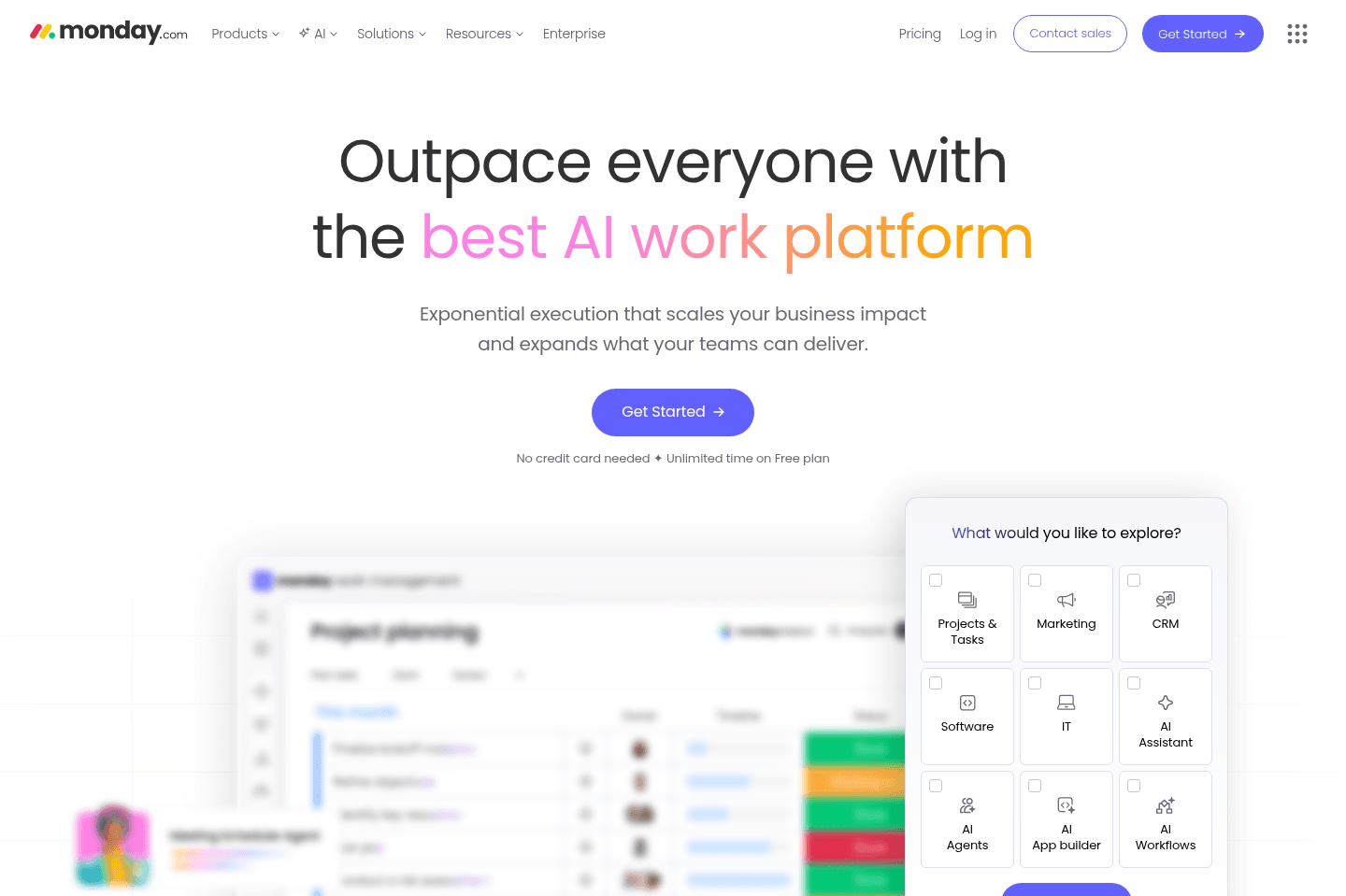
Monday.com has always been known for its highly customizable work management platform that tries to bring projects, workflows, CRM, reporting, and now AI into one system. They have always had great marketing and invested a ton of money into it.
That's what got me to try it with my team several years ago now. But it became clear that it was a full-time job to manage projects in monday.com. Constant updating of tasks felt more like babysitting the tool rather than it helping us get work done. My team at the time used it for about 6 months before abandoning it.
In a podcast interview with Harry Stebbings, monday.com's co-CEO Eran Zinman openly admitted that many of their early AI initiatives fell short of expectations. As a result, the company is now rethinking the product around the idea of software that doesn’t just help organize work, but actually completes work on your behalf.
So is right now the best time to start using monday.com? We'd say hold off, they are trying to figure out who they'll be. We’d opt for something easier to set up like Motion.
Pros and Cons
Pros and ConsPros
Pros- Super customizable workflows and dashboards for complex use cases
- Supports a wide range of teams (projects, ops, CRM, etc.) in one system
- Good reporting and visibility across teams
- Works for large organizations with structured processes
Cons
Cons- Trying too hard to be everything for everyone
- Takes significant time to set up and maintain useful systems
- Setup is overwhelming without a dedicated owner or consultant
- AI features feel early and not especially useful in day-to-day work
- Pricing adds up quickly, especially with AI usage layered on top
- Too much flexibility creates more issues than it solves
Key Features
Key FeaturesProject Management
Project ManagementMonday.com gives you all the standard project views like Kanban, timeline, Gantt, dashboards, and the ability to structure work however you want.
If you can dream up a system structure, it can probably be done in Monday.com. But then you’re responsible for building that structure (and trust us when we say it's not easy to build). Instead of just managing tasks, you will end up managing the system itself. If you're a small team, don't go down this path...even with their AI workflow capabilities, you'll end up spending too much time tinkering than anything.
Customization & Workflows
Customization & WorkflowsYou can customize almost everything: boards, automations, workflows, dashboards. You can even build internal tools with the Vibe AI tool.
But again, this is also where most teams struggle. More flexibility means more decisions, more setup, and more room for confusion. A friend of mine who used monday.com at her last agency said, "It seemed like a great solution but ended up being a nightmare because everyone wanted to change the system to match how their brain worked.
And fortunately/unfortunately, monday.con had the tools to let them do that. We hired an outside consultant who charged a fortune, built a ton of boards that didn't make any sense for our industry, and then left us with a new system to figure out that still didn't work. We even hired an ops person to 'run' monday but he couldn't figure out how to rein it in lol".
AI Capabilities
AI Capabilitiesmonday.com has gone all-in on AI, with tools like Magic, Vibe, Sidekick, AI agents, and AI-powered automations spread throughout the platform. Marketing wise, the feature set sounds impressive...Magic can generate workflows from a prompt, Vibe lets you build apps without code, and Sidekick acts as an AI assistant inside your workspace.
But when we tested it, the experience felt utterly overwhelming and difficult to navigate.
Instead of guiding users toward the most useful AI features, monday.com presented a huge catalog of options with little context about where to start. I found myself staring at dozens of automations and AI tools without knowing which were actually worth using.
Rather than making work simpler, the AI often feels like another layer of complexity added to an already complex system.
Pricing
Pricing- Free: Limited plan for individuals or very small teams testing the product. Not realistic for ongoing use.
- Basic: $9/user/month. Covers simple task tracking but lacks key features most teams will need.
- Standard: $12/user/month. The practical starting point for most teams with access to core views and limited AI.
- Pro: $19/user/month. Adds more advanced features like time tracking and deeper automation.
- Enterprise: Custom pricing with advanced controls and full feature access.
- Note: AI usage is priced separately using credits, which adds another cost layer beyond per-seat pricing. This makes the overall cost harder to justify unless you’re getting consistent value from those features.
Wrike
For enterprises who want deep reporting and analytics
For enterprises who want deep reporting and analyticsWrike handles complex, multi-layered project management with advanced features, deep customization, and integrations built for enterprise ecosystems, but its interface is harder to use than Monday or Asana. Only consider Wrike if you're at a large organization or enterprise with over 1000 employees and need detailed reporting and analytics, smaller teams should look elsewhere.
What is Wrike?
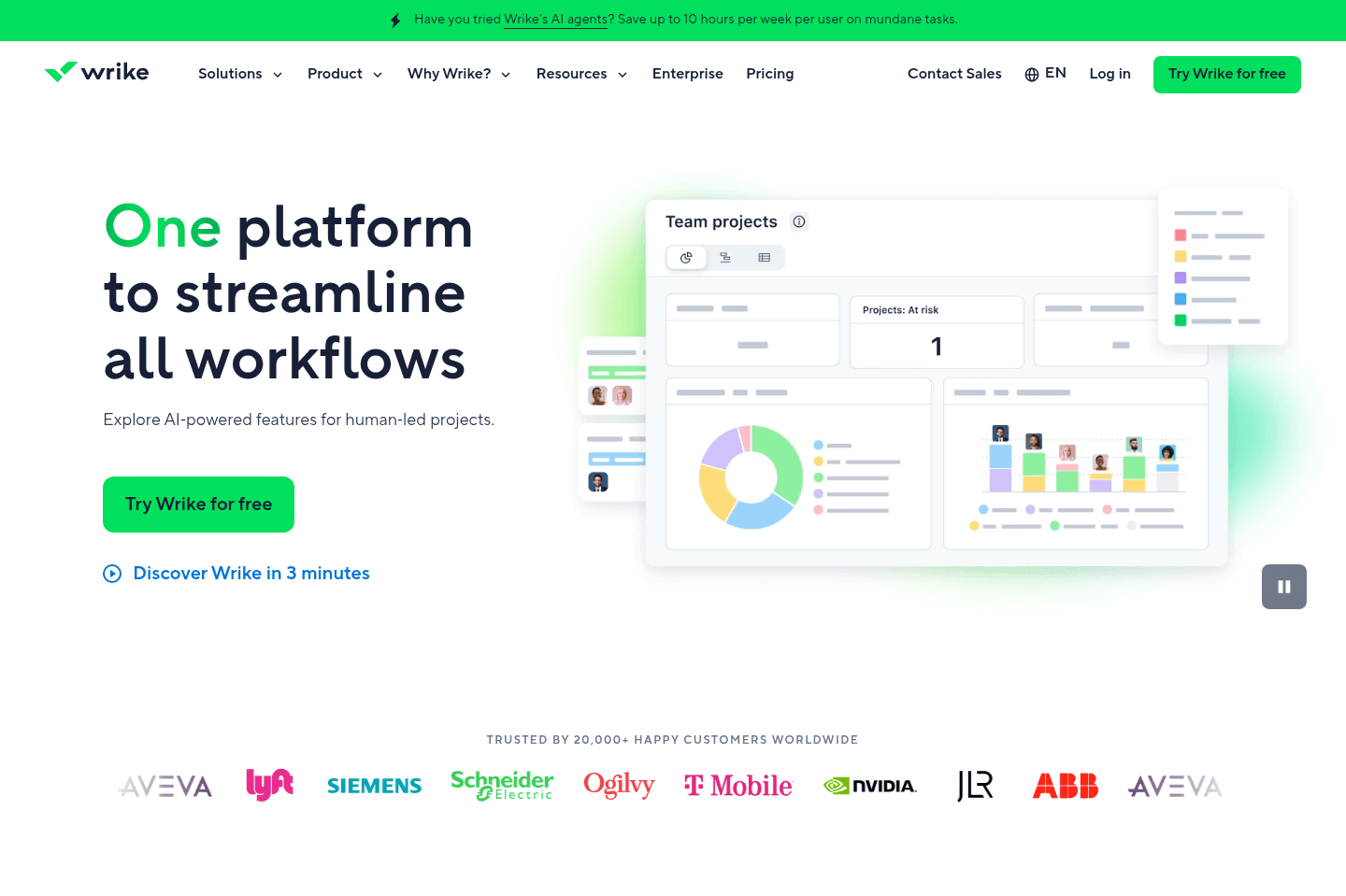
What is Wrike?Wrike is often the tool favored by larger organizations or teams with complex, multi-faceted projects requiring advanced project management features and deep customization. Wrike is more of an enterprise-level project management tool (think similar to the Salesforce of project management).
While Monday and Asana are more user-friendly in terms of their user interface, Wrike's interface has a steeper learning curve due to its extensive features.
Key Features
Key FeaturesIntegrations
Wrike’s integrations are particularly beneficial for enterprise-level software ecosystems, think Salesforce, Adobe Creative Cloud, Jira, SAP, ServiceNow, and Tableau.
Reporting & Analytics
Wrike has an edge in advanced reporting and analytics compared to Asana and Monday.com, offering detailed insights that are crucial for large teams and complex projects.
In summary, unless you're an enterprise company, do not consider Wrike. If you're a team with under 1000 employees, Wrike alternatives like Asana or Monday will be much better suited for your team.
Get through your inbox 2x as fast (for teams of all sizes).
Trello
For extremely basic task management and very small teams (<3)
For extremely basic task management and very small teams (<3)Trello gives you basic kanban board project management with deep Atlassian suite integrations but hasn't meaningfully evolved in years, so it feels outdated compared to modern alternatives. Unless your team is deeply tied into Atlassian tools or you just want a simple personal board, you're better off with almost any other project manager on the market.
What is Trello?
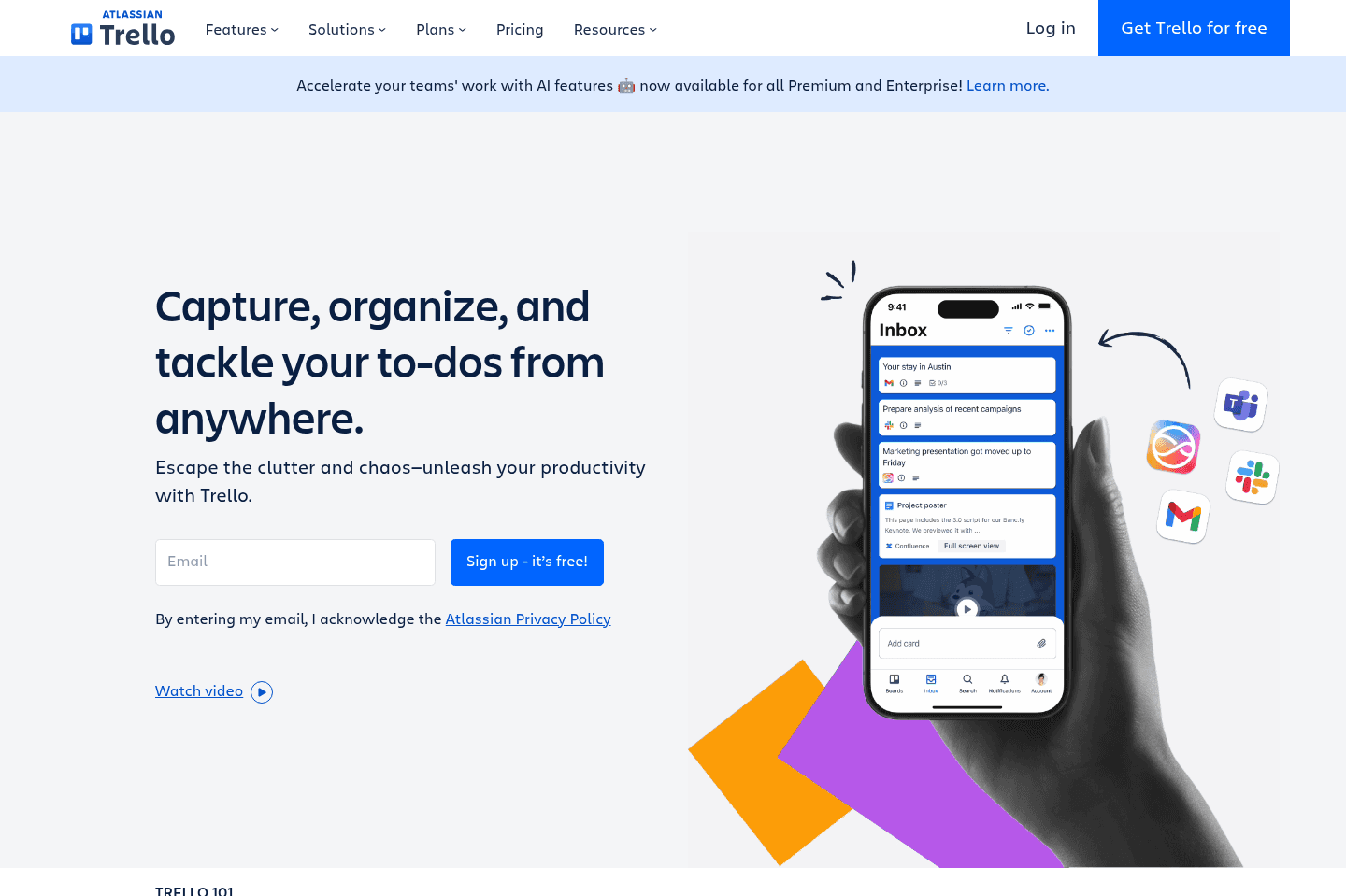
What is Trello?Trello is probably a project management tool that most people have heard of. It was one of the first project managers to hit mainstream popularity because it was the first project manager to allow for kanban board view from a web app, bringing with it a super user friendly interface.
This was an incredible feat back in 2011 and what resulted in its rise to popularity, especially in the B2C space (general consumers, not majorly breaking into the B2B space). For example, you'd use Trello to manage your personal tasks, maybe more as a prosumer, and less as a business owner.
We used Trello here at Efficient App for years, before ultimately switching to Asana, when they too added kanban functionality, as we felt that Trello sort of got a bit stuck, while their competitors were evolving and working to further innovate in the project management space.
Key Features
Key FeaturesThe main differentiation that Trello had was kanban board functionality, and that's about where it started and ends. Thing is, kanban view is now a staple of any modern project manager on the market in this day and age.
Feature set wise, since Atlassian now owns Trello, they've prioritized integrations within the Atlassian suite.
User Experience
User ExperienceTrello does board view well, but that's about the bulk of it. As they haven't really seemed to update Trello much in the past 6+ years, the bulk of the credit that we can give Trello comes from it having incredibly deep integration with the Atlassian suite of tools (e.g. Jira,Confluence, and Bitbucket).
With Atlassian's acquisition of Trello, came with it more of an integration with Atlassian's tooling.
Mobile App
Mobile AppTrello actually has a pretty solid mobile app on both iOS and Android. This is in part to how much time they've had to perfect it. Early on, being more in the B2C space, and coming out more when the iPhone was gaining major traction, a solid mobile app is something that the general consumer wanted. So this is something they've spent a lot of time perfecting.
API & Integration
API & IntegrationWe also have to give Trello credit in this area. They have a super robust API and powerful Zapier connector. If their Zapier connector doesn't have quite what you're looking for, you should be able to do chat you'd like to do using their developer API.
If your team is heavily relying on the Atlassian software stack, then Trello is likely to bring with it some native integrations to help your team out as well.
Jira
For large enterprises, often disliked by teams
For large enterprises, often disliked by teamsJira is built for massive enterprise engineering teams running agile or scrum, but it's so complex and hard to use that unless you have thousands of employees and can afford dedicated Scrum Masters just to manage it, your team will end up frustrated, burned out, or simply avoiding the tool.
For anyone else, especially smaller teams or non-engineering groups like marketing, design, or HR, Jira is a bad fit and you'll be much happier with simpler project management tools.
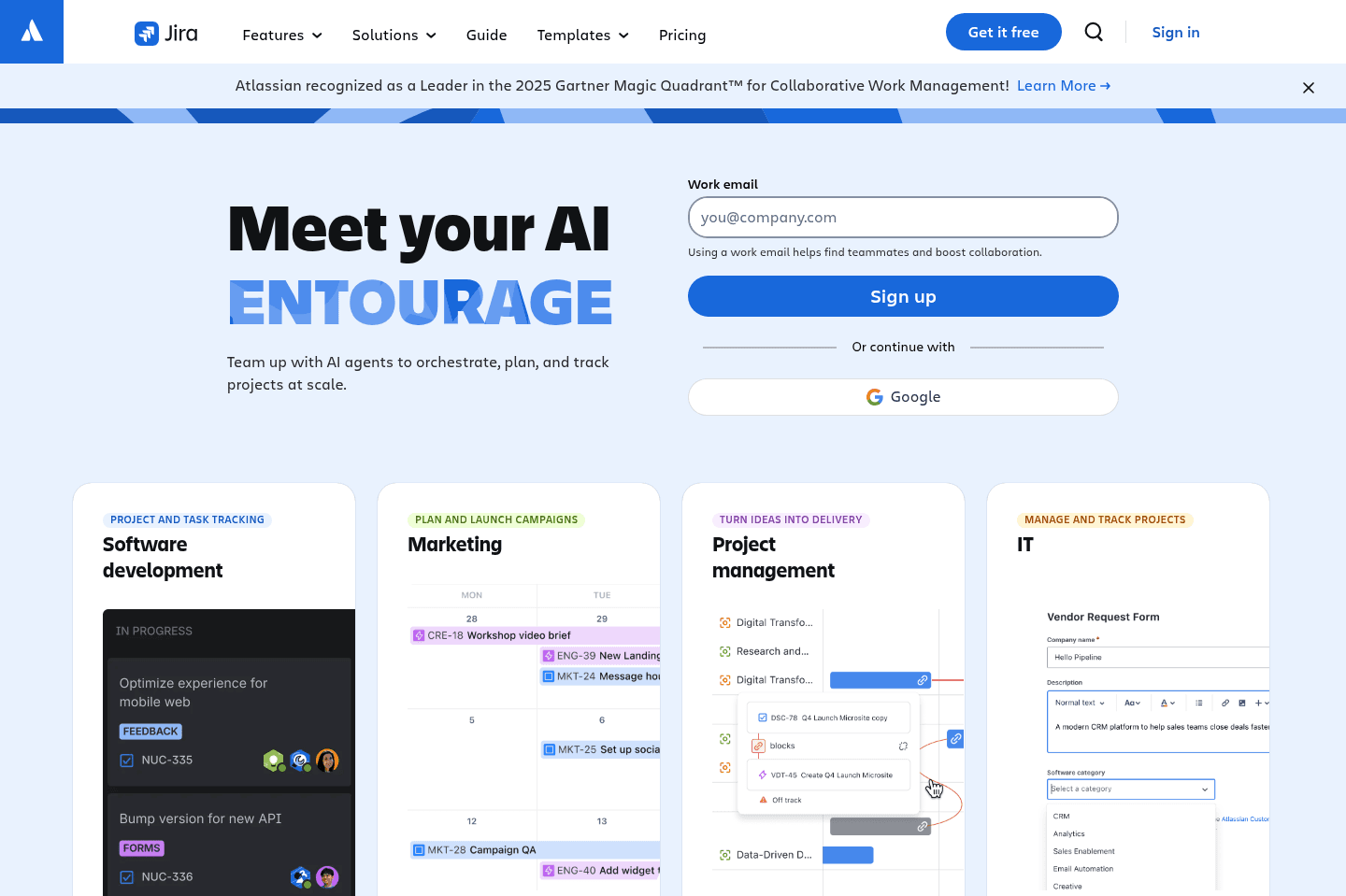
What is Jira?
What is Jira?Jira Software started off focusing on helping software teams to manage project development—think sprints, agile and scrum methodologies. But in 2021, Jira launched what they call "Work Management" to help greater business teams like marketing, HR, finance, and design.
This meant that they introduced other features that tools like Asana and Monday have, like different views (task list view, timeline view, kanban board view) and forms.
What does this all mean? Well first and foremost, Jira is designed for highly technical teams and the other "work management" features were created in an effort to compete with Monday and Asana and gain more market share.
With that, don't expect Jira to be a project management tool with a friendly user experience. It has a steep learning curve with a ton of features, with many of them that will never be used an average business.
With that, while Jira has been previously known as one of the best agile project management tools, there are newer tools on the market that are much more modern and simple to use.
Pros & Cons
Pros & ConsPros
Pros- Highly customizable workflows
- Strong agile and sprint management tools
- Built for large engineering teams
- Powerful reporting and roadmaps
- Large integration ecosystem (3000+ integrations)
Cons
Cons- Extremely complex to set up and maintain
- Steep learning curve
- Poor user experience compared to modern tools
- Low adoption outside engineering teams
- Can become slow and bloated over time
Key Features
Key FeaturesCross-Department Collaboration
Cross-Department CollaborationJira Roadmaps enables cross collaboration among different departments, making projects visible company wide. This helps teams stay on track with the bigger picture and track progress and dependencies based on team availability.
Once Jira is configured correctly, assigning tasks and stories to team members is easy so you can easily see who is working on what task.
Integrations
IntegrationsJira has over 3000+ integrations with other tools. That said, for enterprise tools like Salesforce or Zendesk you're very likely looking at a custom integration that will need to be managed by a third party.
Pricing
Pricing- Free: Free forever for up to 10 users. Best for small teams getting started with basic project management.
- Standard: $7.91/mo per user. Best for teams that need user permissions, external collaboration, AI-powered features, and increased automation.
- Premium: $14.54/mo per user. Best for organizations managing multiple teams that need advanced planning, dependency management, unlimited storage, and 24/7 support.
- Enterprise: Unlisted (annual only). Includes advanced security, centralized administration, analytics across Atlassian tools, multiple sites, and enterprise-grade identity management.
Get through your inbox 2x as fast (for teams of all sizes).
Shortcut
For teams already locked into Shortcut for other use-cases
For teams already locked into Shortcut for other use-casesShortcut has been around since 2014, and while positioned as general project management software, their main focus seems to be product teams.
It does many of the core things you'd want your PM tool to do, but in our evaluation, Shortcut still felt a bit dated compared to more modern Shortcut alternatives.
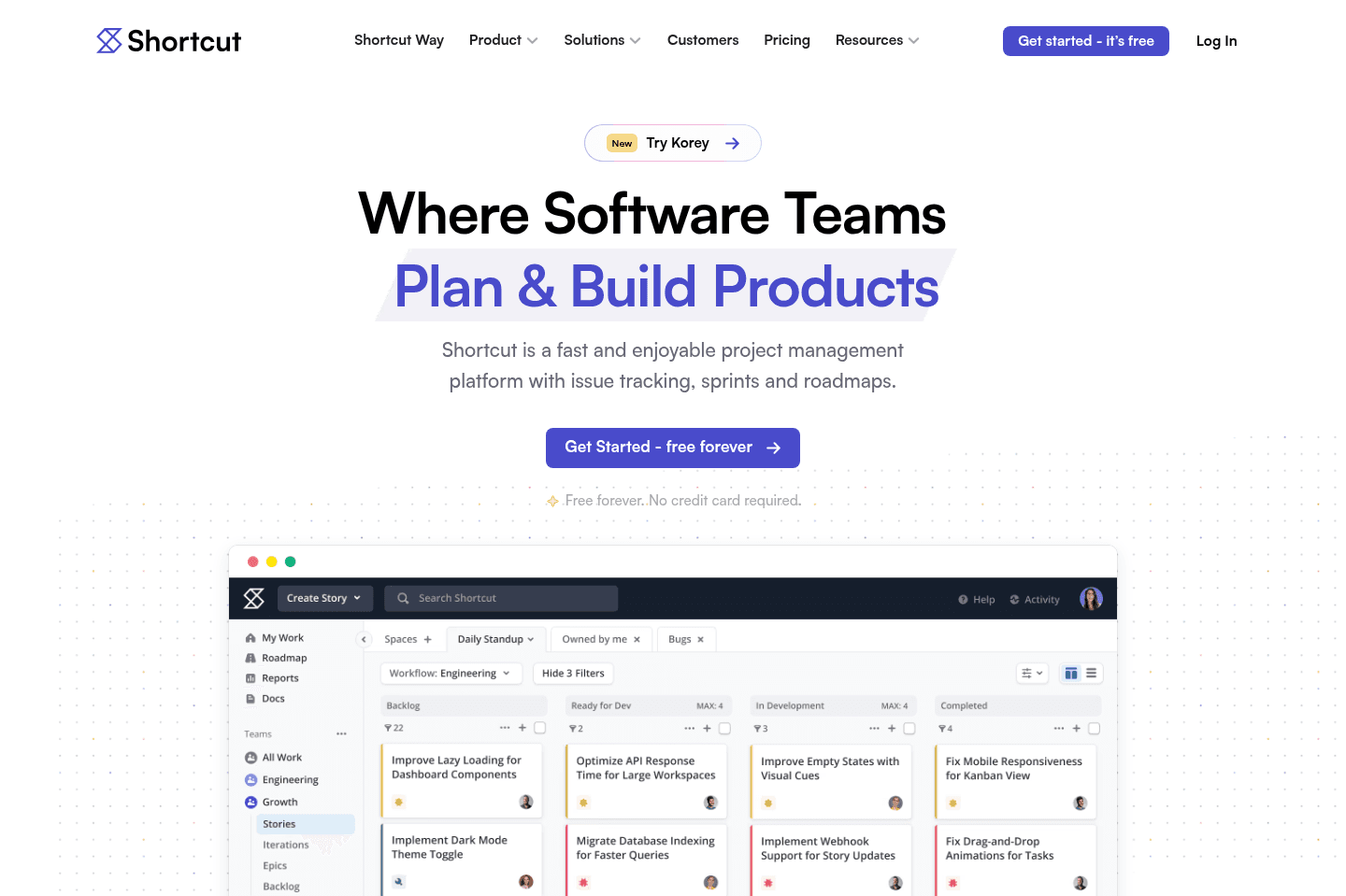
What is Shortcut?
What is Shortcut?Shortcut is product-focused project management software that was formerly named Clubhouse. They were forced to rebrand a few years back due to confusion with the unrelated Clubhouse live voice chat app.
Shortcut was originally founded in 2014, and while that's not inherently a negative, we've found that tools that are over a decade old often carry significant product complexity from having to support a legacy customer base. That's exactly what we felt when we last evaluated Shortcut, which is why we'd recommend checking out newer Shortcut alternatives.

Notion
Least efficient, requires building your own PM setup from scratch
Least efficient, requires building your own PM setup from scratchNotion is a shared team knowledge-base software that has extended itself to appear as an all-in-one suite. The difficulty is it works well for team docs, but struggles in all the other areas.
Most teams struggle when using Notion for everything in their business.
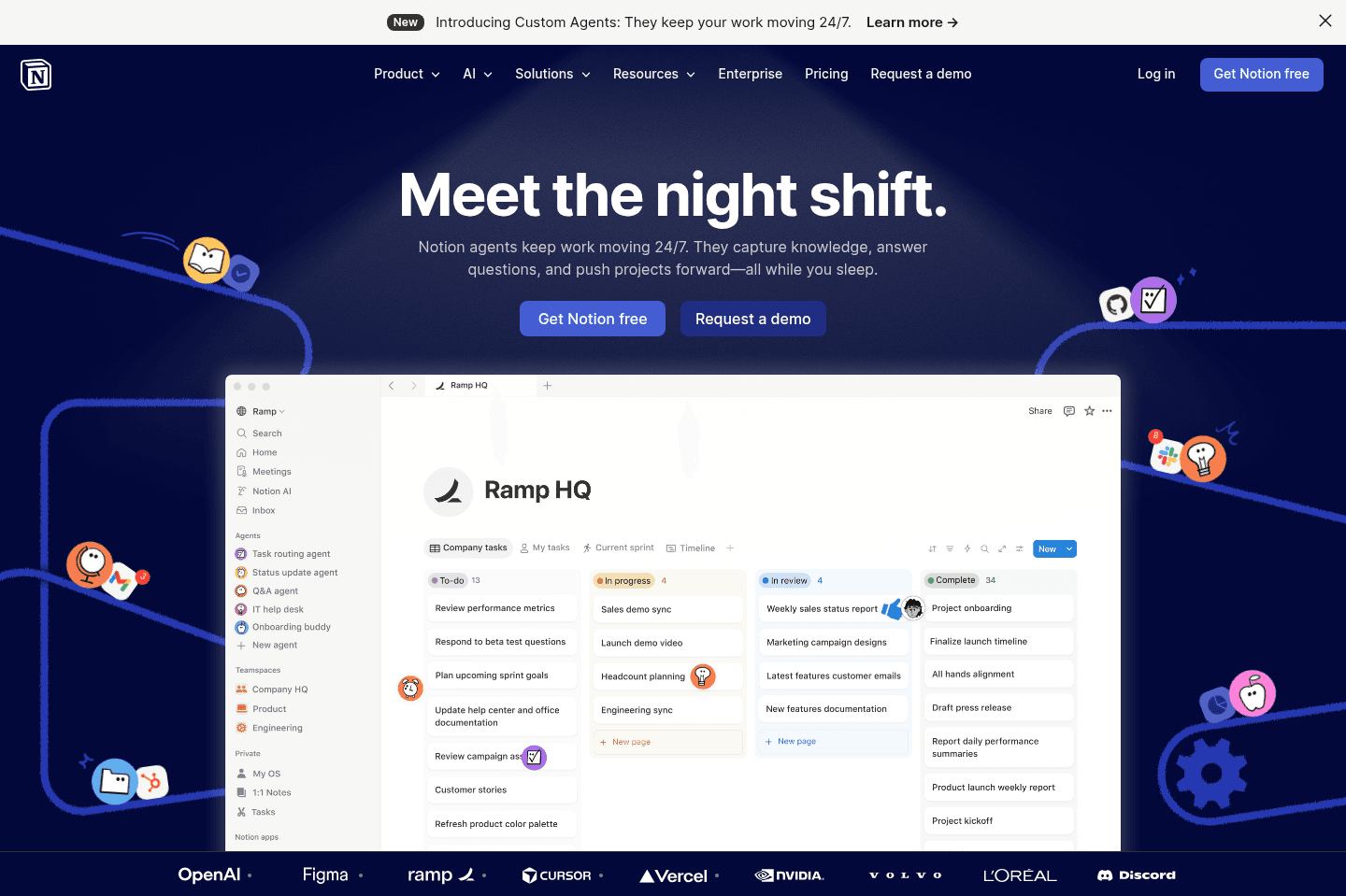
What is Notion?
What is Notion?Notion is primarily a team knowledge base solution, but because it is fundamentally built atop of databases, people confuse it as an all-in-one tool, and will use it as a project management solution, when it was never built for that.
The problem with using Notion as a Project Management solution, is that whoever built it out, is the only one that knows how it was built, and it makes for nearly impossible team adoption past just a couple team members.
This is flawed because the best project management software has structure and opinionation, which enables teams to actually use the tool in the same way, and thus it works. This is nearly impossible to do with Notion, and why we highly recommend staying away from it for project management in your business.
Get through your inbox 2x as fast (for teams of all sizes).