Comparison Summary
Comparison SummaryLinear nails project management for engineers, while Notion tries to be an all-in-one but only really works for team docs and falls short elsewhere.
Only use Notion if you just need shared docs; pick Linear for engineering project management every time.
Project Management
Project Management LinearBest
Best for engineering teams
Best for engineering teams Notion
Least efficient, requires building your own PM setup from scratch
Least efficient, requires building your own PM setup from scratch
Todo List
Todo ListRecommended Alternatives
Recommended Alternatives MotionBest
Best AI project management for small-mid-size teams
Best AI project management for small-mid-size teams
Editor's Verdict
Editor's VerdictInnovation
InnovationLinear stands out by actually redefining project management for engineering teams, moving away from old tools like Jira and building around cycles and real coding tool integrations. That's a clear, targeted innovation aimed at engineers who need something genuinely new.
Notion did pioneer the idea of building custom systems, but its flexibility doesn't translate into practical innovation for most people managing projects. Unless you're part of the small crowd who wants to build everything from scratch, Notion's approach just adds friction and distracts from getting work done.
If you care about true innovation in project management, especially for engineers, Linear is the obvious pick. Notion's innovation is impressive on a technical level, but it just doesn't change the game for actual project management the way Linear does.
AI Assistance
AI AssistanceLinear's AI feels like it was built right into the core workflow for engineers. It doesn't just offer generic help, it actually saves time by summarizing issues, handling backlog prioritization, creating reports, assigning tickets, and even linking up with engineering tools to assist with code and technical work. The Slack integration that turns conversations into issues is a clear time saver for engineering teams.
Notion's AI, on the other hand, looks fun with its cute characters, but people are mostly let down by how limited it is. The features just don't deliver on expectations and aren't as useful or comprehensive as they sound.
If you're on an engineering team and want real, time-saving AI in your project management tool, Linear is way ahead. For anyone else, especially if you're not in engineering, neither app nails it, but Linear's AI isn't even meant for you. For engineers, though, this isn't close, Linear's AI actually works and makes a difference.
Daily Focus
Daily FocusLinear is way better for daily focus. Its minimal interface, quick load times, and keyboard shortcuts make it easy to stay productive managing your own work, especially if you're an engineer. You get a tool that works out of the box and keeps you moving.
Notion, on the other hand, is a hassle for this. You have to build your own setup and even learn about databases just to get basic project management going. That's a distraction if you want to focus on actually getting things done.
If you want to manage your own work day to day, Linear is the clear pick. Notion just gets in the way.
Ease of Learning
Ease of LearningLinear is way faster to pick up if you're managing engineering tasks. Its clean interface and built-in best practices mean engineering teams can get going almost instantly, with barely any setup or confusion.
Notion, on the other hand, is much harder to learn unless you're already into building databases or enjoy tinkering with systems. Most people looking for a straightforward project management tool will get stuck or frustrated trying to figure it out.
If you're an engineering team, Linear is the clear choice for getting started quickly. For anyone else, neither app is perfect for instant onboarding, but Notion especially will slow you down unless you're ready to invest serious time learning how it works.
Team Adoption
Team AdoptionIf you care about getting your engineering team to actually use and stick with a project management tool, Linear is a no-brainer. Teams can get up and running in minutes, there's no need for training, and engineers love how it fits into their coding workflows and even works from the terminal. The design is strict enough that nobody can break the setup, which means adoption just happens.
Notion, on the other hand, is a struggle for team adoption in project management. Whoever sets it up usually invents their own system, and the rest of the team finds it confusing. Onboarding is full of friction, and things only get messier as the team grows.
But Linear's magic is specific to engineering, product, and design teams. If you've got marketing or sales in the mix, they'll feel boxed in by Linear and might push for something else, which leads to tool sprawl and weaker adoption overall.
So if you're running an engineering, product, or design team and want everyone to actually use the tool, go with Linear. If your team is broader or needs to include non-technical folks, neither app nails adoption for everyone, but Notion definitely isn't the fix.
Screenshots
Screenshots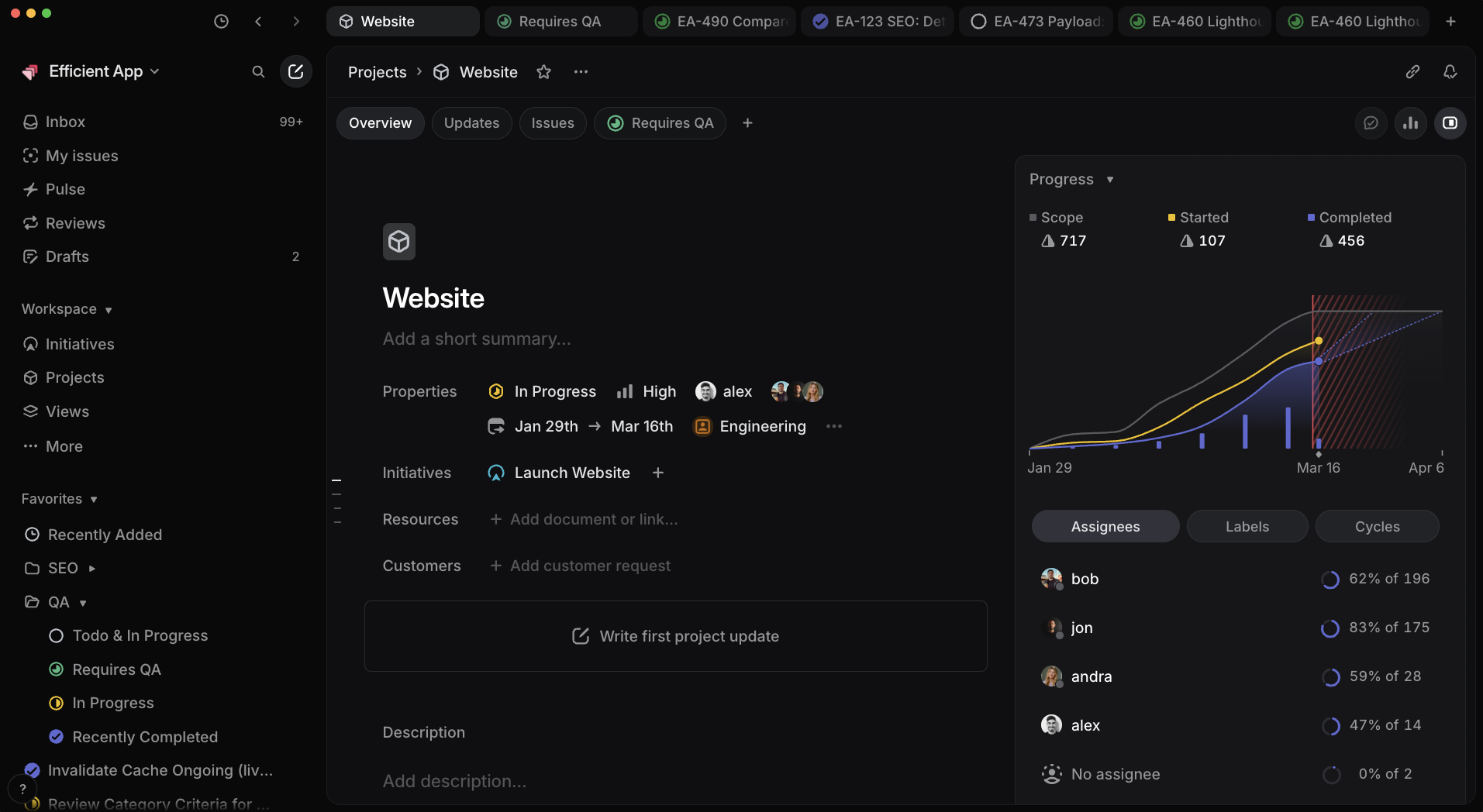
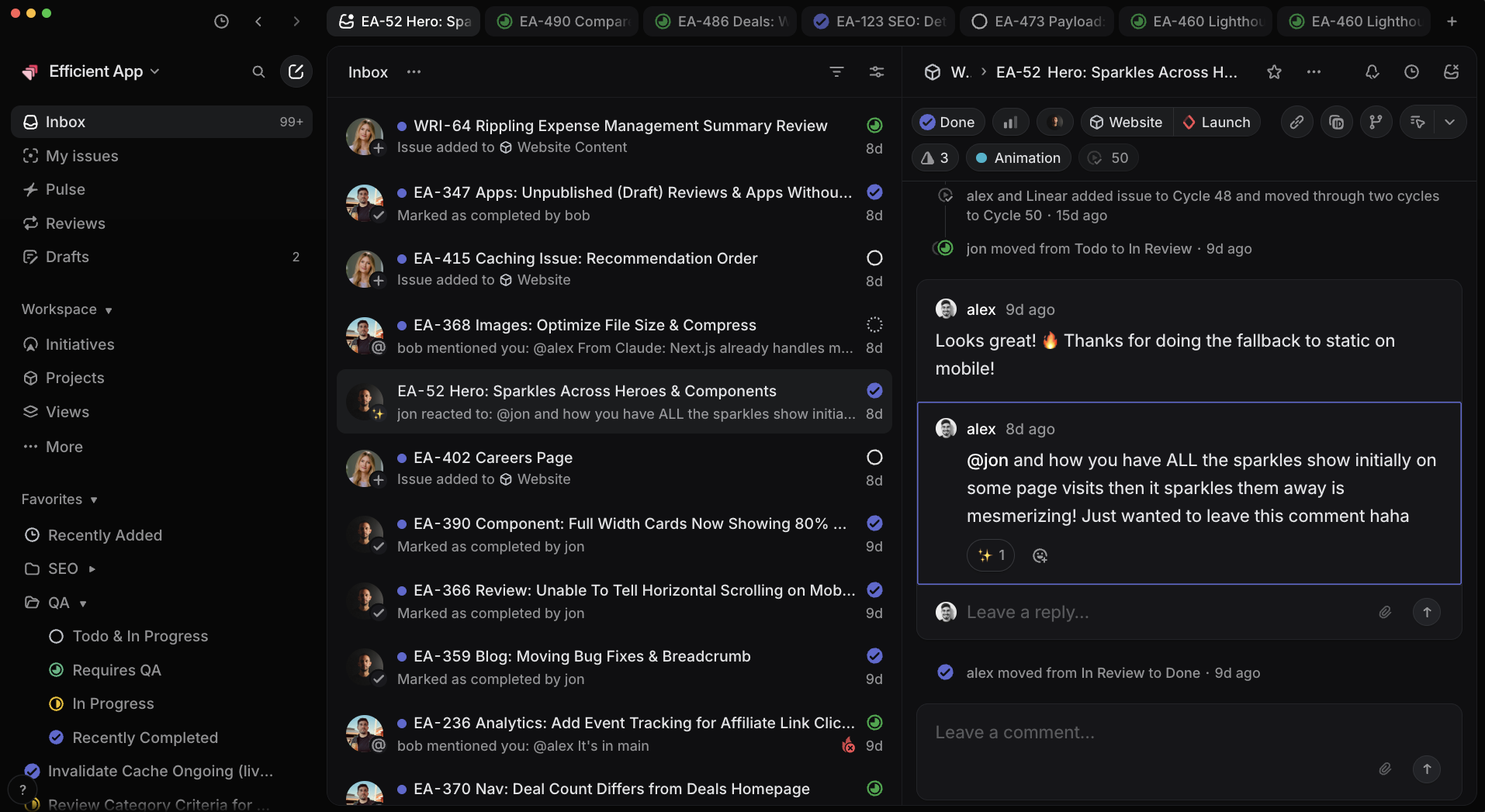
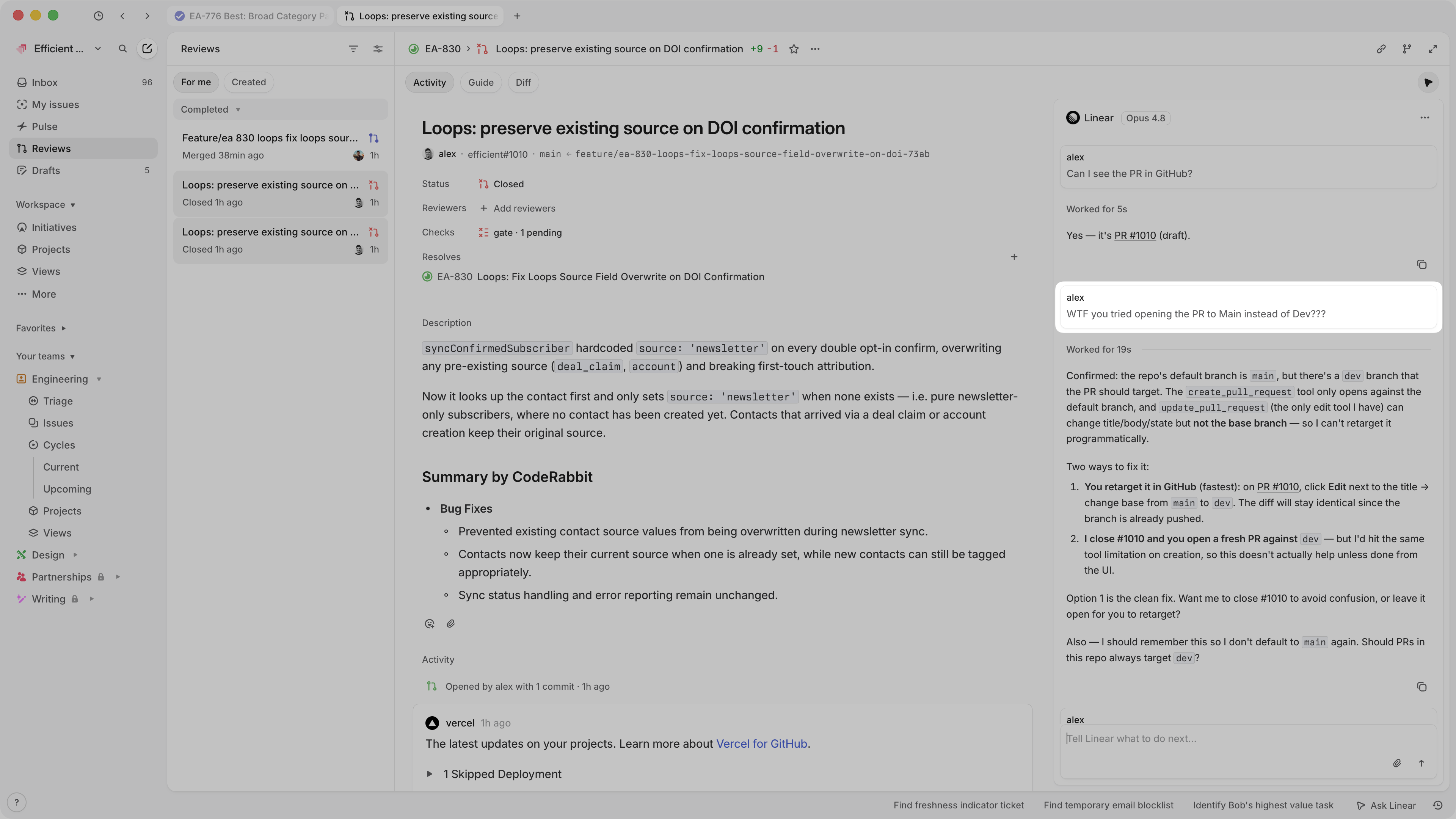
Linear
Linear Project Progress Reporting