Comparison Summary
Comparison SummaryLinear nails modern project management for engineers, while Trello feels outdated and basic by comparison.
Only use Trello if your team relies on Atlassian integrations or you just need a simple personal board; otherwise, pick Linear.
Project Management
Project Management LinearBest
Best for engineering teams
Best for engineering teams Trello
Simple kanban task management
Simple kanban task management
Todo List
Todo ListRecommended Alternatives
Recommended Alternatives MotionBest
Best AI project management for small-mid-size teams
Best AI project management for small-mid-size teams
Editor's Verdict
Editor's VerdictInnovation
InnovationLinear is actually pushing project management forward, especially for engineering teams, by building around modern workflows like cycles and tight integrations with coding tools. That's a real shift from the old school tools.
Trello was ahead of the curve back when Kanban boards were new, but now that's just the baseline and they haven't moved past it. They're not doing anything fresh anymore.
If you care about real innovation and want something that genuinely redefines project management, especially for engineers, Linear is miles ahead. Trello just isn't in the same league here.
AI Assistance
AI AssistanceLinear's AI is in a completely different league from Trello's. It doesn't just automate simple tasks or draft some text, it actively helps with backlog prioritization, generates detailed issue summaries, auto-creates sprint reports, manages ticket triage, and even plugs into engineering tools to help with code. The Slack agent that turns discussion into actionable issues is a real time saver for engineering teams.
Trello's AI is much more limited. It sticks to basic workflow automation and some light help with writing or organizing, but you won't get predictive insights, analytics, or anything that feels like it's actually thinking alongside you. It's useful if you just want to automate simple stuff, but not much more.
If you're an engineering team and want genuinely helpful AI that actually saves time and fits into real workflows, Linear is the clear pick. Trello's AI is basic and won't move the needle for you if you're looking for more than surface-level help.
Daily Focus
Daily FocusLinear is built for daily focus. Its fast interface, keyboard shortcuts, and smooth workflow mean engineering teams can actually get their own work done without friction. Everything about it supports moving quickly and staying on top of tasks day to day.
Trello works for basic task lists, but as soon as you need to plan beyond a week or want to see the bigger picture, it falls apart. You'll end up context switching and juggling other tools just to stay aligned, which kills productivity.
If you want something that truly helps you manage your own work each day, especially as an engineer, Linear is the obvious pick. Trello can't keep up once things get even a little complex.
Ease of Learning
Ease of LearningTrello is about as easy as it gets for learning, the basics are so simple that a tiny team can be up and running in minutes. But that simplicity also means it's really just task management, not actual project management, and it lacks core features like task dependencies.
Linear also gets teams moving fast, but its real strength is how quickly engineering teams can set up and start working. The interface is clean and the workflows just make sense if you're managing engineering tasks. For anyone outside of engineering, though, you'll hit awkward terminology and have to create workarounds, so it stops feeling easy.
If you're a small team just trying to manage basic tasks, Trello is the fastest to learn. But if you're an engineering team, Linear is almost as quick to pick up and gives you a real project management setup from the start. For non-engineering teams, Trello is the easier choice, but for engineering, go with Linear.
Team Adoption
Team AdoptionLinear is basically built for engineering teams to pick up instantly. The review calls out that onboarding takes minutes, no training is needed, and the engineering team actually liked using it right away, which never happens. The integrations with coding tools, Slack, and even terminal access mean engineers can use it wherever they already work. That's why adoption is so high for engineering, product, and design teams.
Trello is dead simple for anyone to start using, as long as they can handle a Kanban board. You open it, move your card, maybe drop a comment, and you're set. There's nothing to slow your team down, so adoption is basically guaranteed for general use.
If your team is mostly engineers, product, or design, Linear is the hands-down favorite for getting everyone on board fast and actually keeping them there. But if you need something the whole company can stick with, especially non-technical folks like marketing or sales, Trello is the safer bet, since Linear just doesn't work for those teams and adoption will break down outside engineering.
So, for engineering-heavy teams, go with Linear. For broader teams or mixed departments, Trello will stick better across the company.
Screenshots
Screenshots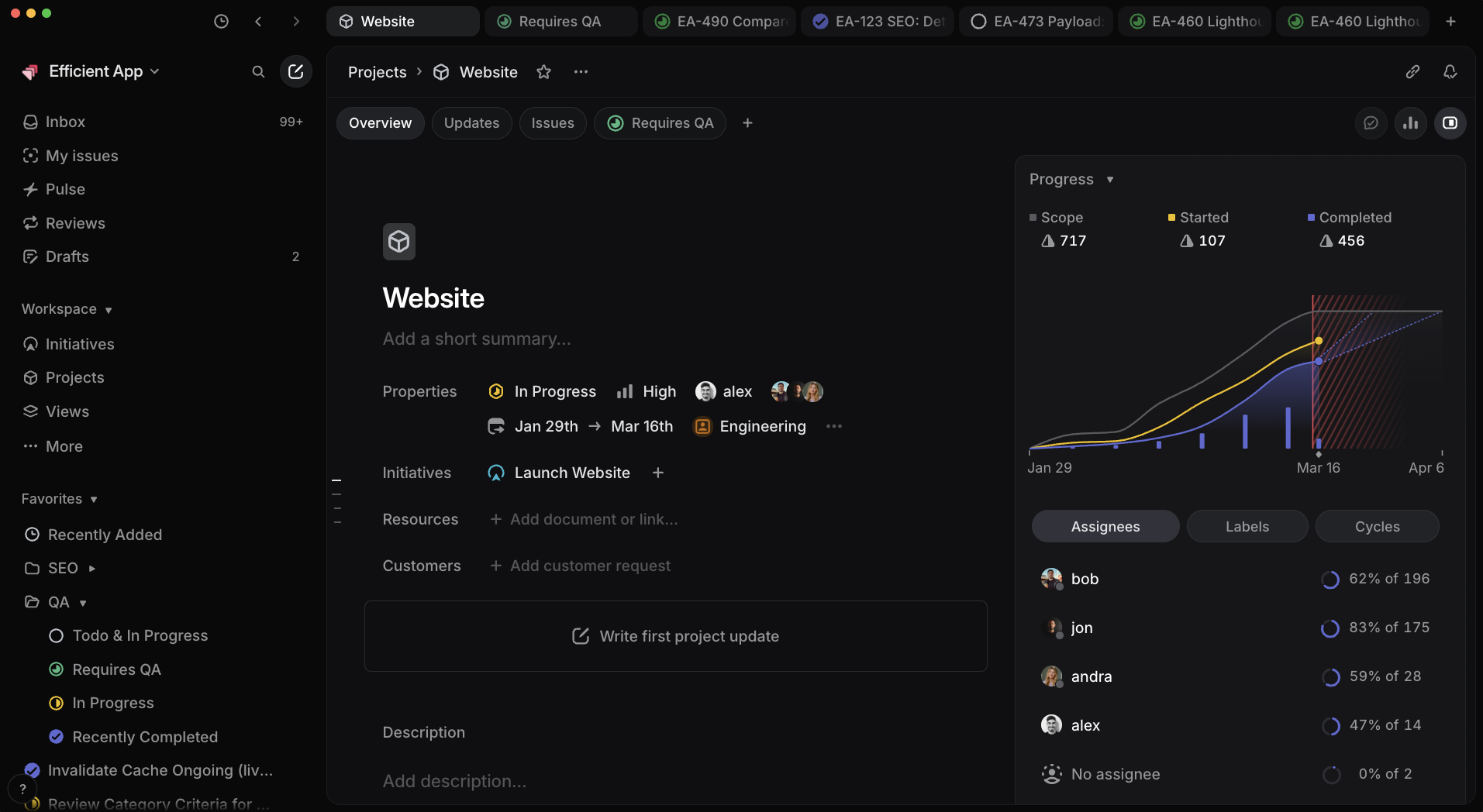
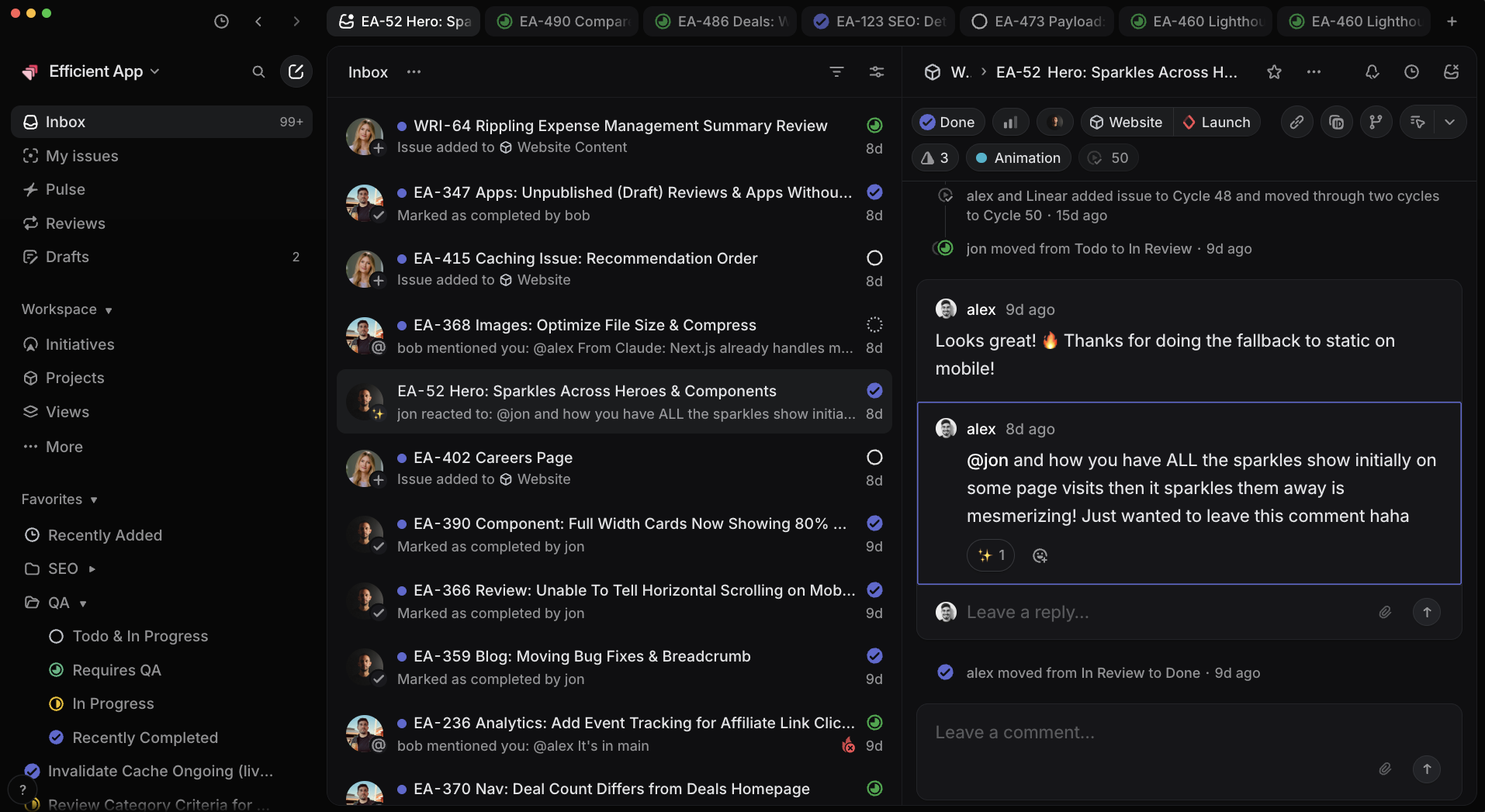
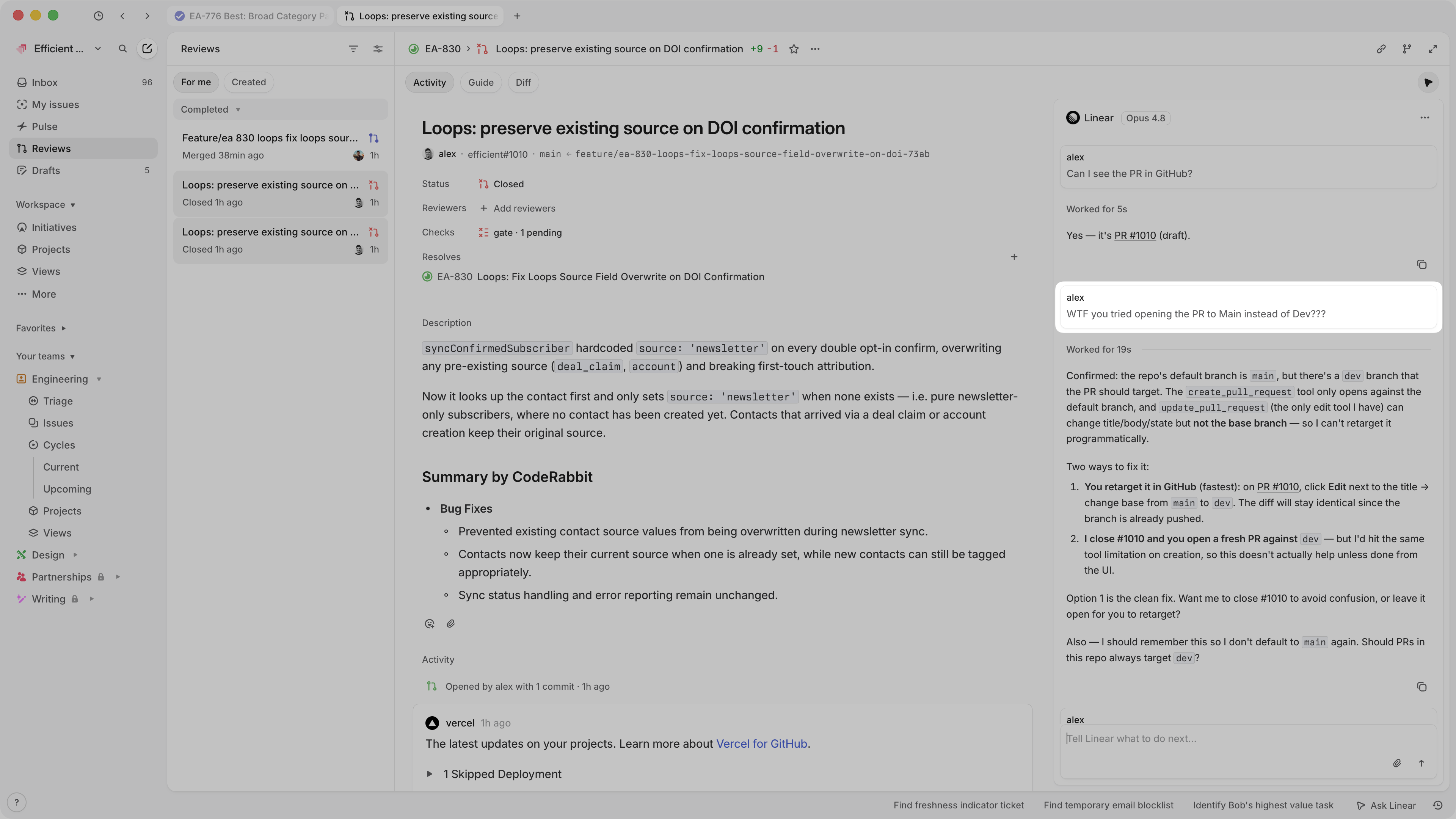
Linear
Linear Project Progress Reporting