Comparison Summary
Comparison SummaryLightfield handles CRM updates for you automatically, unlike Monday which tries to do too much and ends up feeling unfocused.
Only use Monday if you truly need an all-in-one tool; otherwise, pick Lightfield for a CRM that keeps itself current without the hassle.
 LightfieldBest
Best AI CRM
Best AI CRM Monday
Highly customizable, for complex projects and large teams
Highly customizable, for complex projects and large teams
At a Glance
At a GlanceEditor's Verdict
Editor's VerdictEase of Learning
Ease of LearningLightfield is way faster to learn and actually gets your team up and running the same day, since everything happens through chat with the AI guiding you step by step. You just upload your CSV, answer a few questions, and the system handles setup, customization, and even complex automations without needing technical skills or outside help.
Monday's flexibility comes at a steep cost: you're left on your own to build out the whole system, which quickly turns into a slog unless you have a dedicated manager or can bring in a consultant. For most teams, onboarding is slow and messy, and you won't be using it as a CRM by the end of the day.
If you care about getting started quickly and don't want to wrestle with setup, Lightfield is the only real option here. Monday just isn't built for fast onboarding.
Workflow Presence
Workflow PresenceLightfield barely asks you to think about admin or context switching. Everything from automations to onboarding happens right inside its AI chat, and it keeps itself updated by pulling info from calls or emails without you lifting a finger. You don't have to manage integrations or spend hours tinkering with workflow builders.
Monday, on the other hand, expects you to spend serious time inside the tool just to keep things moving. Even with lots of integrations, you're still doing manual updates, and it never really blends into your team's natural flow. Unless you've got a dedicated person to wrangle it, Monday just adds to your admin pile.
If you want a CRM that actually shows up where your team works and reduces busywork, go with Lightfield. Monday is fine if you're ready to manage the system yourself, but it won't disappear into the background. Lightfield is the obvious pick here.
Team Adoption
Team AdoptionLightfield just runs circles around Monday when it comes to team adoption. With Lightfield, you barely have to remind anyone to use the CRM, most updates happen automatically by pulling from emails, meetings, and Slack, and it even flags changes for quick approvals. The admin work that usually drags teams down is gone, and if your team is already using AI tools, adoption is basically guaranteed.
Monday looks good at first but quickly turns into a chore. Teams get excited, then bogged down by endless customization and maintenance. Without someone dedicated to managing it, people lose interest, updates stop happening, and you end up chasing the team just to keep things current. Even bigger teams with resources struggle unless they bring in outside help.
If you want a CRM your team will actually use and keep using, Lightfield is the clear pick. Monday's flexibility just leads to chaos, while Lightfield keeps things updated with almost no effort from your team.
AI Assistance
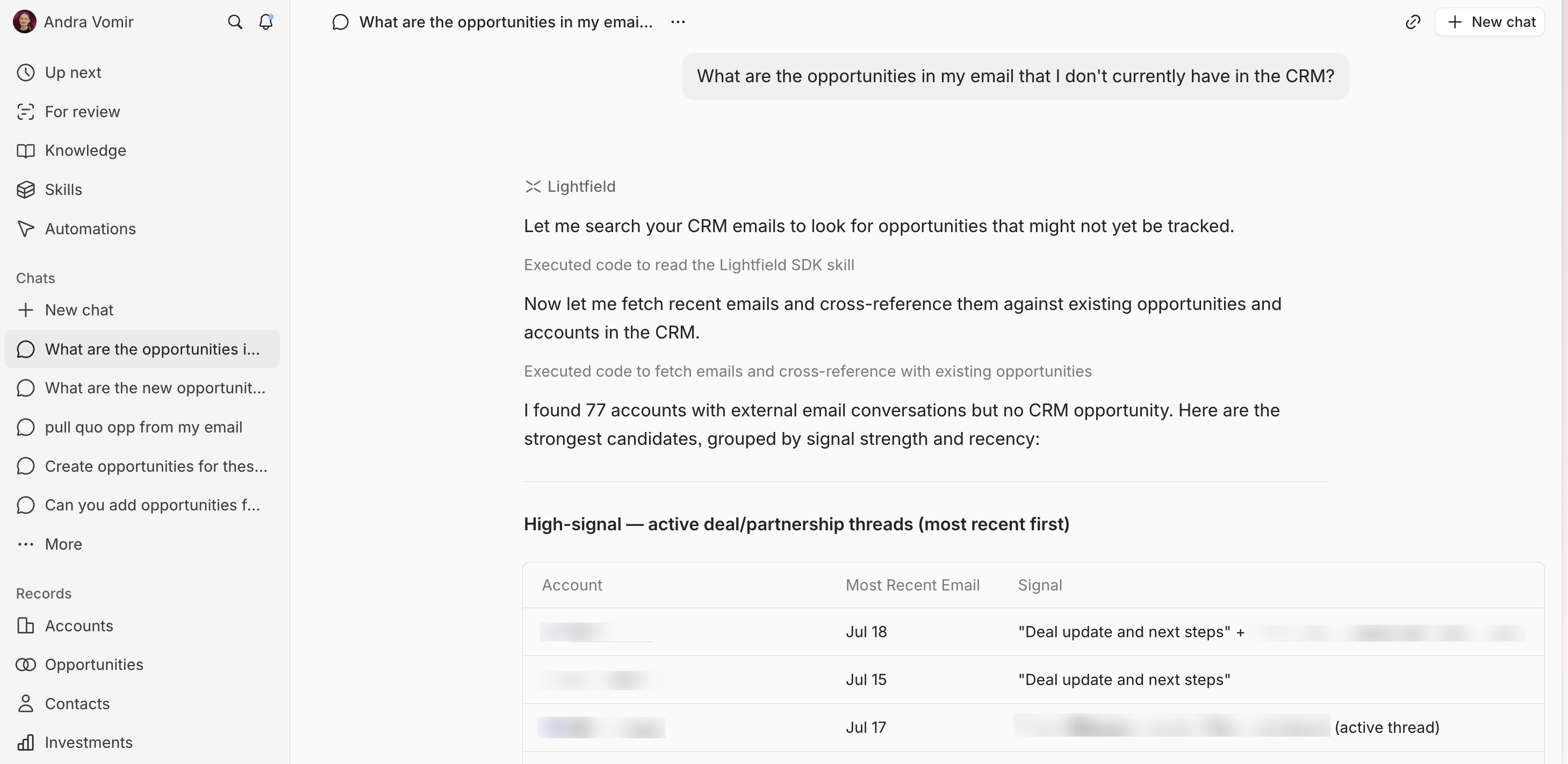
AI AssistanceLightfield completely changes the game when it comes to AI help in a CRM. Everything runs through AI chat, from setup and data migration to building automations, and the system actually acts like a consultant that knows what you need. It keeps your records current by scanning your emails and Slack, automatically flags important changes, and handles complex tasks like deduplication or field mapping without you lifting a finger. You just describe what you want, and the AI handles the rest, skipping all the usual manual setup and technical headaches.
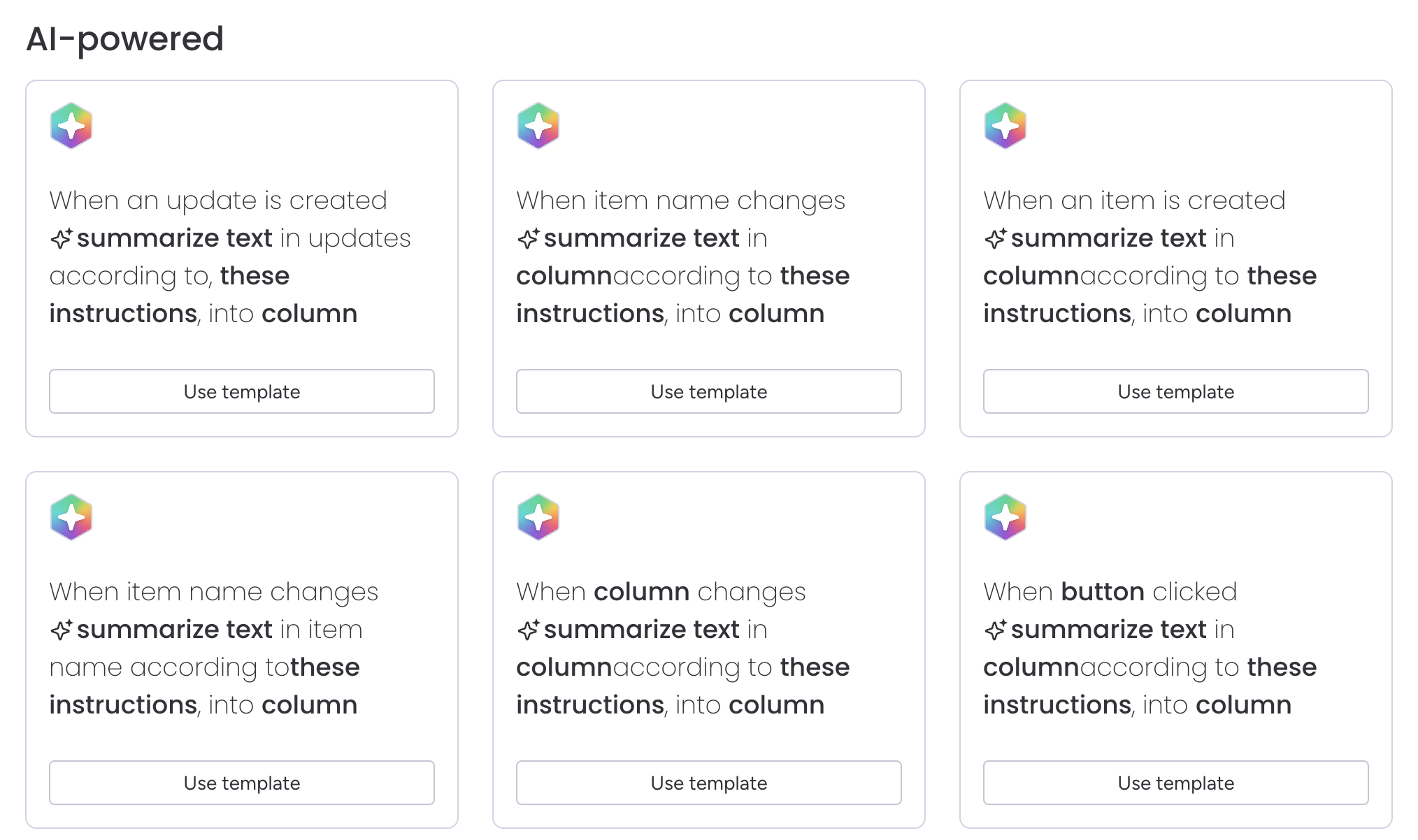
Monday, on the other hand, just piles on a bunch of AI tools without telling you which ones actually matter. You're left staring at a huge list of options, figuring out what might help, setting everything up yourself, and tracking usage credits. Most of the AI is basic stuff like summarizing updates or extracting fields, so you still end up doing most of the work by hand.
If you want AI that actually takes work off your plate and makes your daily CRM life easier, Lightfield is miles ahead. Monday's AI is more of a distraction than a help. No contest, pick Lightfield if real AI assistance matters to you.
Integrations
IntegrationsLightfield's integrations actually save you work by pulling in real context from your inbox, calendar, and Slack, then acting on it automatically so your CRM stays updated without you having to do anything. You can even connect AI agents to update records or trigger actions directly in the middle of a chat, and most integrations run quietly in the background.
Monday, on the other hand, gives you a huge list of app connections, but most are just basic data syncs. They rarely go beyond surface-level, so you still end up managing things by hand or double-checking if anything meaningful is actually automated. The integrations look good on paper, but don't expect them to handle real CRM workflows for you.
If you want integrations that are more than just checkboxes and actually add value, Lightfield is the clear pick. Monday covers the basics, but Lightfield is the only one here that actually delivers on seamless, workflow-friendly CRM integrations.
Screenshots
Screenshots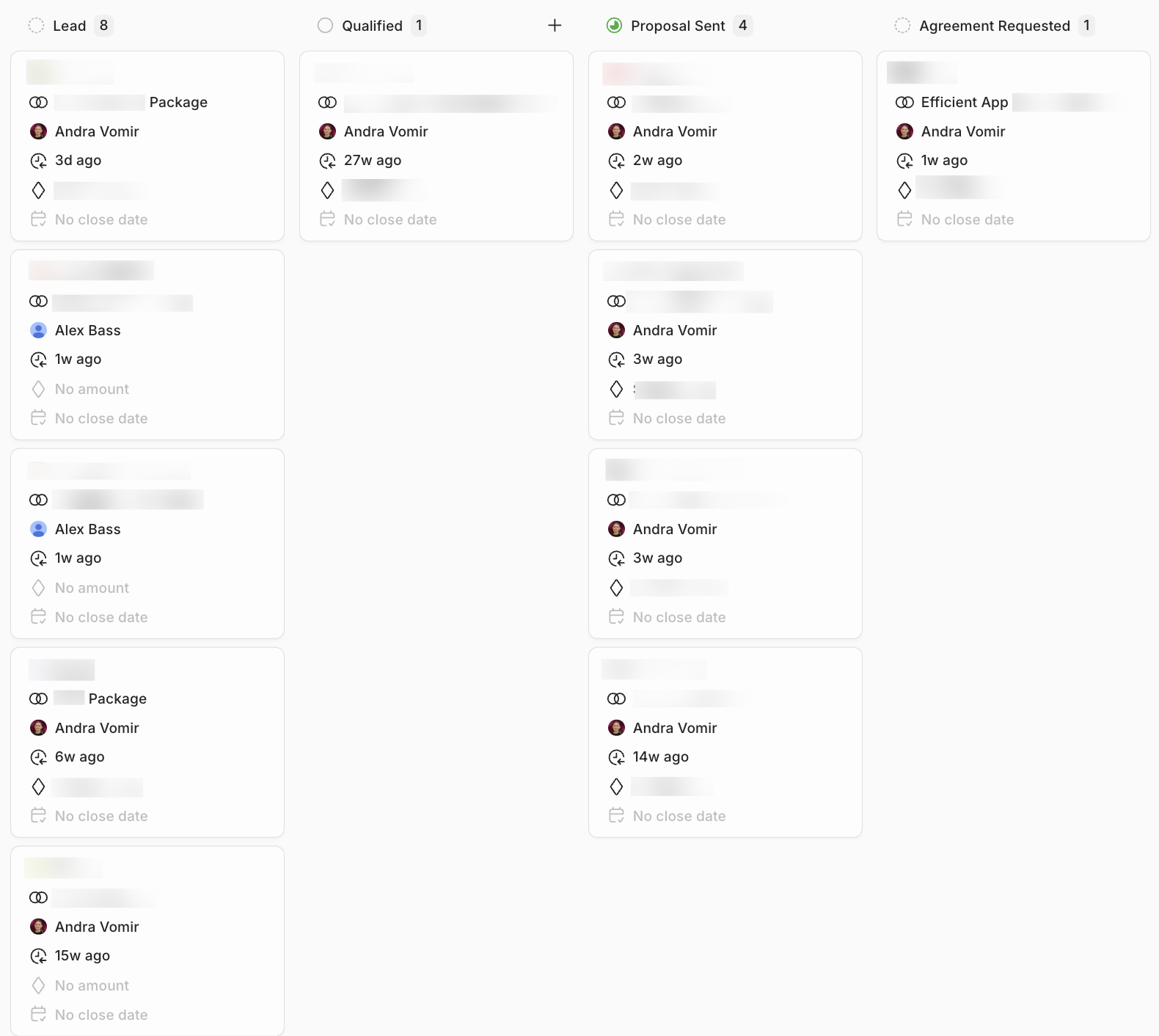
Lightfield